


Fujifilm smartphone printer Mini Link 3
Product description
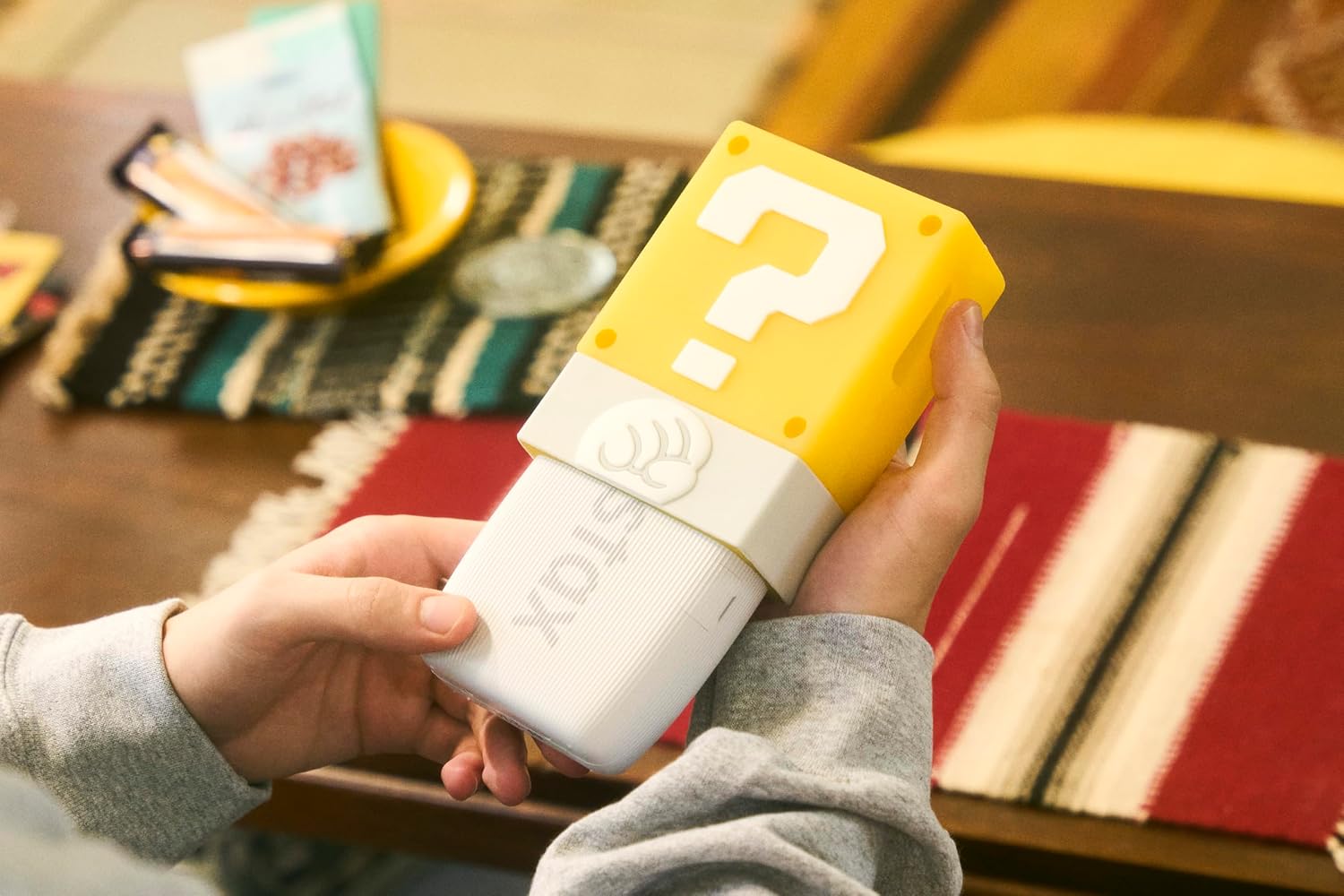
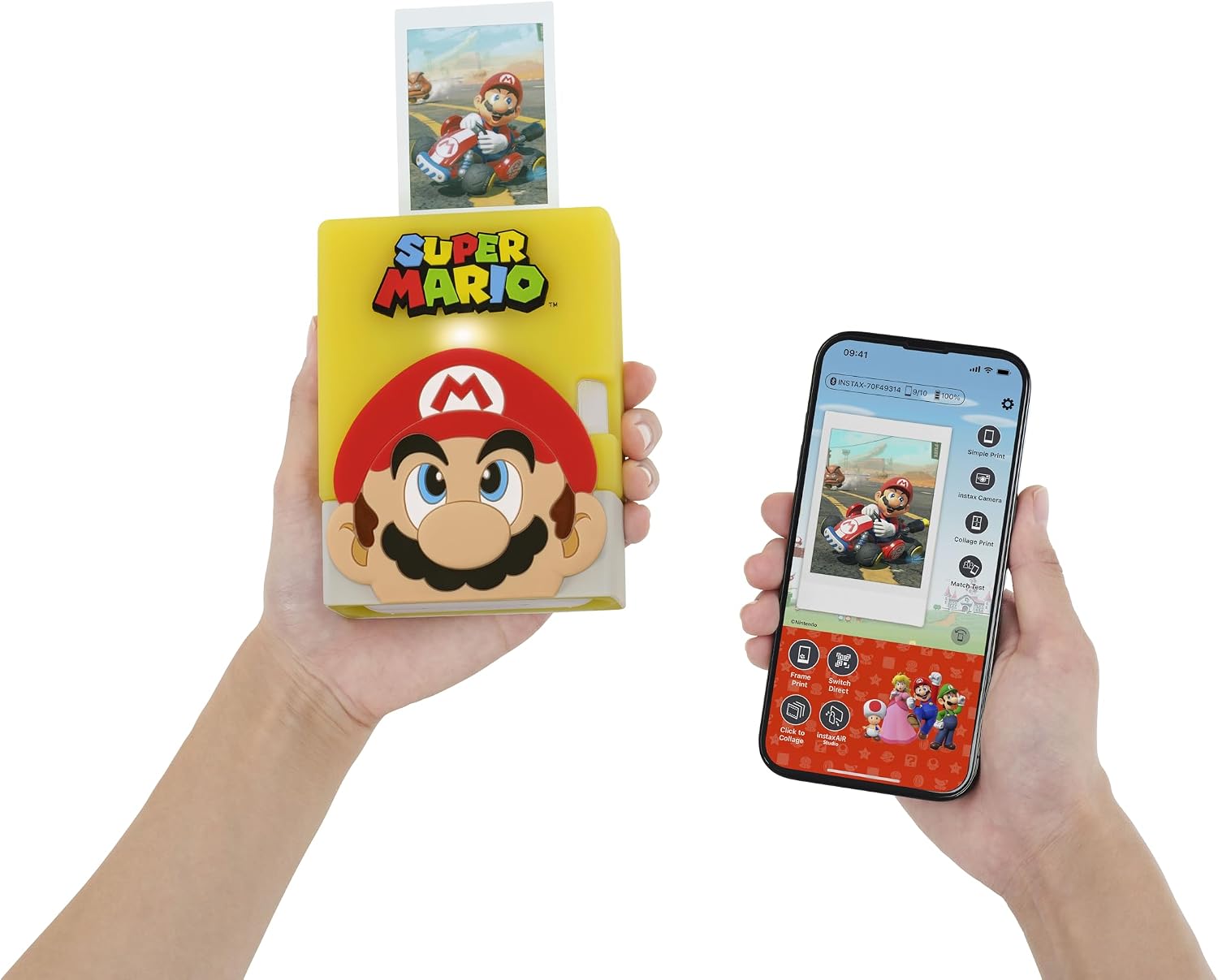
The small, lightweight Fujifilm Instax Mini Link 3 turns photos on your smartphone into physical instax mini prints, giving favourite shots a more hands-on use than simply keeping them on screen. Its Super Mario edition comes in white with a limited-edition Question Block silicone case, while the companion app adds creative modes and 3D AR effects. You’ll need a smartphone, the free instax mini Link for Nintendo Switch smartphone app, Bluetooth pairing and instax mini film, which is sold separately. If you prioritize sharing and editing photos digitally, a printer may be unnecessary, if you prefer a keepsake you can hand to someone, this format offers a more tangible result.
Getting the most from it
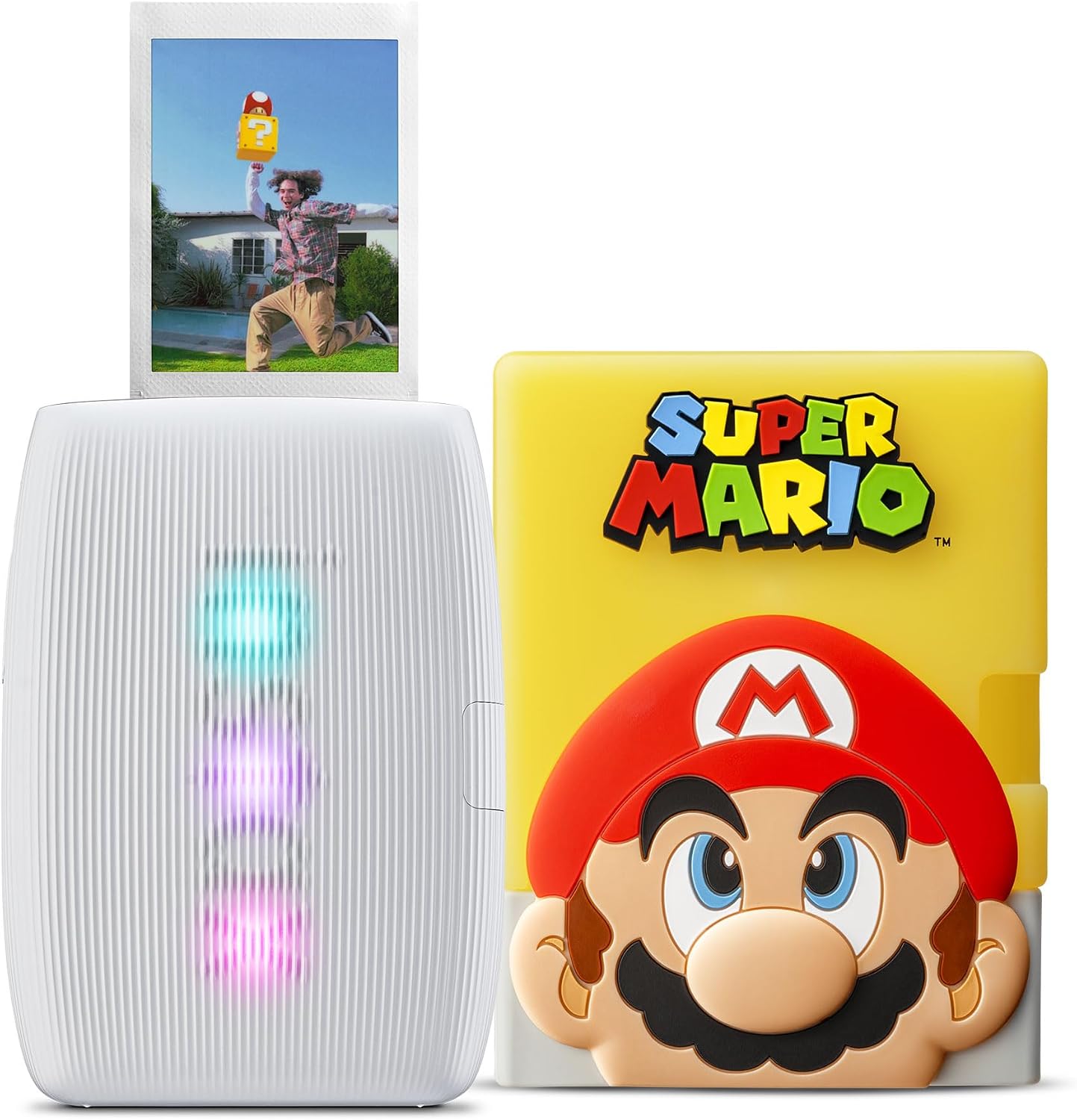
Start with a photo already on your phone, open it in the app, and choose whether to print it as is or add one of the available effects. For example, you could add an in-app 3D AR effect to a picture before printing it for a scrapbook or giving it to a friend. The workflow depends on the app and a Bluetooth connection, so this isn’t a standalone camera or a way to print without a smartphone.
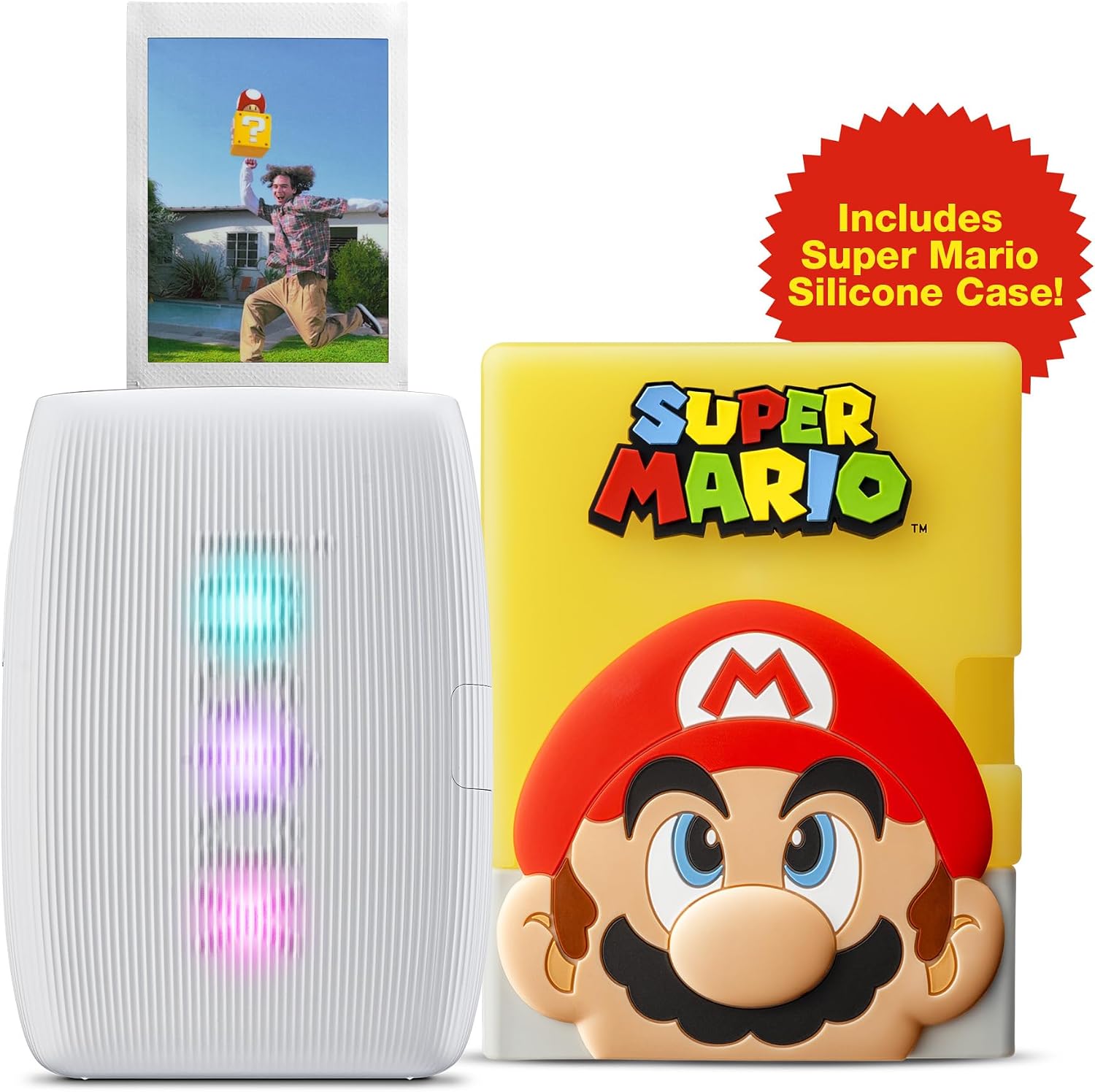
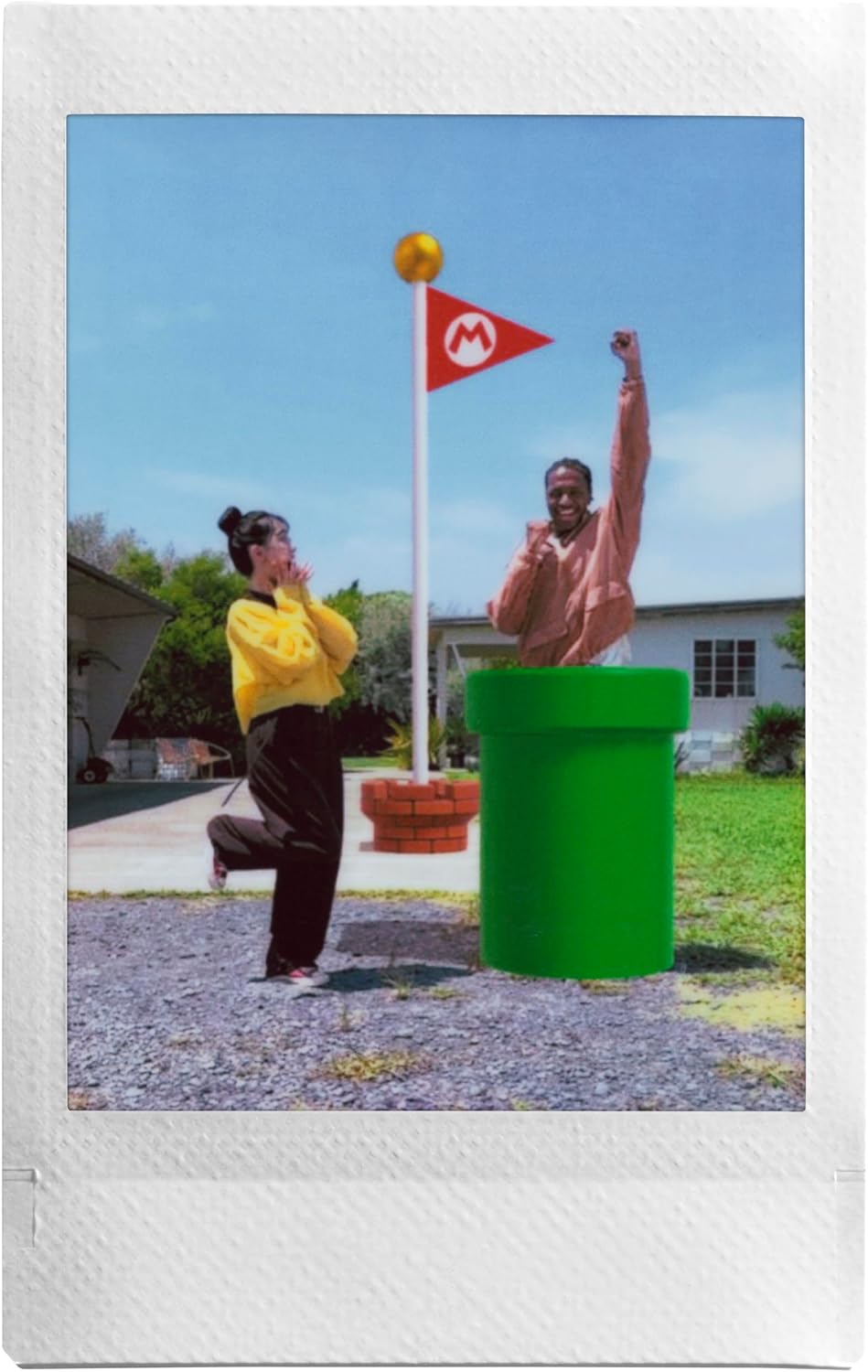
The prints are instax mini size, listed as 2” x 3”, which suits small keepsakes and casual sharing rather than large display prints. Its compact, lightweight design is a practical fit for carrying alongside a phone, but the listing doesn’t provide details about print speed, battery life or image quality. Without having tested it, those are points I wouldn’t assume from the product description alone.
Why it’s worth it
The appeal is the combination of phone-photo printing and app-based personalisation, with the Super Mario styling adding a playful touch. The Question Block case is a limited-edition design detail, not a printing feature, so the main reason to choose this model should be the instant-print format and the effects you’ll actually use. Compared with keeping photos digital or using a basic way to share them, a small print can make a moment easier to display, collect or pass along.
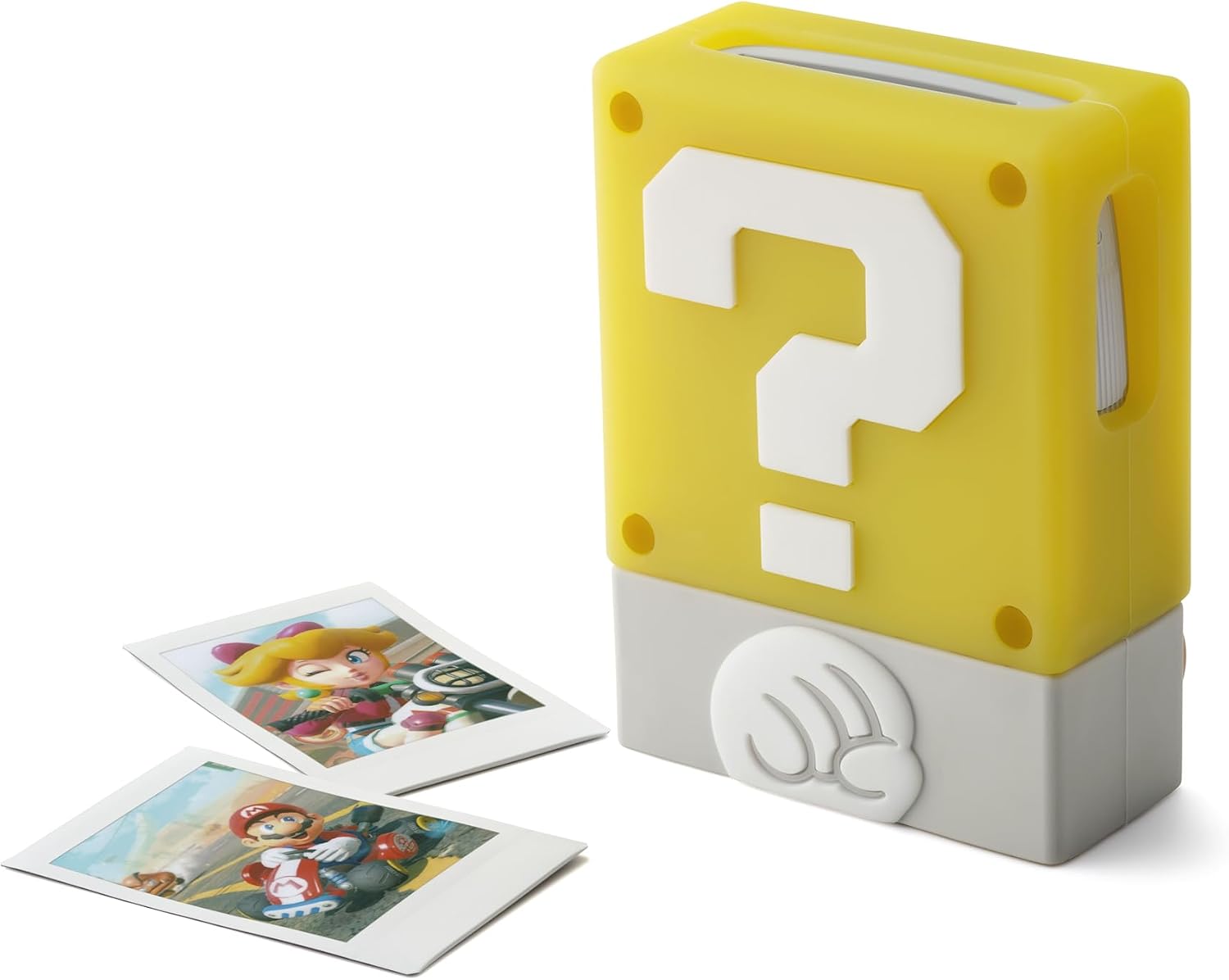
There is an ongoing practical consideration: instax mini film is not included. You’ll need to obtain it separately, and the product details don’t state how many prints a pack contains. It suits you if you want smartphone photos in a physical format and like having creative app modes, it isn’t for you if you want a printer that works without an app, Bluetooth or separate film.
Key takeaways
- Prints smartphone photos on instax mini film in a stated 2” x 3” format.
- Requires the free instax mini Link for Nintendo Switch smartphone app and Bluetooth pairing.
- Offers in-app 3D AR effects and other creative modes.
- Includes a limited-edition Question Block silicone case, film is sold separately.
The key decision is whether you’ll use physical prints often enough to justify buying film separately. If you mostly share images online, the app features may not change your routine much. If you enjoy keeping small printed snapshots, the format and themed case give this printer a clear use beyond storing another digital copy.
When to choose it
Choose the Mini Link 3 if you want to print photos from your smartphone, enjoy adding effects in an app, and like the Super Mario-themed case. It’s a more personal route than simply sending someone a digital photo, particularly for a small scrapbook or a quick keepsake. Skip it if you need large prints, want to print without a smartphone, or would rather avoid buying film separately.