

YOGES VR Golf Club Attachment for Quest 3
Reviews
Price
Product description
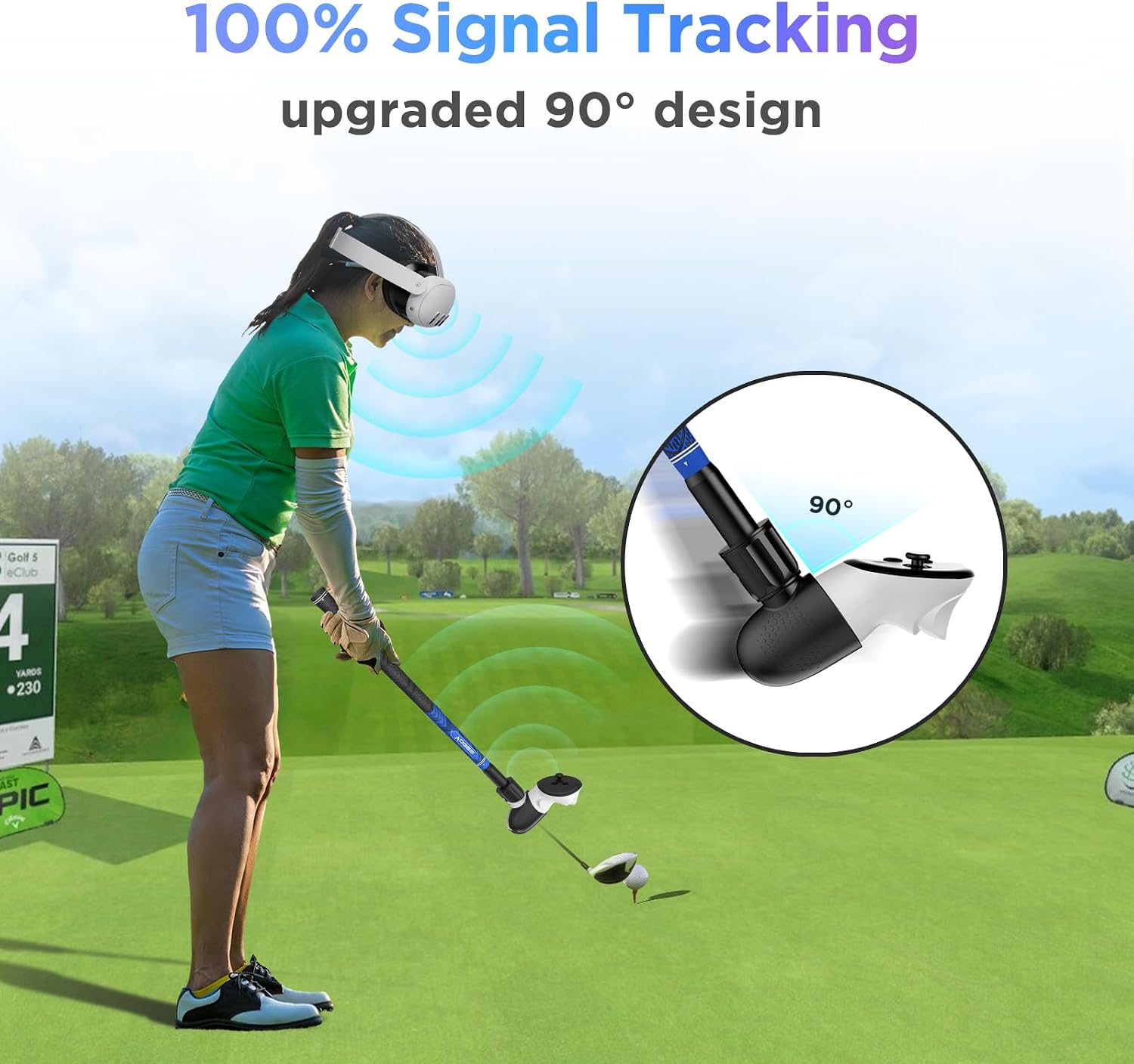
This VR golf club attachment brings a more realistic swing to headset-based golf games by converting your right-side controller into a shaped, non-slip club handle that keeps the controller sensors aligned for consistent tracking. Designed for use with Meta Quest 3S, Quest 3 and Oculus Quest 2 right controllers, it lengthens the reach and gives a familiar grip feel that helps you stay immersed during practice sessions and casual rounds. The paddled 90-degree orientation aims to keep the controller’s signal points facing the headset to avoid dropouts during play.
Key Points
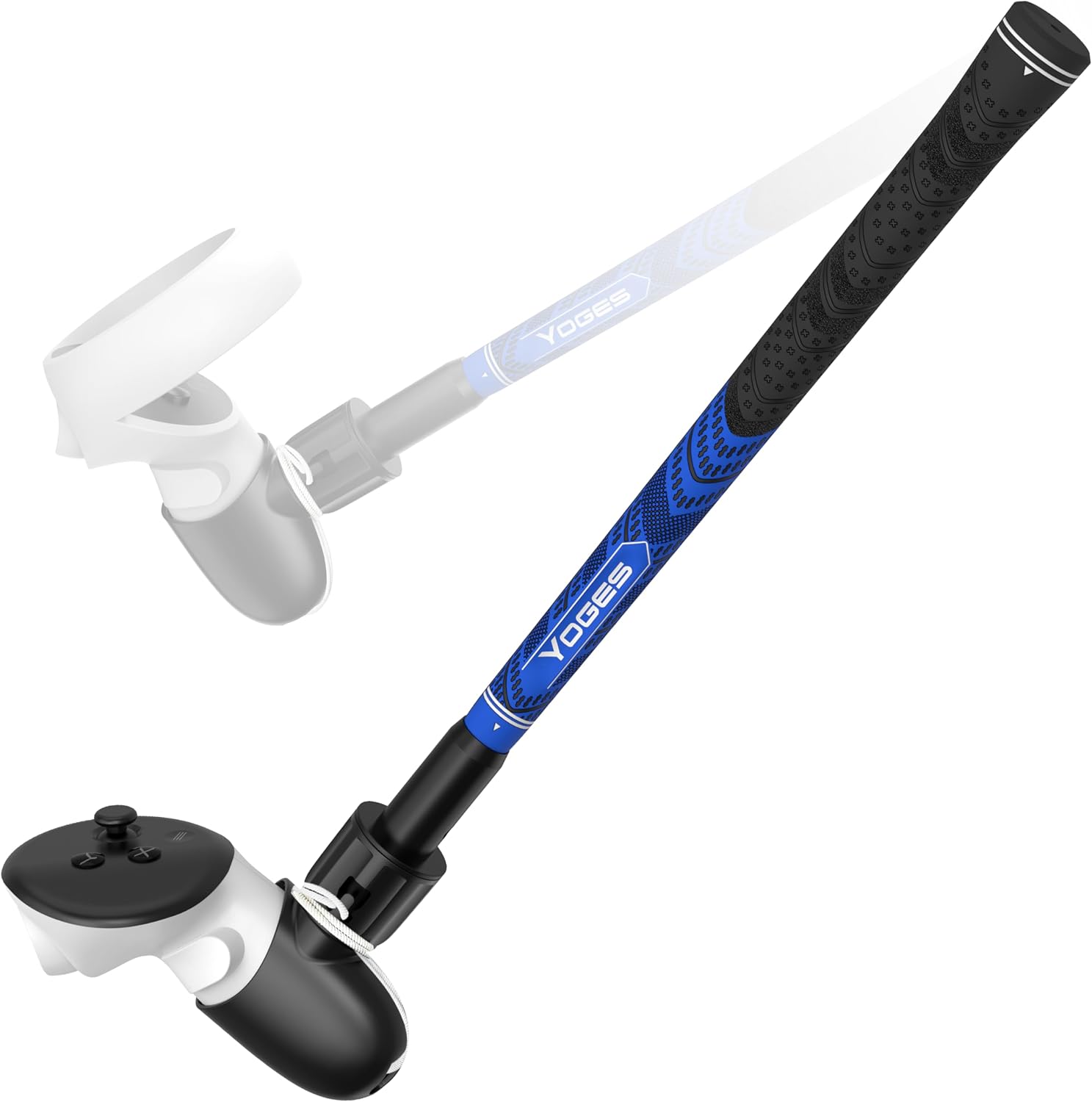
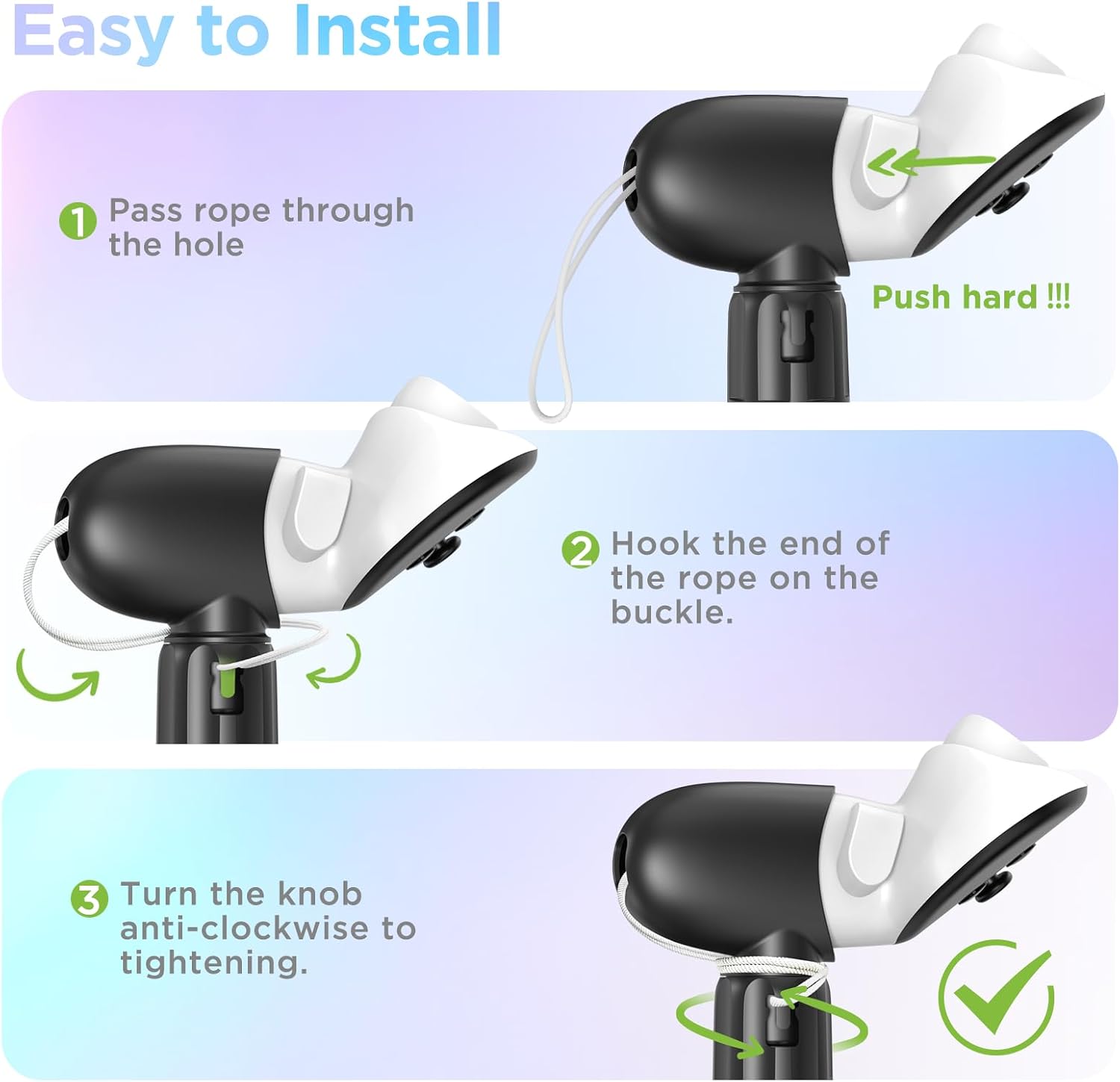
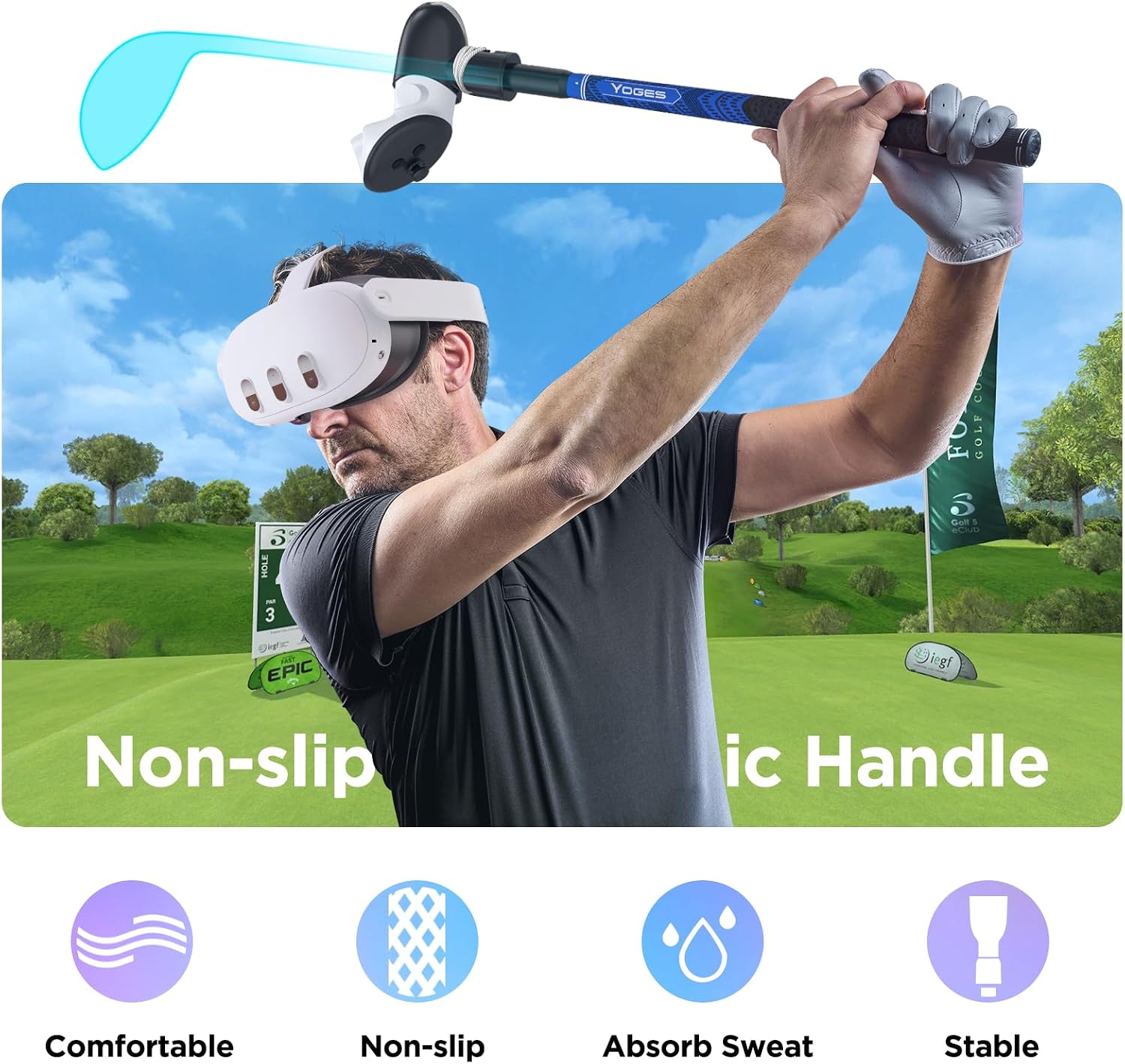
The attachment uses a 90-degree design so the controller’s sensor area faces upward, which the manufacturer says preserves tracking accuracy throughout each swing. Installation is tool-free and typically takes only a few minutes, with a fixed buckle and an adjustable knob that tightens a safety cord around the controller to prevent accidental detachment. The grip itself is modeled after golf club handles and has a textured, non-slip surface, making it comfortable for extended use and reducing hand rotation during follow-through. Compatibility covers Meta Quest 3S, Quest 3 and Oculus Quest 2 right controllers only, so left-handed players should note this is not suitable for the left controller.
Technical Specifications
- Name: YOGES VR Golf Club Attachment
- Compatibility: Meta Quest 3S, Quest 3, Oculus Quest 2 (right controller only)
- Design: 90-degree orientation for controller tracking
- Materials: professional golf-style grip, protective rope and fixation buckle
- Installation: tool-free, adjustable knob for tightening
Usage Recommendations
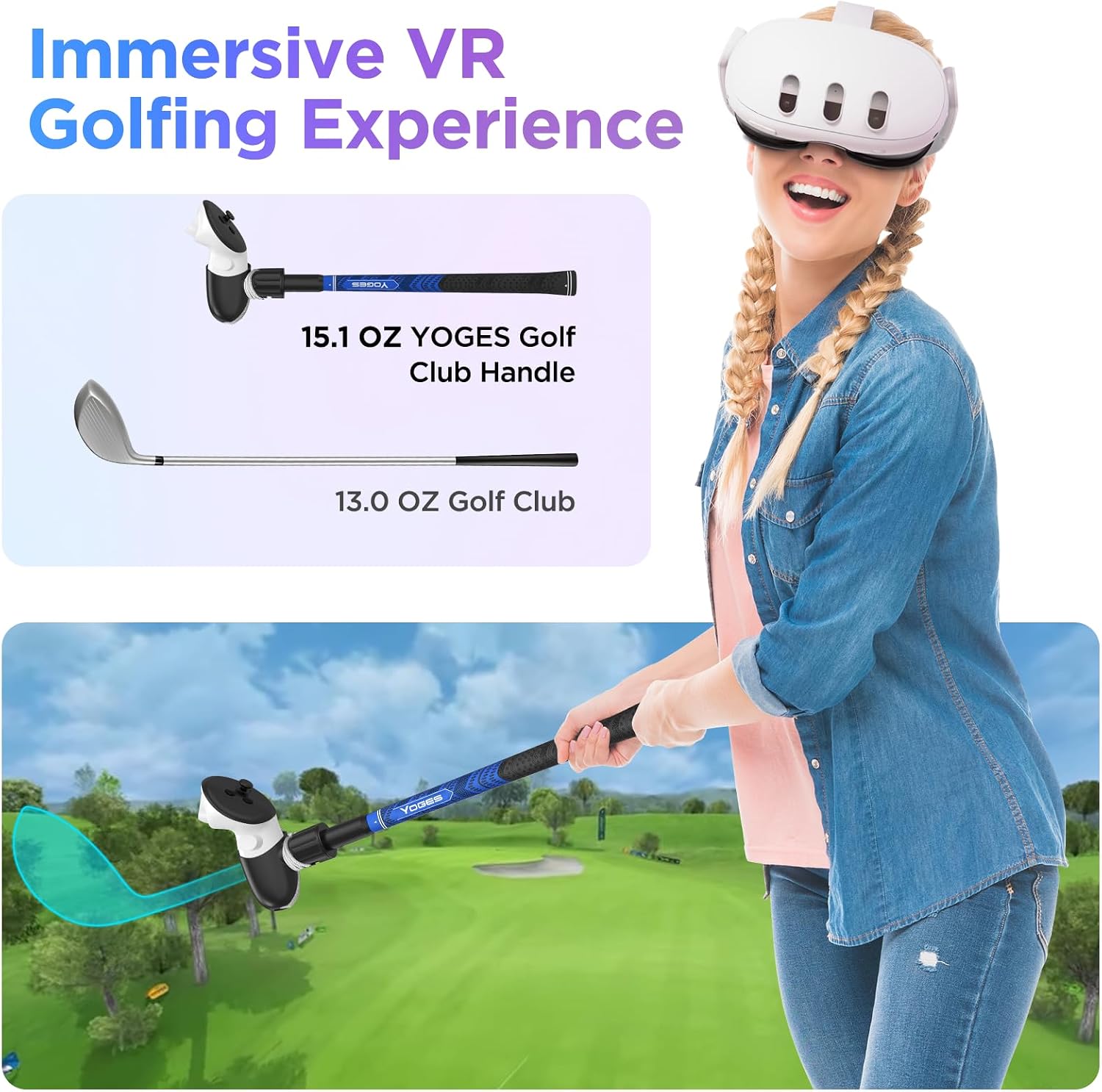
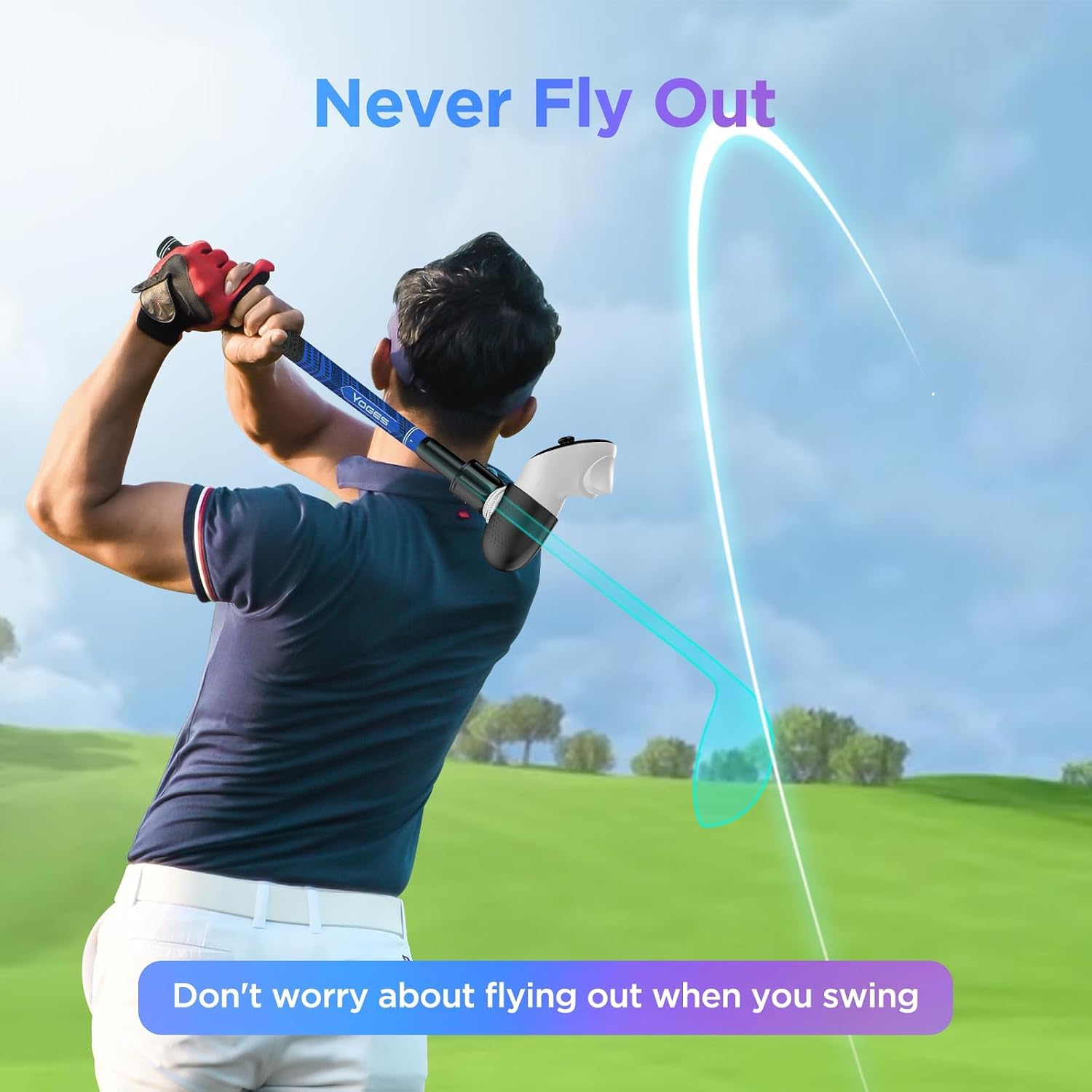
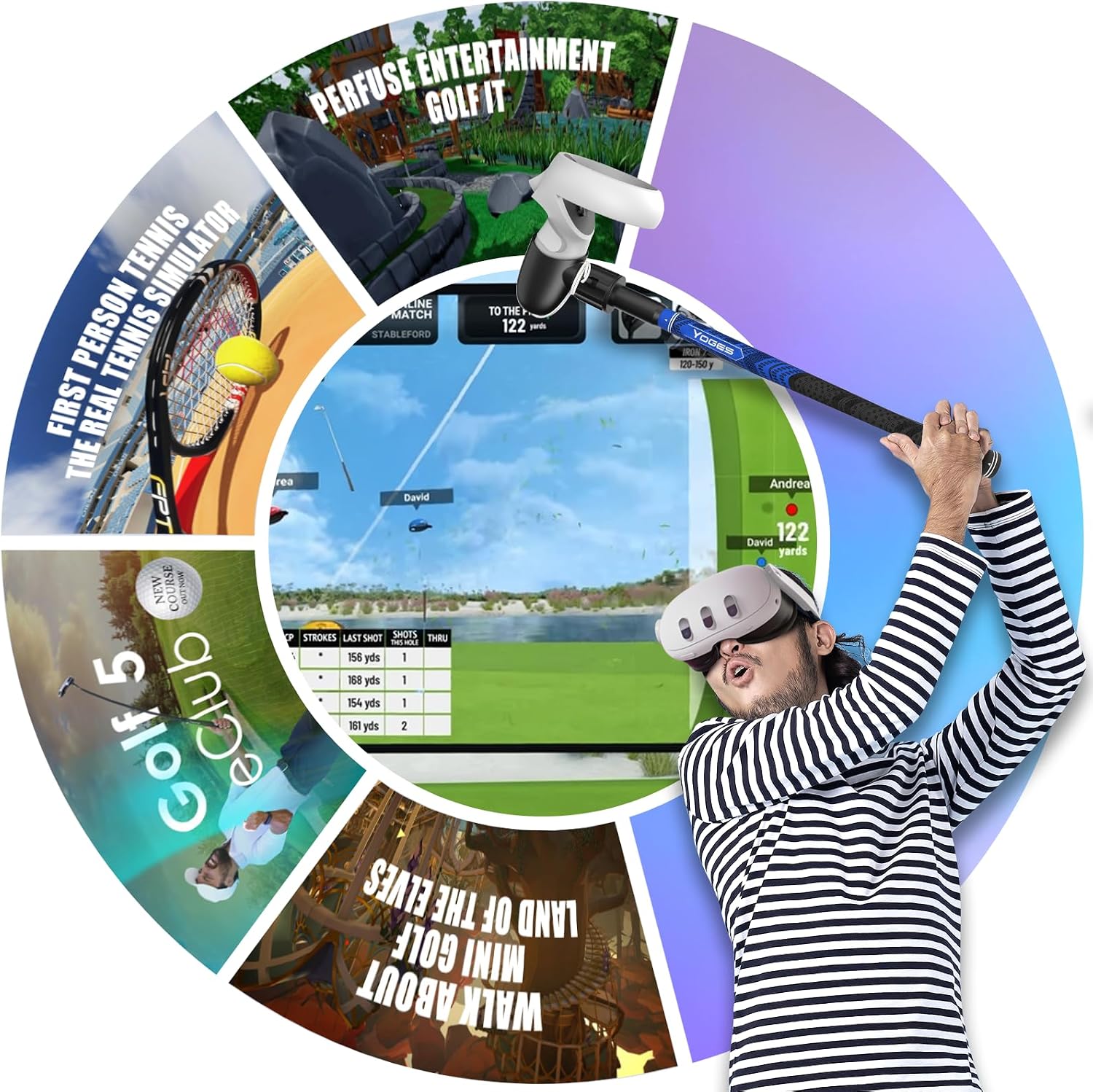
Make sure the controller’s black sensor is positioned facing upwards during use to help maintain tracking performance according to the manufacturer. During setup, tighten the fixed buckle first and then secure the protective rope with the knob as a secondary retention measure. For games that simulate drives and putts, keep your stance and swing radius clear of nearby objects to avoid impact while taking full swings. The added length and grip aim to make swings feel closer to real clubs, which can help players develop more natural wrist and arm movement patterns while playing titles such as GOLF+, Walkabout Mini Golf and similar VR sports experiences.
Advantages
By converting the right-hand controller into a dedicated club-shaped handle, this accessory reduces the need to hold the bare controller directly which can feel less natural in golf simulations. The non-slip grip improves control when executing full swings, and the dual fixation system addresses common worries about the controller becoming detached mid-session. It adds a tactile element that emphasizes swing mechanics and comfort during longer gameplay periods. Note that the product is specifically tailored for certain Quest models and is not universally compatible with every controller generation, which may limit use for some setups.