

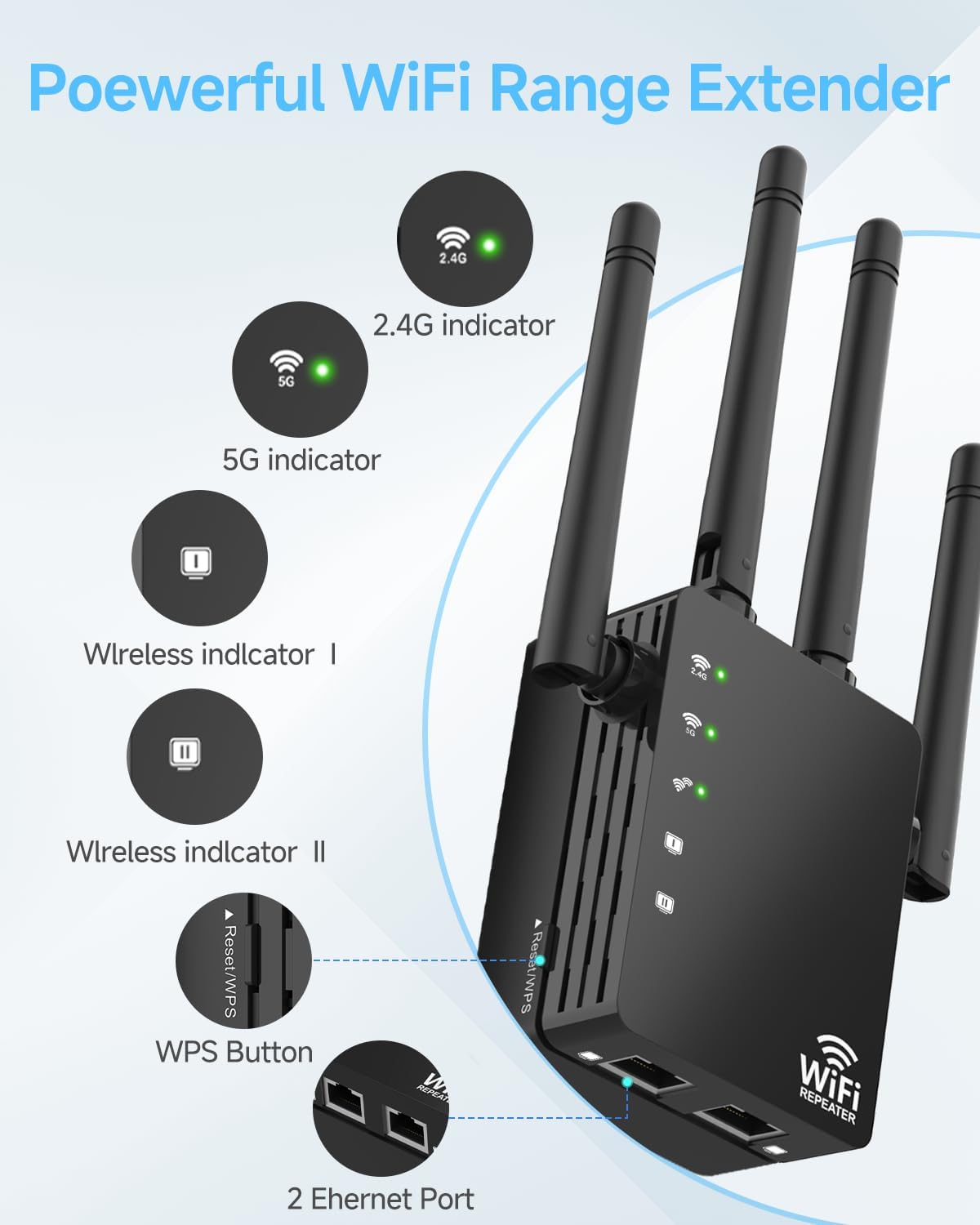
WiFi Extender Signal Booster for Home (Long Range up to 12880 Sq Ft, up to 105 Devices) with Ethernet Port
Product description
If your Wi-Fi feels fine in one room and “gives up” in the next, this WiFi extender is built for that exact problem. On paper, it’s designed to push your signal farther, reduce dead zones, and keep streaming and calls from dropping when you’re away from the router.
That said, Wi-Fi coverage depends heavily on your home layout and where you place the unit. So it’s not perfect, but it can be a practical fix if you’re tired of buffering and weak signal corners.
The essentials
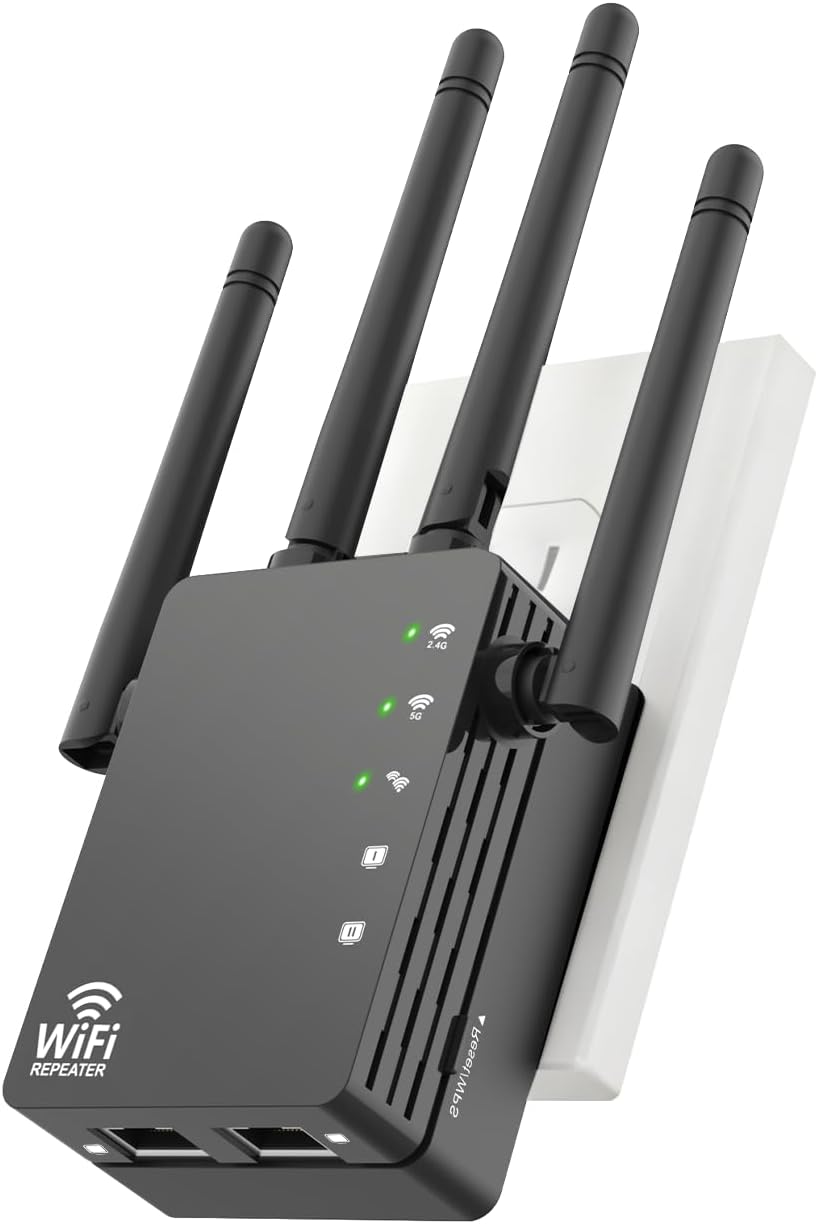
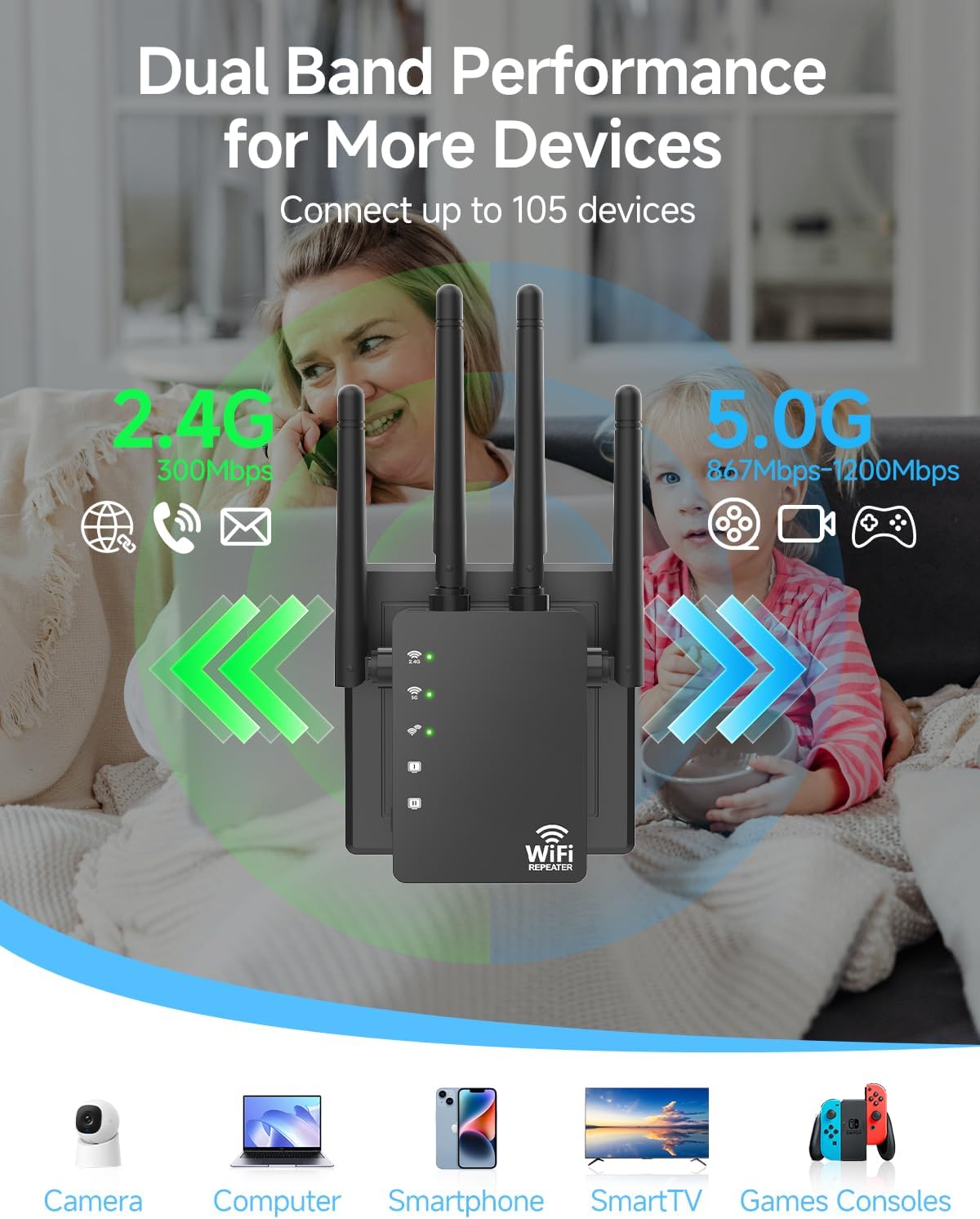
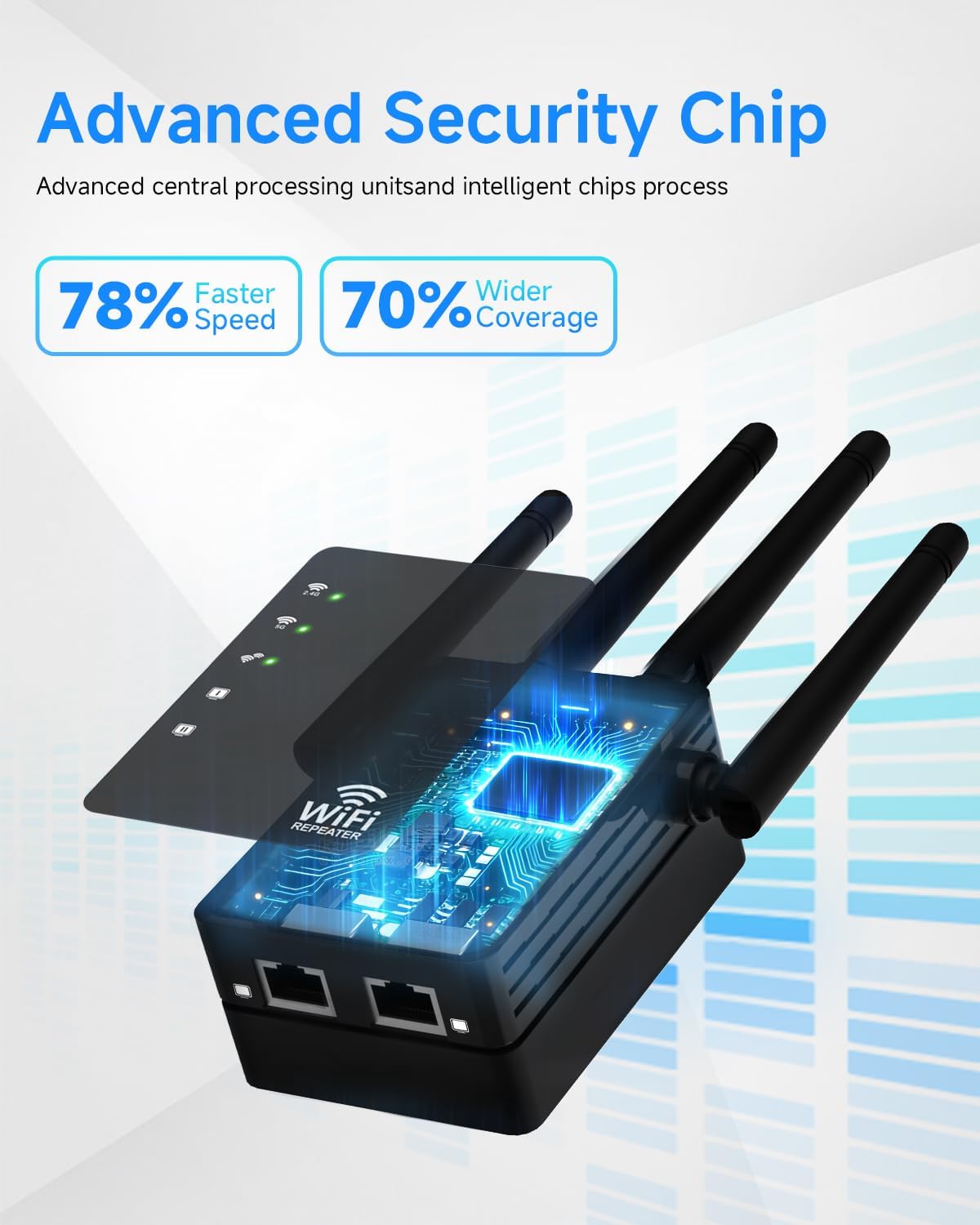
This WiFi extender signal booster for home adds coverage using dual-band Wi-Fi technology (2.4GHz and 5GHz) and includes 4 high-gain antennas. The goal is straightforward: extend your internet wireless network to more areas so you can keep working, studying, or streaming without constantly fighting the connection.
It also supports a fairly large device count—up to 105 devices—so it’s positioned more toward busy households than minimal setups. If you’ve got smart TVs, desktops, and other connected devices, that “lots of connections” focus can matter.
Where it stands out in day-to-day use
The big promise here is a steadier, stronger signal. The extender includes a signal indicator light so you can choose a better placement: more lights generally mean a better signal at that location.
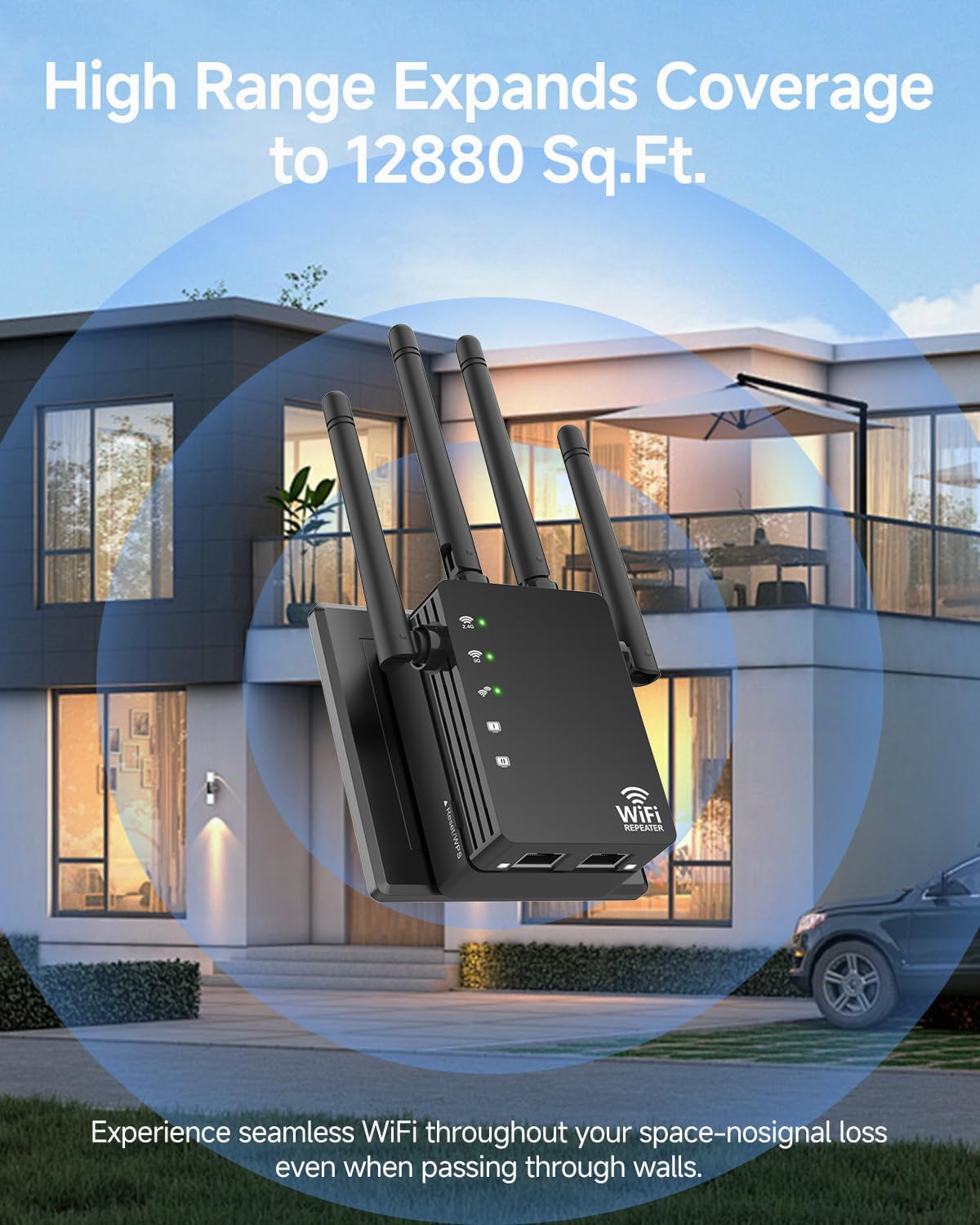
In real-life terms, this is the kind of device you’d place between the router and a weak area—like a second-floor bedroom or a detached garage—then let it fill the gap. It’s also described as able to maintain a stable signal in outdoor-ish spaces such as front porches, backyards, and garages. Even if you don’t use it outdoors, that same placement logic can help indoors.
For online activities, the provided positioning mentions smoother streaming, gaming, downloading, and fewer dropped video calls. If your pain point is “it works until I walk farther,” this aligns closely with what you’re trying to fix.
Modes and Ethernet: what “3-mode” really means
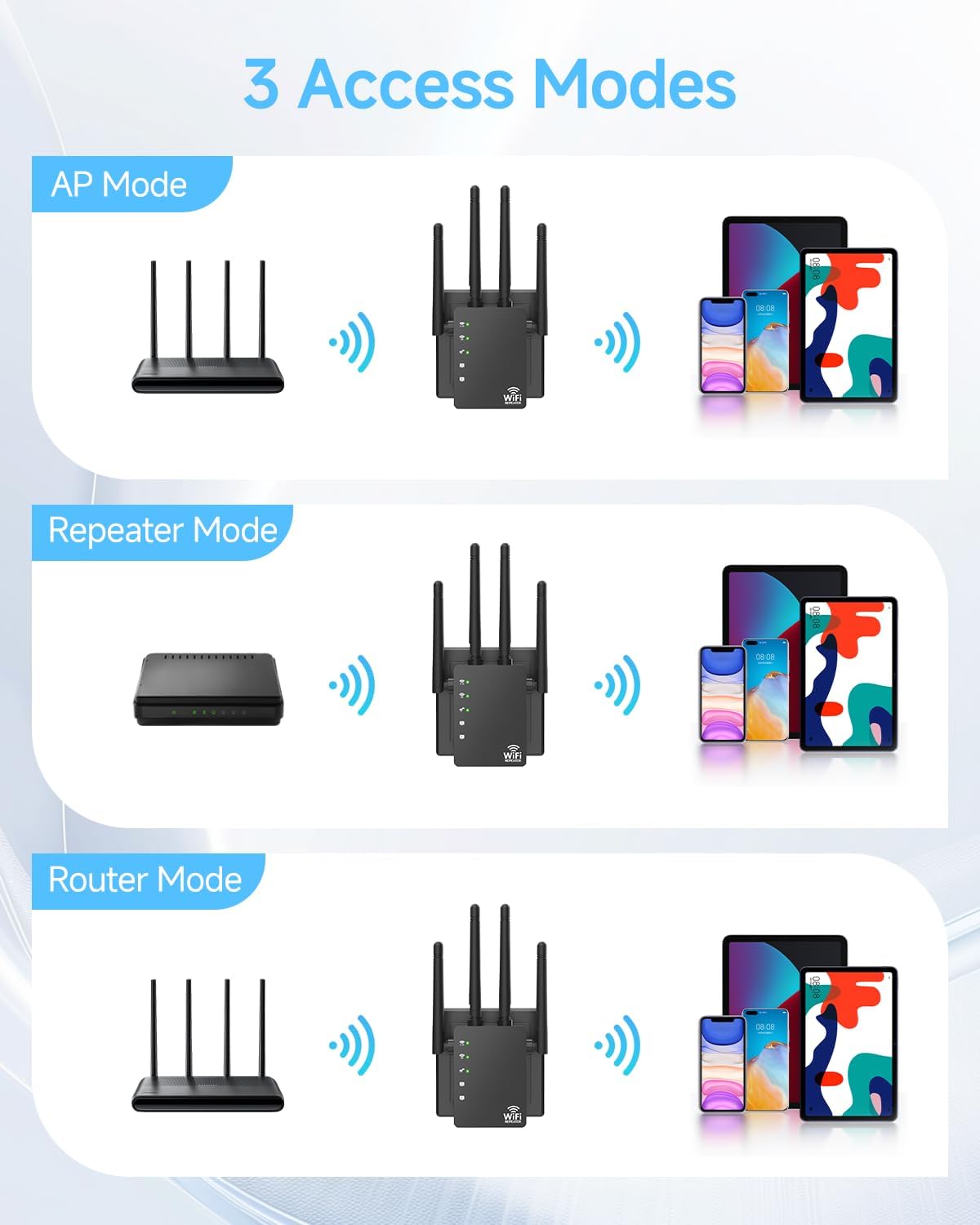
This extender comes with three modes to cover different networking needs: AP Mode, Repeater, and an option noted as “2 Ethernet Port.” The practical value is that you’re not locked into one approach.
- If you want to extend Wi-Fi wirelessly, Repeater mode is the straightforward path.
- If you’re looking for a way to add network access through an access-point style setup, AP Mode may fit better.
- If you want wired connectivity for devices that prefer Ethernet, the mention of Ethernet ports is a clear plus.
One limitation to keep in mind: the exact way these modes behave can depend on your router and your setup, so it’s worth confirming your intended use before buying.
Key specifications
- Name: WiFi Extender Signal Booster for Home
- Type: WiFi Extender / WiFi Booster / WiFi Repeater
- Format: Dual band (2.4GHz / 5GHz)
- Size: Long range up to 12880 Sq Ft
- Capacity: Up to 105 devices
- Display: Signal indicator light
- Processor: 2.4/5GHz dual-band processor
Security and setup experience
Security is handled through an embedded encryption module designed to work with the dual-band processor. The claim is that it helps maximize network security and protect privacy for your important data. If your current setup is basic or you’re simply trying to avoid insecure configurations, that’s an encouraging detail.
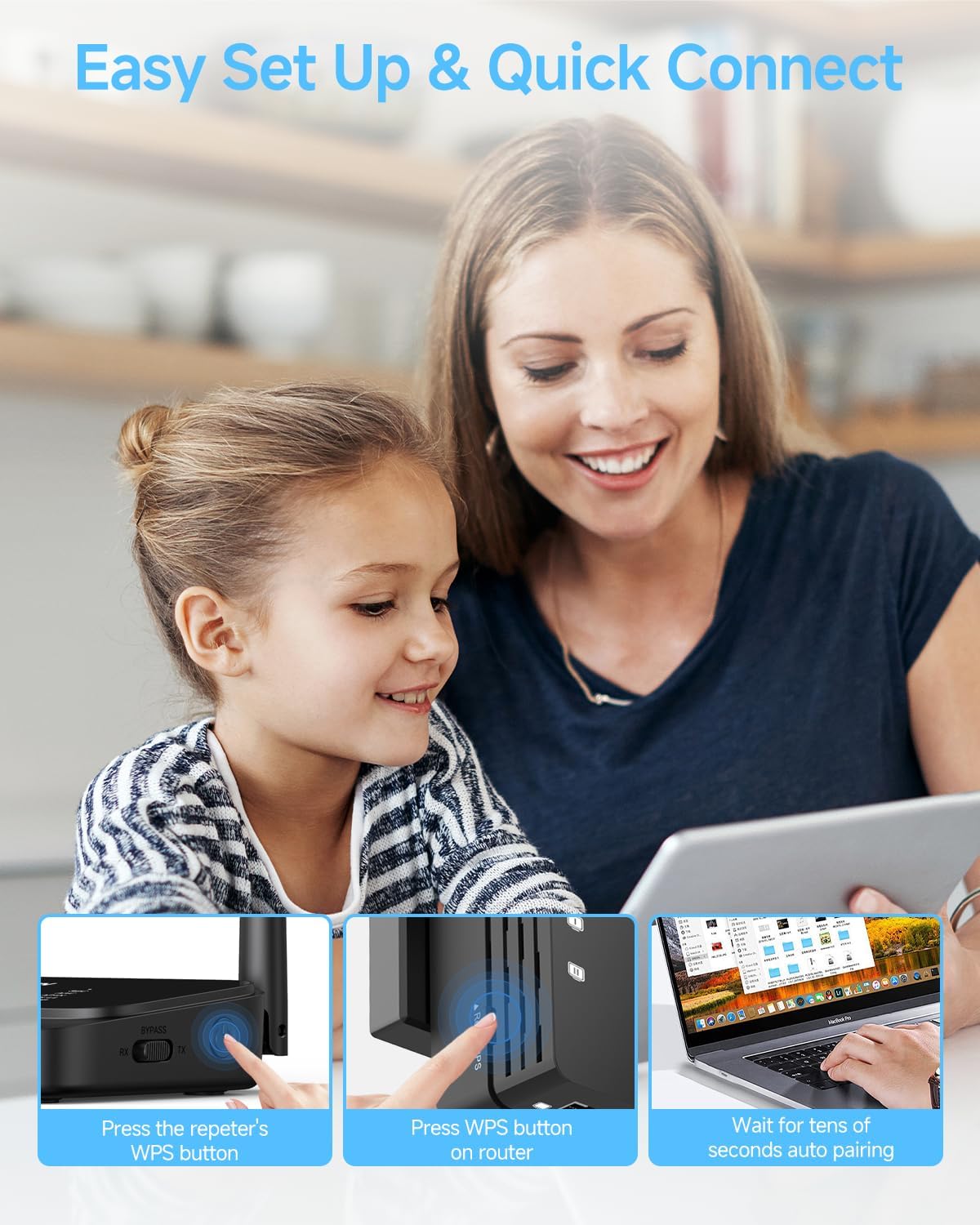
Setup is described as friendly: you press the WPS button to connect to your device quickly, then plug in, press, and enter your Wi-Fi password to complete the process. The manual is mentioned as making things easier to understand.
That said, WPS-based setup isn’t always ideal for every home network. If your router’s WPS feature is disabled or unreliable, you may find the process more annoying than the listing suggests.
Pros and cons to consider before you buy
What you’ll likely like: - Dual-band support (2.4GHz and 5GHz) with four high-gain antennas - Signal indicator light that helps you find a better placement - Three operating modes, including an option with Ethernet ports - Designed to support up to 105 devices - Encryption module focused on improving security
What may not satisfy everyone: - Wi-Fi speed/coverage claims are “up to” numbers, and your results will vary by walls, interference, and placement - It’s positioned as a coverage extender, not a high-end networking system meant to replace a better mesh setup if you need whole-home consistency
Who it’s for (and who should skip it)
This WiFi extender signal booster makes sense if you want to extend your internet wireless network into dead zones—like another floor, a garage, or a farther room—without running new cable.
It may not be the best match if you’re expecting perfect, seamless roaming across the entire home, or if your network needs are more demanding than simple range extension. Also, if you’re already using an advanced multi-node system, adding another extender can be redundant rather than helpful.
Is it worth it?
Buy it if you’re dealing with buffering, weak coverage in certain rooms, or dropped calls when you move away from the router—and you’re willing to place it carefully using the signal indicator. The combination of dual-band tech, 4 high-gain antennas, and multiple modes (including Ethernet) is exactly the kind of feature set that can make an extender feel useful instead of pointless.
Don’t buy it if you need guarantees on real-world speed, because the performance is presented as “up to” values and your home environment will decide the outcome. Skip it if you can’t or don’t want to use WPS/setup steps, or if your expectation is “mesh-level” whole-home behavior.
Quick FAQ
Does this WiFi extender support both 2.4GHz and 5GHz?
Yes—it's described as dual-band, working on both 2.4GHz and 5GHz.
How many devices can it handle?
It’s listed as supporting up to 105 devices.
How do I choose the best location?
Use the signal indicator light—more lights generally indicate a better signal at that placement.
What’s the setup method?
The listing says you can connect using the WPS button, then complete the process by entering your Wi-Fi password.
Is there Ethernet support?
Yes, the modes mention an option with 2 Ethernet Port, which should be useful for wired devices when supported in your setup.