

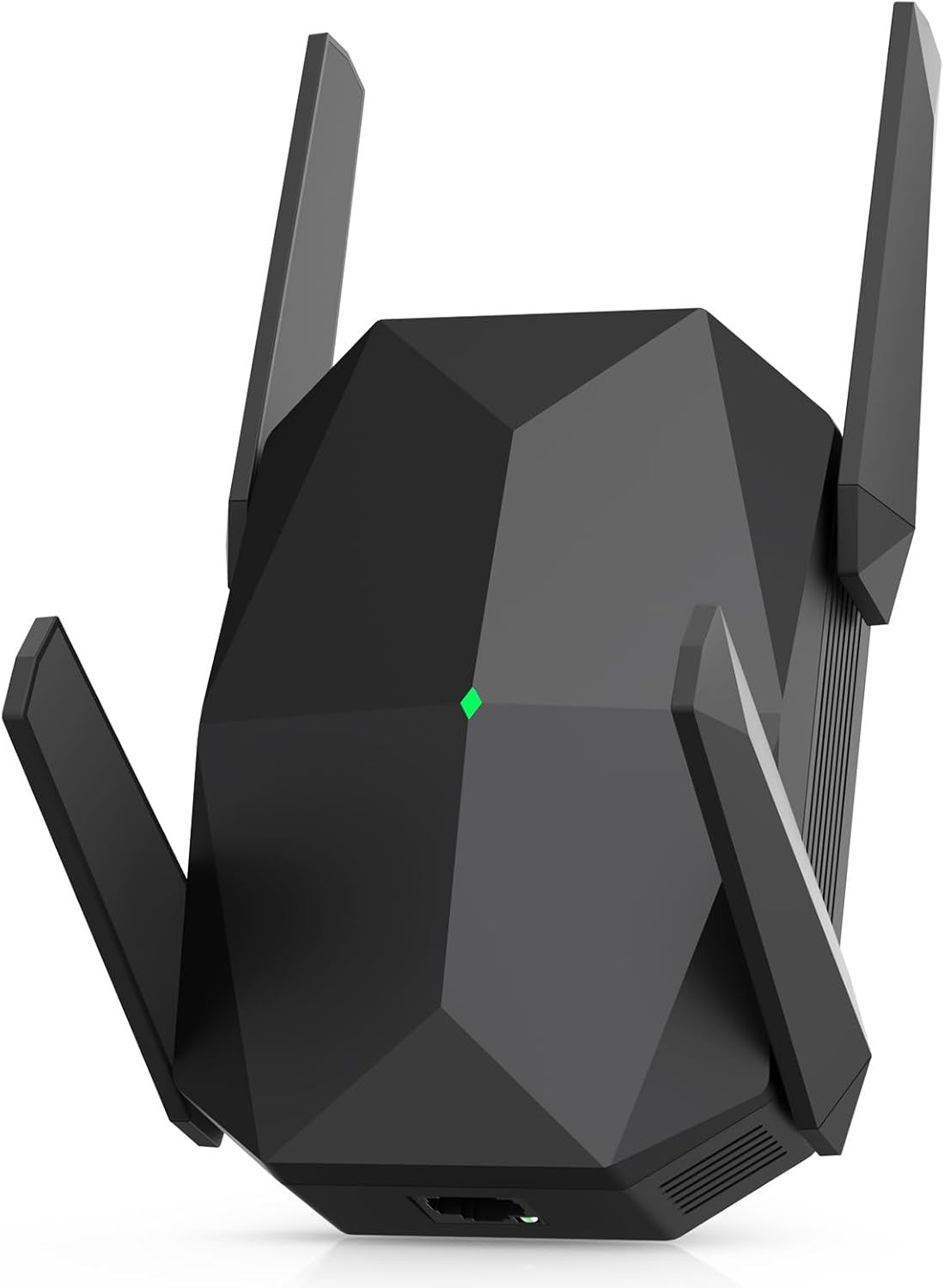
WiFi Extender 2026 AX3000 WiFi 6 Booster — Dual-Band 3000Mbps with Ethernet, Covers up to 19,000 sq.ft
Product description
What it is and what problem it solves
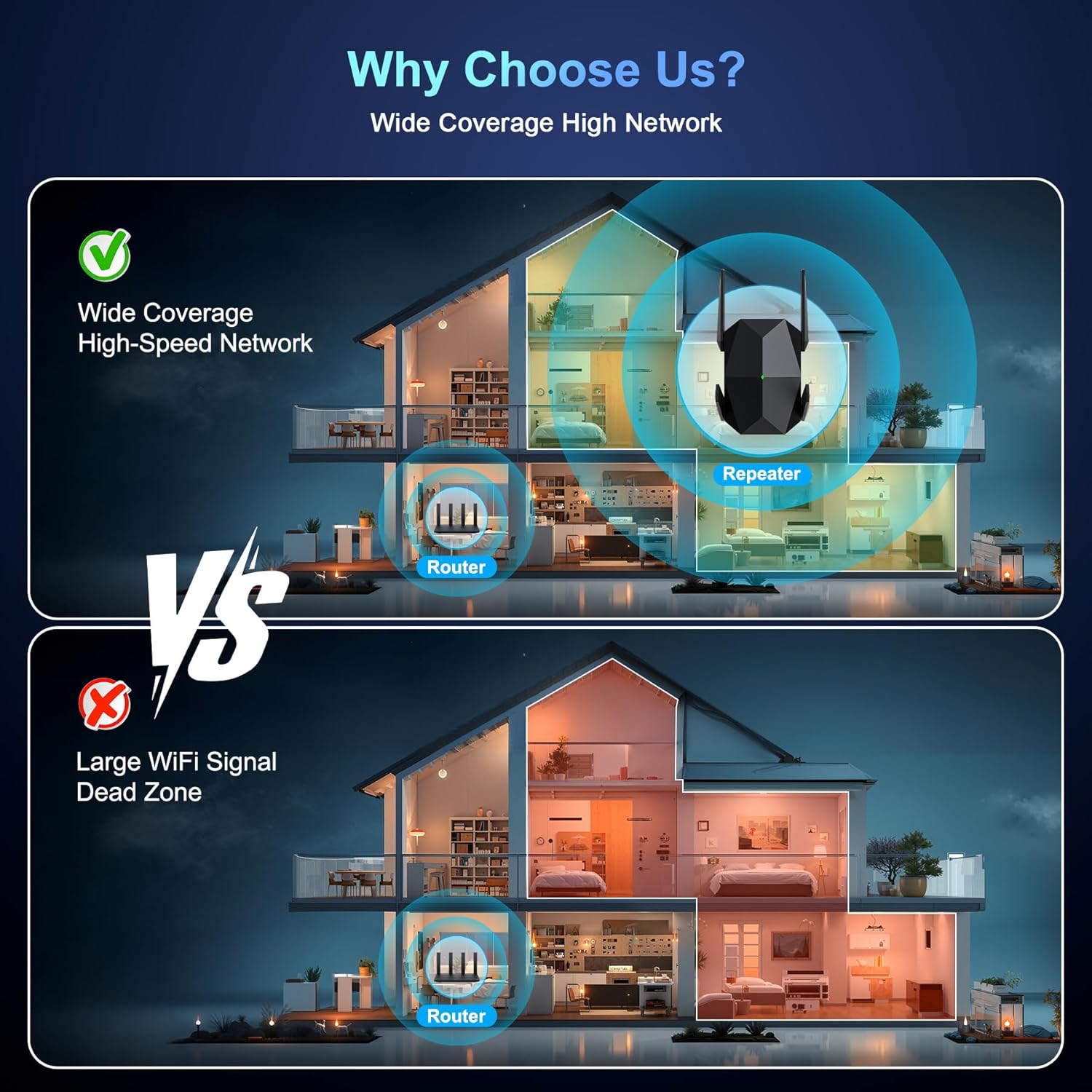
This WiFi extender is a wireless range extender built to boost home coverage for large spaces and many devices. Marketed as an AX3000 WiFi 6 device, it promises higher speeds and more stable connections than older WiFi 5 repeaters. If you’ve got dead zones in parts of your home, a crowded network with multiple smart devices, or you want smoother streaming and gaming without buffering, this device targets those scenarios by extending the existing network rather than replacing it.
How it performs on paper
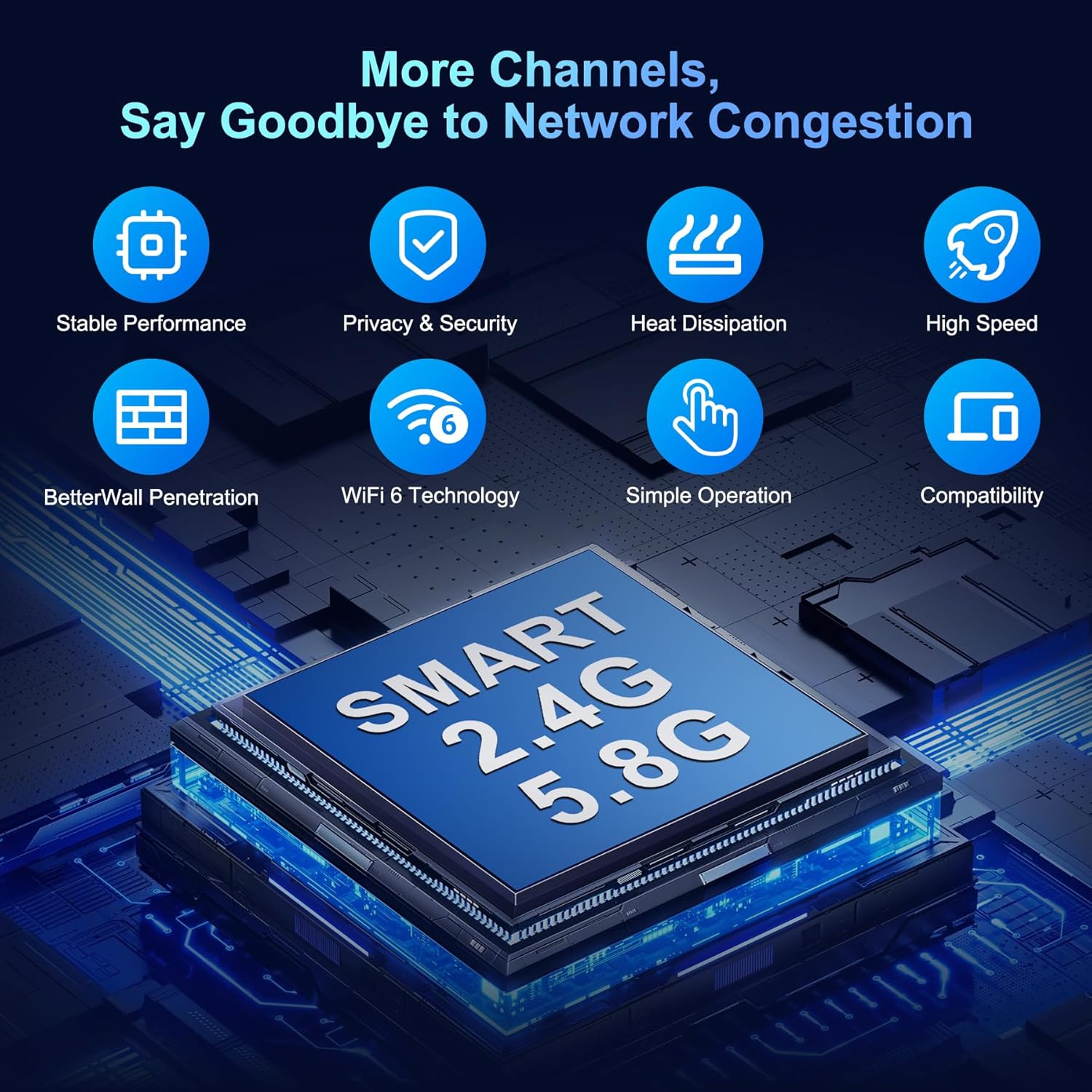
On paper, the extender splits into two bands: 5.8 GHz providing up to 2400 Mbps and 2.4 GHz providing up to 600 Mbps. The claim of 125+ supported devices hints at a high-capacity design intended for households with many smart devices, streaming boxes, and IoT gear. The four antennas suggest a focus on broad, adaptable coverage rather than a single directional boost. A key feature is the claimed range expansion to 19,000 sq.ft, which positions this extender for multi-story homes or larger properties where dead spots are common.
What you’ll notice in everyday use
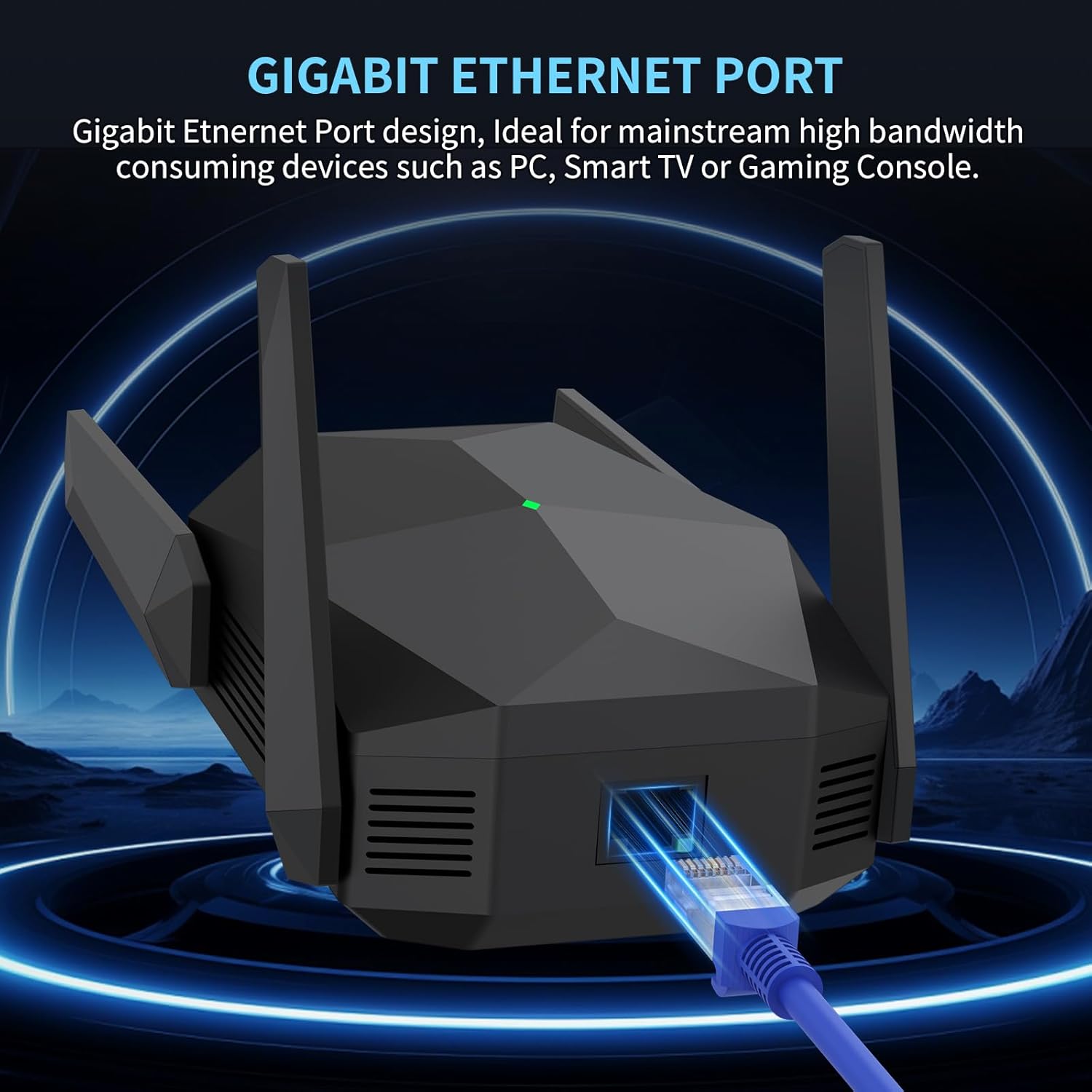
In real-world use, the dual-band setup helps distribute traffic: devices that need high throughput (4K streaming, gaming) can ride the 5.8 GHz link, while everyday tasks (light web browsing, email) can sit on the 2.4 GHz band. The inclusion of a Gigabit Ethernet port is a practical upside for those who want a wired connection to a PC, smart TV, or game console for stability and speed. The setup process is described as quick—about 3 minutes from smartphone or PC browser—and the device supports standard security protocols to protect home WiFi data.
Pros: what stands out for most homes
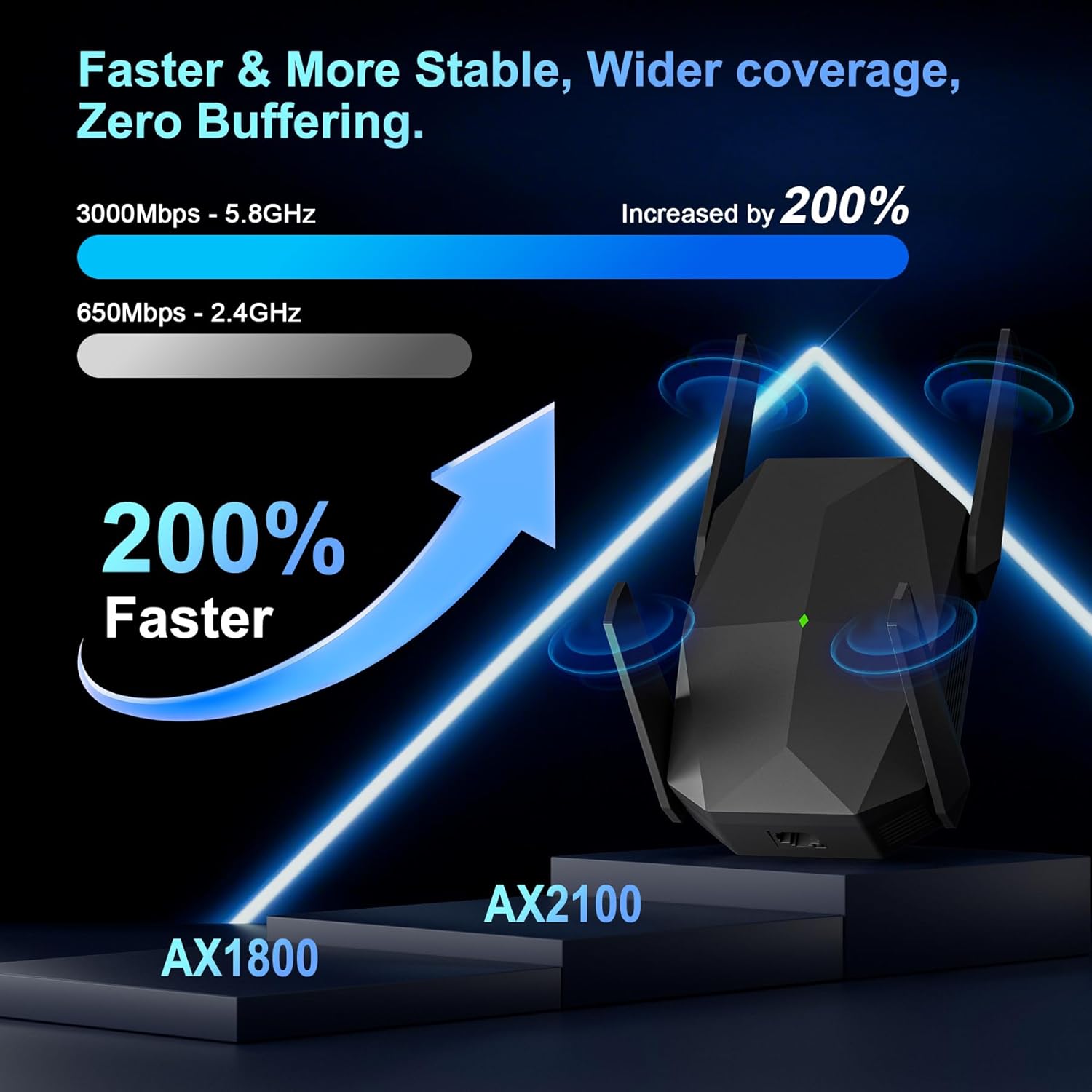
- Strong theoretical throughput on two bands plus a large coverage claim, which is appealing if you’re dealing with multiple floors or thick walls.
- High capacity claim (125+ devices) gives a sense of bandwidth headroom in busy households with many smart devices.
- Gigabit Ethernet port adds versatility for wired devices that benefit from low latency.
- No app required for setup, which can simplify initial installation for some users.
Cons: what to watch out for
- The stated speeds are theoretical maximums, real-world performance will depend on your existing router, interference, and layout of your home.
- Coverage claims up to 19,000 sq.ft are highly dependent on construction, furniture, and placement. In practice, you may not achieve the full figure in all rooms.
- It’s not clear which exact security features beyond standard WEP/WPA/WPA2/802.1X are included, so you may want to verify compatibility with your current network setup.
- The device is marketed as a generic extender and does not rely on a dedicated mesh system, if you’re seeking seamless roaming across a large home, a mesh setup might still be worth considering.
Who it’s for
- Homes with dead zones where a single router doesn’t reach every room.
- Households with many devices, including phones, streaming devices, smart TVs, and IoT gear that can congest a network.
- Users who want a straightforward way to add a wired connection to a single PC, console, or streaming box while expanding wireless coverage.
Who it isn’t ideal for
- If you’re chasing guaranteed real-world speeds at every corner of a large home, you might prefer a more integrated solution like a mesh system or a router with stronger built-in coverage.
- If you require advanced management features, extensive security controls, or tight integration with a specific network setup, you may want to confirm supported protocols and app support before buying.

When does it make sense to buy
- You’ve confirmed dead zones in several rooms and you need a simple, non-disruptive way to extend coverage.
- You want a single device option that provides both wireless extension and a wired connection for a desktop, console, or smart TV.
- You’re setting up a home office or entertainment area where reliable streaming and responsive gaming matter and you’re OK with setting realistic expectations on peak speeds.
When to reconsider
- If you already own a robust router with strong coverage or you plan to upgrade to a mesh system, evaluate whether a second extender adds value versus a whole-home solution.
- If your primary goal is ultra-low latency for competitive gaming in every room, test the network in your home and compare with other options before committing.
What to review before buying
- Placement strategy: avoid obstruction from thick walls and keep the extender within a good distance from your main router to maximize backhaul quality.
- Your current network speed and usage patterns: ensure the AX3000 level aligns with your internet plan and typical device activity.
- Security and compatibility: confirm the security protocols you rely on and that your essential devices work well with the extender.
Practical use example
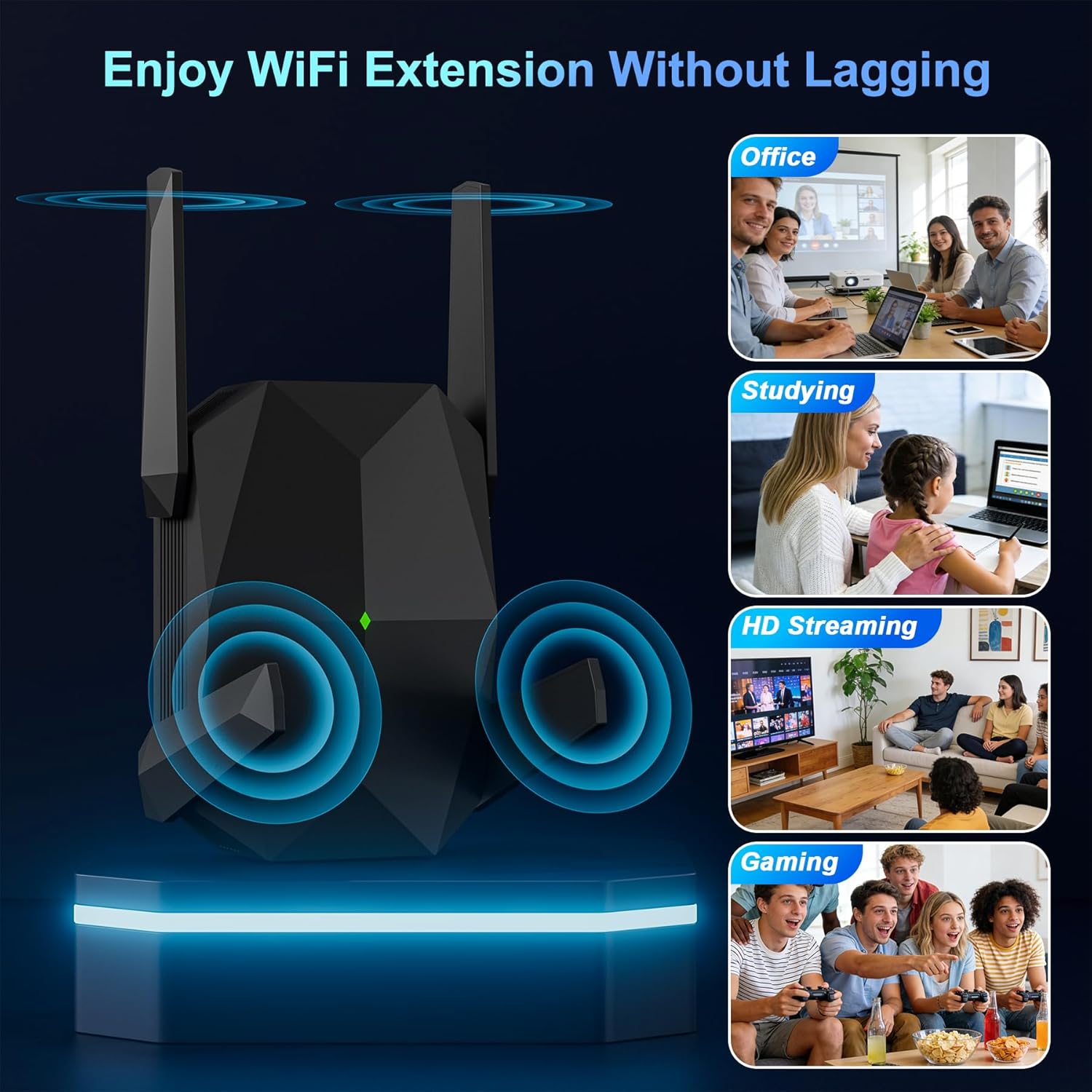
Imagine streaming 4K movies in a room far from the router while a gaming console uses the same network. With this extender, the 5.8 GHz band can carry the high-bandwidth flow for the streaming device, while the 2.4 GHz band handles lighter tasks nearby. If you plug a smart TV or console into the Ethernet port, you’ll likely notice a more stable connection for those devices without sacrificing wireless reach in adjacent rooms.
FAQ (brief, based on available data)
- Does setup require an app? No app is required, setup can be completed in about 3 minutes via smartphone or PC browser.
- How many devices can it handle? The manufacturer mentions 125+ devices, which suggests substantial capacity, but actual performance will depend on network conditions and device types.
- Is there a dedicated mesh feature? The description does not mention a mesh roaming feature, so treat it as a traditional extender rather than a mesh system.
Final decision
Is it worth it? If you need broader home coverage, a wired connection for a key device, and straightforward setup, this AX3000 WiFi 6 extender offers a practical balance of speed and capacity. It may not be the best fit if you’re chasing guaranteed multi-room optimization at every corner or require advanced features beyond standard security and easy setup. For many households, it’s a sensible step up from a single router, especially when dead zones are the main pain point.
Quick tips for use
- Place the extender halfway between your router and the area with weak signal, aiming for a strong but not saturated connection to the main network.
- Test both bands to decide which devices should stay on 5.8 GHz for speed and which can stay on 2.4 GHz for range.
- If wired devices are a priority, connect them via the Gigabit Ethernet port for improved stability.