

1200Mbps Dual-Band WiFi Extender with 4 External Antennas – Covers Up to 3600 sq ft, AP/Repeater Modes, 100Mbps Ethernet
Product description
What this device is and what it solves
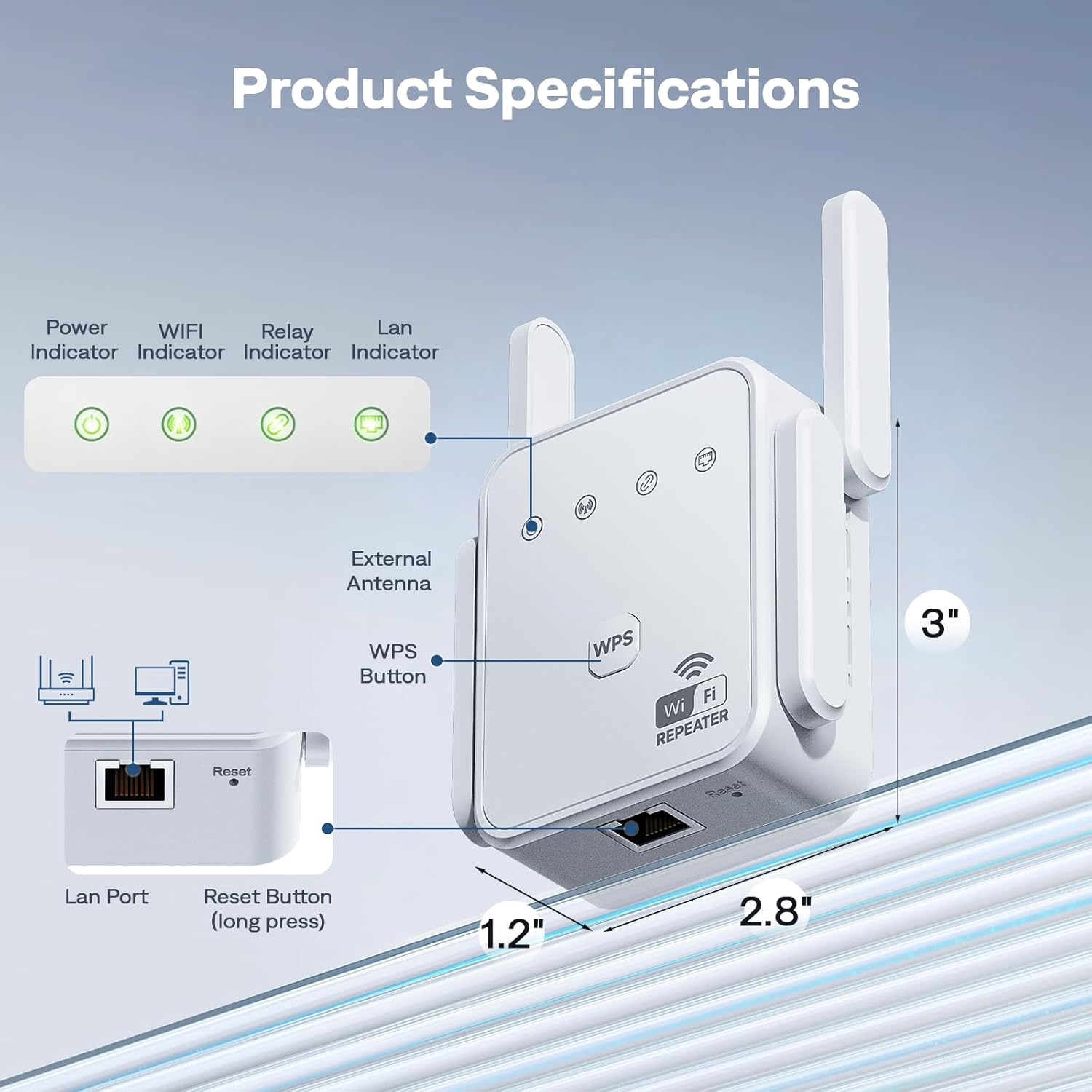
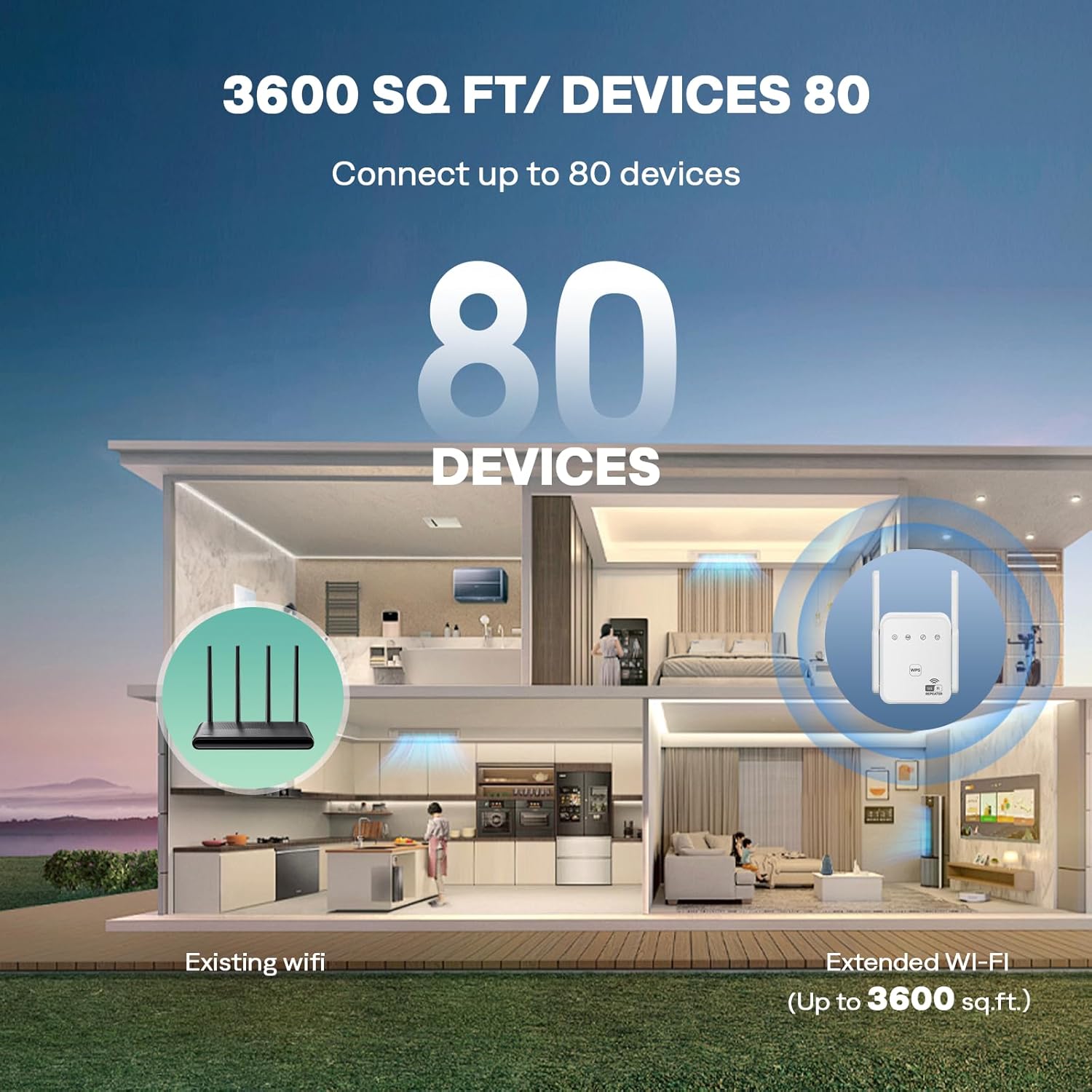
This is a 1200Mbps dual-band WiFi extender designed to improve coverage in homes with weak signal areas. With four external high-gain antennas and support for 5GHz and 2.4GHz bands, it aims to deliver a steadier connection across rooms, floors, and outdoor spaces. The goal is to reduce dead zones where streaming or gaming would otherwise buffer or drop connections. It also includes a wired option via a built-in 100Mbps Ethernet port, which can turn a wired device or a wired network segment into a reliable wireless hotspot.
How it helps in real terms
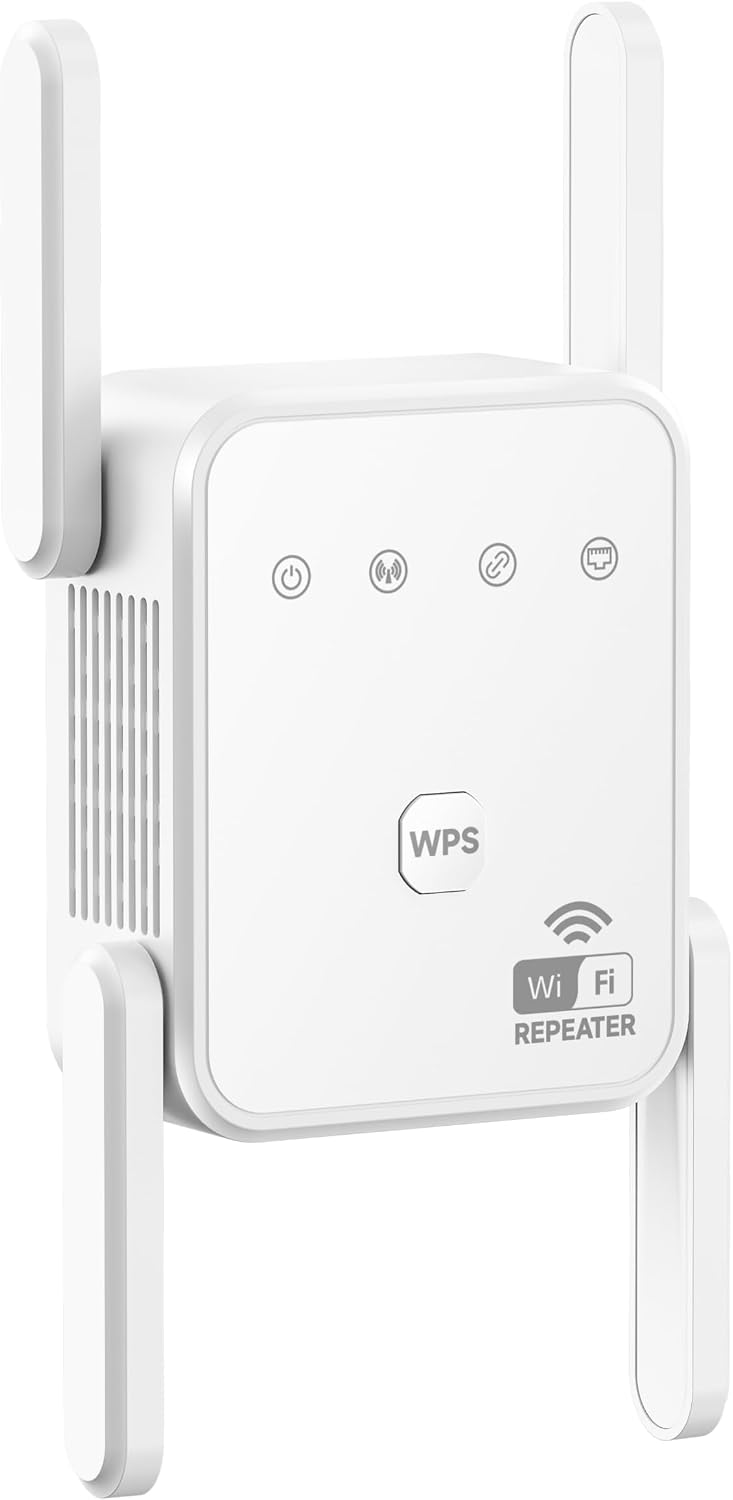
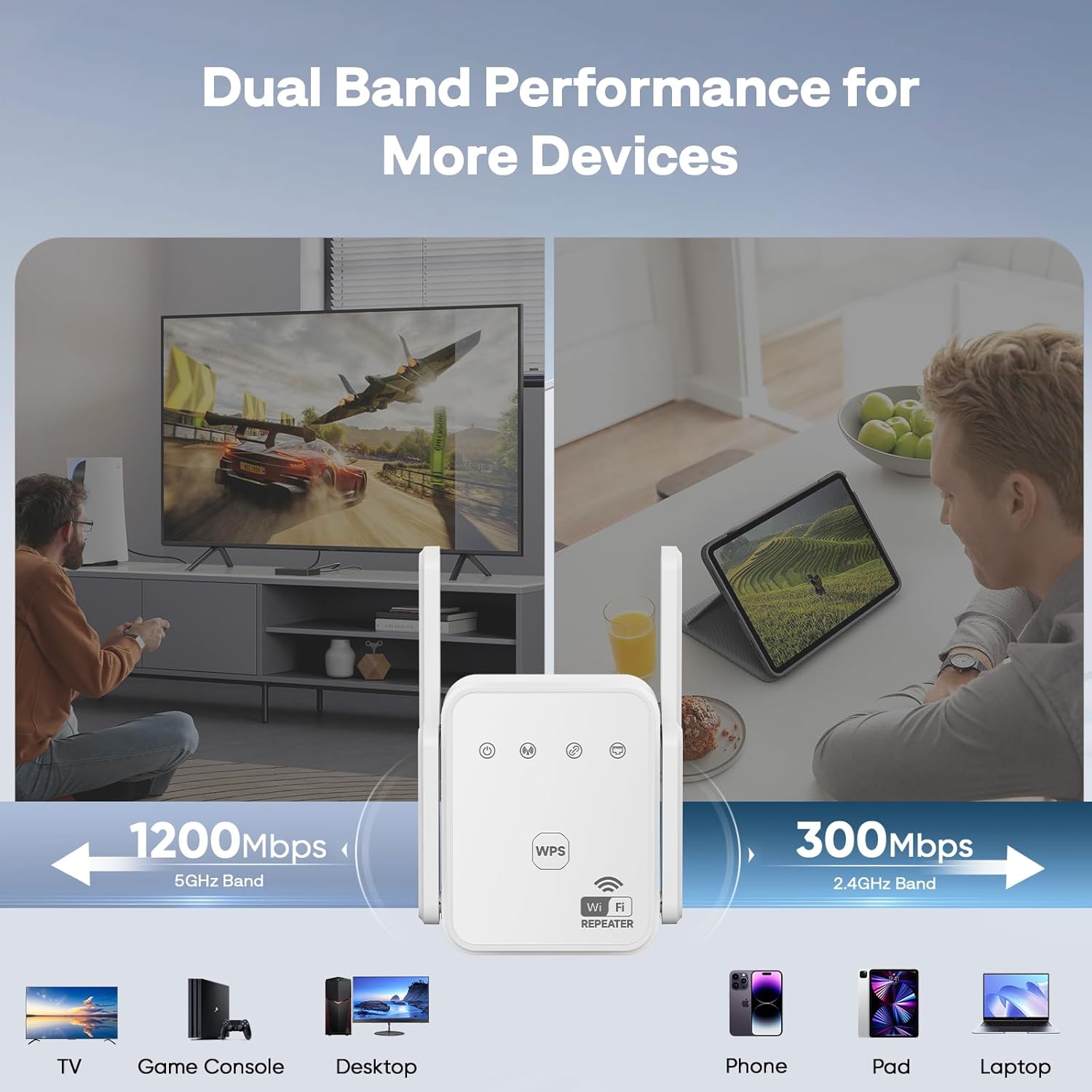
On paper this extender splits traffic across two bands (867Mbps on 5GHz and 300Mbps on 2.4GHz) to minimize data loss and keep activities like HD streaming or lag-free gaming flowing. The ability to connect up to 80 devices simultaneously is pitched as a solution for modern smart homes where multiple phones, tablets, cameras, and IoT gadgets are in use at once. If you’ve noticed slowdowns when many gadgets are online, this device positions itself as a way to reclaim a more stable experience without swapping your router.
What stands out and where it may fall short
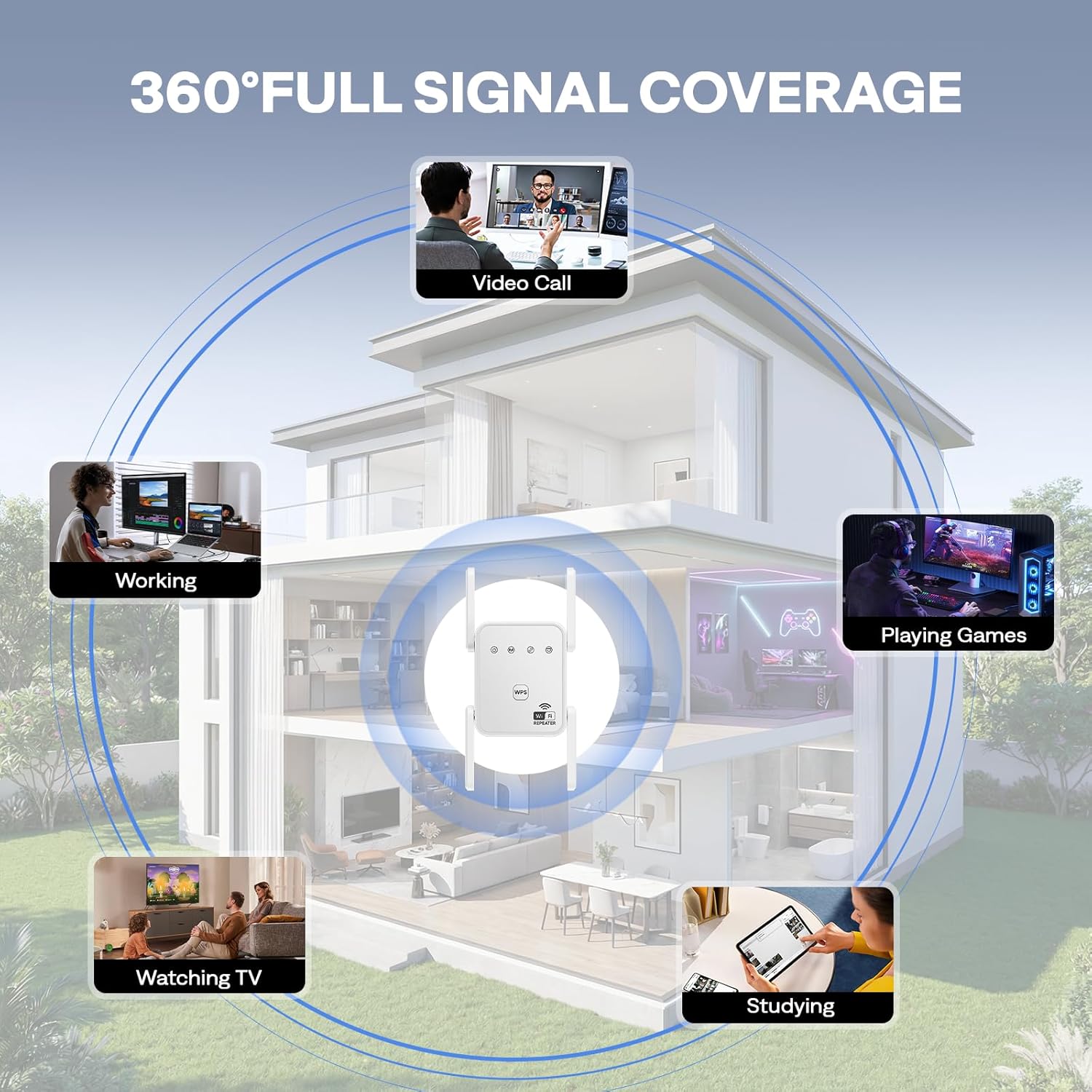
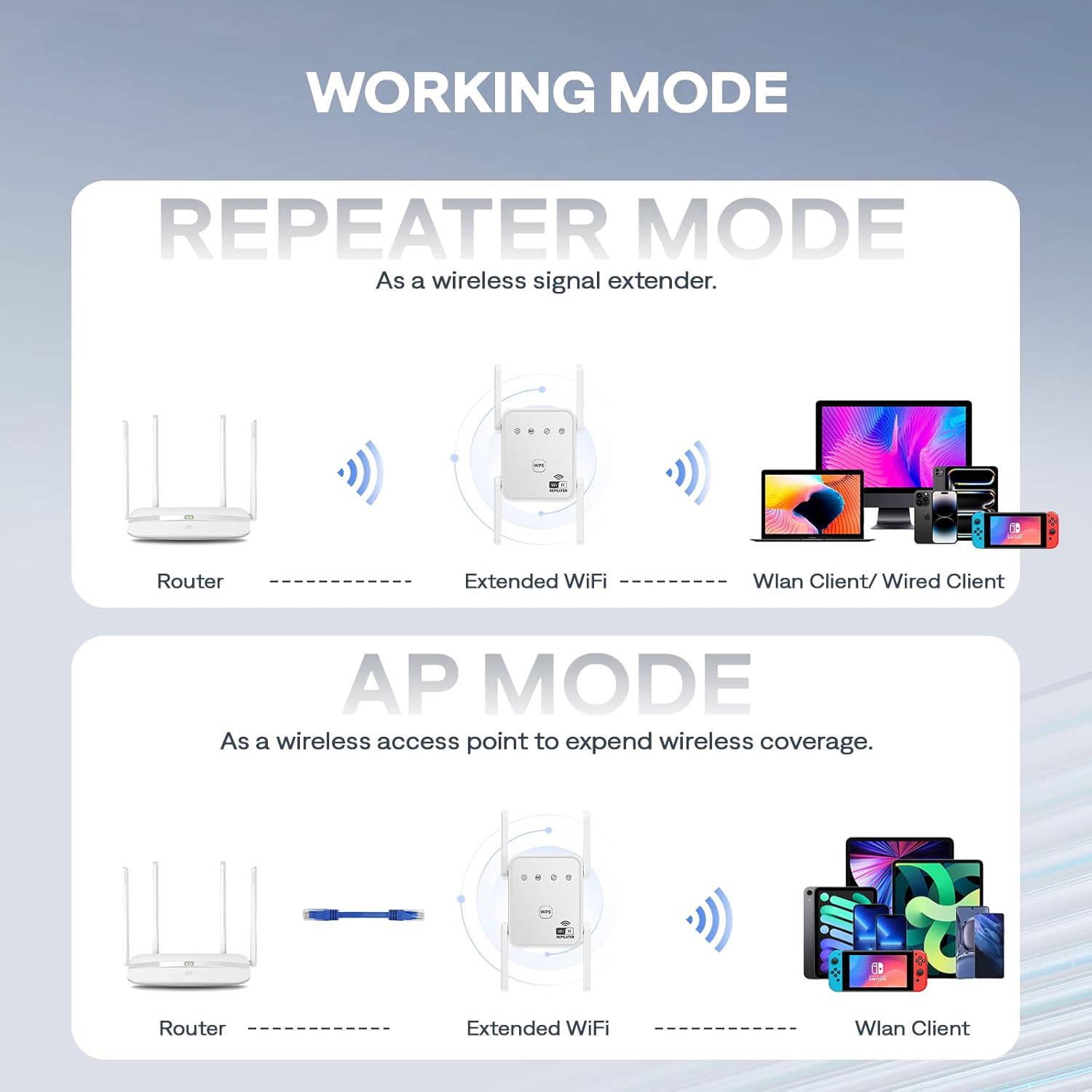
The main strengths are the four external antennas for broader coverage and the dual-band support that keeps high-demand tasks on 5GHz while slower, more common loads stay on 2.4GHz. The inclusion of AP mode and a wired Ethernet port adds practical flexibility for turning a wired connection into a wireless access point. A potential limitation to consider is that real-world speeds vary with distance, walls, and interference, and the advertised 1200Mbps is a best-case scenario under optimal conditions.
Who it’s for
This extender is suited for households with multiple devices and notable WiFi dead zones—think living rooms far from the router, upstairs bedrooms, or basements where streaming or gaming suffers. If you’re trying to support 20+ devices across a smart home without dragging cables, this model claims to handle connections more smoothly than older extenders.
Who it may not be ideal for
If your space is small and the current router already covers it well, the setup cost and extra hardware may not be necessary. Also, if you rely on a single high-speed Ethernet backbone or prioritize ultra-low latency across competitive gaming, it’s worth comparing whether a more direct wired solution or a higher-end mesh system would better fit those needs.
When it makes sense to buy
Purchase this extender if you need to expand wireless coverage across a large home, require a wired port for a console or desktop nearby, and want a flexible option that can operate as a simple repeater or as an access point. It’s particularly appealing when you want to support many devices at once without a drop in performance.
What to check before buying
- Verify your existing router supports 802.11ac/a/b/g/n for broad compatibility.
- Consider your space layout: open areas vs. many thick walls can influence coverage patterns.
- Decide between Repeater mode for extending WiFi and AP mode for creating a dedicated hotspot from a wired connection.
- Remember that the stated Mbps are best-case, real-world results depend on distance and interference.
Practical use scenario
Imagine streaming a 4K movie in the living room while a gaming console sits in the adjacent den, and several phones are online in the kitchen. With four external antennas and dual-band support, you’d expect fewer buffering moments in rooms that used to struggle, plus a reliable wired connection for a desktop setup via the Ethernet port.
Quick comparison in mindsetp>
If you’re weighing options, think in terms of coverage vs. speed vs. number of devices. A basic extender may improve a single dead spot but struggle with many devices. A mesh system could offer more consistent roaming and simpler management but at a higher price. This extender sits in the middle: broader coverage with a strong device count and a flexible AP/Repeater setup, useful when you want an upgrade without a full ecosystem switch.
Is it worth it?
FAQ
- How many devices can it realistically support without noticeable slowdown? It markets up to 80 devices, real-world performance depends on device usage and network conditions.
- Can I use it with any router? It’s designed to be compatible with most routers supporting 802.11ac/a/b/g/n and WPA/WPA2-PSK security.
- Does AP mode require any extra hardware? AP mode uses an Ethernet port to create a dual-band hotspot from a wired connection.