

Westsee Digital Calendar 15.6-inch
Product description
Highlights
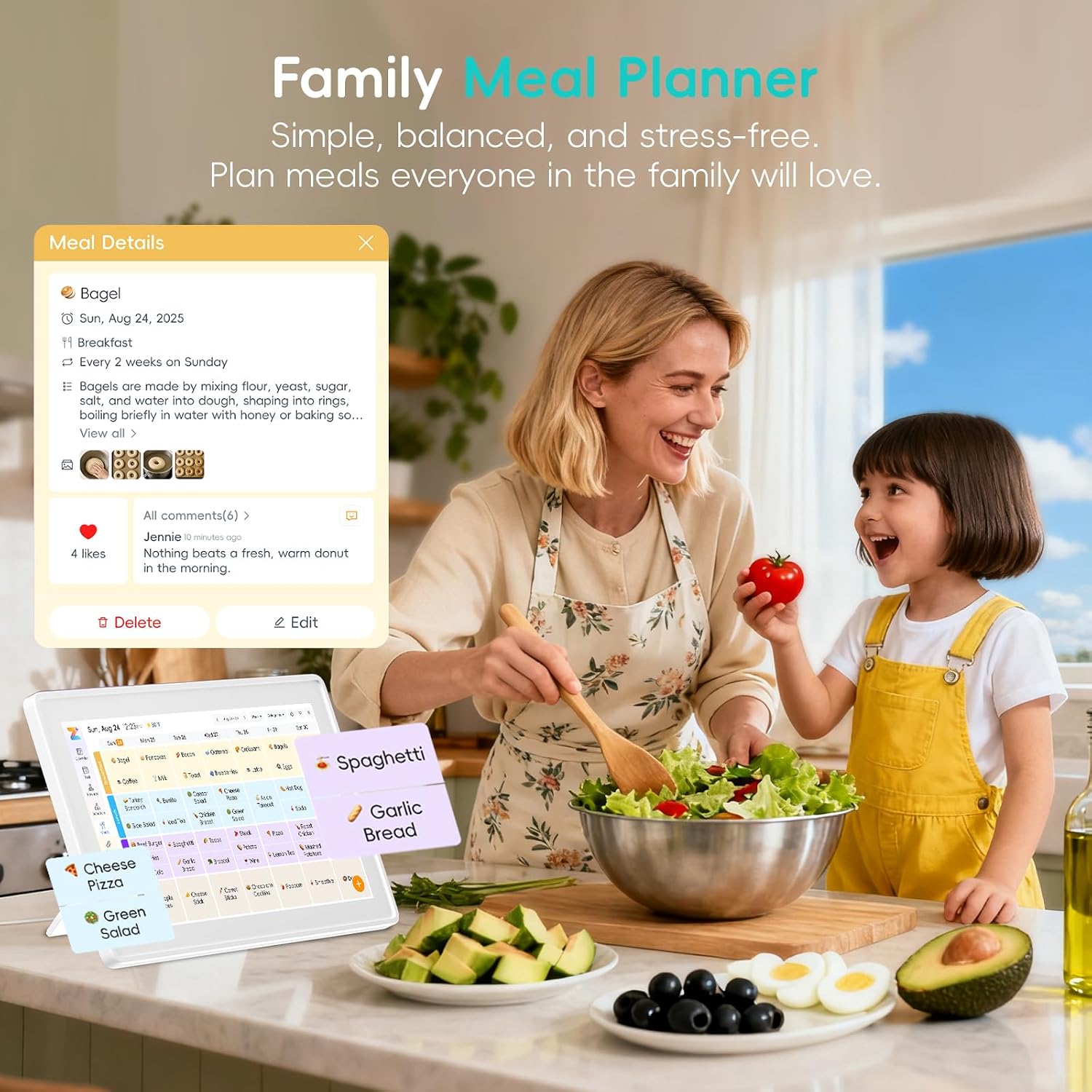
If your household needs more than a place to jot down appointments, this wall calendar adds shared tasks, meal planning, and photos in one touchscreen display. It’s designed to make the family schedule visible without relying on everyone to check a phone.
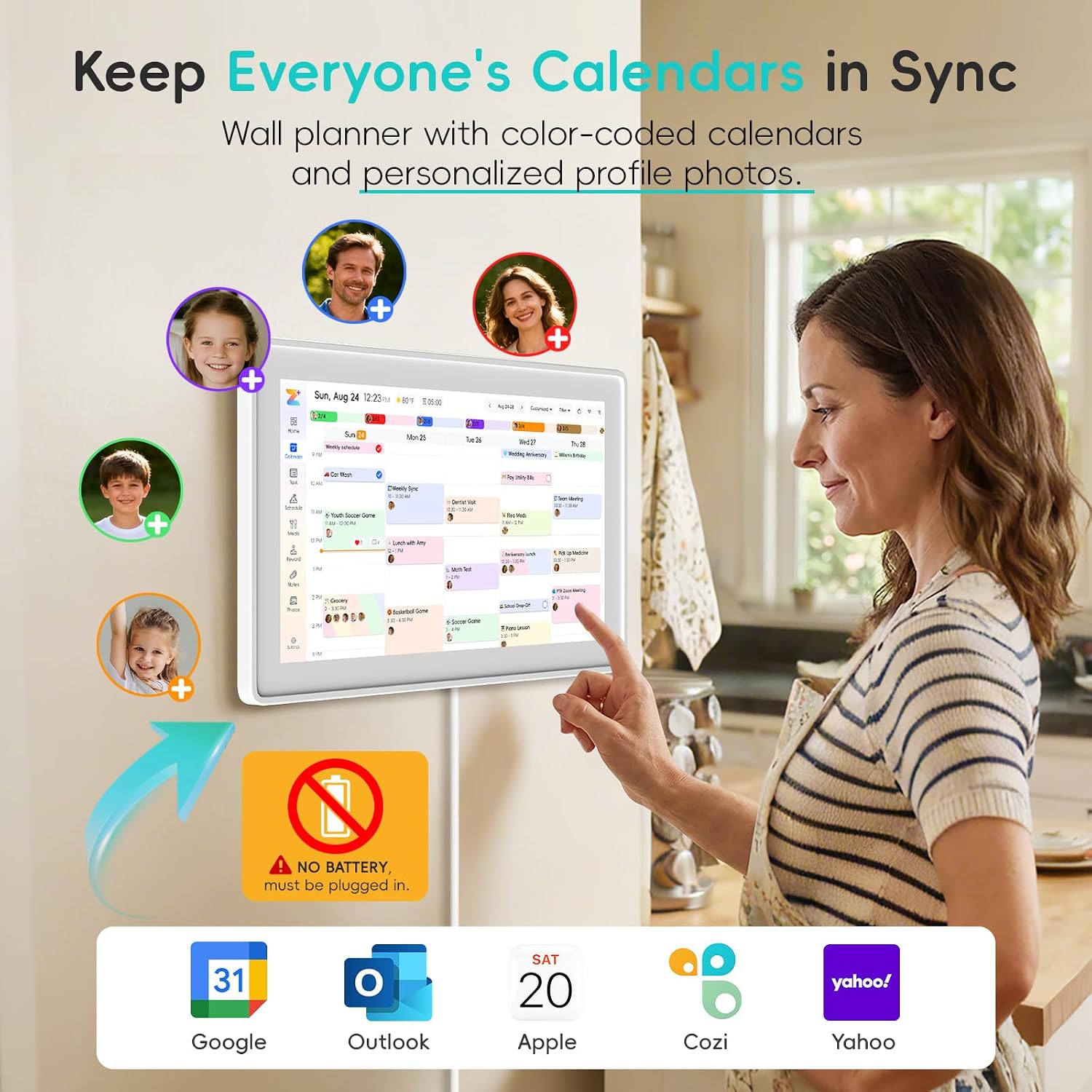
The 15.6-inch digital calendar syncs with Google, iCloud, Outlook, and more. You can add or edit events on the screen or in the Zical app, then switch between day, week, month, and custom views.
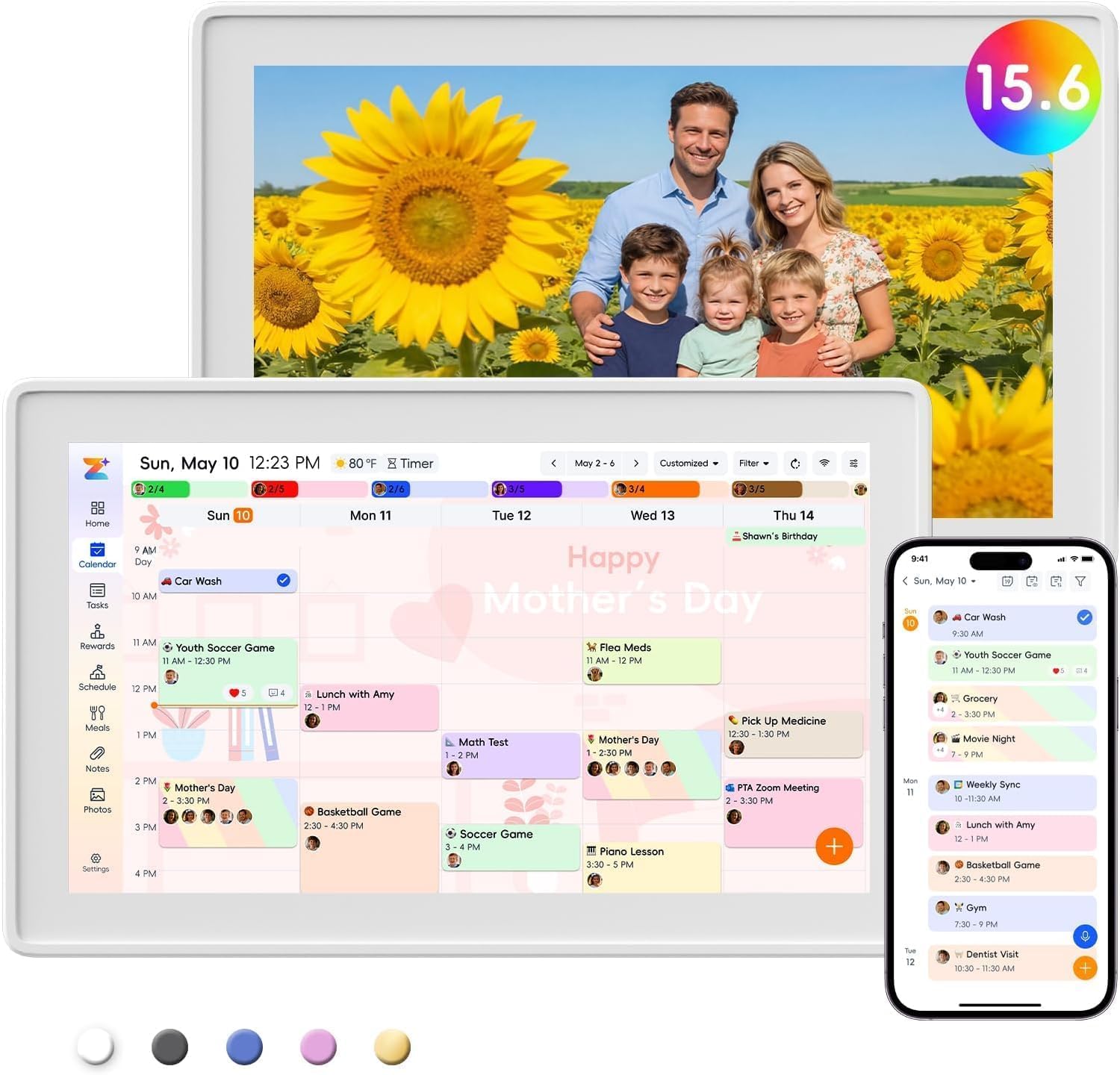
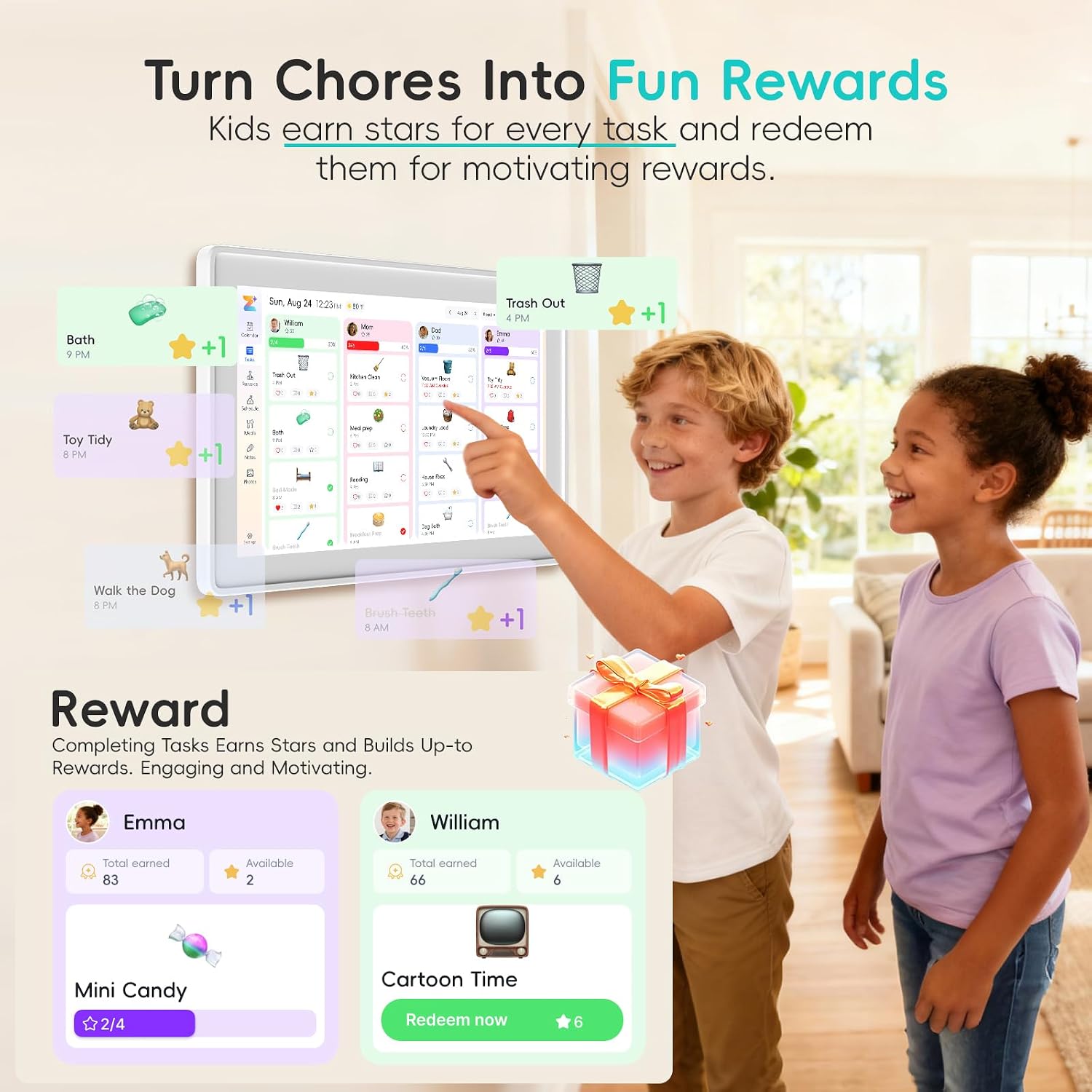
A practical difference from a paper calendar is that updates and reminders can travel across devices. Color-coded tasks also make it easier to see who’s responsible at a glance, while the rewards feature gives kids a way to take part in household routines.
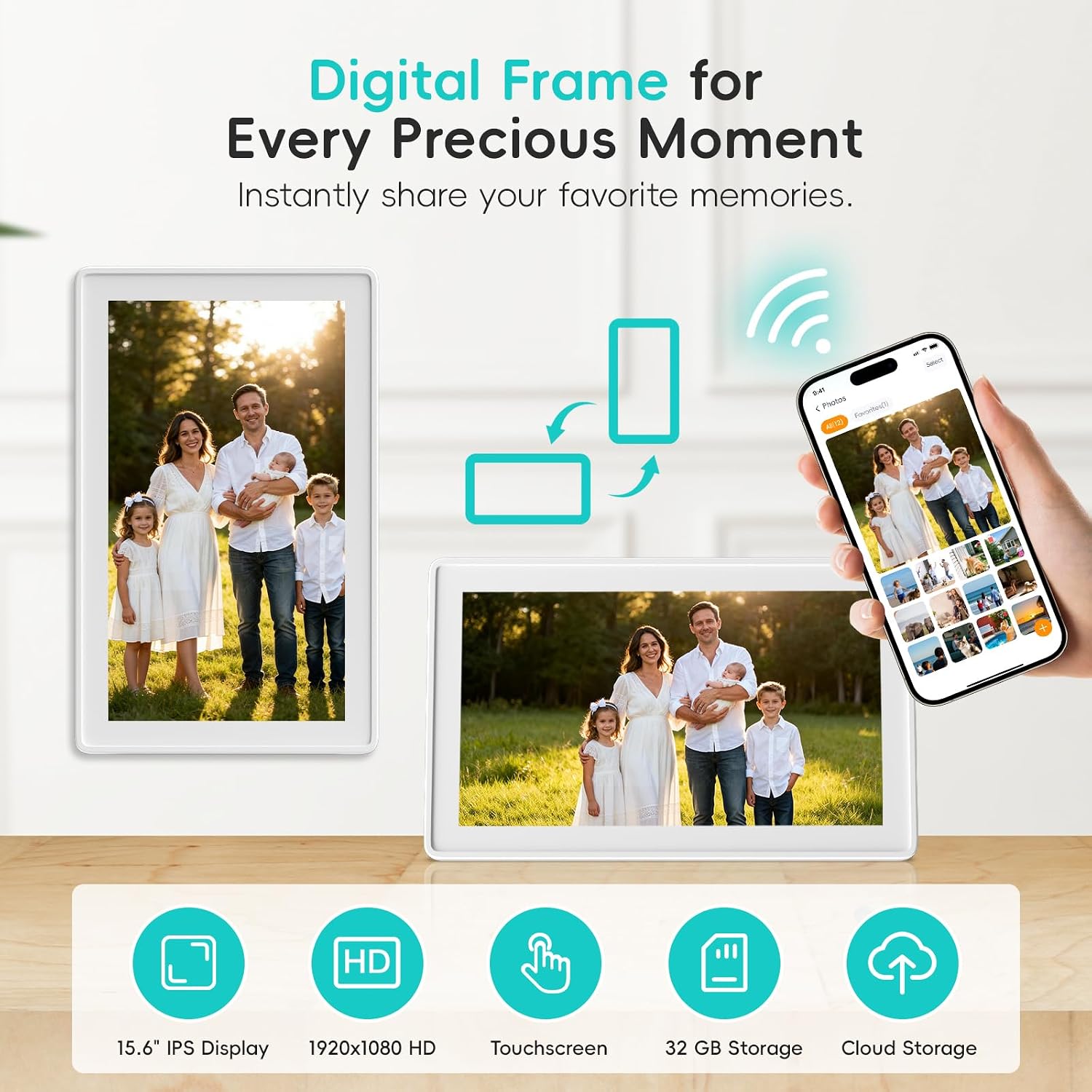
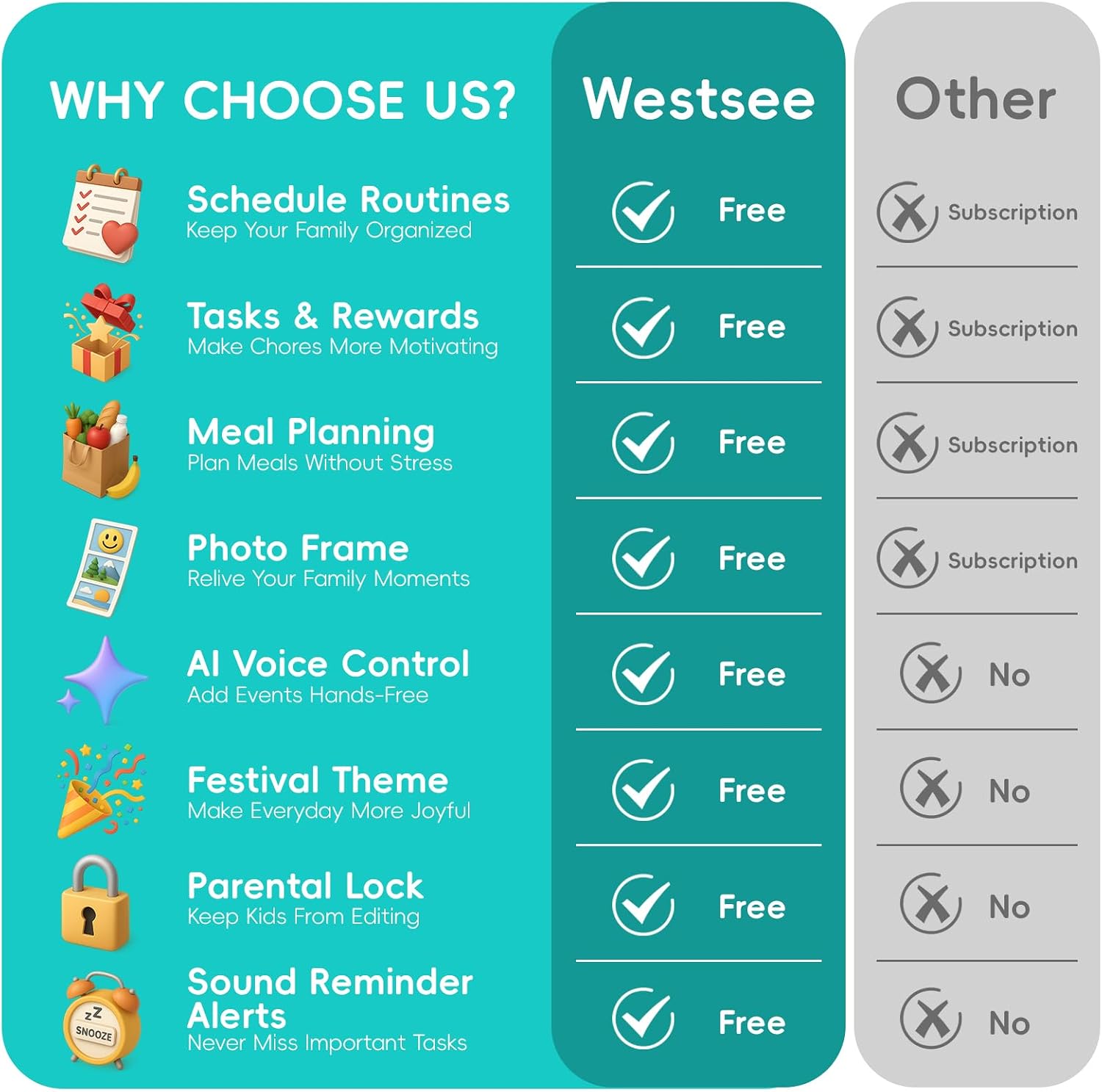
Core functions—including schedules, tasks and rewards, meal plans, a grocery list, and photo display—don’t require a subscription. The built-in 32GB memory stores photos and videos, and the unit includes both a wall-mount kit and a table stand. For example, you could check the week’s dinners in the kitchen, then glance at the chore list before heading out.
How to use it
Set up shared events and routines on the touchscreen or through the Zical app, then choose the calendar view that suits the moment: a day view for today’s appointments or a month view for birthdays and upcoming plans. Smart sound reminders can help flag birthdays and notes, while weather updates and automatic sleep mode are intended to fit into everyday use.
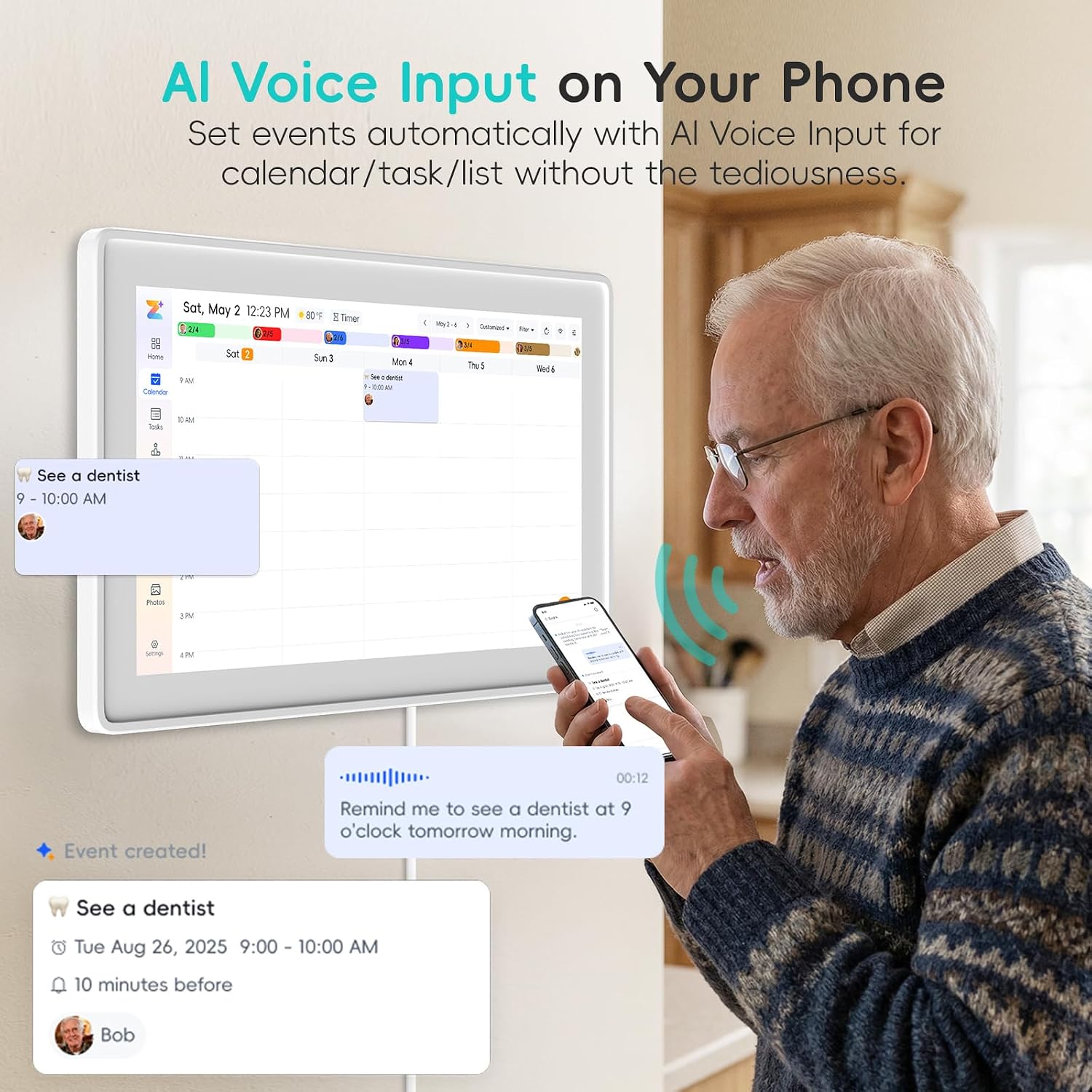
Keep in mind that the no-subscription claim covers the main functions, advanced tools such as the AI assistant may require a subscription. The listing doesn’t give the display’s overall dimensions, so planning a tight wall space without that measurement may be difficult.
Practical tips
Place it where family members naturally pass by, such as a kitchen or entryway, and choose the wall mount or table stand based on the available spot. Start with a few recurring needs—appointments, meals, and chores—rather than moving every household detail onto the screen at once. That makes it easier to see whether a shared digital hub actually suits your routine.
A solid pick if you want schedules, household tasks, and a rotating photo display together, with both app and on-screen editing. You may want to skip it if you prefer a simple, low-tech paper planner or need a unit whose exact outside dimensions are stated before choosing a mounting location.
When it makes sense
This Westsee planner makes the most sense for families who want one visible place to coordinate plans and divide up chores, especially when schedules change and need editing from different devices. It also suits households that would use the screen as a shared photo display, not just a calendar.
Compared with a basic wall planner, it adds syncing, multiple views, reminders, and digital lists. In return, it depends on a touchscreen and app-based setup, so someone looking for a purely handwritten system may find those features unnecessary. Its value comes from using several functions together, not from the calendar alone.
Questions before you buy
Does it need a subscription for everyday planning?
The listed core functions—schedules, tasks and rewards, meal plans, grocery list, and photo display—are described as subscription-free. The AI assistant and other advanced tools may require a subscription.
Can you edit events from a phone?
Yes. The listing says events can be edited through the Zical app or directly on the touchscreen, with cross-device updates.
Can it sit on a desk instead of hanging on a wall?
Yes. A table stand is included alongside the wall-mount display kit, giving you either placement option.