

Dragon Touch Digital Calendar 32-Inch
Product description
When appointments, chores, and dinner plans are scattered across phones and paper notes, it is easy for someone to miss an update. This Dragon Touch digital calendar brings those household details together on a large touchscreen.
Assign colors and tasks to family members, then keep the shared plan visible in a central spot at home. That makes it easier to see what is coming without asking everyone to check a separate calendar.
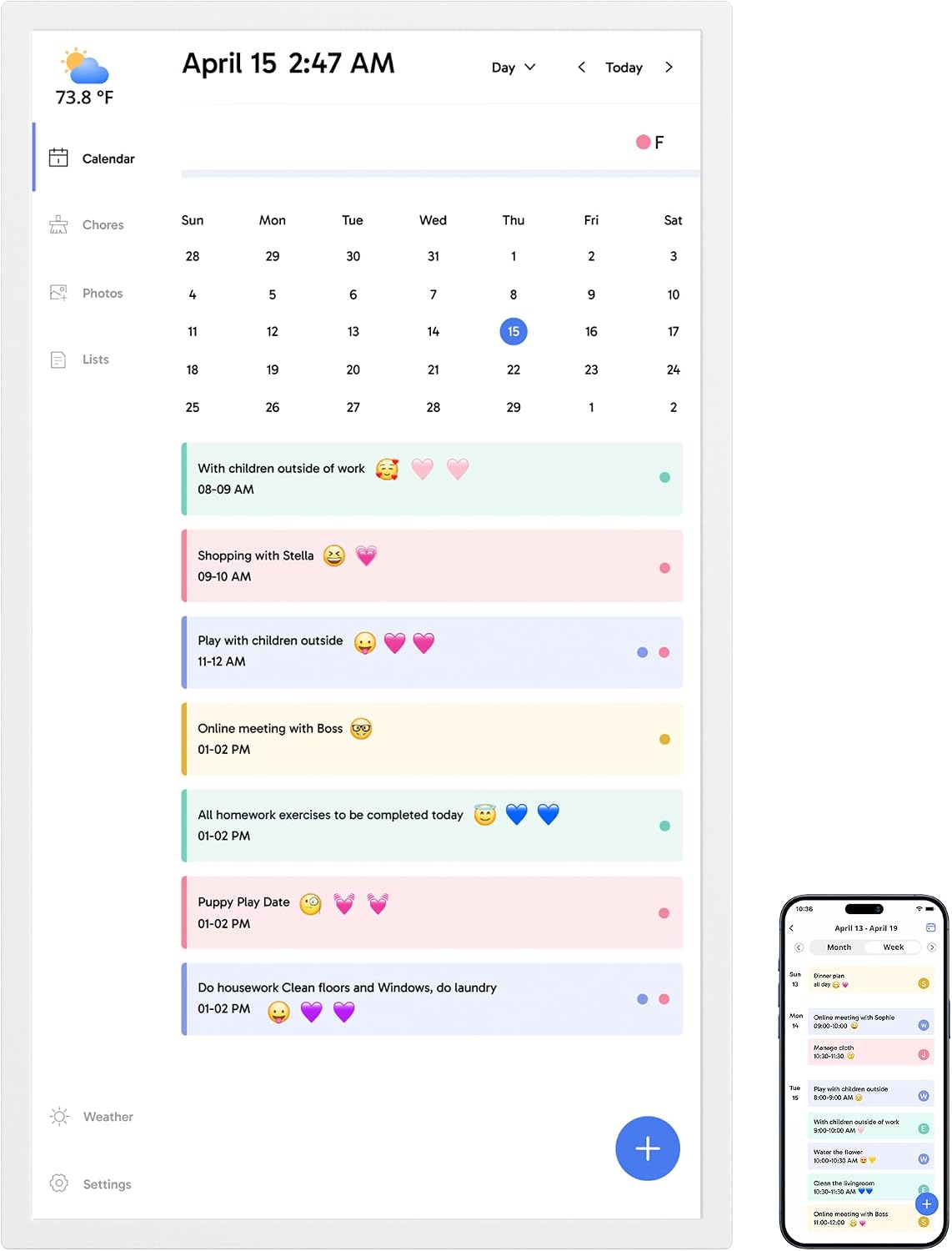
It also has a chore chart, dinner planner, grocery list, and photo-frame mode. The trade-off is that setup depends on Wi-Fi and linking calendars through the mobile app, while Magic Import is a paid feature.
Technical details
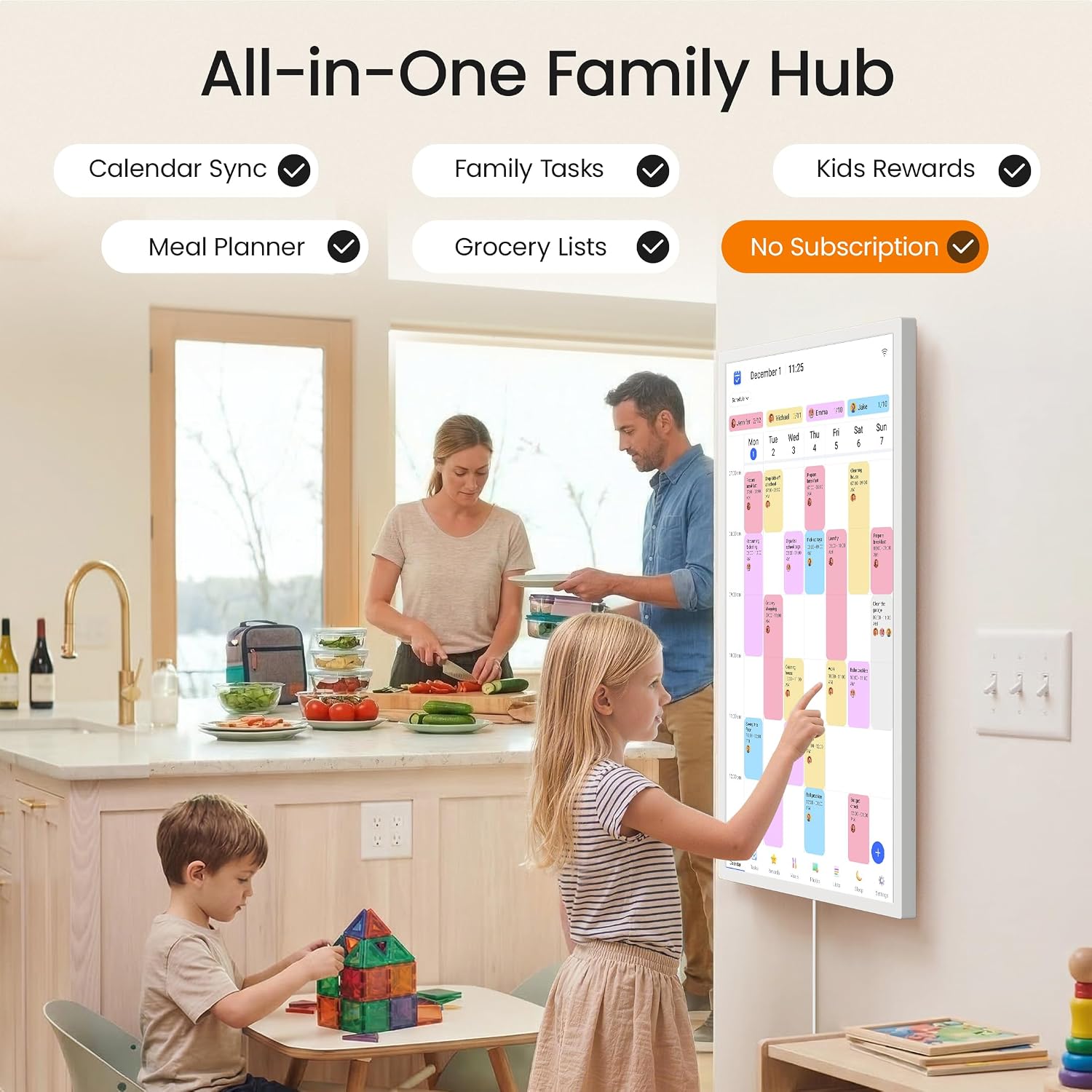
The main display is a 32-inch touchscreen. The calendar can combine multiple personal calendars, including iOS and Google calendars, in one interface. The description also lists a chore chart, dinner plan, grocery list, and a photo-frame feature, it does not specify display resolution or dimensions beyond the screen size.
A practical use is to place the screen where the family already passes during the day. One person can check the dinner plan while another sees a chore assignment, with color coding helping distinguish schedules at a glance. When the calendar is not in use, it can show family photos instead.
Getting the most from it
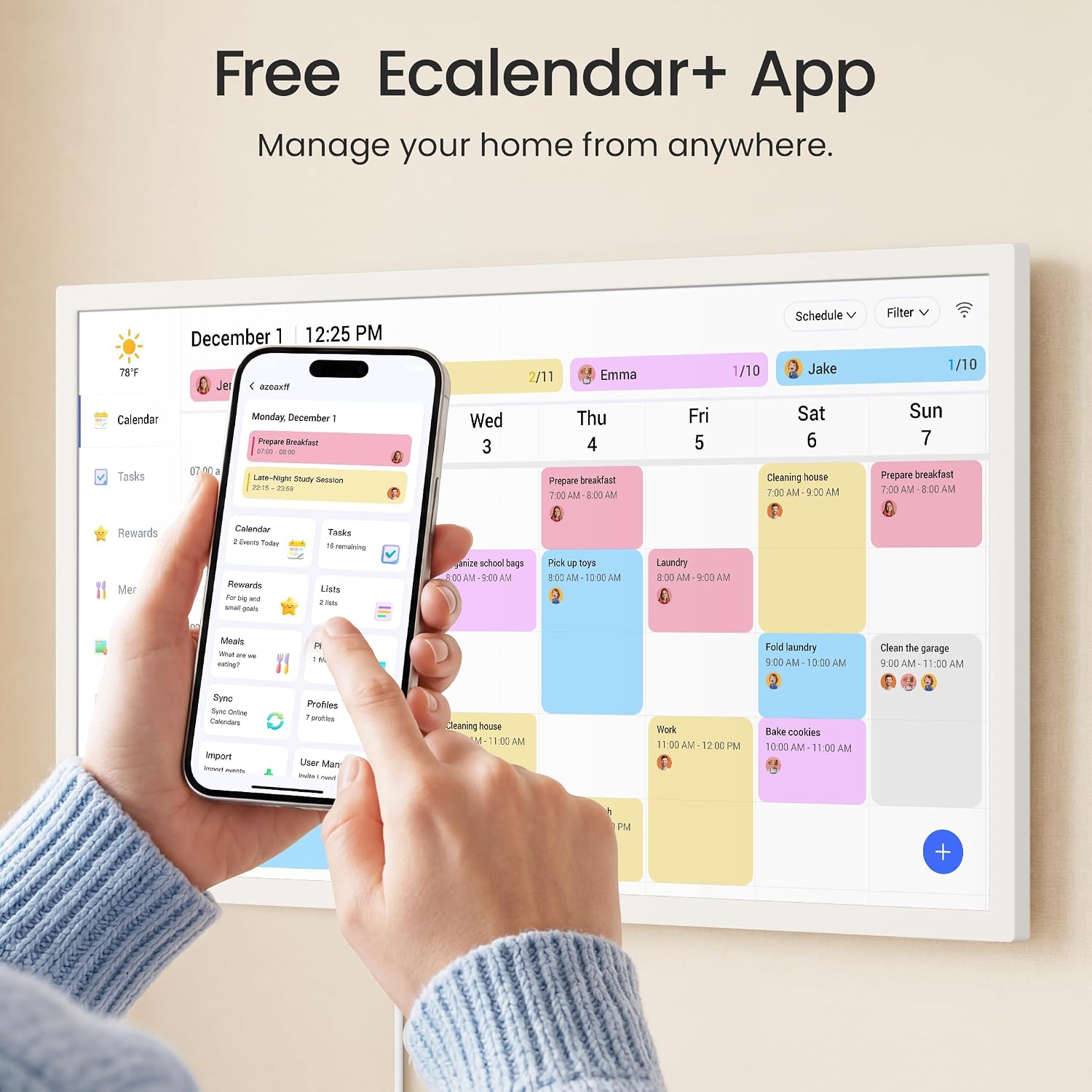
Setup calls for plugging in the display, connecting it to Wi-Fi, and linking calendars through the eCalendar app. The product description names iOS and Google calendars, but does not give a broader compatibility list. If your household relies on a different calendar service, that missing detail matters before choosing it.

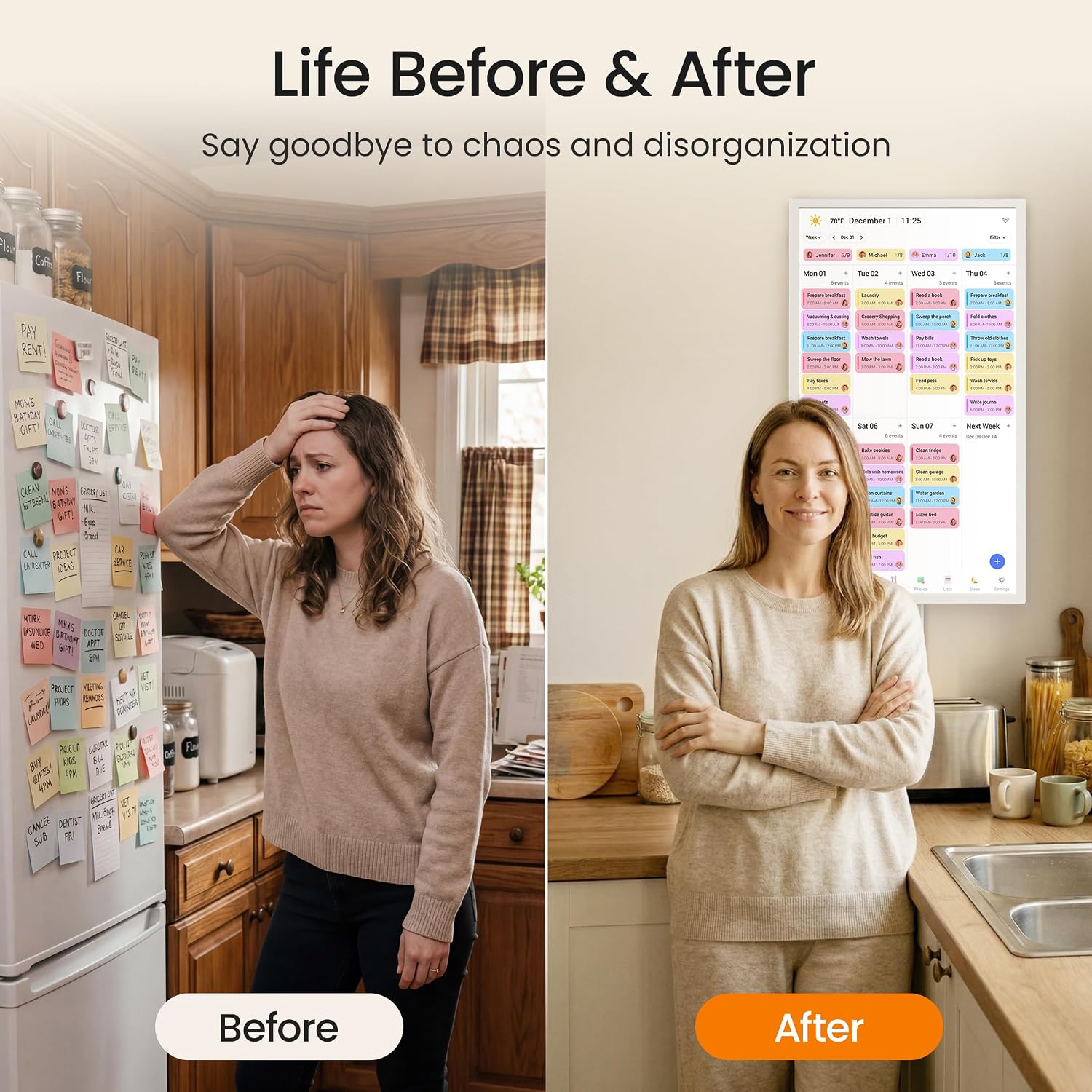
Compared with a paper wall calendar, this approach adds app-based updates and puts schedules, chores, and household lists on the same screen. It may suit a family that wants a shared visual hub, someone who only needs a simple place to write appointments may prefer a lower-tech planner with no Wi-Fi setup.
Usage tips
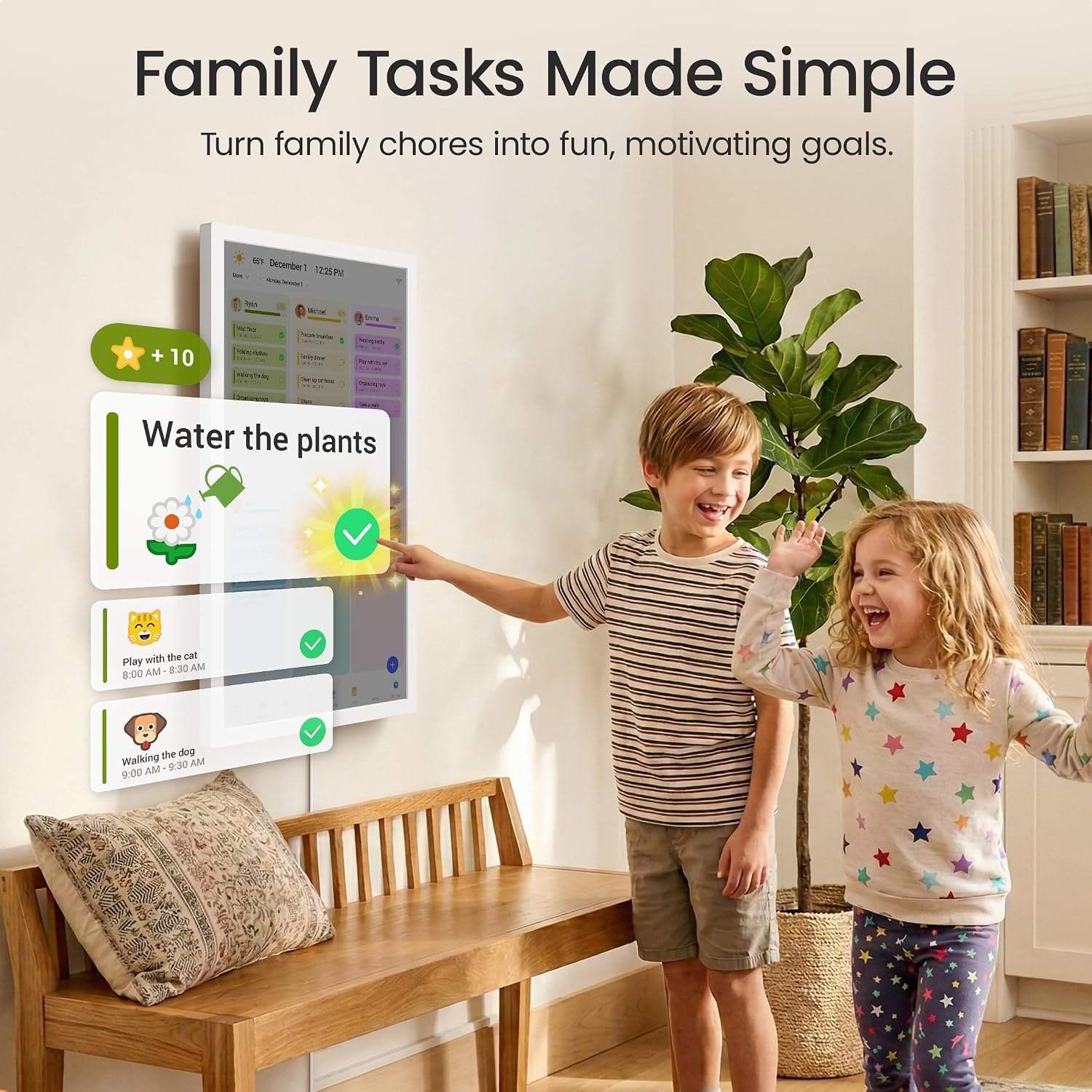
Give each family member a color and keep the display somewhere people naturally gather or pass. Add chores and dinner plans alongside appointments so the screen earns its space as a household organizer, rather than serving only as a calendar. The app also supports managing the calendar while away, which can help when plans change before everyone gets home.
A solid pick if your family wants shared schedules and routine tasks visible in one place. Not the best choice if you want a fully offline planner or need advanced import features without a paid add-on. The listing also does not state whether every calendar service you use is supported, so that could affect how useful the combined view is.
Before you decide
Can it combine more than one calendar? The product description says it can sync multiple personal calendars, including iOS and Google calendars, into one interface.
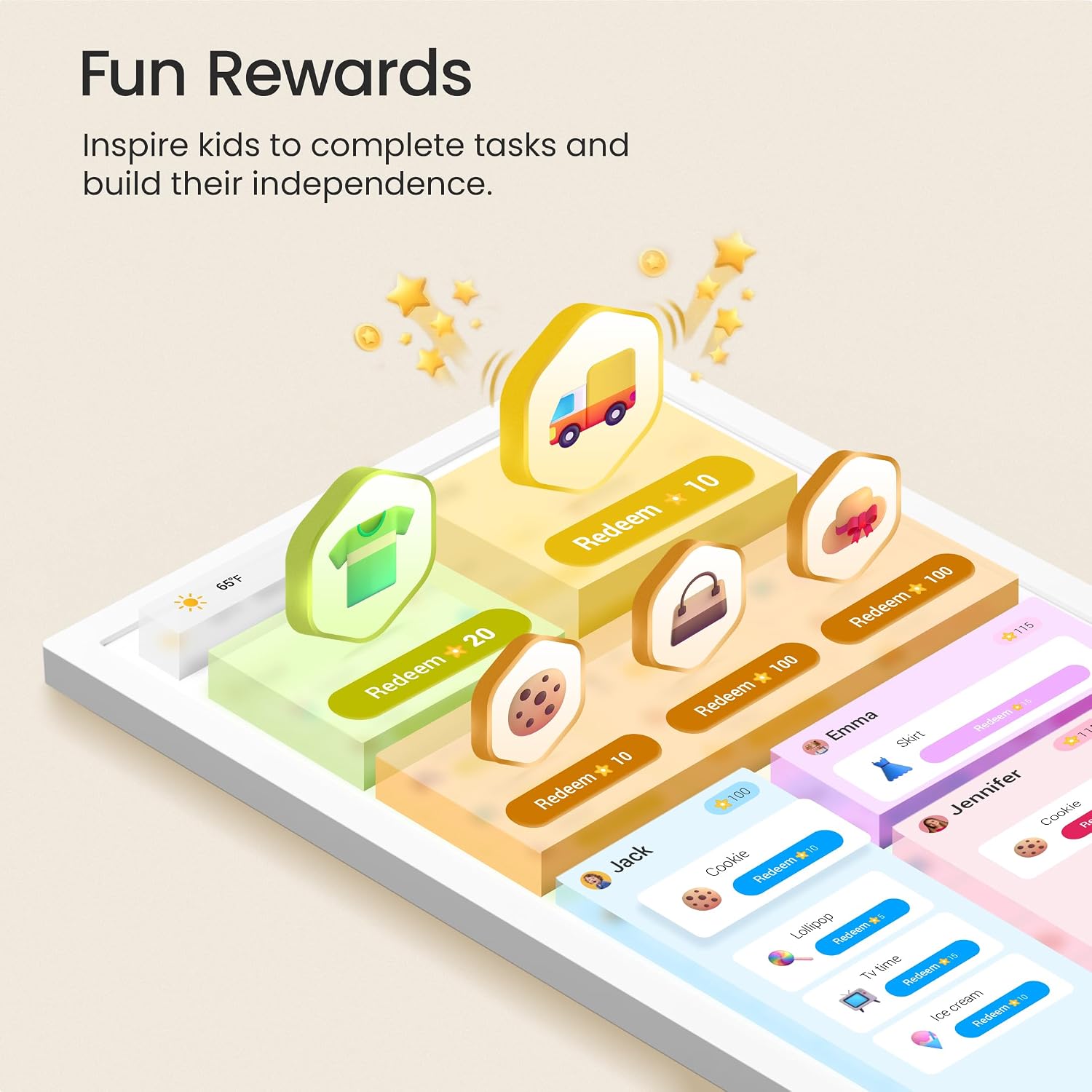
Can family members use it for chores and meals? Yes. It includes an interactive chore chart and a dinner planner, with tasks assignable to family members.
Does the display only show the calendar? No. It can switch to a digital photo frame when not in use, and the app also lists a grocery list among its free features.
Buying verdict
This is aimed at households that want a prominent, shared screen for schedules, chores, and dinner plans, with photos as an alternate display. Its 32-inch touchscreen gives the family plan a more visible role than a phone-only calendar, but the setup requires Wi-Fi and app linking. I’m assessing the listed features without having tried it. Choose it if a central digital hub would help your household stay coordinated, skip it if a basic paper calendar already covers the job or you need an offline setup.