

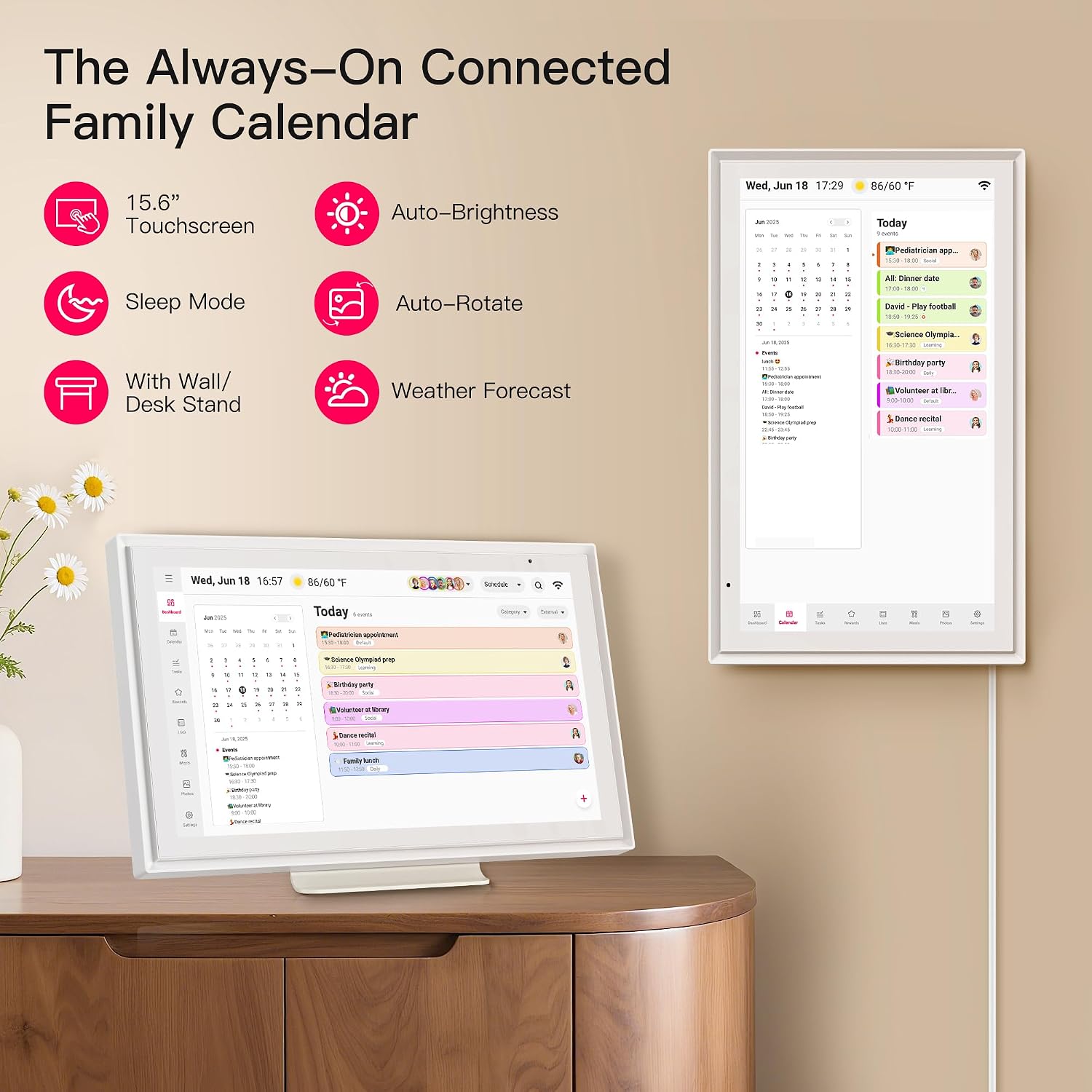
15.6-inch Family Digital Calendar
Product description
Families juggling school events, chores, and dinner plans may appreciate having one shared schedule in a visible spot. This 15.6-inch touchscreen calendar is designed to keep those daily details together.
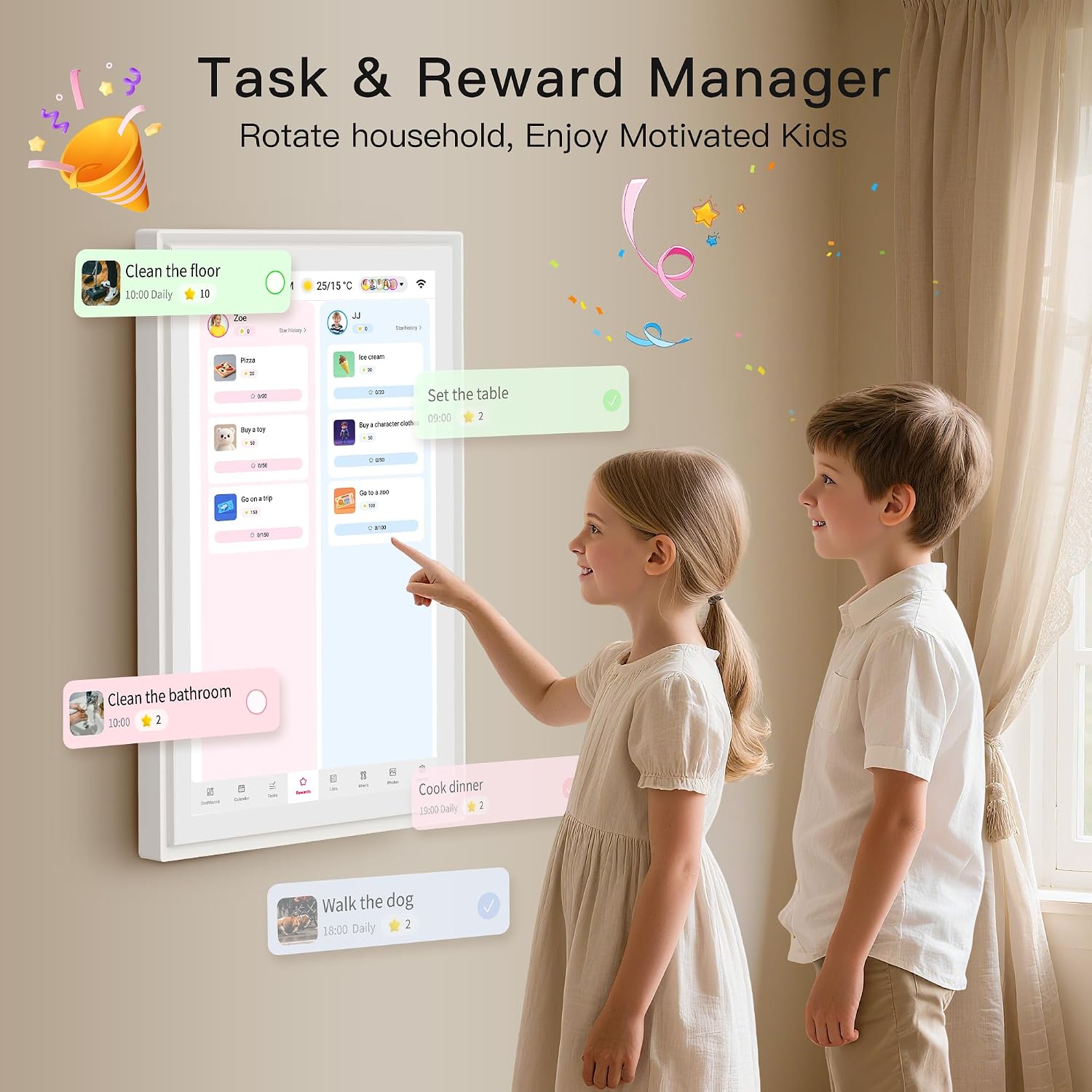
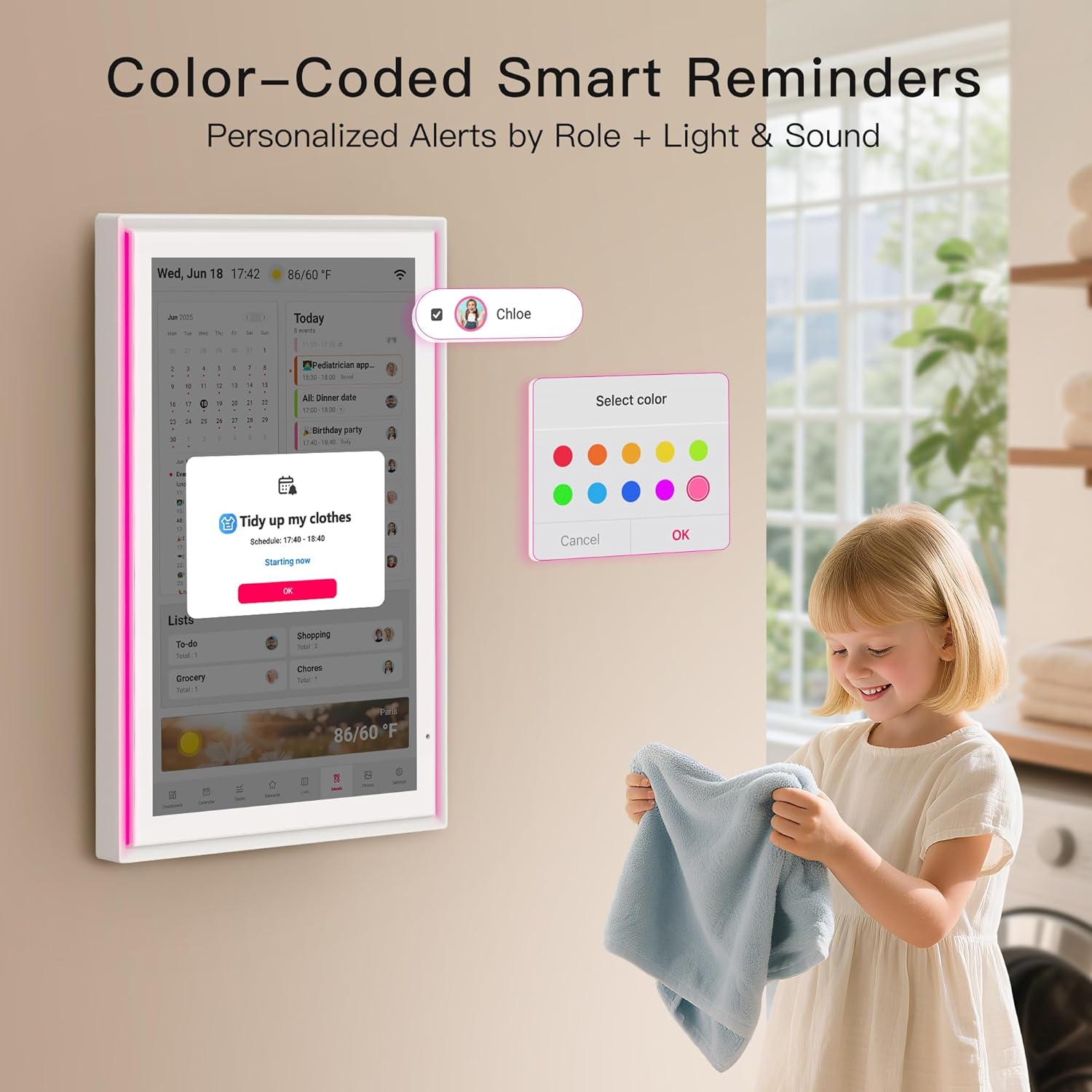
It also gives kids a place to see chores and rewards, while each family member can have a distinct LED color and sound reminder.
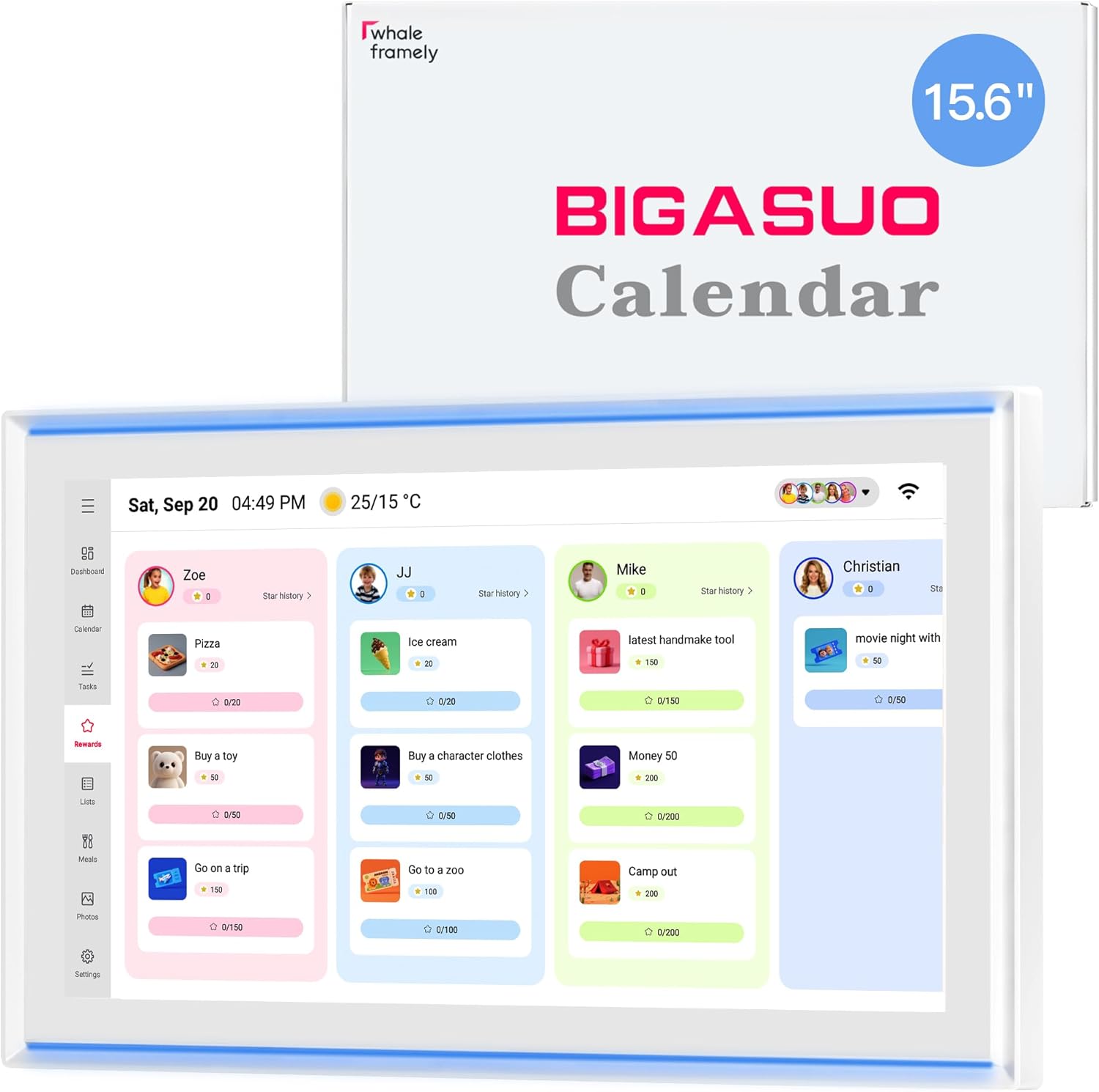
When the schedule is quiet, the screen can display photos or videos. That makes it more than a calendar, though it does ask for a permanent place in your home.
Technical details
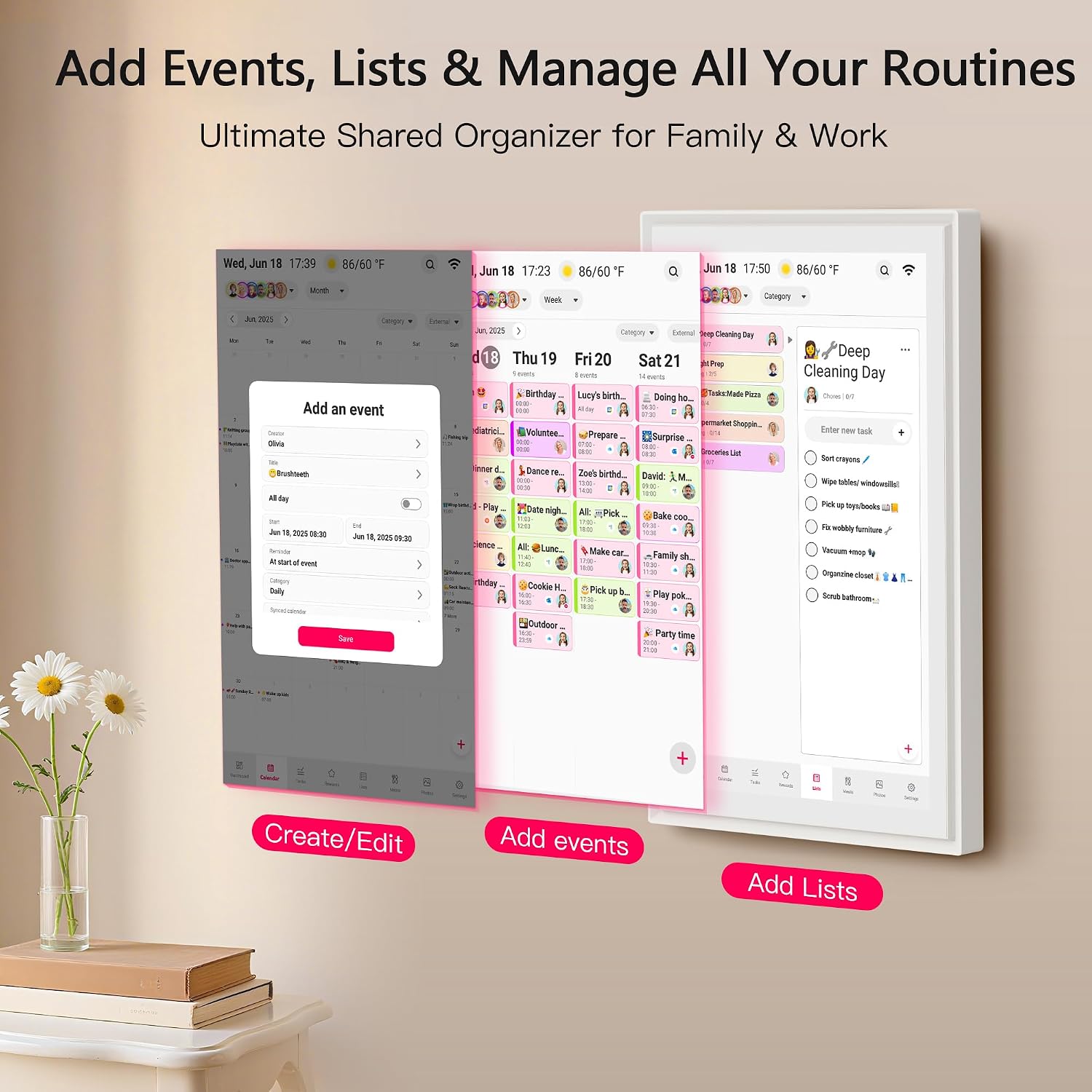
The 15.6-inch screen has FHD resolution and supports day, week, and month views. You can organize events, chores, rewards, and meal plans, then use color-coded reminders to make it easier to tell whose event is coming up. Weather display, auto-brightness, screen rotation, and sleep mode are also listed.
It can be mounted on a wall or placed on a desk. The screen doubles as a digital photo or video frame when you are not using the calendar. There is no subscription fee listed, and the product description says updates are free. One practical constraint: it plugs in, so placement depends on having power nearby.
What it works with
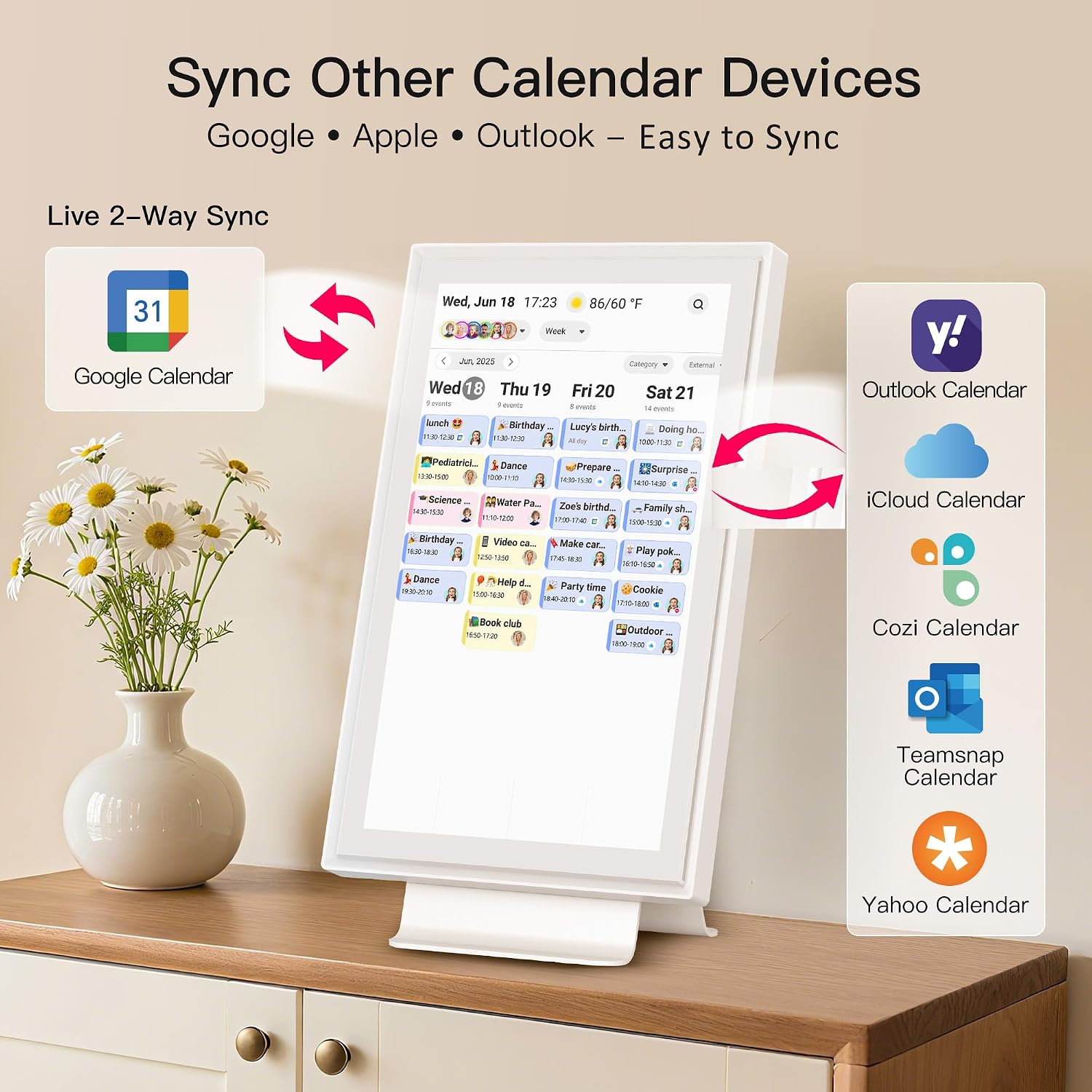
The calendar supports syncing with Google Calendar, Outlook Calendar, and iCloud Calendar, along with other platforms. Two-way sync is specified for Google, iCloud, and Outlook, so edits made on a phone or on the calendar can update across those calendars. The Whale Framely app is used to create plans from a phone, including when you are away from home. Wi-Fi is required for setup and syncing.
That makes it a different approach from a paper planner on the refrigerator: household members can manage plans from their phones, while the larger screen keeps the shared view visible at home. If your household does not use online calendars or does not want another connected screen, a simple wall calendar may be easier to maintain.
Usage tips
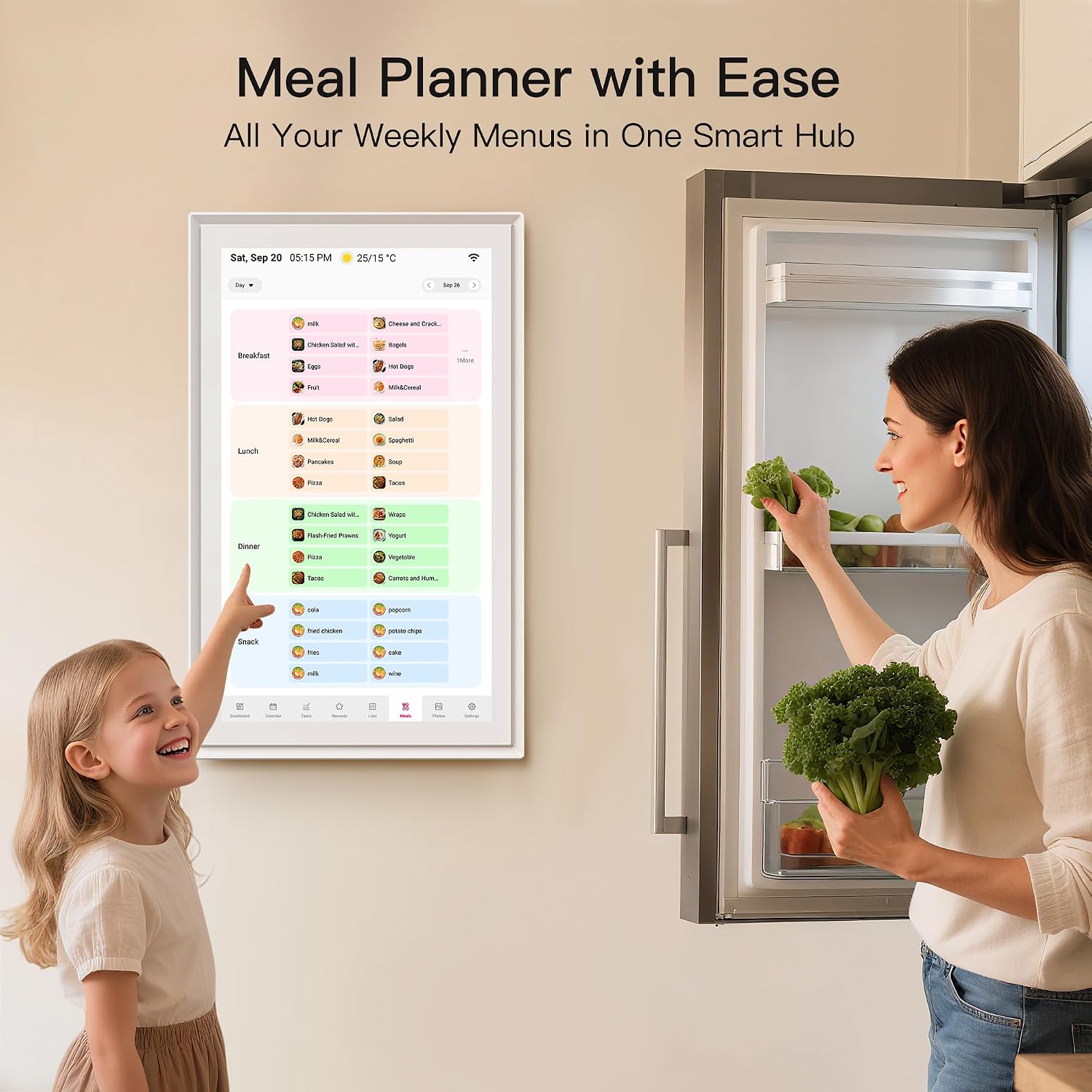
Place it where people naturally pause, such as a kitchen or shared living space, so the day’s schedule is easy to scan. Give each person a color and use the day, week, or month view that fits the conversation: today’s pickup plans call for a quick daily glance, while meal planning is easier to map across the week.
Try entering chores and rewards alongside the family schedule rather than treating them as a separate system. Before relying on reminders, set up the calendar and connect the household calendars you want to sync. The product description does not specify battery operation, so plan on using it near an outlet.
Questions before you buy
Can family members update events from a phone? Yes. The Whale Framely app lets you create plans on a phone, and the listed calendar services support syncing. Two-way sync is specified for Google, iCloud, and Outlook.
Can it show anything besides the schedule? Yes. It can display photos or videos when it is not being used as a calendar.
Does it need Wi-Fi? Yes. Setup calls for a Wi-Fi connection, and online calendar syncing depends on that connection.
Final verdict
It makes sense if your household wants a shared, always-visible hub for schedules, meal plans, and chores, especially when family members already use Google, Outlook, or iCloud calendars. The color reminders and photo-frame mode add practical uses beyond checking appointments.
It might not be a great match if you want a paper-simple planner, have no convenient place near power, or would rather avoid Wi-Fi-connected household devices. Choose it for a centralized family display and phone-based syncing, choose a basic calendar for a lower-tech routine.