


Webcam Cover Slide 6-Pack: Ultra-Thin Privacy Shields for Laptops, PCs, and Apple Devices
Product description
What this is and what it’s for
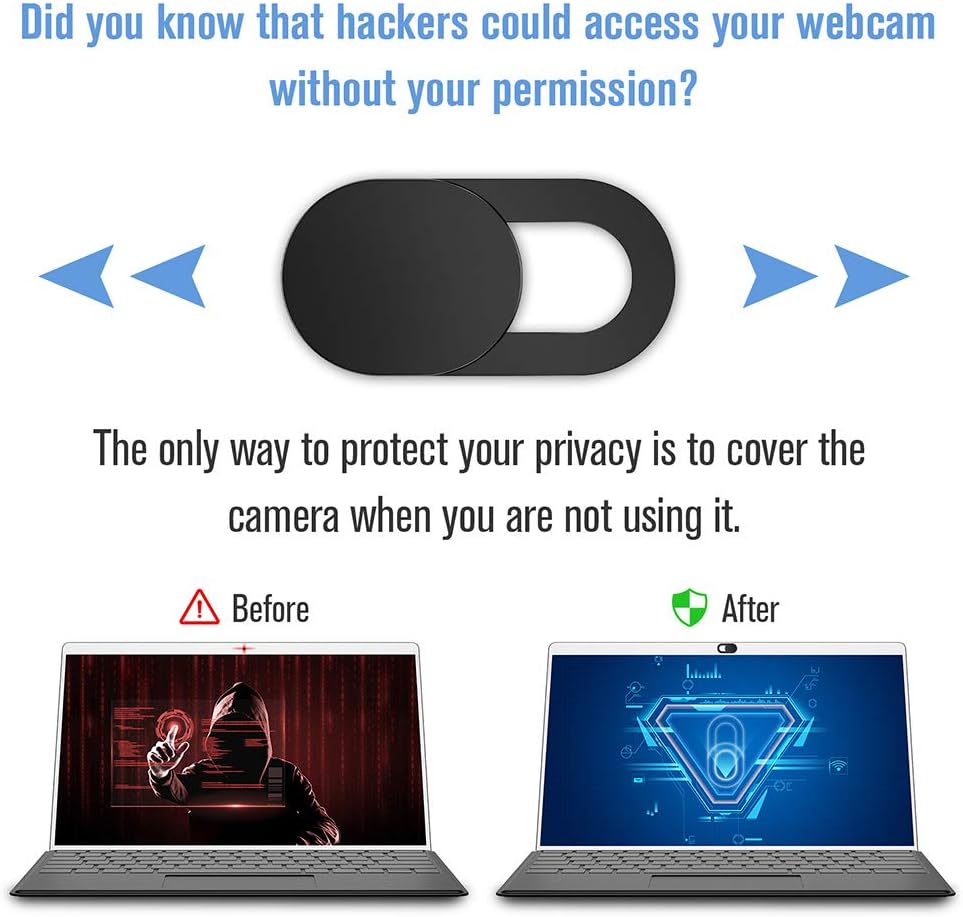
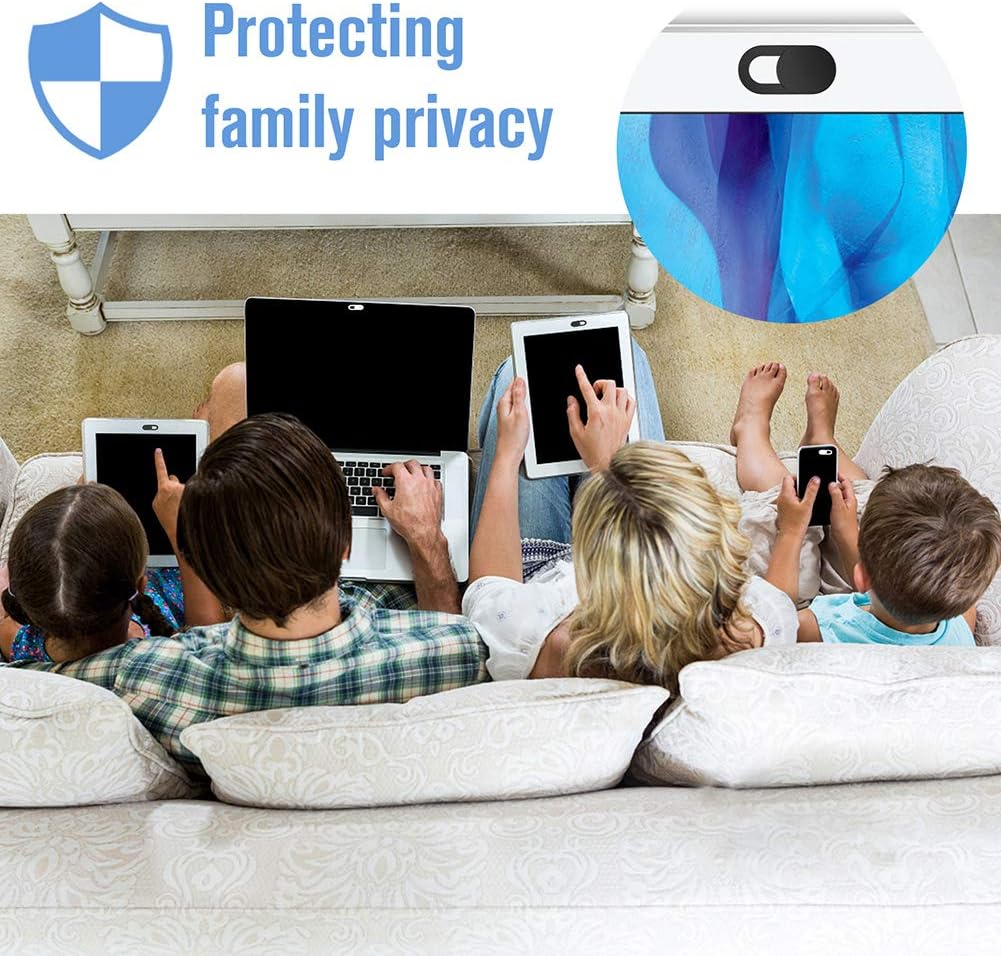
This Webcam Cover Slide is a set of six ultra-thin privacy shields designed to block cameras on laptops, desktops, tablets, and certain Apple devices. The idea is simple: slide the cover closed to prevent unauthorized access to your camera and protect your privacy in everyday digital life. It’s a small, tactile accessory that reduces the risk of unwanted surveillance without getting in the way of normal use.
How it works and who it helps most
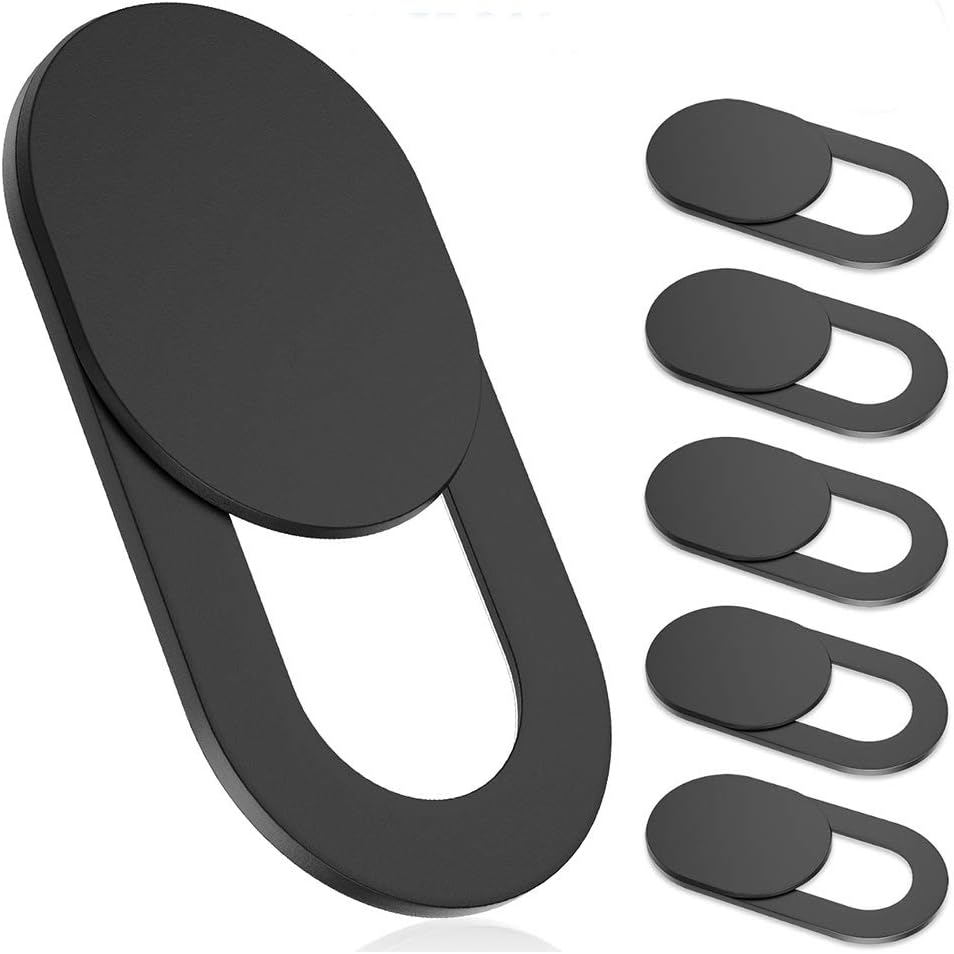
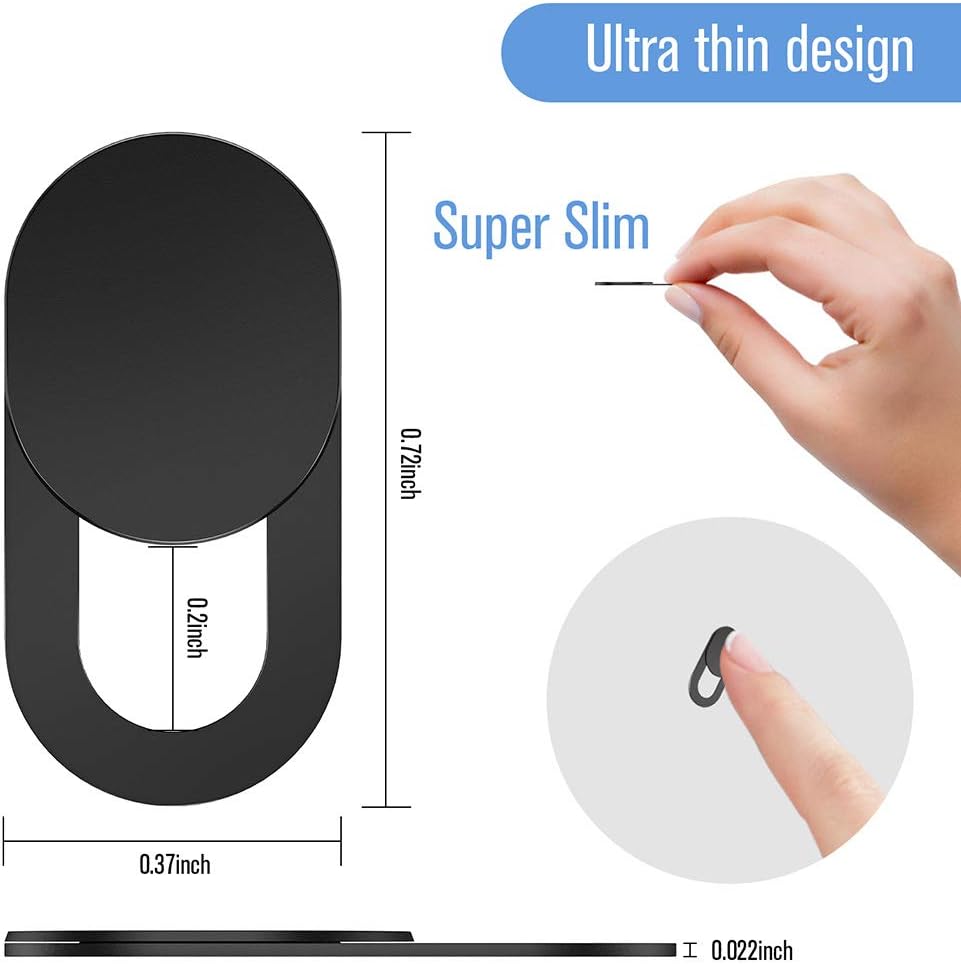
The covers are made from flexible ABS material and are only 0.022 inches thick. That slim profile is meant to avoid any interference with screen closure or device aesthetics. A strong adhesive backs each piece so the cover stays put after installation. If you value a quick, unobtrusive privacy barrier that you can deploy across multiple devices, this six-pack makes sense because you can shield family laptops, tablets, and occasional-use devices with a consistent approach.
Pros: what stands out on paper
- Ultra-thin, low-profile design minimizes bulk and keeps lids fully closed on most devices.
- Simple, tool-free installation: peel and stick, press for 10 seconds, and you’re set.
- A six-pack provides value for households or shared workspaces where several devices need coverage.
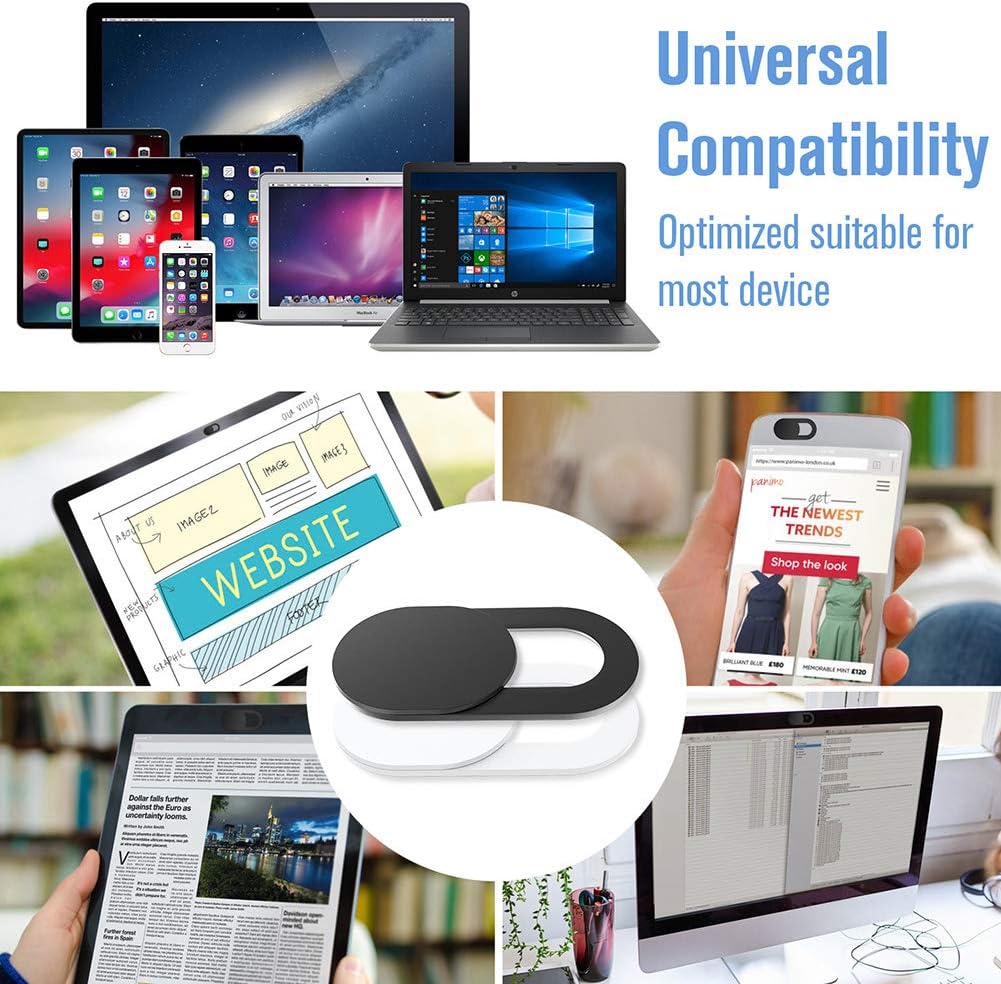
- Broad compatibility includes common laptops and certain Apple devices, plus some smart displays where a front-facing camera exists.
- Privacy focus: sliding mechanism offers quick, physical camera blocking instead of software toggles.
Cons: limitations to consider
- Adhesive-based installation can be less durable on irregular surfaces or over time with heavy handling.
- The product listing notes compatibility with various devices but doesn’t guarantee fit on every model or newer devices that might have slightly recessed cameras.
- No reusability claim is stated beyond the adhesive option, removing and reusing on another device would depend on the adhesive’s residual strength.
- Given the very slim thickness, it’s a basic blocking solution and may not deter more sophisticated privacy concerns beyond camera access.
How to use it: practical tips
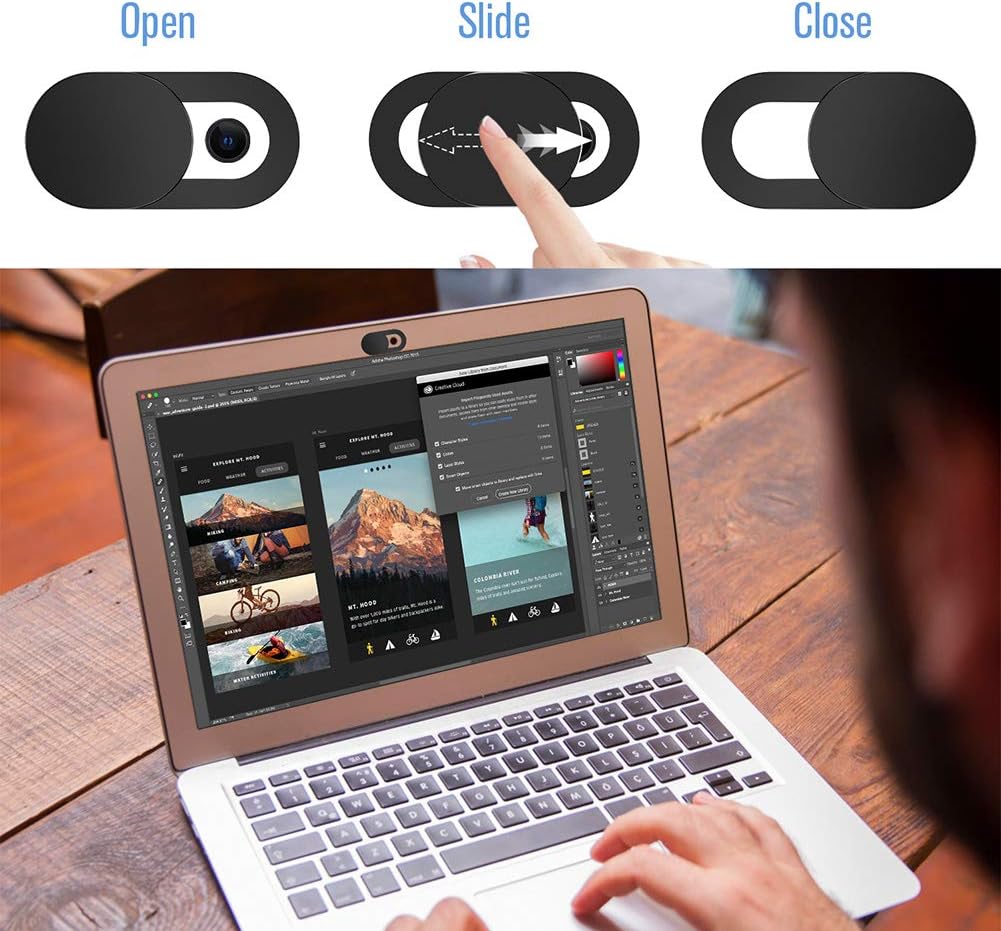
1) Clean the camera area on each device to ensure the adhesive sticks well and the cover sits flat. 2) Peel off the backing and align the cover precisely over the camera lens before pressing firmly for about 10 seconds. 3) For devices with multiple cameras or unusual camera placements, test the slide alignment to ensure it doesn’t obscure nearby sensors or microphones. 4) If you rotate devices regularly, you may want to keep a spare cover in the box for quick reapplication on a different machine.
Who it’s for
If you’re concerned about webcam privacy and want a simple, low-cost way to block access when not in use, this six-pack is a practical option. It’s particularly appealing for households with multiple laptops or for small teams where you want a consistent physical privacy solution across devices. It’s also useful for travelers or students who carry devices between locations and want a portable, non-software method to mute camera risk.
Who it may not suit
If you rely on cameras for frequent, quick video use, you might prefer a solution that can be moved or removed without re-sticking. If you own devices with camera placements that don’t align well with these covers or if you require a more durable, reusable mechanism, a different approach could be preferable.
When to consider buying
- You want a quick, physical privacy layer across several devices without software setup.
- You value a minimal thickness that won’t interfere with closing lids or camera alignment.
- You’re okay with adhesive-based installation and potentially reusing covers if the backing remains strong.
What to review before purchase
- Confirm device compatibility with the camera placement you intend to shield.
- Check the adhesive backing and ensure you’re comfortable applying on the screen bezel or camera housing—surface texture matters.
- Consider whether you want a six-pack for future devices or ongoing use, rather than a single cover.
- If you expect to remove and reuse, test how well the adhesive releases and whether residues stay behind.
Practical comparison: other ways to protect privacy
Compared to software-only camera blockers or full hardware shutters, these covers offer immediate, tactile control without needing settings changes or enabling/disabling features. They’re not a perfect fit for every device, and they won’t armor against more sophisticated intrusion methods, for that, a comprehensive privacy approach would include software controls, updated firmware, and secure network practices. For many users, a lightweight, inexpensive physical shield is a sane first line of defense.
What you’ll notice in use
In everyday scenarios like remote work or online classes, you can slide the cover closed during moments you’re not actively video-calling, then reopen as needed. The extremely slim profile means you barely notice the layer when the device is closed, and most people won’t report adding noticeable bulk or affecting screen hinge behavior.
Final decision: Is it worth it?
It’s worth considering if you want a simple, inexpensive, multi-device privacy solution that’s easy to implement and doesn’t require software. It’s a practical everyday option for people who don’t mind the adhesive-based installation and who want a consistent approach across several devices. If you’re looking for a more durable, reusable, or highly configurable cover, you may want to explore alternatives, but for a basic privacy shield in a six-pack, this is a reasonable starting point.
FAQ
- Do these covers interfere with camera quality? Generally no, as they sit over the lens rather than in front of it, however, keep an eye on alignment to avoid partial obstruction.
- Are they reusable on other devices? Reuse depends on adhesive residue, some users may transfer the cover to another device if the backing remains strong.
- Will the adhesive damage screens? It’s designed to be used on screen bezels and cameras without scratching, cleaning the surface before application helps reduce risk.
- Do they work with all laptop brands? They’re designed for broad compatibility, but fit can vary with unique camera placements or new device designs.