

WAVLINK USB to Dual HDMI Adapter 1080p@60Hz
Product description
Key takeaways
If you need a cleaner, more productive dual monitor setup without complicated cabling, the WAVLINK HDMI Splitter Extended Display for Dual Monitor delivers a practical extended display experience through a single USB connection. It lets you extend your desktop across two screens or mirror them when that’s the workflow you want. For everyday web work, spreadsheets, and document editing, it helps you keep more content visible at once, which can reduce the constant tab switching and window juggling. 🖥️✨
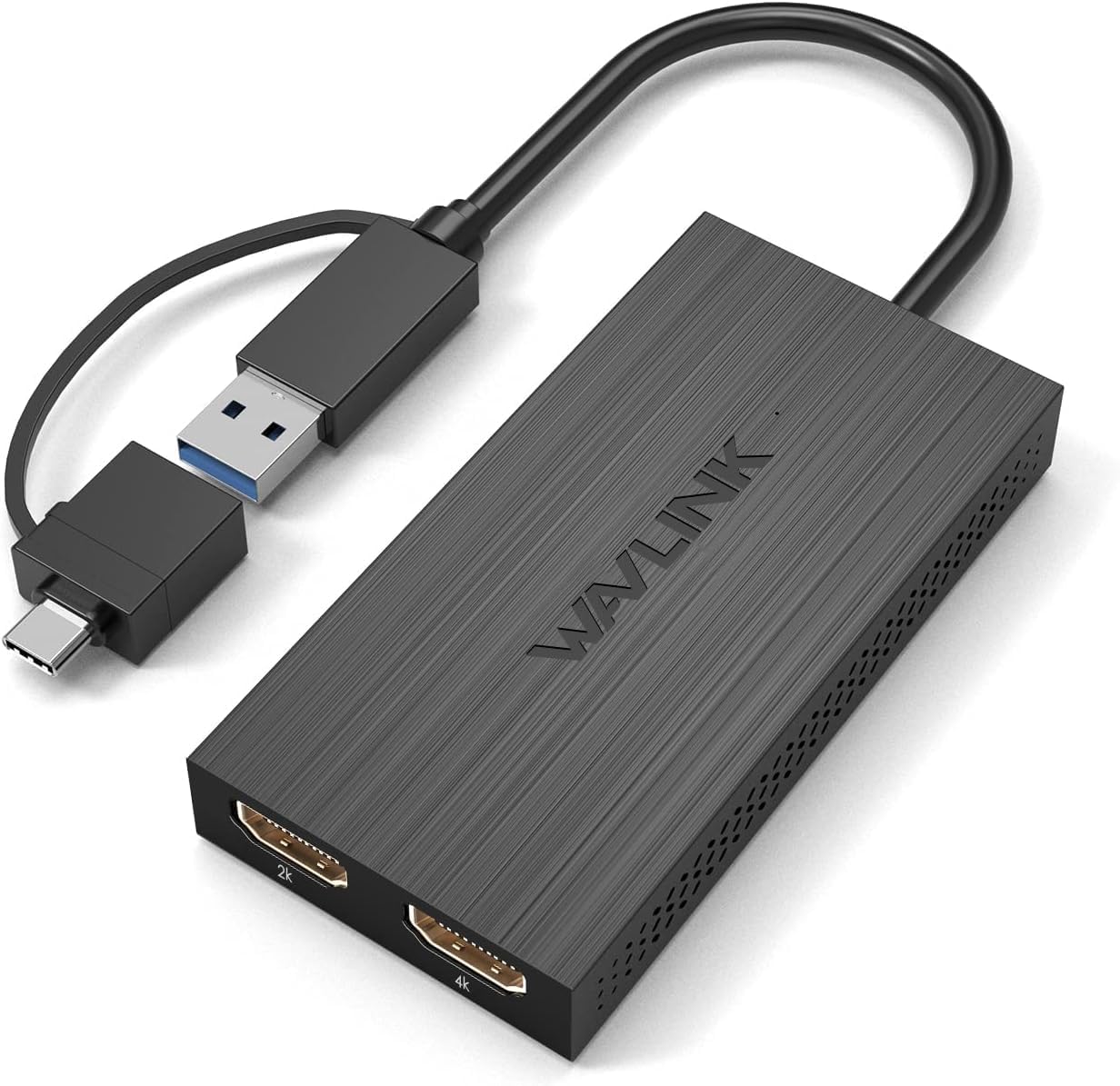
The adapter supports up to 4K30Hz and specific multi-display modes based on the source and target resolutions. Keep in mind that driver installation is required, so it is not a true plug and play setup. Also note that it does not support HDCP protected streaming content like Netflix and Hulu. 📌
Key features
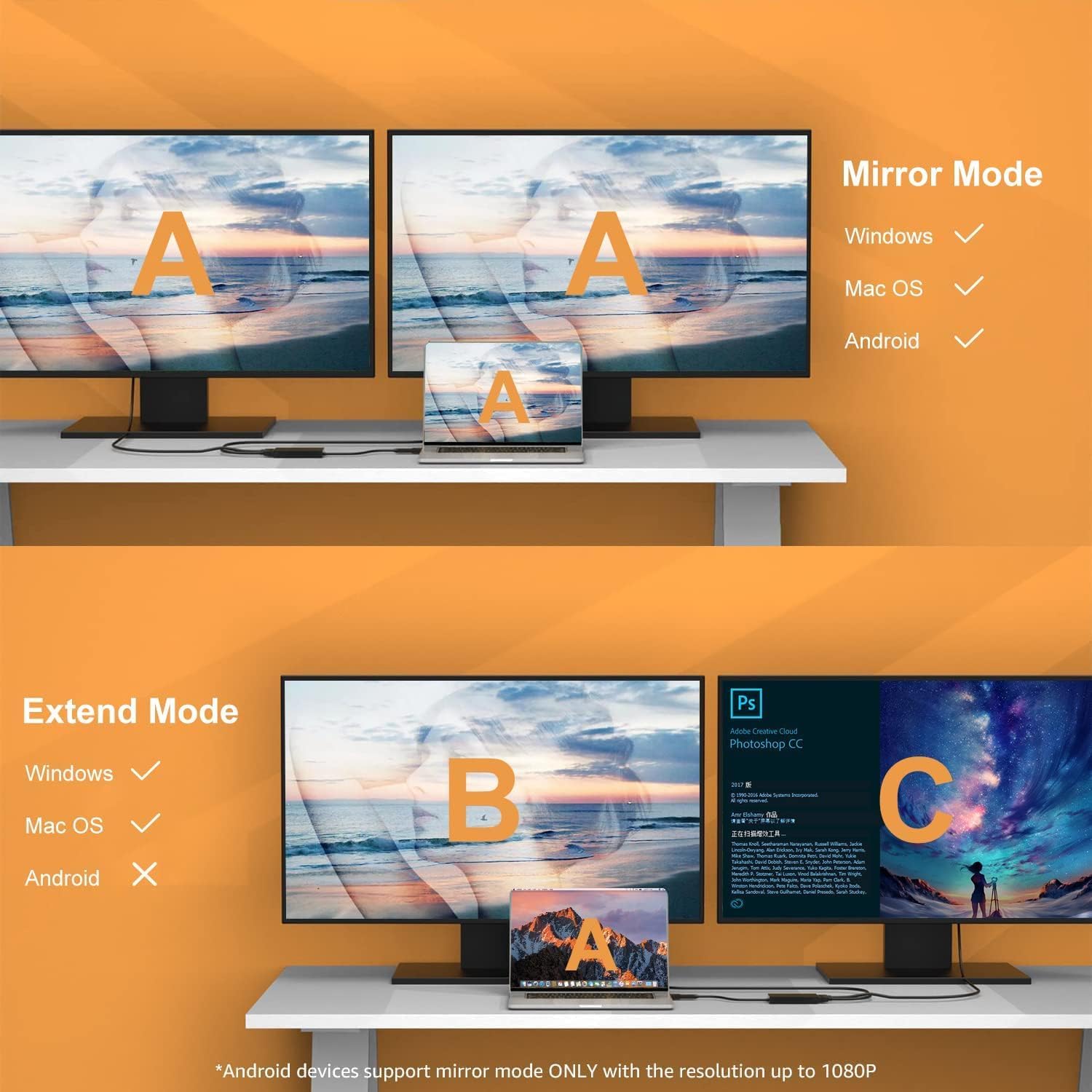
The core idea is simple, you connect the adapter to your host computer through USB, then output dual HDMI signals for two monitors. The product is designed for extended desktop use, and it also supports mirroring if you want the same view on both displays. Depending on your system and monitor capabilities, you can aim for up to 1920x1080@60Hz, or use combinations such as 1x2560x1440@60Hz plus 1x1920x1080@60Hz, according to the manufacturer. 🧠
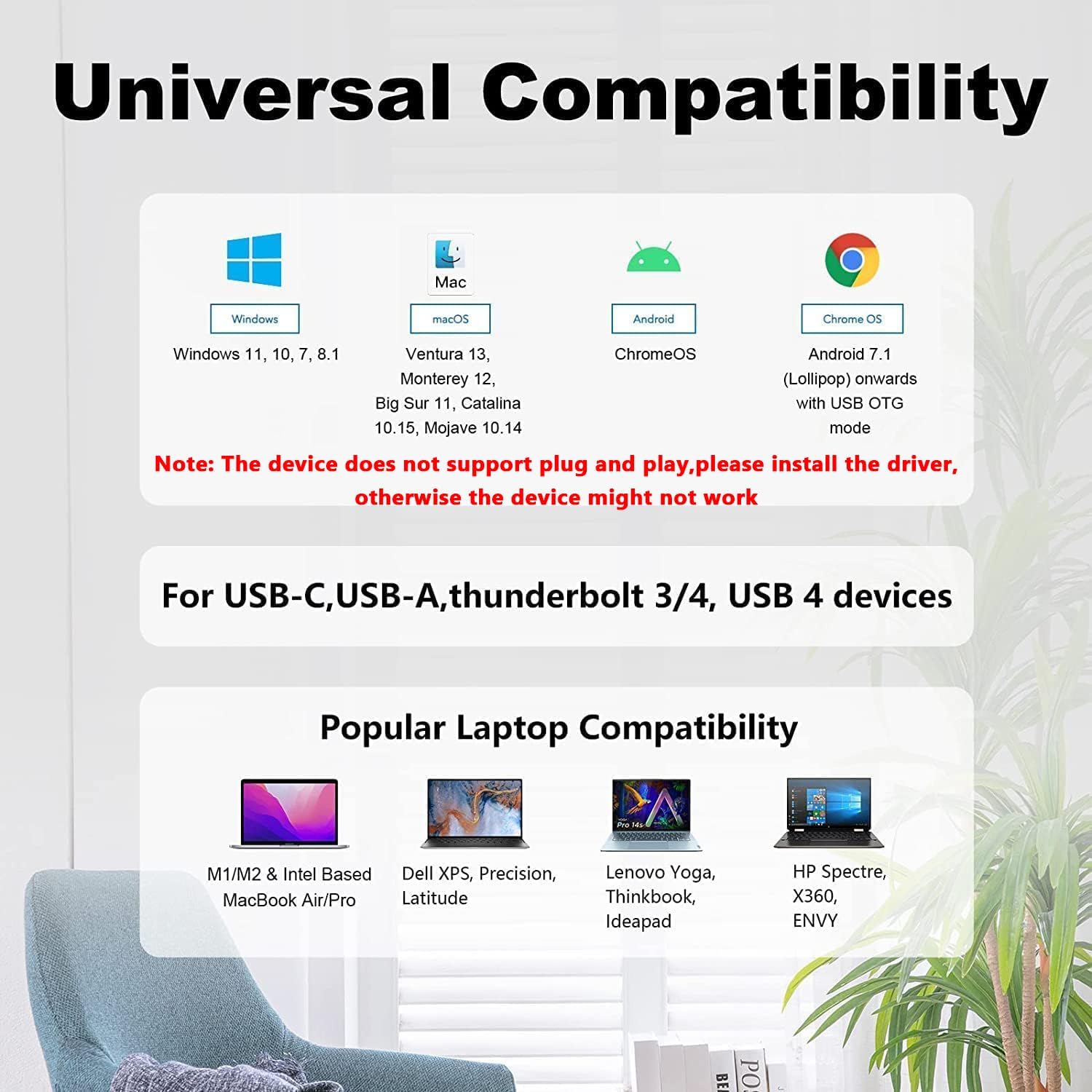
Compatibility is broad across common operating systems used for office and productivity tasks. It is listed as working with Windows 7, 8, 8.1, 10, and 11, plus Mac OS 10.10 or later, and Chrome OS. Android devices are supported for mirror mode when using OTG, with resolution support up to 1080P via USB-C or USB 3.0 to HDMI adapter. There are also important exclusions, it is not compatible with Linux and i-Pad OS.
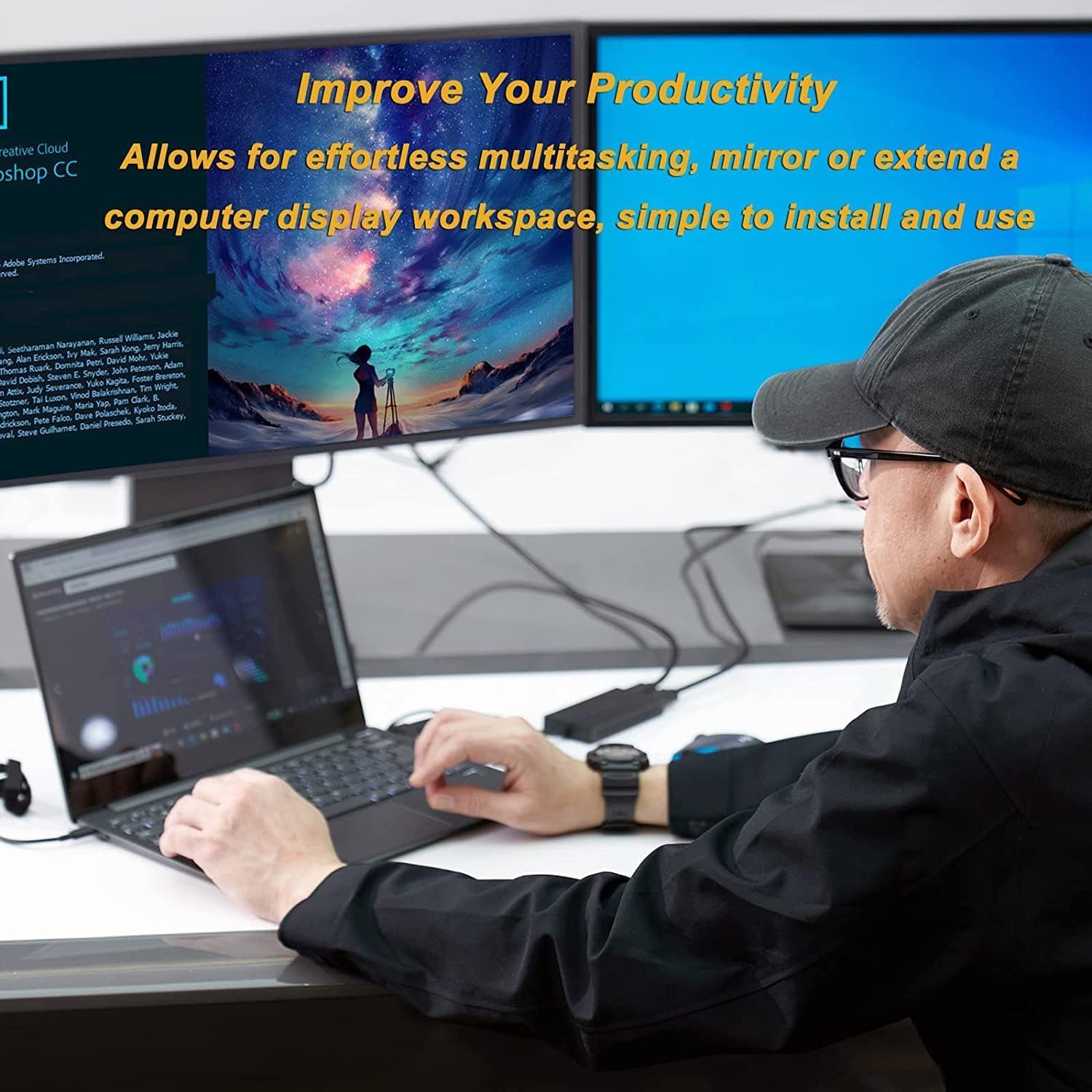
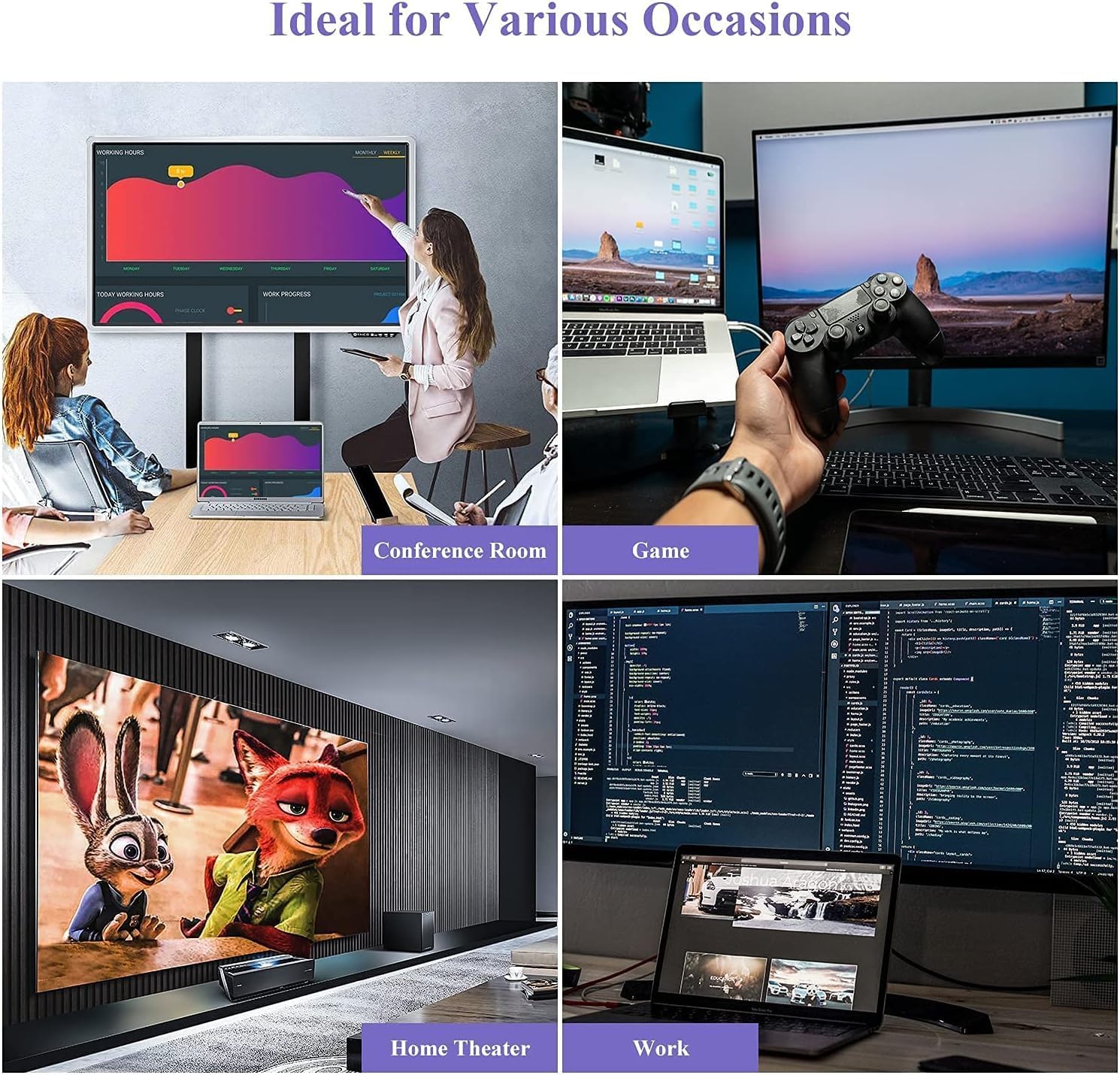
WAVLINK HDMI Splitter Extended Display is most useful when your goal is multi tasking with productivity applications like Google Docs or Windows Office. The manufacturer also explicitly notes that the USB-C to HDMI adapter is not recommended for gaming, graphic intensive, or design work. If your priorities are smooth creative rendering or high performance graphics workloads, you may want to reconsider and choose a different approach.
Tech specs
- Type: USB to dual HDMI display adapter
- Resolution support: Up to 1920x1080@60Hz
- Multi display example: 1x2560x1440@60Hz plus 1x1920x1080@60Hz
- Additional support: Android mirror mode up to 1080P with OTG
- Display modes: Extend or mirror screens as desired
- Cable length: 12 cm or 4.7 inches
- Warranty: 24-month worry-free warranty with lifetime technical support
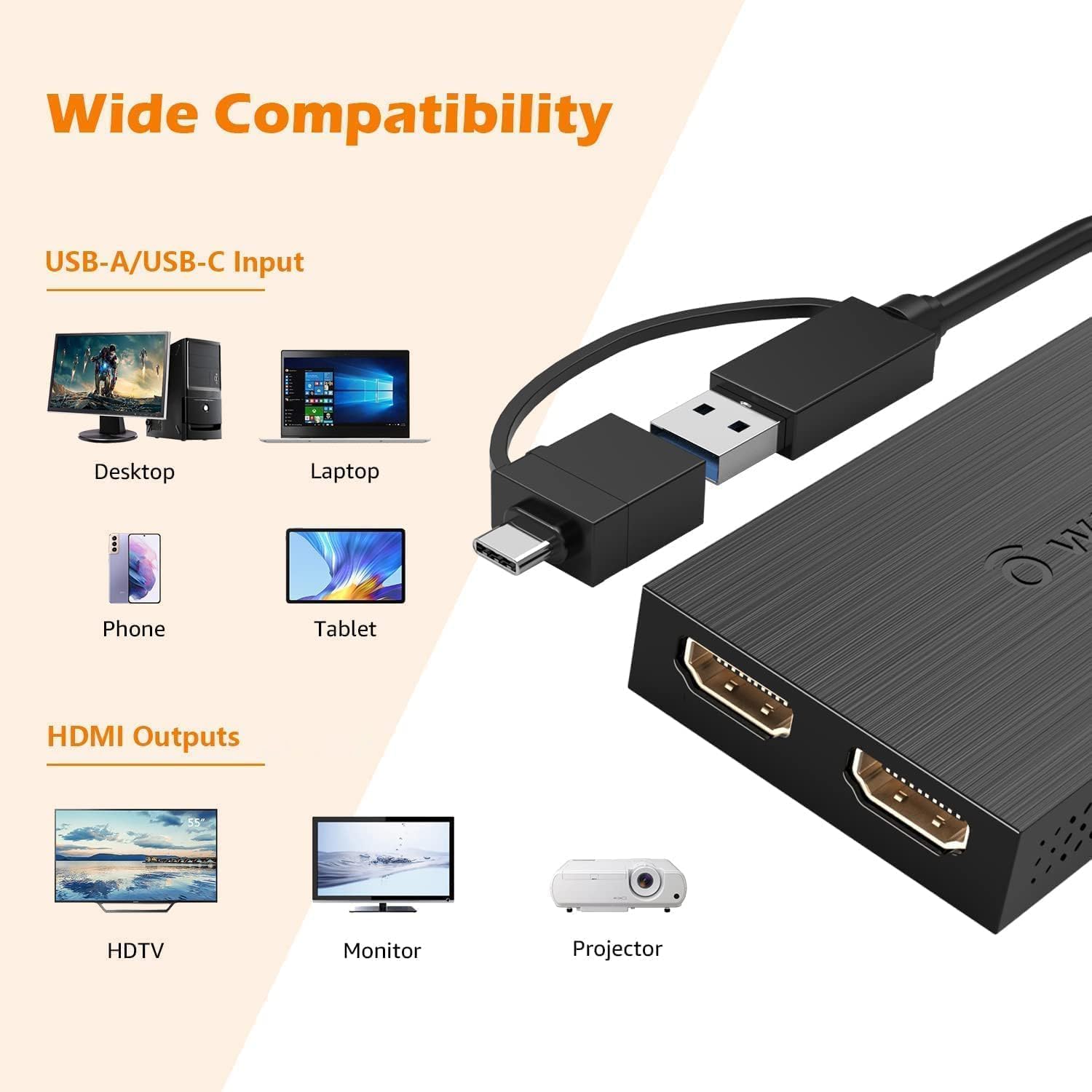
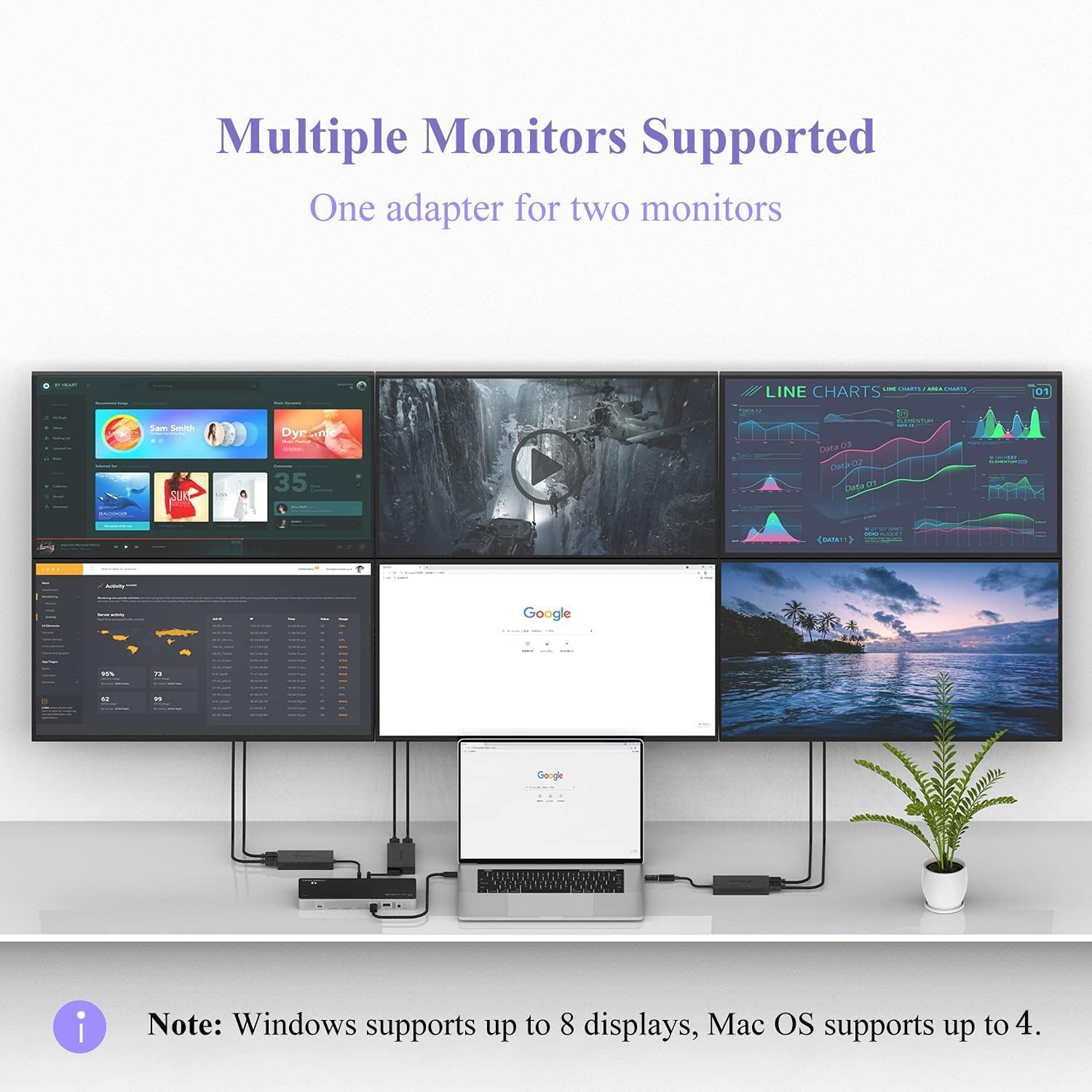
Tech specs and compatibility notes
Driver installation is required, and the adapter does not support plug and play. The documentation asks you to follow the instructions to download the latest driver, so plan for that setup step before you expect the displays to show up. If you are building a multi monitor workspace for office tasks, this extra setup time is often worth it because it can simplify how you add screens.
It also does not support playing HDCP protected content on websites such as Netflix and Hulu. That limitation matters if you plan to use the monitors for streaming or for content protected by HDCP. For day to day work like docs, spreadsheets, and general browsing, the product is positioned to fit those needs more closely than media playback.
What you get and who it’s for
In the box, you receive 1 USB 3.0 to HDMI dual display adapter with a 12 cm or 4.7 inch cable, plus a CD shaped card for driver download links, and a quick start guide. There is also a 24-month worry-free warranty and lifetime technical support, which can help if you run into setup questions.
It makes sense if you want dual screen productivity on Windows or Mac, especially when you are extending your workspace for everyday tasks. It might not suit you if you need Linux or i-Pad OS compatibility, or if your priority is streaming HDCP protected video on common sites. Also consider skipping it for gaming or high demand design and graphics work, since the manufacturer does not recommend it for those use cases.