

Acer ODK3A0 USB-C to HDMI Adapter, 4K, 100W PD and USB-A 3.0
Product description
The Acer ODK3A0 combines HDMI video, USB-A data, and USB-C power delivery in one compact hub. It gives a compatible laptop or tablet a practical way to connect to a display while keeping a USB accessory and charging cable available.
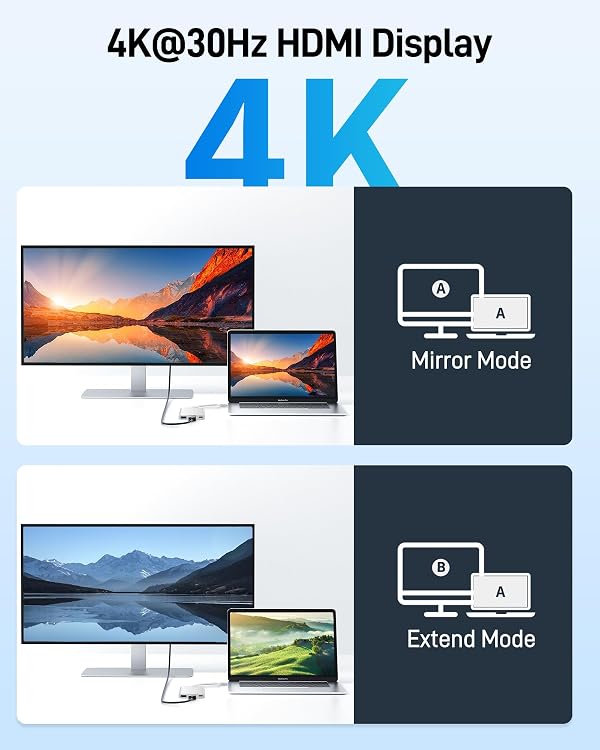
HDMI output supports resolutions up to 4K at 30Hz, making the adapter useful for presentations, streaming, and a larger desktop display. The connected host’s USB-C port must support DisplayPort Alternate Mode for video.
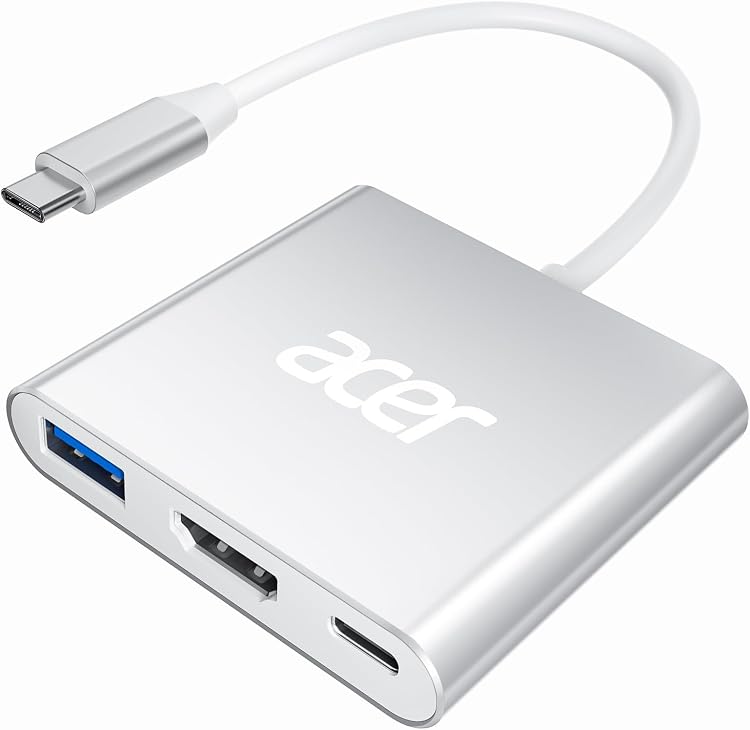
An aluminum enclosure and lightweight, portable design suit desk setups and travel alike. Plug-and-play operation means there are no additional drivers to install.
Key specifications
- Model: ODK3A0
- Color: Silver
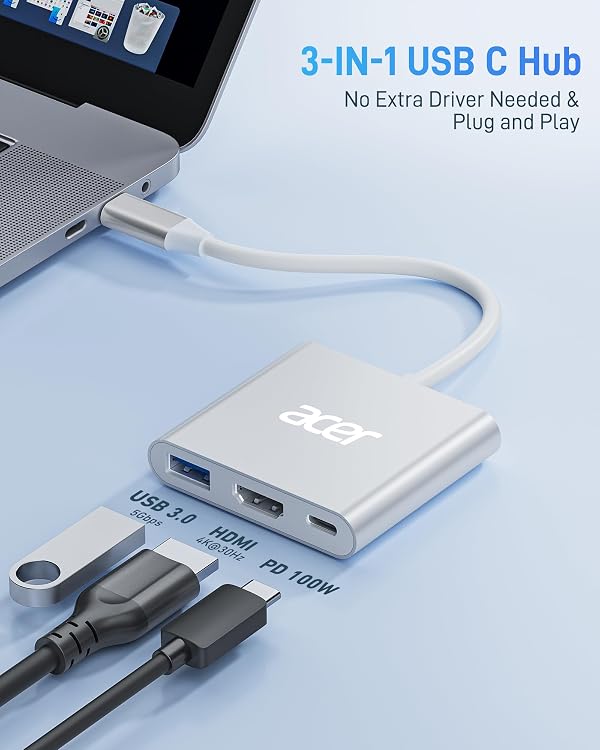
- Ports: HDMI, USB-A 3.0, and USB-C PD
- HDMI output: Up to 4K at 30Hz
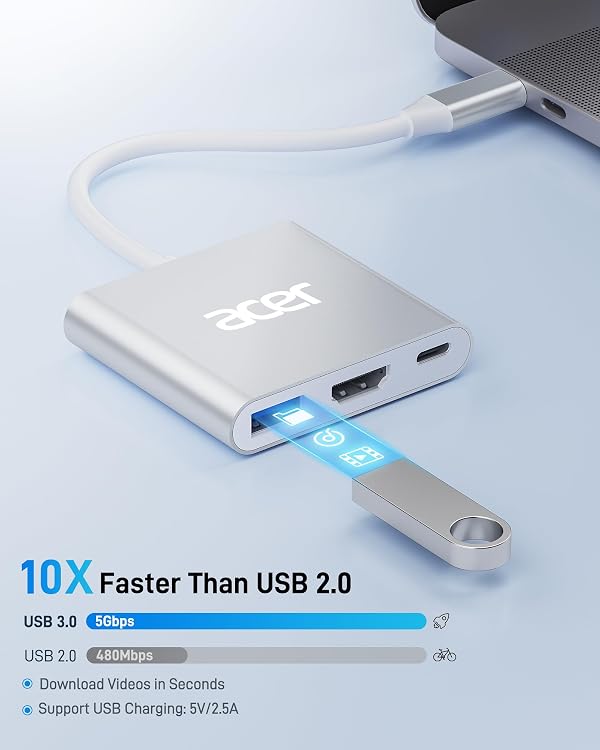
- USB-A data transfer: Up to 5 Gbps
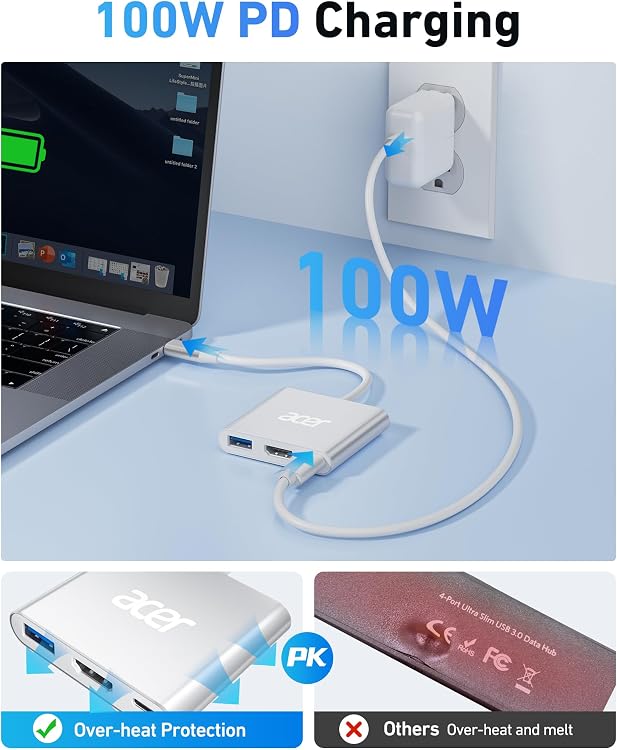
- USB-C power delivery: Up to 100W for charging the host device
- Enclosure: Aluminum
- Dimensions: 9.84 x 2 x 0.4 inches
- Weight: 44 g
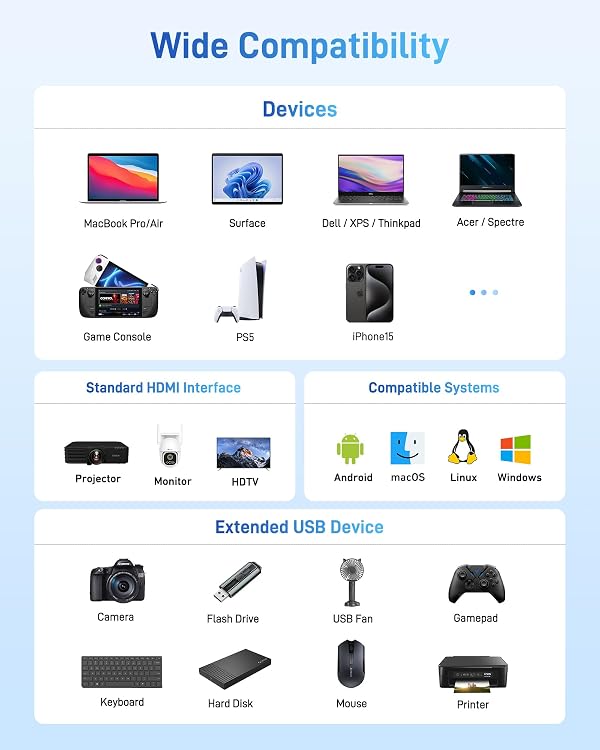
- Operating systems: Windows, macOS, ChromeOS, and Linux
Getting the most from it
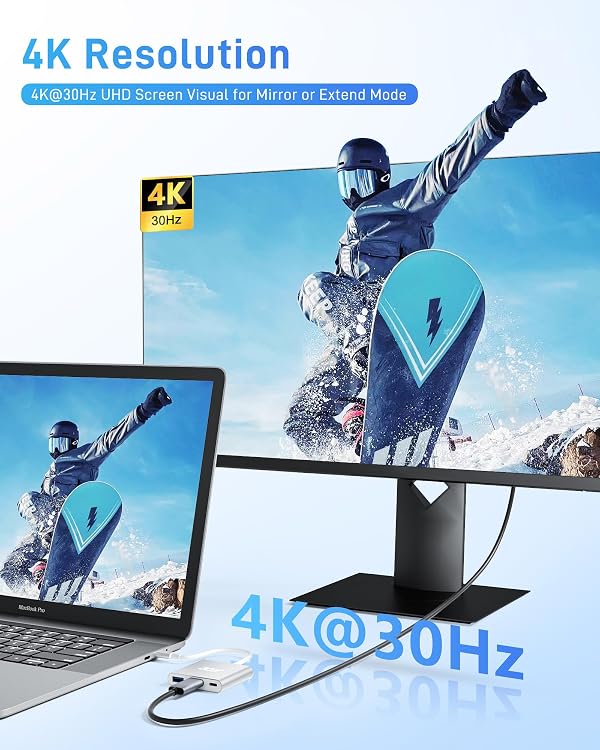
Connect the hub to a USB-C port that supports DisplayPort Alternate Mode, then run an HDMI cable from the hub to a compatible TV, monitor, or projector. This setup can extend a laptop workspace to a larger display or mirror content for a presentation. The HDMI output supports up to 4K at 30Hz, so it also works for viewing videos and photos on a compatible screen.
The USB-A 3.0 port handles data transfer at up to 5 Gbps, handy for connecting a compatible peripheral or moving files. For charging, connect a USB-C charger to the PD port, it supplies power to the host device, with charging speed depending on the device, charger, and cable. The USB-A port is for data, not charging. Compared with carrying separate video and data adapters, this three-port hub brings those connections together in one portable accessory.
Usage tips
For a straightforward travel or office setup, connect the hub directly to the computer, attach the display by HDMI, and use the USB-A port for a data accessory. If you also want to charge the host, connect a USB-C PD charger to the hub’s power port. The charger and cable should support the power your device needs, the hub’s maximum PD rating is 100W.
Buyer feedback often highlights the compact size, portability, and ease of connecting multiple ports. Reports on connectivity and charging are mixed, and some buyers raise reliability concerns. For a dependable setup, use the required video-capable USB-C port and secure the connections before presenting or traveling.
What to clarify
What does the laptop’s USB-C port need to support for video? It must support DisplayPort Alternate Mode, Thunderbolt 3 or 4 ports are also identified as compatible. A USB-C connector alone does not establish video compatibility.
What is the maximum HDMI output? The adapter supports HDMI output up to 4K at 30Hz when used with a compatible host and display.
Can it charge a laptop and transfer data at the same time? The USB-C PD port is for charging the host, up to 100W, while the USB-A port supports data transfer up to 5 Gbps. Actual charging speed varies with the host, charger, and cable.
When it makes sense
The Acer ODK3A0 is suited to people who want one small adapter for connecting a compatible USB-C computer to an HDMI display, adding a USB-A data connection, and supplying host power through USB-C PD. Its three-port layout is particularly useful when moving between a desk, meeting room, and travel setup without carrying separate adapters for each connection.