

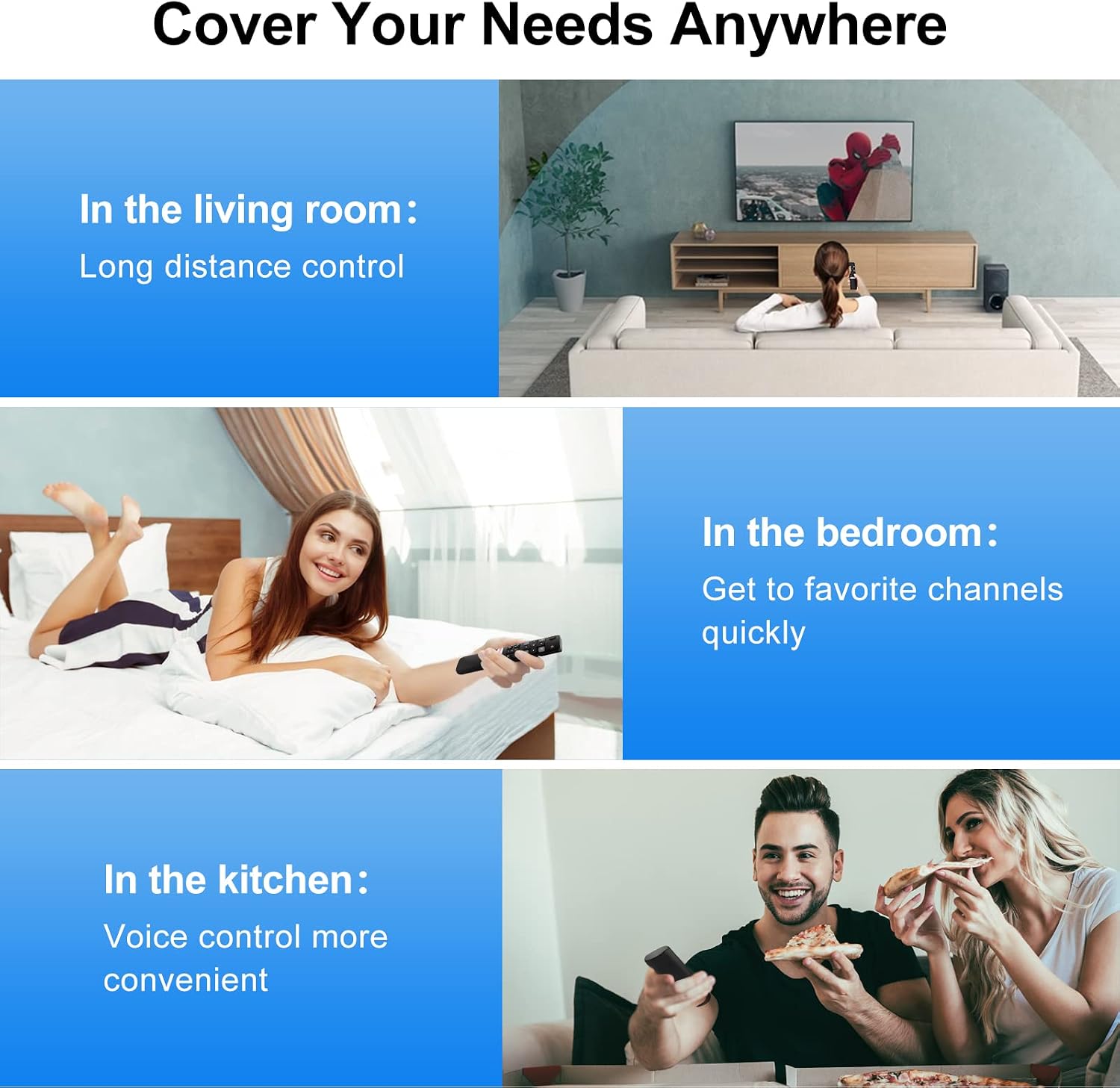
Voice Replacement RC802V for TCL Android TV – Upgraded Remote with Google Voice for TCL Smart TVs
Product description
What it is
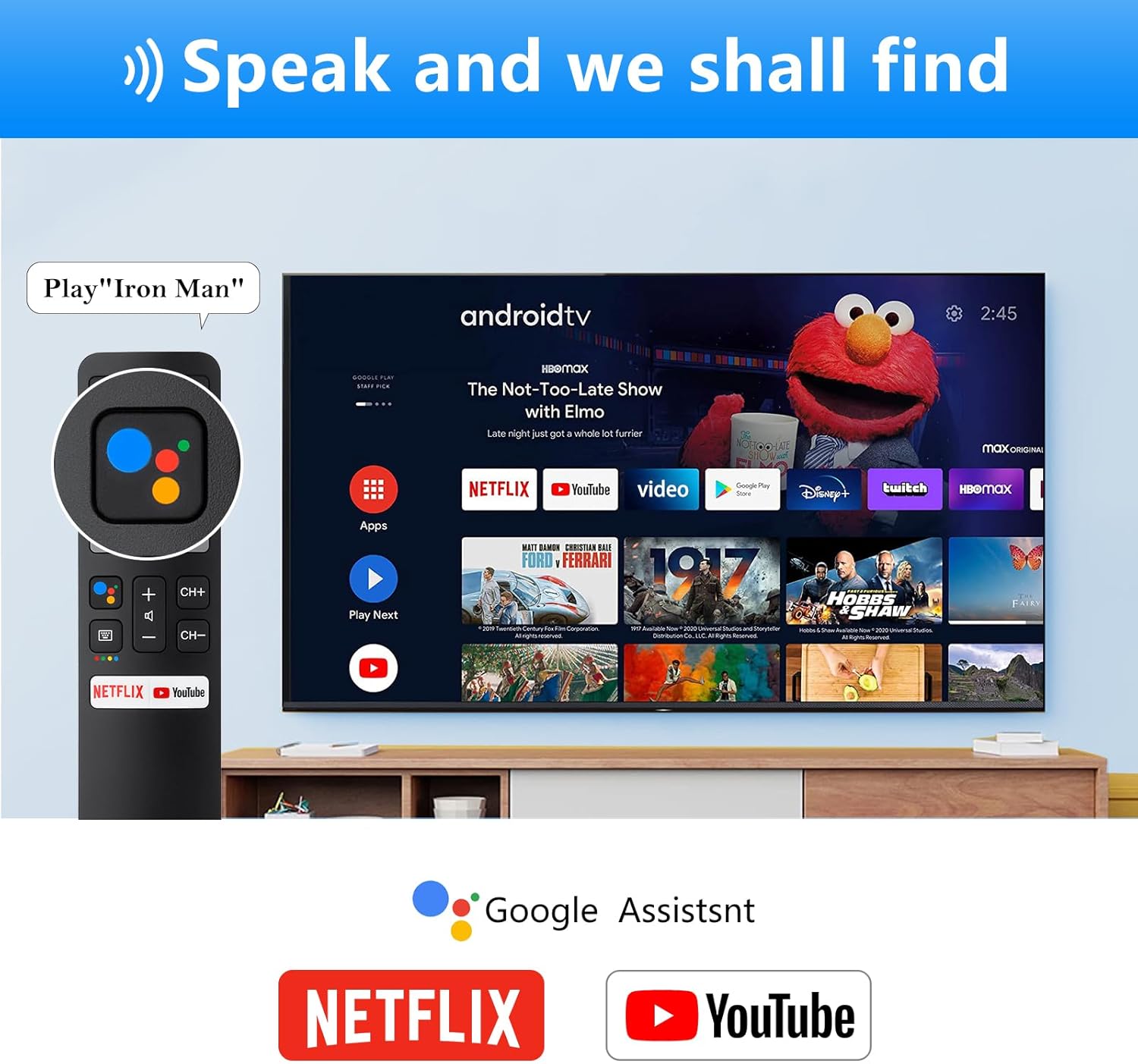
This is a voice-enabled replacement remote designed for TCL smart TVs that run on Android and support Google Voice. It’s marketed as an upgrade over older TCL remotes and aims to provide a straightforward way to control your TV with voice commands, pause, search, and navigate without reaching for the on-screen menu.
What it solves
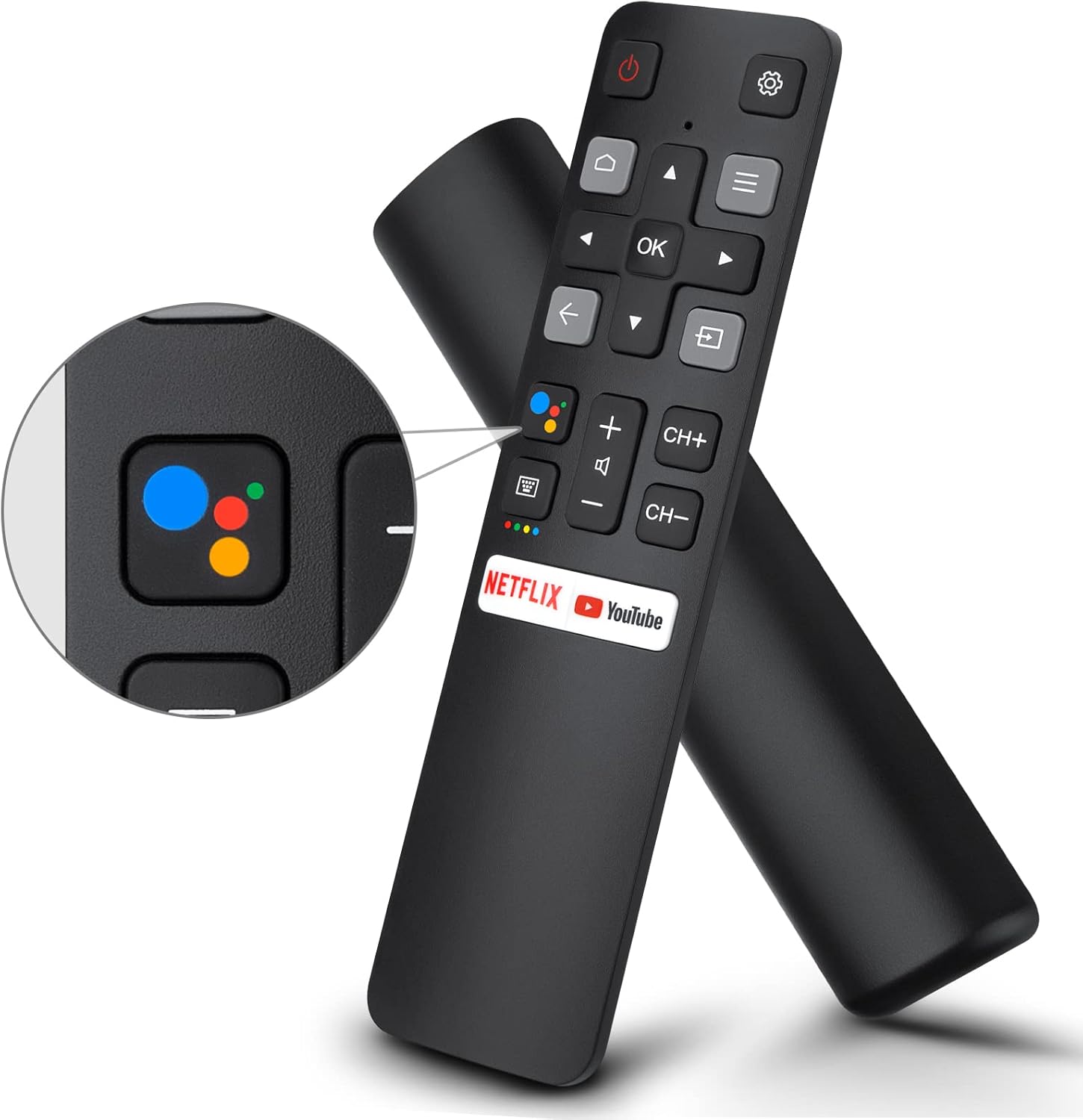
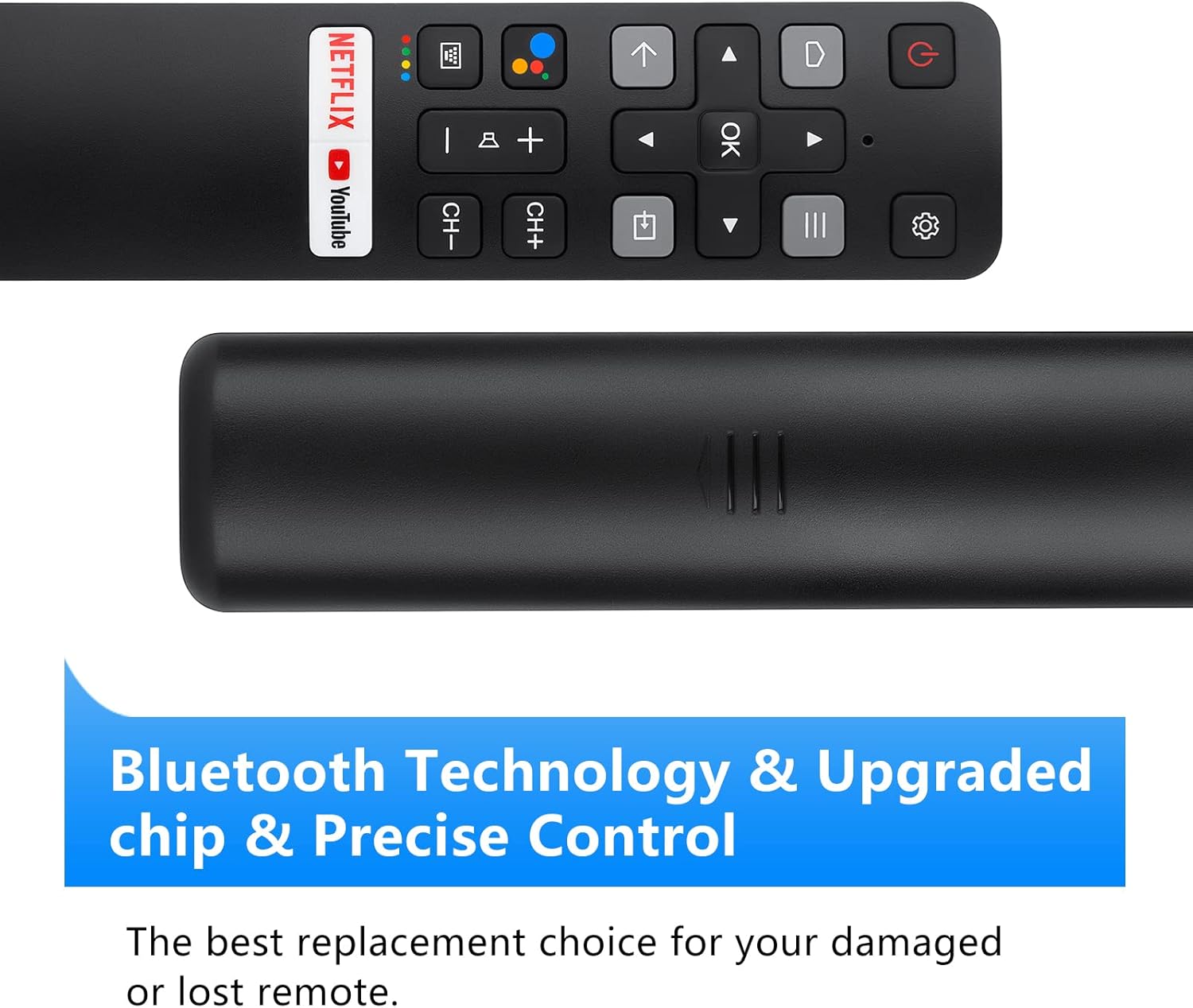
If you’ve been frustrated by limited button shortcuts on your stock TCL remote or by remotes that don’t pair reliably, this replacement offers a familiar layout with added voice capabilities. On paper, it supports both infrared and Bluetooth connections, which can help with quick control even when your TV is a bit out of line-of-sight.
How it works in practice
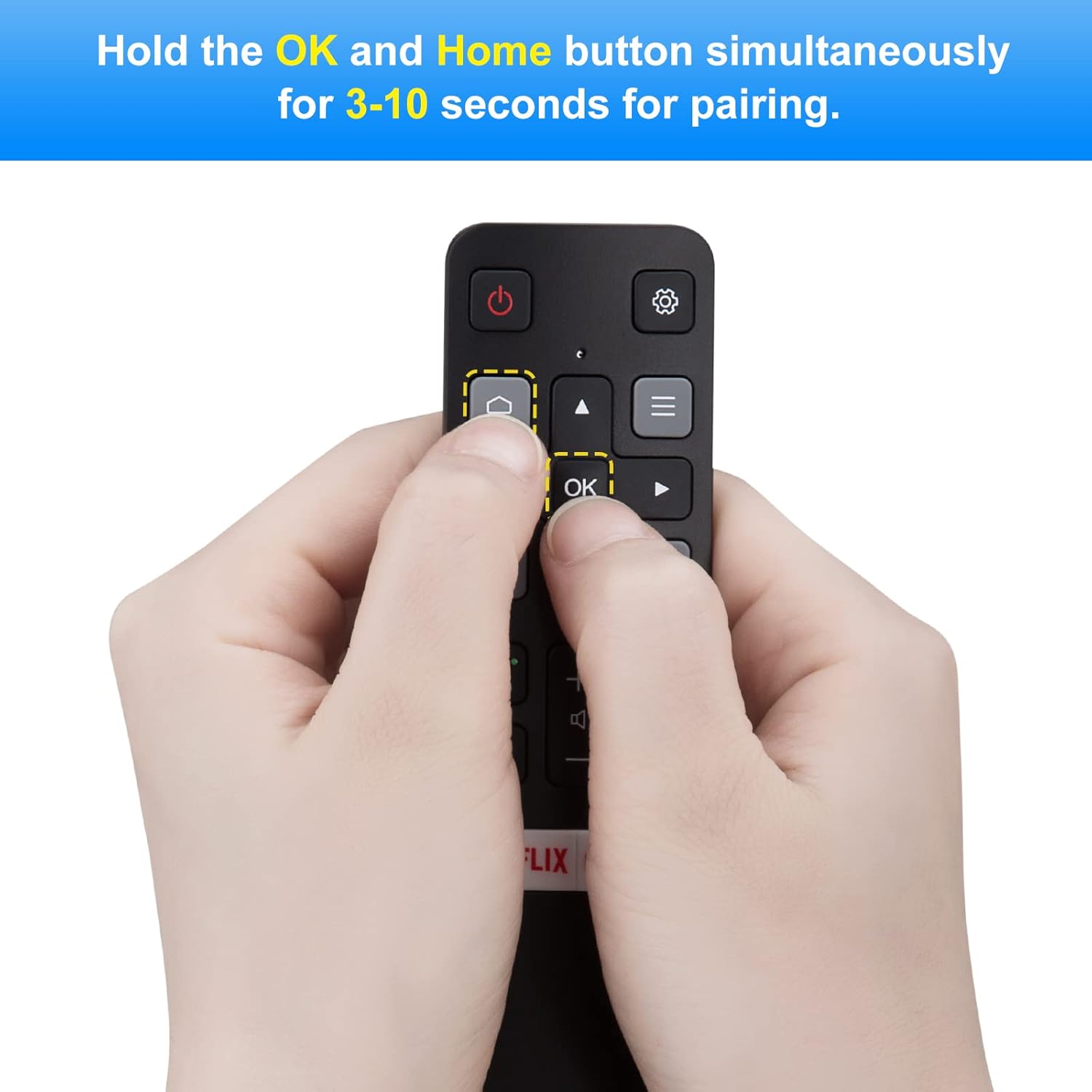
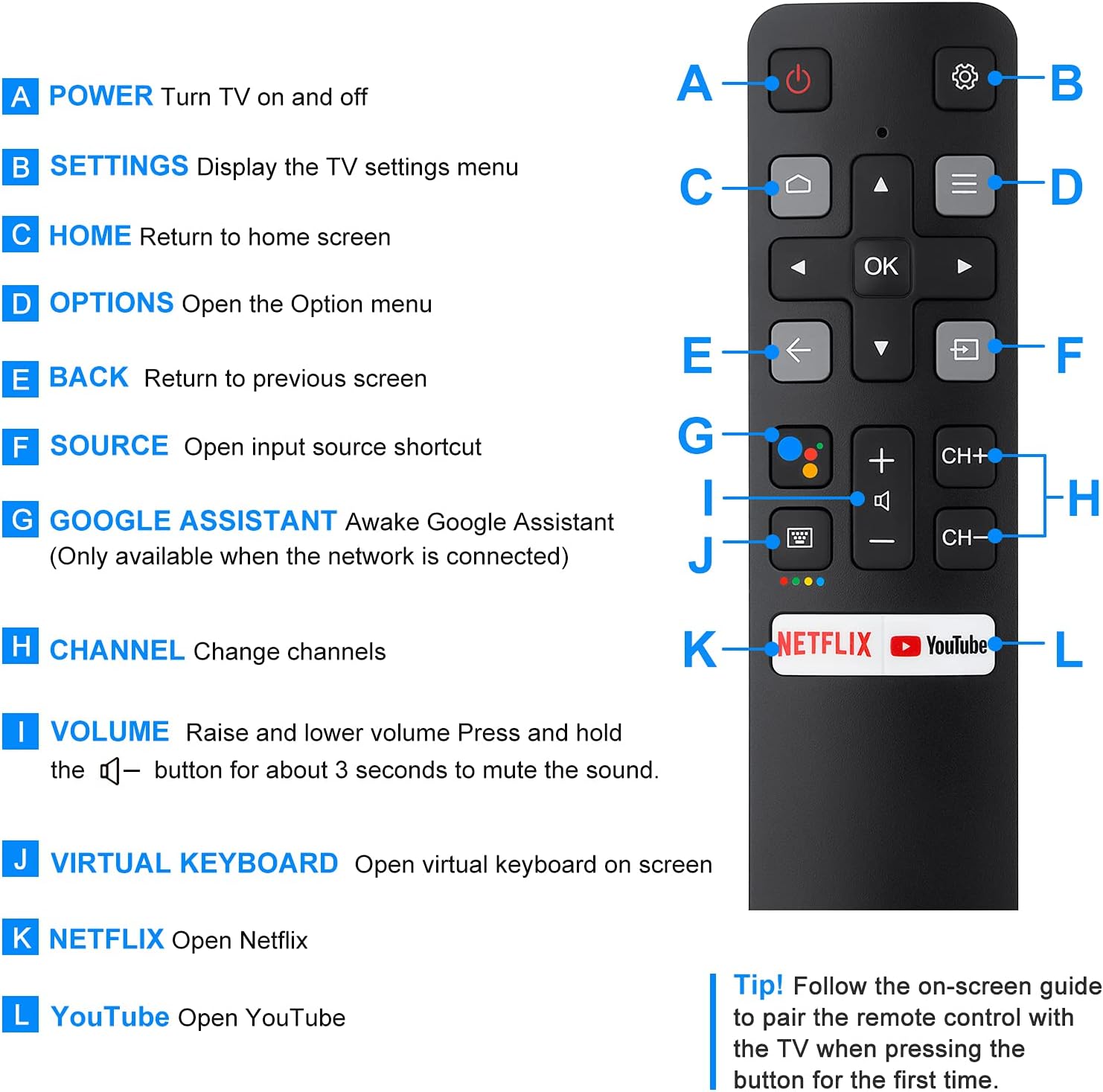
Pairing is described as a simple process: hold the OK and Home buttons together for 3–10 seconds. Once paired, you can use voice to search for content, adjust volume, or launch apps, depending on your TCL model and Android TV setup. The remote emphasizes a responsive experience with tested button durability and a stated range that covers typical living room layouts.
What stands out (pros)
- Voice function is built into the replacement, potentially reducing the need to type or navigate menus.
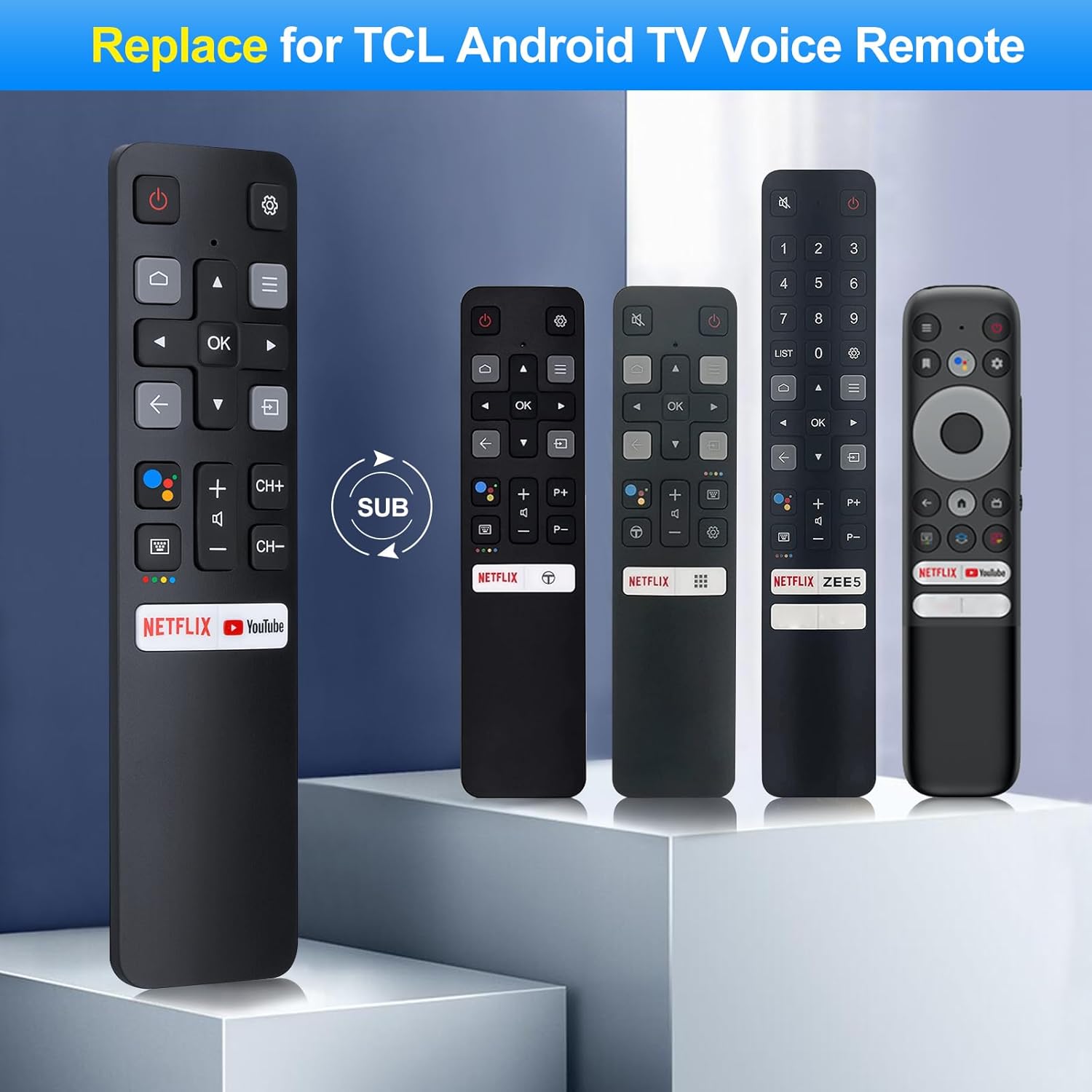
- Compatibility with a broad list of TCL Android TV models and RC802V family remotes suggests flexibility for households with multiple TCL sets.
- Bluetooth and IR support offer versatility in how the remote communicates with the TV and, in some setups, might help with line-of-sight limitations.
- Reported button durability of thousands of presses per button hints at solid long-term use.
Where it might fall short (cons/limitations)
- It’s described as compatible with many TCL models, but there is a hard note that it does not work with TCL Roku TVs, so verify your exact model before buying.
- The effectiveness of the voice function depends on the TV’s software and Google Voice integration, if your model’s voice features are limited, you may not see full benefits.
- Some buyers may prefer original manufacturer remotes for guaranteed compatibility or firmware updates.
Who it’s for
- TCL Android TV owners who want a replacement with integrated voice control.
- Homes with multiple TCL TVs that use the RC802V, RC802N, RC901V, RC902N, RC860, or RC890 remote family, suggesting easier cross-compatibility.
- Users who value a straightforward pairing process and a remote that works over both IR and Bluetooth.
Who it’s not for
- If you own a TCL Roku TV, this remote isn’t compatible.
- If you rely heavily on the stock remote’s guarantees or require strict official support for every feature, you might want to stick with OEM options.
When it makes sense to buy
- You need a quick replacement with voice control for TCL Android TV models listed in the compatibility notes.
- You want a remote that claims robust button durability and a decent operating range.
- You’re okay with a third-party replacement and are comfortable performing pairing as described.
What to check before buying
- Confirm your TCL model is among the listed compatible Android TV models and not a Roku or non-TCL system.
- Ensure your TV’s software supports Google Voice integration as described by the remote’s positioning.
- Consider your room layout to gauge if the advertised 10–12 meter range will cover typical use.
Practical use case
Imagine you’re watching a movie and want to search for a particular actor. With the RC802V replacement, you can press the voice button and say the name, potentially bringing up the actor’s filmography without fumbling through menus. If you frequently switch between streaming apps, voice search can shave seconds off navigation time, especially when you’re settling in for a binge.
FAQ (based on available data)
- Is pairing required? Yes, you should pair the remote with your TV before first use by holding OK and Home together for 3–10 seconds.
- Does it work with Bluetooth and IR? The product supports both IR and Bluetooth communication, not RF.
- Is it compatible with all TCL models? Compatibility is stated for a wide range of TCL Android TV models, confirm your exact model against the listed list.