

SofaBaton X1S Universal Remote with Hub and App: One-Click Activities for IR/Bluetooth/WiFi Devices
Product description
What it is and who it’s for
The SofaBaton X1S is a universal remote with a dedicated hub and companion app designed to consolidate control of a wide range of devices. If you own a mix of TVs, streaming boxes, soundbars, game consoles, smart lights, and more, this setup aims to replace multiple remotes with a single, customizable interface. It’s positioned for living rooms where convenience and reducing clutter matter, and for households that already lean on voice assistants for hands-free interactions.
Core capabilities and how they help
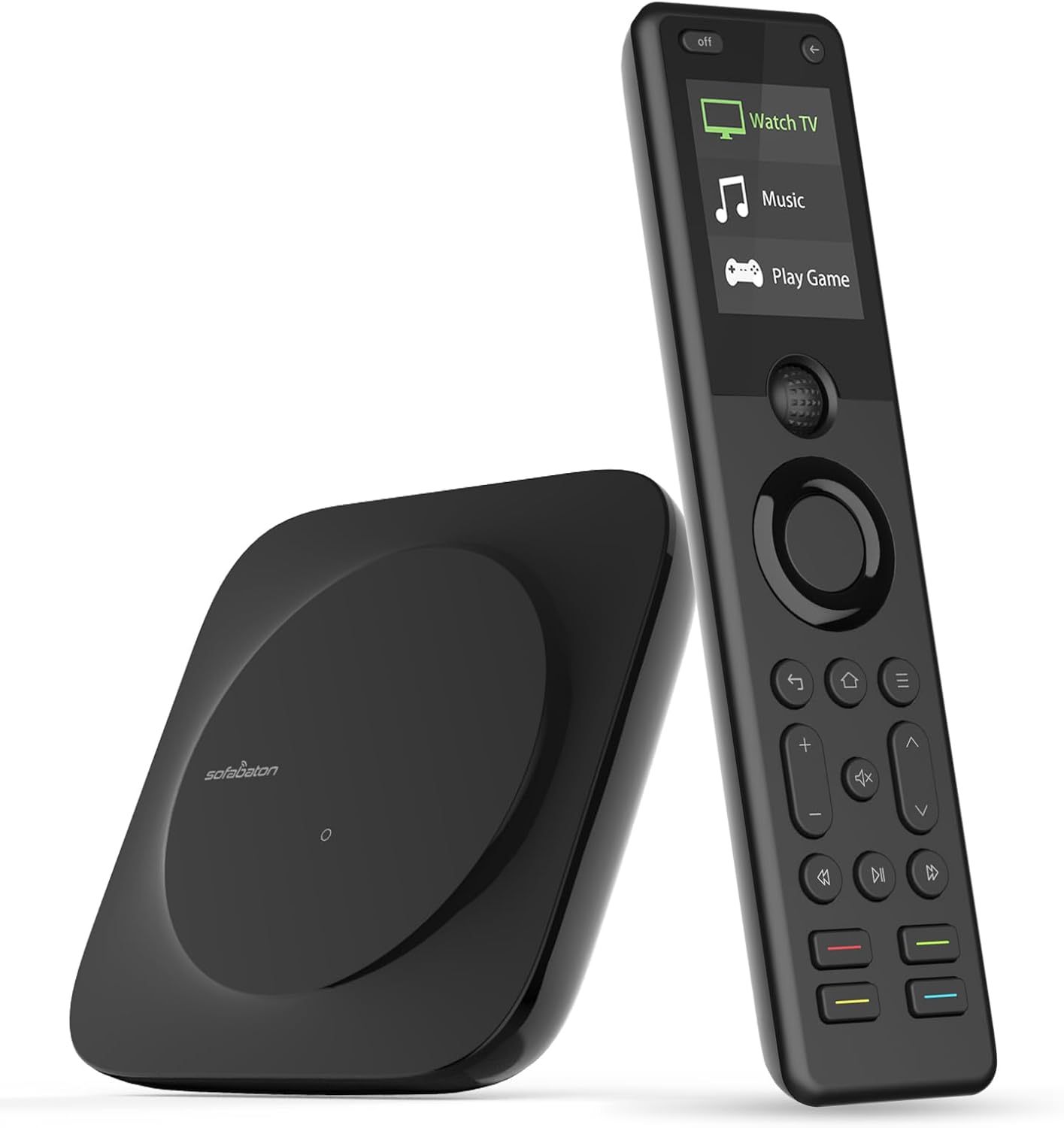
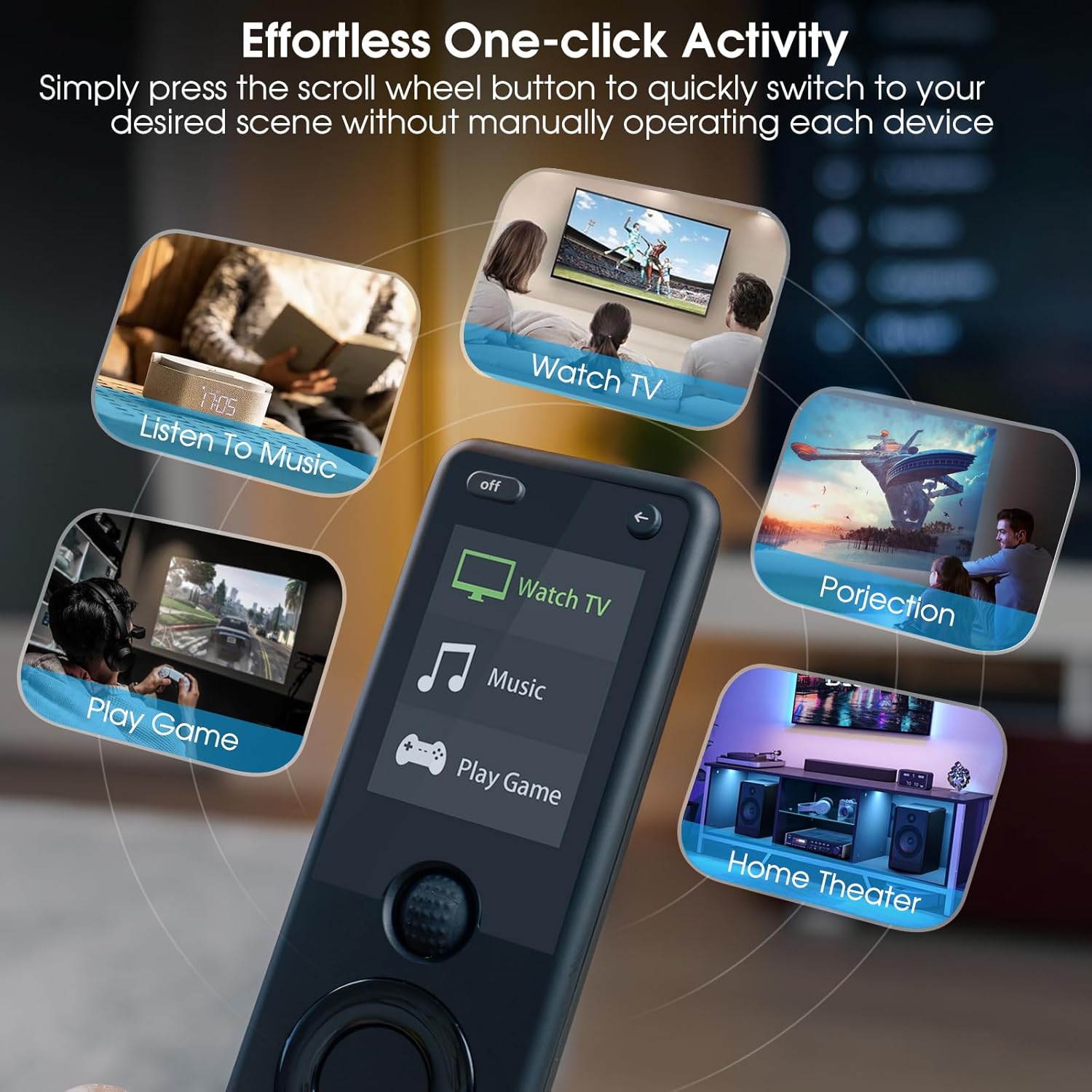
The system supports IR, Bluetooth, and Wi‑Fi devices, with a library that’s described as extensive and continuously updated. In practice this means you won’t be stuck chasing outdated codes or manually juggling several remotes as new gear is added. The ability to create single-click Activities—like a “Watch TV” scene that powers on the cable box, audio system, and TV, then selects the right HDMI input—transforms complex setups into simple, repeatable commands.
What stands out in everyday use
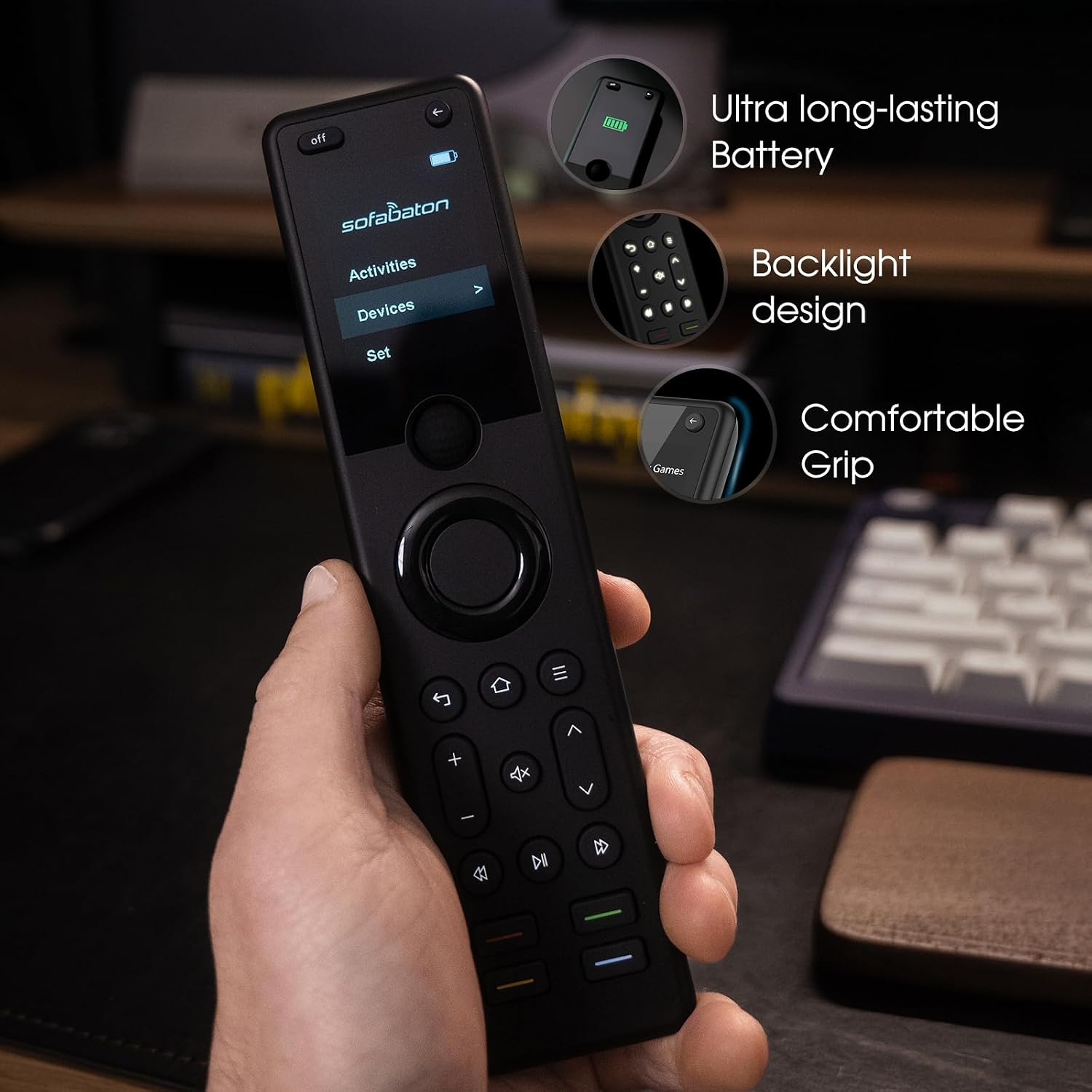
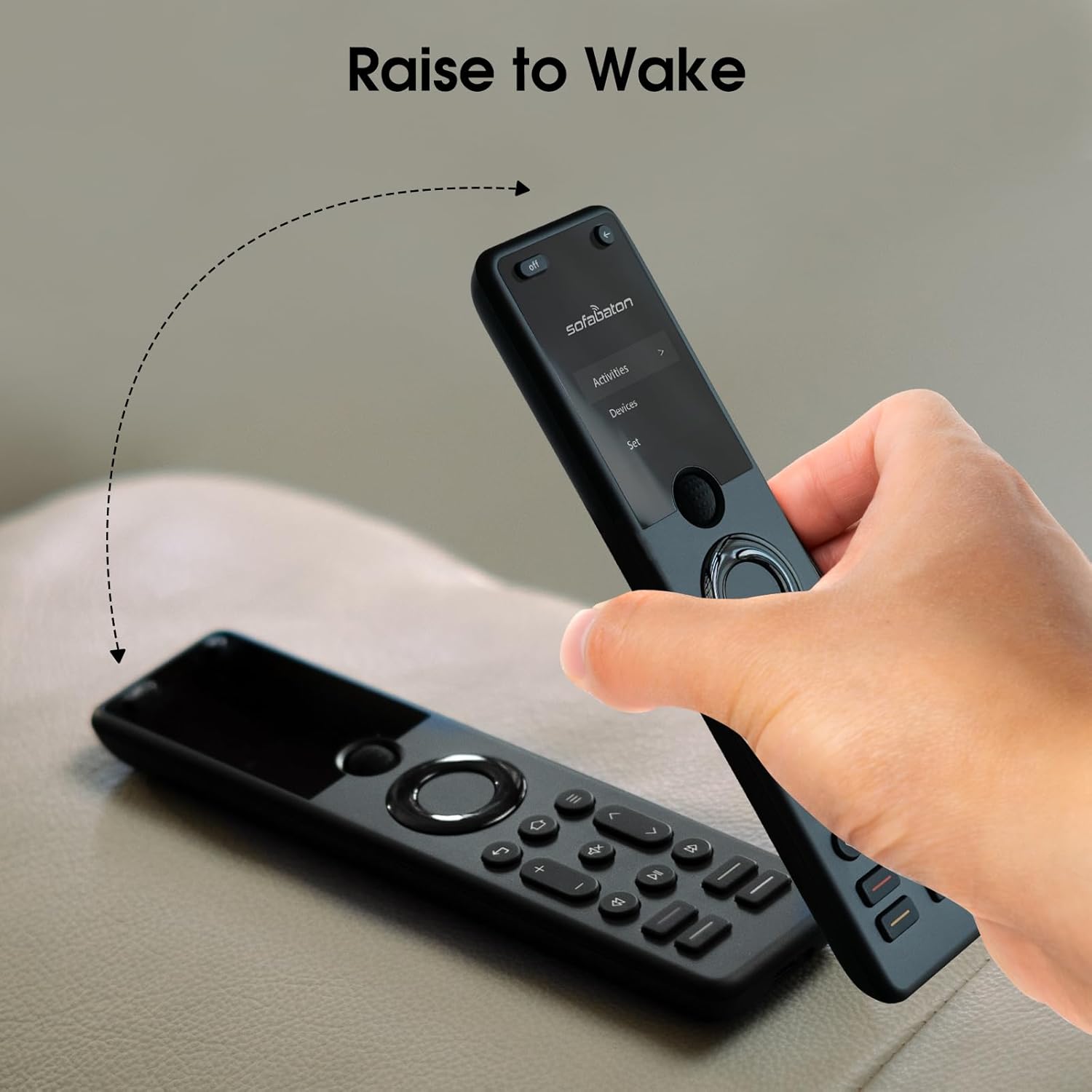
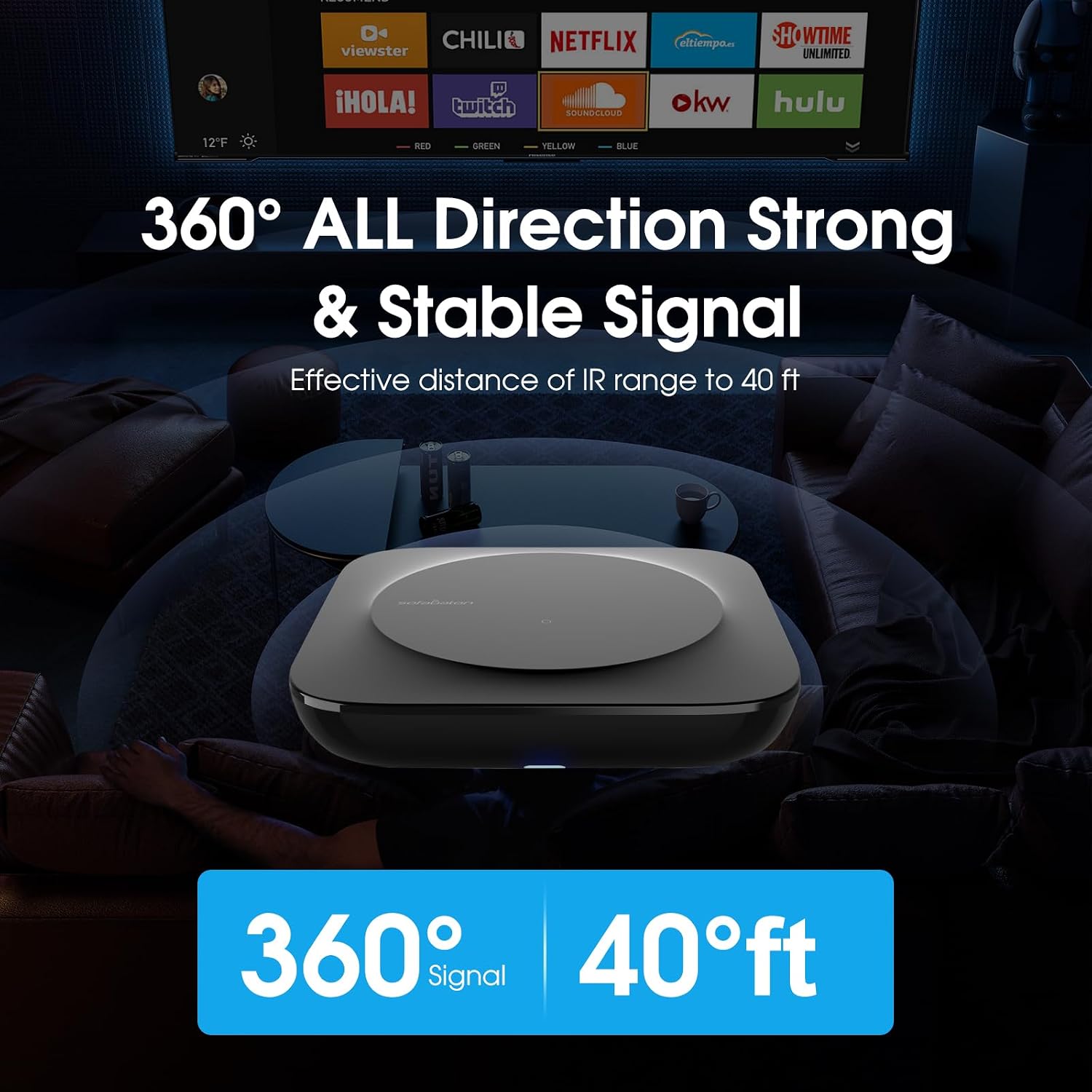
The X1S Hub is designed for reliable reach from the couch or around the room, thanks to 360-degree control and two IR blasters that help cover signal blind spots. The option to tuck the hub away in a cabinet helps keep the setup neat. The remote itself features backlit buttons and a raise-to-wake screen for visibility in any lighting, plus a “Find My Remote” feature in the app to locate it when misplaced.
Voice control and smart home integration
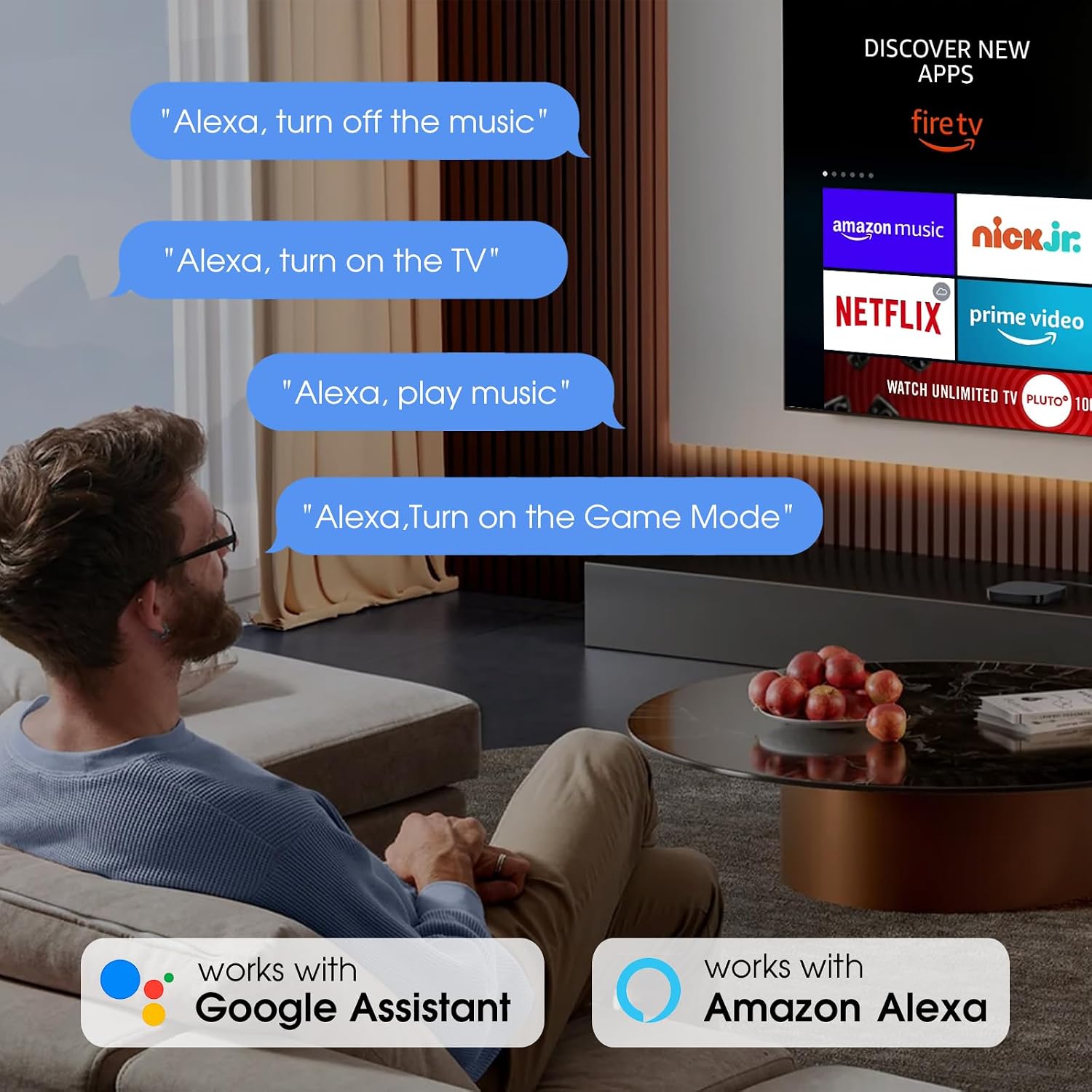
Hands-free control is a clear benefit here. You can trigger any SofaBaton X1S Activity with Alexa or Google Assistant, turning spoken commands into immediate, coordinated actions like playing music or turning up the TV volume. This can reduce interruptions and add a sense of immediacy to how you interact with your entertainment system.
What could be improved or limited
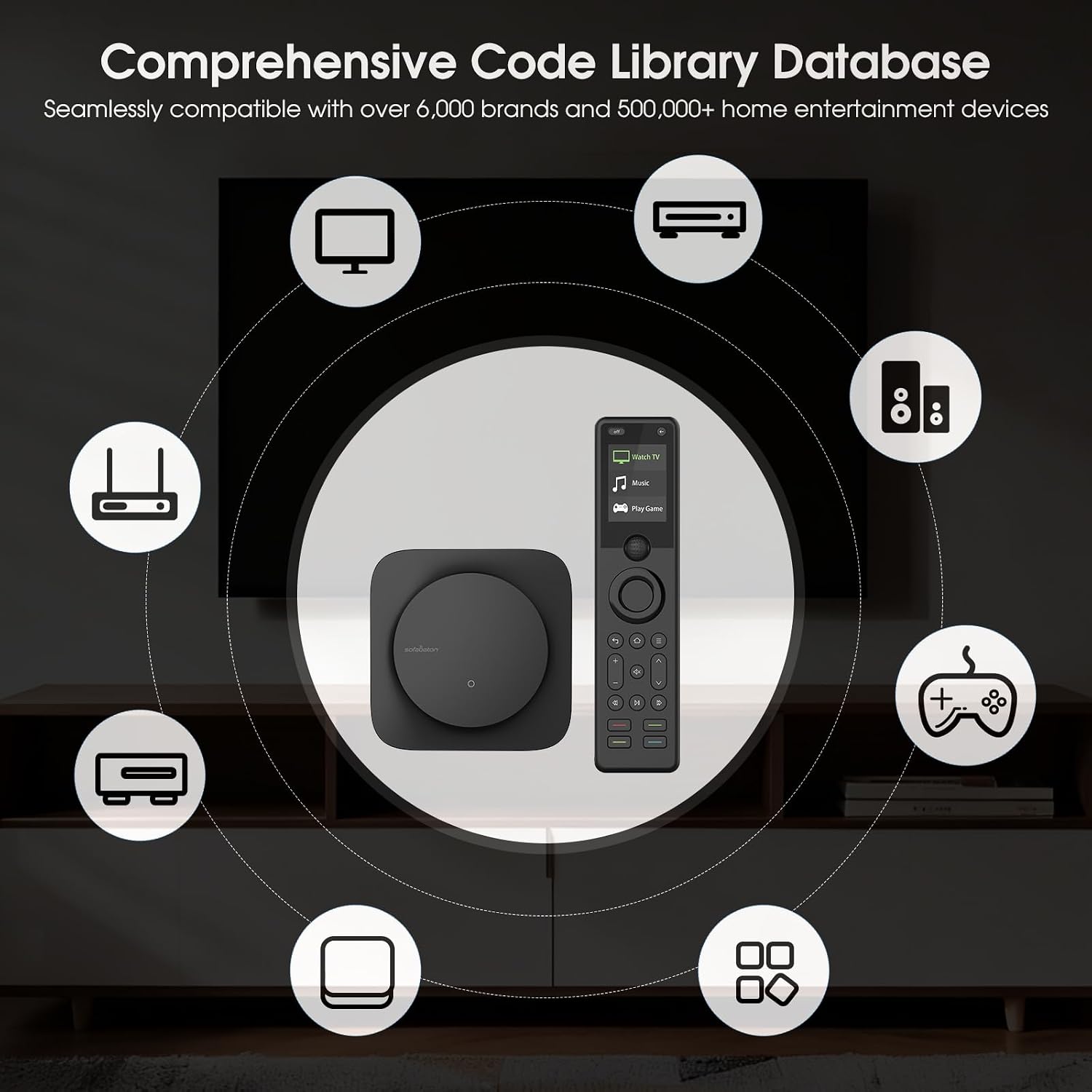
If you live in a setup with devices that aren’t well-supported or if you rely on more niche or very new gear, you may need to double-check the compatibility list. While the library is large, there’s always a chance some specific model or firmware nuance isn’t captured yet. Also, for those who prefer physical button layouts or tactile shortcuts, the learning curve of configuring Activities might feel a bit steeper at first.
Use cases and who it fits best
It’s a practical choice for households looking to minimize remotes and streamline media experiences. It works well for homes with multiple streaming devices, game consoles, smart lights, and home theater components. If you prioritize hands-free voice control and a tidy cabinet setup, the X1S helps realize those goals. On the flip side, if your living space has a very limited number of devices or you only need simple on/off control, a more basic remote could feel sufficient.
What to review before buying
- Confirm the main devices you own are supported and check the latest compatibility notes in the app.
- Consider where you’ll place the Hub and whether you want to hide it in a cabinet for aesthetics.
- Think about your preferred voice ecosystem and ensure the integration aligns with Alexa or Google Assistant usage patterns.
- Plan for initial setup time to create a few core Activities you’ll use daily.
Practical comparison and buying lens
Compared to juggling several remotes, the X1S aims to offer a centralized control experience with automated scenes. If you value single-command entertainment and hands-free control, it tends to justify the upfront effort of setup. If you’re mostly content with basic on/off and channel changes, a simpler or cheaper remote could be adequate.
Is it worth it? Final decision
Is it worth it?
Worth considering if you want a single, controllable hub that reduces remote clutter and supports voice activation for a cohesive entertainment experience.
FAQ
- How many devices can SofaBaton X1S realistically manage? The system advertises support across IR, Bluetooth, and Wi-Fi with a large library, but exact counts depend on your setup.
- Can I hide the Hub? Yes, the hub can be placed out of sight in a cabinet while maintaining control.
- Do I need to use the app to operate it? The app is central for setup and managing Activities, though the remote itself handles basic control tasks after configuration.