

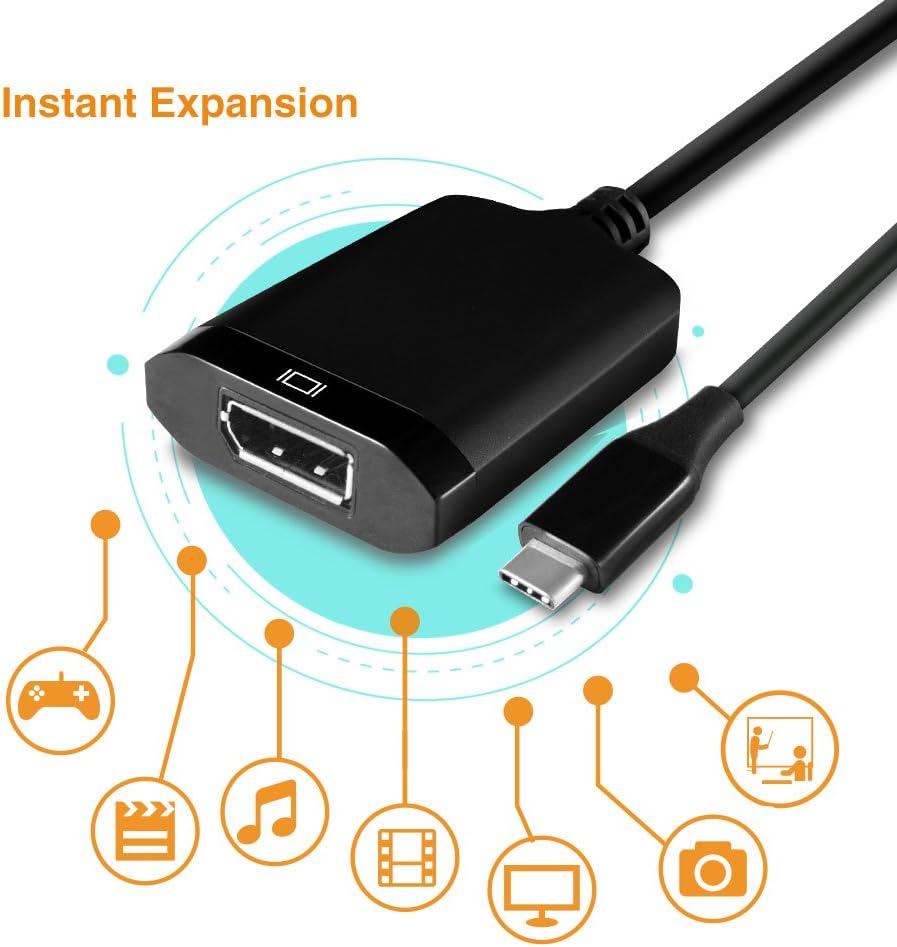
Vantec Vlink USB-C to DisplayPort 1.2 4K/60Hz Video Converter (CB-CU300DP12) – Black
Product description
What it is
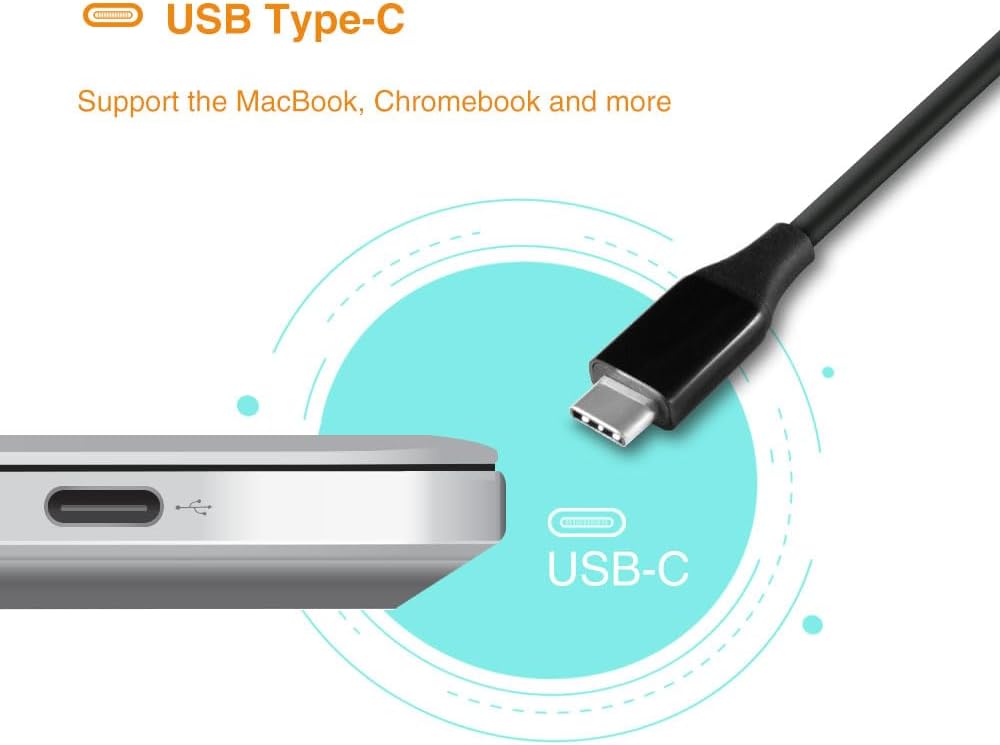
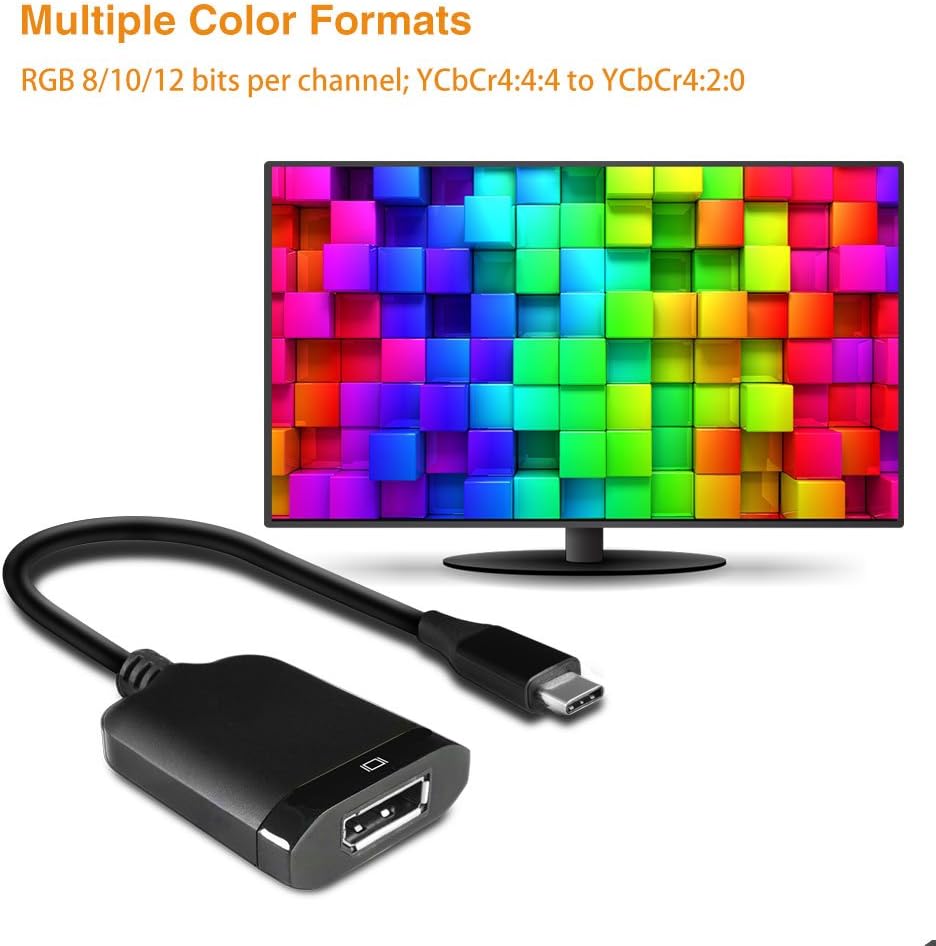
The Vantec Vlink USB-C to DisplayPort 1.2 video converter is a compact adapter designed to carry video from USB-C devices to a DisplayPort display. It targets newer USB-C laptops and tablets, including recent MacBook models and Chromebooks, offering a simple way to connect to a 4K display.
What it does for you
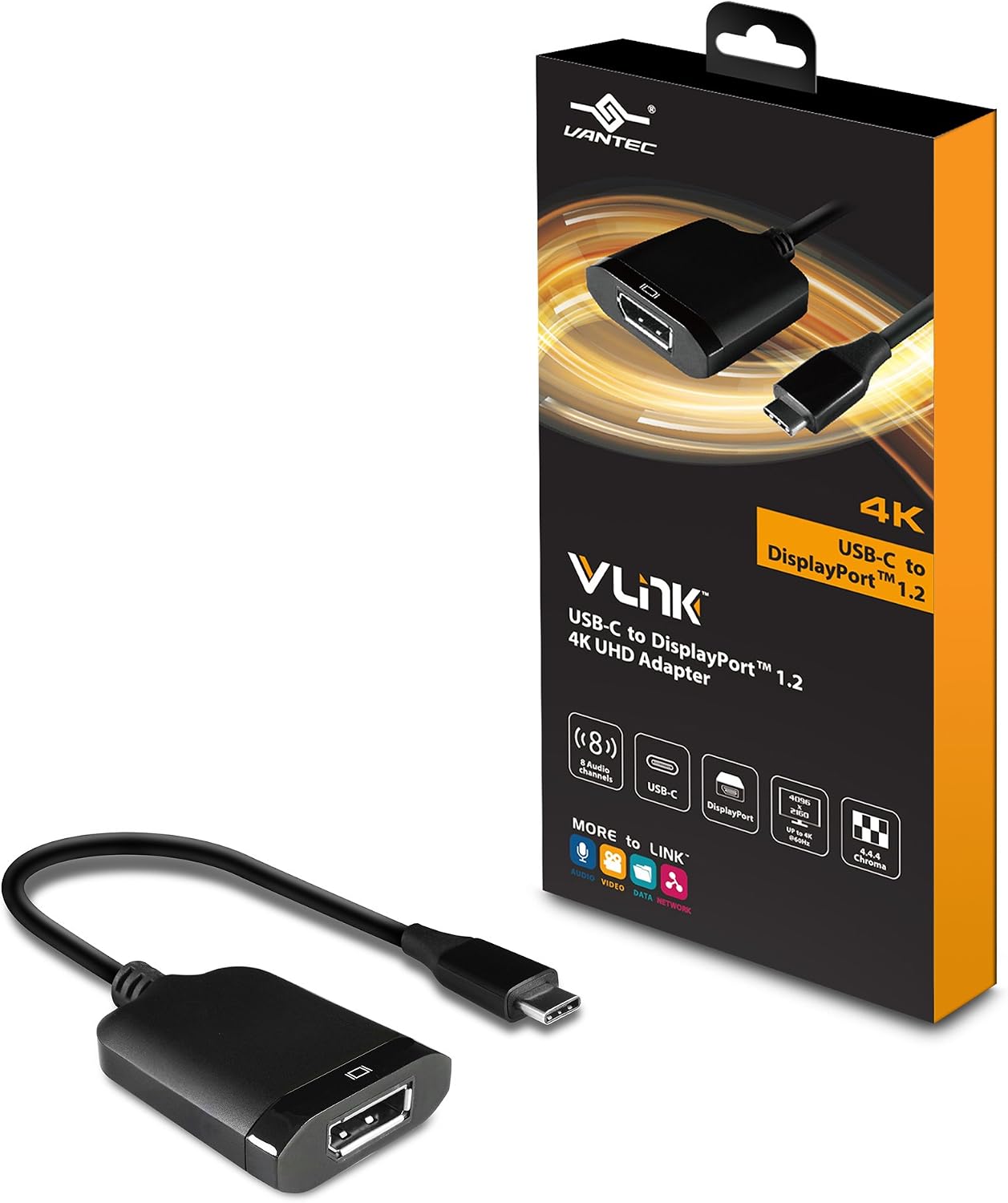
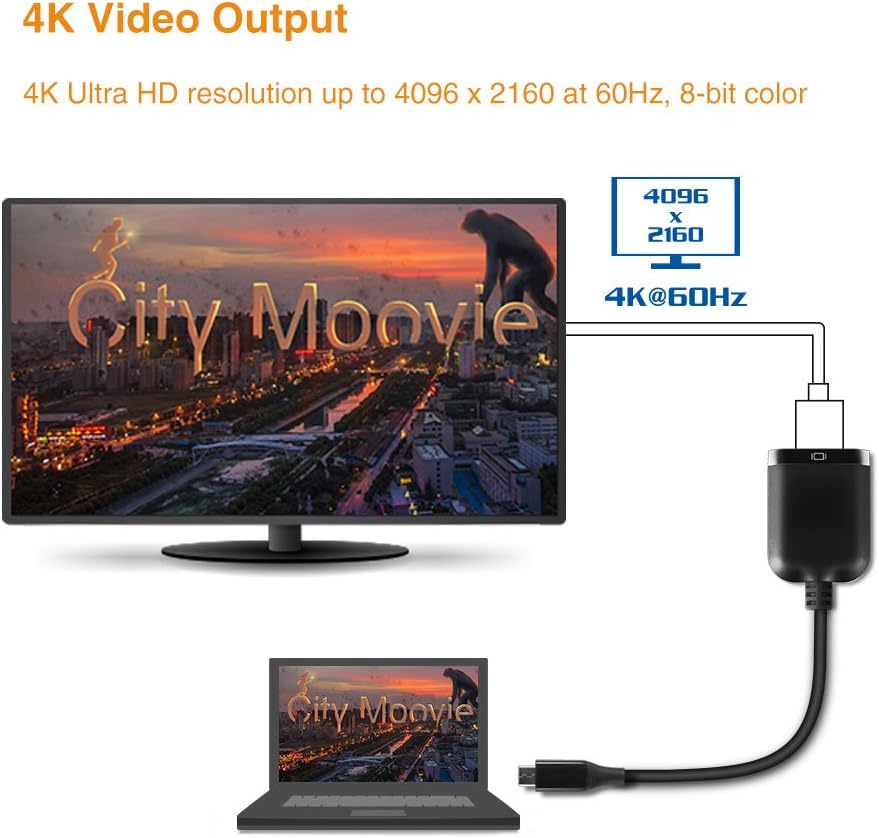
On paper, it supports 4K Ultra HD resolution up to 3840 x 2160 at 60Hz and keeps content protected with HDCP 1.2 & 2.2 repeater. It also mentions support for DisplayPort 1.3 specification up to 32.4Gbps, which suggests a capability edge in terms of bandwidth, though the practical output remains tied to the 4K/60Hz target. If you’re using a USB-C source that supports video output, this adapter can translate that signal into DisplayPort format for a monitor or TV with DP input.
Core strengths
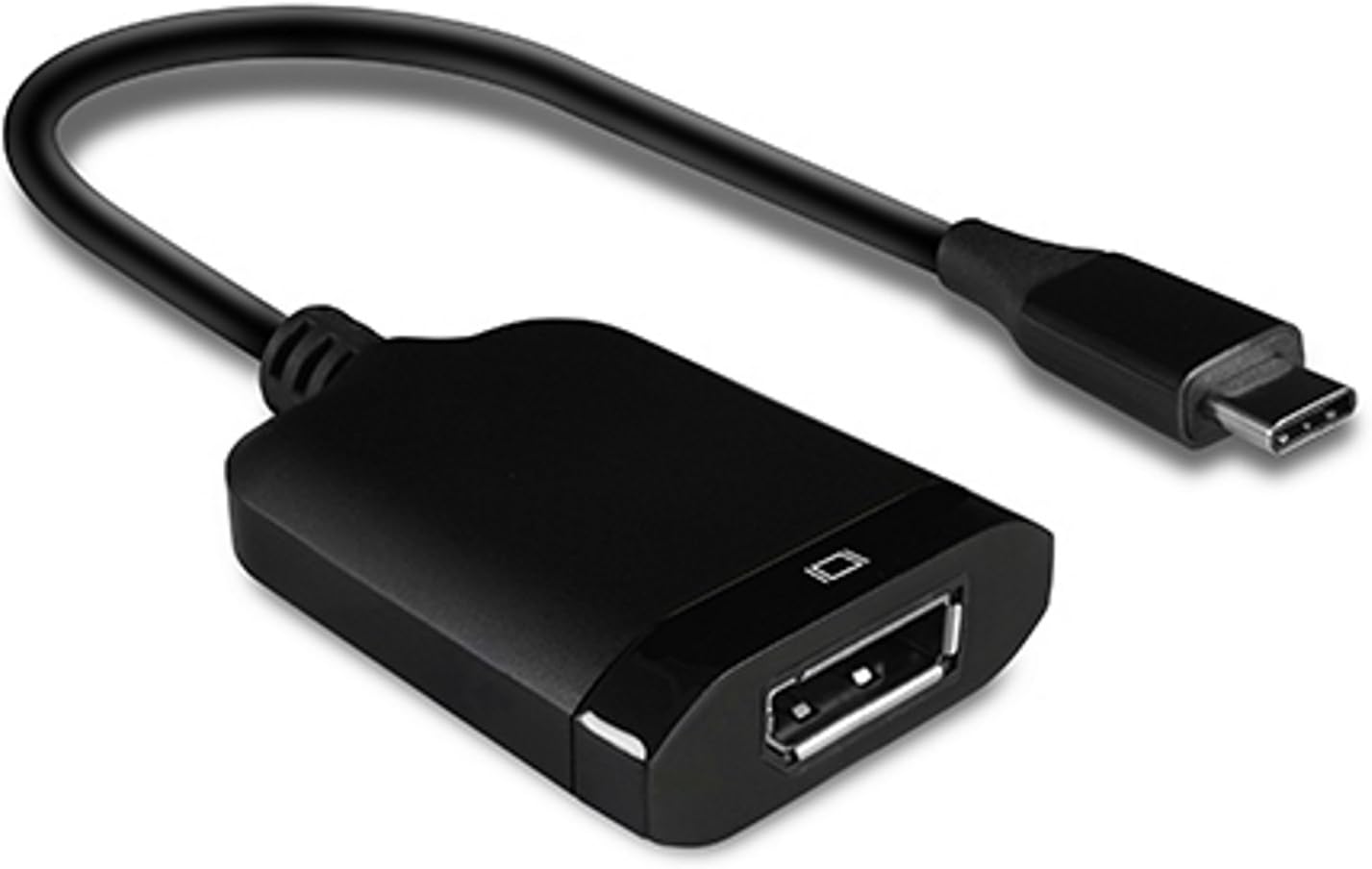
For users prioritizing a straightforward, plug-and-play solution, this adapter offers a simple path from USB-C to DisplayPort. It’s suitable for laptops or devices that can output DP-compatible video through USB-C and want to drive a 4K display. If you’re aiming for a clean setup with a single-cable video solution, it can be convenient.
What could be less compelling
The description relies on several capabilities that may vary by host device and DP monitor. Real-world performance at 4K/60Hz often depends on the USB-C port’s alternate mode support, the graphic driver, and the display’s own capabilities. Some users may need to verify whether their device actually supports DisplayPort Alt Mode at 4K/60Hz and whether EDID negotiation is seamless. It’s not described as a multi-monitor hub or charger, so if you need extra adapters or power delivery, this might fall short.
Who it’s for
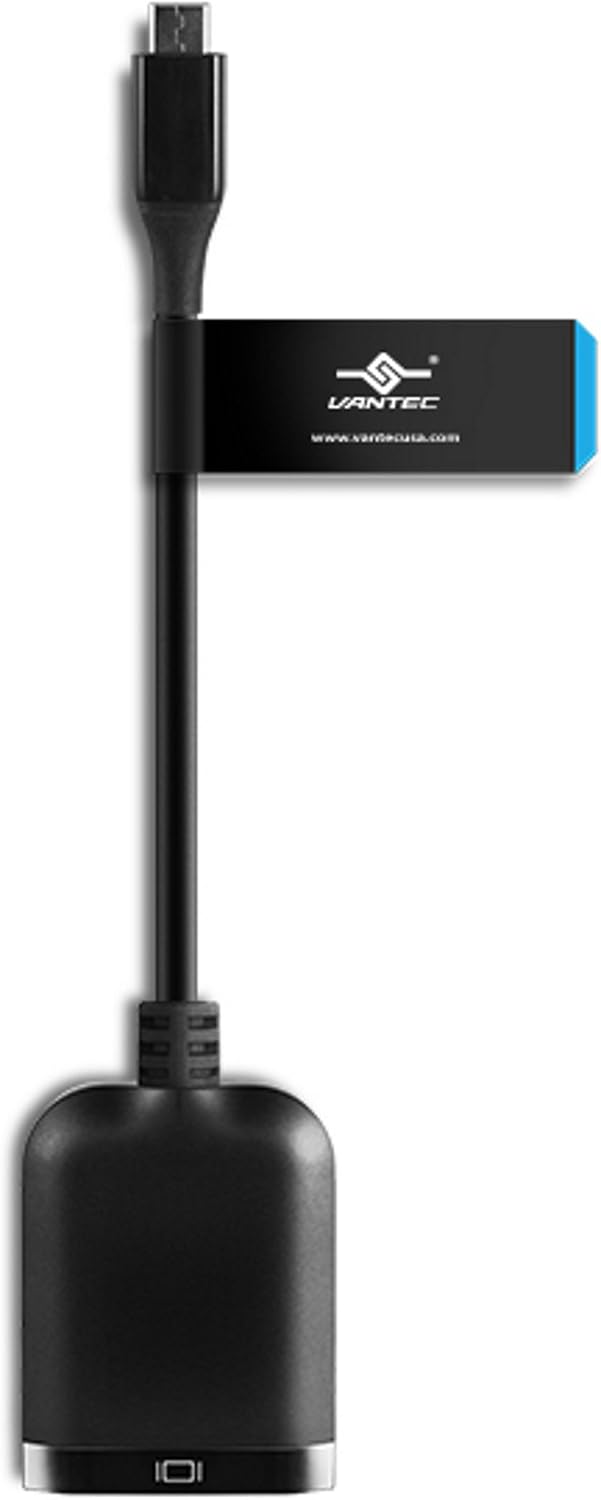
This is a good fit if you have a USB-C laptop or tablet and a DisplayPort monitor, and you want a compact, no-fuss video path. It can be particularly appealing for users who want to avoid dongle clutter and prefer a dedicated adapter for a single external display.
Who it’s not ideal for
If you require higher refresh rates beyond 60Hz, or if you need USB-C pass-through charging, this adapter may not meet those needs. Also, if your device uses a DisplayPort version or cable setup that demands broader compatibility than the stated specs, you may want to consider alternatives with explicit testing notes for your exact combination.
Before you buy, check these points
- Confirm your source device supports USB-C video output (DisplayPort Alt Mode) and can push 4K/60Hz.
- Ensure your DisplayPort monitor accepts 4K at 60Hz and that the cable between adapter and monitor is rated for 4K/60Hz.
- Look for any device-specific settings or driver updates that affect external display output.
How it compares to other approaches
If you’re weighing a USB-C to DisplayPort option versus a direct DP-equipped laptop, this adapter trades versatility for simplicity. It won’t replace a dedicated dock if you need USB-A peripherals, Ethernet, or charging in a single hub. For someone who only needs a single external display with solid 4K/60Hz, this can be a lean solution without extra features you may not use.
Practical use case
Imagine you’re at a desk with a newer MacBook and a 4K monitor. You connect the MacBook’s USB-C port to the adapter, run a DisplayPort cable to the monitor, and you’re ready to extend or mirror your screen. It’s a clean setup, with no extra cables or hubs to manage.
Is it worth it?
Final verdict: It makes sense if you need a focused USB-C to DisplayPort pathway for a single 4K/60Hz display and you don’t require charging or multi-port expansion. If your setup demands more versatility or higher refresh rates, you might look for a more feature-rich solution. Think about your device’s capabilities and whether you’ll consistently hit 4K/60Hz with this exact pairing.
FAQ
- Will this work with my MacBook Pro? It should if your MacBook supports USB-C video output (DisplayPort Alt Mode) and you’re connecting to a DisplayPort monitor that accepts 4K/60Hz.
- Do I need external power? The base description doesn’t indicate a power requirement, so it’s presented as bus-powered. If your monitor is the source of power, you may not need anything extra.
- Can I use this for gaming at 4K/60Hz? In principle, yes, if both host and monitor support the target resolution and refresh rate, but performance will depend on the host GPU and data path.