

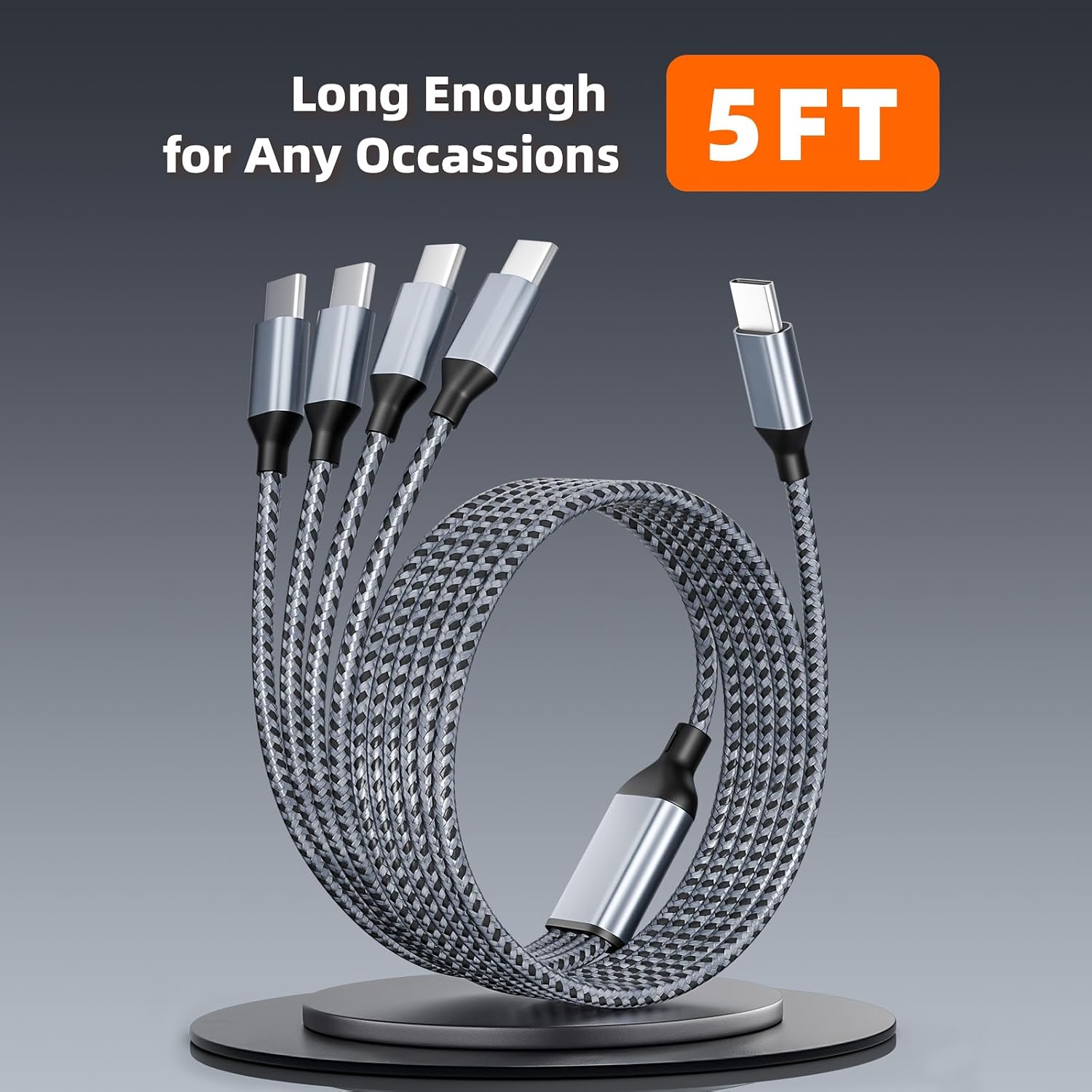
USB-C Splitter Charging Cable, 5 ft
Product description
What matters most
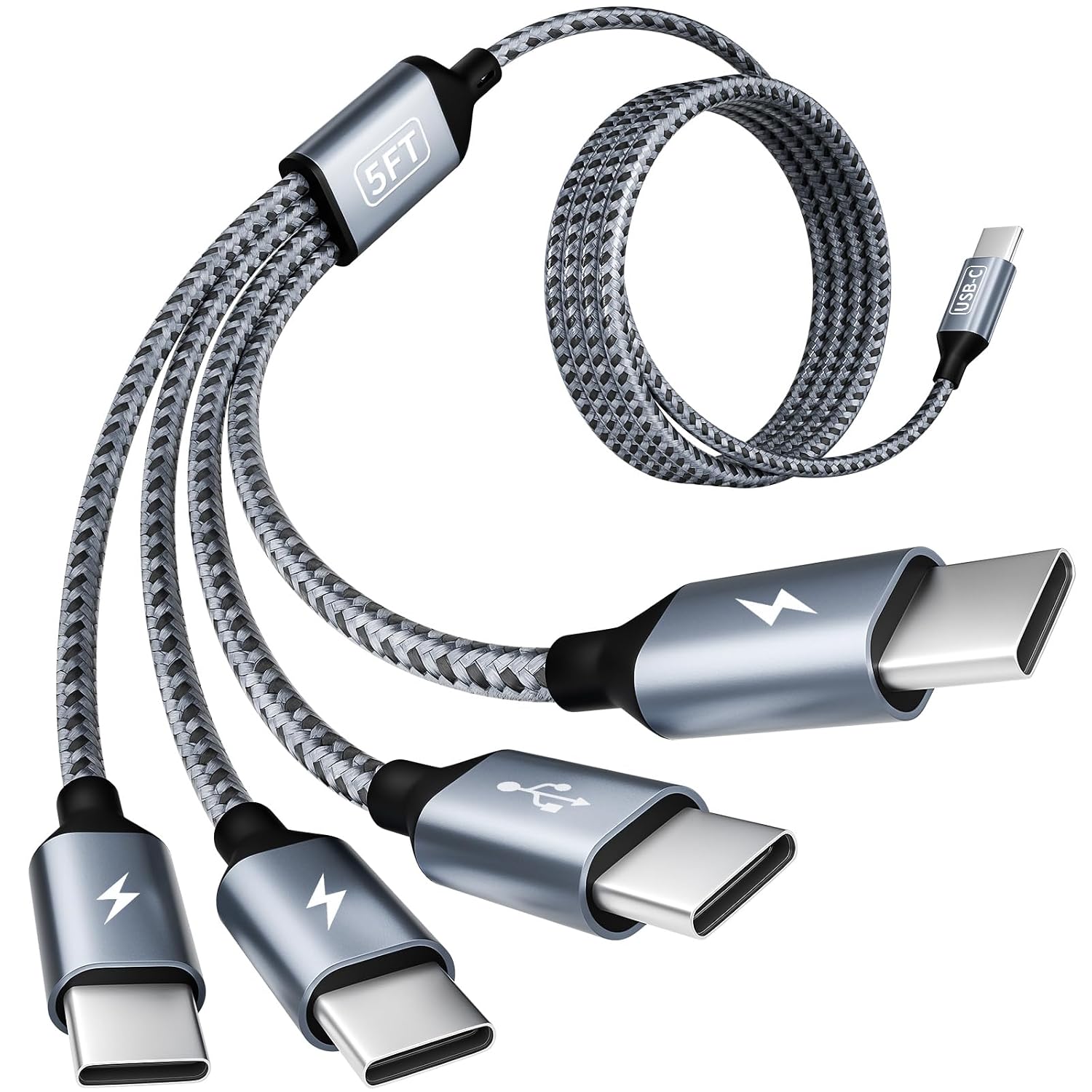
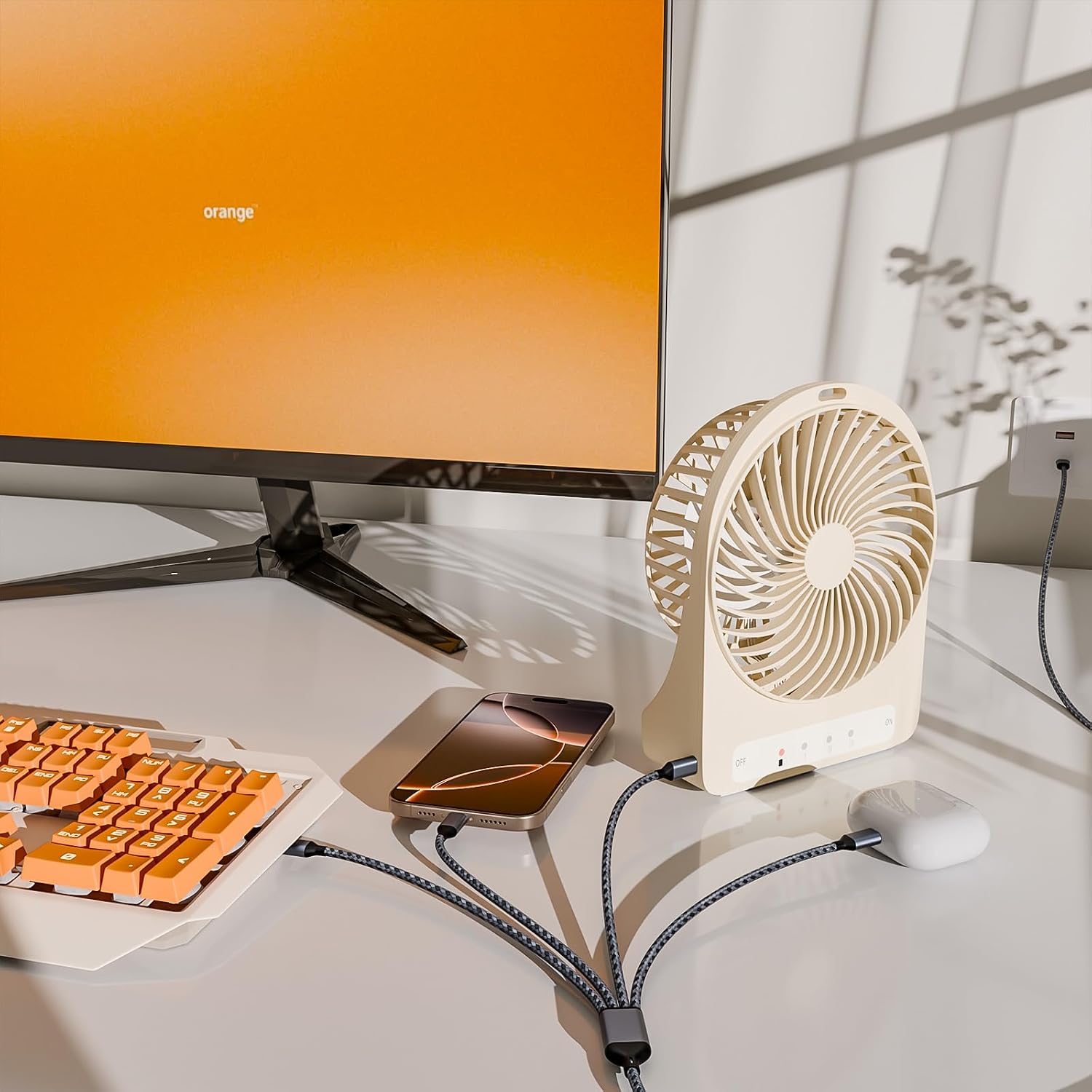
Four USB-C ports branch from one 5-foot cable, so you can connect several devices without reaching for a separate cord for each one. That setup can be handy at a desk, in a car, or while packing for a trip, especially when phones and small USB-C accessories need power in the same place.
A phone, tablet, and mini fan sharing a charging spot is the kind of everyday use this cable is built around. The listing also names cabinet lights and other USB-C devices, though compatibility alone doesn’t tell you how quickly every connected device will charge.
One port supports QC 3.0 charging up to 3A and data transfer up to 480Mbps. The other ports are described as charging connections, the listing doesn’t say they also support data. From the way it is set up, this is most useful as a way to reduce cable clutter, not as a guarantee that several devices will all charge at their maximum rate.
How to use it
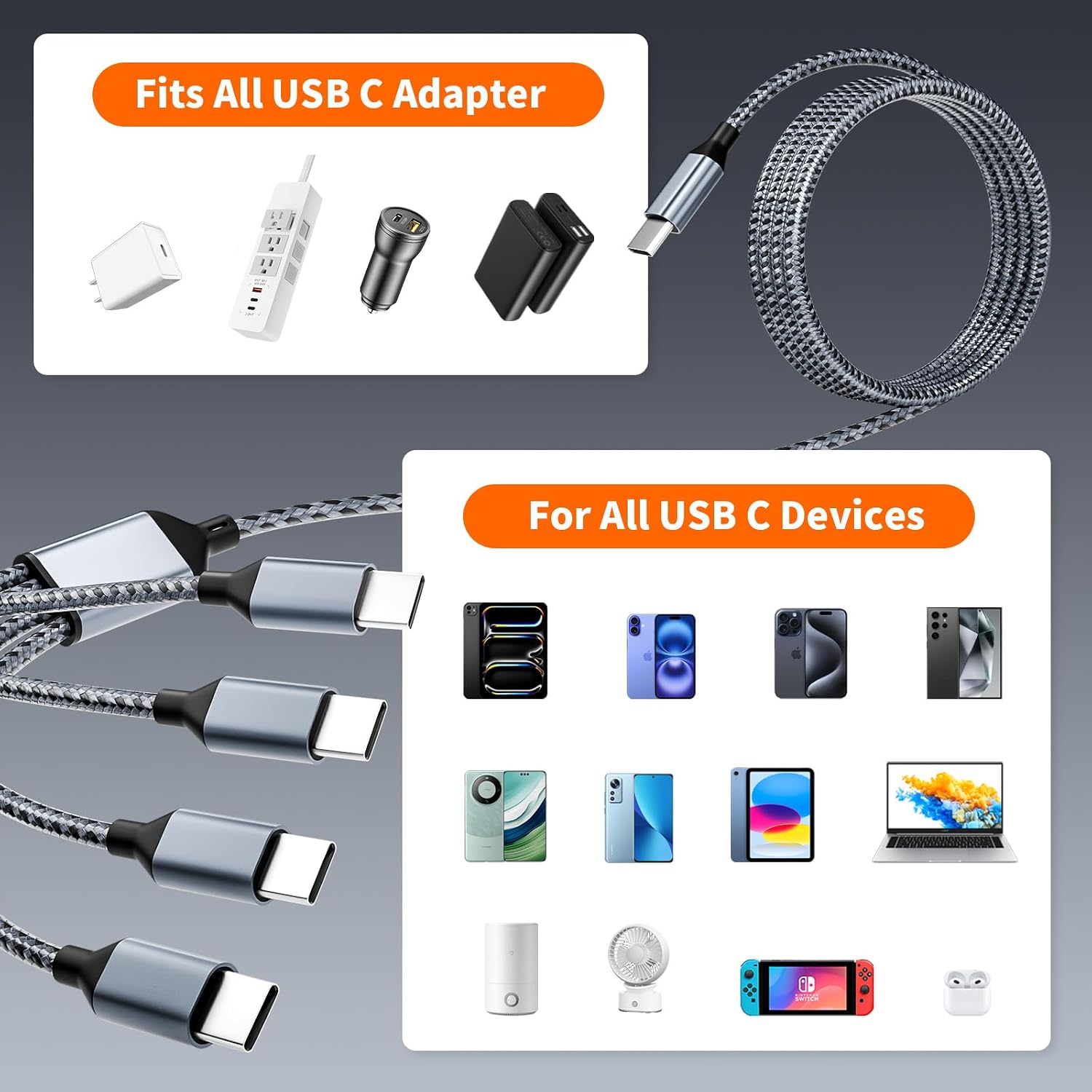
Connect the cable to a compatible USB-C power source, then plug in the devices you want to charge. For example, you could keep a phone and tablet connected while topping up a small fan at a shared outlet. The product is listed as compatible with USB-C phones, tablets, notebooks, lights, and mini fans, among other devices.
Keep in mind that the only stated QC 3.0 and data-transfer support applies to one port. The listing doesn’t specify total output when multiple devices are connected, nor does it give a charging rate for each of the other ports. If a specific device needs a particular charging speed, those missing details matter more than the number of connectors.
Practical tips

The 5-foot length gives you some room to spread connected devices around a desk or keep them together near an outlet, but it may not suit a setup where devices need to sit far apart. Before relying on it for a trip, think about where your power source will be and whether all your devices use USB-C.
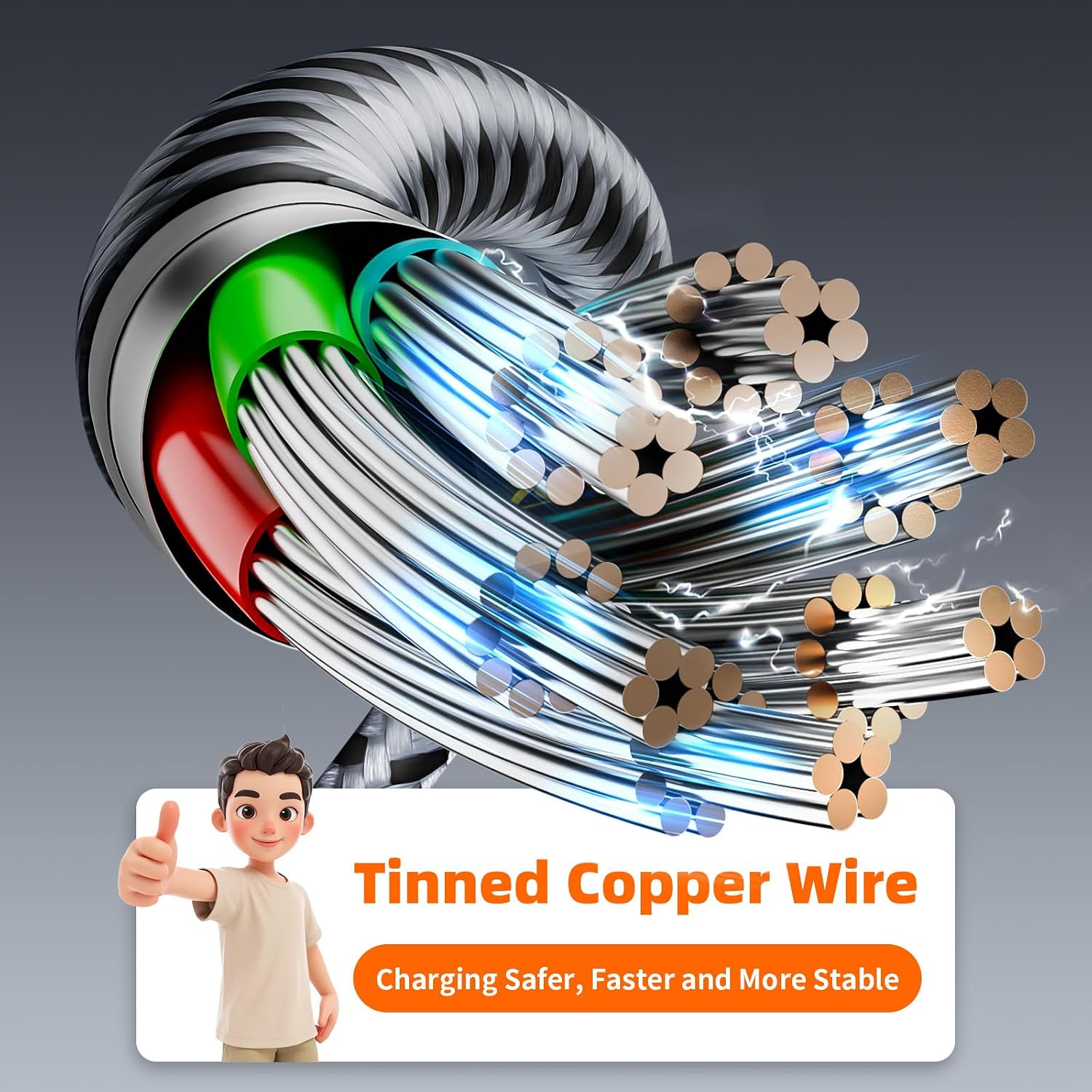
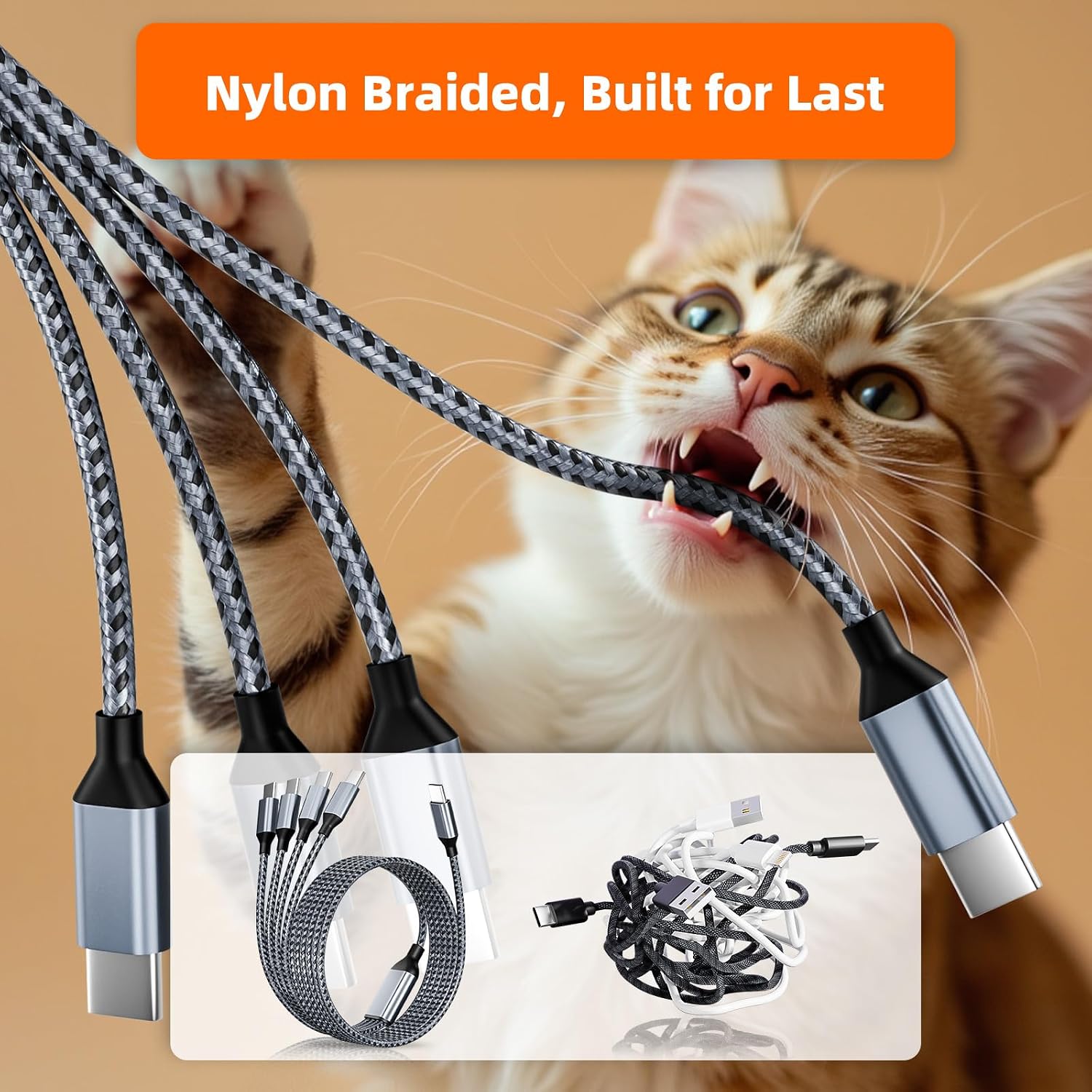
The product description says the cable uses thickened tinned copper wires and built-in current regulation, and reports testing beyond 20,000 bends and plug/unplug cycles. Those are stated durability and safety features, not a reason to assume the cable will meet every device’s charging requirements. It suits you if your main goal is charging several USB-C devices from one cable. It might not be a great match if you need confirmed fast charging across every port, or data syncing from more than the supported port.
Questions before you buy
Can it connect four devices at once? The cable is described as a four-port splitter for charging multiple devices simultaneously. The listing doesn’t specify how charging power is divided when several are connected.
Can I transfer data through it? Data transfer is stated for one USB-C port, with speeds up to 480Mbps. The other ports aren’t described as data connections.
How long is the cable? It is listed as 5 feet. Consider whether that reach works for the outlet and device layout you have in mind.
Should you buy it?
Choose this cable if fewer separate cords and the ability to connect several USB-C devices are more important to you than clearly documented charging performance for each port. It offers a practical shared-cable approach for travel or a crowded desk, separate chargers and cables make more sense when you need known charging rates for individual devices. The main tradeoff is that the listing doesn’t state total output or per-port performance beyond the one port with QC 3.0 and data support.