

AOHI USB4 2.0 Cable with LED Display (6.6ft) — 240W PD3.1, 80Gbps, Dual 8K/Triple 4K Video, USB-C for MacBook Pro & More
Product description
Overview
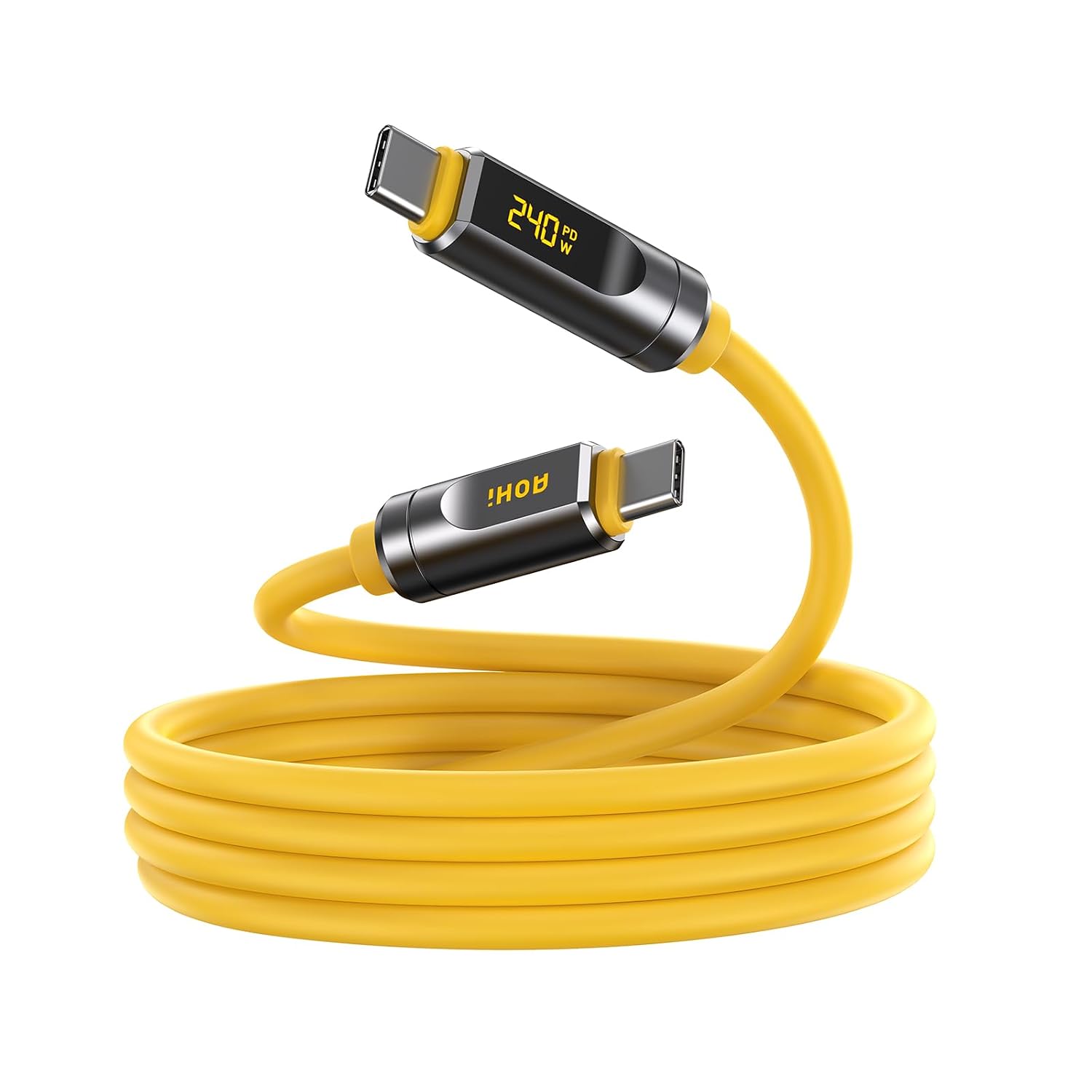
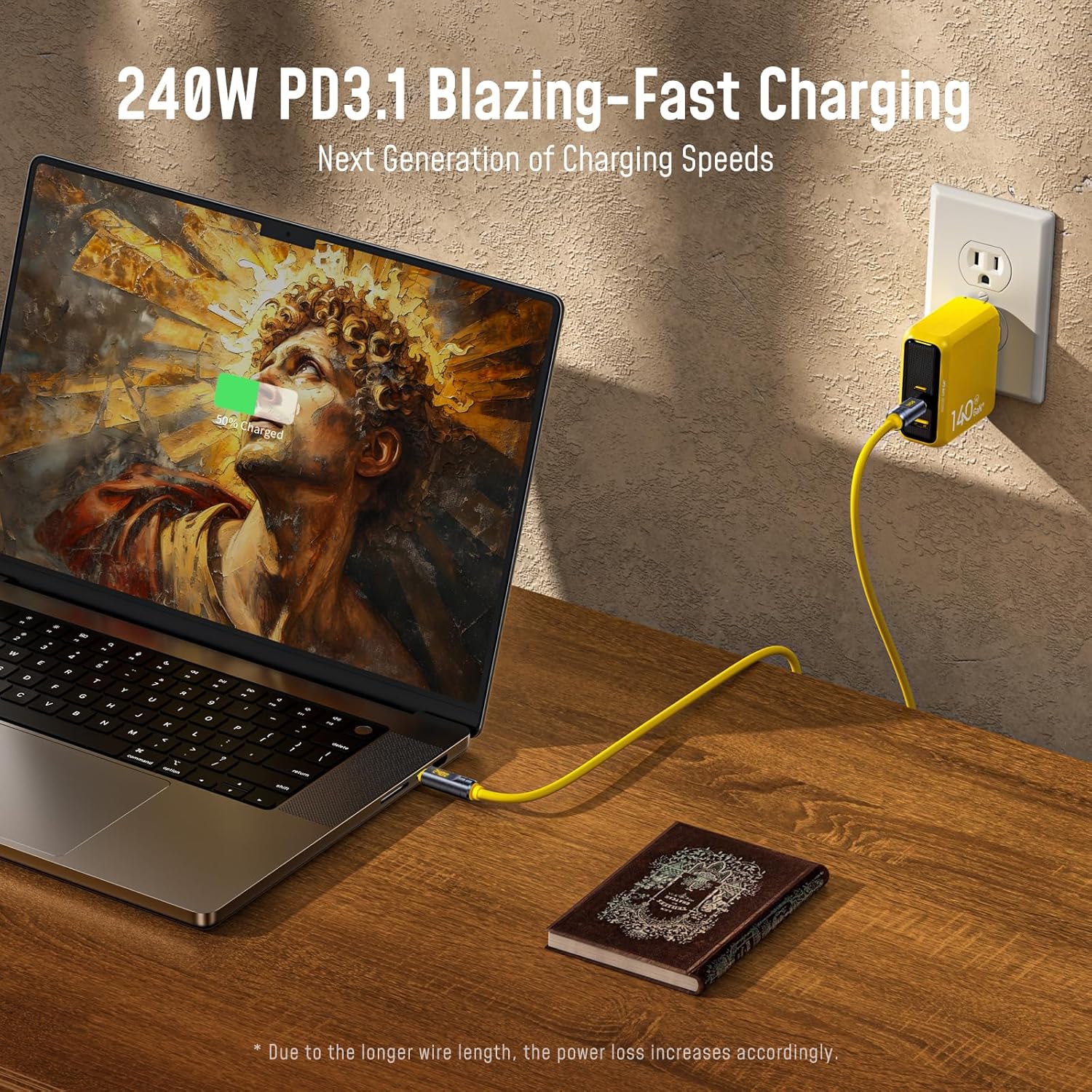
The AOHI USB4 2.0 Cable with LED Display is a high-end USB-C cable designed to cover charging, data transfer, and video output across a single, long reach. At 6.6 feet, it blends extended length with USB4 2.0 performance, and it’s built to handle demanding workflows without an obvious drop in speed or stability. The standout feature is the built-in LED display that shows real-time charging wattage, which can help you monitor power output during long sessions, OTA updates, or large file transfers.
What it’s for
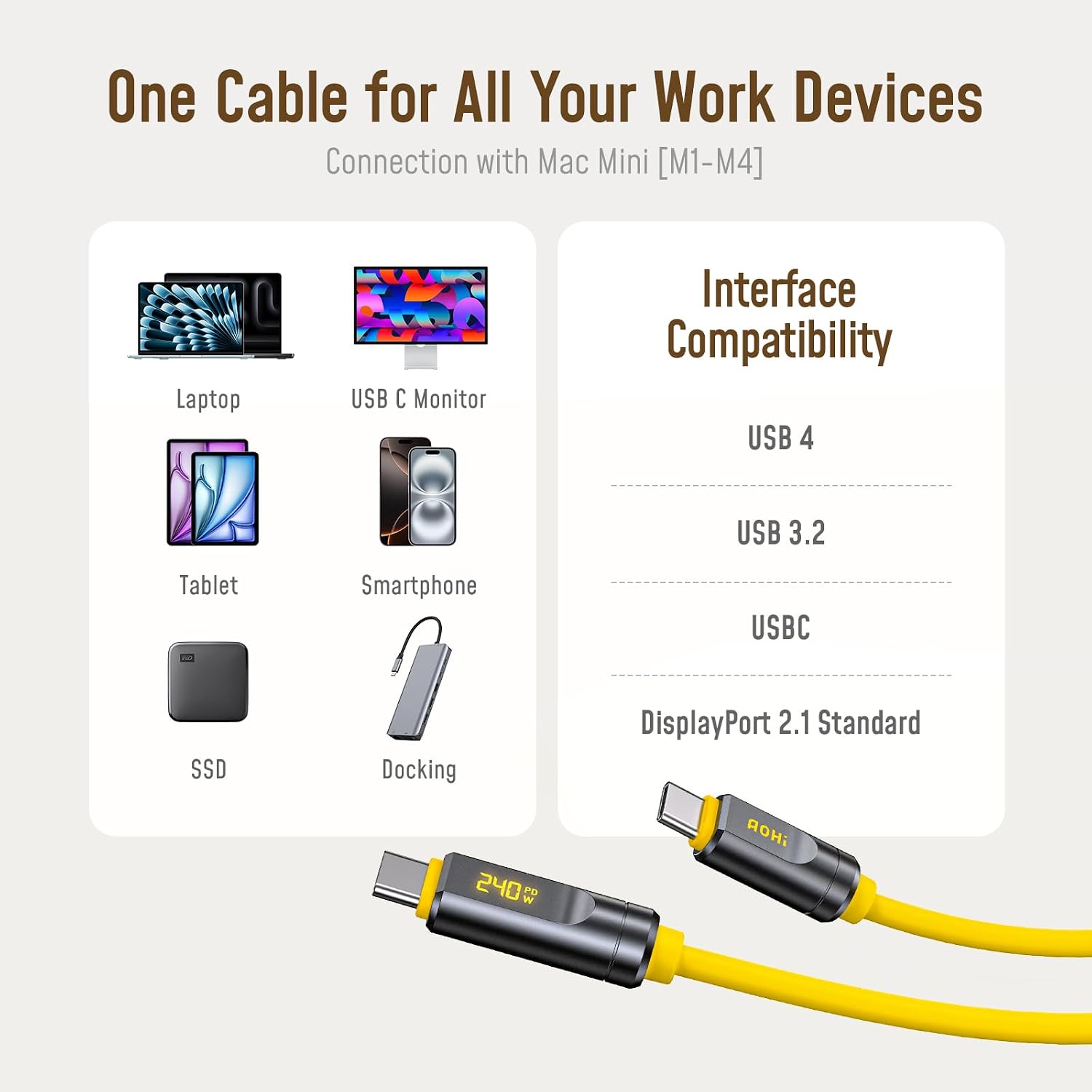
On paper, this cable targets power users who need one cable for charging a laptop, driving high-resolution displays, and moving large data across devices like MacBook Pro, iPhone, iPad, or external SSDs and docks. It aims to simplify setups that previously required multiple cables by combining power, data, and video in a single path. If your workflow relies on 4K/8K rendering, external displays, or frequent docking, this cable is positioned as a future-ready option.
Key features at a glance
- Extended 6.6ft length designed to reduce desk clutter while maintaining performance.
- 240W PD3.1 fast charging capability supports demanding laptops and docking stations.
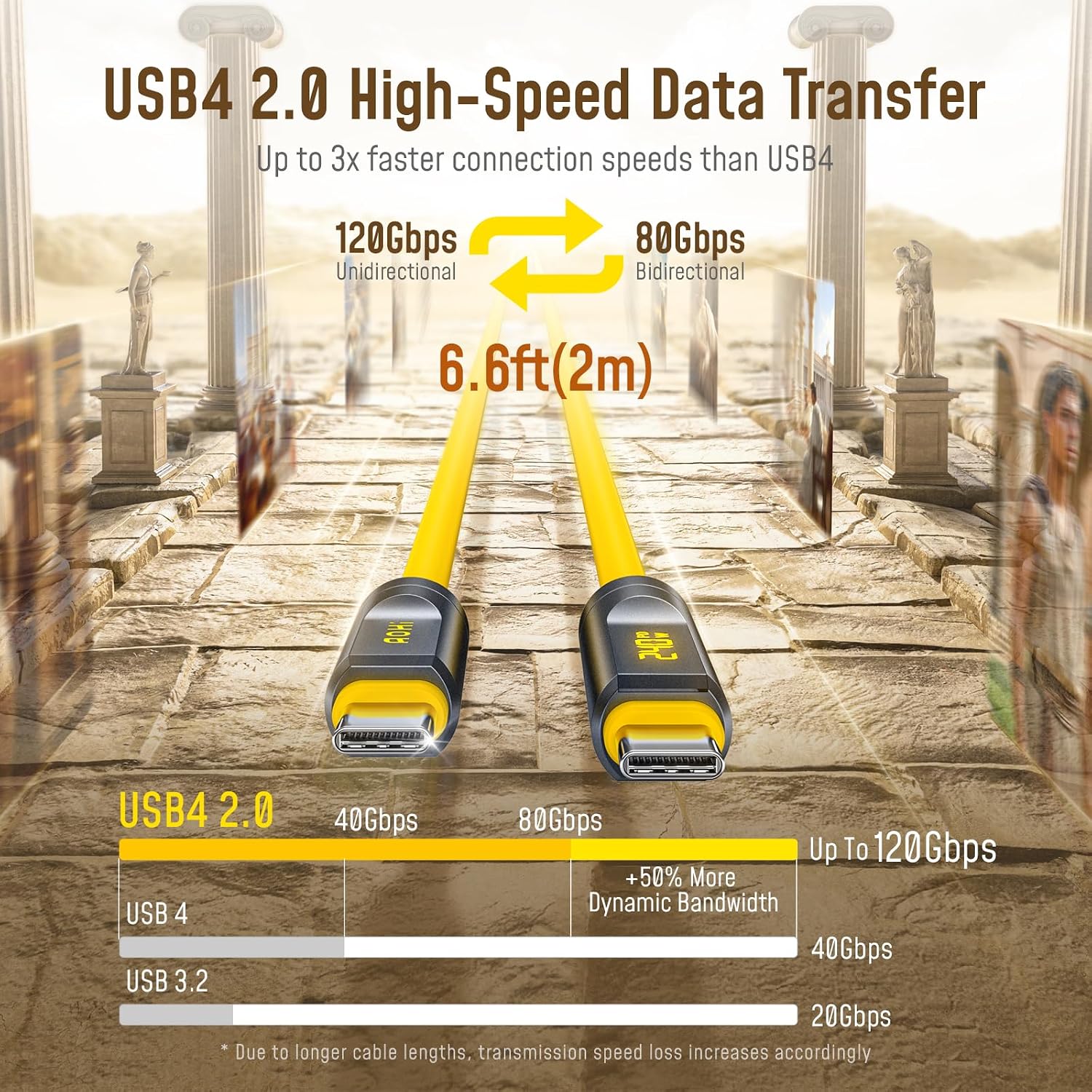
- Up to 80Gbps bidirectional data transfer and 120Gbps video bandwidth for multiple high-res displays.
- Supports single 8K@165Hz, dual 8K@60Hz, or triple 4K@144Hz setups with DisplayPort 2.1 compatibility, over the full length.
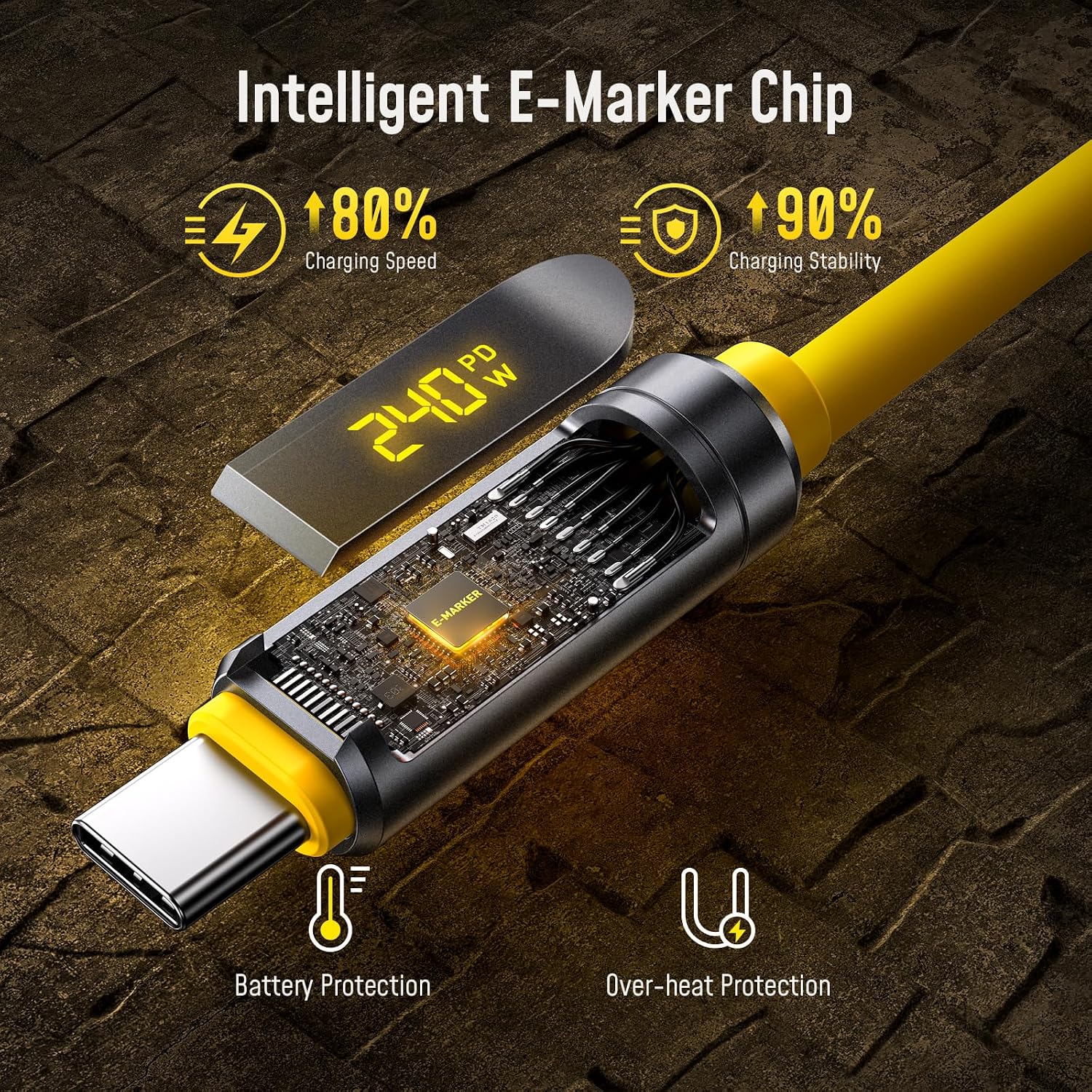
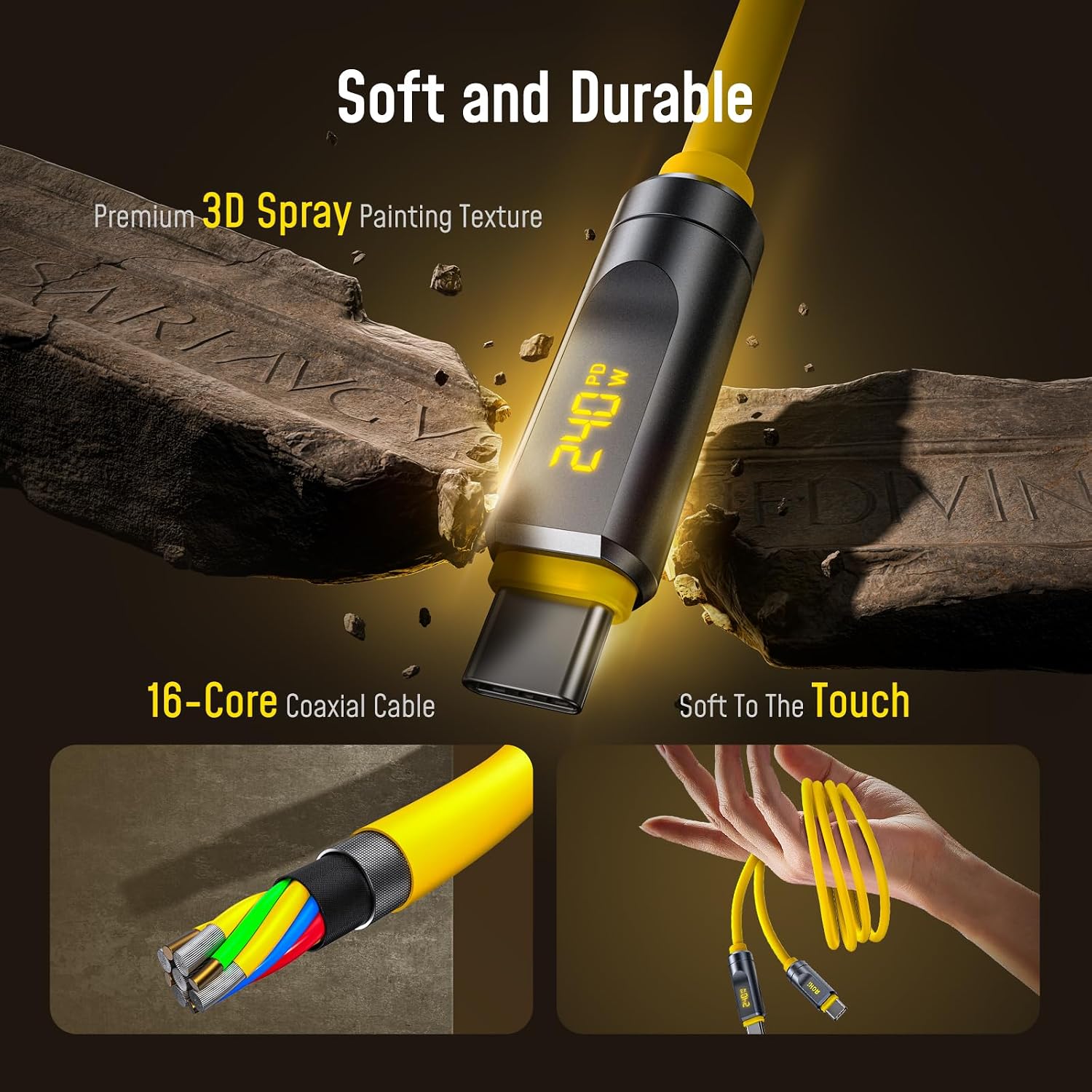
- Built with 16 coaxial cores, premium connectors, and a heat-dissipating design to help stability over longer runs.
- LED display provides real-time wattage readings for visibility during use.
What to know before you buy
The cable targets users who need a single cable that can charge, transfer, and drive video. If your setup rarely uses more than a single 4K monitor or you don’t need USB4’s maximum bandwidth, there may be more cost-effective options. The LED display is practical for monitoring, but it adds a component layer that could feel optional if you don’t need the readout. Also, the claimed performance assumes compatible devices and an appropriate PD3.1 power source.
Pros and what stands out
- High power delivery (240W) meets the needs of power-hungry laptops and docks without swapping cables.
- Very high data and video bandwidth supports demanding workflows like 8K/4K video editing and large media libraries.
- Long reach (6.6ft) combines flexibility with performance, useful for multi-device desks or studio setups.
- LED wattage display offers instant care about charging status mid-task, which is helpful for balancing power use.
Areas to consider or potential limits
- Real-world utilization depends on your devices’ support for USB4, PD3.1, and DisplayPort 2.1 features, if your gear is older, you may not see the full benefit.
- The cable’s price point may be higher than basic USB-C cables, for simpler tasks, it could feel like overkill.
- The length, while convenient, can add resistance and require careful routing to maintain signal integrity in tight spaces.

Who this is for
- Creative professionals working with 8K/4K multi-display setups.
- Someone who wants a single solution for charging, data, and video across a MacBook Pro, Galaxy/Android devices, SSDs, and docking stations.
- Power users who value real-time power readouts to manage charging efficiency during long sessions.
Who it isn’t ideal for
- Light users who mainly need a basic USB-C cord for charging a phone or a single display.
- Buyers on a tight budget who don’t require USB4’s peak bandwidth or 240W PD3.1 charging.
- Environments with strictly short cable requirements where 6.6ft adds unnecessary length.
When it makes sense to buy
- You frequently work with large video files or multi-display layouts and want to minimize cable clutter.
- You rely on high-widelity data transfer for external storage or complex workflows, and you also need fast charging in one cord.
- Your workstation benefits from a single cable to connect a laptop, dock, and monitor without swapping cables.
What to check before purchasing
- Ensure your devices support USB4, PD3.1, and DisplayPort 2.1 to realize the advertised capabilities.
- Confirm your power source and docking setup can supply up to 240W if you plan to take advantage of the full charging speed.
- Consider whether the LED wattage readout aligns with your workflow needs or if it’s a nice-to-have that's worth the premium.
Practical usage example
Imagine editing a high-resolution video while a 8K monitor runs in one window and a second 4K panel handles timelines. The AOHI cable can carry the data and drive the displays at high bandwidth while simultaneously charging your laptop, which eliminates the tangle of multiple cables and reduces desk clutter. The LED display gives you a quick pulse check on power while you render, so you know you’re not overloading the port.
FAQ (quick answers)
- Q: Does it work with non-USB4 devices? A: It’s designed to be universally compatible with USB-C devices, but peak performance requires USB4 and PD3.1 support.
- Q: Can I use this cable for gaming or 8K60 setups over long distances? A: It supports up to dual 8K@60Hz or triple 4K@144Hz, depending on your hardware and display chain, performance depends on the complete system.
- Q: Is the LED wattage display always on? A: The display shows real-time charging wattage during use, but you can rely on behavior that matches the connected devices and power source.
Is it worth it?
Final verdict: If you need a single, future-ready USB-C cable that can handle charging, data, and high-resolution video across a longer reach, this AOHI model is worth considering. It’s a solid pick if your setup benefits from extra length and a visible power readout, and you plan to leverage 8K/4K multi-display configurations with a capable PD3.1 source. If your use is lighter exposure to only one display or basic charging, you may want to weigh whether the premium aligns with your needs.