

MFish 4-in-1 USB-C Charging Cable (240W) with Built-In PD3.1 E-Marker, 6.6 ft, Grey
Product description
The essentials
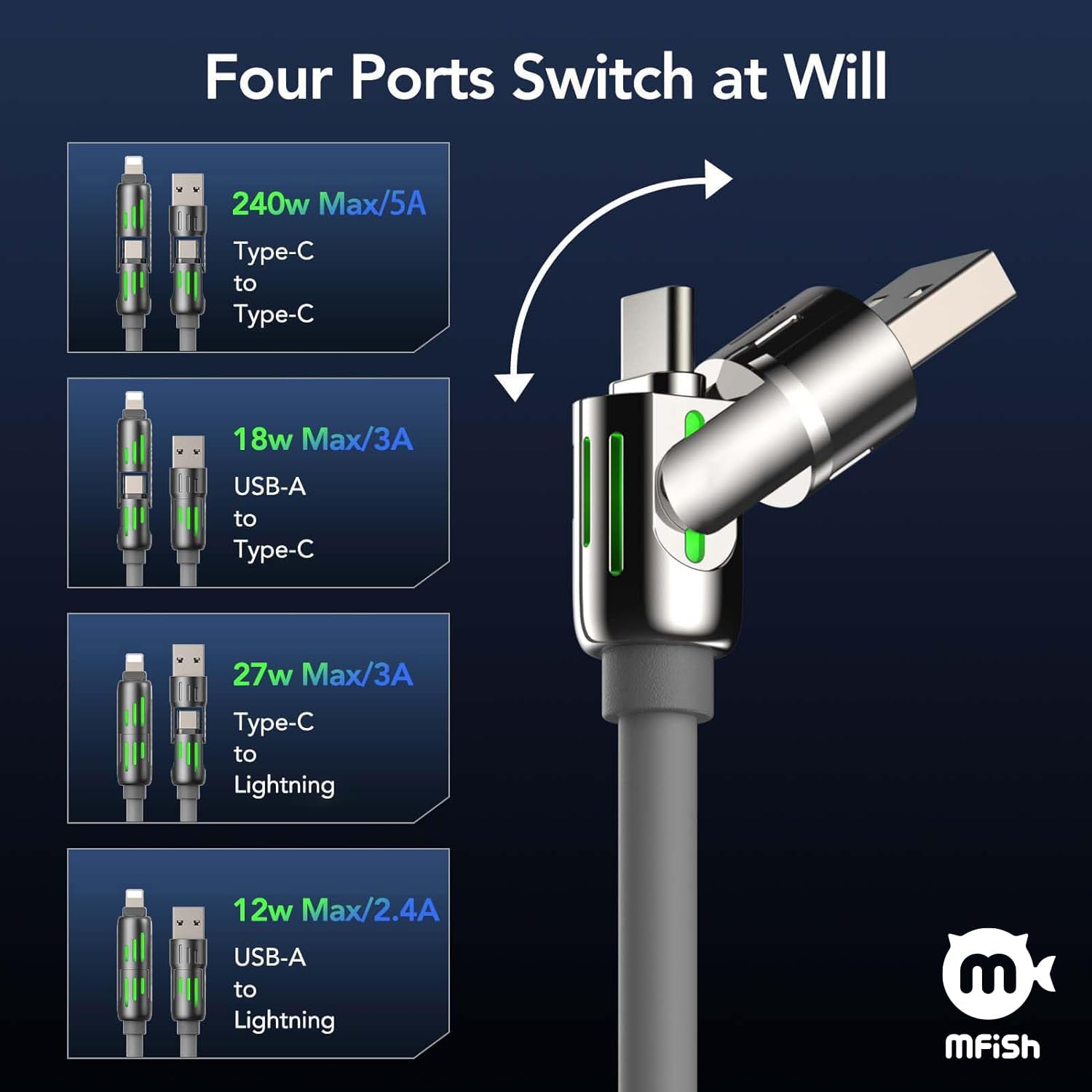
If you travel a lot—or you just hate carrying a different cable for every device—this MFish 4-in-1 cable is built around one simple idea: one cable to cover multiple charging needs. On paper, it combines several connector styles (USB-C to USB-C, USB-C to Lightning, USB-A to USB-C, and USB-A to Lightning) in a single cable solution, so you can keep your desk or suitcase a lot less crowded.
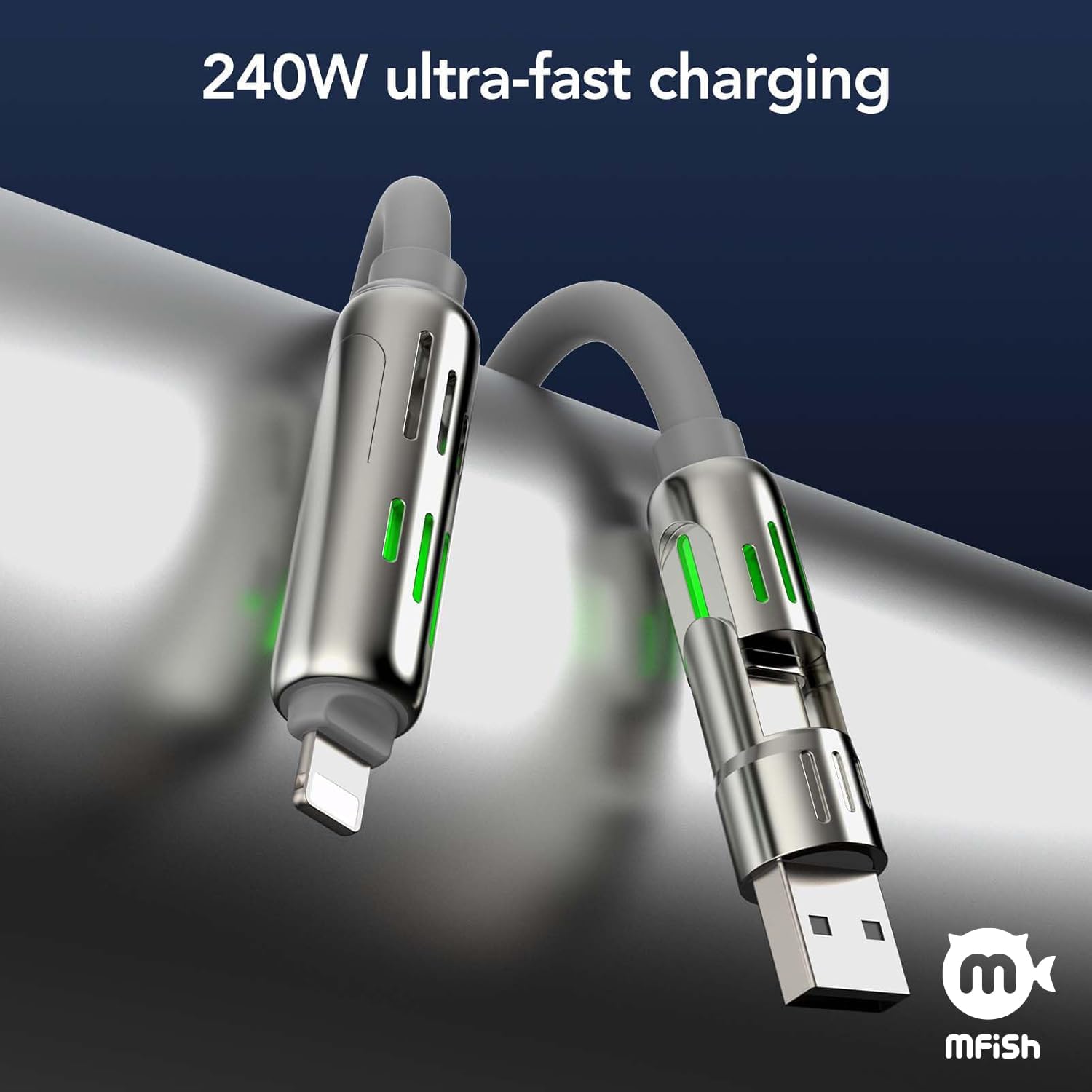
The main selling points here are safety features (a built-in PD3.1 E-Marker chip), a durable silicone build that’s rated for 30,000+ bends, and fast-charging support claimed up to 240W via dual USB-C ports. That said, there are a couple of practical “read before you buy” notes—like case compatibility and how CarPlay support depends on the vehicle.
Key points
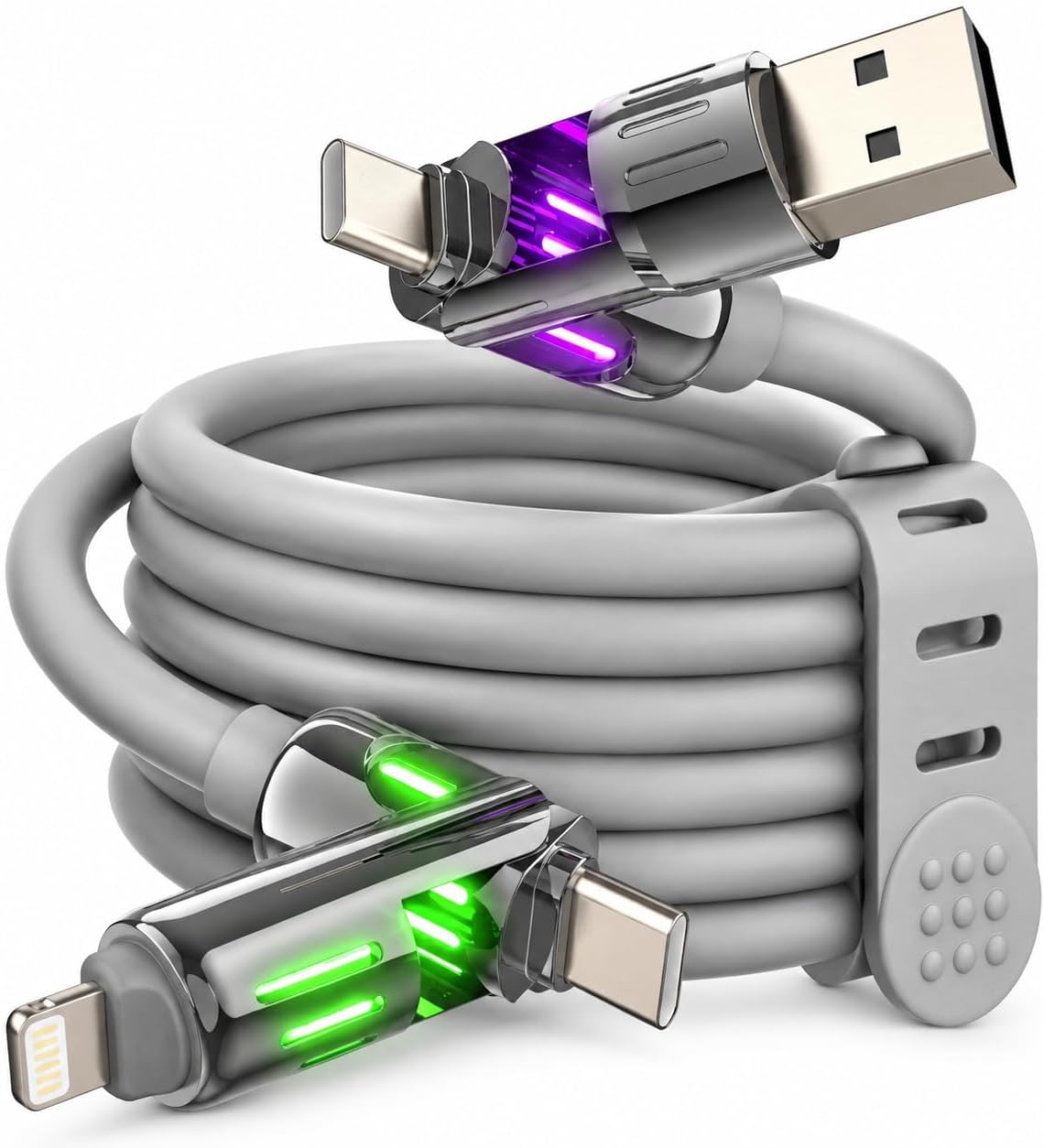
This cable is meant for people who want fewer charging cords without giving up the basics: dependable charging, relatively quick power delivery, and a bit of convenience for data too. The built-in PD3.1 E-Marker chip is specifically aimed at reducing overcharging and overheating risk, which matters if you tend to leave chargers plugged in.
The other detail you’ll actually notice in day-to-day use is the subtle RGB light glow. It’s not a performance feature, but it can help you find the cable in a dark bedroom or in low light at a nightstand.
What stands out (and what doesn’t)
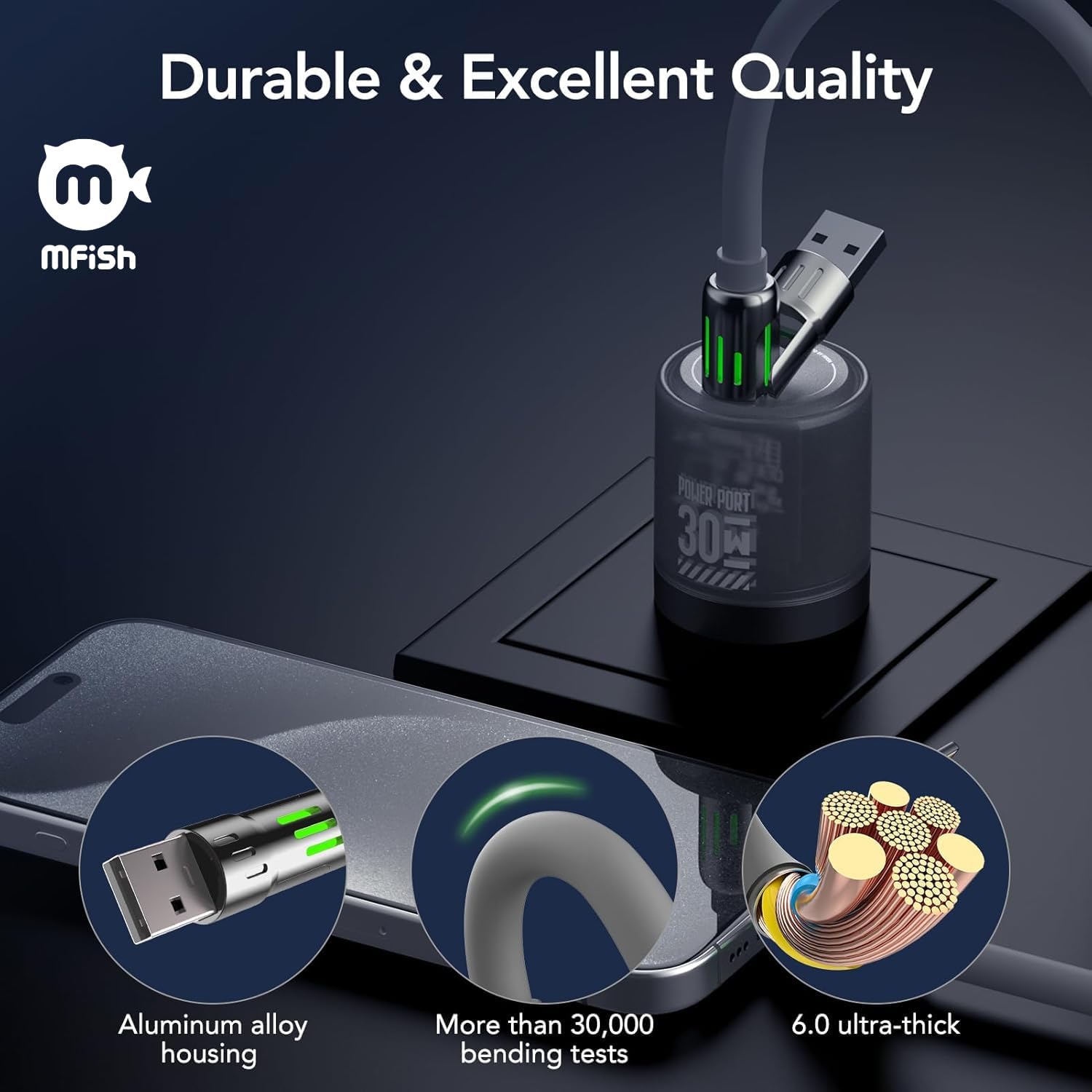
Where this MFish cable feels more “purpose-built” is the combination of durability and flexibility. The silicone construction (6.0mm, described as food-grade) and the 30,000+ bend testing target a cable that can survive daily bending and packing. Zinc alloy connectors are also positioned as a longevity-focused choice.
On the downside, 4-in-1 designs can be convenient, but they also mean you’re relying on one cable to cover different workflows. If your priority is maximum simplicity—like charging one device only—this might be more than you need. Also, it supports wired CarPlay only in supported vehicles, so it’s not a universal in-car feature.
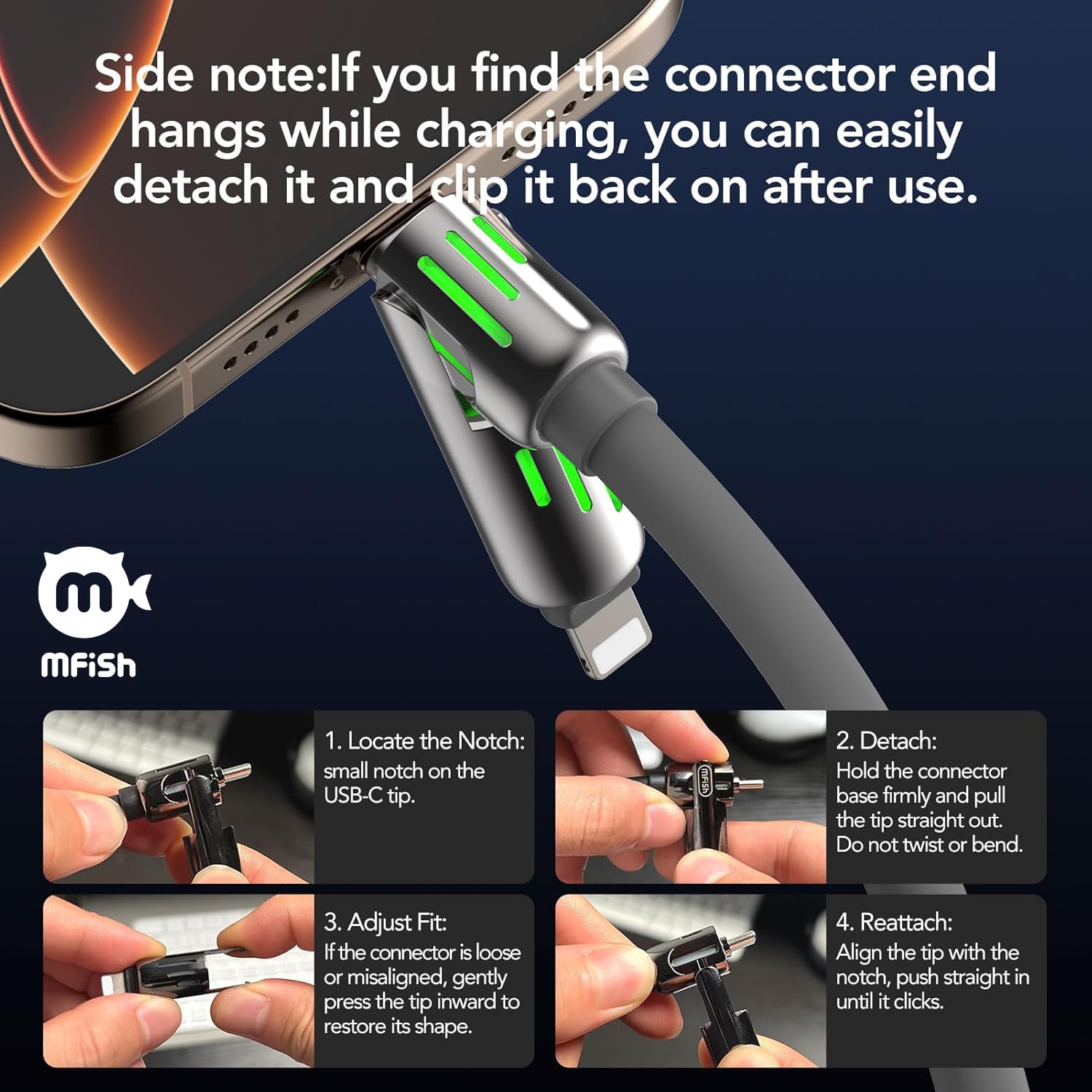
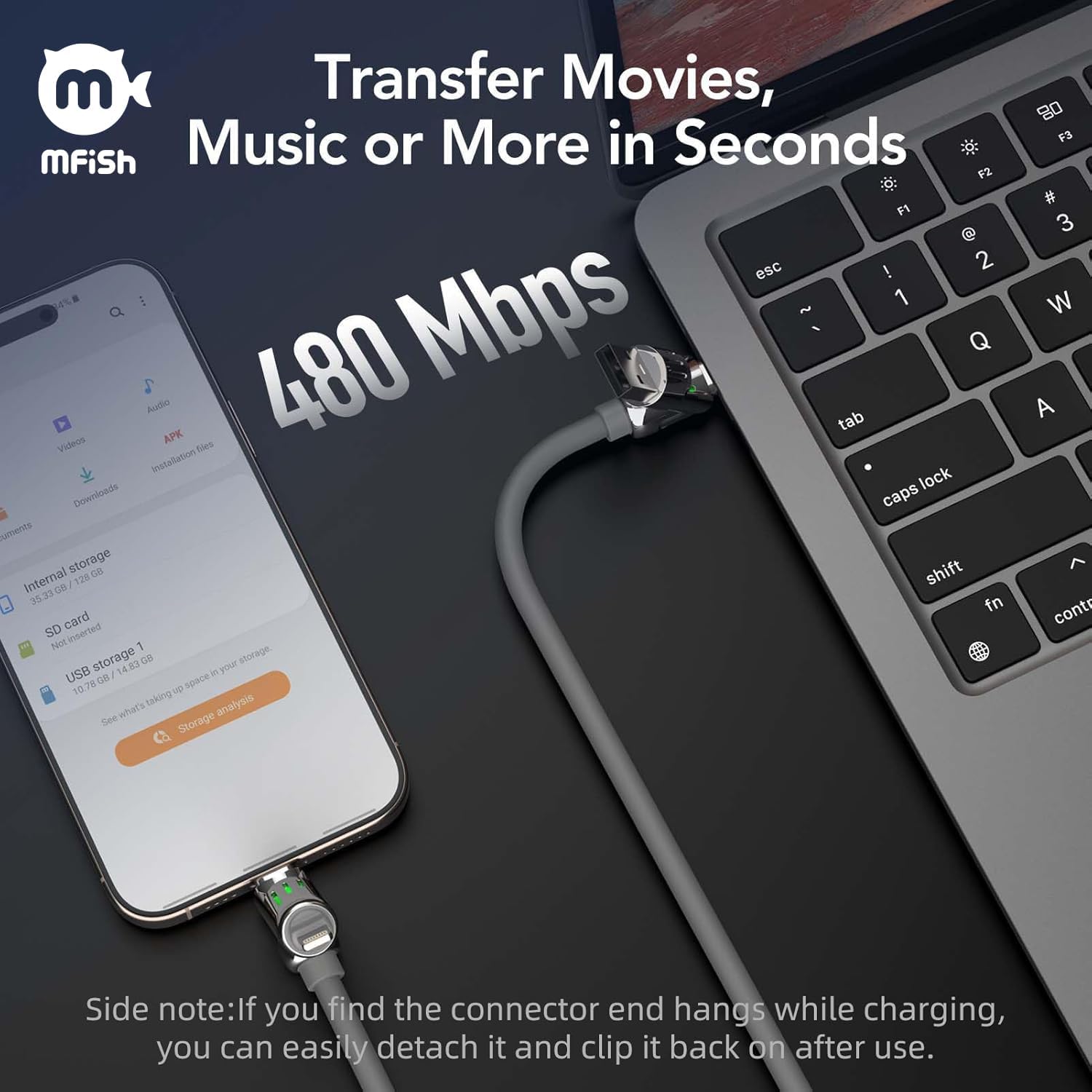
You’ll also want to be mindful about fit: if your phone case is thick or rugged, it may interfere with the connector. And one more practical note from the manufacturer: if the connector hangs during charging, detach and clip it back on.
Everyday use: scenarios where it helps
Think of a business trip where your devices don’t all share the same port. With this 4-in-1 approach, you can switch between USB-C and Lightning needs without building a “cable wall” around your hotel charger. For example: plug in the dual USB-C side when you want full power for a laptop, then switch to a Lightning connection for an iPhone when you’re ready to head out.
For desk use, the RGB glow can save you from fumbling in the dark while you’re trying to reconnect your phone or sync a device. And when you need wired data transfer (like syncing or backing up), the cable is described to support USB 2.0 speeds up to 480Mbps.
Tech specs
- Type: 4-in-1 charging cable (USB-C to USB-C, USB-C to Lightning, USB-A to USB-C, USB-A to Lightning)
- Claimed fast charging: up to 240W PD3.1
- Charging safety: built-in PD3.1 E-Marker chip
- Cable length: 6.6 ft
- Cable material: 6.0mm food-grade silicone
- Durability: tested for 30,000+ bends
- Connector: zinc alloy connectors
- Data transfer: USB 2.0 up to 480Mbps
- CarPlay: supports wired CarPlay in supported vehicles
- Features: subtle RGB light glow (blue, red, green, purple)
Compatibility & requirements
This cable is positioned for charging across devices that use USB-C and Lightning, and it’s also described as suitable for MacBooks, iPads, phones, and Samsung S25/S24. Still, charging performance can depend on how you connect it.
It’s also worth noting that for maximum laptop charging, the guidance is to use USB-C. For phone cases, slim or standard cases are the safer bet, thicker or rugged cases may interfere with the connection.
One more “don’t ignore” limitation: in some vehicles, the outlet can stay powered even when ignition is off. If you plug this into a car outlet for charging, consider unplugging when you’re done to help prevent battery drain.
Is it worth it?

Buy it if you want a travel-friendly, single-cable setup that can handle both USB-C and Lightning charging needs, and you like the idea of a durability-focused cable rated for 30,000+ bends. It’s a solid fit if you regularly switch between phone charging and laptop/tablet charging, and especially if you care about PD3.1 safety behavior (overheating/overcharging prevention is the intent here).
Skip it if your situation is simple and you only ever charge one device with one connector. It also may not suit you if you’re expecting guaranteed wired CarPlay support in any vehicle—support is described as dependent on supported vehicles. And if you use a thick, rugged phone case, you may run into connection issues.
Mini FAQ
Does this cable charge laptops fast?
It’s designed to support fast charging up to 240W via PD3.1, and the guidance given for maximum laptop charging is to use the USB-C connection.
Will wired CarPlay work in my car?
It supports wired CarPlay only in supported vehicles, so it isn’t guaranteed for every setup.
How durable is the cable?
The cable is described as tested for 30,000+ bends, and it uses 6.0mm silicone with zinc alloy connectors.
Can I use it with a thick phone case?
The manufacturer suggests slim or standard cases for best connection, since thicker or rugged cases may interfere.
Why might the connector feel like it doesn’t stay seated?
If the connector hangs during charging, the guidance is to detach and clip it back on after use.