

UK BONITOYS 14" Laptop Screen Extender FHD
Product description
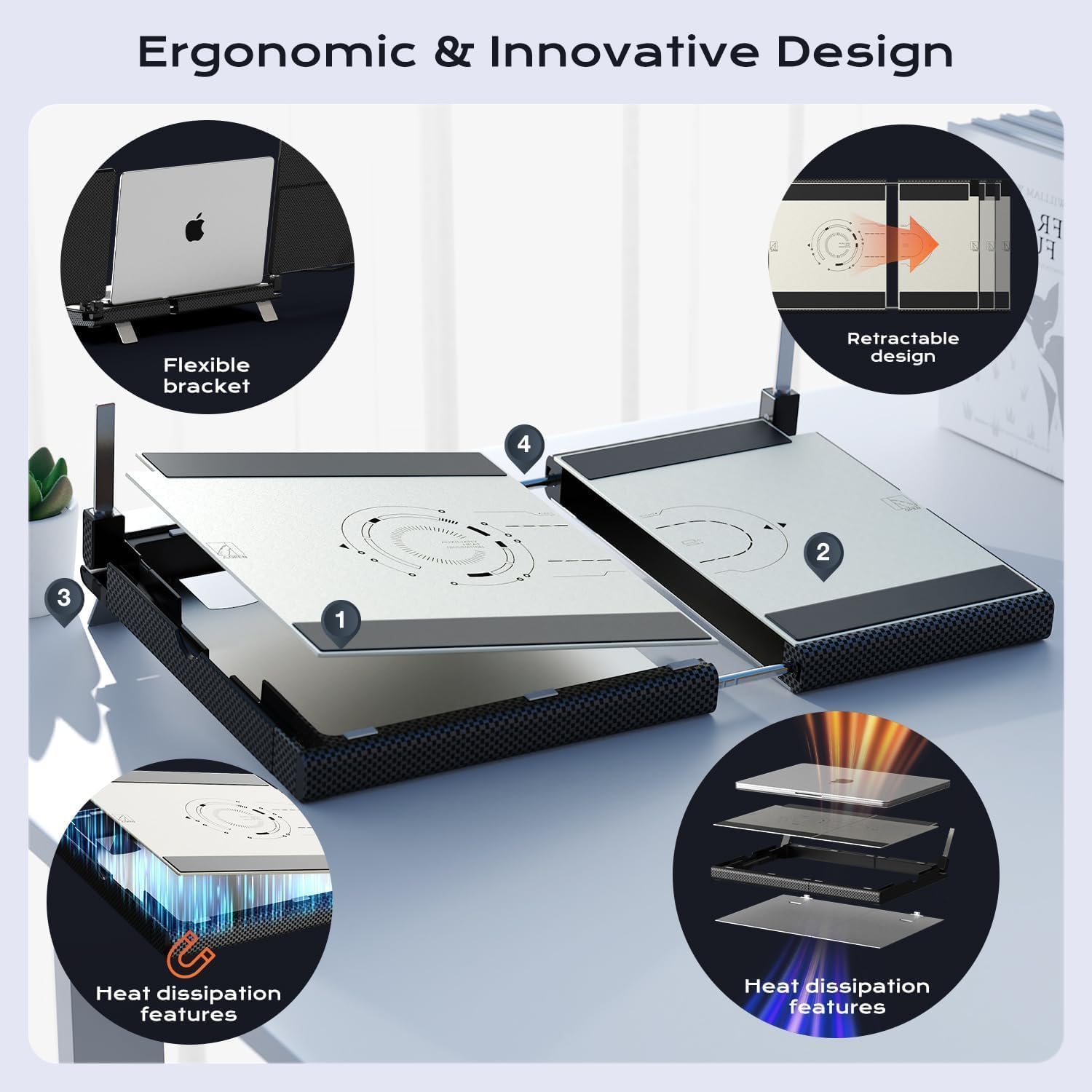
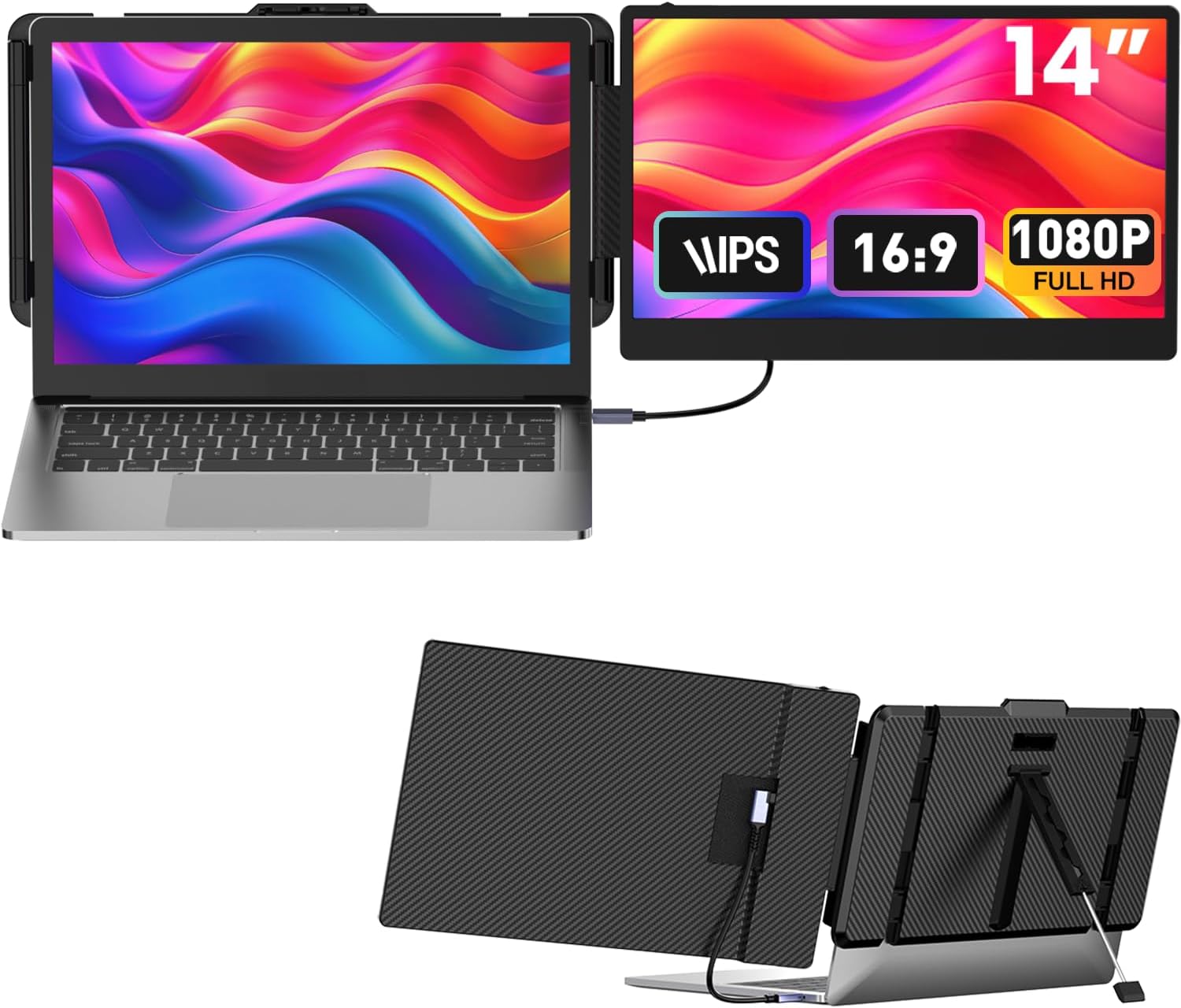
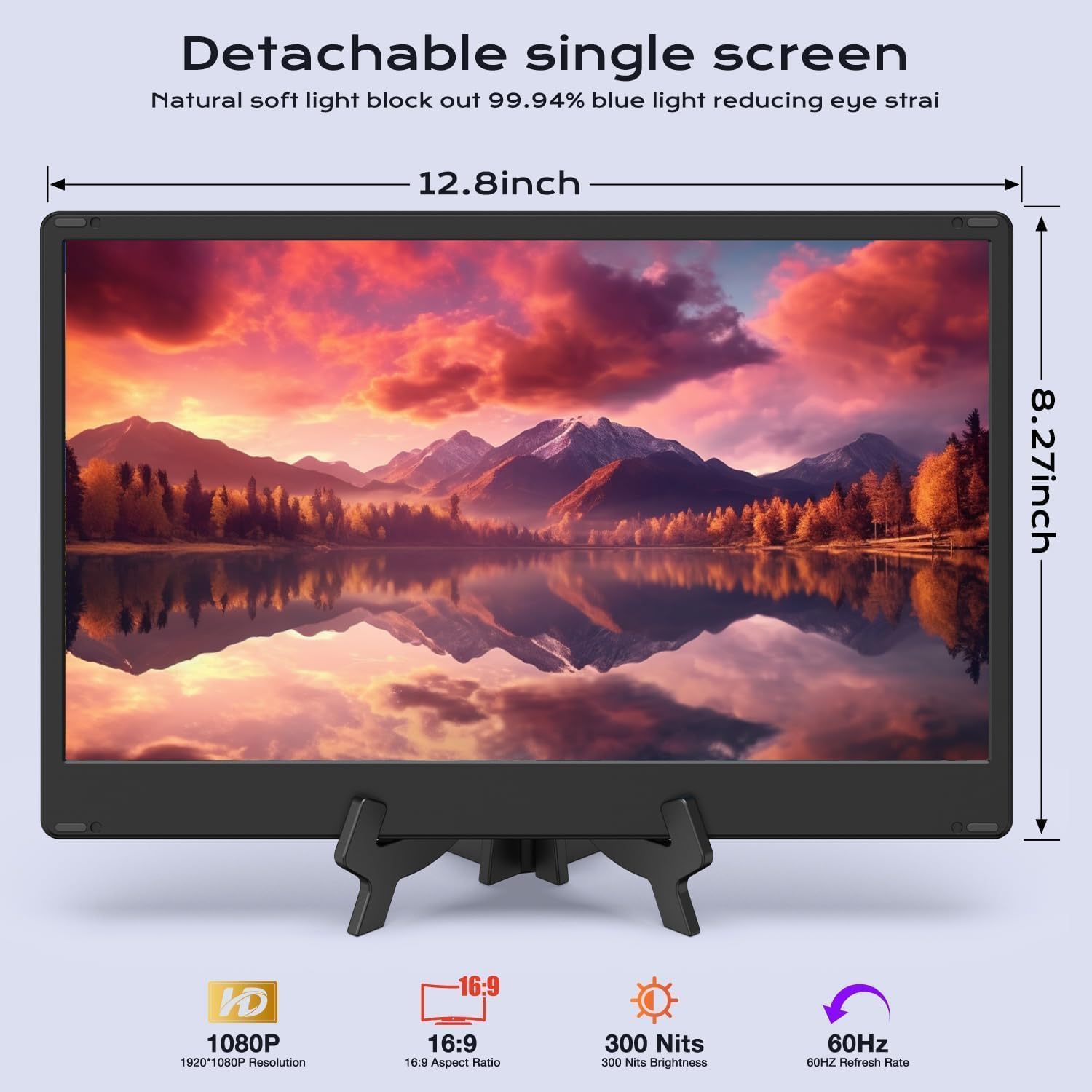
This 14-inch FHD laptop screen extender from UK BONITOYS adds a second display to your workstation for smoother multitasking and expanded viewing. It combines a detachable 1080p panel with a stretchable ergonomic base that supports laptops of various sizes, offering cooler operation and reduced pressure on your laptop while you work or game.
Key Points
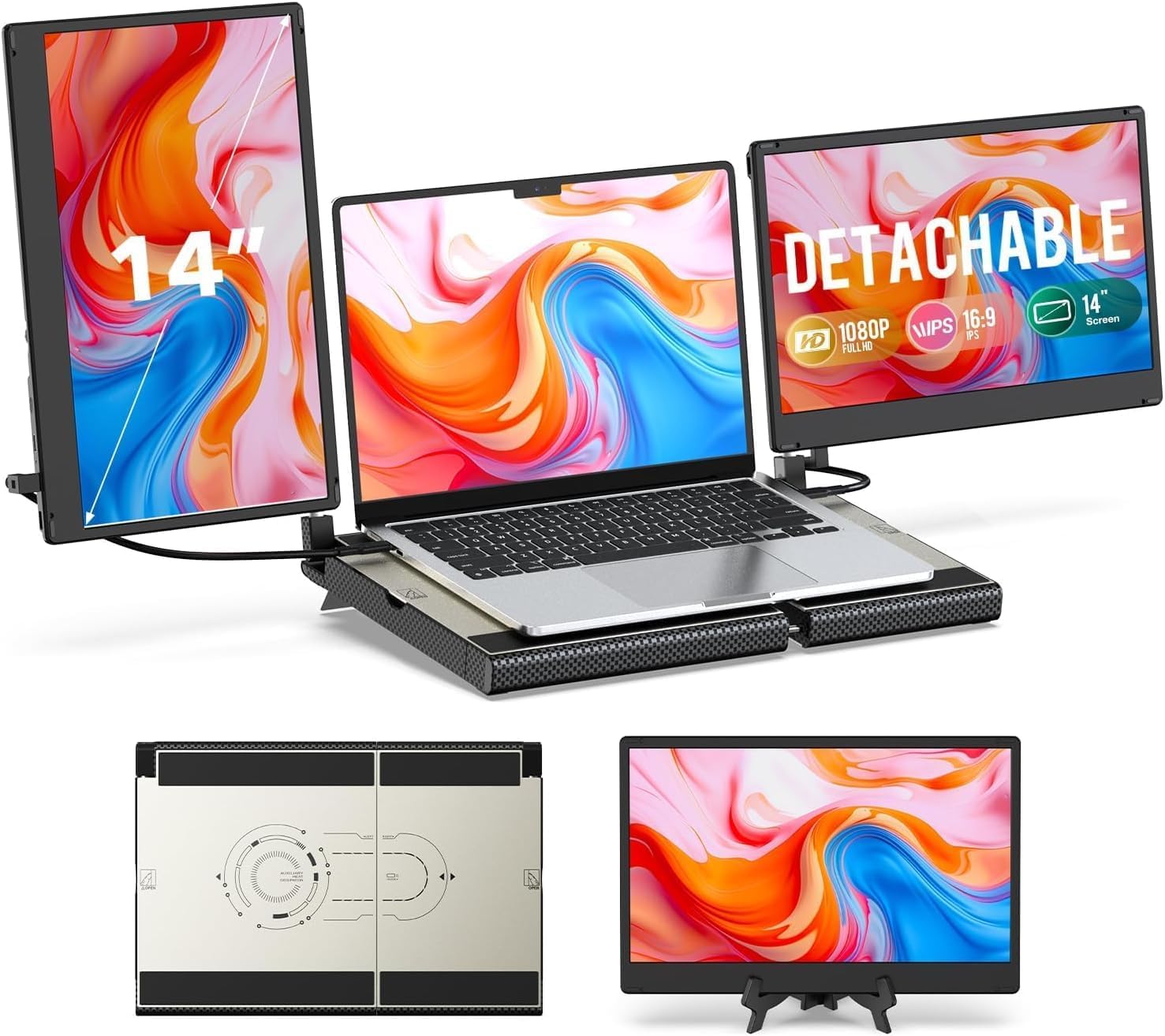
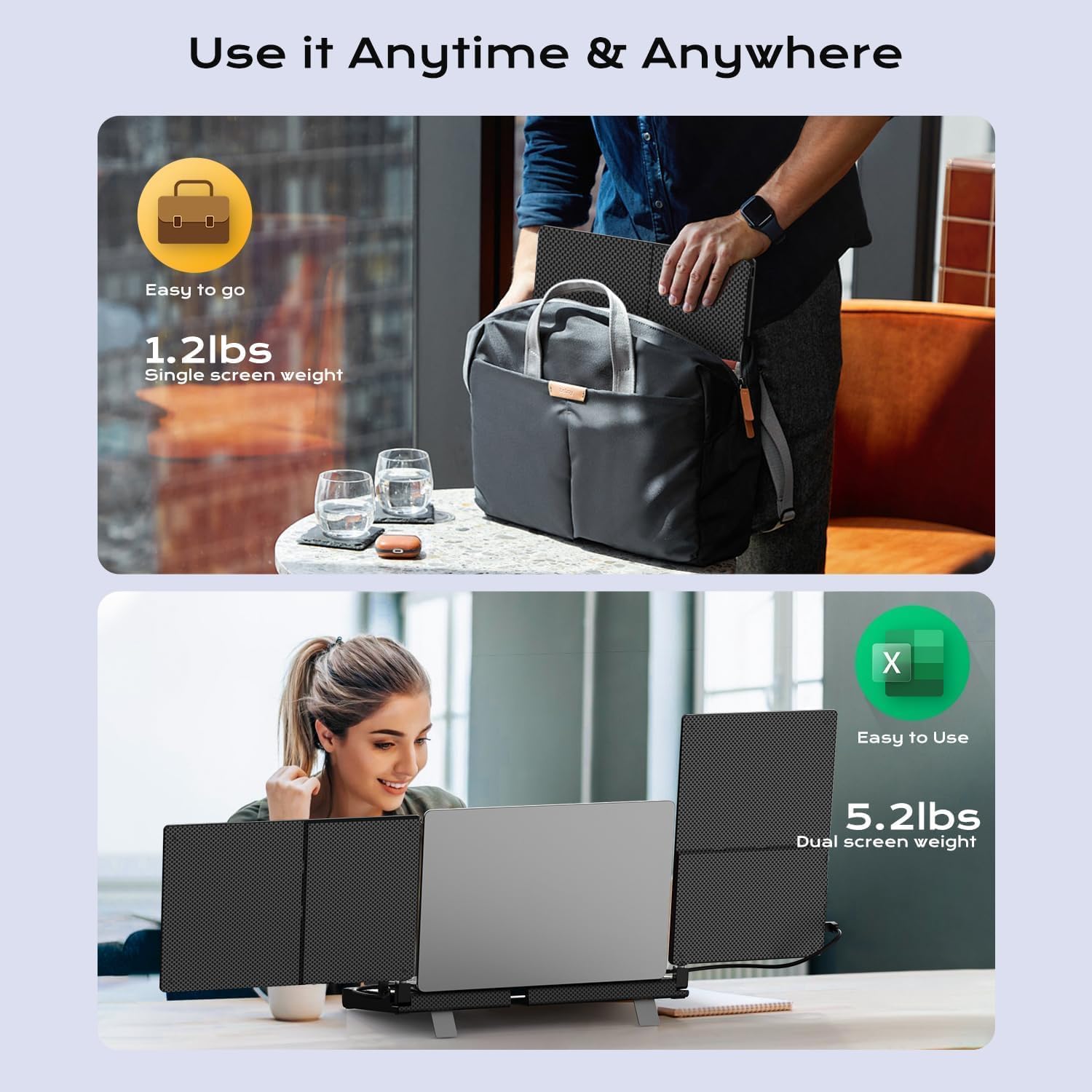
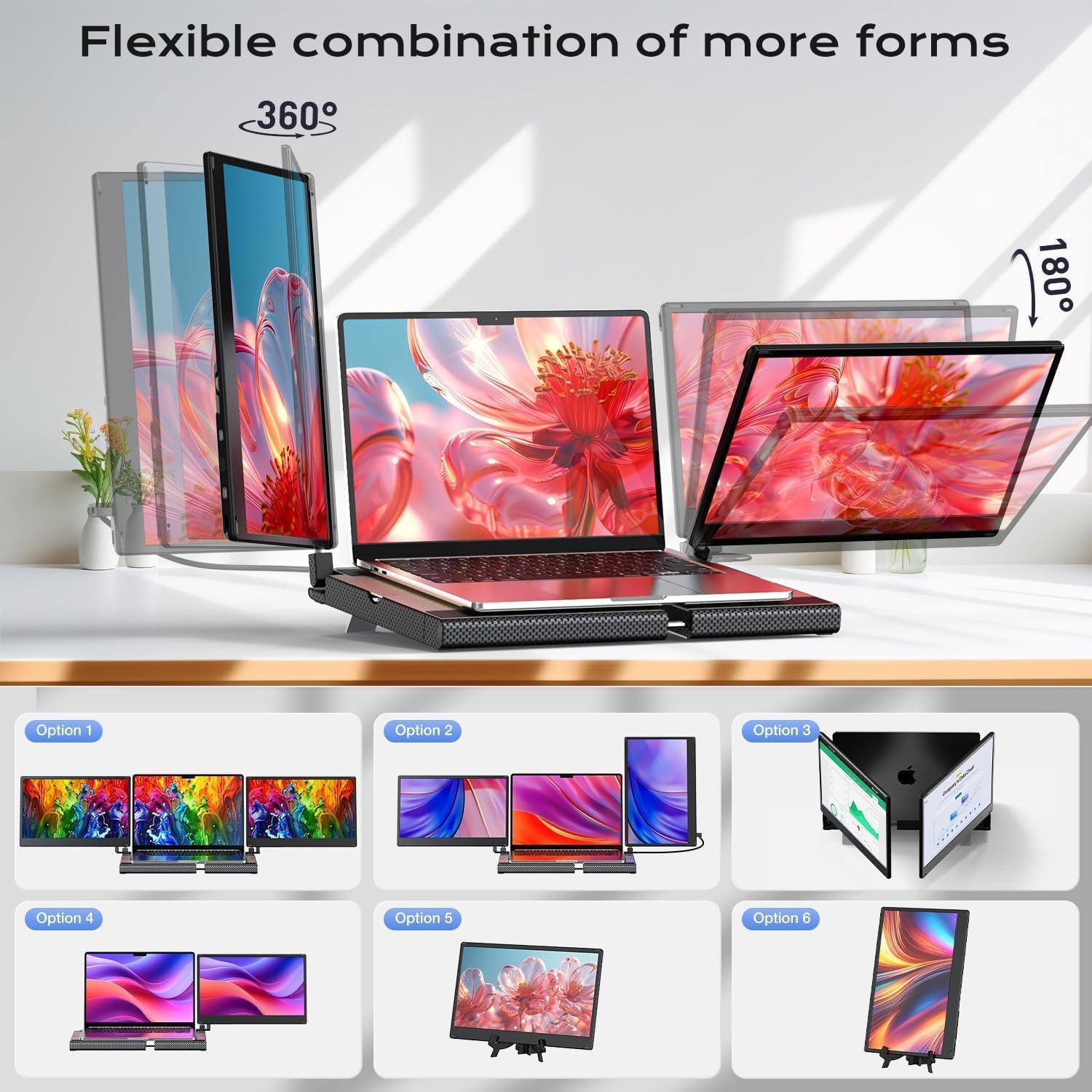
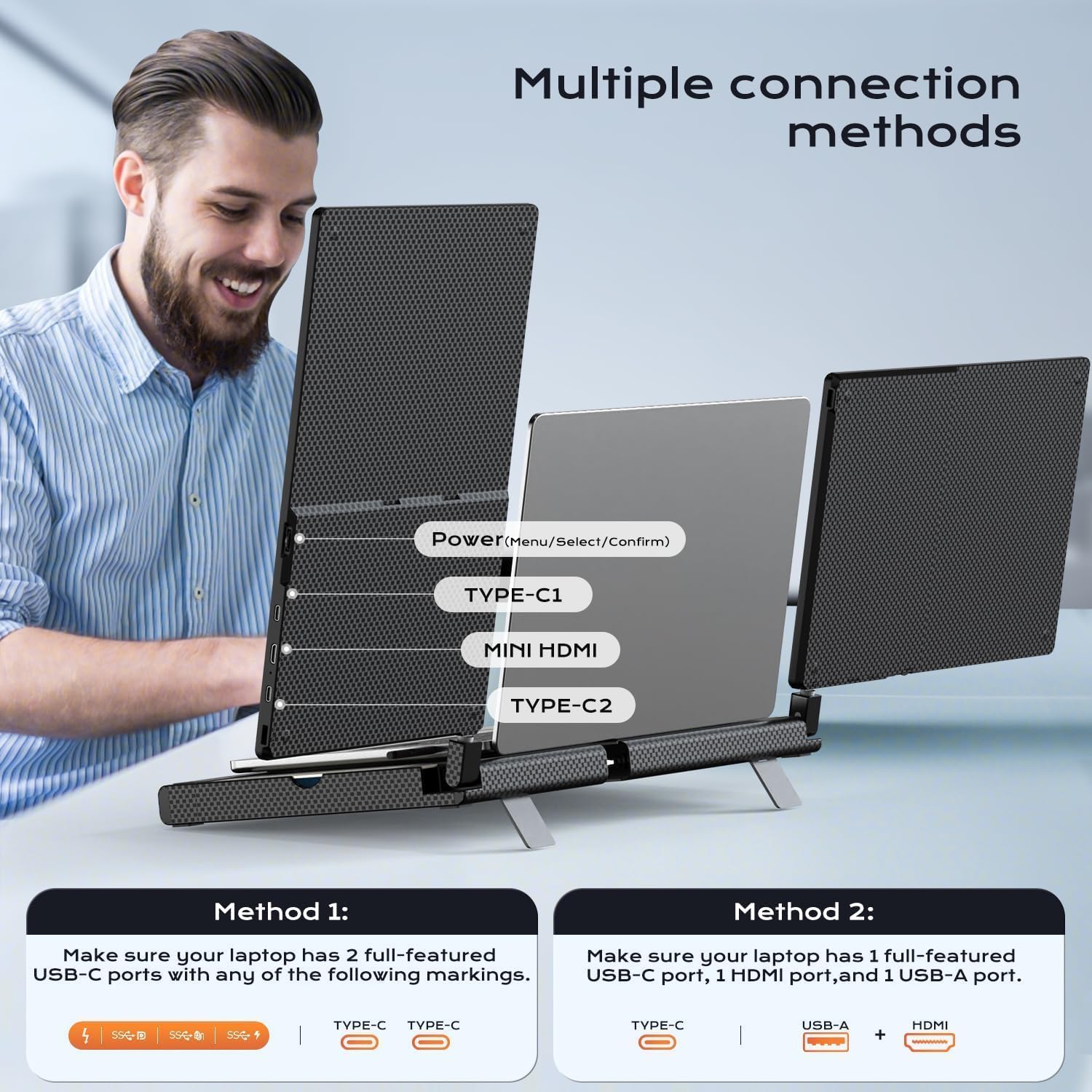
The design avoids clamping directly to your laptop by using an independent support arm and a hollow base that promotes heat dissipation, which helps keep the laptop cooler during extended sessions. The secondary screen detaches easily, weighing about 1.2 lbs, so you can carry a single monitor when you need portability. The unit supports 360° horizontal and 180° vertical rotation for flexible viewing angles. According to the manufacturer, the triple-screen extender is broadly compatible with Windows, Mac, Chrome devices and popular consoles, but it is not compatible with MacBook models with M1, M2, or M3 chips.
Technical Specifications
- Name: UK BONITOYS Laptop Screen Extender 14" FHD 1080P
- Screen size: - 14 inches
- Resolution: - 1920 x 1080 (FHD)
- Detachable screen weight: - 1.2 lbs
- Total base weight with screens: - 5.2 lbs
- Rotation range: - 360° horizontal, 180° vertical
Benefits
Adding this extender expands your desktop area so you can keep reference materials, chat windows, or timelines visible while your main display stays dedicated to primary tasks. The independent support arm removes direct pressure from your laptop chassis, reducing the chance of damage compared to clamp systems. The hidden-storage base stores the extra screen neatly when not in use, which helps maintain a tidy desk and protects the panel while saving space.
Usage Recommendations
For typical office or creative setups place the extender on a flat surface and slide your laptop into the stretchable base for secure seating. Adjust the screen freely with the rotation functions to match eye level and reduce neck strain. When traveling, detach the 1.2 lb screen and use the included carrying case for lightweight transport. Consider that some laptops with unusual port configurations may only drive one external screen or show power-saving messages, according to the manufacturer, so check port compatibility if you rely on dual or triple monitor arrangements.