


AX1800 WiFi 6 Extender
Product description
A weak signal in a bedroom, basement, or home office can make everyday streaming and browsing frustrating. This AX1800 WiFi 6 extender is designed to carry an existing WiFi signal into areas where it struggles to reach.
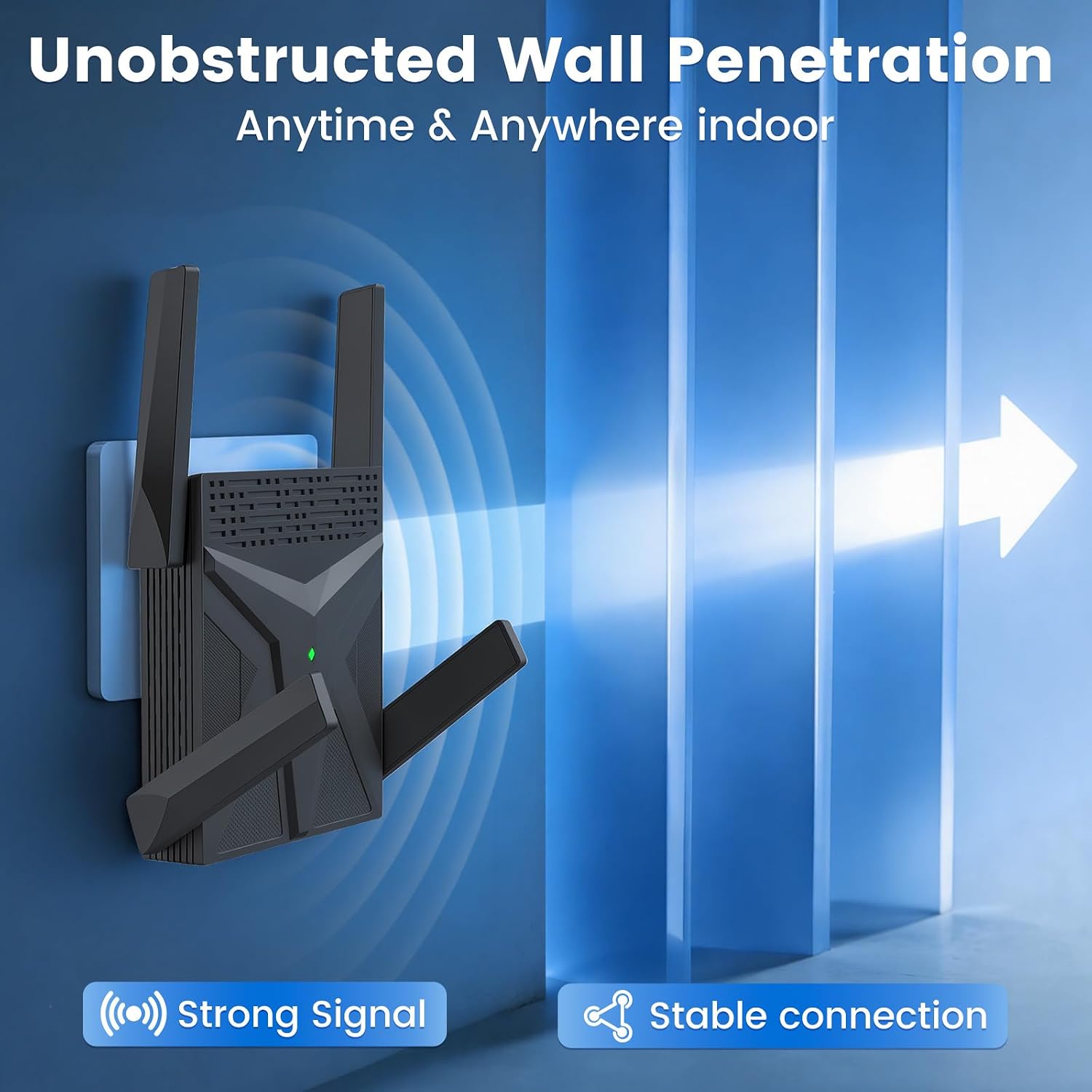
It uses dual-band WiFi and four external antennas to extend coverage. A Gigabit Ethernet port also gives you the option of a wired connection for a nearby device.
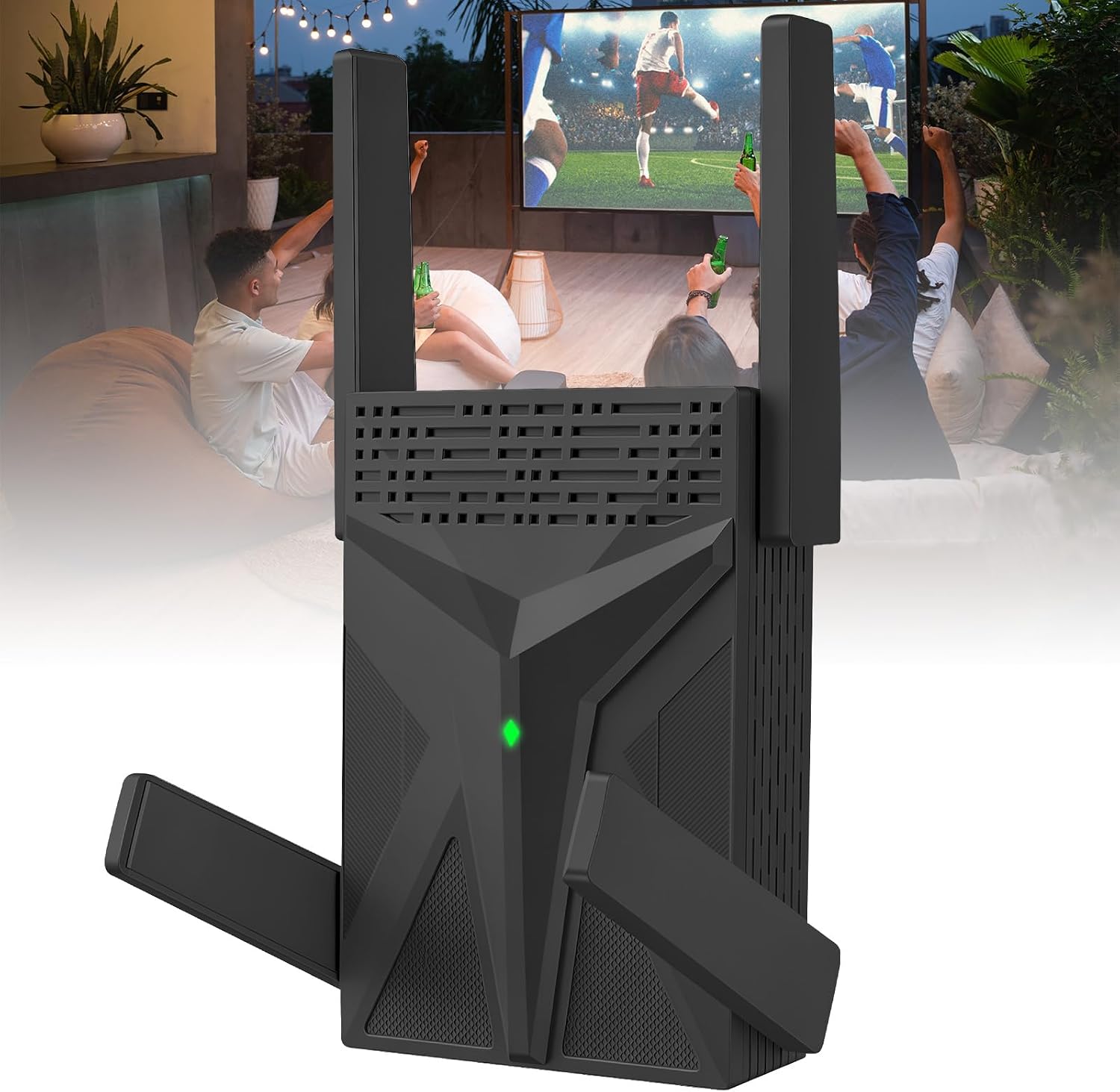
The listed coverage and device capacity are ambitious figures, though they should be treated as claims rather than guarantees for every home.
Technical details
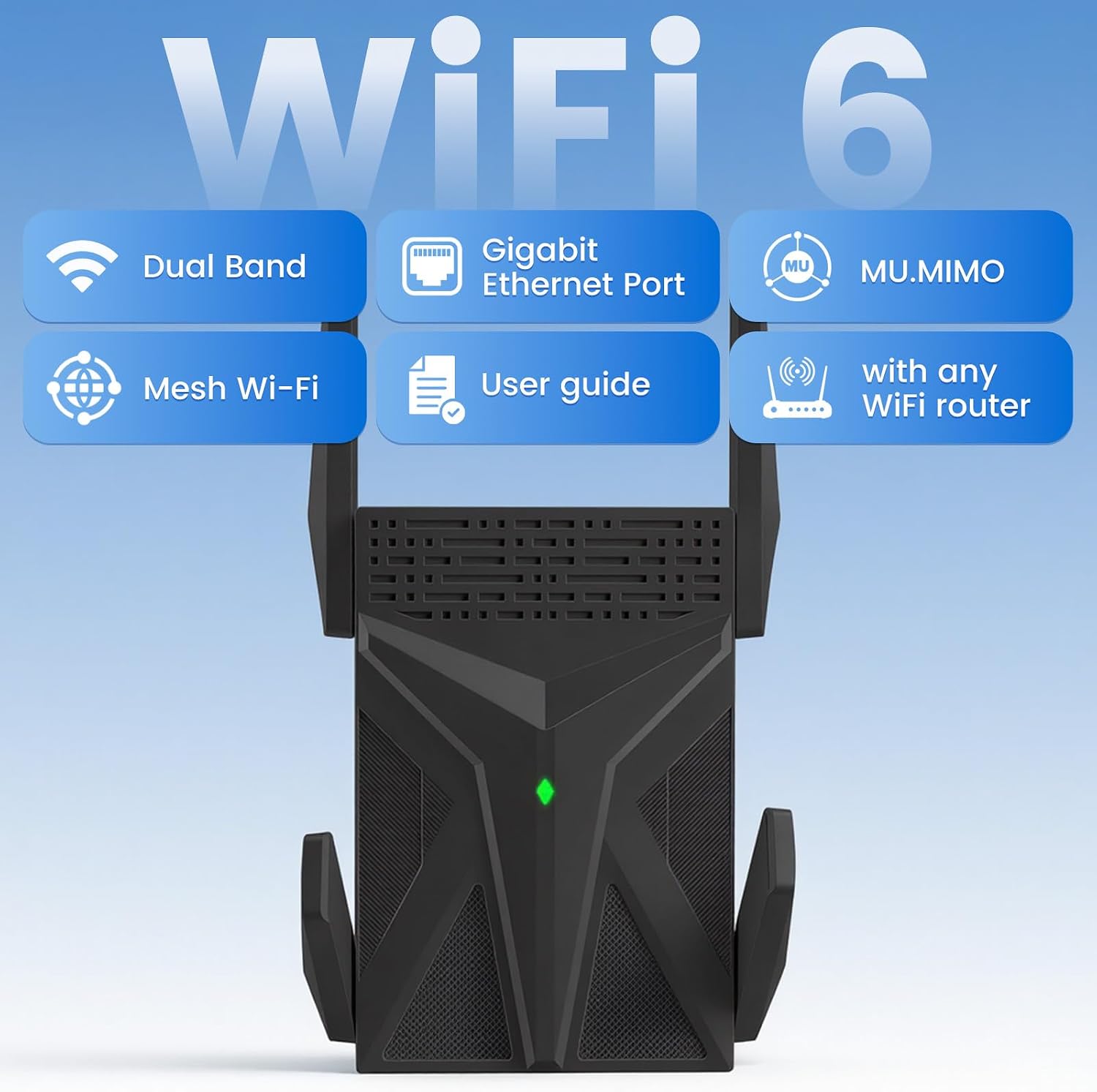
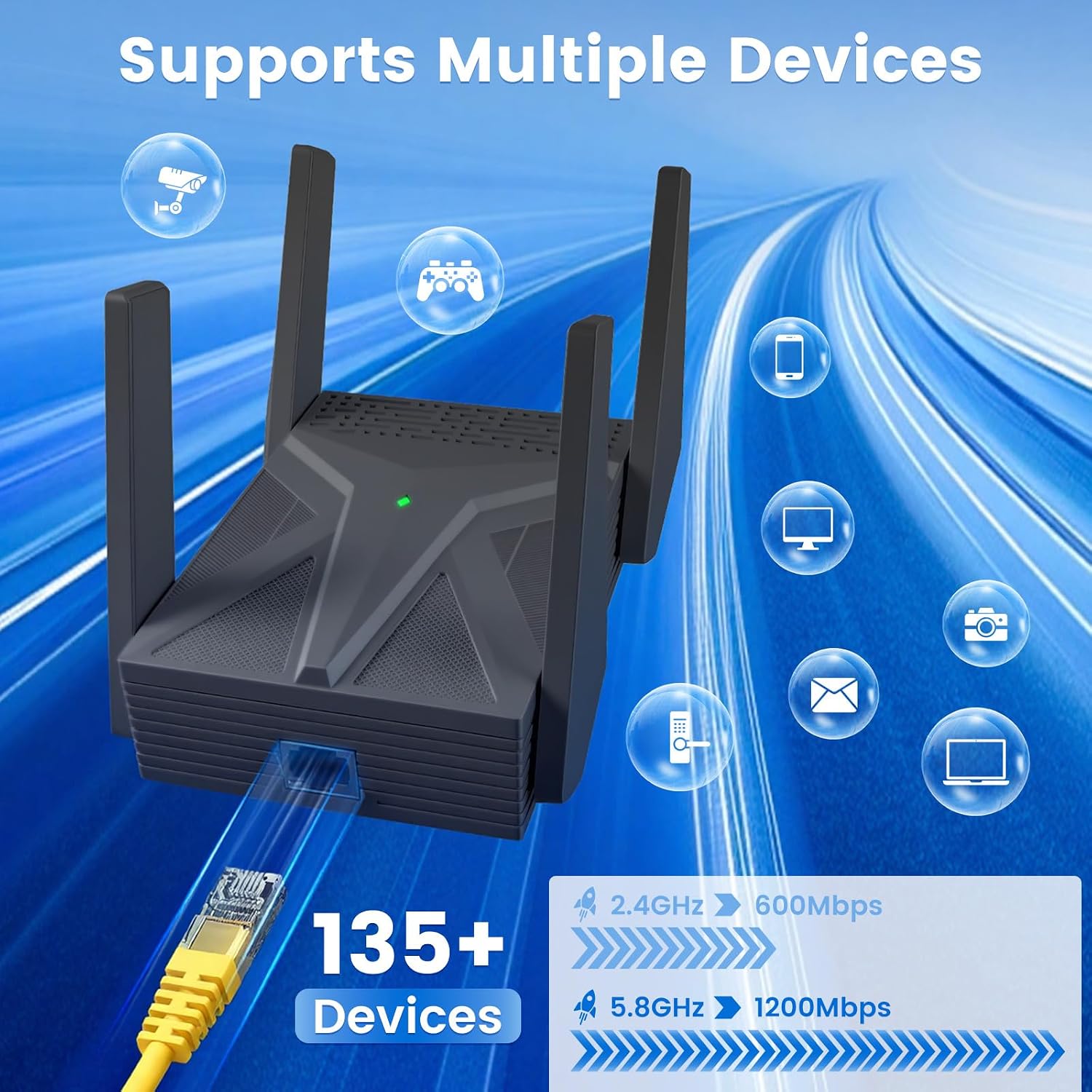
The extender is identified as an AX1800 WiFi 6 model, with claimed combined speeds of up to 1800 Mbps: up to 600 Mbps on 2.4 GHz and 1200 Mbps on 5.8 GHz. Those figures describe the product’s stated wireless capability, they don’t guarantee that your internet plan or connected devices will reach those speeds.
Four external high-gain antennas are intended to help spread the signal, and the manufacturer lists coverage of up to 17,888 square feet. It also claims support for more than 135 devices and names OFDMA as a way to handle multiple connections. Actual results will depend on the layout and existing network. Without that measurement, the coverage figure is difficult to apply to a particular home.

For a device close to the extender, the Gigabit Ethernet port can provide a wired connection. That may suit a desktop, TV, or console when you want to avoid relying on that device’s own WiFi connection. Alexa compatibility is listed, but no specific setup steps or supported features are provided.
Getting the most from it
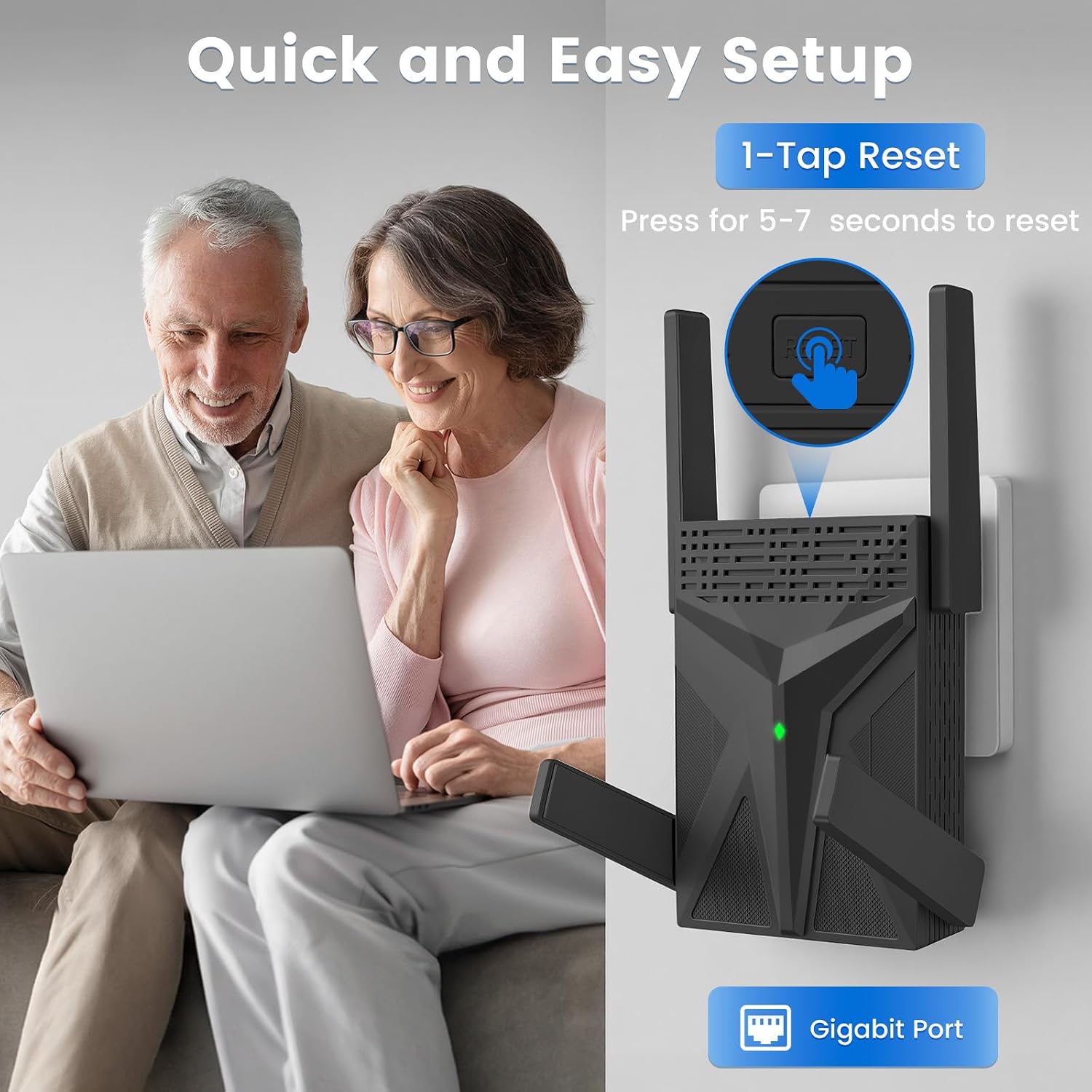
Setup uses a guided web interface, with a user manual and setup videos also mentioned. The instructions include guidance on installation and signal positioning. Placement matters in practice: for example, putting the extender where a bedroom still receives a usable signal gives it a better chance of relaying that connection toward a desk or streaming device than placing it in the dead zone itself.
This is a signal-extension approach, not a replacement for a stronger internet plan or a new router. It may help address a weak-coverage spot, but the listing doesn’t provide test results or a guaranteed speed at a particular distance. If your main problem is slow service throughout the home, extending the WiFi signal alone may not address the cause.
Usage tips
Start with the manual or setup video, then use the web interface to configure the extender. Try a location between the router and the area with poor reception, rather than at the farthest point with no signal. If a phone or laptop still drops its connection there, moving the extender closer to the router is a practical next step.
Use the Ethernet port when a compatible wired device can sit near the extender and a cable is convenient. That can be a simpler choice for a stationary desktop or TV than relying on a wireless connection at that device. If setup goes wrong, the instructions mention holding the Reset button for about 5–10 seconds to reset the unit.
Practical doubts
Does it offer both 2.4 GHz and 5.8 GHz bands? Yes. The listing specifies dual-band operation, with claimed speeds of up to 600 Mbps on 2.4 GHz and 1200 Mbps on 5.8 GHz.
Can a device connect by cable? Yes. A Gigabit Ethernet port is included for a wired connection to a device such as a desktop, TV, or gaming console.
Is setup handled through an app? The supplied information describes a guided web interface, plus a manual and setup videos. It doesn’t specify an app-based setup process.
Is it worth it?
It makes sense if your main need is extending WiFi into a particular weak-coverage area and you value having both dual-band wireless and a Gigabit Ethernet option. The four external antennas and stated support for more than 135 devices may also appeal to a busy household, though those figures don’t establish how it will perform in your layout.
It might not be a great match if you need a guaranteed speed, verified coverage for your floor plan, or a solution to slow internet service at its source. Compared with buying new networking equipment, an extender focuses on reaching farther rather than replacing the existing network. Choose it for a coverage gap, look at a different approach if the router or internet connection itself is the bottleneck.