

TONOR Conference USB Microphone (G11) — Omnidirectional Condenser Mic for Clear Group Calls
Product description
What it is and the need it serves
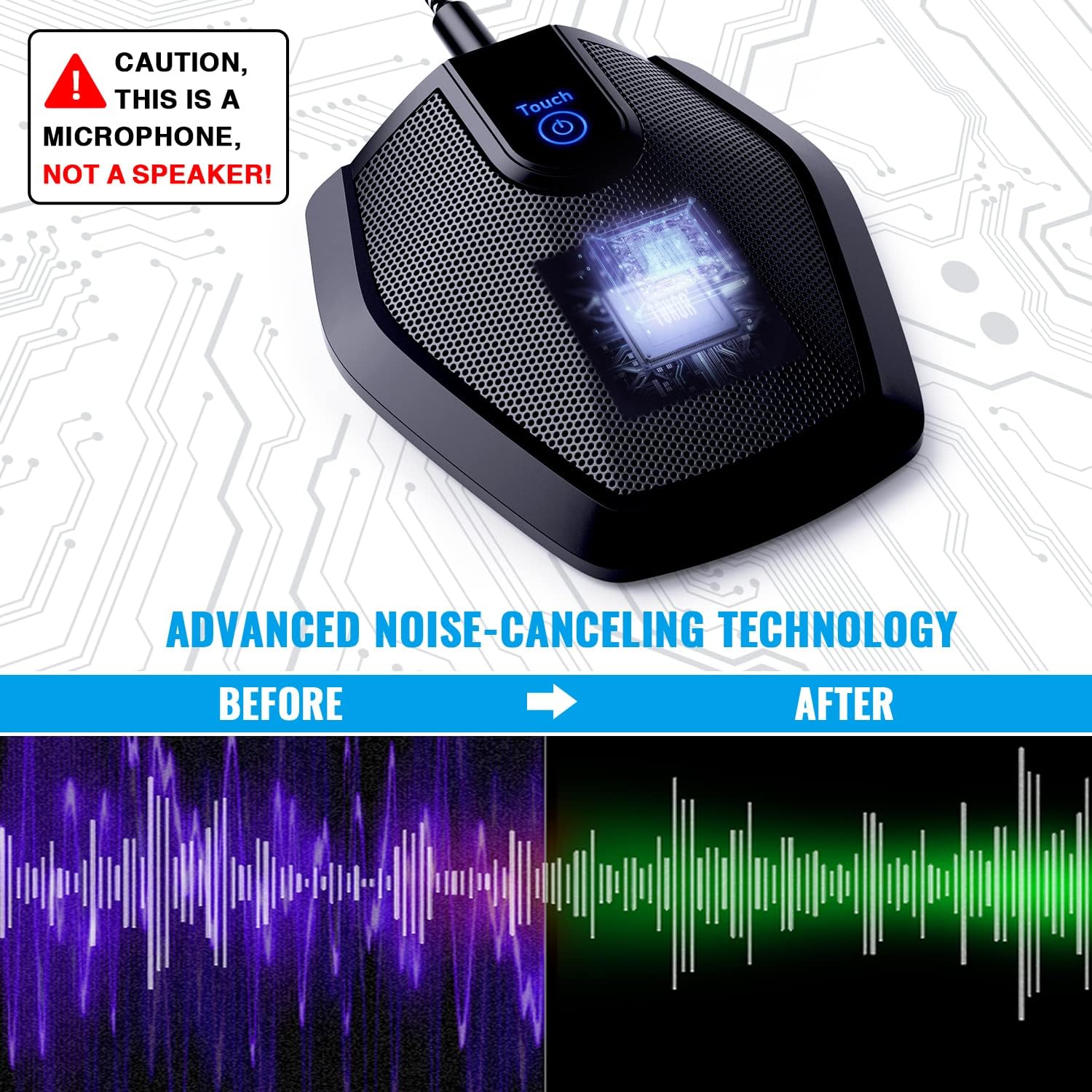
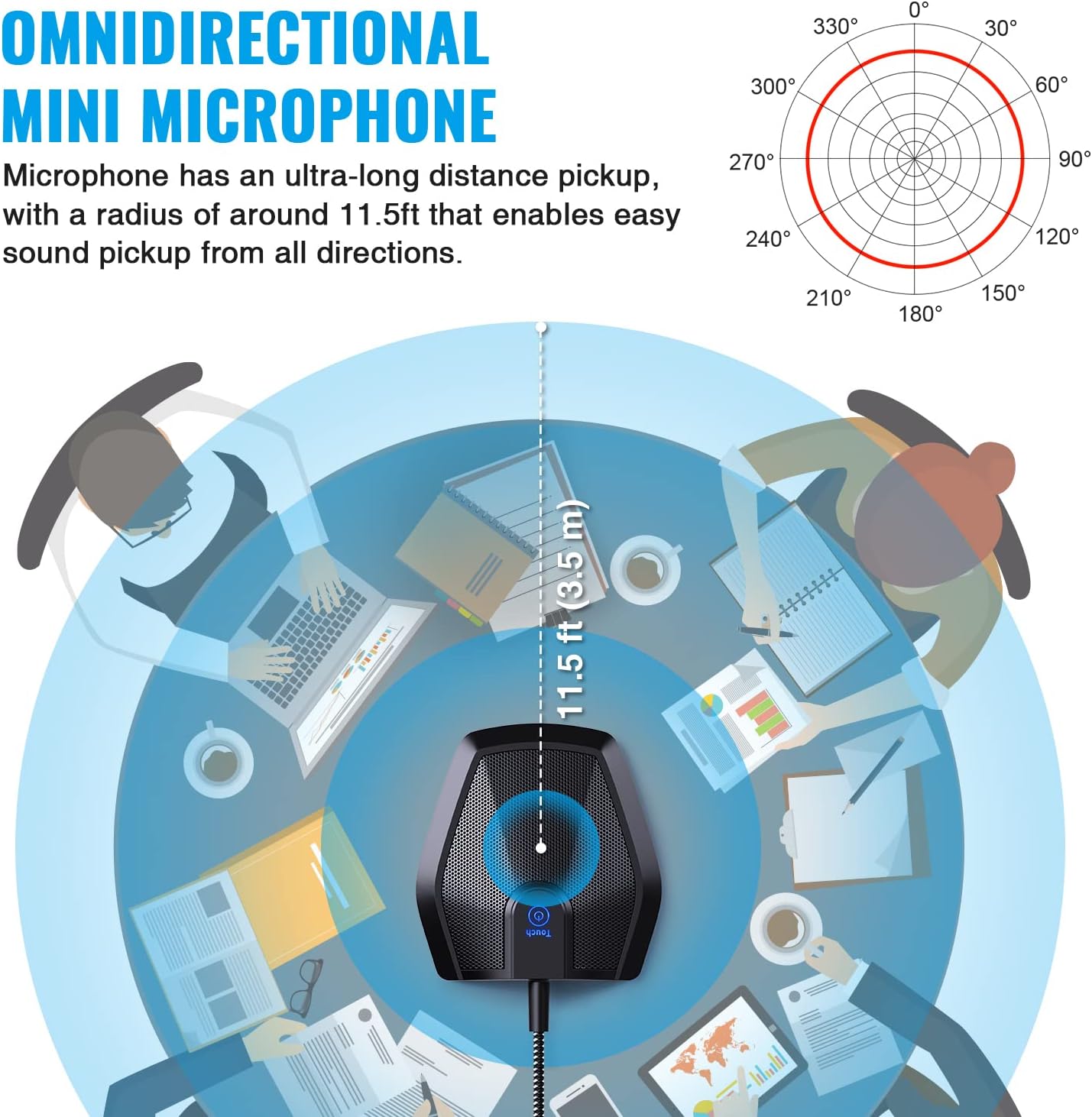
The TONOR Conference USB Microphone is a compact, plug‑and‑play condenser mic designed for small to medium meetings and online classrooms. It isn’t a speaker or speakerphone, it’s a dedicated mic meant to pick up voices from around a table without requiring participants to shout. With an omnidirectional pattern and a claimed pickup distance of 11.5 ft, it aims to capture subtle sounds from all directions and deliver clearer audio for everyone involved.
How it works and compatibility
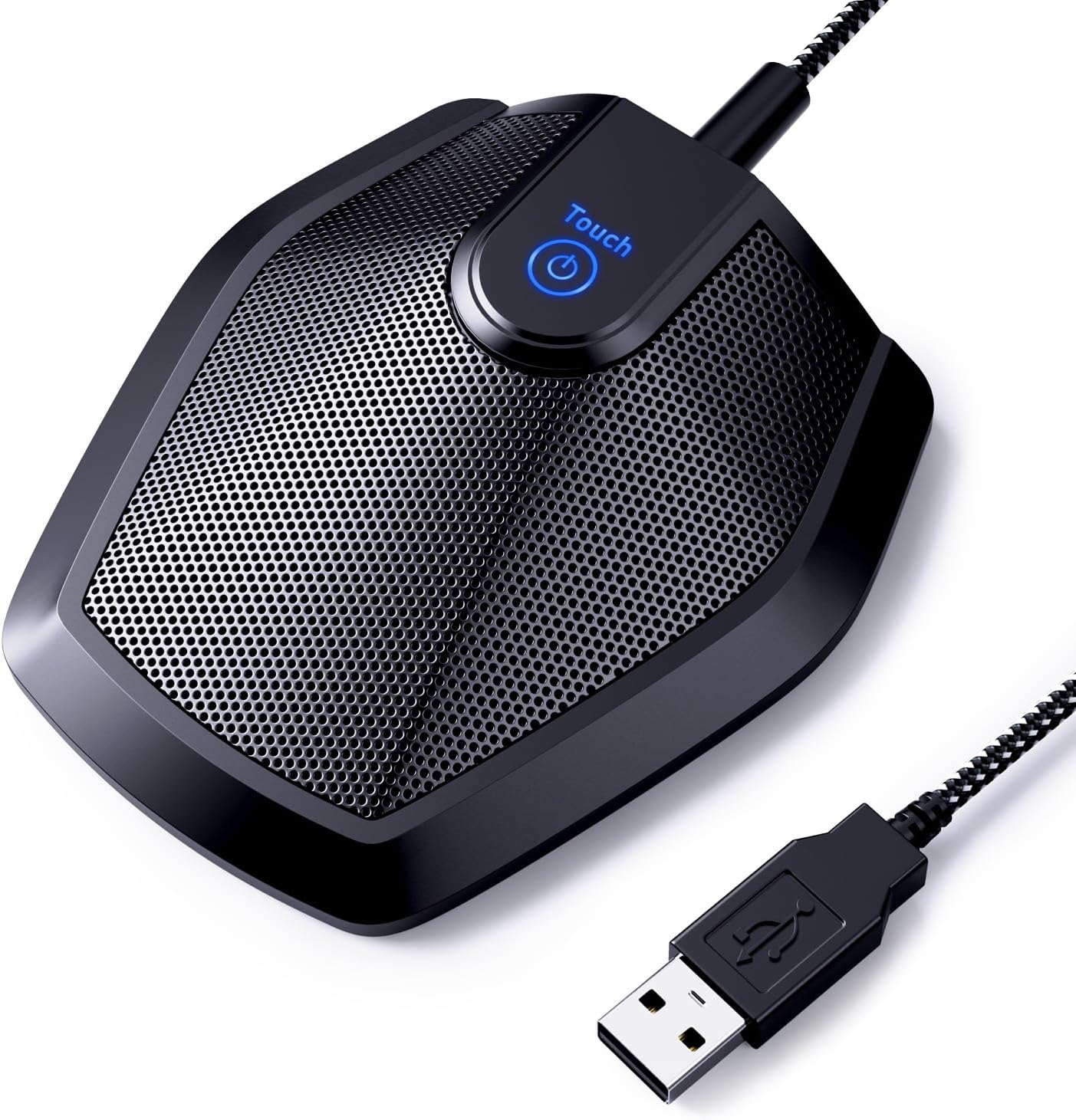
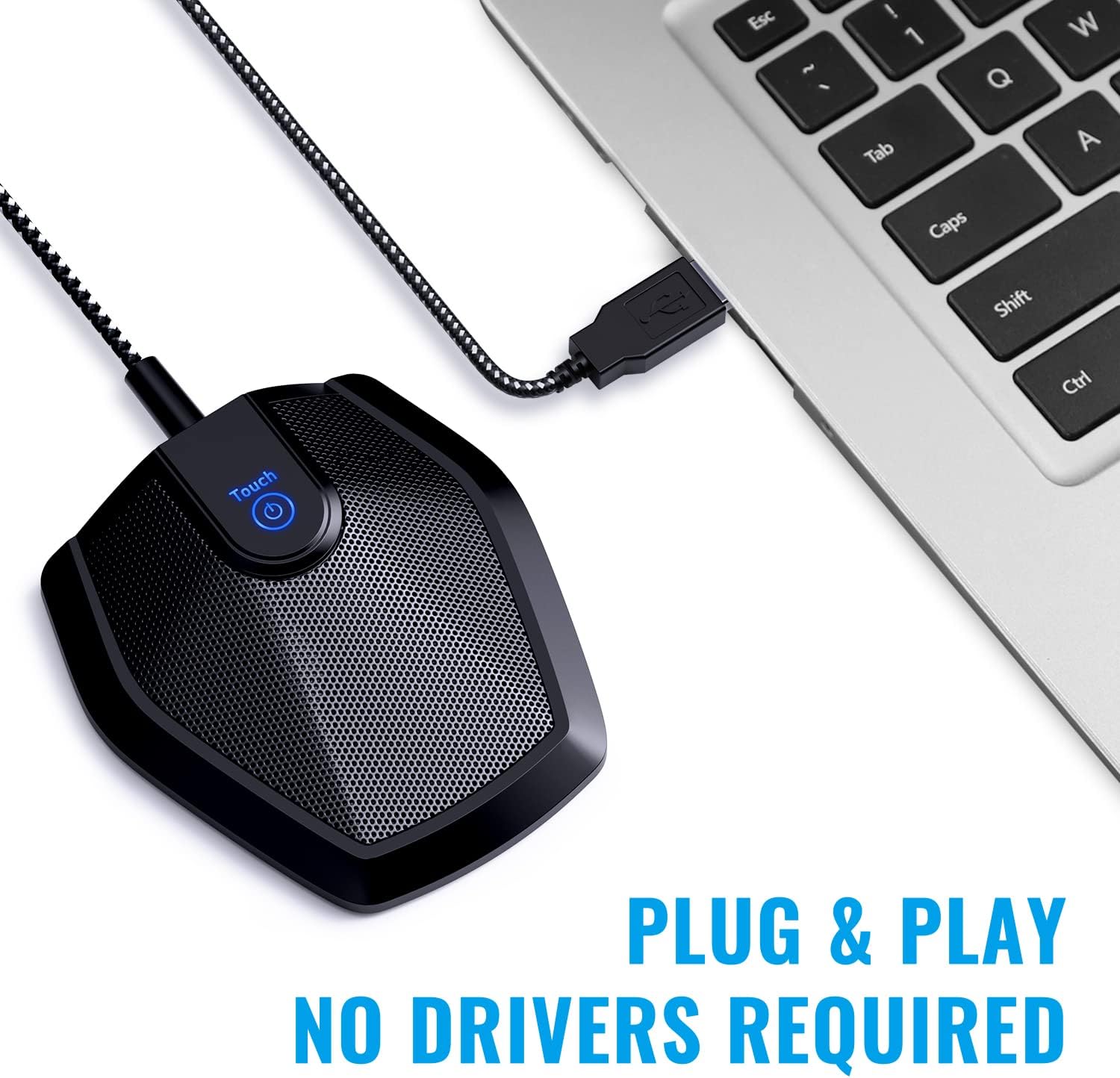
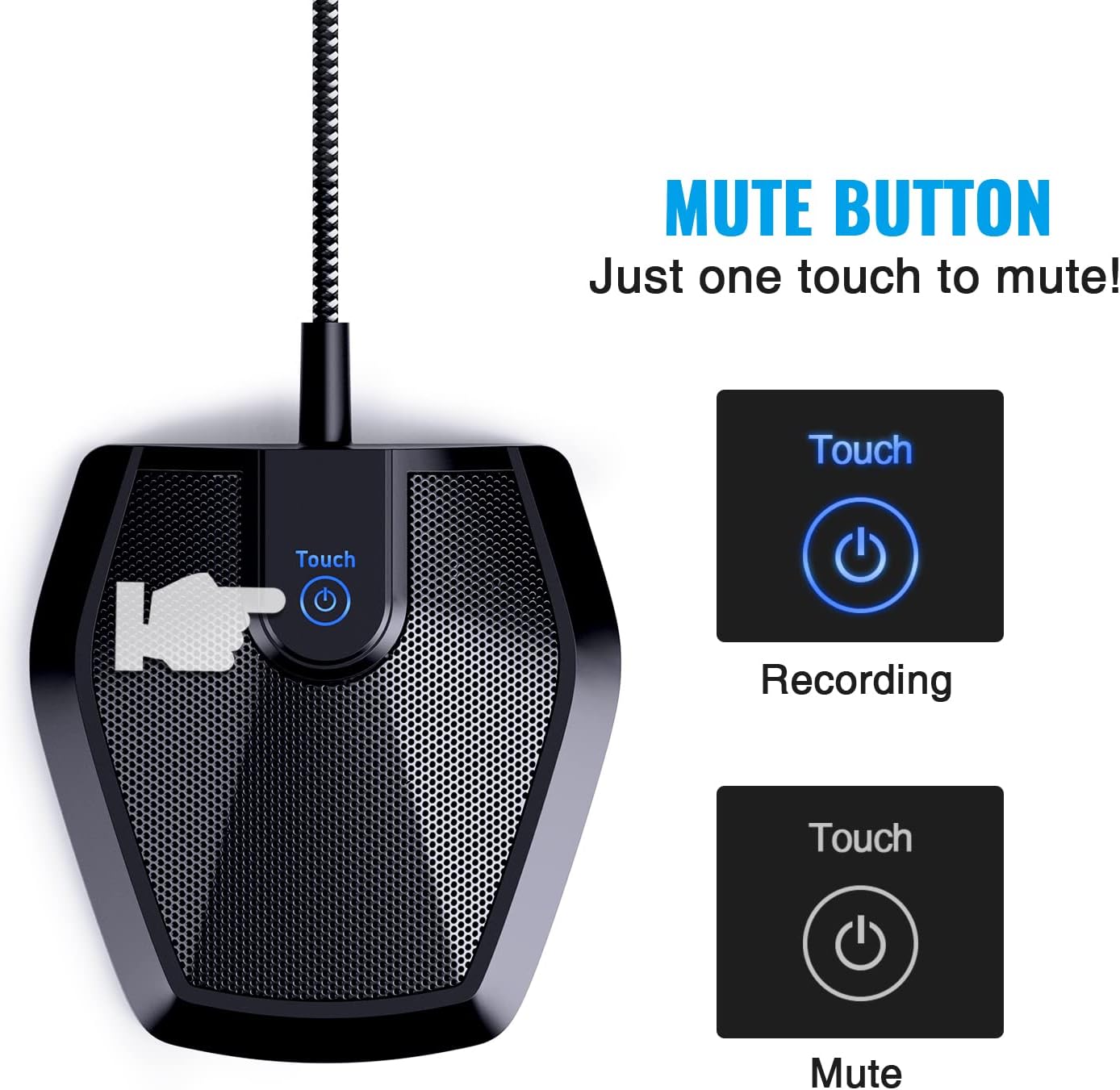
Set up is simple: plug the mic into a computer and you’re ready to record or participate in a video conference. It’s described as compatible with both Windows and macOS, with no drivers required. If the mic isn’t detected at first, selecting it as the INPUT device in your computer settings is the typical fix. A built‑in mute button adds quick control, and a blue indicator light helps confirm whether the mic is active.
What stands out in use
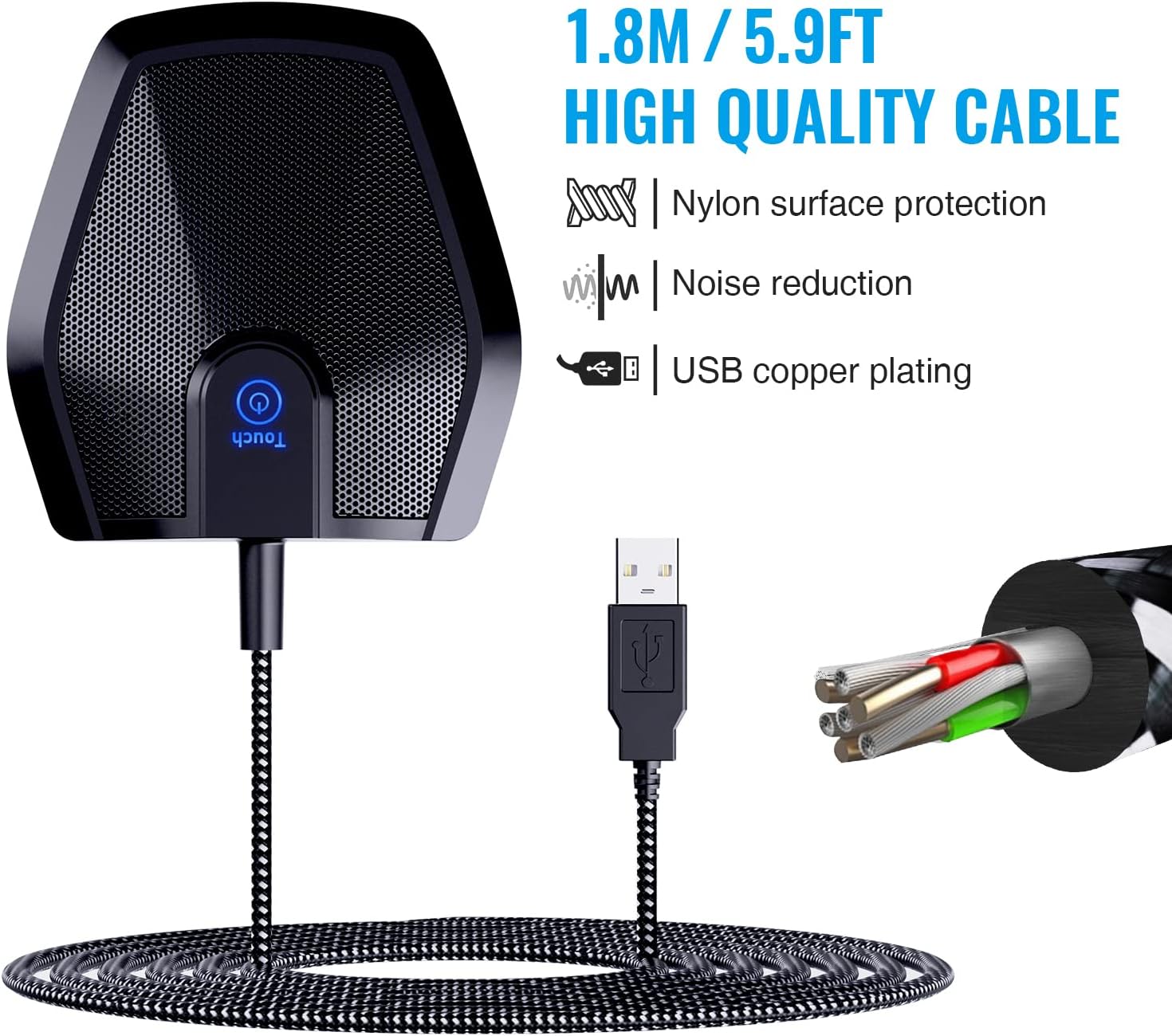
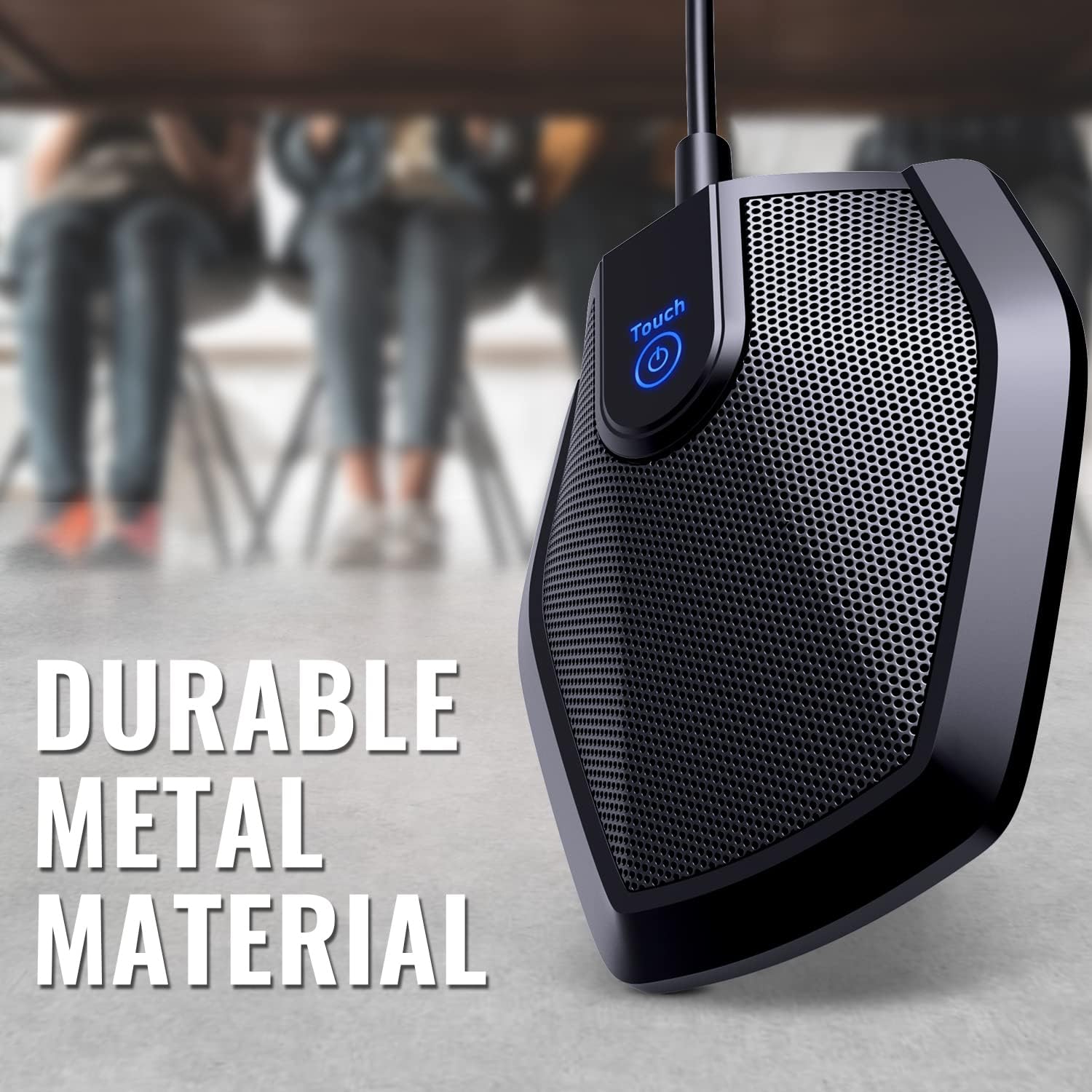
The mic is built for stability and durability. It uses a metal construction and a base with an anti‑slip mat to stay put on a desk during meetings. The 1.8m nylon shielded cable is designed to reduce interference, which can matter when you’re sharing a table with laptops and other gear.
Practical strengths
- Easy setup: plug and play with broad OS compatibility.
- 360° pickup: designed to capture voices from all around the table, which can reduce the need for people to raise their voices.
- Quiet presence: the mute button provides instant privacy during conversations.
- Stable build: metal body and non‑slip base help keep placement consistent.
Limitations and caveats
- It’s positioned as a conference mic, not a speakerphone, so it relies on the system’s playback to carry voices to participants. If your space has a lot of ambient noise, results may vary.
- The 11.5 ft pickup distance is a claim, real performance depends on seating arrangement, room acoustics, and mic placement.
- There’s no adjustable pickup pattern beyond the omnidirectional default, so very noisy or echo‑heavy environments may still require software adjustments.
Ideal user profile
This mic makes sense for small to medium conference rooms, remote classes, or casual court reporting notes where a simple, reliable USB mic is preferred over a more complex audio setup. If you prioritize a straightforward, no‑frills solution that works right away with common video conferencing apps, this could fit your needs.
When it may not be the best fit
If your space has persistent ambient noise or you need a focused pickup on a single speaker, you might want to consider alternatives with directional patterns or additional noise suppression. It’s also not a replacement for a dedicated audio interface in scenarios demanding pro‑level sound control.
What to check before buying
- Confirm your primary video conferencing app supports USB mics and that the TONOR mic appears in input settings.
- Consider your room layout: if multiple people sit very close, omnidirectional capture can help, but in very loud rooms, you may still hear background noise.
- Verify that the mute button placement and status indicator align with how you run meetings to avoid unintentional muting.
How it compares in practice
If you’re weighing a simple USB mic against more complex setups, this option sits in the “easy upgrade” category: better audio consistency than a laptop microphone, without the fuss of extra adapters or drivers. For users who need more aggressive noise suppression or a directional pattern, a higher‑end or software‑assisted solution could be worth exploring.
Final buying verdict
Is it worth it? Worth considering if you want a straightforward, plug‑and‑play mic that improves group conversation clarity in small spaces and doesn’t require technical fiddling. It’s not perfect in every room, but for the price and ease of use, it delivers a clear step up over built‑in mics for casual to semi‑professional calls.
Quick FAQ
- What devices work with it? It’s plug‑and‑play on Windows and macOS via USB.
- Do I need drivers? No drivers required for basic operation.
- Can I use it for recording long sessions? Yes, as a USB condenser mic, note room acoustics will influence results.
- Where should I place it? On a stable desk surface, with the pickup pattern aimed to cover the speaking area.