

Download app on Google Play


Imagen de TiMOVO Green Backlight Keyboard Xbox One 2.4G ๐ŸŽฎ en OfertitasTOP
New offer
Thumbnail principal de TiMOVO Green Backlight Keyboard Xbox One 2.4G ๐ŸŽฎ
Thumbnail 1 de TiMOVO Green Backlight Keyboard Xbox One 2.4G ๐ŸŽฎ
Thumbnail 2 de TiMOVO Green Backlight Keyboard Xbox One 2.4G ๐ŸŽฎ
Thumbnail 3 de TiMOVO Green Backlight Keyboard Xbox One 2.4G ๐ŸŽฎ
Thumbnail 4 de TiMOVO Green Backlight Keyboard Xbox One 2.4G ๐ŸŽฎ
Thumbnail 5 de TiMOVO Green Backlight Keyboard Xbox One 2.4G ๐ŸŽฎ
Thumbnail 6 de TiMOVO Green Backlight Keyboard Xbox One 2.4G ๐ŸŽฎ

TiMOVO Green Backlight Keyboard Xbox One 2.4G ๐ŸŽฎ

amazon US
Brand: TiMOVO
P/N: P840156915014
Reviews
4,2
+3.094

Reviews

4,2
+3.094 reviews

Price

$28.59$22.87-20%
View in store
amazon US
Price evolution ยท Historical minimum: $22.87

Product description

This compact chatpad connects to an Xbox controller to add typing and quick-chat capabilities while you play. The mini game keyboard clips under compatible controllers and offers a green backlight and a 3.5 mm audio jack to keep voice chat and text input close at hand for multiplayer sessions.

Key Points
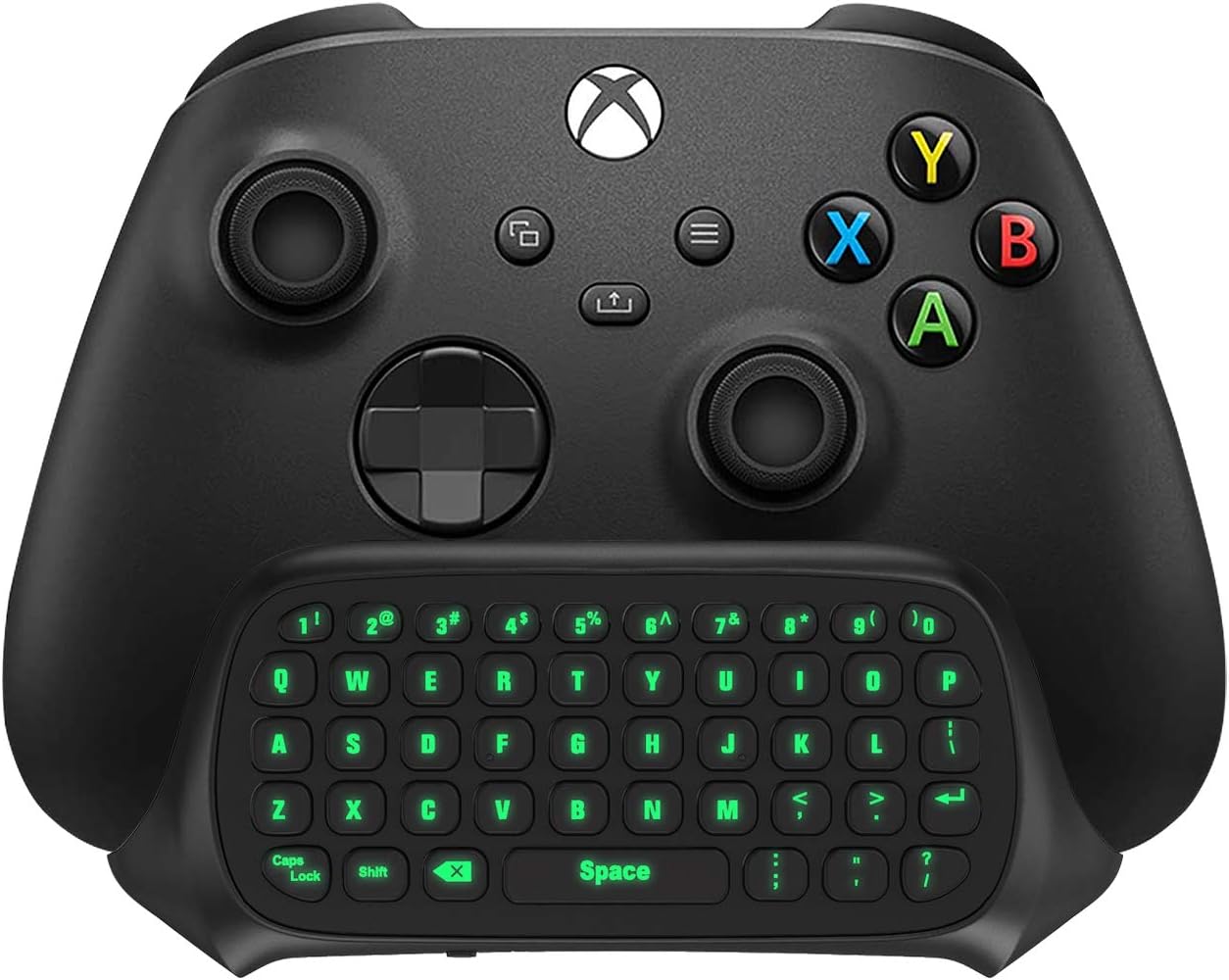
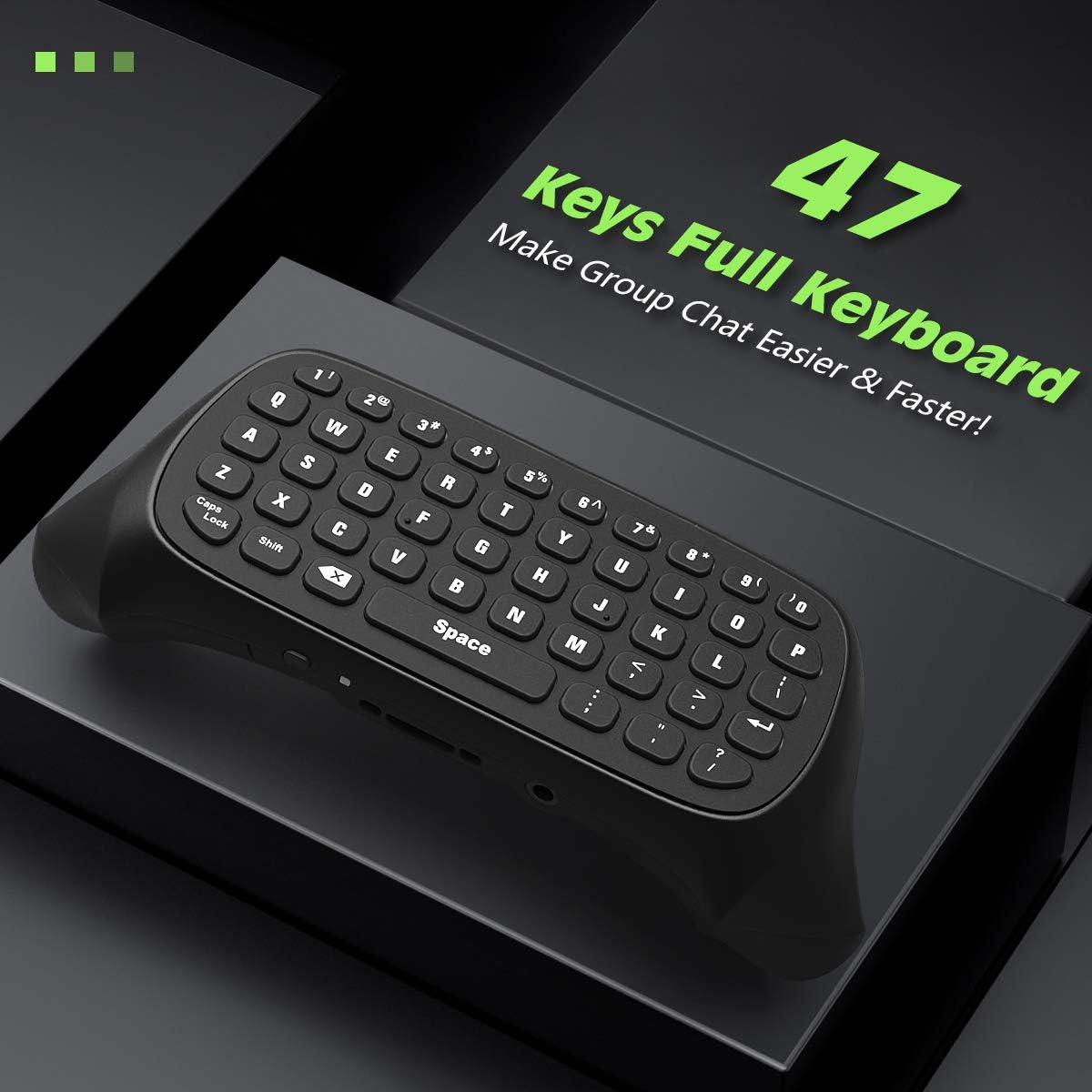
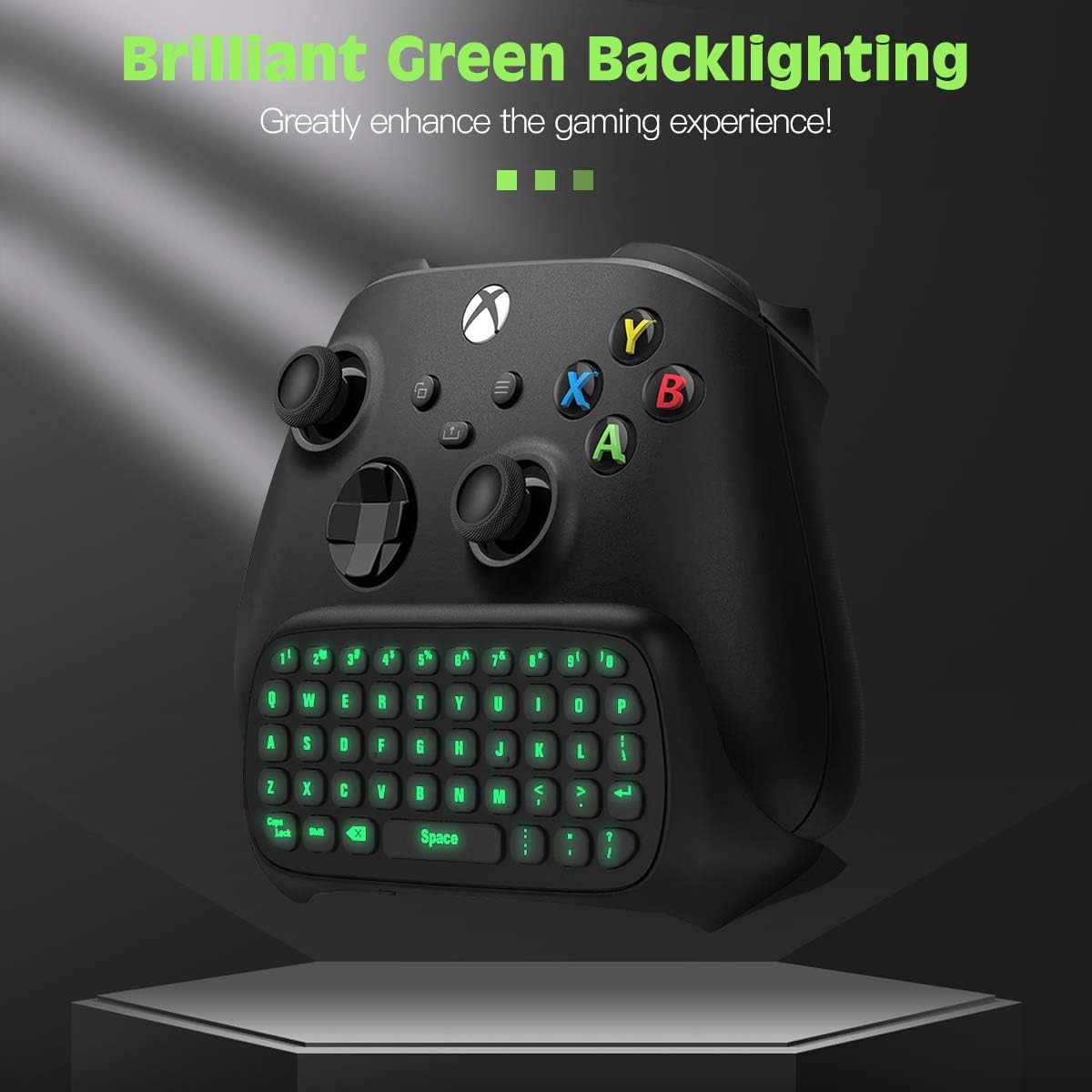
The TiMOVO chatpad provides 47 keys for fast in-game messaging and password entry. It powers directly from the controller so there is no battery to charge or replace, and the green illumination turns on when you press the Xbox button and goes into power-saving mode after idle periods. The keypad also includes a 3.5 mm audio connection so you can plug a headset straight into the controller for chat and game sound ๐ŸŽง. Note that the device is not compatible with Xbox One X according to the manufacturer, so verify your controller model before use.
Technical Specifications

  • Name: TiMOVO Green Backlight Keyboard for Xbox One / Series X/S
  • Keys: 47
  • Connectivity: 2.4G receiver, removable
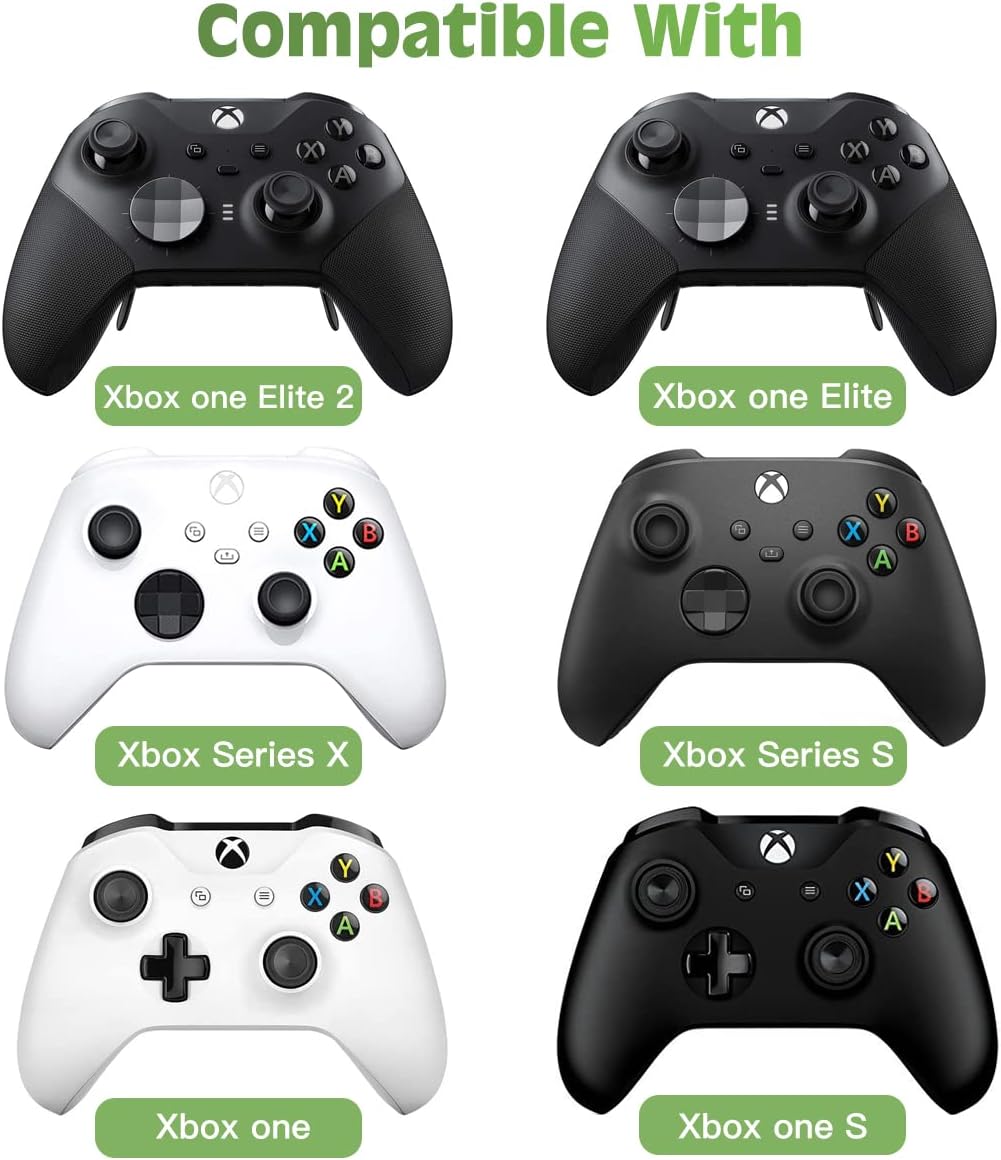
  • Compatibility: Xbox Series X/S, Xbox One, Xbox One S, Xbox One Elite
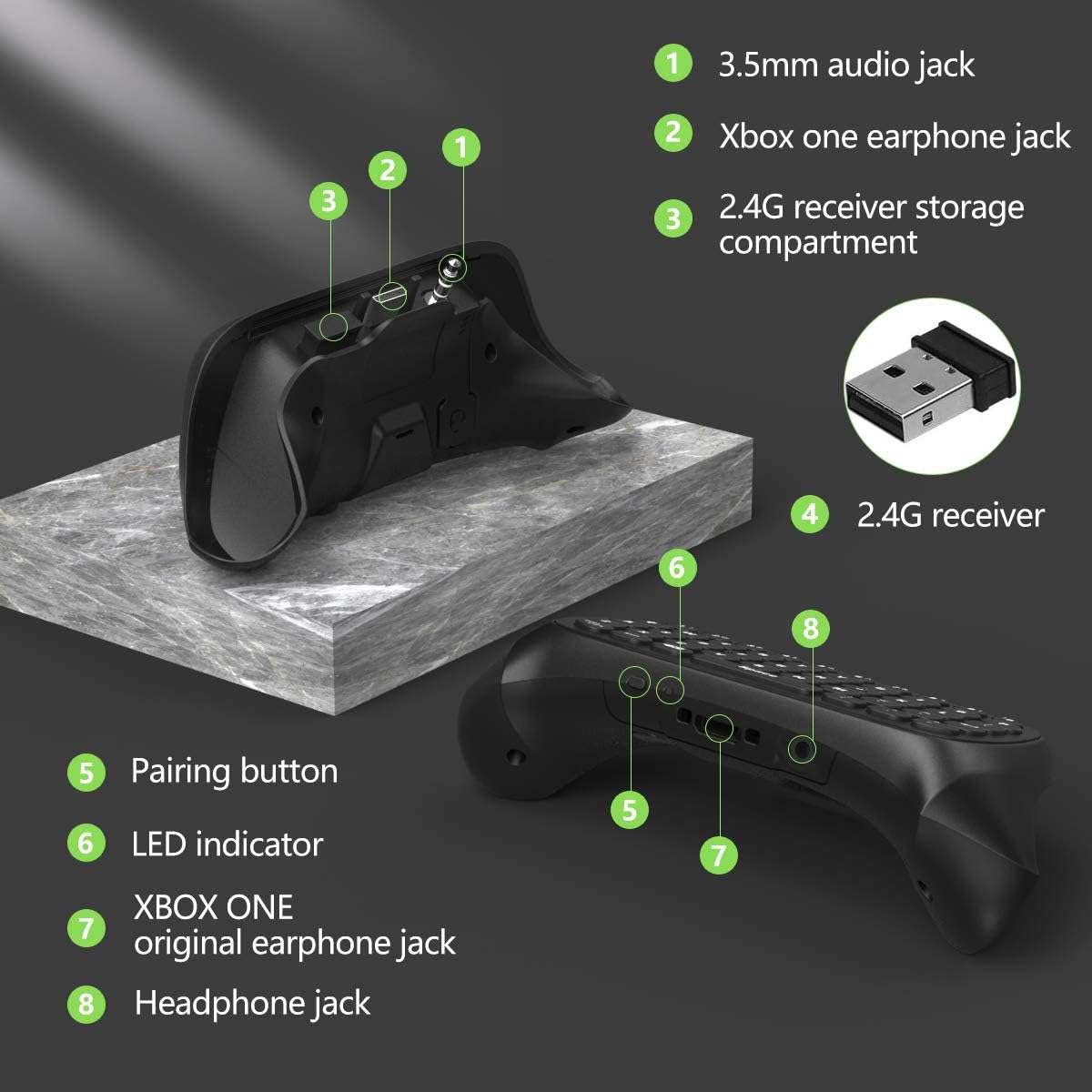
  • Audio jack: 3.5 mm headset port
  • Power: draws power from the controller, no battery required

Usage Recommendations
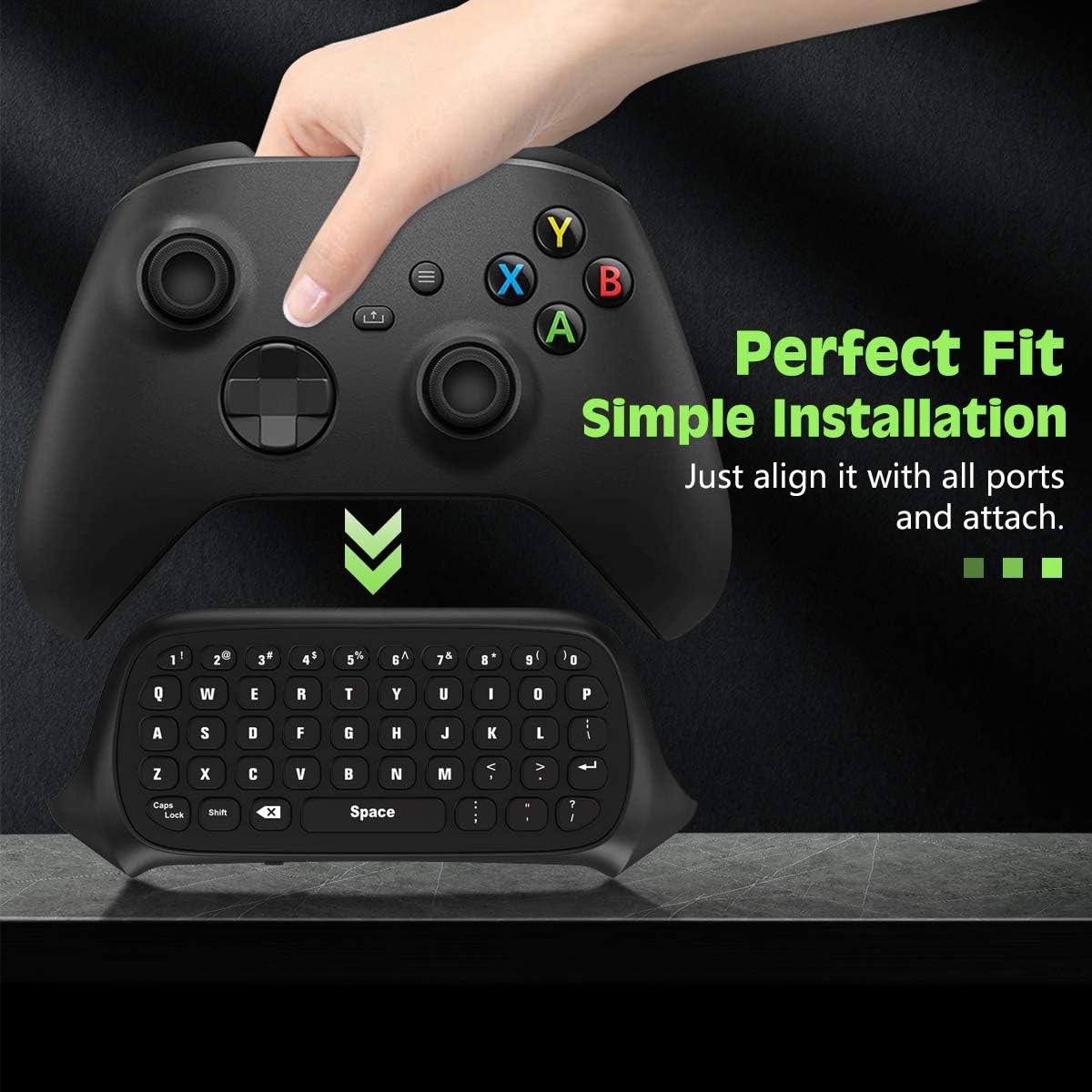
Attach the keyboard by aligning ports and pressing gently until it seats on the controller. If you keep the backlight on for long sessions, the pad will enter an energy-saving state after about 10 seconds of inactivity and wake when a key or the Xbox button is pressed. For best results in noisy environments consider using a headset with a noise-isolating microphone to improve voice clarity during group chat. The 2.4G receiver sits on the top right of the pad and can be removed when not needed, which helps prevent accidental damage during transport ๐Ÿ”Œ.

Advantages

Having a compact keypad under the controller reduces interruptions caused by switching between controller and console keyboard. The integrated audio jack simplifies headset connection and can reduce cable clutter. The green backlight helps locate keys in dim play sessions while not being overly bright. One limitation to consider is the lack of Xbox One X support, which may restrict usability for some owners. Also, the small form factor means key spacing is tighter than on full keyboards, so longer typing sessions may feel less comfortable for some users. ๐ŸŽฎ.

View in store

Price evolution

Historical minimum: $22.87

Description:

This compact chatpad connects to an Xbox controller to add typing and quick-chat capabilities while you play. The mini game keyboard clips under compatible controllers and offers a green backlight and a 3.5 mm audio jack to keep voice chat and text input close at hand for multiplayer sessions.

Key Points

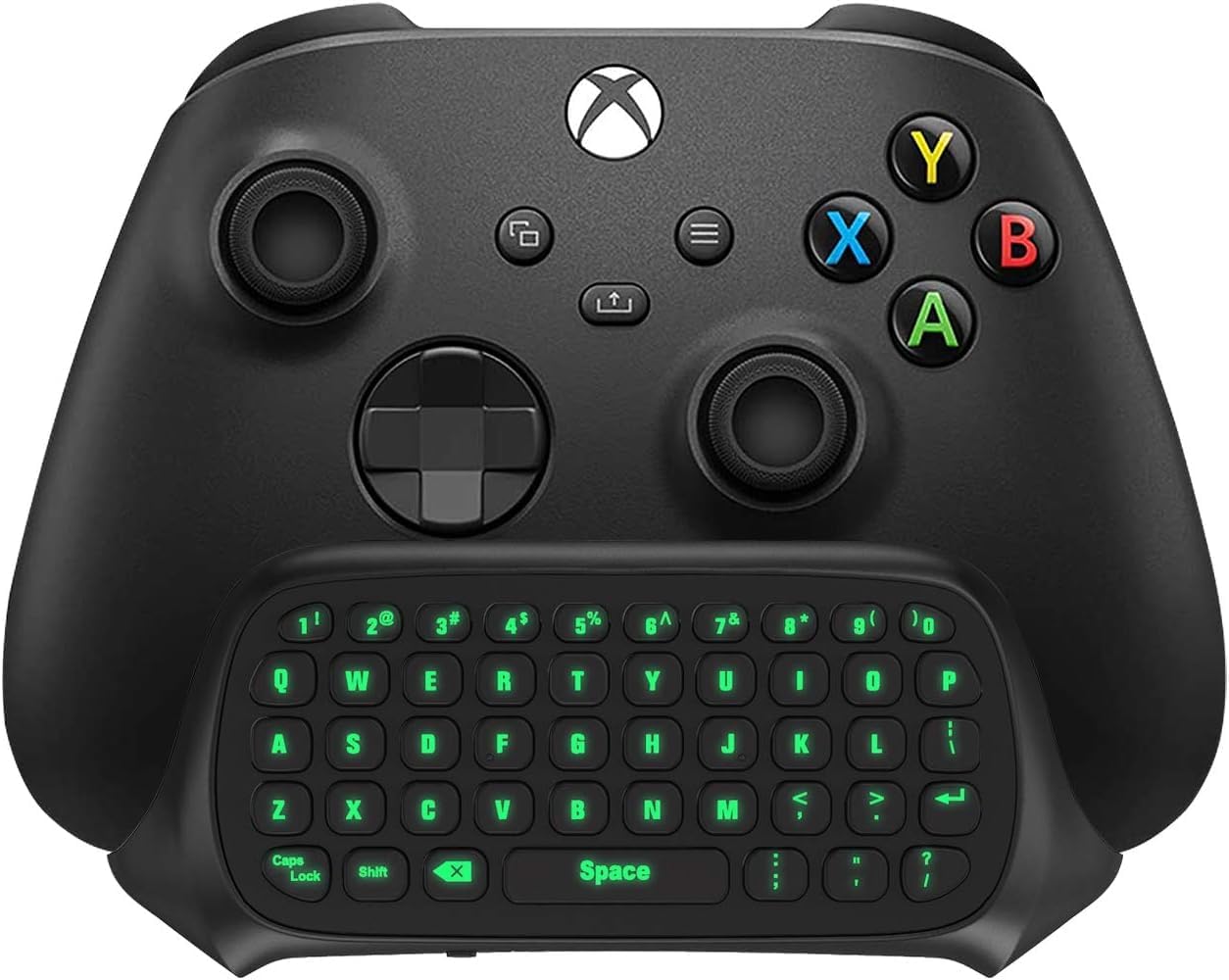
The TiMOVO chatpad provides 47 keys for fast in-game messaging and password entry. It powers directly from the controller so there is no battery to charge or replace, and the green illumination turns on when you press the Xbox button and goes into power-saving mode after idle periods. The keypad also includes a 3.5 mm audio connection so you can plug a headset straight into the controller for chat and game sound ๐ŸŽง. Note that the device is not compatible with Xbox One X according to the manufacturer, so verify your controller model before use.

Technical Specifications

  • Name: TiMOVO Green Backlight Keyboard for Xbox One / Series X/S
  • Keys: 47
  • Connectivity: 2.4G receiver, removable
  • Compatibility: Xbox Series X/S, Xbox One, Xbox One S, Xbox One Elite
  • Audio jack: 3.5 mm headset port
  • Power: draws power from the controller, no battery required

Usage Recommendations
Attach the keyboard by aligning ports and pressing gently until it seats on the controller. If you keep the backlight on for long sessions, the pad will enter an energy-saving state after about 10 seconds of inactivity and wake when a key or the Xbox button is pressed. For best results in noisy environments consider using a headset with a noise-isolating microphone to improve voice clarity during group chat. The 2.4G receiver sits on the top right of the pad and can be removed when not needed, which helps prevent accidental damage during transport ๐Ÿ”Œ.

Advantages

Having a compact keypad under the controller reduces interruptions caused by switching between controller and console keyboard. The integrated audio jack simplifies headset connection and can reduce cable clutter. The green backlight helps locate keys in dim play sessions while not being overly bright. One limitation to consider is the lack of Xbox One X support, which may restrict usability for some owners. Also, the small form factor means key spacing is tighter than on full keyboards, so longer typing sessions may feel less comfortable for some users. ๐ŸŽฎ.