

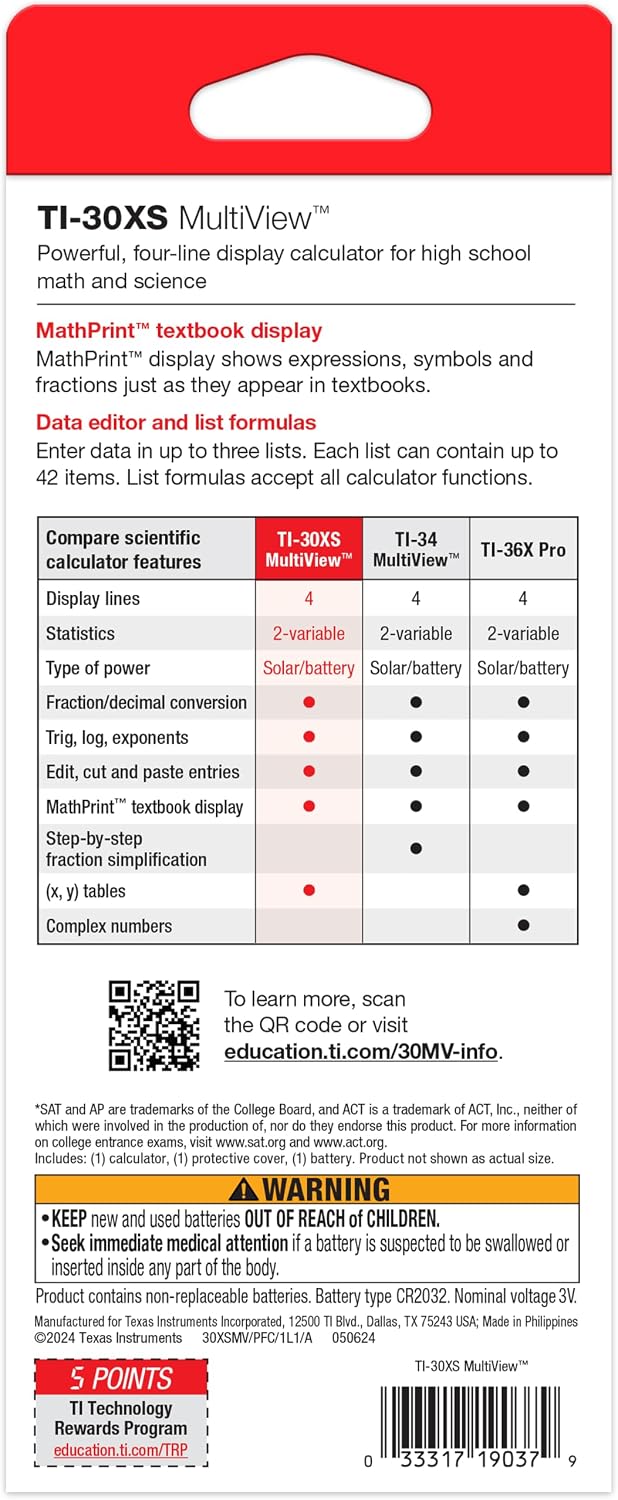
Texas Instruments TI-30XS MultiView Scientific Calculator
Reviews
Price
Product description
What it is and who it helps
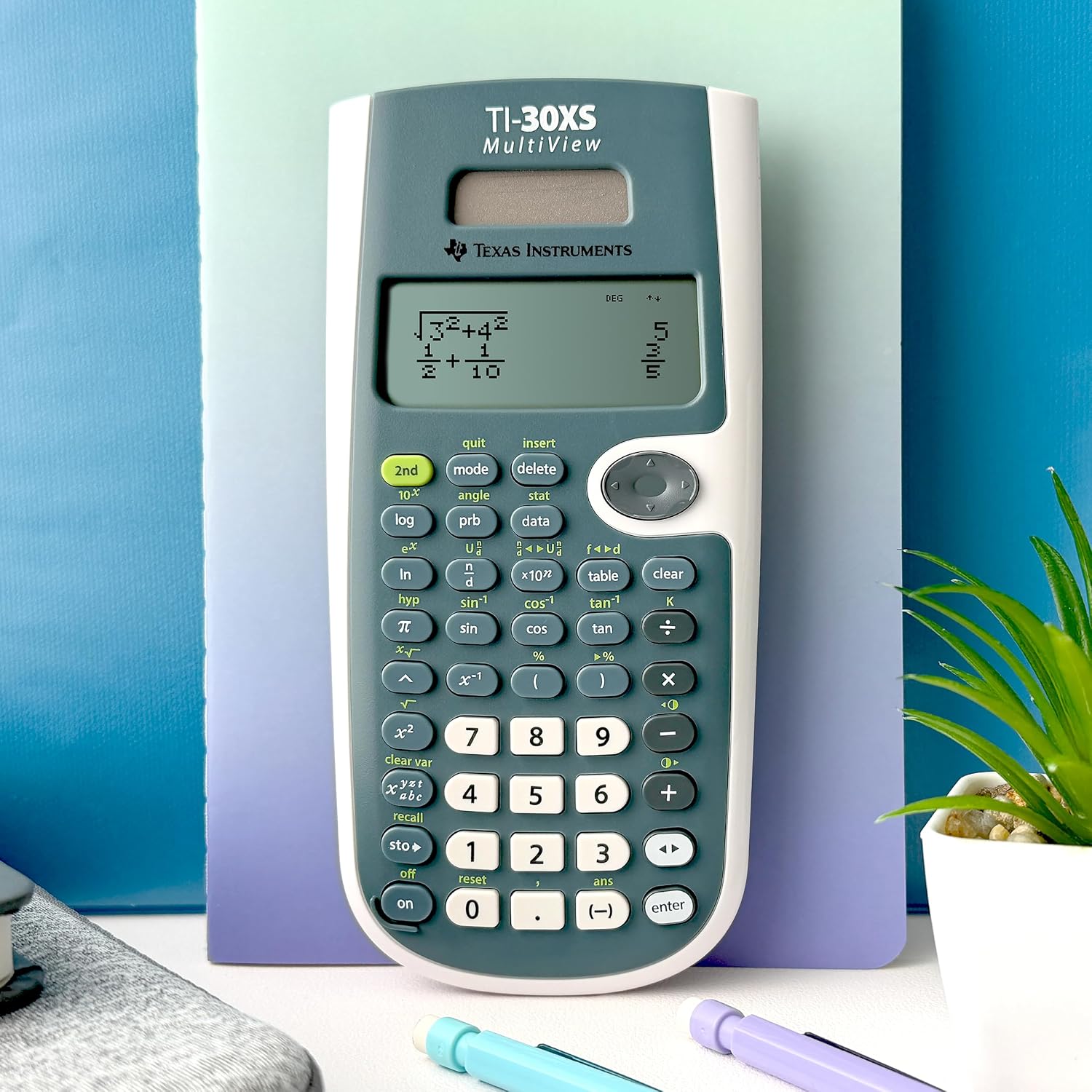
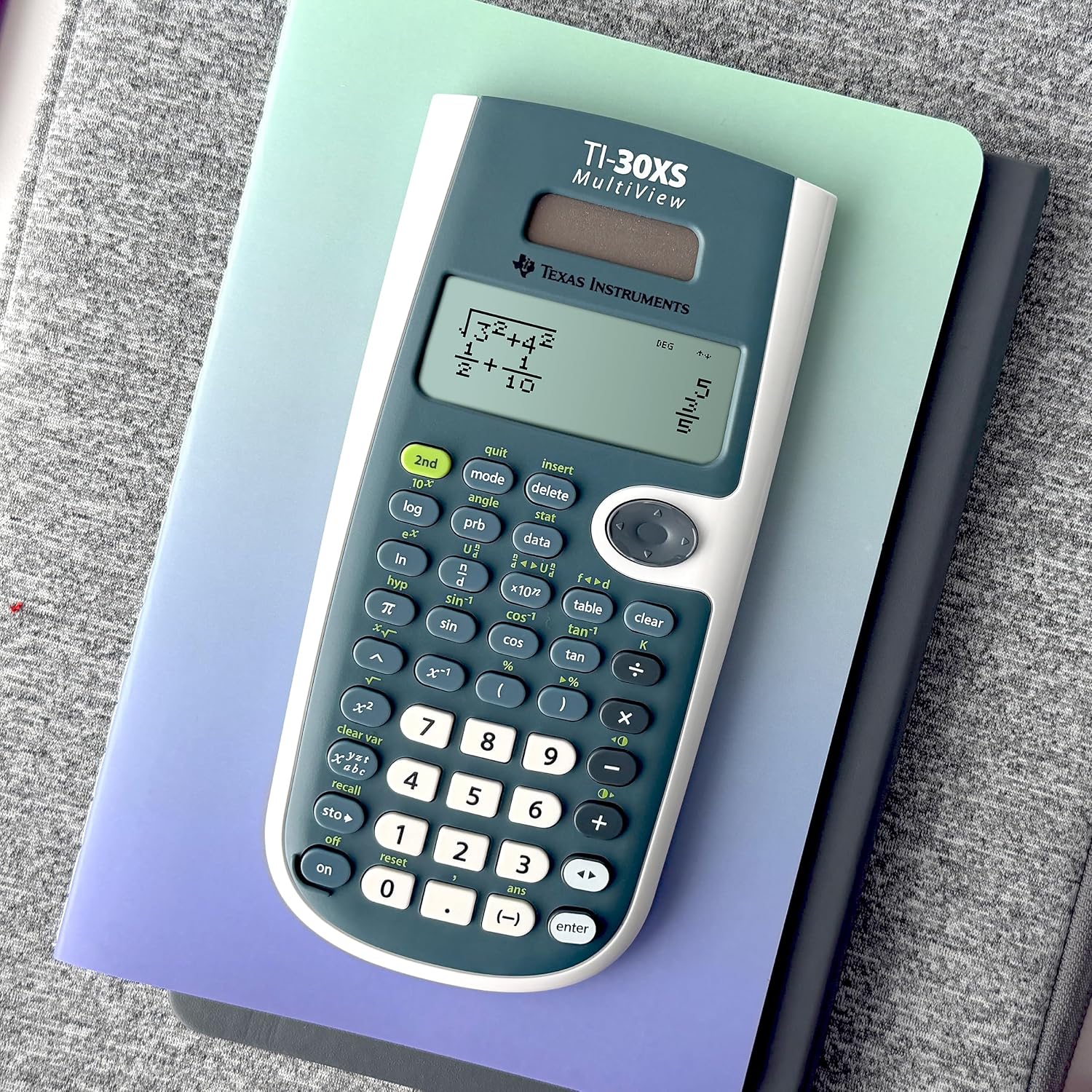
The Texas Instruments TI-30XS MultiView is a basic scientific calculator designed for real classroom use—from general math to algebra, geometry, and basic sciences. It isn’t a graphing powerhouse, but it’s built to help students see math as they learn it. With a MultiView display, you can view up to four lines of calculations at once, making it easier to compare results side by side and spot patterns without flipping between screens.
How the display works for learning
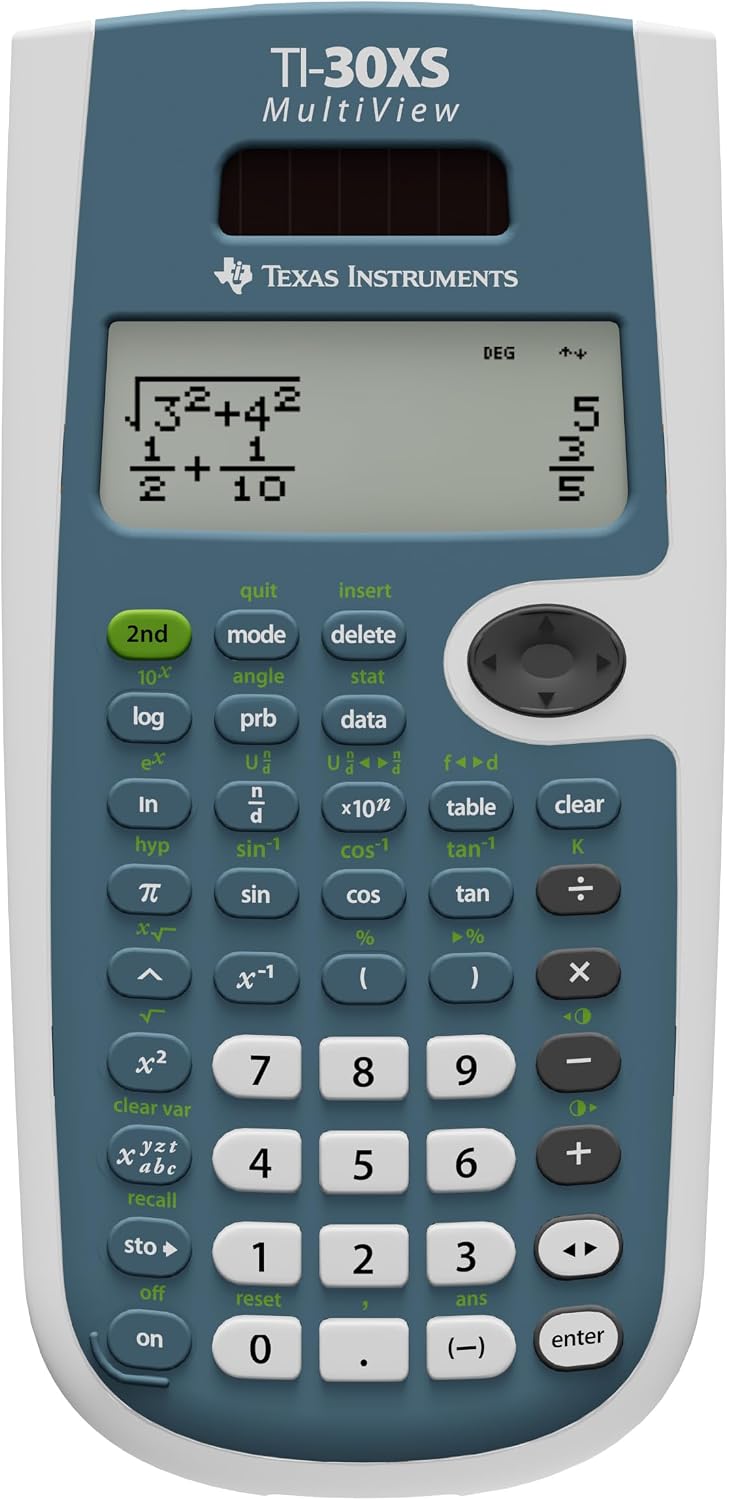
On screen, math expressions and symbols appear as they do in textbooks. There’s no need to bend your brain around fancy syntax just to enter a calculation. This makes it a straightforward tool for learners who want to focus on concepts rather than syntax quirks. Scientific notation is supported with proper superscripts, so you can see results in the format teachers expect.
Core capabilities and limits
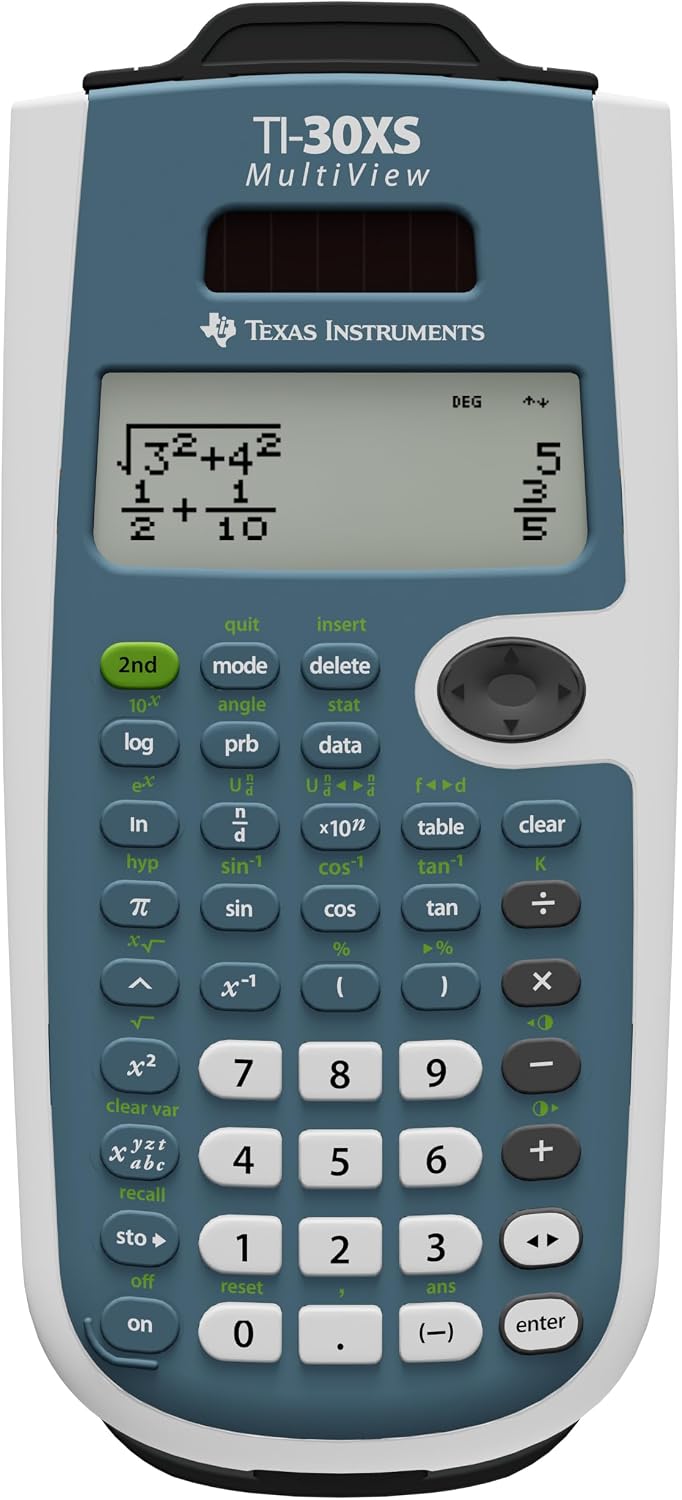
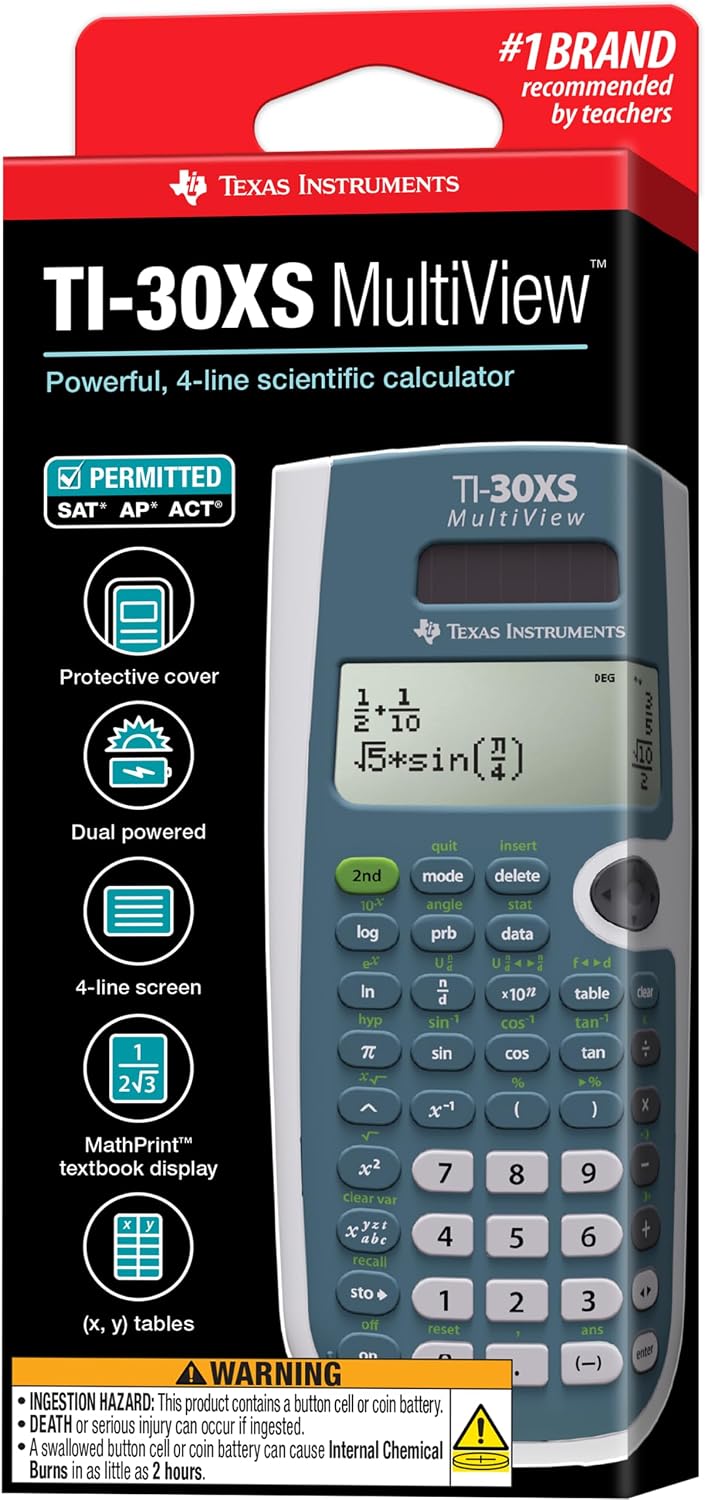
The TI-30XS MultiView supports a range of topics suitable for general math, Pre-Algebra, Algebra 1 and 2, Geometry, Statistics, and introductory science courses like biology and chemistry. A notable feature is the (x,y) value table, which lets students explore how a function behaves by varying x, either automatically or by specifying particular x values. This is particularly helpful for illustrating concepts like slope, rate of change, or function behavior across a domain.
Why it makes sense for many students
If you prioritize a clear, textbook-ready representation of equations and a no-fruss environment for basic to mid-level math, this model can be a solid fit. It’s lightweight, simple to operate, and doesn’t overwhelm learners who aren’t ready for graphing or more advanced calculators. The MultiView layout supports a more visual approach to checking work and comparing results across multiple steps.
Strengths in everyday use
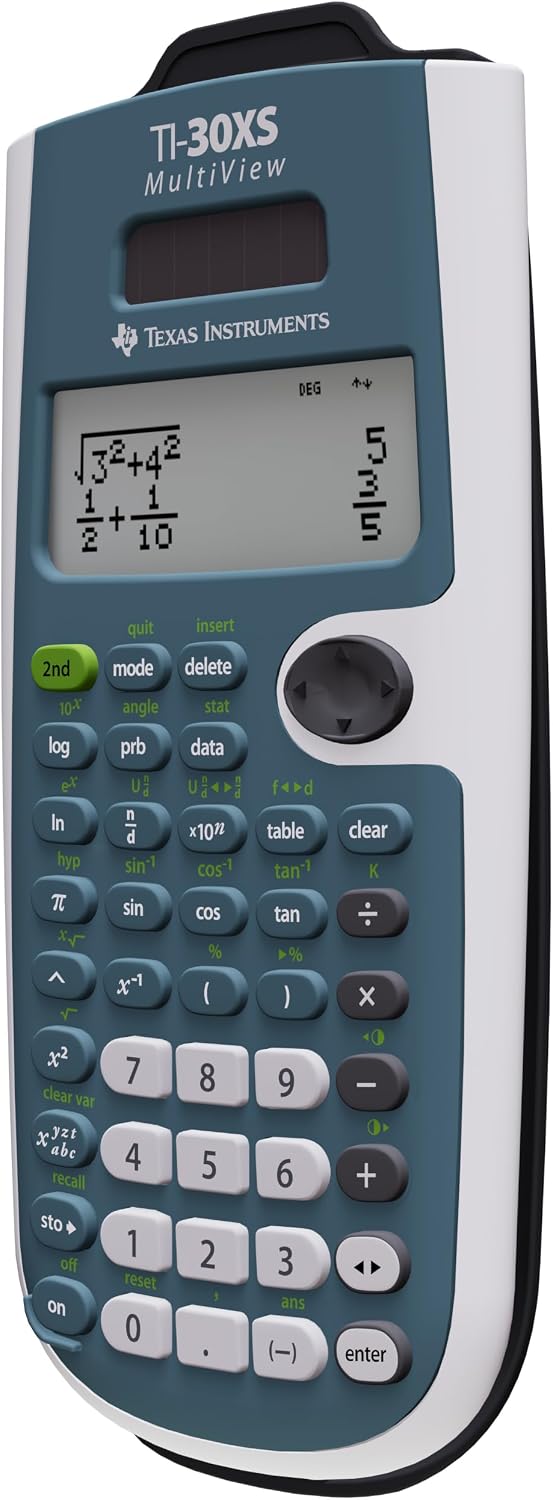
- Multi-line display for side-by-side comparison.
- Textbook-style math rendering helps reduce re-entry errors from syntax differences.
- Clear support for scientific notation and a practical approach to functions via a value table.
- Lightweight and easy to carry for daily classroom use.
Limitations to consider
- It isn’t a graphing calculator, so advanced plotting or complex symbolic algebra isn’t its forte.
- For users who rely heavily on programmable features or extensive statistical functions, this model may feel limited.
- Learning gains depend on how you use the table of values and how often you compare results across steps.
Ideal user profile
This calculator is well-suited for students in middle to high school taking general math through early science classes, plus anyone who benefits from reading math expressions in textbook-style notation. It’s a good pick if you want a reliable, affordable tool that reinforces basic concepts without clutter.
When it might not be the best option
If your course requires graphing, advanced statistics, or programmable features, you’ll likely want something more capable. If your focus is solely on heavy algebraic manipulation or calculus, you might outgrow this model quickly.
What to check before buying
- Ensure you understand what topics you’ll cover and whether you’ll miss graphing or advanced features.
- Consider how often you’ll use the (x,y) table and whether it will aid your understanding of functions.
- Look at battery life, build quality, and how comfortable the key layout feels for extended use.
Practical usage example
Imagine you’re solving a set of geometry problems and need to verify a few trigonometric values while comparing a couple of intermediate results. With the MultiView, you can display the equation, its input values, and the resulting outputs on separate lines, then flip between related steps without losing your place. That can help students see relationships more clearly than flipping between separate pages or apps.
Quick comparison to alternatives
If you’re deciding between this and a more feature-rich scientific calculator, consider your day-to-day needs. For routine math and early science work, the TI-30XS MultiView offers a calm, textbook-aligned experience. If you expect to do graphing, matrix operations, or heavy statistical analysis, a higher-end model would be a better fit.
FAQ (based on common questions)
- Does it display expressions exactly as in textbooks? Yes, the device shows math expressions and symbols in a textbook-like format.
- Can I view multiple results at once? Yes, up to four lines of calculations can be shown simultaneously.
- Is it good for studying functions with a table of values? The built-in (x,y) table makes exploring functions accessible, either automatically or with specified x values.
Decision: Is it worth it?
Is it worth it if you need a reliable, no-frills scientific calculator for foundational math and science? It can be a solid choice for students who benefit from seeing math laid out visually and textually, without the complexity of graphing or programming. It may not be the best option if your course requires graphing or advanced capabilities, but for many general math users, it delivers practical value at a reasonable price.