

Syntech Link Cable 33 FT with Signal Booster for Meta Quest and Pico VR (USB 3.0 to USB-C)
Product description
What this cable is and who it’s for
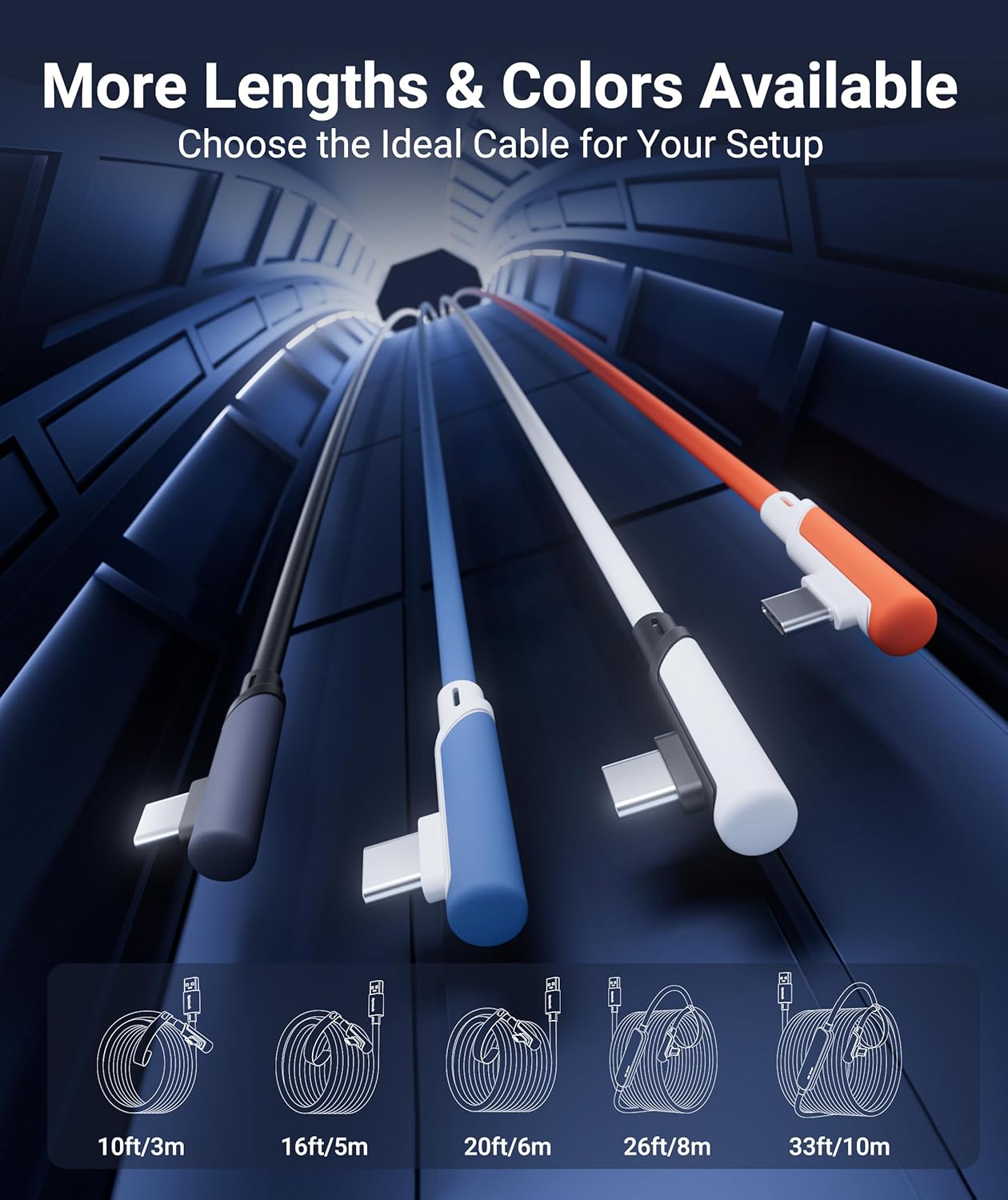
The Syntech Link Cable is a 33-foot wired link designed to connect Meta Quest 3, Quest 2, Quest Pro, and Pico 4 headsets to a gaming PC for SteamVR and PC VR content. It’s built for a stable, immersive wired experience during seated, standing, or full-body VR sessions. Important note: this cable is not intended for charging the headset, so plan charging separately if needed.
How it helps your VR setup
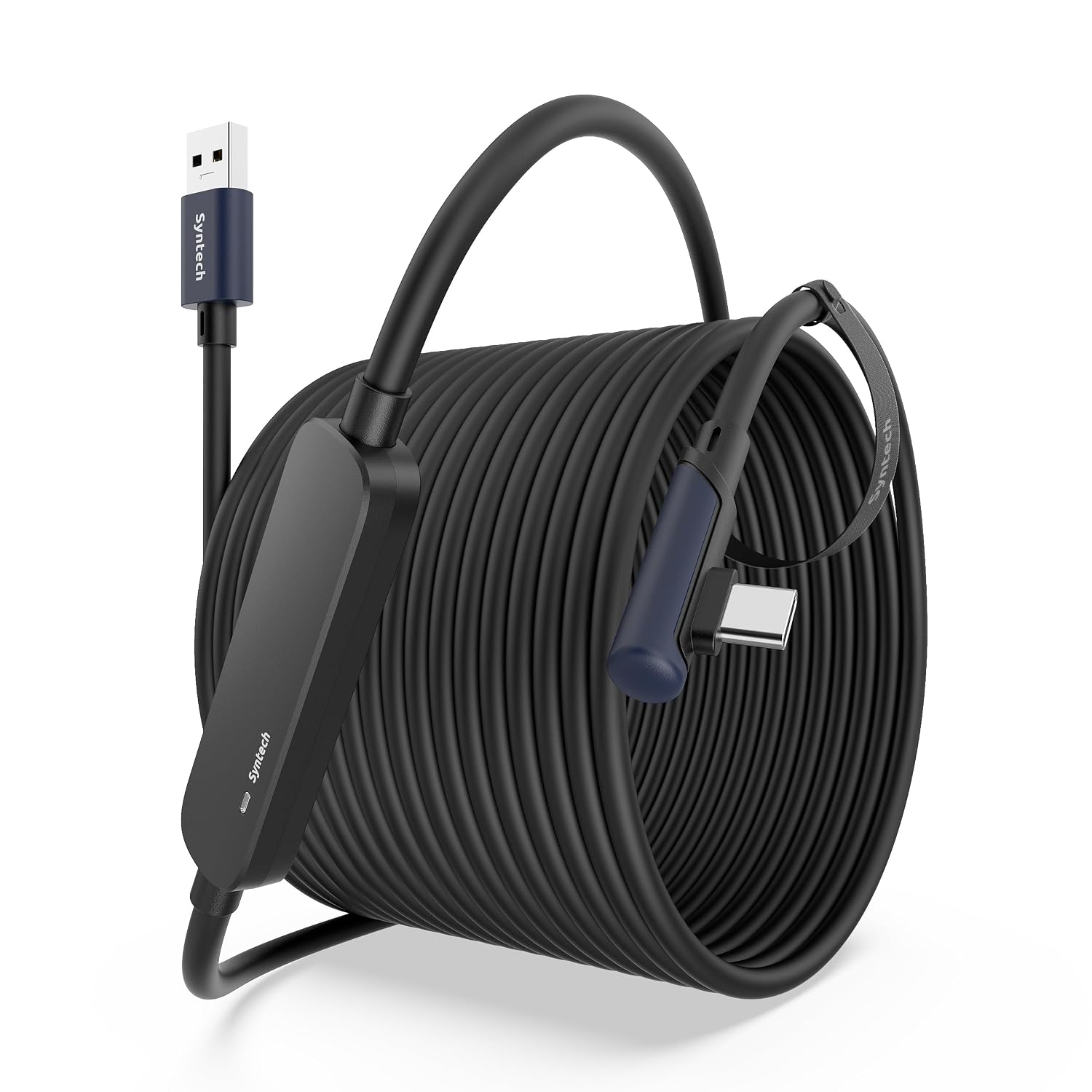
If you prioritize a consistent connection and low latency, this USB 3.0 A to USB-C link aims to minimize the lag that wireless streaming can introduce. The included signal booster works to maintain a robust signal over the full 33-foot length, which can be especially valuable in larger play spaces where wireless performance may degrade.
What stands out in its design
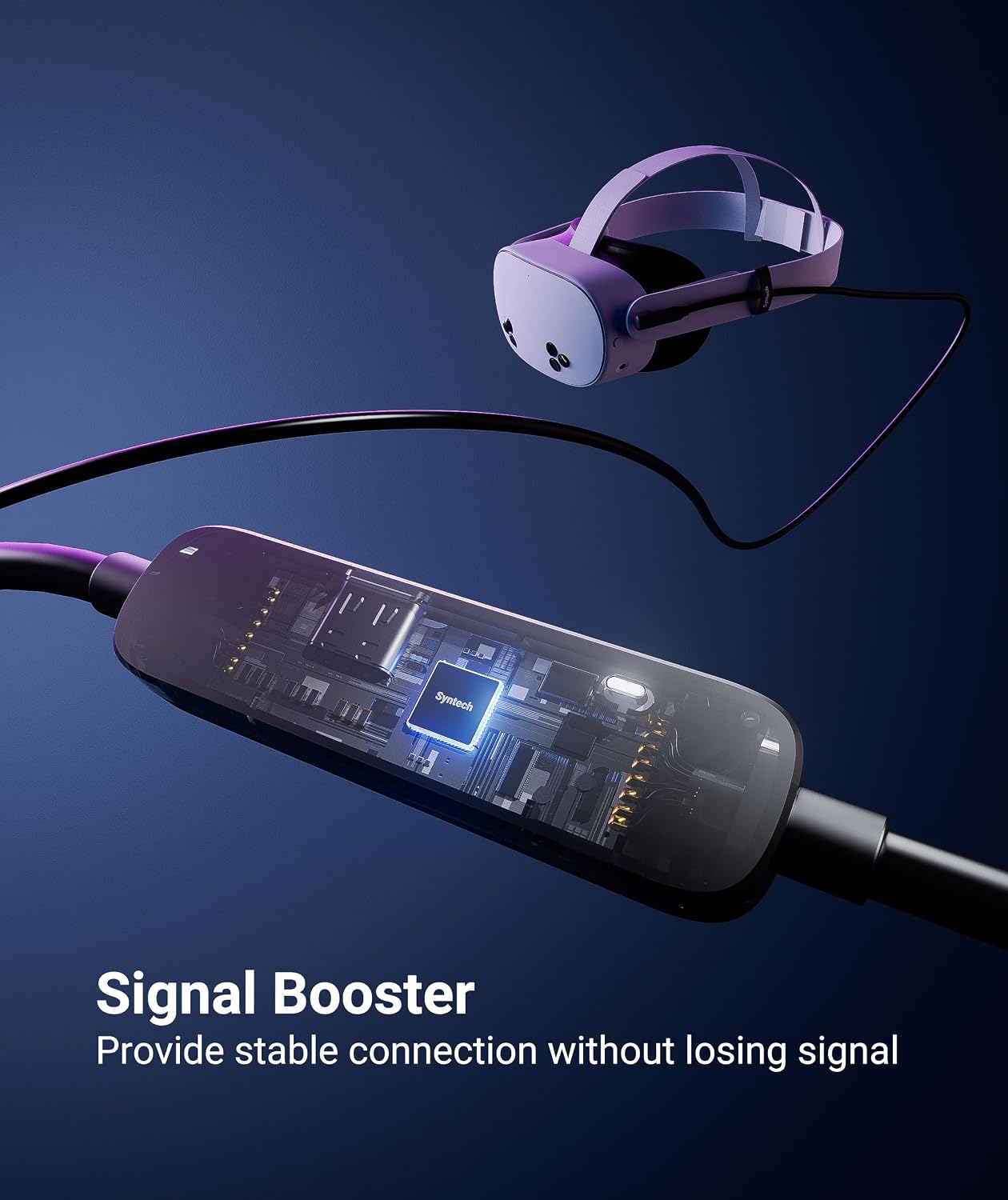
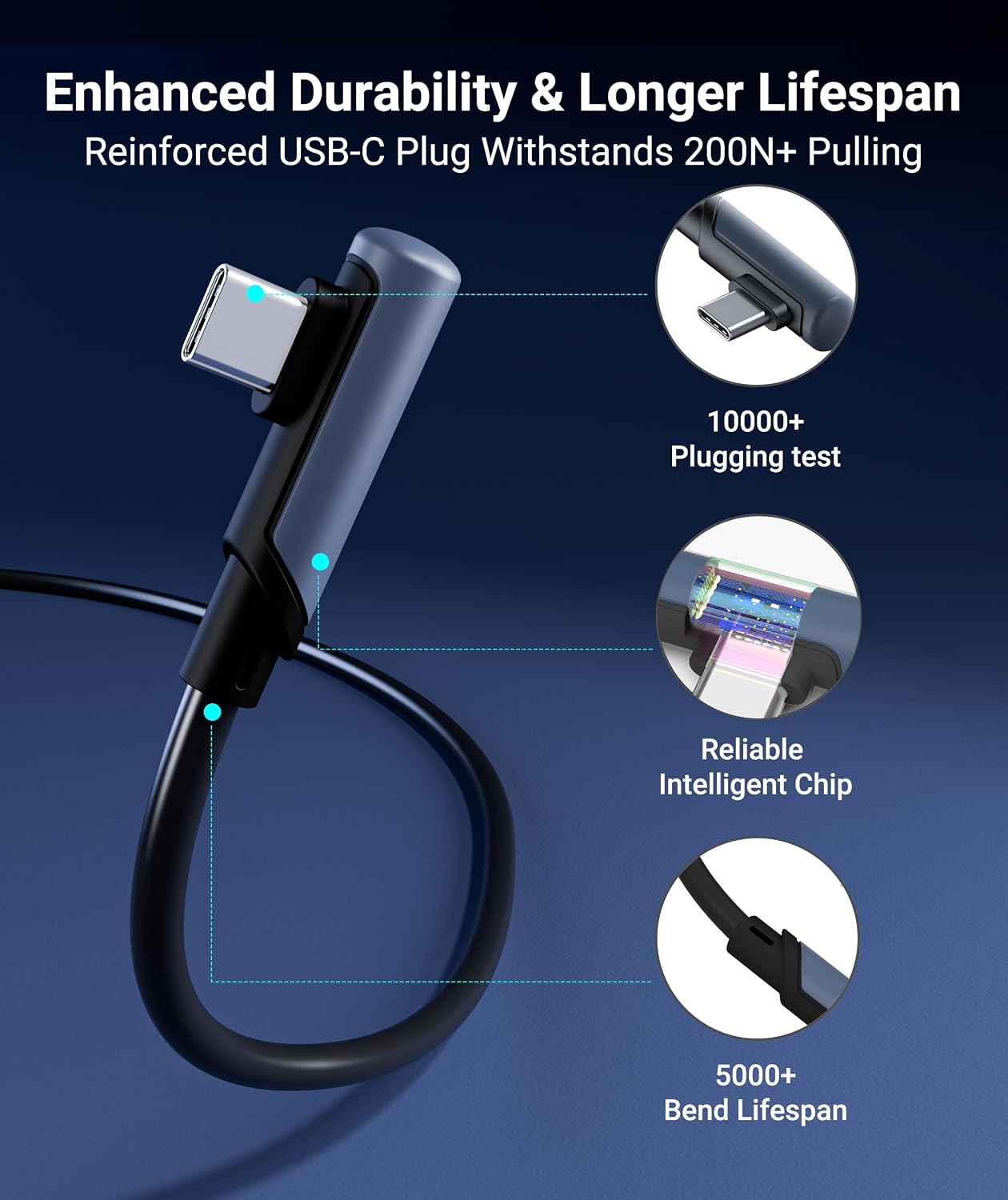
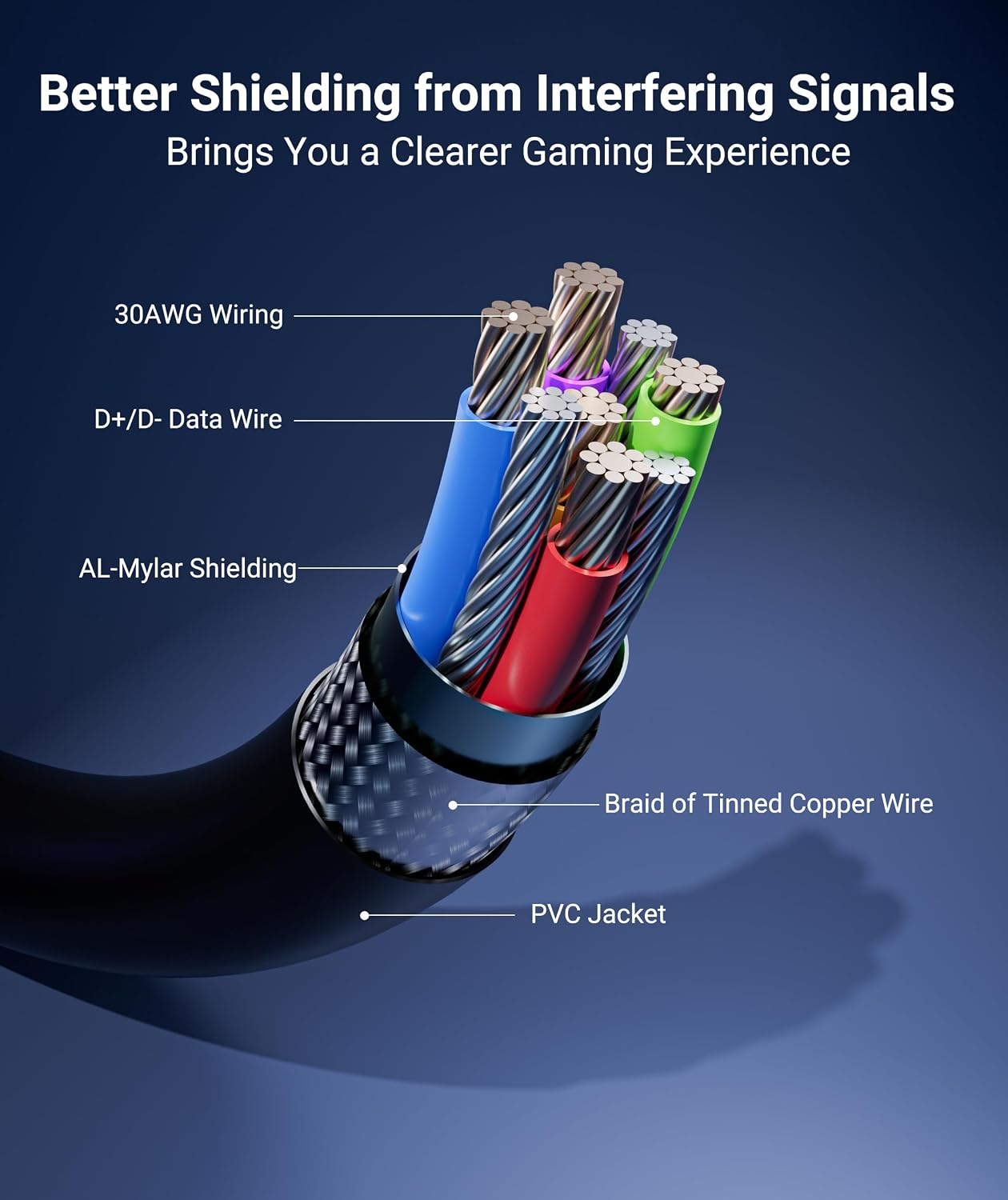
The cable uses a durable, flexible build with abrasion-resistant materials and reinforced stress points to stand up to long gaming sessions. The L-shaped USB-C connector reduces port strain on the headset, improving comfort during extended play. A Velcro strap helps keep the cable secure and reduces the chance of disconnections mid-game. The overall design emphasizes smooth movement, with a tangle-free profile that lets you roam without fighting with tangled cords.
Pros and practical trade-offs
- Pros: Long reach for room-scale or standing play, signal booster intended to keep the link stable, USB 3.0 data transfer up to 5Gbps, dedicated Velcro strap for organization, and a shape that minimizes headset port stress.
- Trade-offs/limitations: It isn’t a charging cable, so you’ll need a separate power solution for charging if that’s part of your setup. Real-world USB 3.0 speeds can vary, so you might see different transfer rates depending on PC ports and software versions.
Compatibility and setup expectations
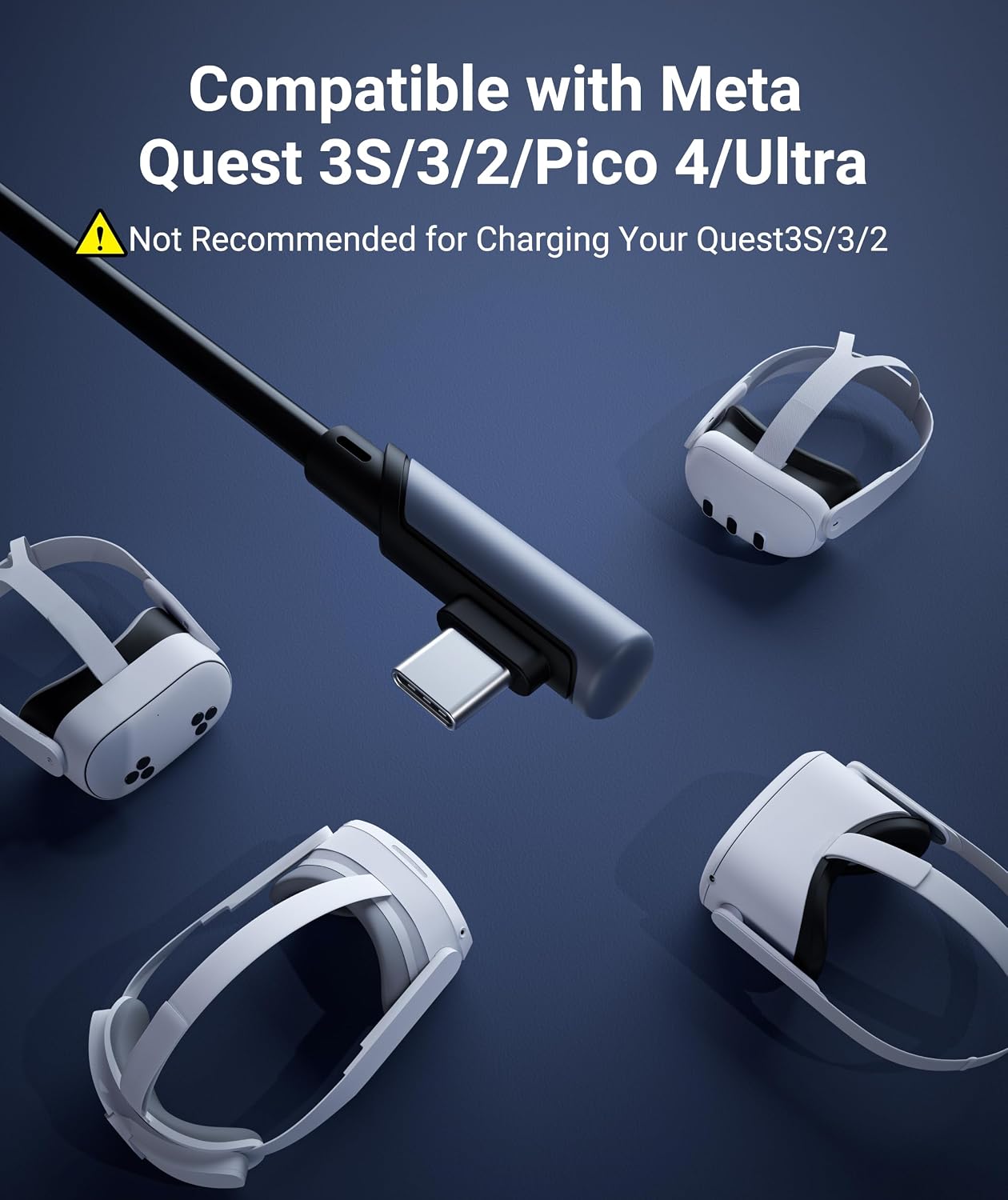
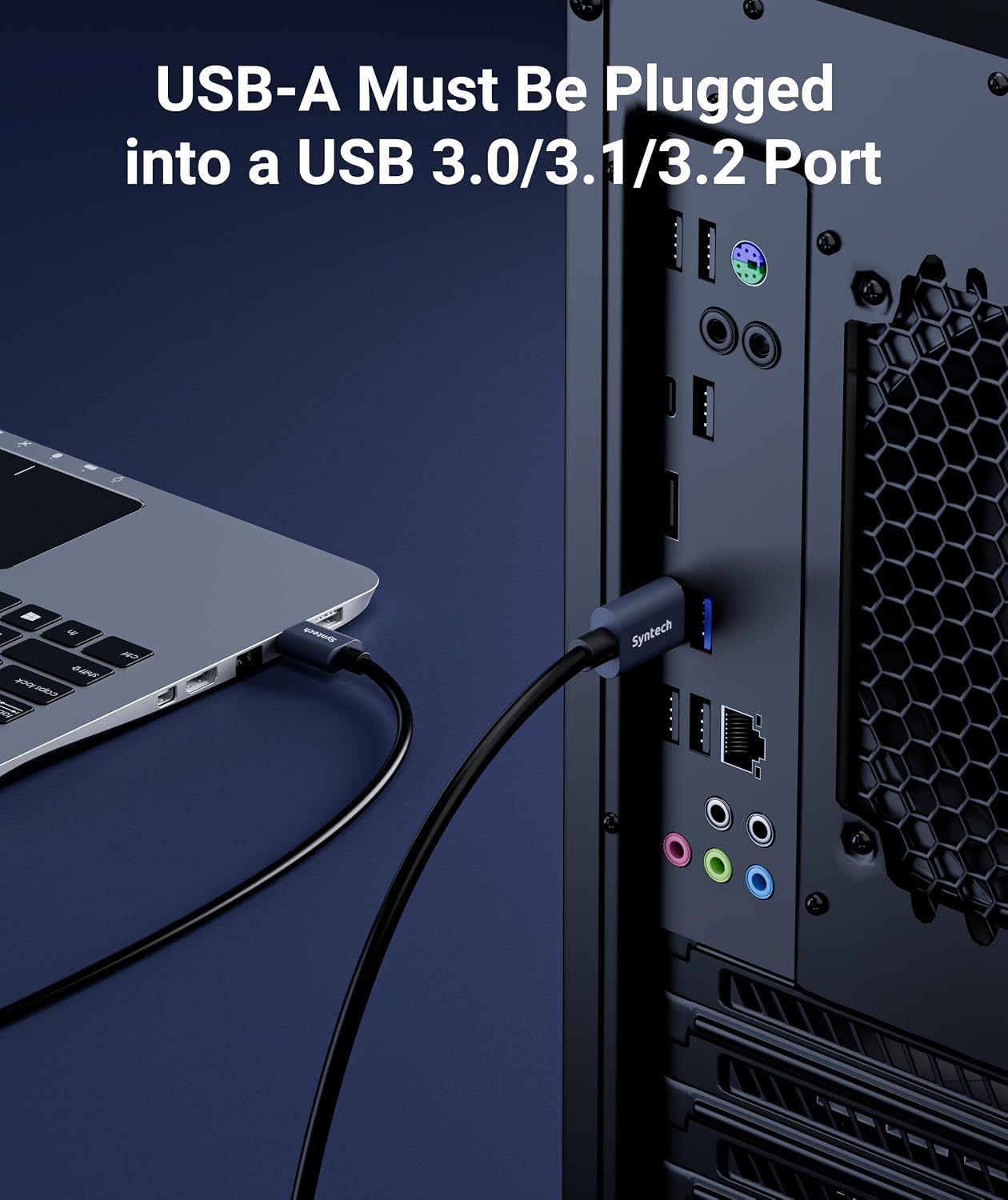
It’s designed to work with Meta Quest 3/S (Quest 3), Quest 2, Quest Pro, and Pico 4 when wired to a PC for SteamVR. Ensure your PC USB ports are USB 3.x to maximize performance and update the headset Link software for best results. If you’re already used to wireless play, a wired connection can feel noticeably steadier, particularly during fast movements or high-intensity titles.
Who should consider this cable
If you want a dedicated, long-range wired solution to unlock PC VR content, this cable fits: you’re likely to use it with room-scale titles, seated experiences, or games that benefit from low latency and reliable tracking. It may be a good fit if you value a predictable wired experience over wireless freedom, or if your current wireless setup struggles with stability.
Who might want to skip it
If you mainly play casual wireless VR or don’t require PC VR access, this length and setup might feel excessive. If charging during play or a shorter cable is enough for your space, a different option could be more economical or convenient.
What to check before buying
- Confirm your PC has USB 3.x ports (3.0/3.1/3.2) to leverage the high-speed transfer.
- Remember this is a data cable, not a charger. Plan for separate headset charging.
- Consider the length needs of your play space, 33 feet is long, but cable weight and handling can affect comfort.
- Keep headset and PC Link software updated to reduce potential compatibility issues.
Practical usage example
Imagine standing in a large living room, moving around with a full-body avatar in a PC VR title. The signal booster helps maintain a steady link as you step back toward the wall or side to side—no sudden dropouts or jitter. You feel the difference when precision matters, like aiming or tracking during quick turns.
How it stacks up against another approach
If you’re weighing wired versus wireless, this solution offers a clearer, lower-latency path for PC VR experiences, which can be preferable for serious gaming or workouts where lag is noticeable. If you value absolute ultimate portability or a shorter cable footprint, a shorter or more flexible alternative might be more appropriate.
FAQ (quick-reference)
- Is this cable suitable for charging the headset? No, it is for data transfer only.
- Will it work with Quest 3 and Pico 4? Yes, it’s designed for Meta Quest 3/S, Quest 2, Quest Pro, and Pico 4 when used with a PC for SteamVR.
- Do I need special software? Keep the headset Link software updated on both the headset and PC for best results.
Is it worth it?
Buying verdict: If you want a reliable wired PC VR connection with a long reach and a design that reduces port strain, this cable offers practical value. It’s especially compelling if your play space demands distance from PC or if wireless stability has been a bottleneck. It might not be the best choice if you’re after charging capability in the same cable or if you don’t need PC VR access.