

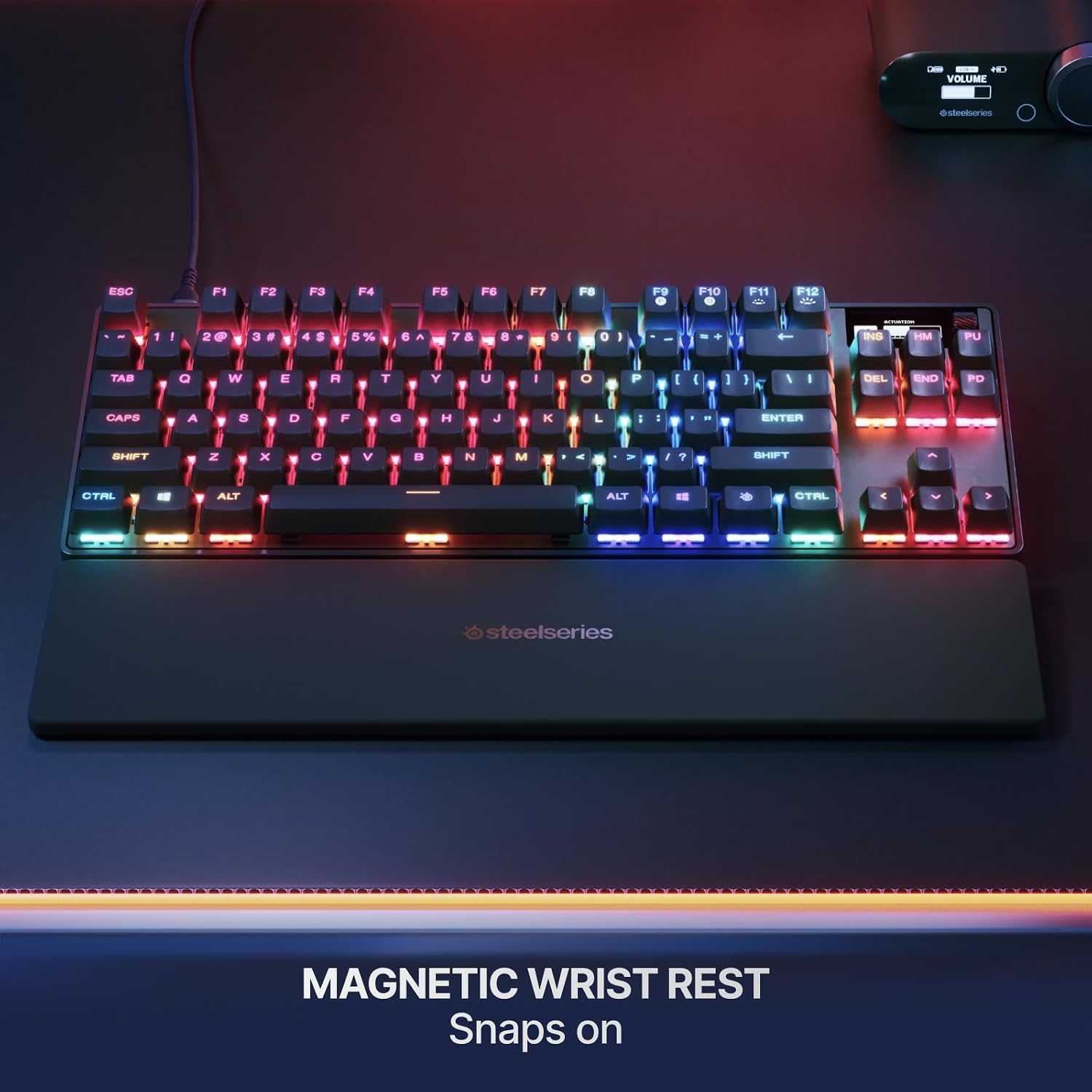
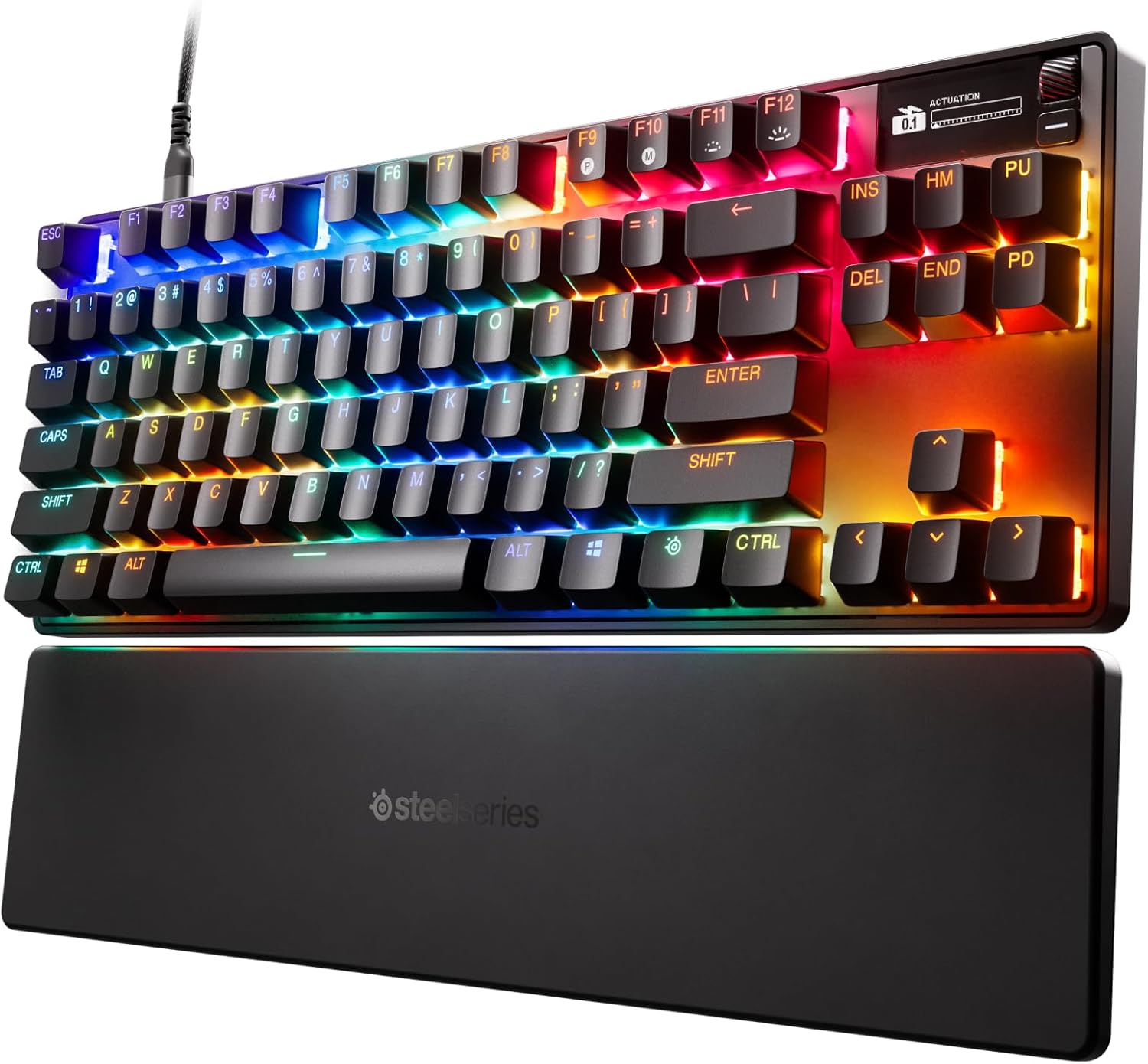
SteelSeries Apex Pro TKL Gen 3 Keyboard with OmniPoint 3.0 Analog Magnetic Switches
Reviews
Price
Product description
What it is
The SteelSeries Apex Pro TKL Gen 3 is a compact, high-performance gaming keyboard featuring OmniPoint 3.0 analog magnetic switches. It’s designed for serious players who want fast, precise actuation and customizable responses without taking up desk space.
How it works
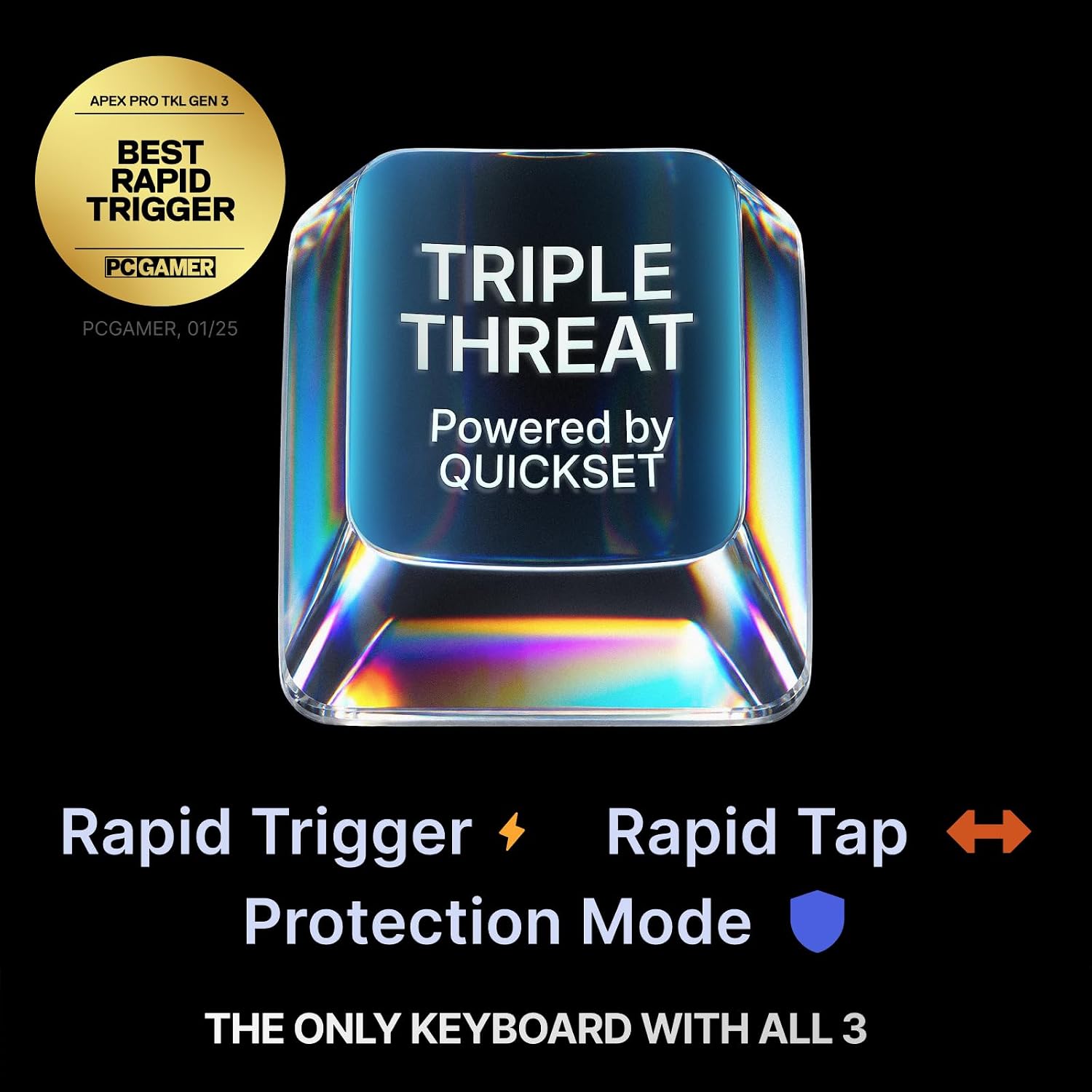
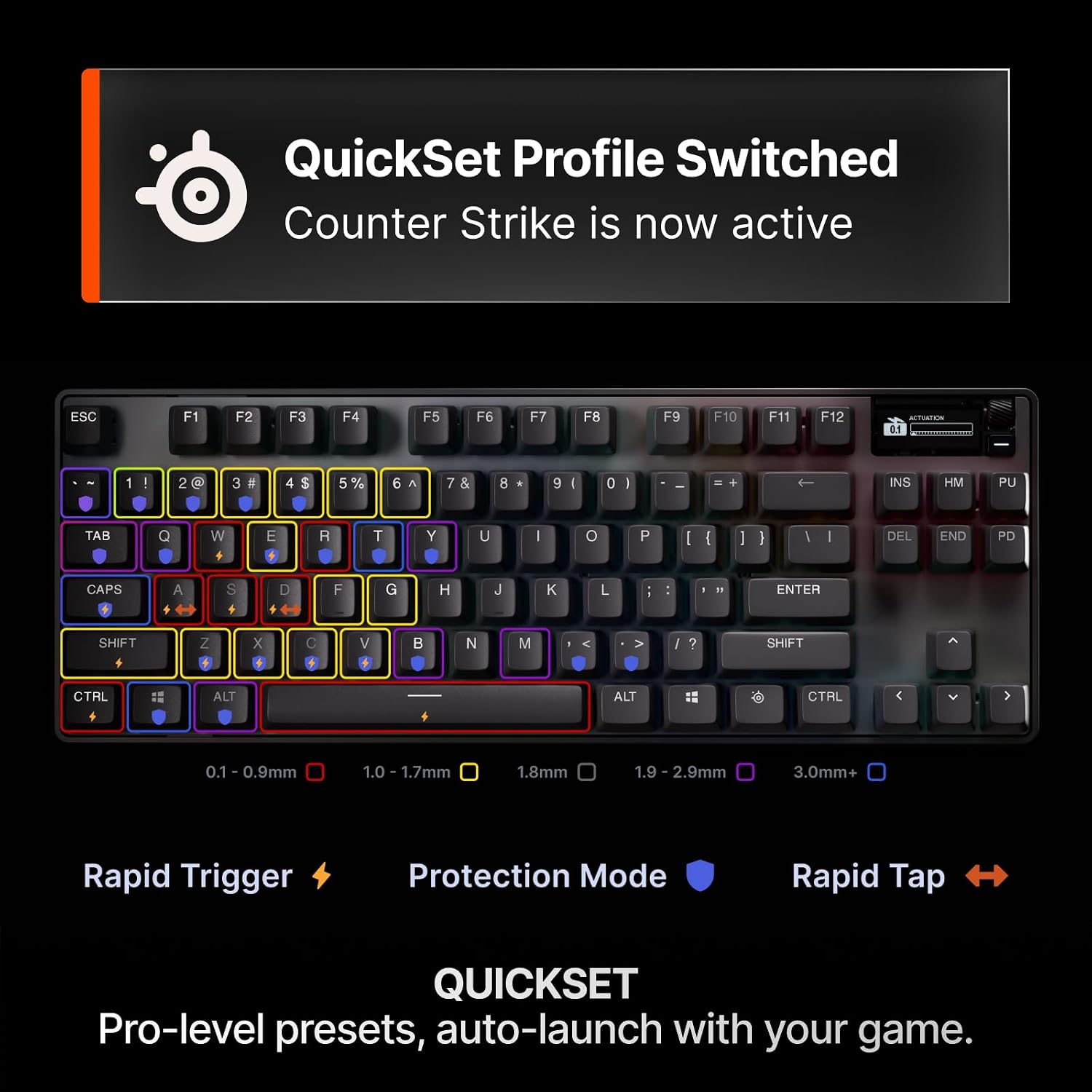
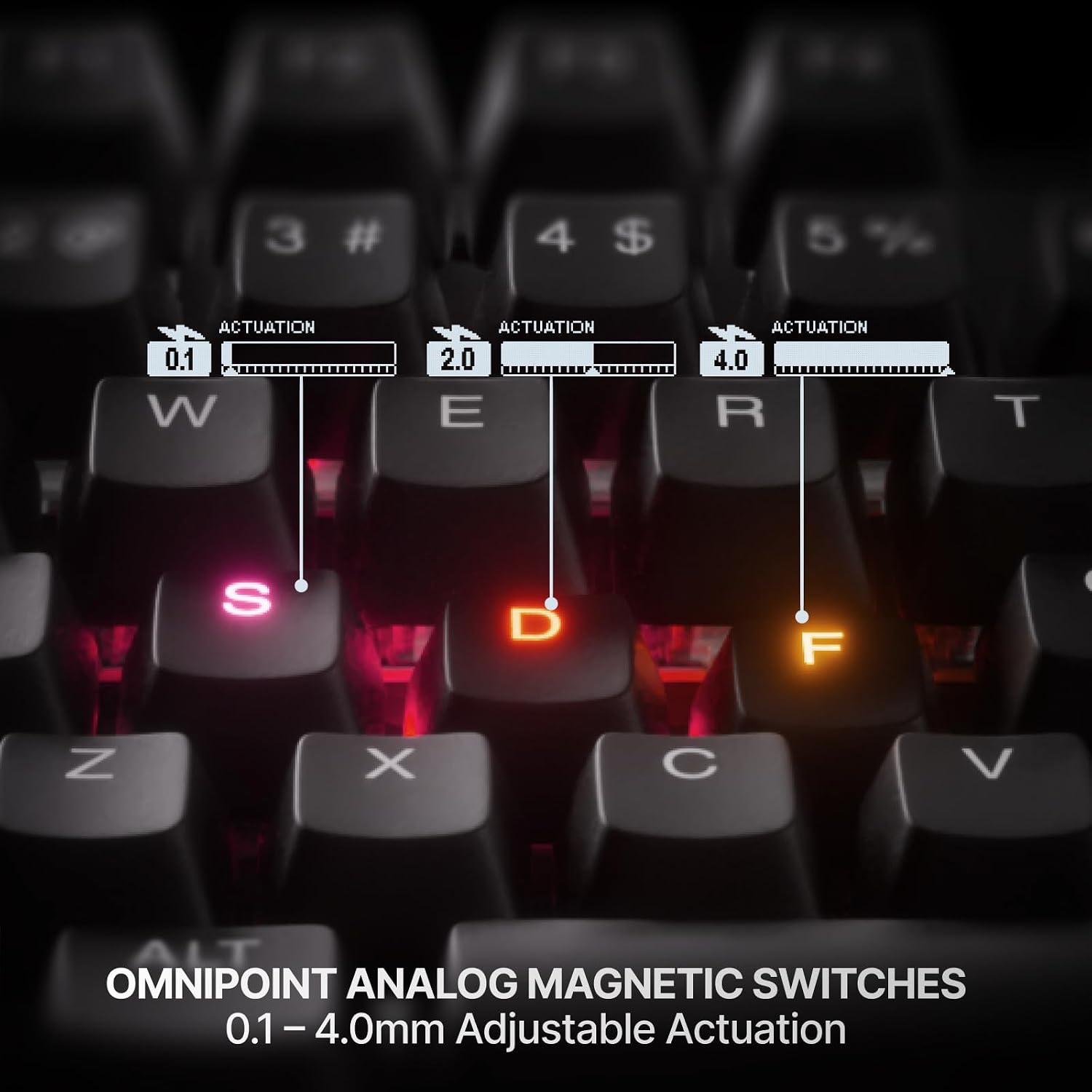
This keyboard uses Hall Effect-based OmniPoint 3.0 switches that offer 40 levels of adjustable actuation from 0.1 mm to 4.0 mm, plus a 45 g bottom-out force. That setup lets you tailor each key’s response to your playstyle. The Rapid Trigger and Rapid Tap modes are built to speed up in-game actions and movement, resetting instantly when you release a key and snapping to your latest input for faster dodges or sprints. Protection Mode adds a safeguard to reduce accidental presses on nearby keys during intense moments.
Quick-set and on-board customization
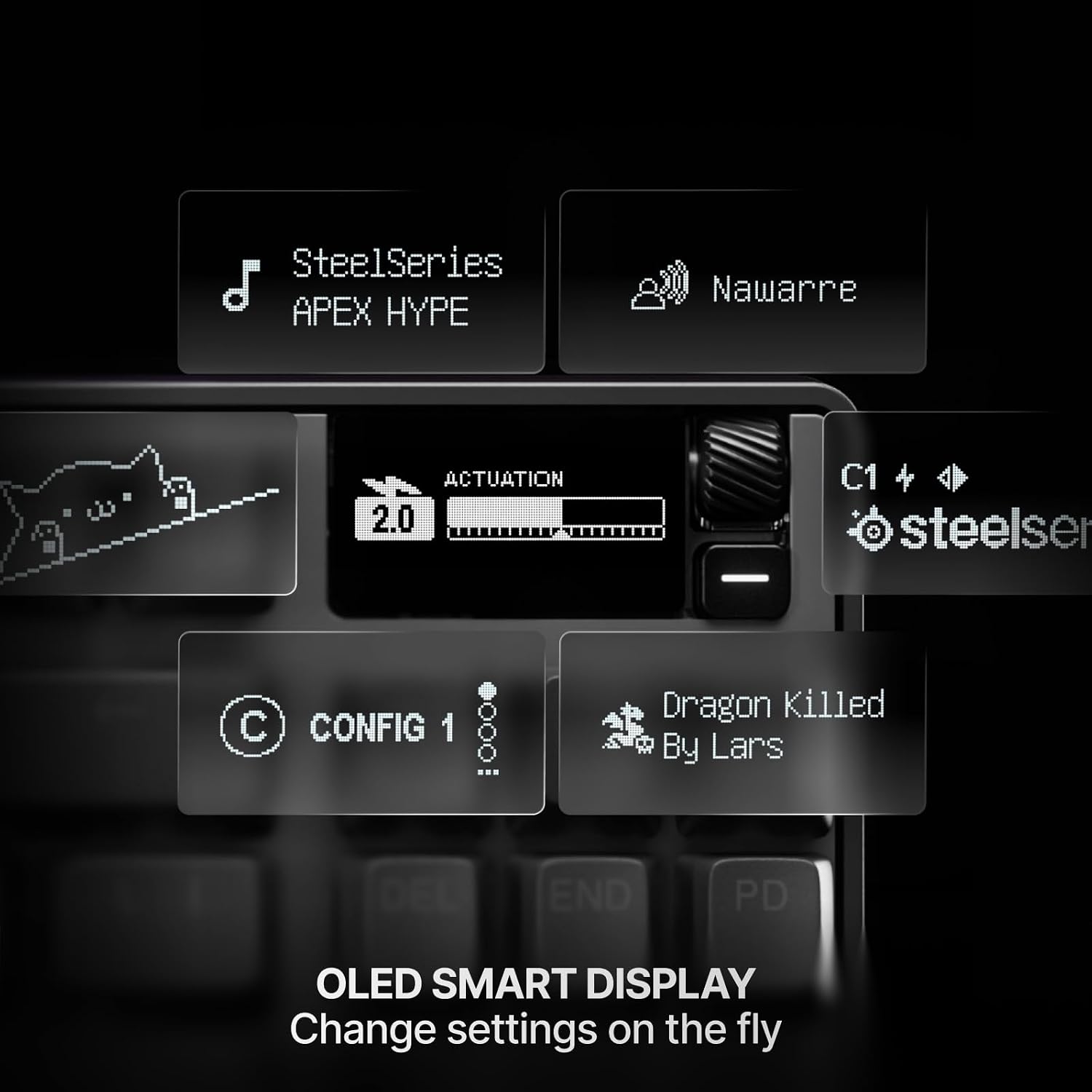
QuickSet Auto-Presets provide pro-level configurations that launch automatically when your game loads, so you can focus on the match. The OLED smart display lets you adjust settings directly from the keyboard, and your profiles stay saved onboard, meaning you don’t have to leave the game to tweak things.
Build and features
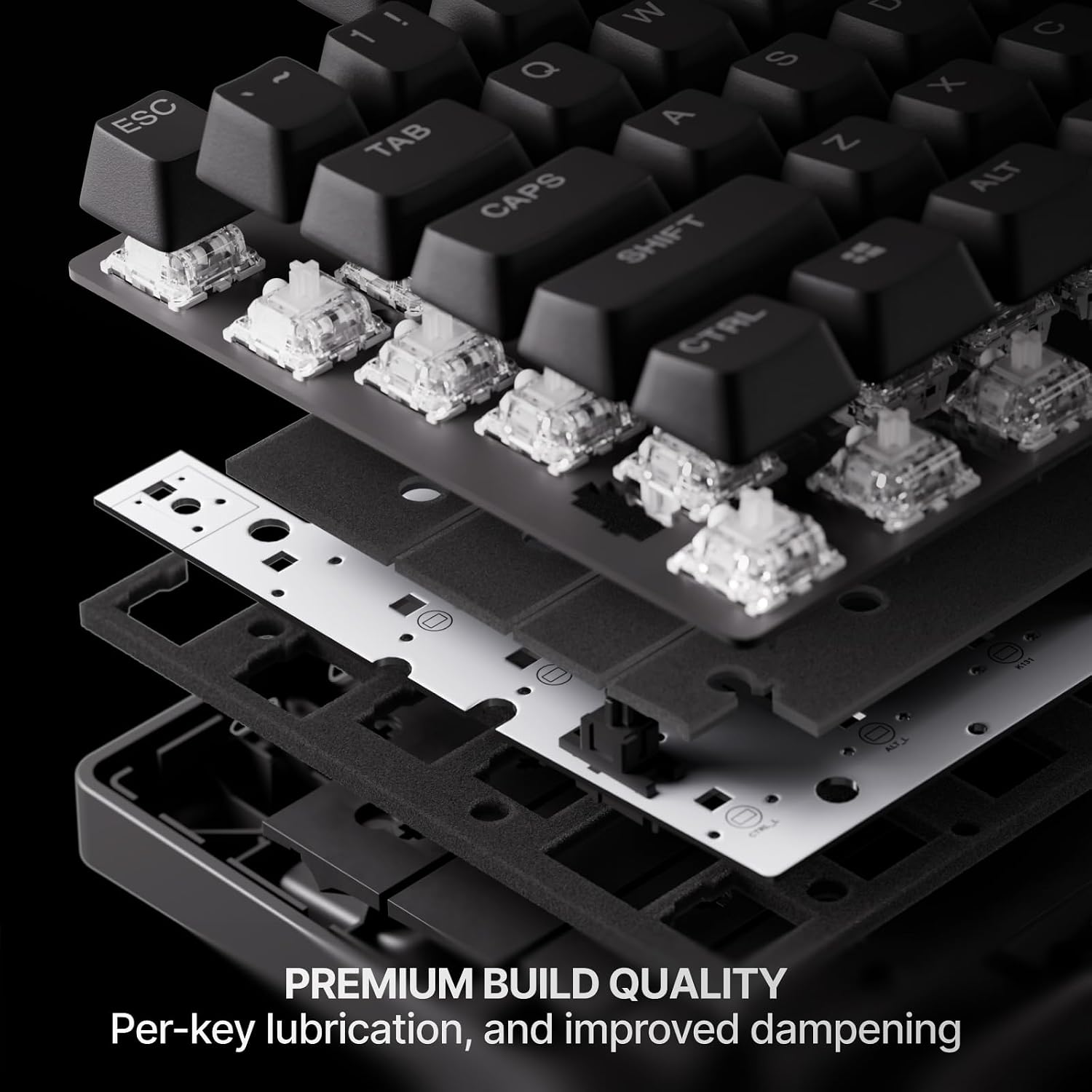
The Gen 3 Apex Pro keeps a compact TENKEYLESS footprint with RGB lighting and high-quality PBT keycaps. USB-C keeps it modern and reliable for fast polling and stable connectivity. The keyboard maintains a sleek black finish that blends into most gaming setups.
What stands out in use
If you prioritize precise control and fast character input, the adjustable actuation and magnetic switch design offer tangible benefits. The combination of Rapid Trigger, Rapid Tap, and Protection Mode can translate to quicker actions with fewer misfires in crowded situations. The on-board OLED display and auto presets mean you can dial in a setup that matches your game in seconds, not minutes.
What you’ll notice day to day
On daily use, you’ll likely appreciate the reduced accidental inputs during frantic sequences, and you can customize each key’s feel to match the demands of different games. However, the Gen 3 is still a mechanical keyboard with a premium feature set, so the upgrade is most meaningful if you play competitively and rely on fast, consistent actuation.
Who it’s for
This keyboard is well-suited for gamers who want highly customizable key actuation, fast input responses, and on-device configuration. It’s particularly appealing if your games benefit from rapid inputs and precise control with a compact form factor.
When it may not be the best fit
If you’re not seeking adjustable actuation or don’t require a TENKEYLESS layout, or if budget is a primary constraint, this model may feel like overkill. Also, if you need a traditional full-size board with a dedicated numeric keypad, this Gen 3 might not fit that requirement.
What to check before buying
- Confirm you’re comfortable with a compact form factor and keycap feel (PBT, standard for durability).
- Consider whether you’ll benefit from 40 levels of actuation and the magnet-based switch system.
- Think about how on-board profiles and the OLED display align with your in-game setup and workflow.
- If you rely on per-key customization across many games, ensure you’re ready to invest a little time into setup with QuickSet Auto-Presets.
Practical comparison
Compared to standard mechanical keyboards, this model emphasizes adjustable actuation and fast input responses by design. It serves as a middle-to-high tier option for players who want more granular control than traditional switches provide, without stepping up to full-size or feature-bloat that isn’t necessary for every gamer.
Decision time
Is it worth it?
Worth considering if you value ultra-customizable actuation and rapid input mechanics, and you want onboard settings you can adjust without leaving the game. It makes sense for competitive players who benefit from precise, repeatable keystrokes and a compact space to maximize desk real estate.
FAQ
- How many actuation levels does OmniPoint 3.0 offer? 40 levels of adjustable actuation from 0.1 mm to 4.0 mm.
- Does it have a compensating feature to prevent mispresses? Yes, Protection Mode helps reduce accidental keypresses on nearby keys.
- Can I use this keyboard right away with game profiles? Yes, QuickSet Auto-Presets launch pro-level configurations when your game loads, with onboard storage for your settings.