

Razer Huntsman Mini 60% Gaming Keyboard — Linear switch
Product description
This compact 60% gaming keyboard brings fast optical actuation and minimalist design to setups where desk space and reaction time matter. The Razer Huntsman Mini combines linear optical switches with customizable RGB lighting and durable PBT keycaps, making it suitable for rapid typing and competitive play while keeping a small footprint on the desk.
Key Points
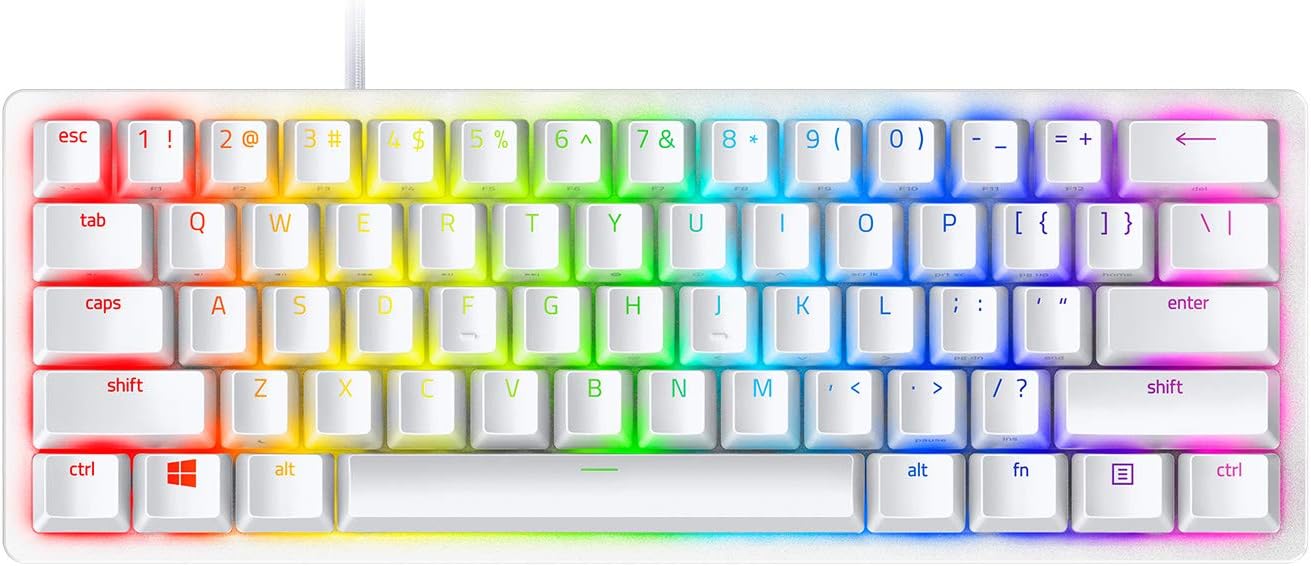
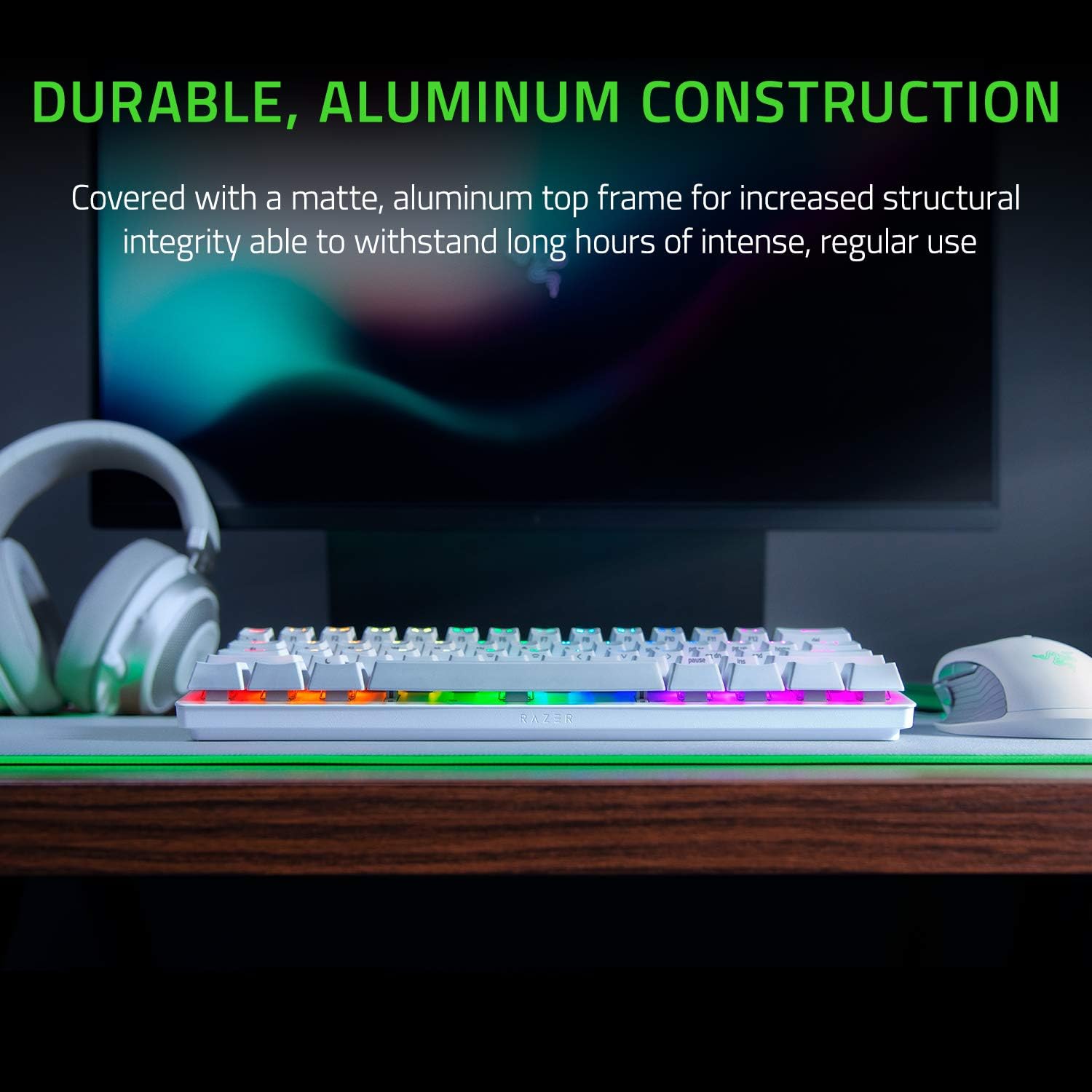
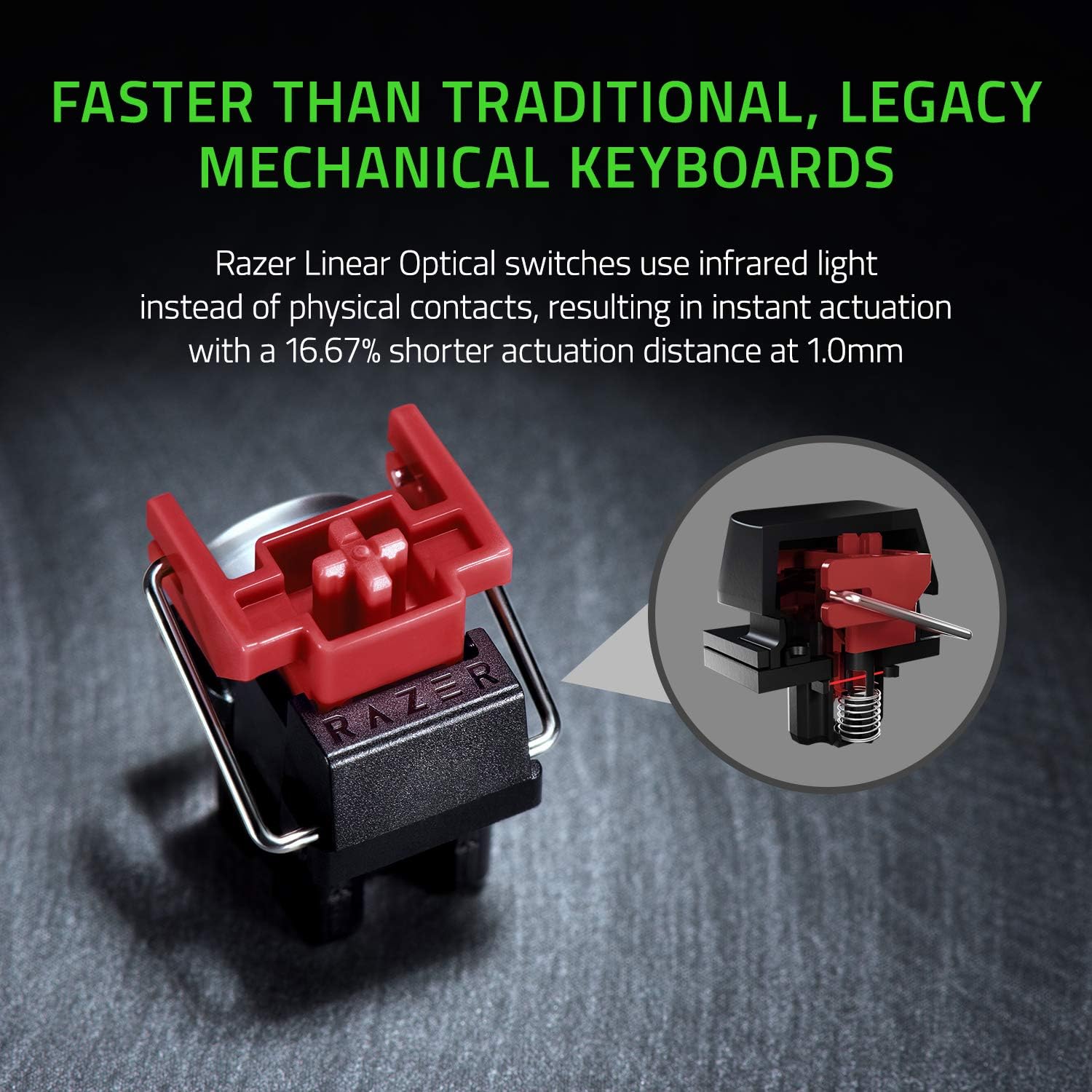
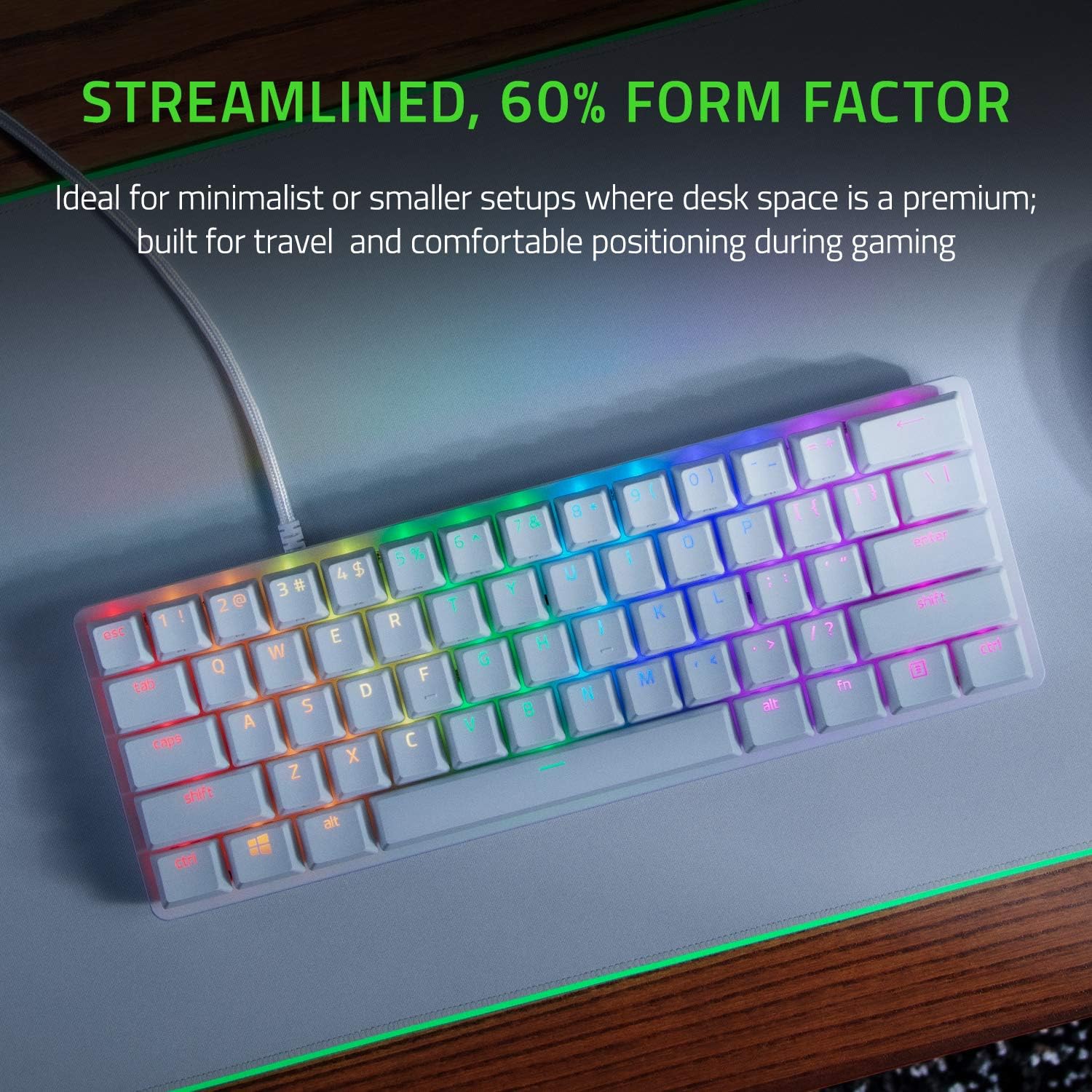
The keyboard features Razer Linear Optical switches that register keypresses using a light-based actuation for shorter actuation distance and faster response compared to many traditional mechanical switches, according to the manufacturer. Its 60% layout removes the number pad and function cluster, freeing space for mouse movement and a cleaner workspace. Chroma RGB lighting supports 16.8 million colors with per-key illumination and syncs with compatible games and hardware for immersive effects. The top frame is aluminum with a white matte finish that adds rigidity and a premium look. Textured doubleshot PBT keycaps resist oil and wear to help maintain a clean feel over time.
Technical Specifications
- Name: Razer Huntsman Mini
- Switch type: Linear Optical switches, 1.0 mm actuation distance (manufacturer specification)
- Layout: 60% compact layout
- Keycaps: Oil-resistant doubleshot PBT
- Connectivity and memory: Onboard memory for profiles and macros
Benefits
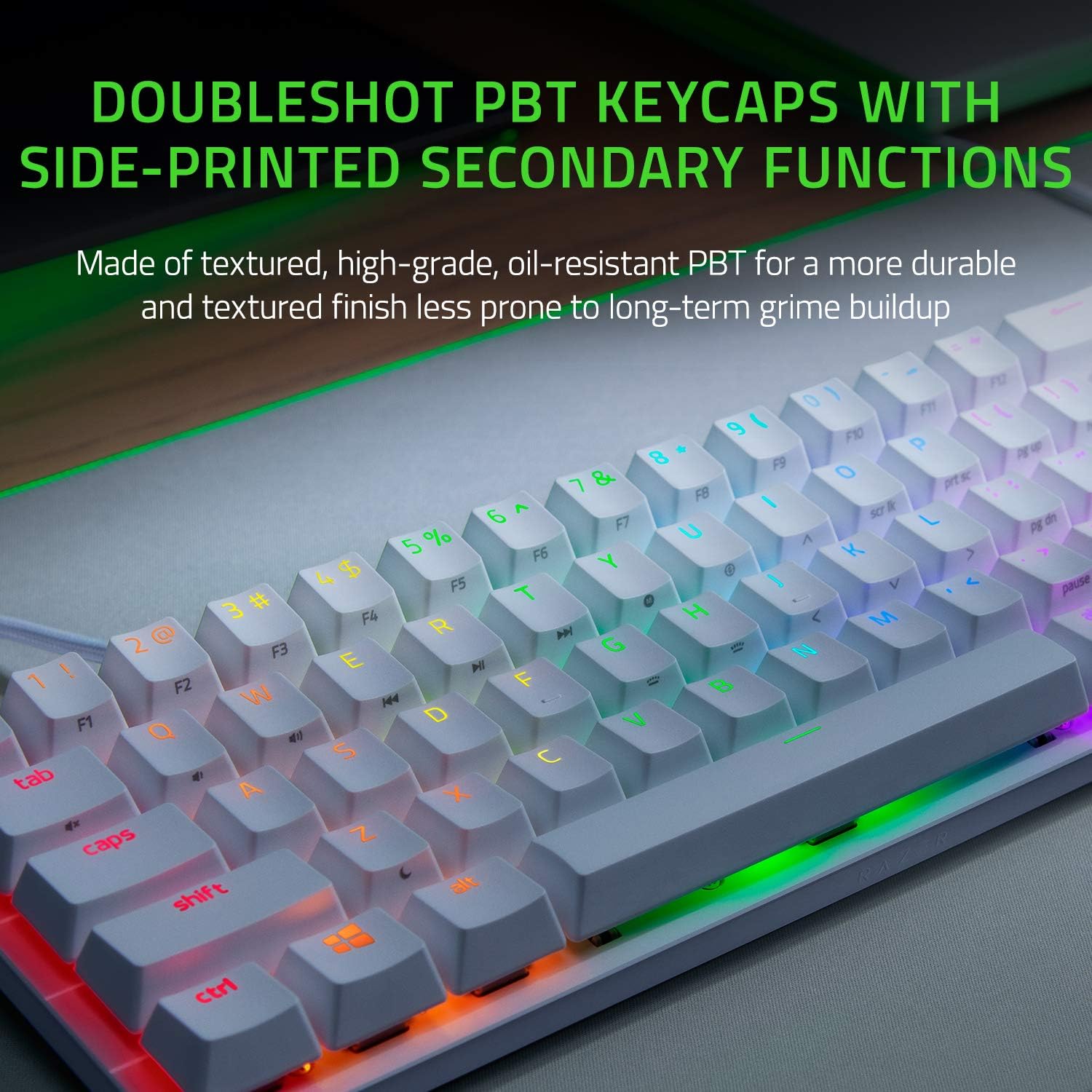
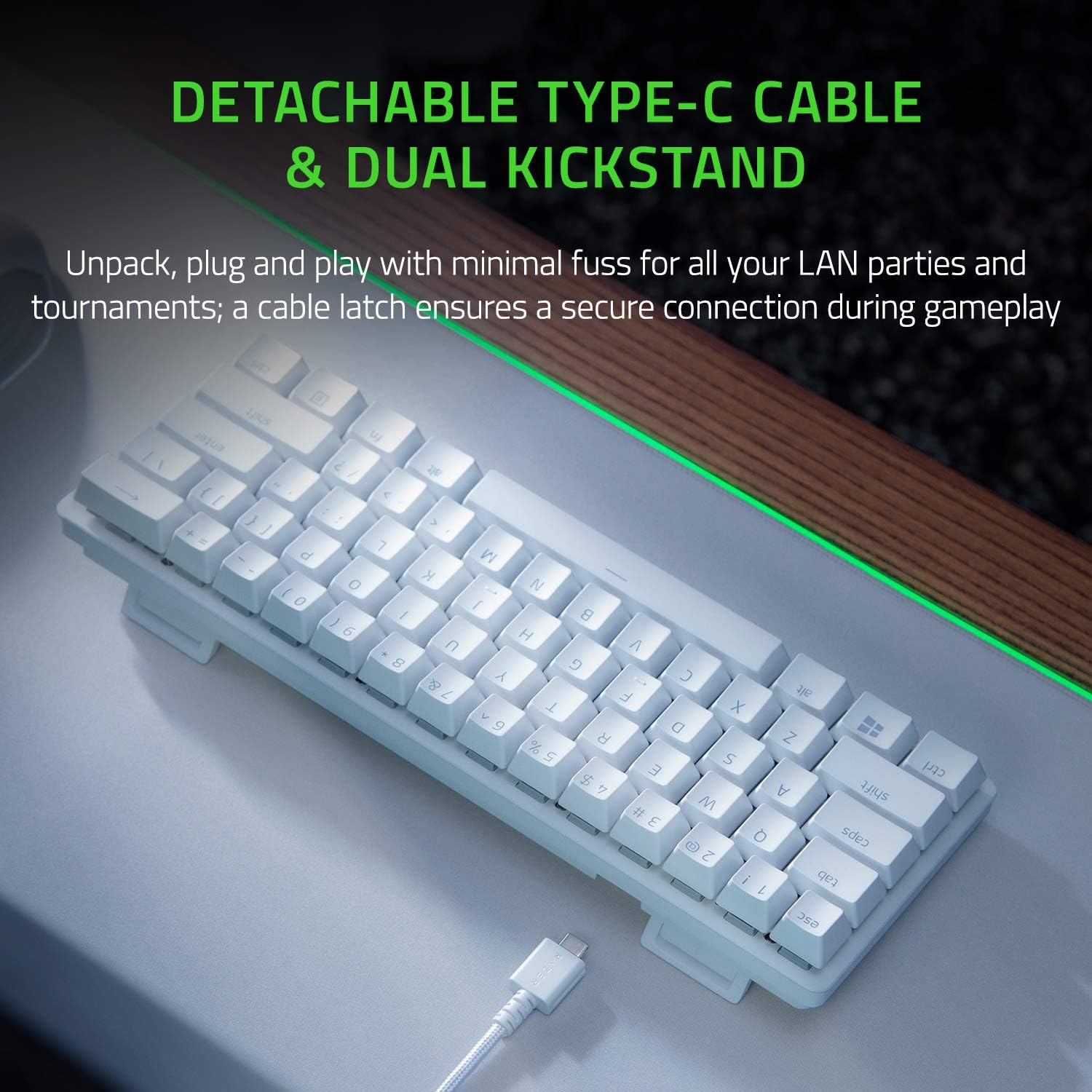
Shorter actuation and optical triggering translate into quicker input registration during fast-paced gaming and heavy typing sessions. The compact form factor reduces clutter and gives more room for large mouse movements, which can be particularly helpful for FPS players. Onboard memory lets you keep custom key mappings and lighting profiles without third-party software when moving between systems. The aluminum top frame improves structural rigidity and gives the keyboard a lightweight but solid feel.
Usage Recommendations
For gamers who prioritize response times, enable Rapid Trigger mode and experiment with lower debounce settings to maximize the linear optical switches' speed. Use Razer Hypershift to expand functionality by remapping keys and layering macros, which helps compensate for the reduced key count of the 60% layout. Consider pairing the keyboard with a wrist rest if you type for extended periods, since compact boards change hand positioning compared to full-size keyboards.
Note: While the compact layout benefits desk space and mouse range, it may require an initial adjustment for users accustomed to full-size keyboards, especially when accessing function keys. Also bear in mind that certain technical details such as full switch lifespan figures and connectivity options beyond onboard memory are not specified here and should be checked with official sources if required.