

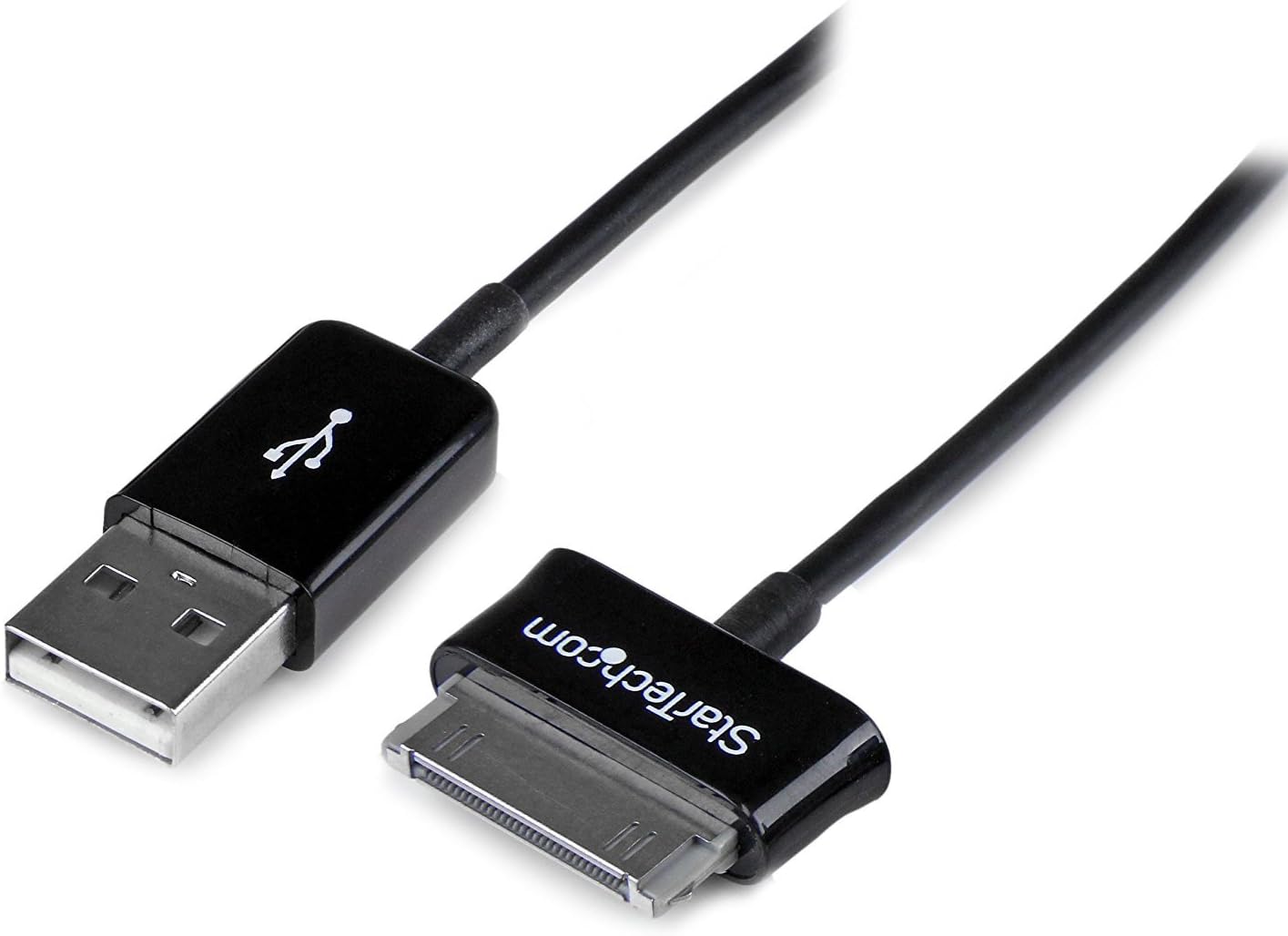
StarTech.com 2m Dock Connector to USB Cable for Samsung Galaxy Tab (USB2SDC2M)
Reviews
Price
Product description
What it is and what it solves
This StarTech.com dock connector to USB cable is built for older Samsung Galaxy Tab setups that use a 30-pin Dock Connector. Over time, charging cables get bent, damaged, or simply stop making reliable contact. On paper, this one is aimed at that exact problem: getting power and data back through a shielded USB-to-dock connection.
You can think of it as a “replacement cable” more than a modern adapter. If your tablet charges and syncs through its 30-pin dock, this is the type of cable you look for when you need a sturdier, more dependable connection for everyday use.
The essentials (how it behaves day to day)
The listing describes it as a charging/data USB cable from USB (male) to a Samsung 30-pin Dock Connector (male). That matters because you’re not just buying for charging—if your workflow depends on connecting the tablet for data transfer, you want a cable that’s intended for both.
It’s also described as shielded and comes in black. Shielding is one of those details you only really notice when you’ve had cables that were prone to interference or flaky transfers—so it’s a sensible inclusion if you’ve had issues with noisy connections before. Still, take it as a practical expectation rather than a guarantee: results can vary depending on your tablet model and how your device handles connections.
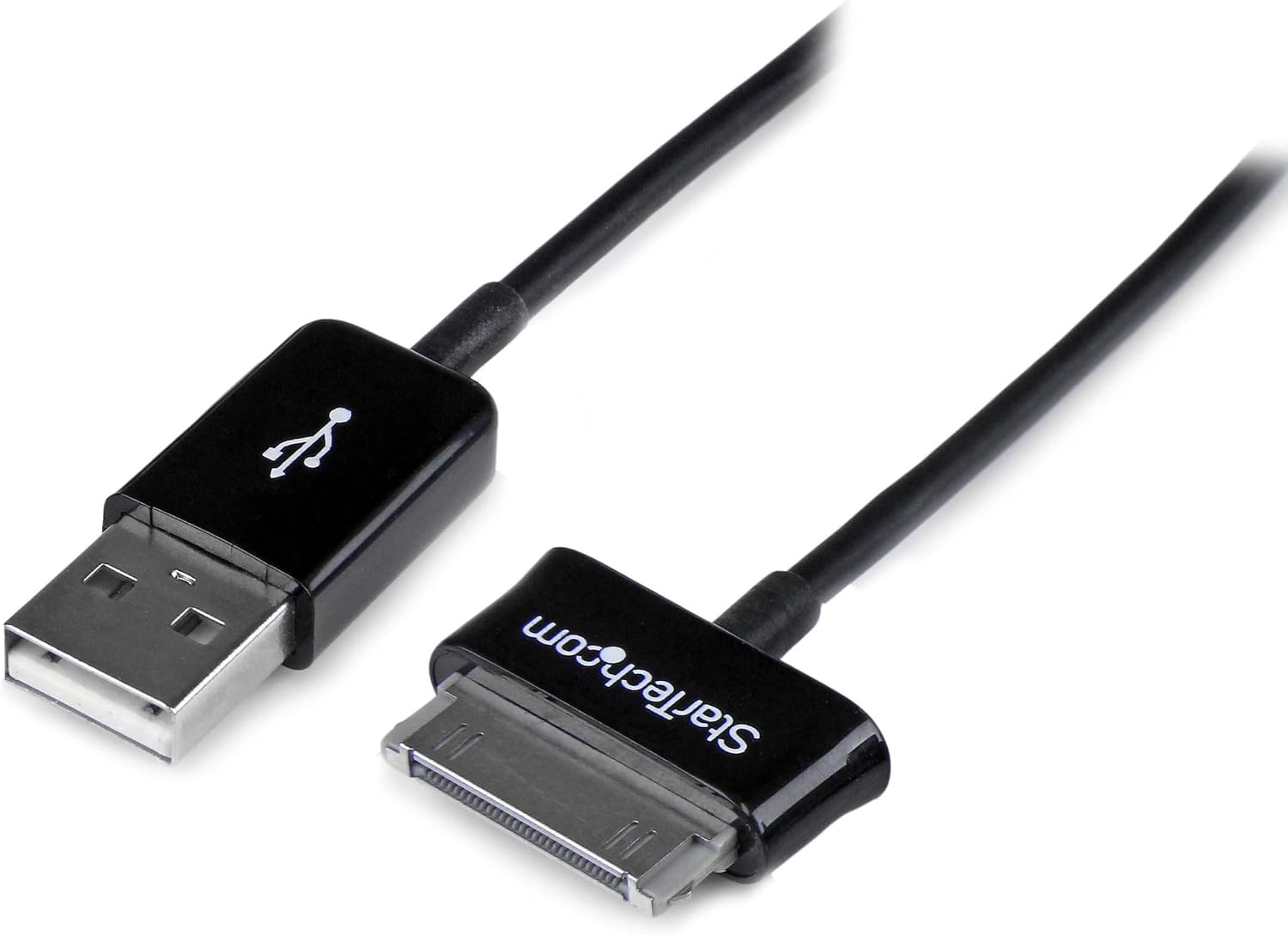
Quick micro-scenario: imagine you keep your Galaxy Tab on a desk mount for notes or media. One morning, it won’t sync reliably and charging feels intermittent. Swapping in a cable specifically made for the 30-pin dock connector is the fastest way to test whether the problem was the cable rather than the tablet or charger.
Key features worth caring about
What stands out here is the pairing: USB to the Samsung 30-pin Dock Connector, with both ends listed as male. That’s useful if you’re matching existing accessories, cables, or charging setups without needing extra adapters.
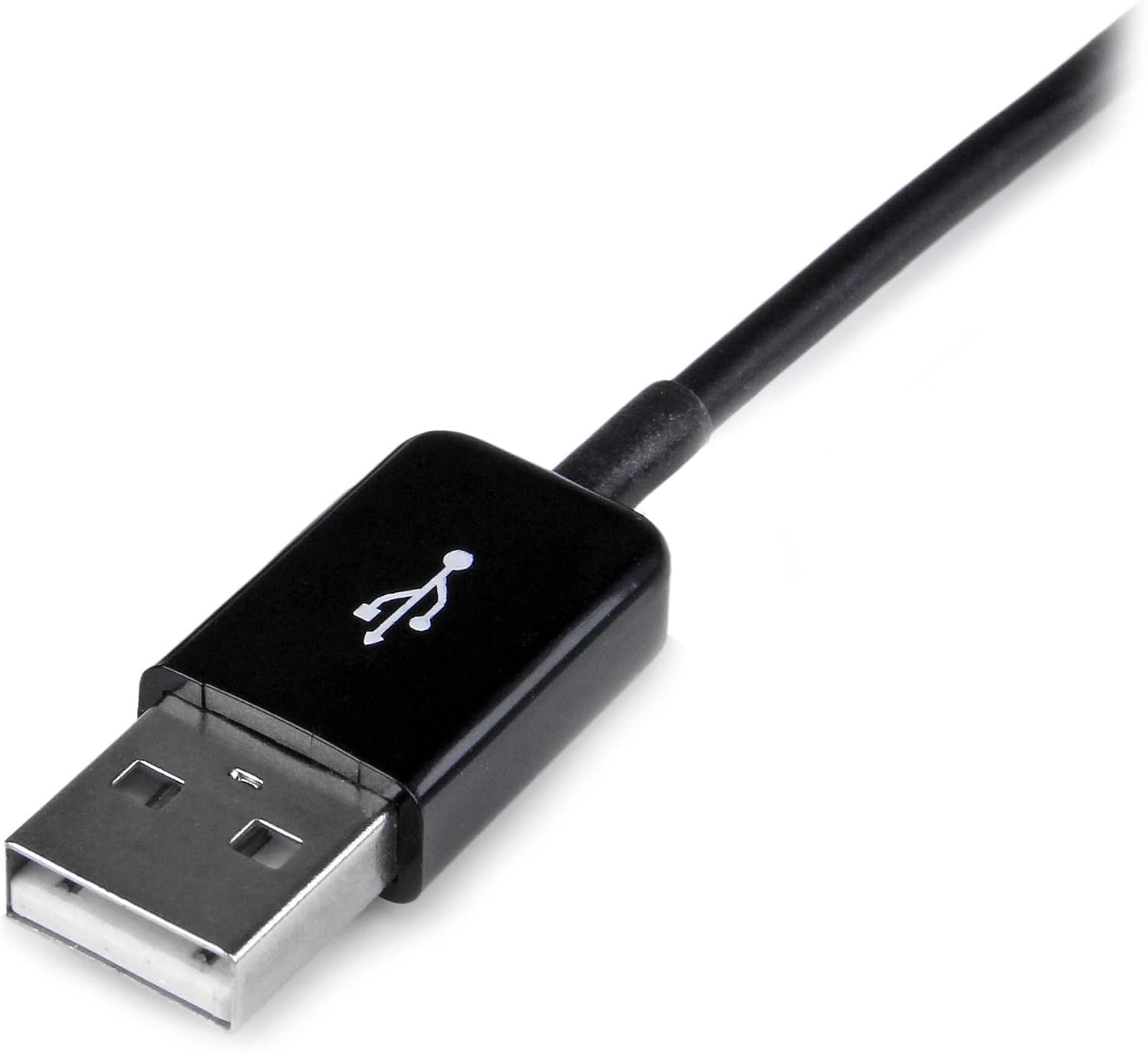
The cable length is given as 2m (6.6 ft). That typically hits a sweet spot for desk-to-outlet or desk-to-docking-area setups—far enough to avoid extreme tension, but not so long that it becomes a hassle to manage.
Also, the “shielded” note is a quiet differentiator. In real life, shielded cables tend to be a better choice when you use them around other electronics, where unshielded lines can be more temperamental.
What you’ll like, and where it can fall short
Where it shines
- If your Galaxy Tab specifically uses the 30-pin Dock Connector, this cable is the straightforward fix.
- You get both charging and data functionality listed for the cable, which is convenient if you occasionally sync or transfer files.
- The shielded design is a good sign for signal stability compared to very basic, unshielded replacements.
Potential limitations (worth noting)
- This is not a universal “all Samsung tablets” cable. The 30-pin dock connector is the deciding factor. If your tablet uses a different port, this won’t be the right match.
- Even with a solid cable, if the tablet’s dock pins are dirty or worn, the issue may not fully disappear. Cable replacement helps most when the connector is fine and the cable itself is the weak link.
Who it’s for—and who should skip it
This cable makes sense if you have an older Samsung Galaxy Tab that charges and syncs via a Samsung 30-pin Dock Connector, and you want a purpose-made USB replacement without hunting for adapters.
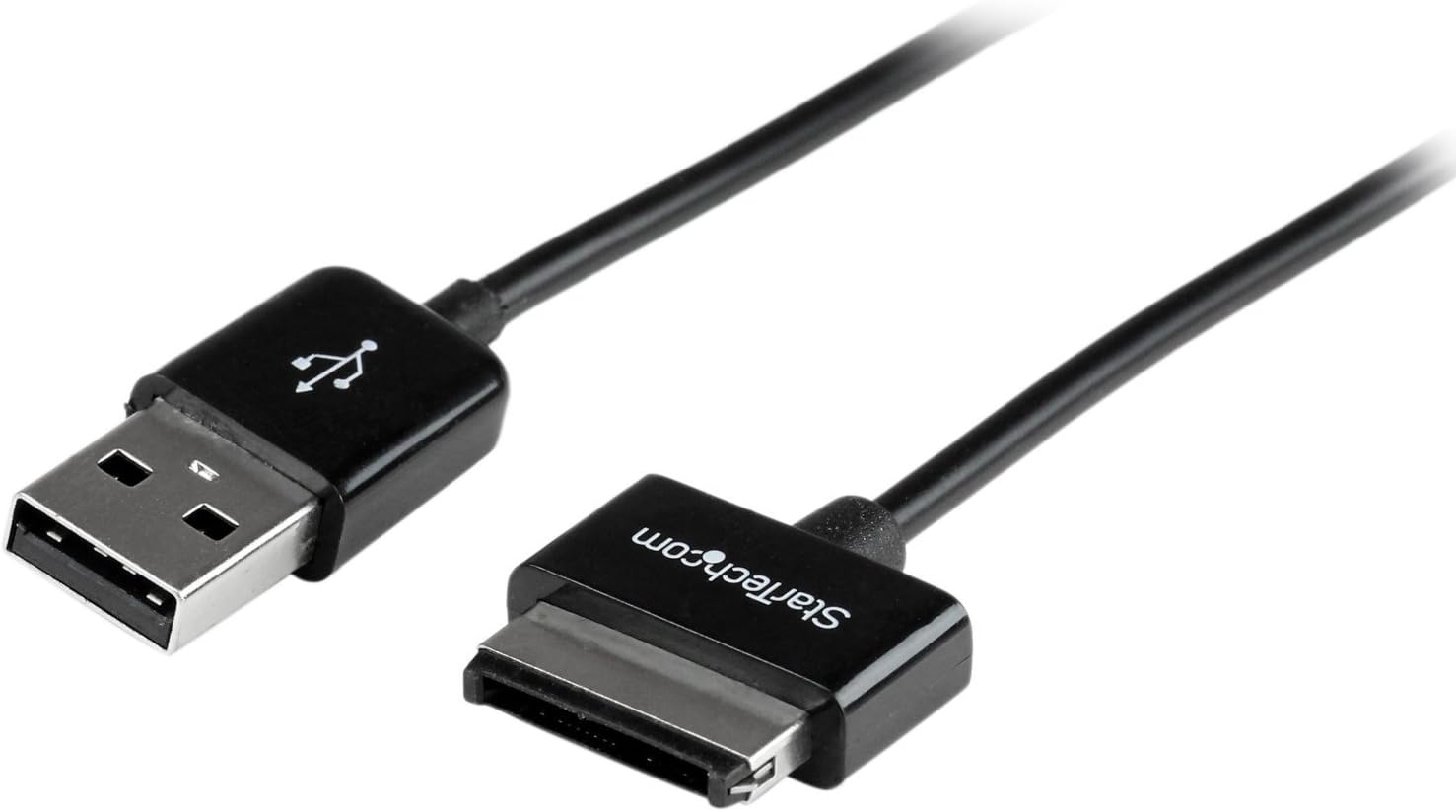
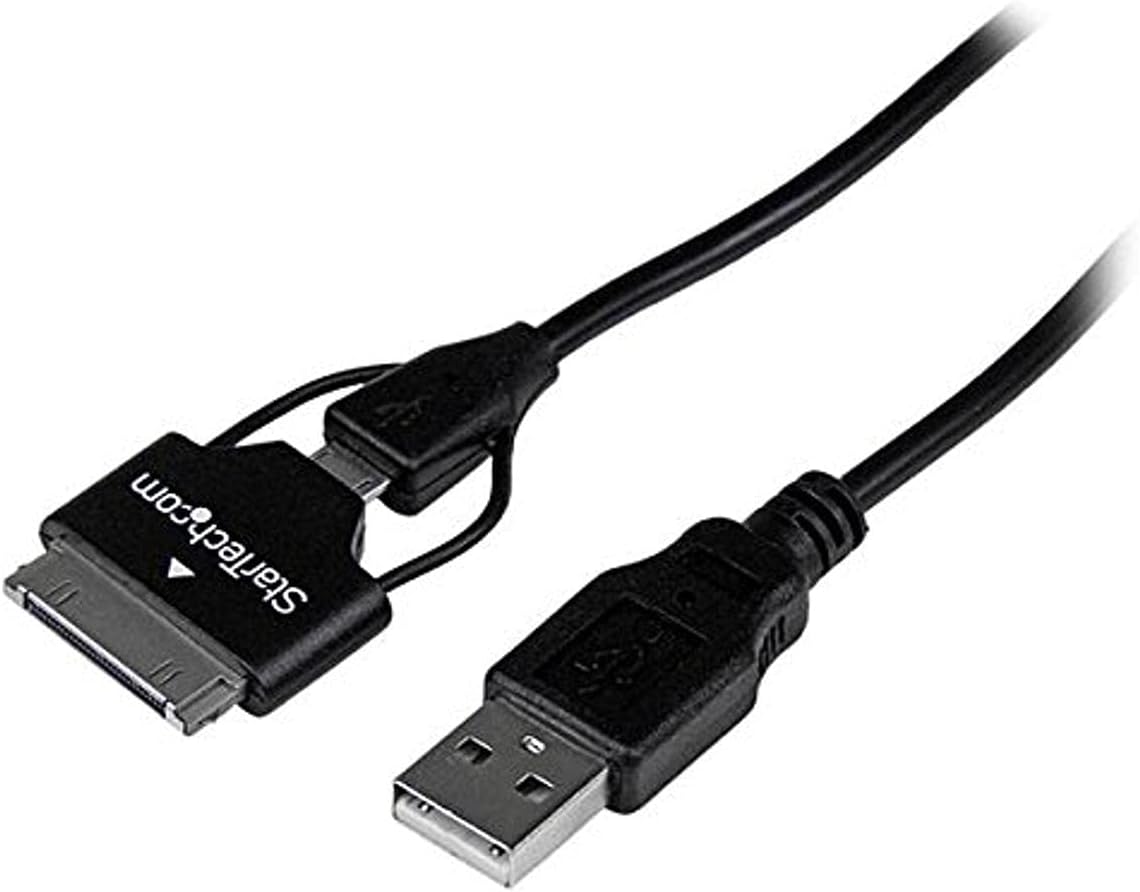
It may not suit you if your tablet uses a different charging/data port or if you’re building a newer setup where modern cables and connectors are already standard. In those cases, you’d be better off choosing a cable designed around your device’s actual connector type.
Also, if you’ve had persistent charging problems regardless of cable changes, consider checking the tablet’s dock connector health first—otherwise you could keep spending on cables while the real cause is elsewhere.
Tech specs
- Name: StarTech.com 2m Dock Connector to USB Cable for Samsung Galaxy Tab (USB2SDC2M)
- Type: Charging/data USB cable
- Format: USB (M) to Samsung 30-pin Dock Connector (M)
- Size: 2m (6.6 ft)
- Color: Black
- Material: Shielded (per listing)
Buying verdict
Final verdict
It’s worth buying if you already know your Samsung Galaxy Tab uses the 30-pin Dock Connector and you need a USB cable replacement for charging and data transfer. The 2m length is practical for desk use, and the shielded design is a small but meaningful detail for steadier connections.
It’s not the best choice if your tablet uses a different connector, since this one is specifically built for the Samsung 30-pin docking standard. And if your charging issues persist after changing cables, you may want to look beyond the cable—dirty or worn dock pins can be the real culprit.
Mini FAQ
Does this cable charge and transfer data?
The listing describes it as a charging/data cable, so it’s intended for both charging and data use over the USB-to-30-pin dock connection.
Is this compatible with all Samsung tablets?
Based on the description, it’s designed for devices that use the Samsung 30-pin Dock Connector, so compatibility depends on your tablet’s dock type.
How long is the cable?
It’s listed as 2m (6.6 ft), which should cover typical desk-to-outlet distances without heavy strain.
Is the cable shielded?
Yes, the description specifically notes a shielded cable.
What should I check before buying?
Confirm your Galaxy Tab model uses the 30-pin Dock Connector. If your tablet uses a different port, this cable won’t be a match.