

Spican Switch Pro Controller 4-Button Wireless
Reviews
Price
Product description
This one-piece wireless controller from Spican brings a full-size Joy-Con layout and enlarged grips to improve comfort during handheld sessions, making longer play more enjoyable. It combines motion controls, programmable macros and customizable RGB lighting to enhance both casual play and competitive moments.
Key Points
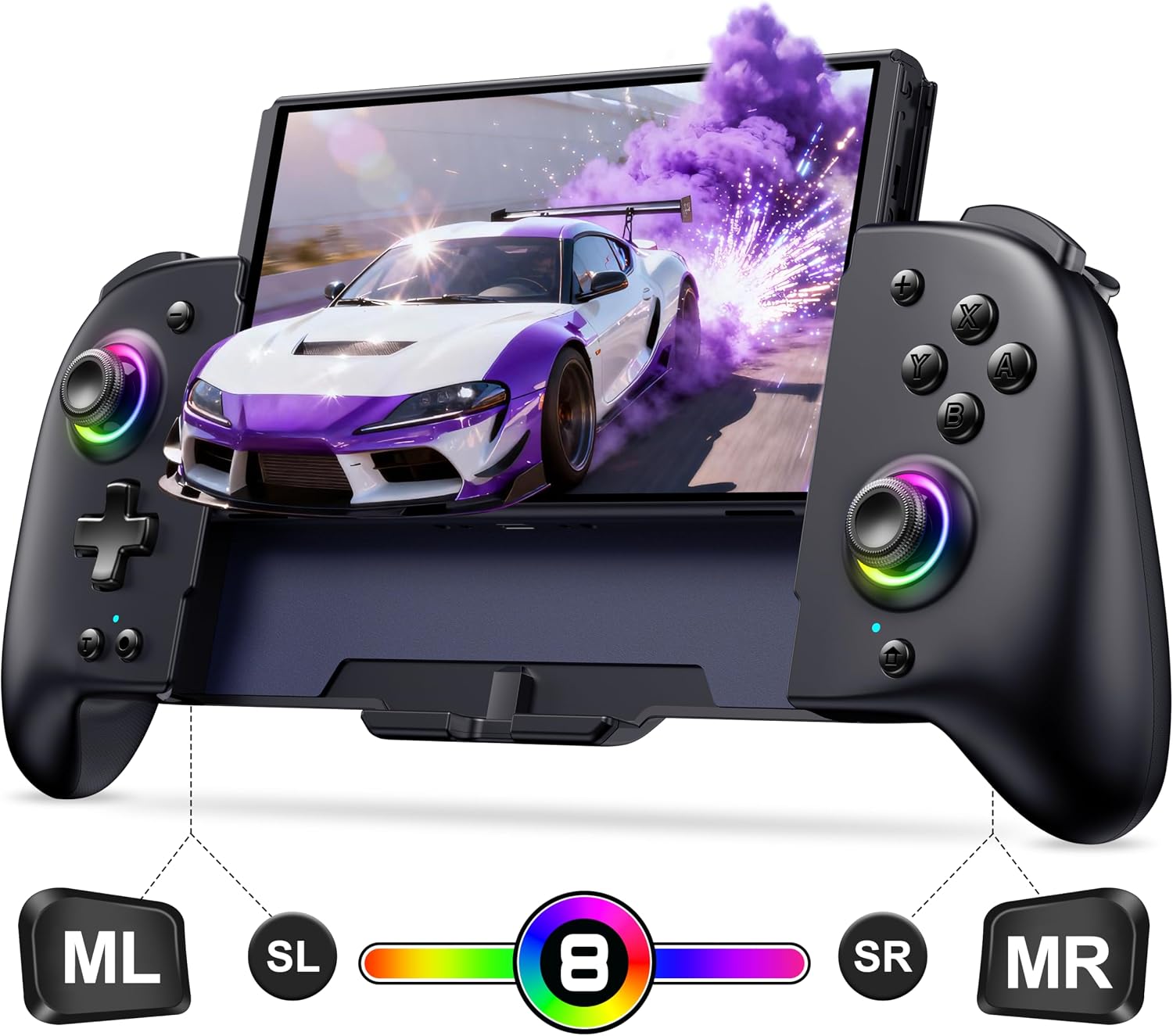
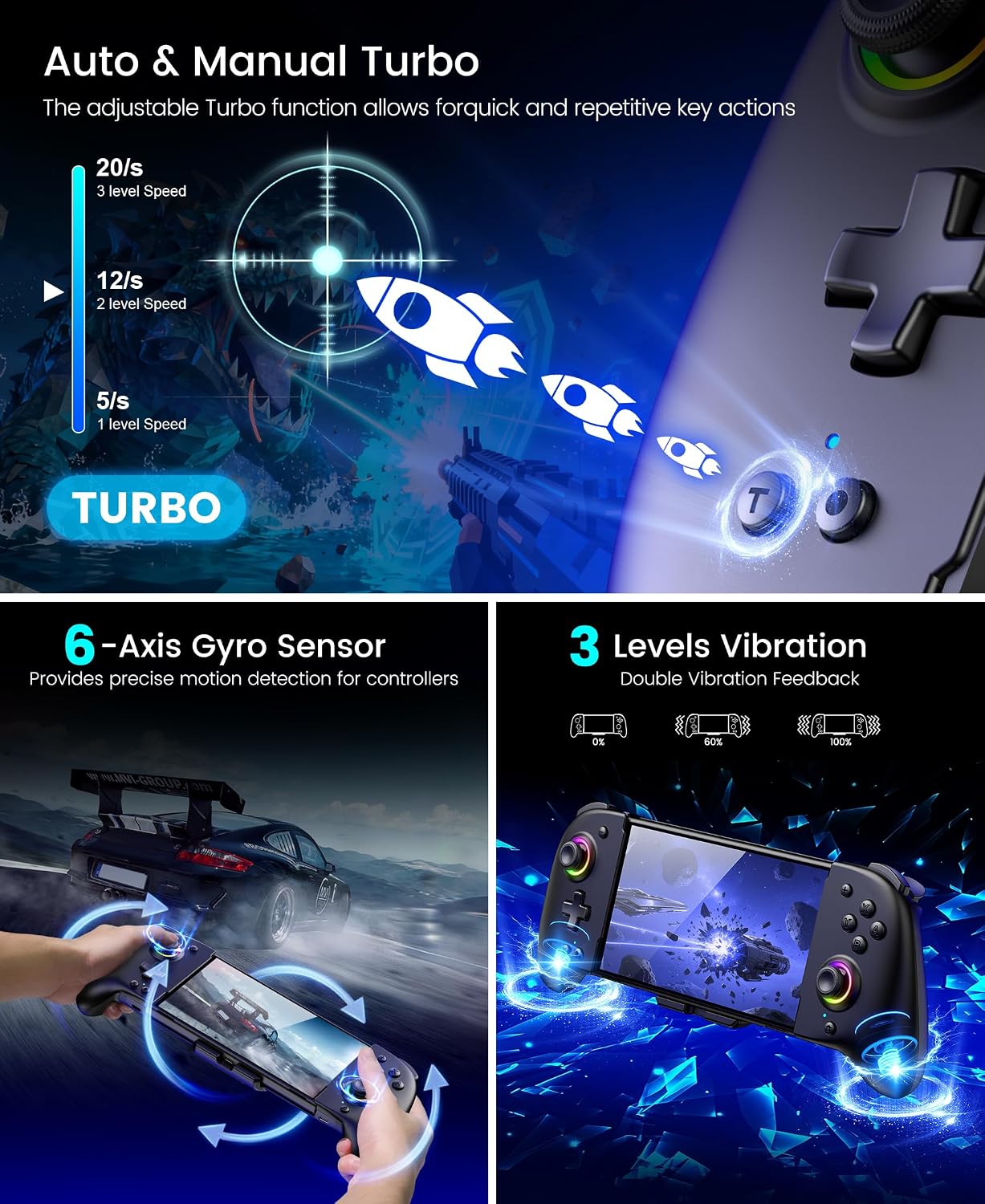
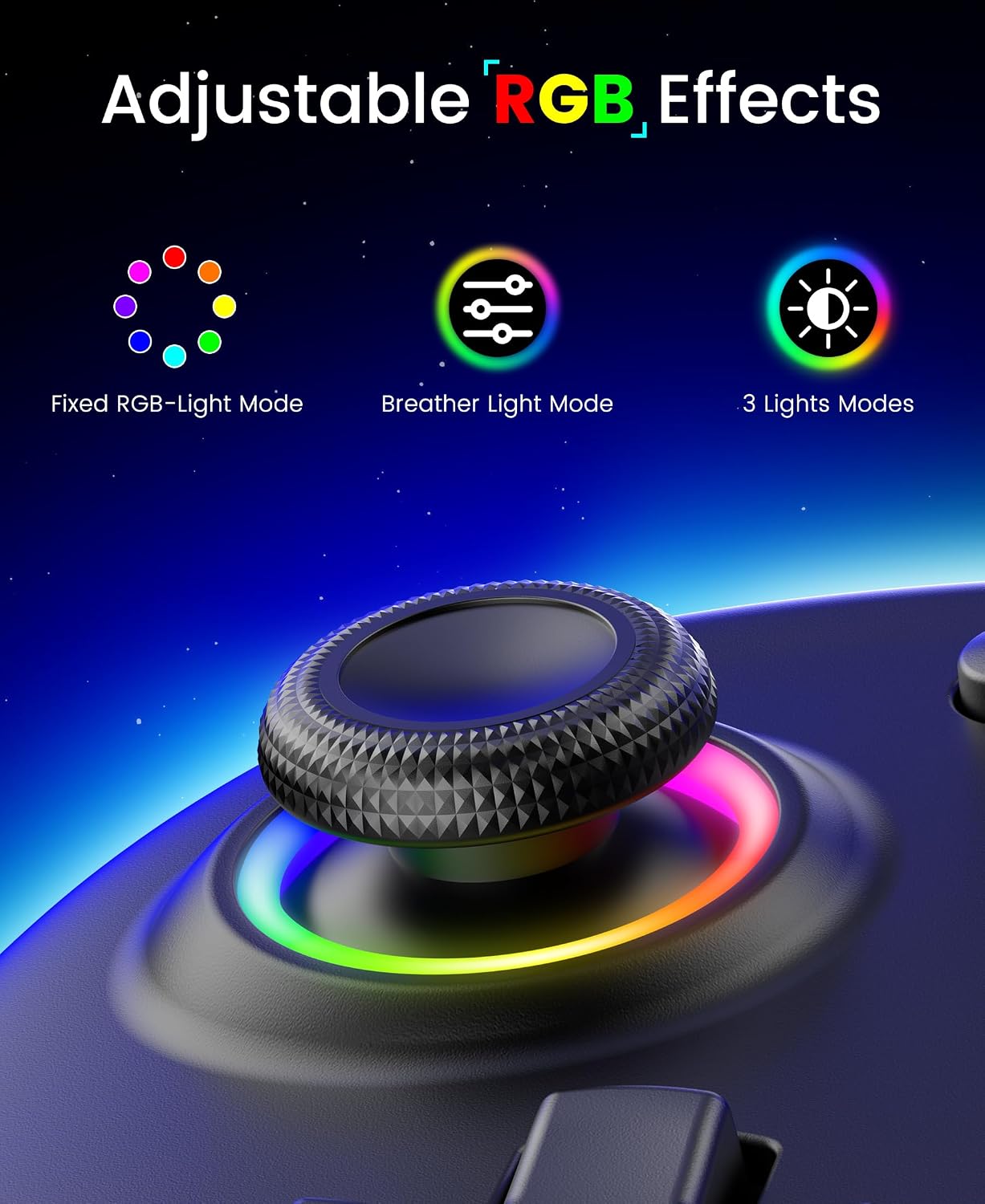
The controller offers an ergonomic single-piece design with larger handles and soft internal padding to reduce hand fatigue during extended gaming sessions. RGB lighting can be set to eight colors across three modes for a personalized look while playing, and the built-in screenshot button captures highlights quickly. A dual vibration motor with three intensity levels and a 6-axis gyroscope enable more responsive motion aiming and tactile feedback, which can make aiming and immersive titles feel more natural. Consider that some advanced customization features require the companion app for full access, according to the manufacturer. 🎮
Technical Specifications
- Name: Spican Switch Controller
- Battery capacity: 1000 mAh
- Connection: Wireless with USB-C wired charging, includes 1.5 m USB-C cable
- Motion sensor: 6-axis gyroscope
- Special functions: Turbo, macro programming, screenshot button
Benefits
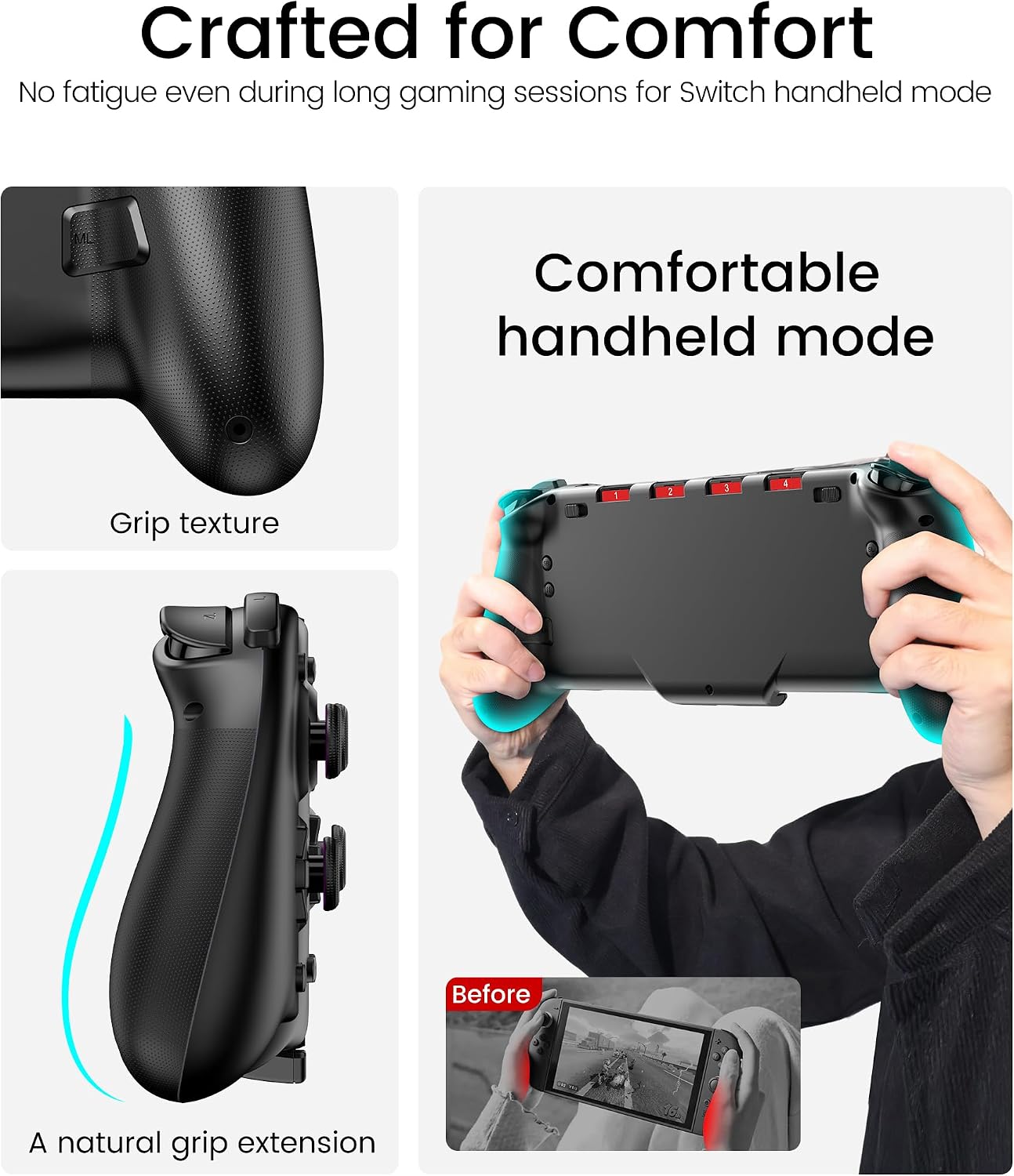
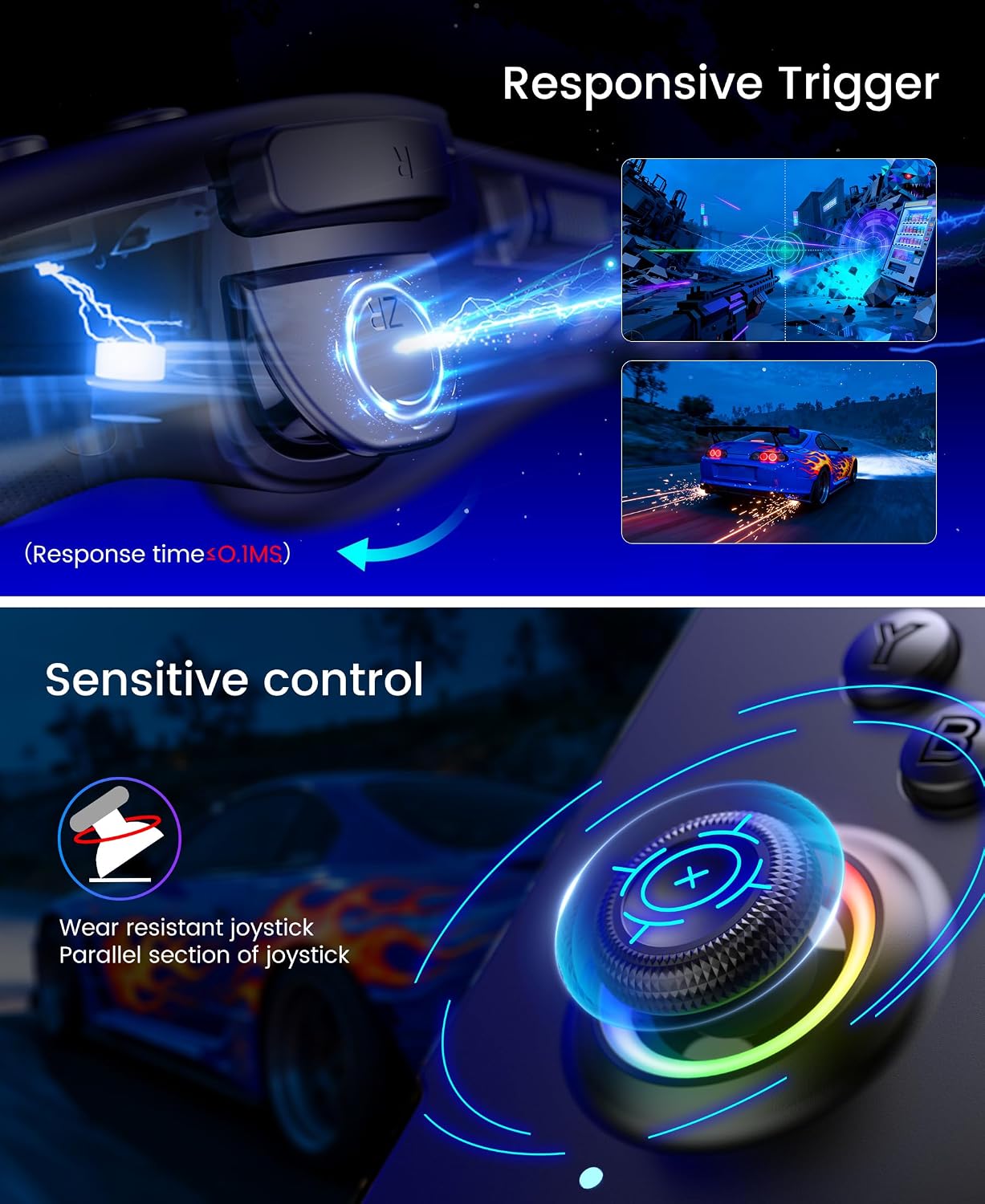
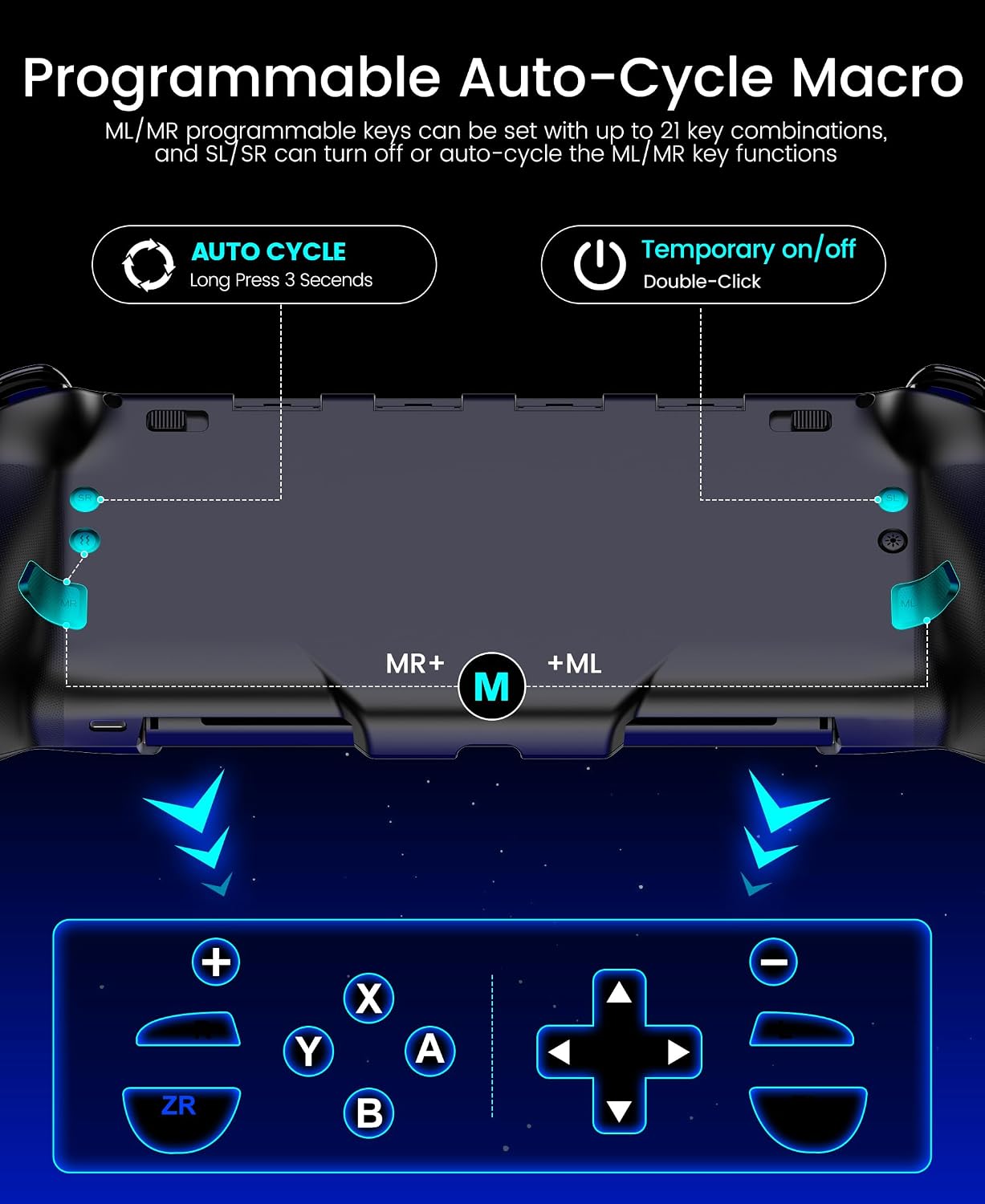
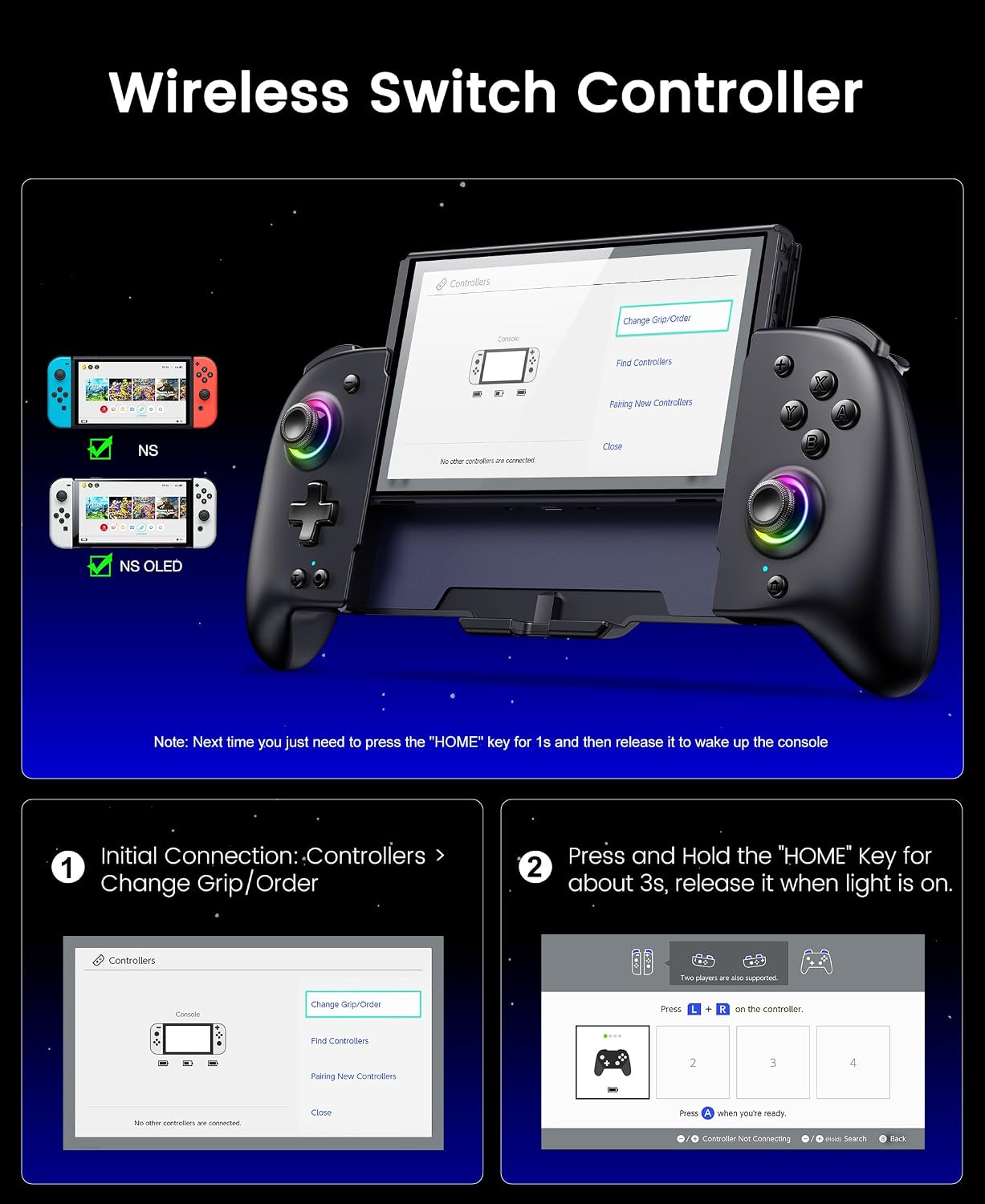
Programmable inputs allow you to assign complex combos to single buttons and set looping macros for repetitive moves. This reduces strain on your fingers during long sessions and can make executing timed sequences more consistent. The turbo function includes three selectable speeds to tailor rapid-fire performance to different game styles. The larger grips and sponge interior help protect the console while also providing a stable feel in handheld mode. Additionally, the automatic reconnection via the HOME button makes resuming play straightforward after the first pairing. ⚡
Usage Recommendations
To get precise motion control, calibrate the gyroscope in the console settings or use the Keylinker app to adjust dead zones and vibration strength. For extended trips or portable play, carry the controller with the sliding rear lock engaged to prevent accidental slips and use the included cable for simultaneous charging of the controller and the console. When programming macros, start with short sequences to confirm timing before saving longer combos, and be aware that heavy macro use may accelerate wear on mechanical buttons over time.