

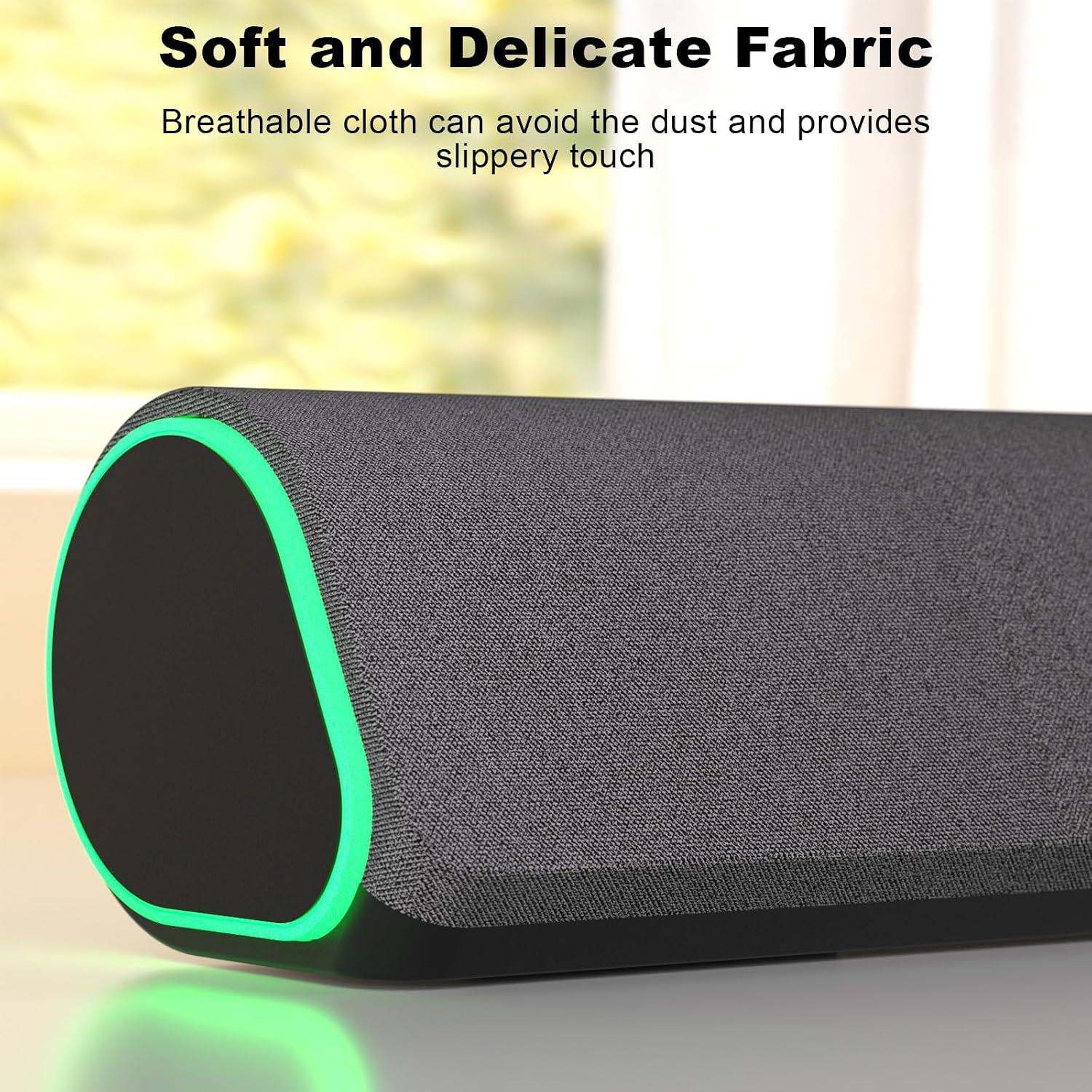
Soulion Computer Speakers R50
Product description
Highlights
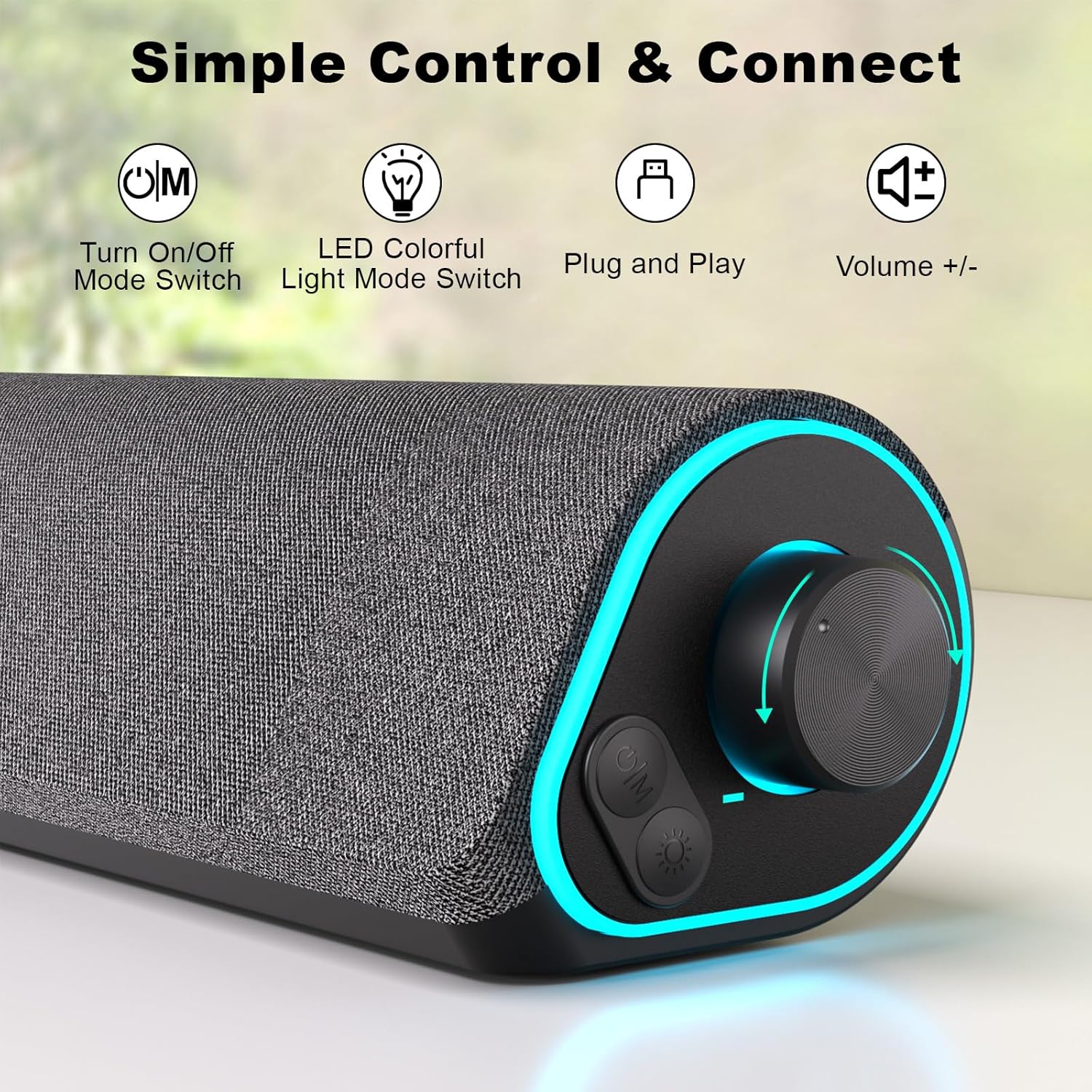
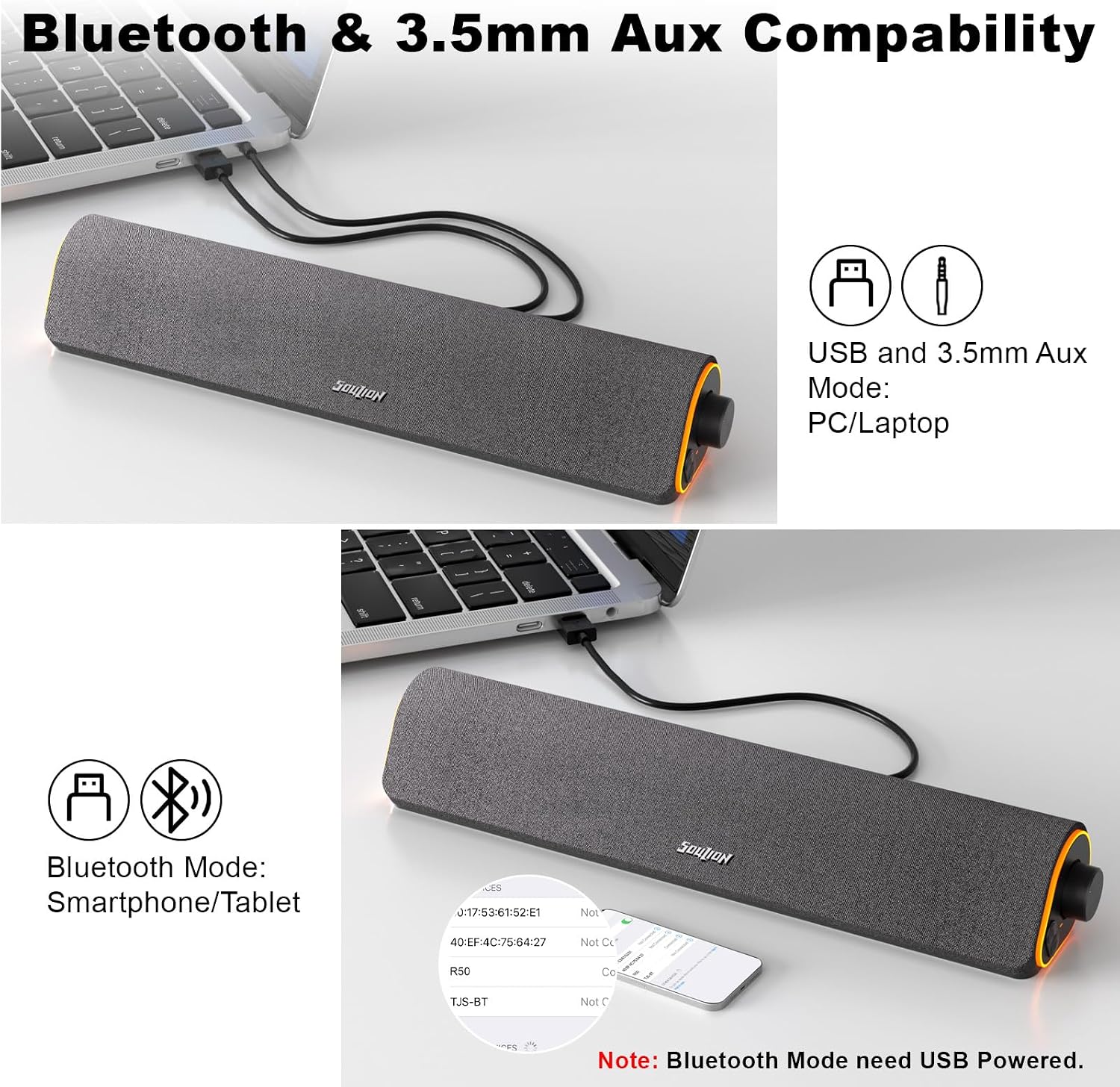
If your monitor’s built-in audio makes movies, music, or game sound hard to follow, the Soulion R50 adds a compact soundbar-style speaker that sits beneath the screen. It connects for power through USB and lets you choose between Bluetooth audio and a 3.5mm auxiliary connection, so you can match the input to your device and desk setup. A volume knob and separate light button keep everyday adjustments straightforward.
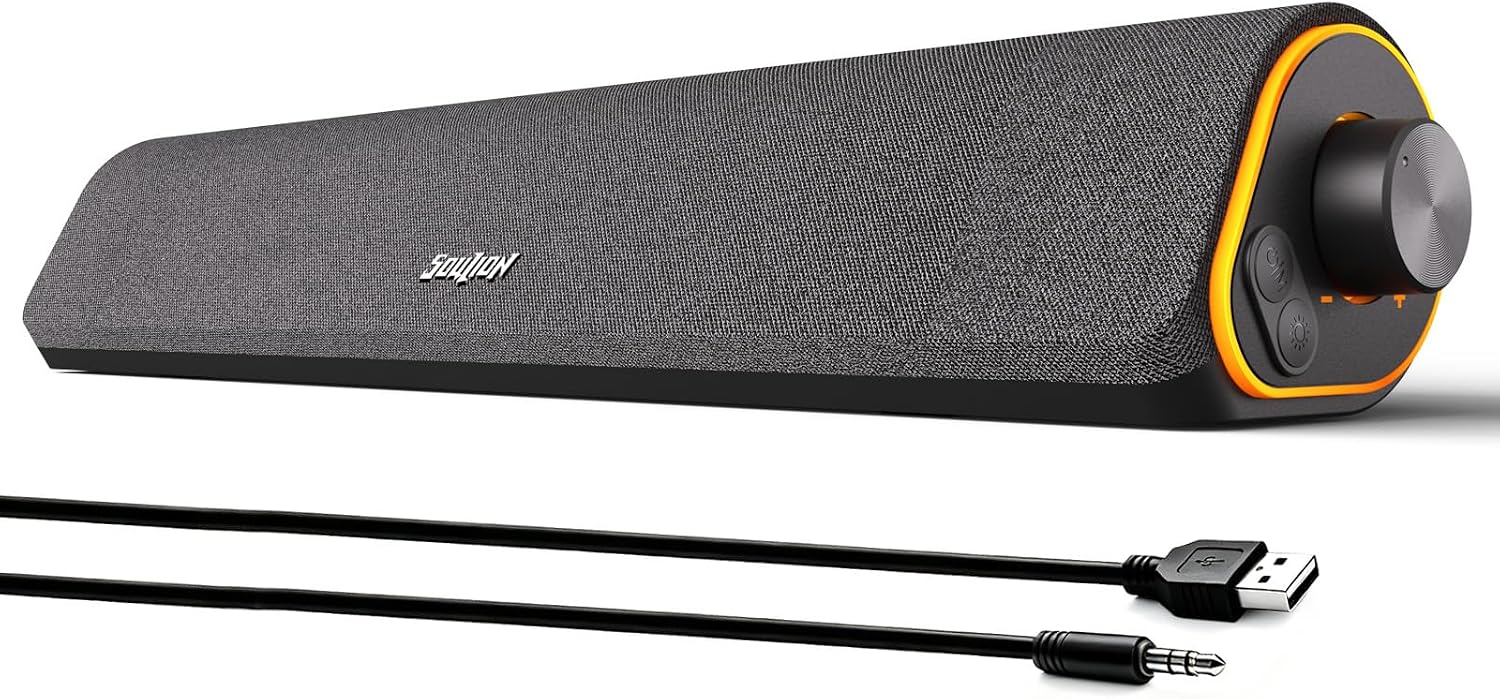
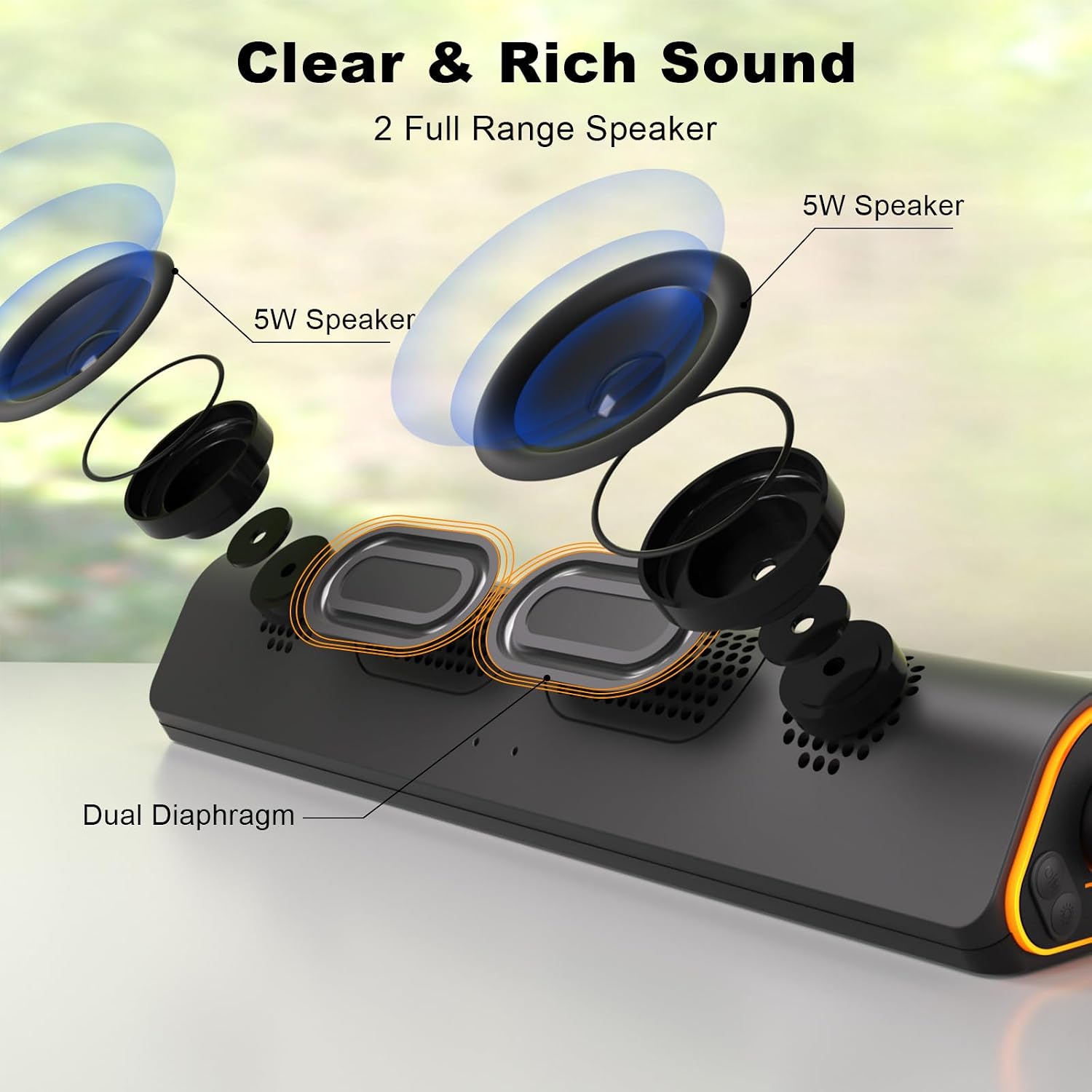
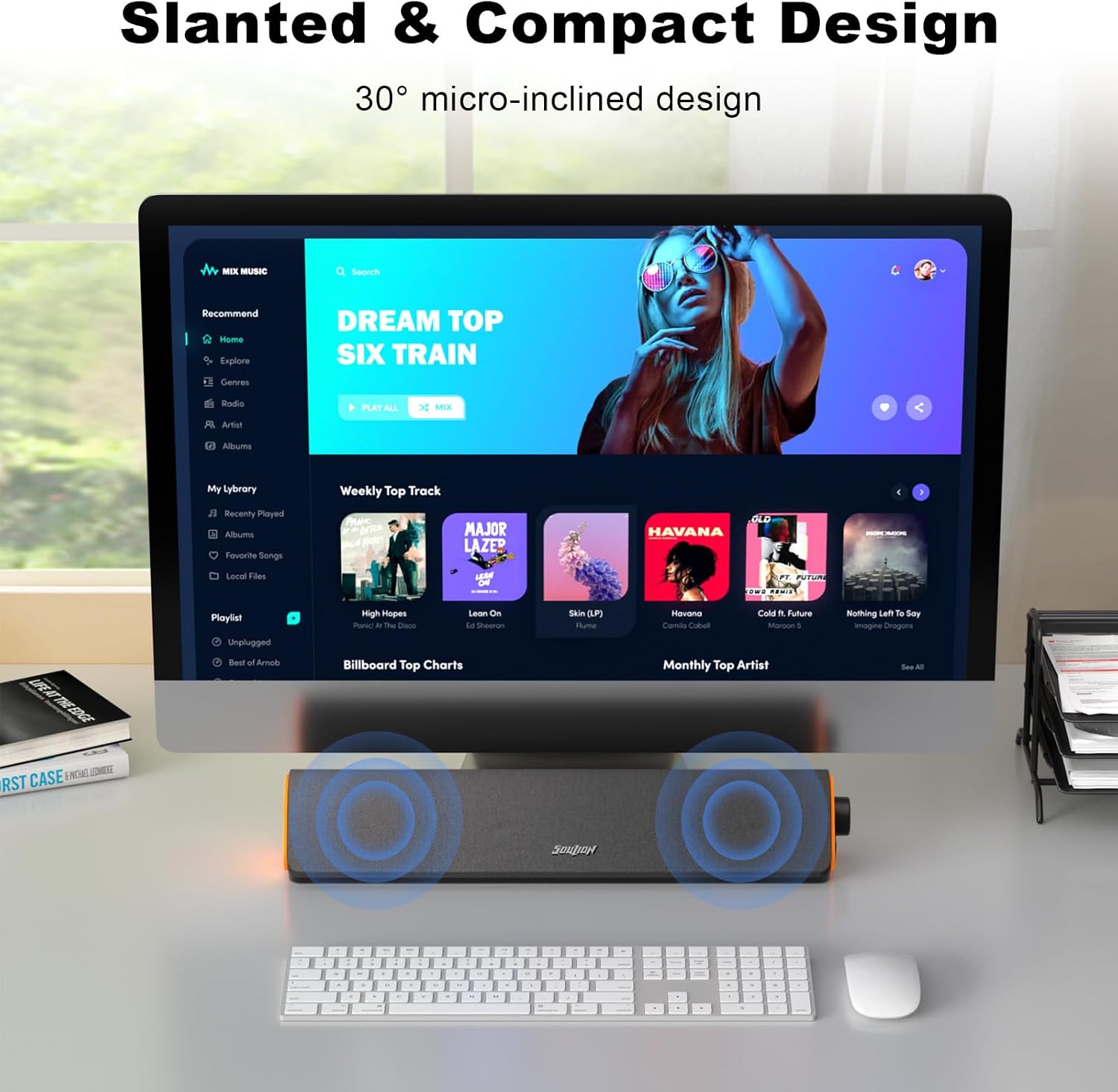
Its angled, 30-degree design points the speaker toward your listening position, while the breathable cloth exterior helps keep dust out. Inside, boosters and two independent diaphragms are designed to deliver clearer, fuller sound, that’s a useful aim for casual listening, though the product details don’t establish how it compares with a larger speaker system.
Best use cases
The R50 makes the most sense on a desk where you want sound close at hand without placing separate speakers on either side of the monitor. Picture starting a video on a laptop, turning the knob to set a comfortable level, then switching to Bluetooth when you want to play audio from a phone instead. Its compact bar format keeps the setup visually simple, and the lighting can be turned off when you’d rather keep the desk less distracting.
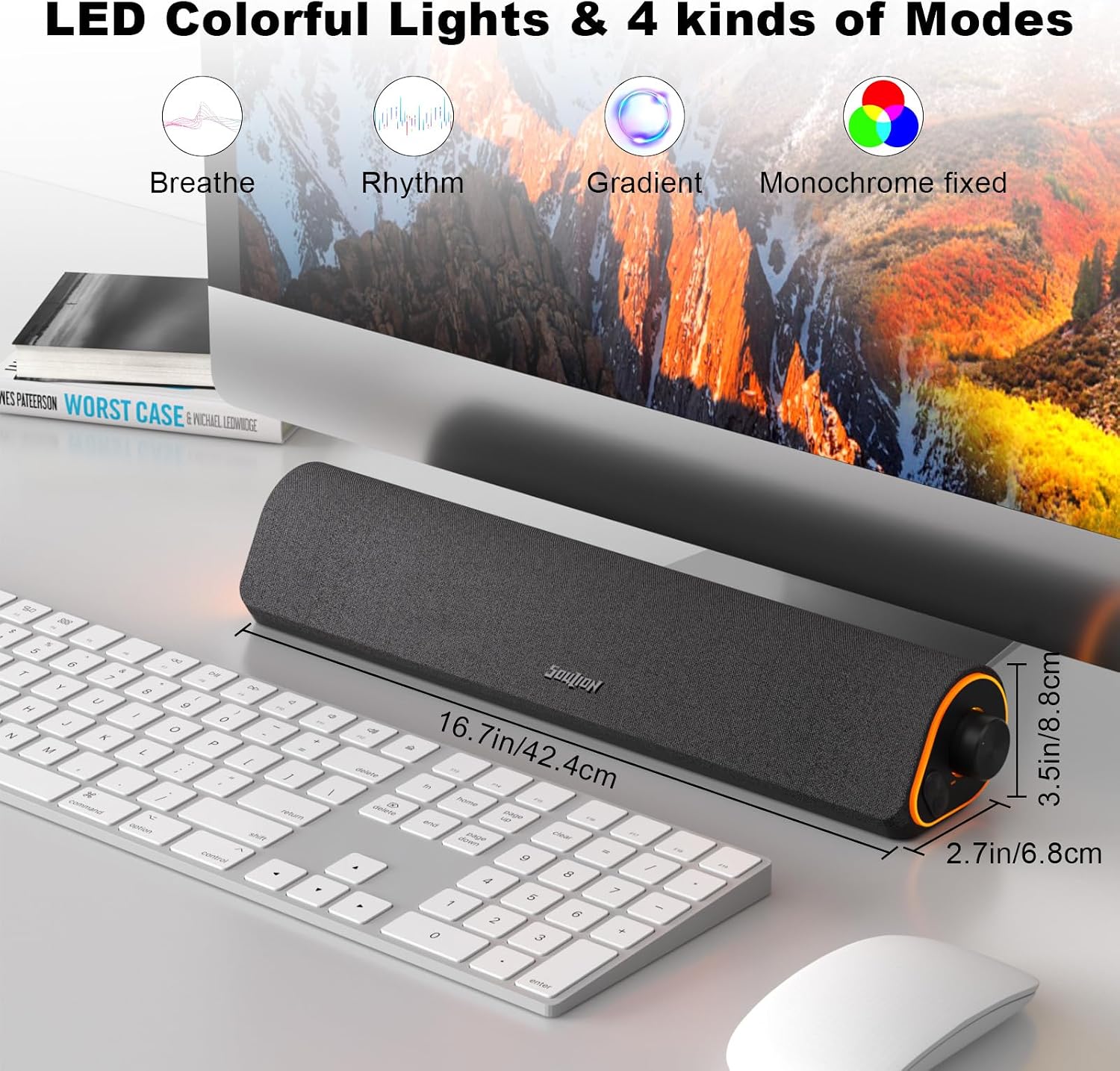
There are four lighting modes: gradient, breathing, rhythm, and fixed monochrome. You can change them to suit the room or turn the lights off with the light button. A solid pick if you want a single under-monitor speaker with a choice of wired or Bluetooth playback, rather than a more involved multi-speaker setup.
Tips for day-to-day use
USB supplies power, it isn’t the audio connection by itself. For wired playback, connect the 3.5mm audio jack and press the M button to select Aux mode. For wireless playback, use the same USB power connection, select Bluetooth mode with M, then pair with “R50.” The product information also describes clearing Bluetooth memory by holding the light button for three seconds before pairing again.
Keep in mind that Bluetooth is specified to stay stable within 10 meters / 33 feet, so distance can matter if the source device is across the room. On the spec sheet, the R50 has convenient input choices, but it doesn’t list detailed sound measurements or controls for shaping the audio. Not the best choice if you need those specifics before buying or want a more elaborate speaker arrangement.
Questions before you buy
Does the R50 need USB power in Bluetooth mode? Yes. USB provides power in both Bluetooth and Aux modes.
Can it play audio through a cable? Yes. Use the 3.5mm jack for sound and select Aux mode with the M button.
Can the lights be switched off? Yes. The light button turns them off, as well as supporting the listed lighting modes.
Is it worth it?
The R50 is worth considering if your priority is a neat desk setup, simple volume adjustment, and the flexibility to use Bluetooth or a 3.5mm audio connection. Its angled bar, selectable lighting, and under-monitor placement give it a more tailored desktop role than relying on a basic built-in speaker. If your main concern is detailed, measured audio performance or a larger, more demanding listening setup, the available product information may not give you enough reason to choose it over that approach.