

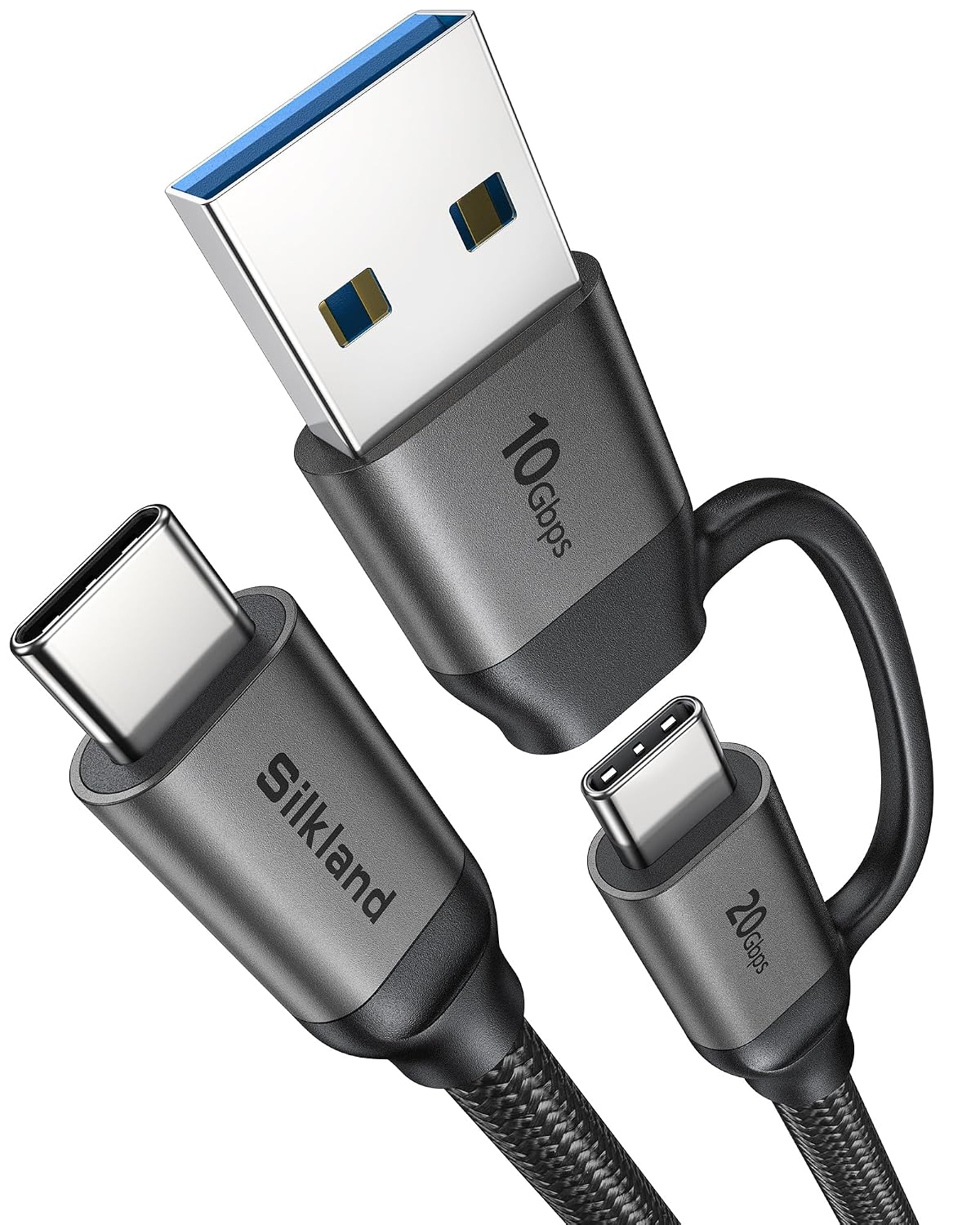
Silkland 2-in-1 USB A to USB C Data Cable: 10Gbps + USB-C 3.2 Gen 2x2 20Gbps, 15W/240W Fast Charging, 3.3ft
Product description
What this is and what it solves
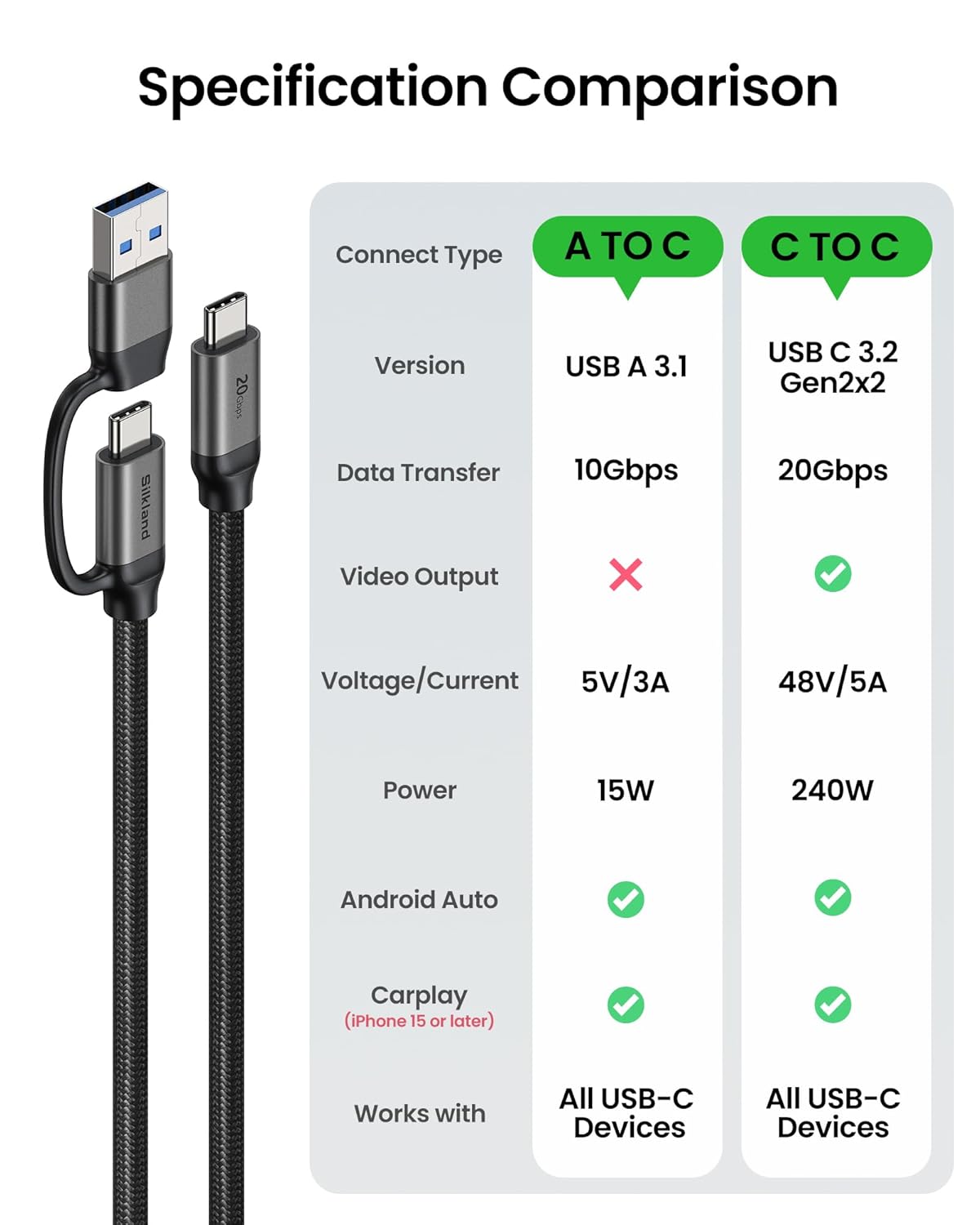
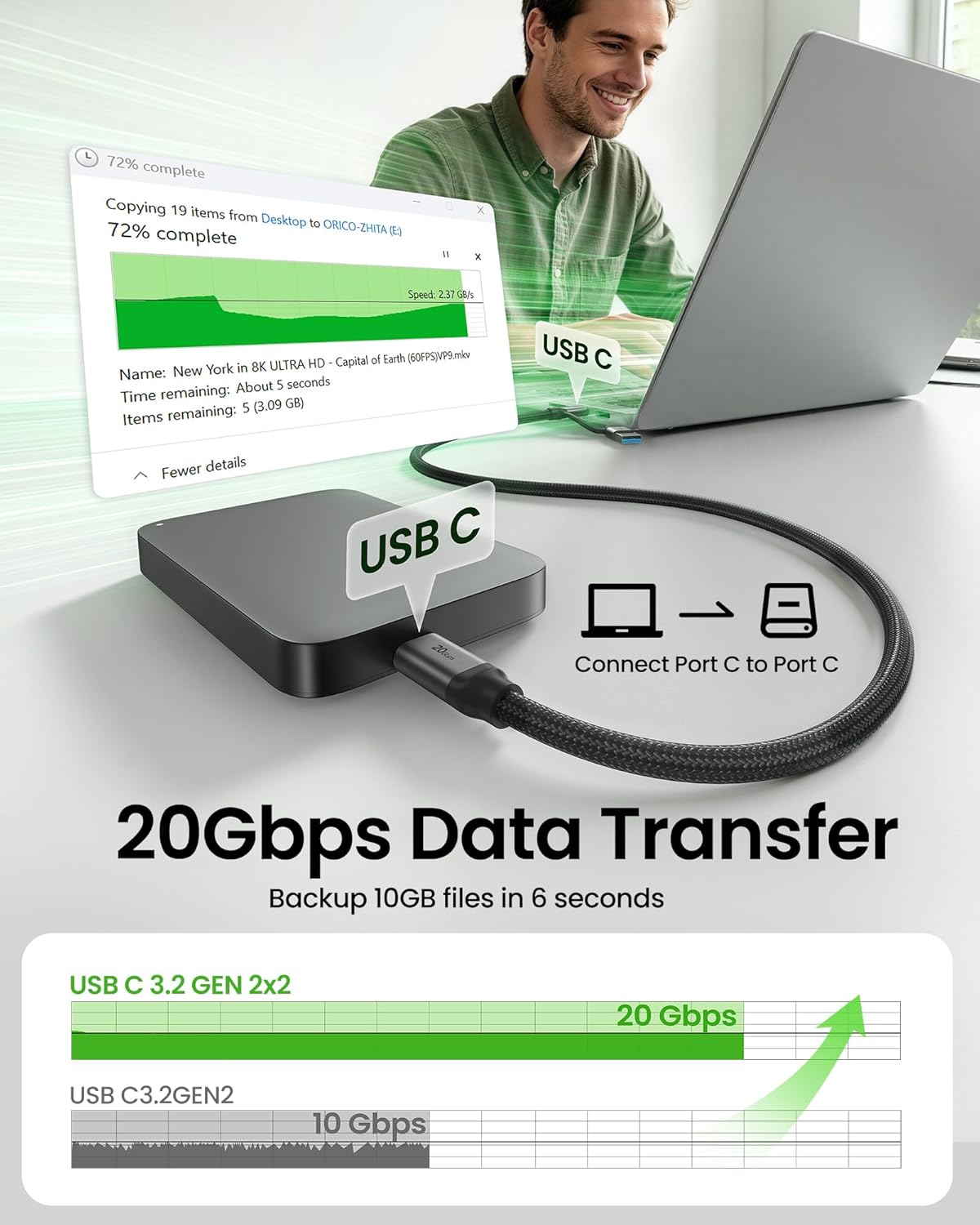
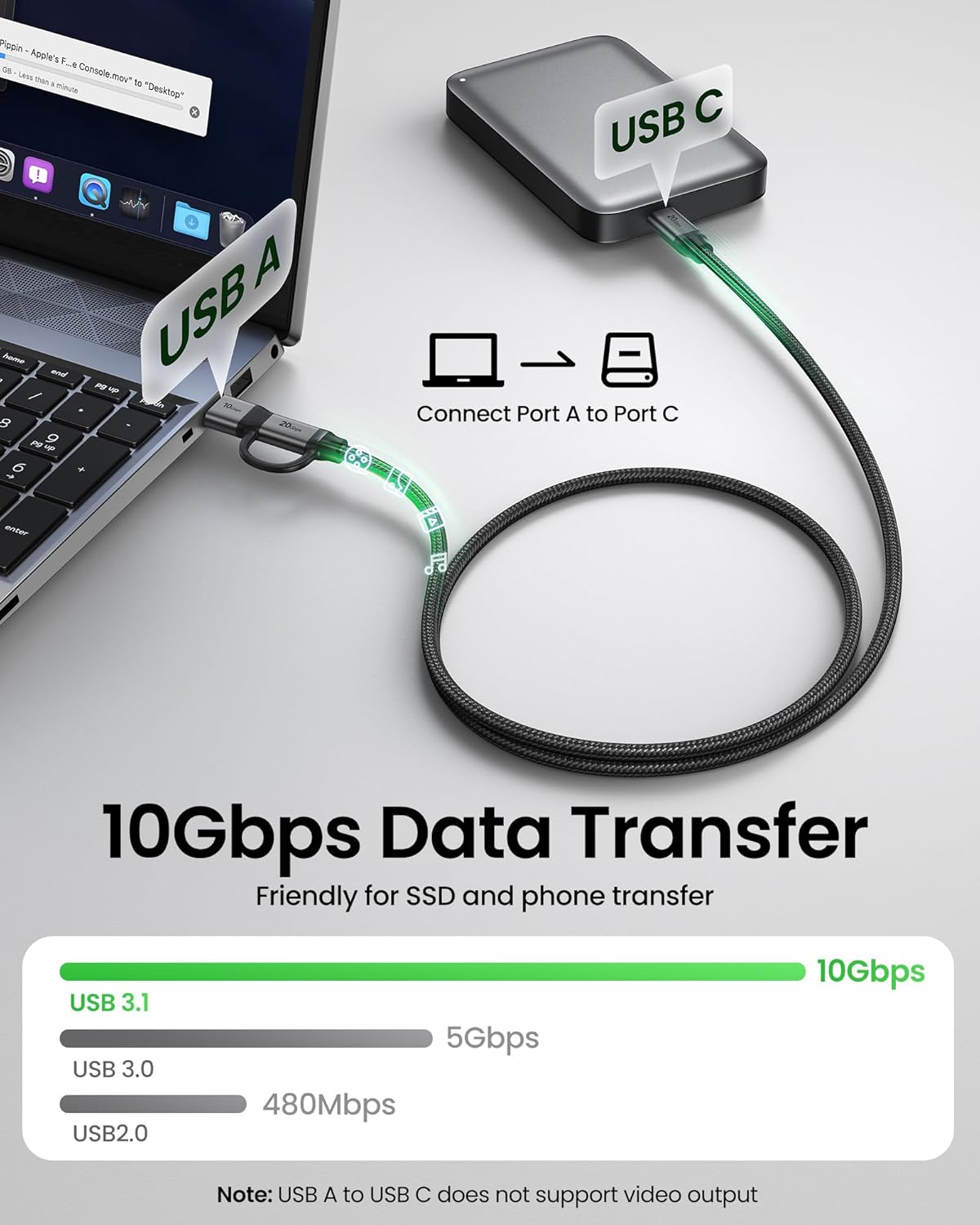
Silkland’s 2-in-1 USB cable consolidates USB-A to USB-C and USB-C to USB-C into a single, versatile cord. It’s designed for users who want a single cable that covers charging, data transfer, and video output across a variety of devices—phones, laptops, docks, monitors, SSDs, and more. On paper, the USB-A to USB-C leg supports data speeds up to 10Gbps and fast charging up to 15W, while the USB-C to USB-C leg delivers USB 3.2 Gen2x2 data transfer up to 20Gbps with PD 3.1 fast charging up to 240W. The cable also supports video output up to 5K@60Hz and 4K options, making it a practical option for connecting laptops to USB-C monitors or docks.
How it performs in real life
If you prioritize a single all-in-one solution on the go, this cable aims to reduce clutter and simplify everyday use. The combination of dual USB-C paths plus robust charging and high-speed data transfers can be handy for quick file moves, streaming from a laptop to a USB-C monitor, or charging a capable device while using a dock. However, keep in mind that the USB-A to USB-C leg does not support video output, so you’ll need the USB-C to USB-C path for display work.
What stands out
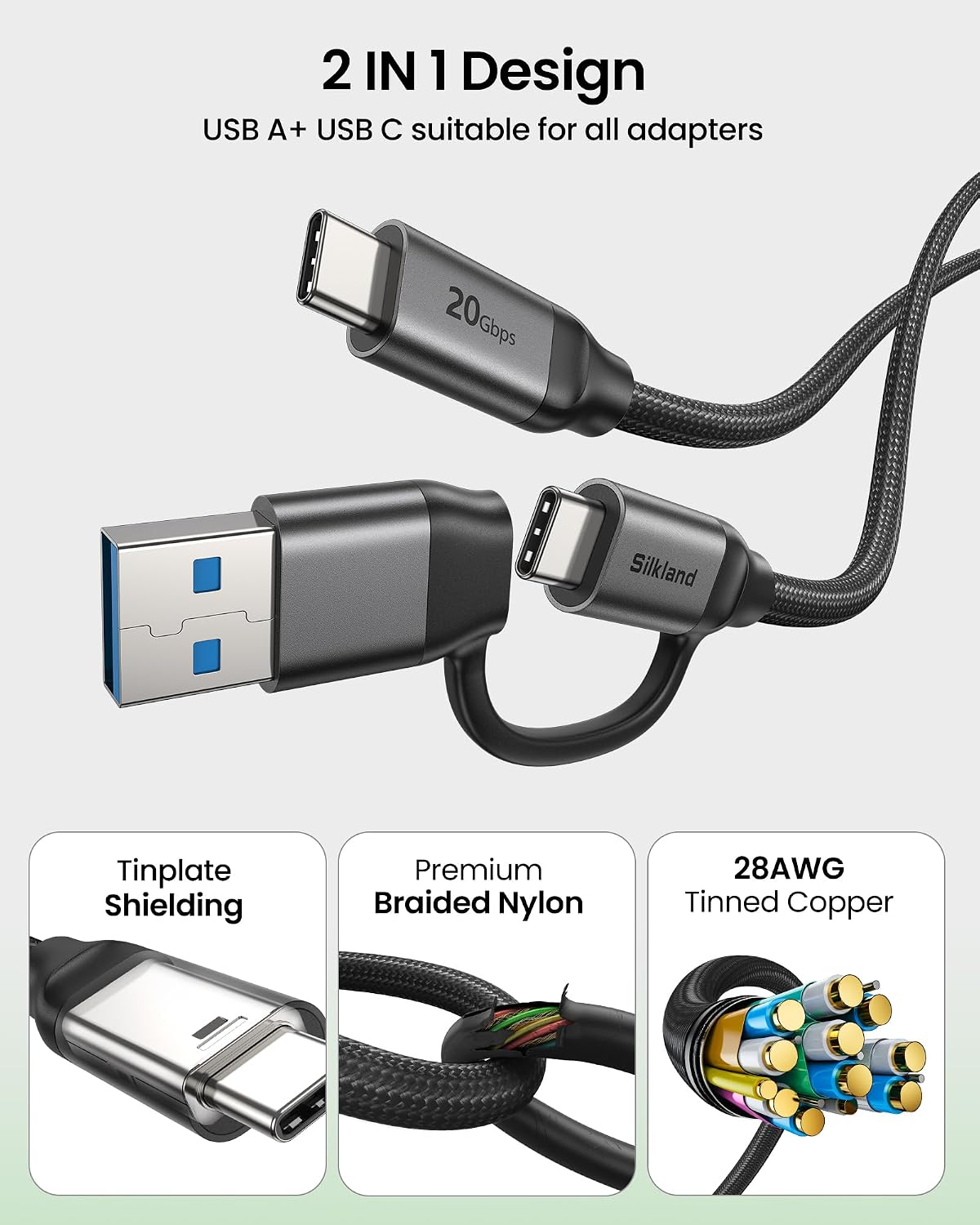
- 2-in-1 design eliminates the need for multiple cords, useful for travel, office, or car setups.
- High-speed data transfer: up to 10Gbps on USB-A to USB-C and up to 20Gbps on USB-C to USB-C, with a 28AWG copper core to reduce resistance.
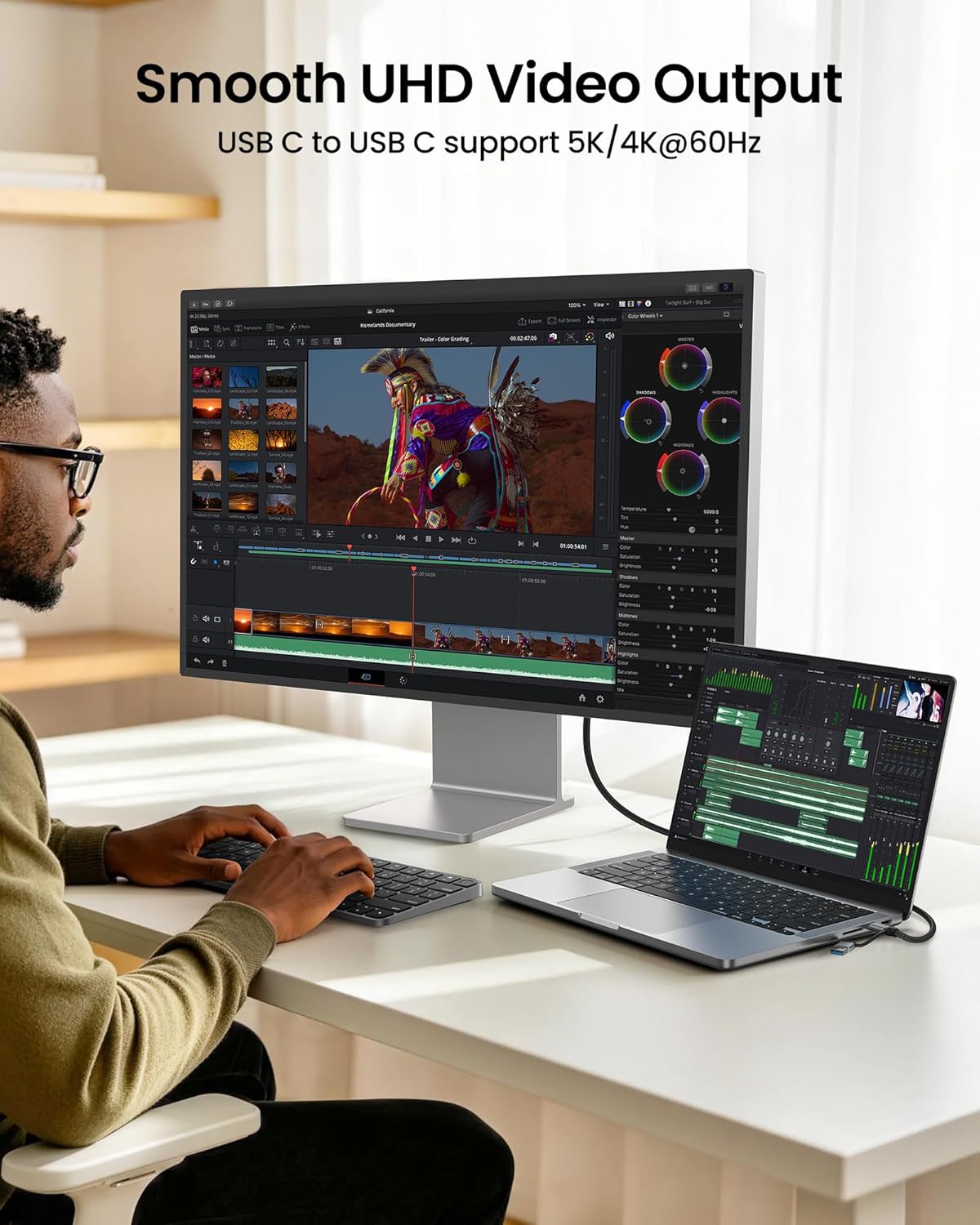
- Video output via USB-C to USB-C: supports 5K@60Hz and 4K variants, making it suitable for connecting to USB-C monitors or portable displays.
- Strong construction: nylon braided jacket and aluminum shell built to endure bending, with shielding to minimize interference.
- Broad compatibility: works with many USB-C devices including phones, laptops, and docks, and supports car/Android Auto setups.
What you’ll notice day to day
If you tend to carry one cable that can handle charging, data, and display needs, this 2-in-1 cable reduces the number of cords in your bag. In practice, you’ll likely use USB-C to USB-C for video and high-speed data transfers, while the USB-A to USB-C leg handles older ports or devices that rely on USB-A inputs.
Who this is for
- Users who want a single, multi-purpose cable for work, travel, or home offices.
- Professionals moving large files between devices quickly and occasionally using external displays.
- Anyone with a mix of USB-A and USB-C devices who values fewer cables.
Who this isn’t ideal for
- If your primary goal is video output from a USB-A port, this cable won’t provide video on the USB-A to USB-C side.
- If you need edge-to-edge performance with the absolute highest available wattage from every charger, you may want to compare power specs with other options.
When it makes sense to buy
- You want a single cable that covers charging, data, and video across a range of devices.
- You frequently transfer large files and occasionally connect to a USB-C monitor or dock.
- You value a durable build that can withstand daily wear and frequent disconnect/reconnect cycles.
What to check before buying

- Confirm your devices can leverage the USB-C to USB-C path for display and 20Gbps data transfer.
- Ensure your charger and devices support PD 3.1 fast charging up to 240W if you plan to push maximum power.
- Be aware that the USB-A to USB-C leg does not carry video output.
A practical comparison in context
For users who already own multiple cables (one for USB-A to USB-C and another for USB-C to USB-C), this 2-in-1 design simplifies compatibility without sacrificing speed, especially on the USB-C side. If you need pure video output from USB-C, this setup is a good match when used with a compatible USB-C monitor or dock, but you’ll still rely on the USB-C to USB-C path for video.
Decision section
Is it worth it?
Worth considering if you want a single cable that covers charging, data, and video across a mix of USB-A and USB-C devices, while trimming cable clutter.
Quick FAQ
- Does the USB-A to USB-C path support video output? No, video output is not supported on the USB-A to USB-C leg.
- What charging scenarios can I expect? PD 3.1 fast charging up to 240W on the USB-C to USB-C path, with 15W on the USB-A to USB-C path.
- Can it drive 4K or 5K displays? Yes, via the USB-C to USB-C path, up to 5K@60Hz or 4K variants depending on device capabilities.