

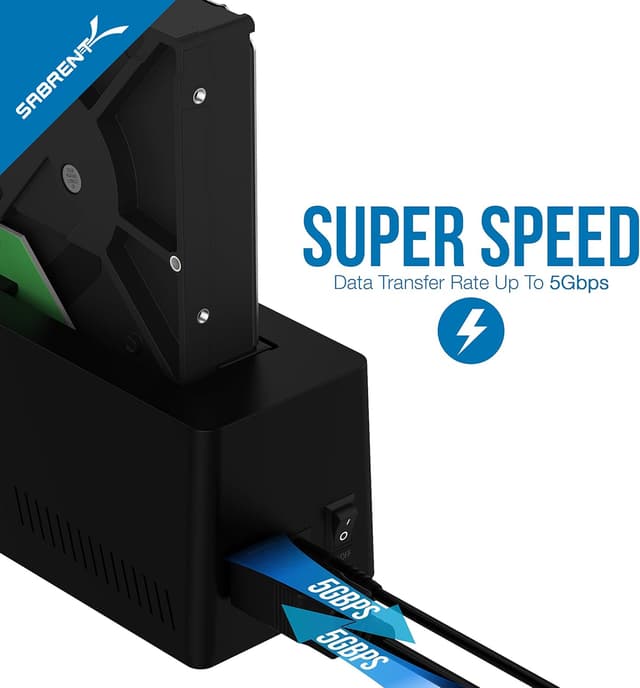
SABRENT USB 3.0 to SATA External Hard Drive Docking Station (EC-UBLB) for 2.5"/3.5" HDD & SSD
Product description
The essentials
If you’ve ever wanted to use a spare 2.5" or 3.5" SATA drive without taking apart a desktop or dealing with software installs, this SABRENT USB 3.0 to SATA docking station is built for that exact scenario. On paper, it’s a simple bridge between a SATA HDD/SSD and your computer via USB 3.0, with plug-and-play convenience and hot-swapping support.
The big appeal here is less about “maximum speed” and more about making drive swapping feel routine. You drop in a drive, connect USB, and you’re working—no drivers needed according to the listing. There’s also a LED indicator light so you can tell at a glance that the dock is doing its job.
That said, it’s not magic: the dock’s performance will still depend on the drive you insert and how your computer handles USB 3.0 storage. If you’re expecting workstation-style internal transfer behavior, you might find it a bit underwhelming. But for backups, cloning workflows, or temporarily expanding storage, it’s a pretty practical setup.
What it does (and when it helps most)
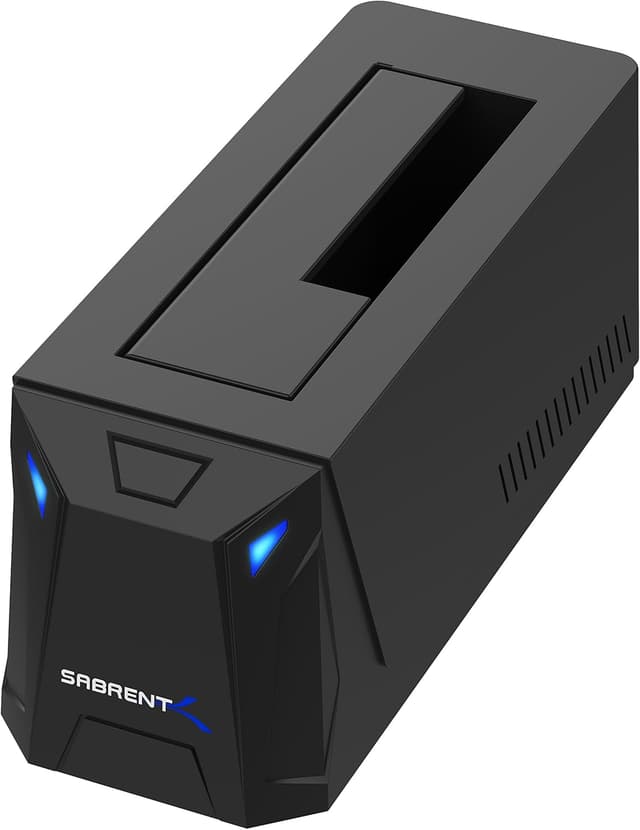
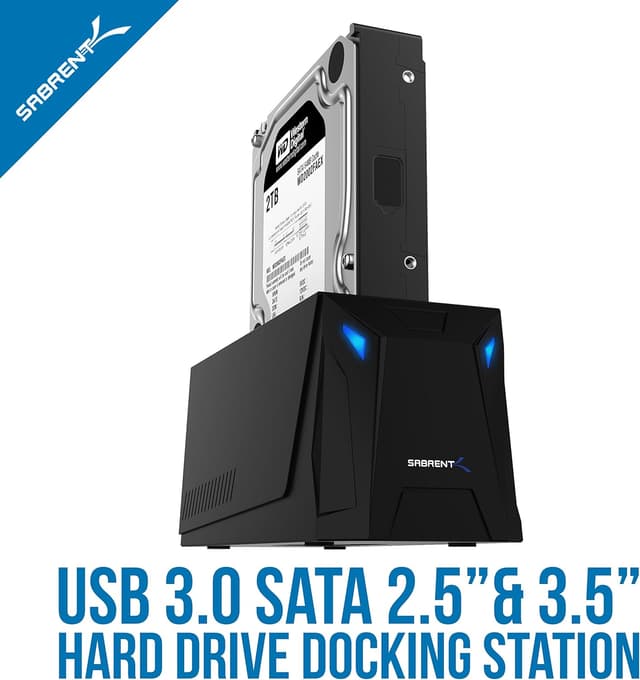
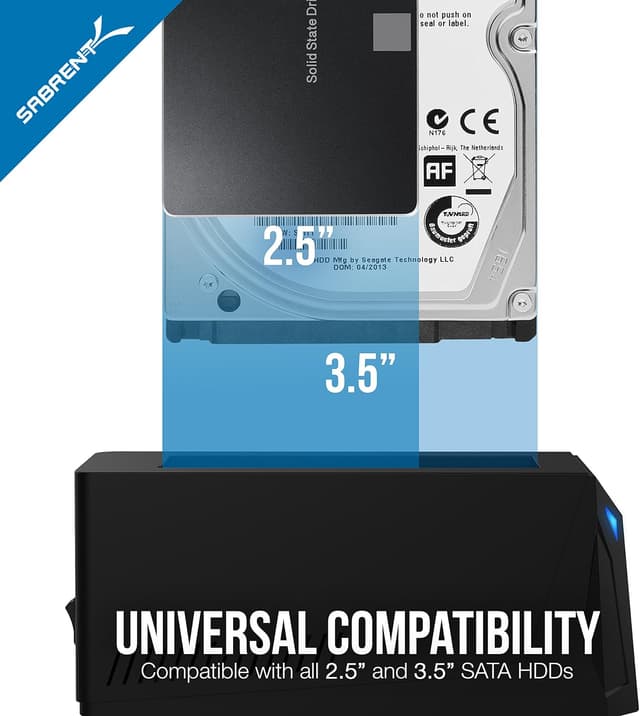
This docking station supports standard desktop 2.5" or 3.5" SATA hard drives, letting you use them externally over USB 3.0. It’s described as hot-swappable and plug-and-play, with support for USB 1.1 and USB 2.0 as well (reverse compatible).
A realistic example: you have a 2.5" SATA SSD from a previous laptop. Instead of installing it permanently into an enclosure and dealing with extra steps, you can use this dock to connect it to a desktop for copying files or checking the drive contents. Same idea if you’ve got a 3.5" drive you only need occasionally for backups.
Where it shines is the in-between situation—when you want external access to SATA drives, but you don’t want to commit to a single “one enclosure forever” approach.
Key takeaways
This model is aimed at everyday convenience with SATA drives. You get: - Plug-and-play operation with no drivers needed (per the product description) - Hot-swappable handling, so you don’t have to power-cycle in order to switch drives (still worth being cautious) - Reverse compatibility with older USB standards (USB 1.1 / USB 2.0), which can matter if you’re using a variety of computers - USB 3.0 “super-speed” connectivity for faster transfers than older USB modes, assuming your setup supports it
One limitation to keep in mind: the listing doesn’t mention specifics like supported SATA speeds, power behavior, or whether you can swap without any risk of data interruption on every system. Hot-swappable is convenient, but you’ll still want to treat drive removal like you would with other external storage—stop transfers first when possible.
Tech summary
Tech specs
- Name: SABRENT USB 3.0 to SATA External Hard Drive Docking Station for 2.5" or 3.5" HDD, SSD (Support UASP) [EC-UBLB]
- Type: USB 3.0 to SATA docking station for external HDD/SSD use
- Format: Docking station (external adapter for 2.5"/3.5" SATA drives)
- Supports drives: Standard desktop 2.5" or 3.5" SATA hard drives
- Interface: USB 3.0 (Super-Speed USB 3.0)
- Hot-swap / plug-and-play: Hot-swappable and plug-and-play, no drivers needed (as stated)
- Compatibility: Reverse compatible with USB 1.1 and USB 2.0
- Feature: LED indicator light
Who it’s for (and who should skip it)
It suits you if you frequently work with spare SATA drives—whether you’re doing personal backups, setting up temporary external storage, or moving data from drive to drive without buying multiple enclosures.
You may want to skip it if your goal is a permanently sealed, travel-friendly external drive setup, or if you’re looking for a more “finished” experience with detailed enclosure features. Also, if you mainly use non-SATA storage types, this docking approach won’t be the right tool.
Getting the most from it
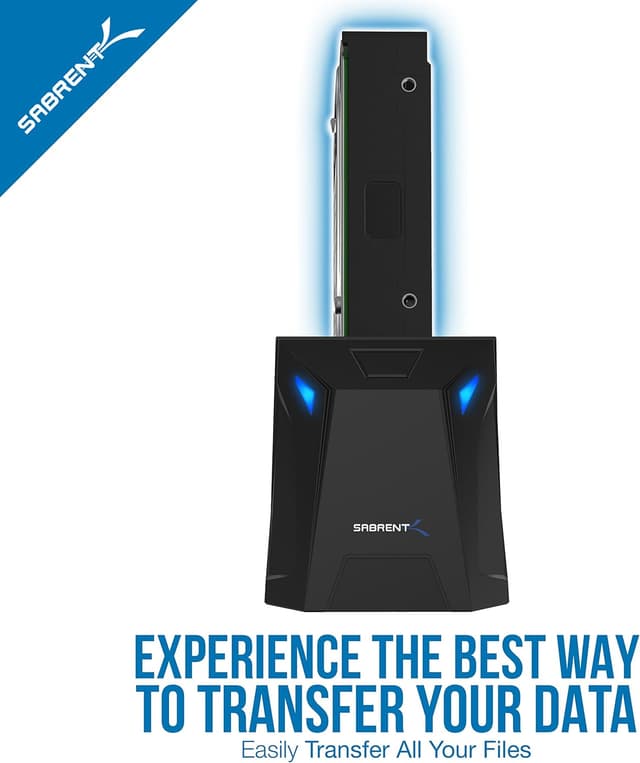
To get smooth results, treat it like a connector first, not a cure-all for every transfer situation. Start by inserting the correct 2.5" or 3.5" SATA drive your dock supports, then connect it to your computer and move data as needed.
Because it’s described as hot-swappable, it’s designed for switching drives more easily than a basic adapter. Still, be mindful: if you’re actively copying files, pause or finish transfers before removing a drive. That’s one of those small habits that prevents the “why did that file corrupt?” headaches.
Is it worth it?
Buying verdict
This SABRENT USB 3.0 to SATA docking station is worth considering if you want a straightforward way to access 2.5" or 3.5" SATA HDDs/SSDs externally with plug-and-play simplicity and hot-swappable convenience. It’s especially compelling for people who keep multiple SATA drives around and want quick, repeatable connections.
However, it may not be your best pick if you’re after a single-purpose external storage device or if you need guarantees beyond what the listing states (like detailed transfer behavior during swaps). In those cases, a more dedicated enclosure approach can feel less “hands-on.”
Mini FAQ
FAQ
Does it require drivers?
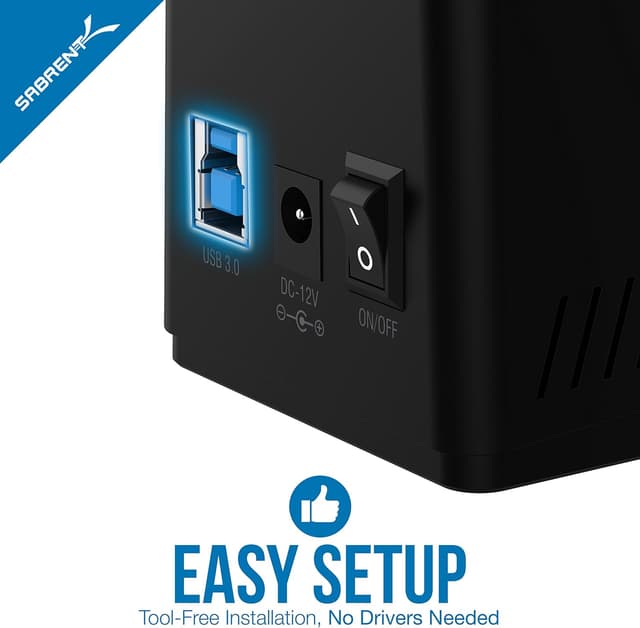
The listing says it’s plug-and-play and no drivers are needed.
Will it work with both 2.5" and 3.5" drives?
Yes, it supports standard desktop 2.5" or 3.5" SATA hard drives.
Is it hot-swappable?
It’s described as hot-swappable, but for safety, you should still avoid removing a drive during active transfers.
Does it work with older USB ports?
It’s reverse compatible with USB 1.1 and USB 2.0, so it should still connect to older USB setups.
What does the LED indicate?
The product description mentions an LED indicator light, though it doesn’t specify what each state means.