

SABLUTE Wireless Mouse MAM6
Product description
Highlights
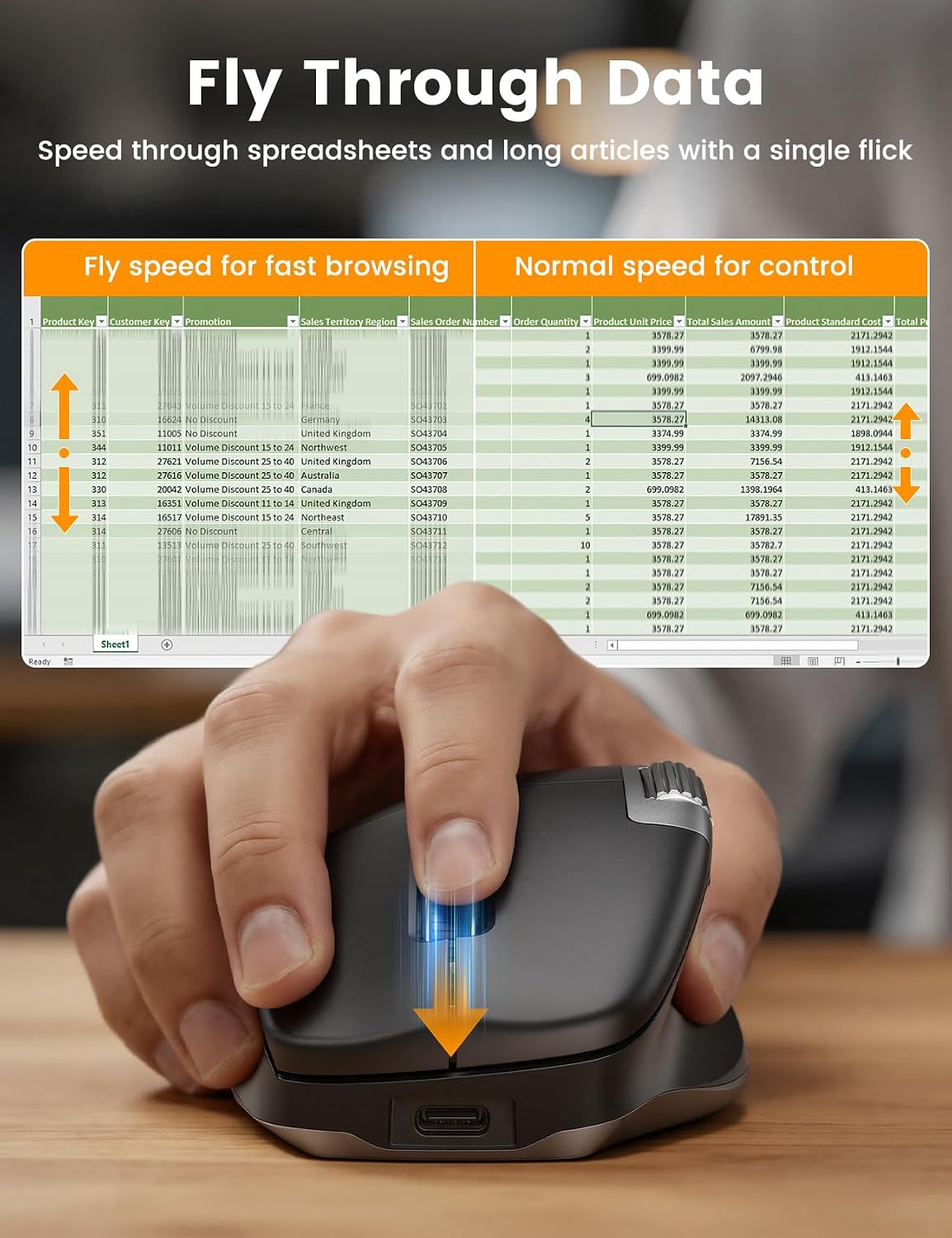
Long spreadsheets and wide timelines can turn ordinary scrolling into a string of small interruptions. The SABLUTE MAM6 adds a fast-scroll mode and a separate thumb wheel for moving side to side, helping you navigate without repeatedly dragging scroll bars.
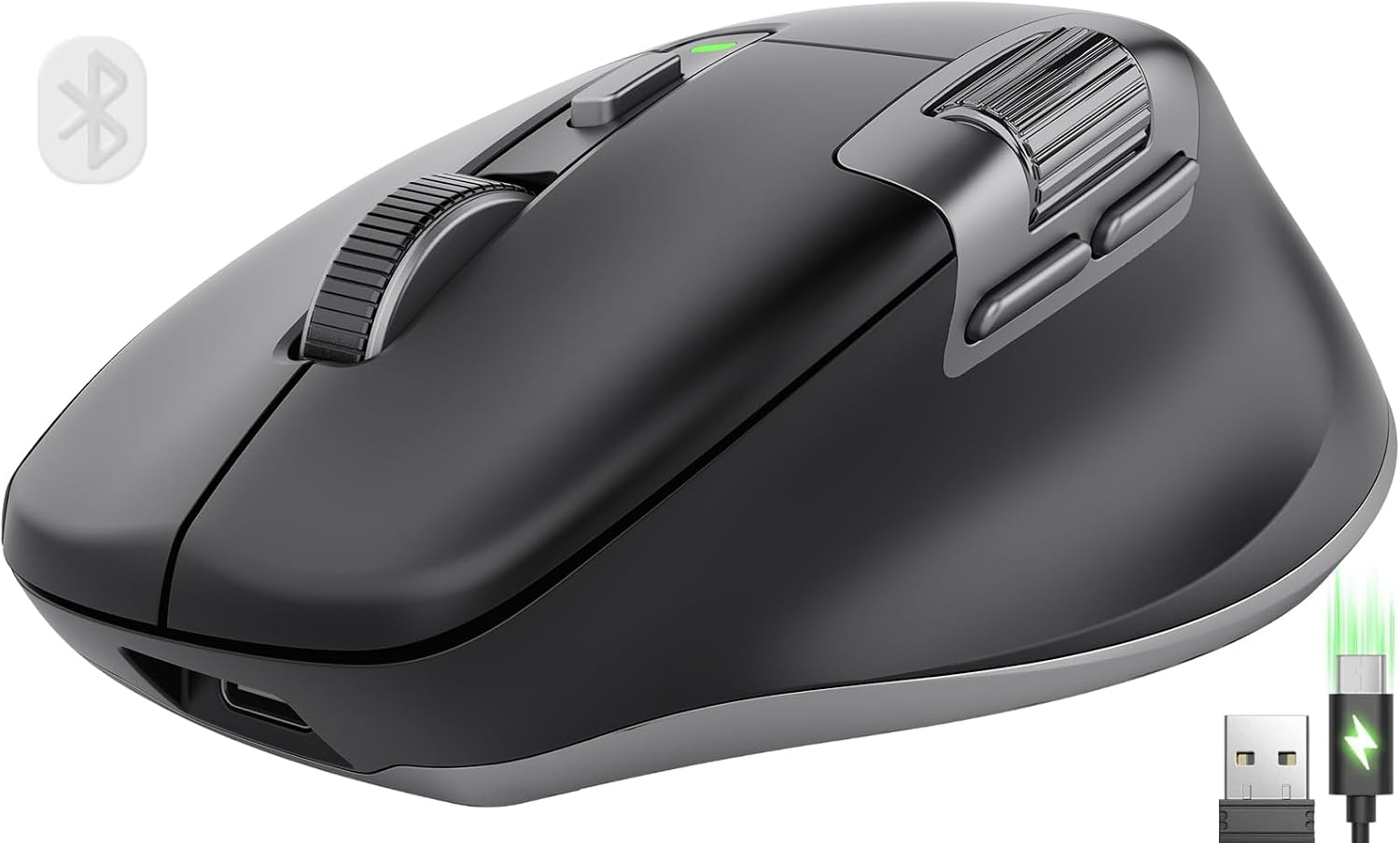
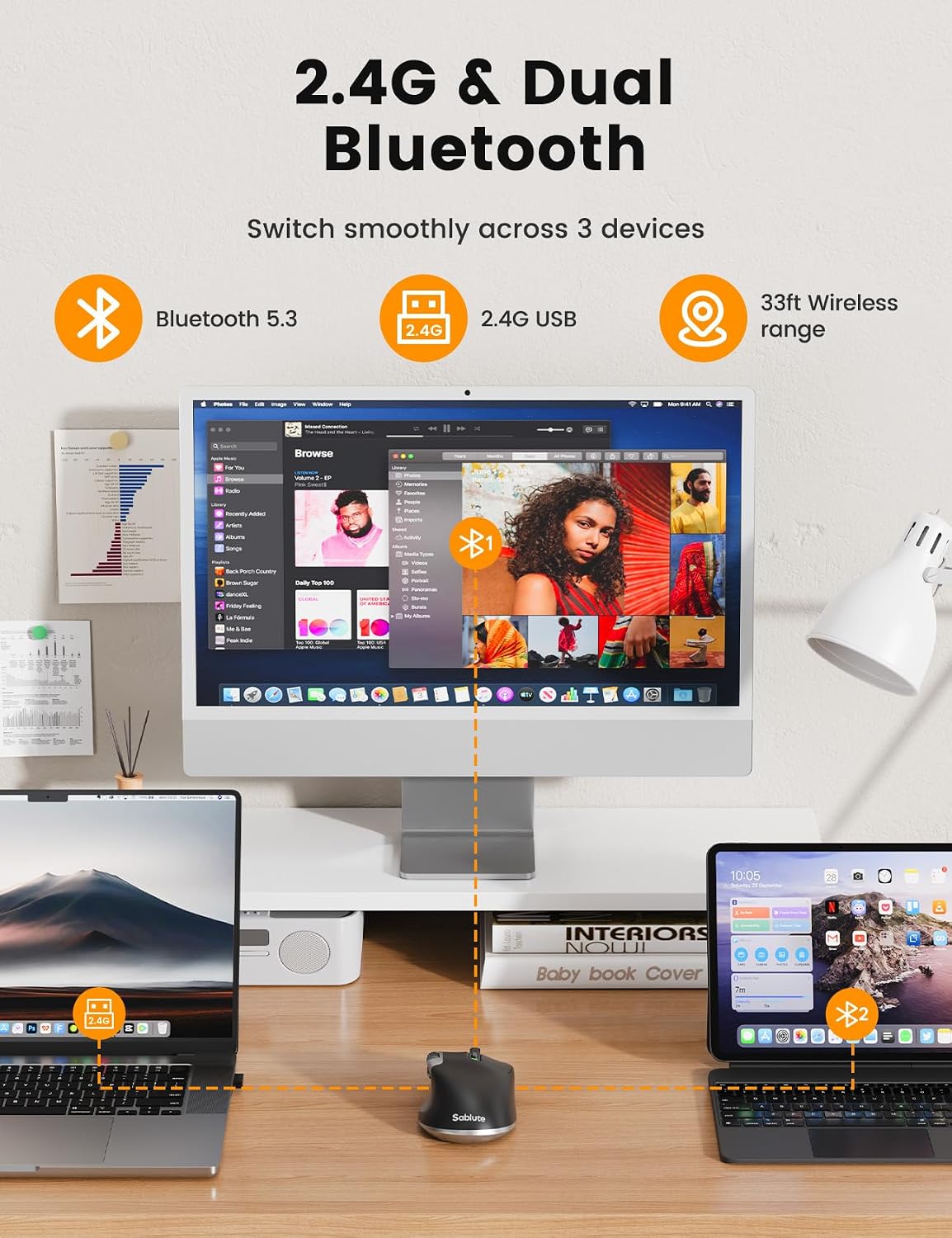
It connects over 2.4G wireless, dual Bluetooth modes, or a wired connection. A button lets you switch between wireless modes, and plugging in the cable lets you keep working while the mouse charges.
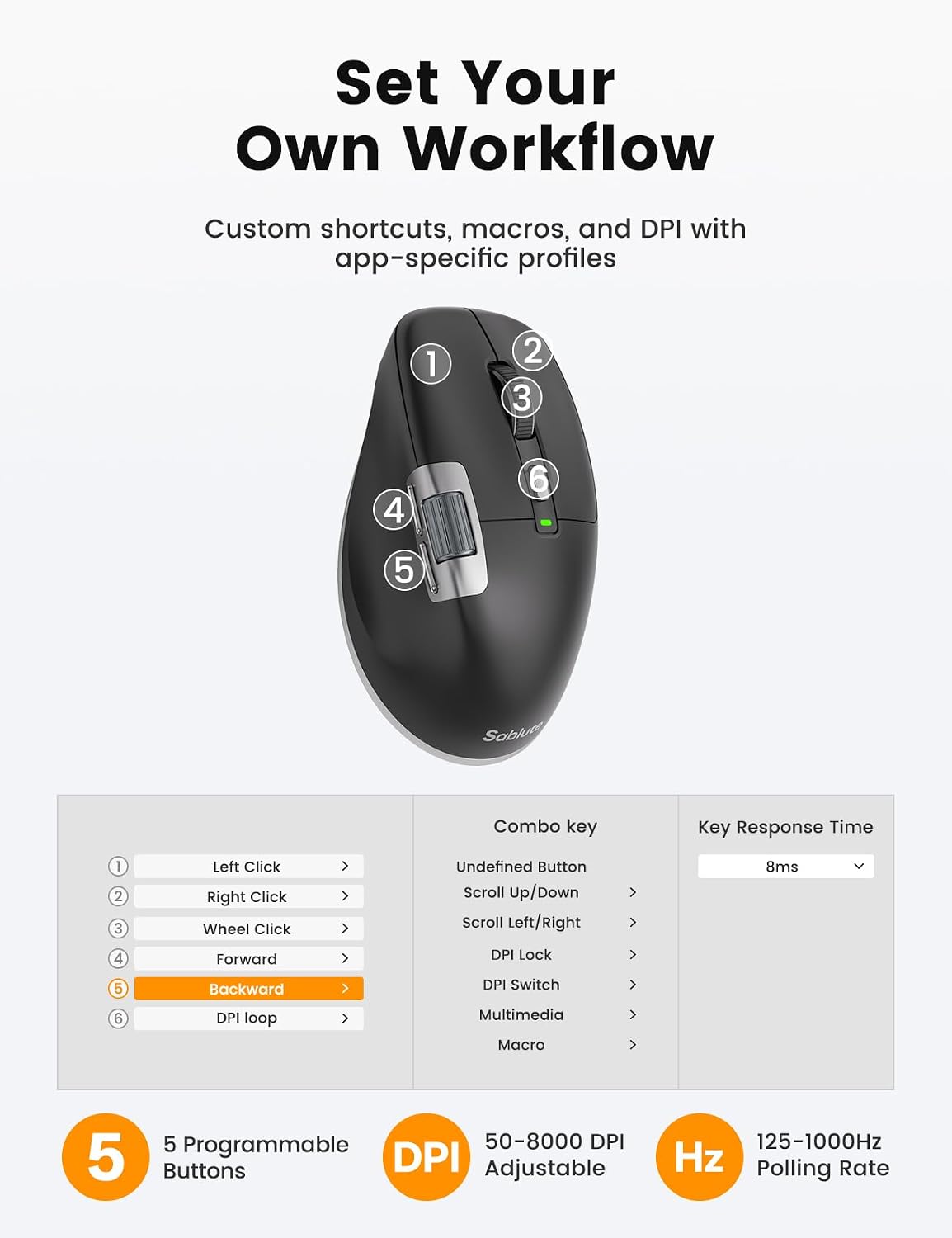
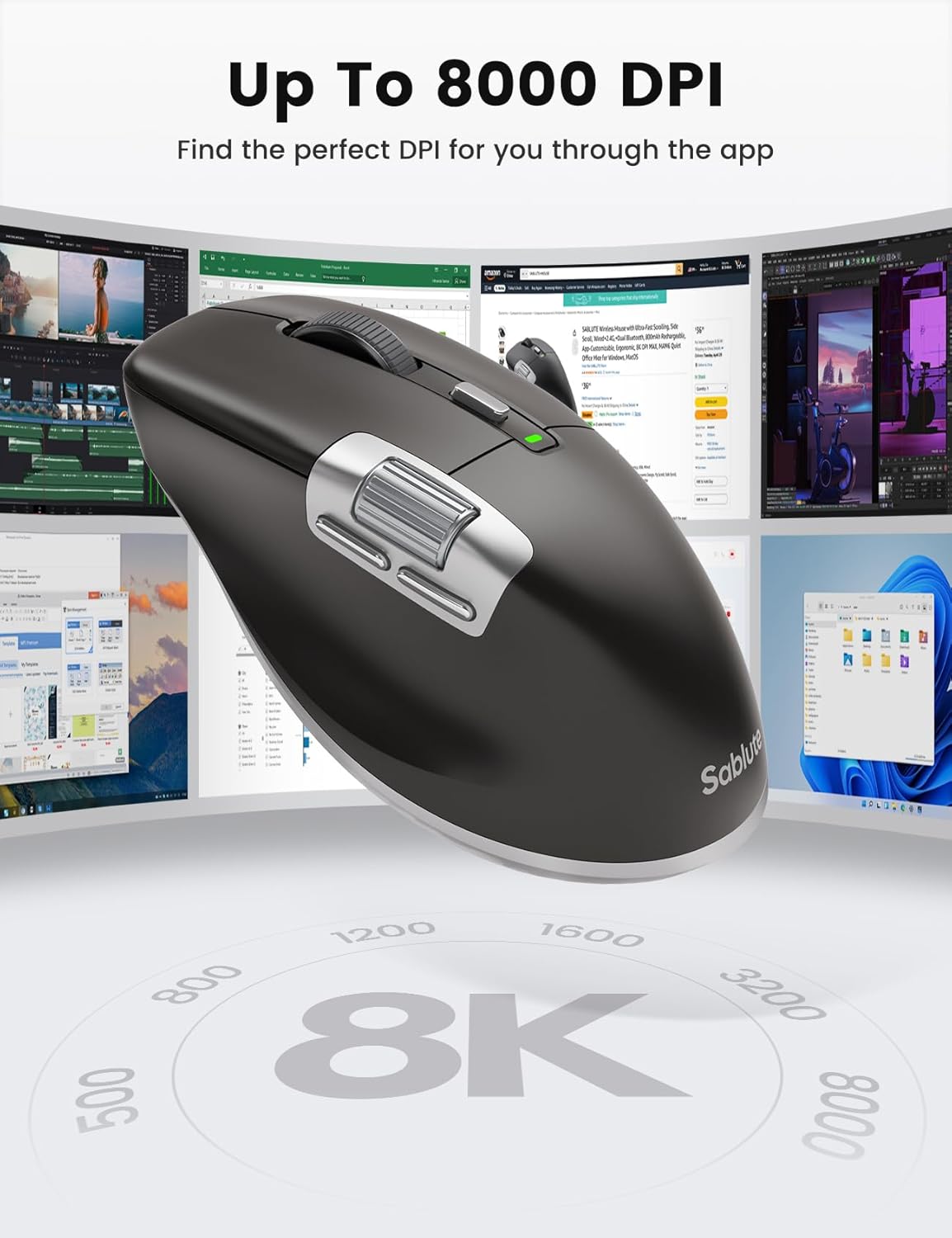
The feature set is aimed at people who do more than browse. There are seven buttons, five of them programmable, adjustable sensitivity up to 8,000 DPI, and macro support through the software. Clicks are described as quiet, and the built-in battery is rated at 800mAh with Type-C charging.
Fit and sizing
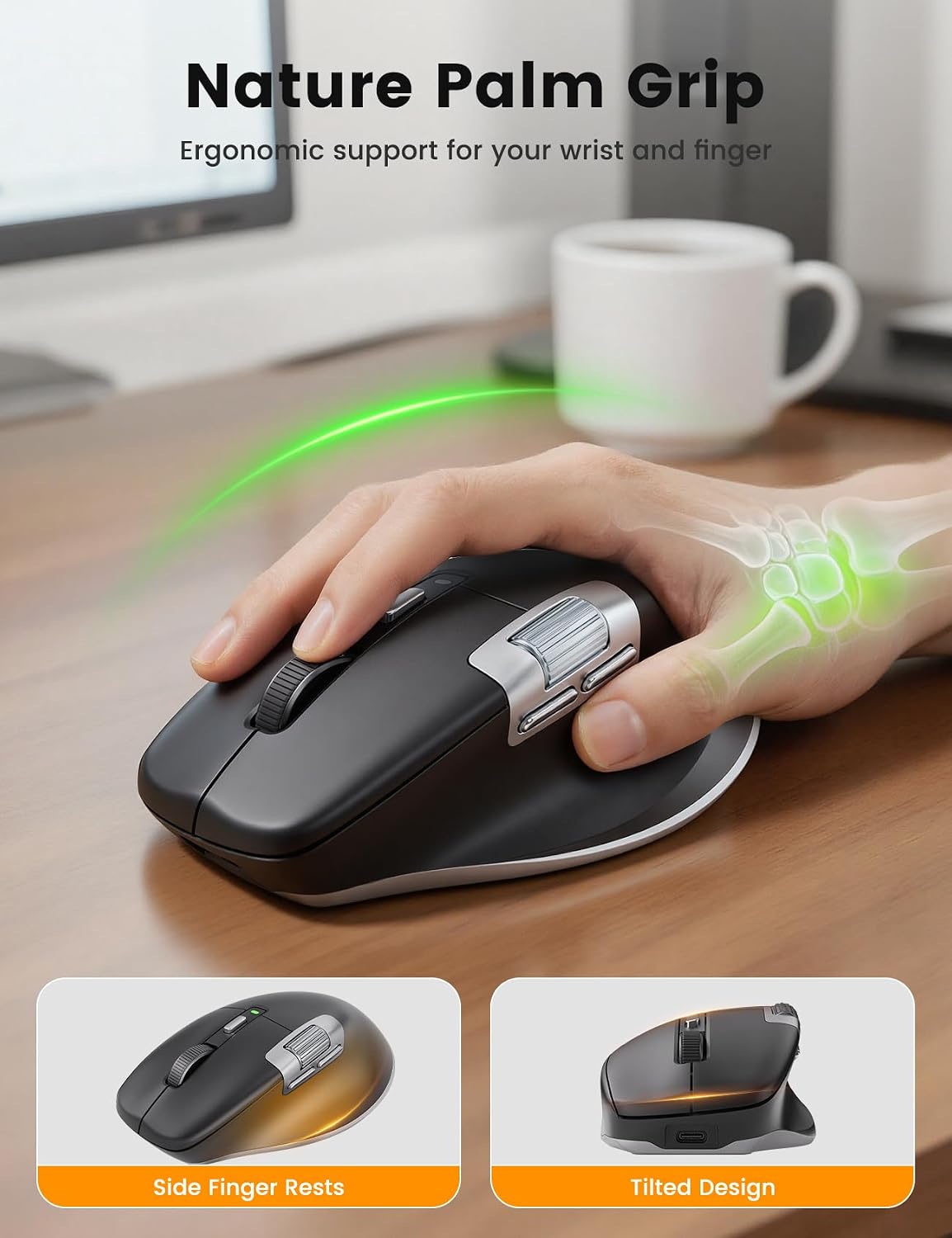
This is a right-handed design with a contoured thumb groove, intended for medium to large hands and a palm grip. That shape may feel more natural during longer work sessions than a small, symmetrical travel mouse, but it is less flexible if you switch hands or prefer a compact mouse.
A solid pick if your work involves wide documents, spreadsheets, video editing timelines, or frequent switching between devices. Keep in mind that the software’s button and macro features may be restricted on macOS, so those controls could matter less on a Mac than on Windows.
Tips for day-to-day use
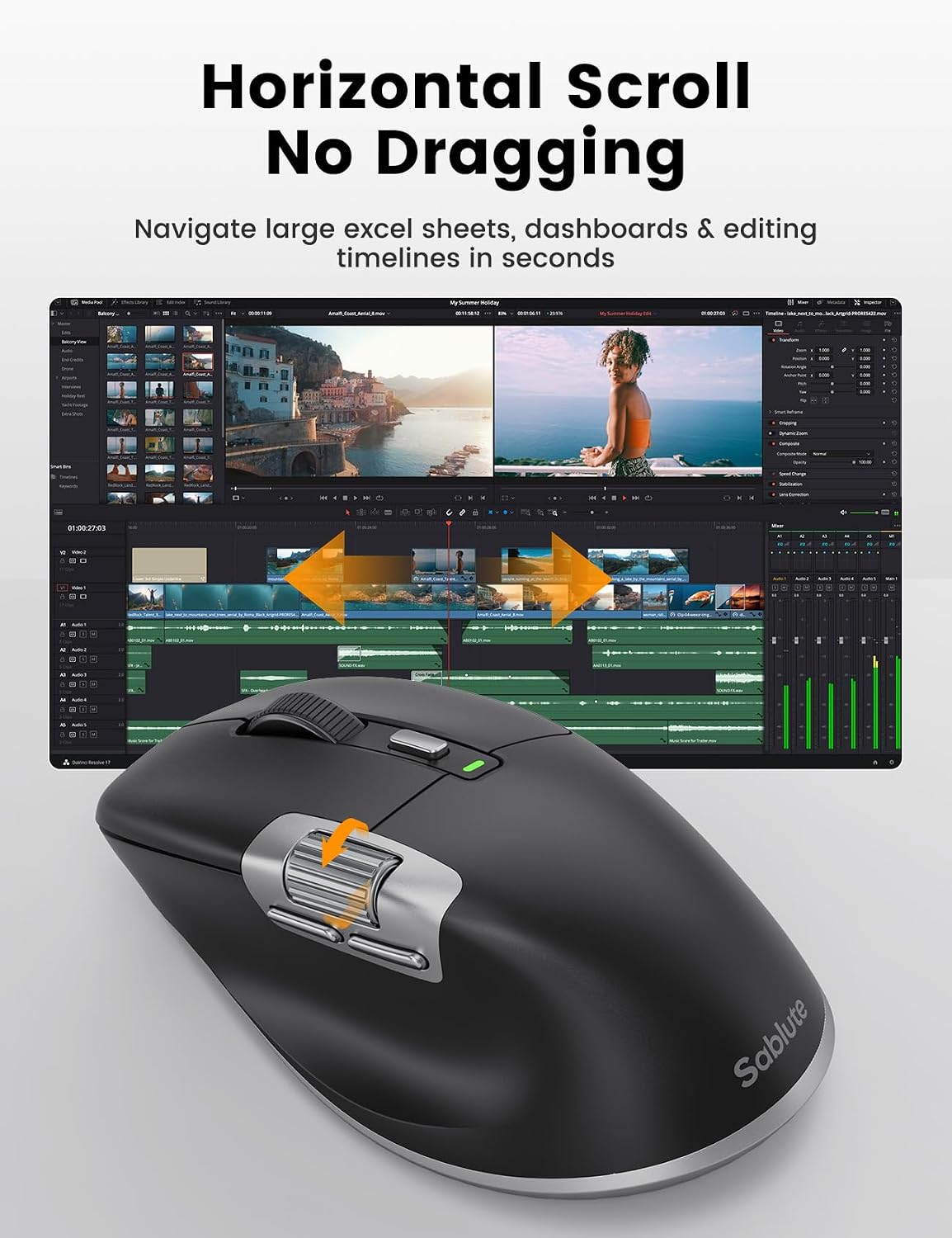
For a long web page or document, use the center button to switch the main wheel into fast-scroll mode, the product description says this mode moves through pages faster. For a spreadsheet with columns stretching across the screen, the thumb wheel handles horizontal navigation without taking your hand off the mouse. You can also assign supported actions to the five programmable buttons to cut down on repeated clicks.
The three connection approaches suit different desk setups: use 2.4G or Bluetooth for wireless work, then connect the cable if you need to charge while continuing to use it. The stated compatibility includes Windows and Mac, but the listing does not detail which software functions work across both systems. If custom macros are essential, that difference is worth considering before choosing it over a simpler mouse with fewer software-dependent features.
Questions before you buy
Can it connect to more than one device? It offers 2.4G wireless and two Bluetooth modes, with a button for switching wireless modes. The description presents this as useful for moving between a desktop, laptop, and tablet, though it does not specify a device limit.
Can you use it while it charges? Yes. The product description says you can plug in the cable and continue working in wired mode while charging. It uses a built-in 800mAh battery and Type-C charging.
Are the clicks silent? They are described as quiet clicks with reduced noise. The listing does not provide a measured sound level, so treat that as a design claim rather than a guarantee of completely silent operation.
Final verdict
The MAM6 makes the most sense if side scrolling, fast page navigation, and multiple connection options would solve everyday annoyances at your desk. Its right-handed shape and medium-to-large fit are meaningful choices, not universal advantages. It might not be a great match if you need an ambidextrous or compact mouse, or if full macro customization on macOS is a priority.