

ROADOM Desktop CD Player with Speakers (Bluetooth, FM Radio, USB, AUX) + Remote
Product description
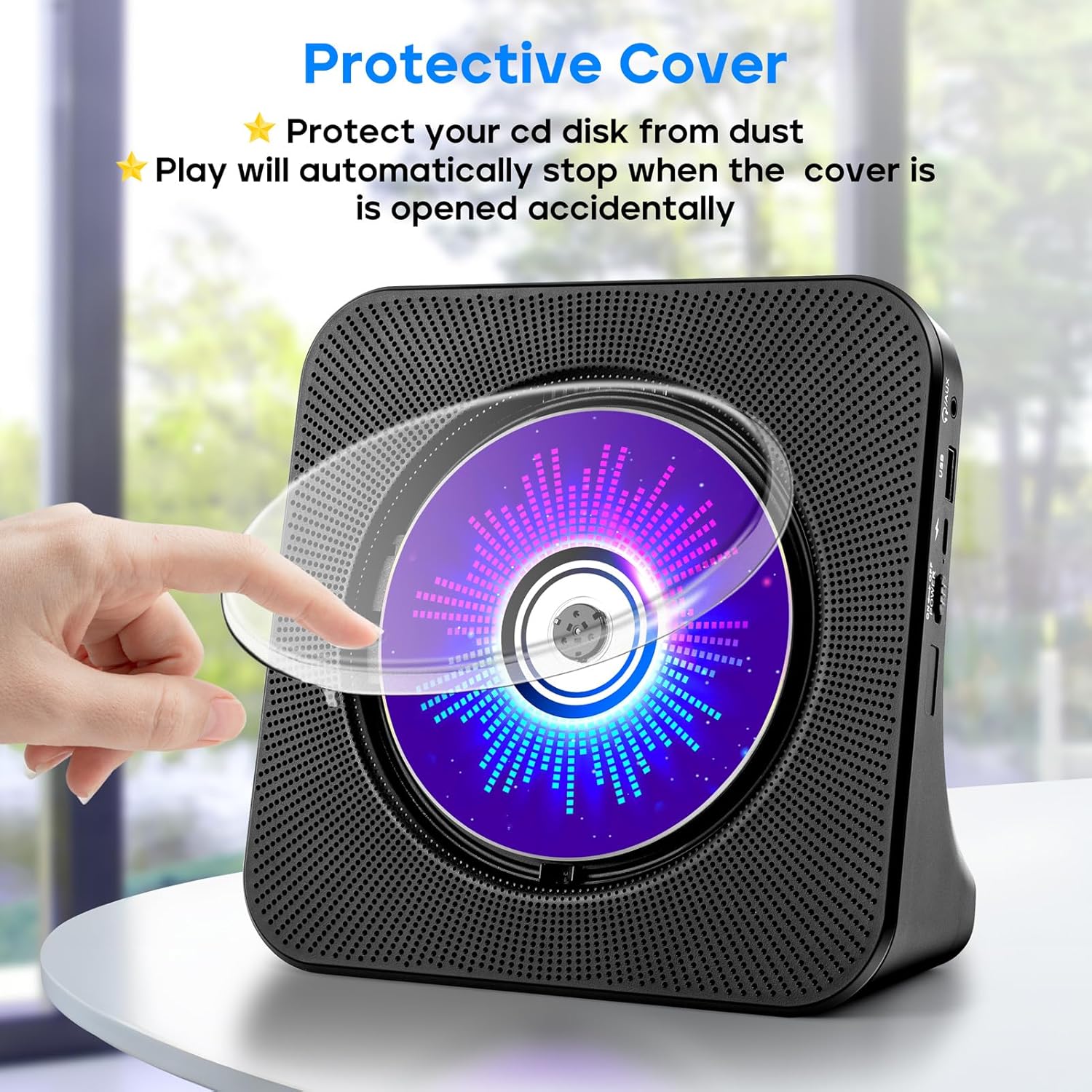
If you still have CDs lying around but you don’t want a one-purpose player, this desktop unit is built for variety. The ROADOM Desktop CD Player with Speakers aims to cover multiple listening paths in one box: CD playback plus Bluetooth, FM radio, USB, and AUX—so you can mix and match depending on what you’ve got in front of you.
That said, it’s not a studio-grade system. On paper, it reads more like a convenient home/desk hub for everyday listening than something meant to “extract” audiophile-level detail. Still, for the right setup, it can be a very practical add-on.
The essentials (what it does, in plain terms)
This is an all-in-one desktop CD player with built-in speakers, designed to handle several sources:
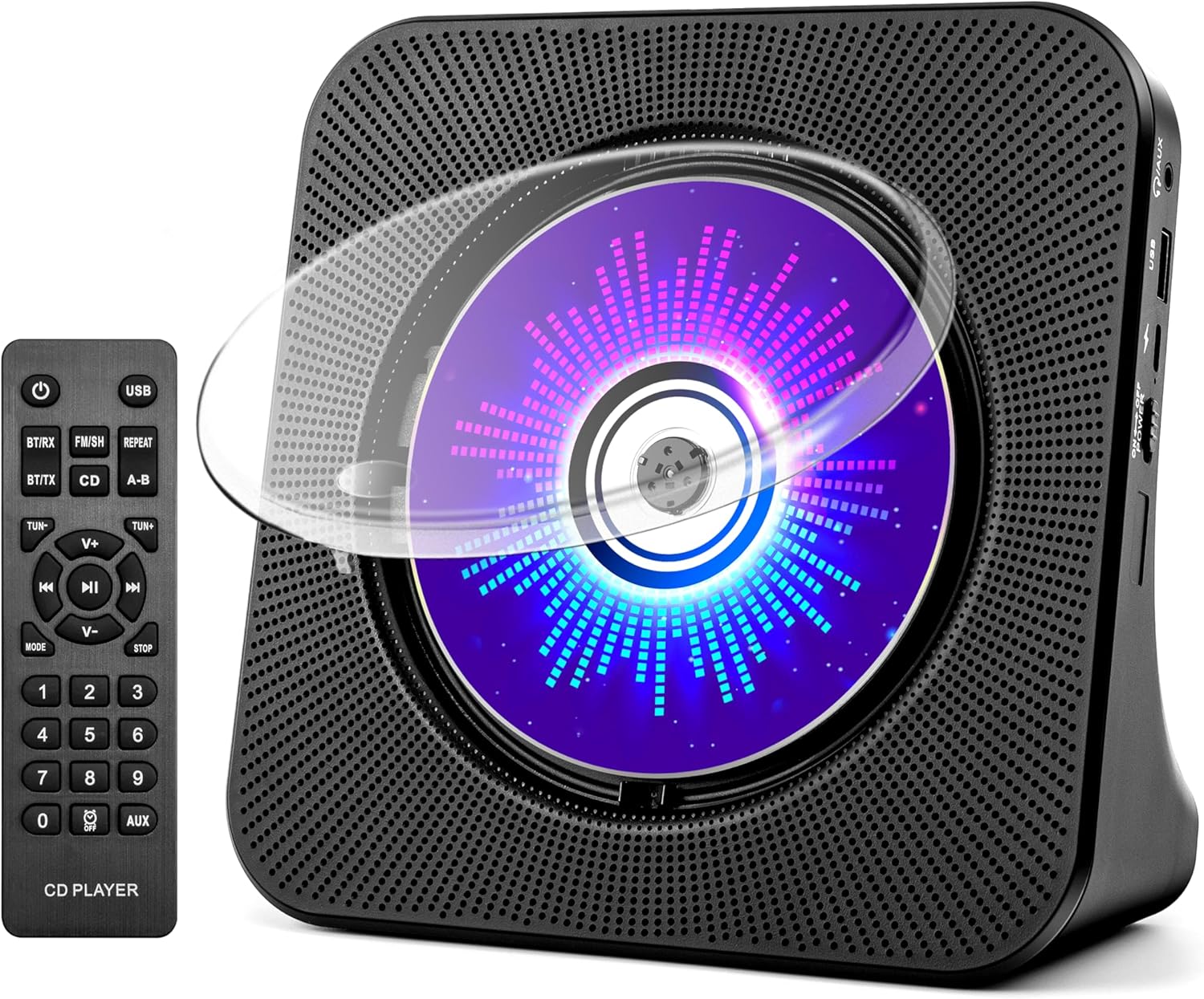
- Play CDs (including multiple disc types noted by the brand)
- Stream via Bluetooth using its Bluetooth transmitter/receiver approach
- Listen to FM radio (the listing specifies a band range)
- Use USB (U disk) for music playback
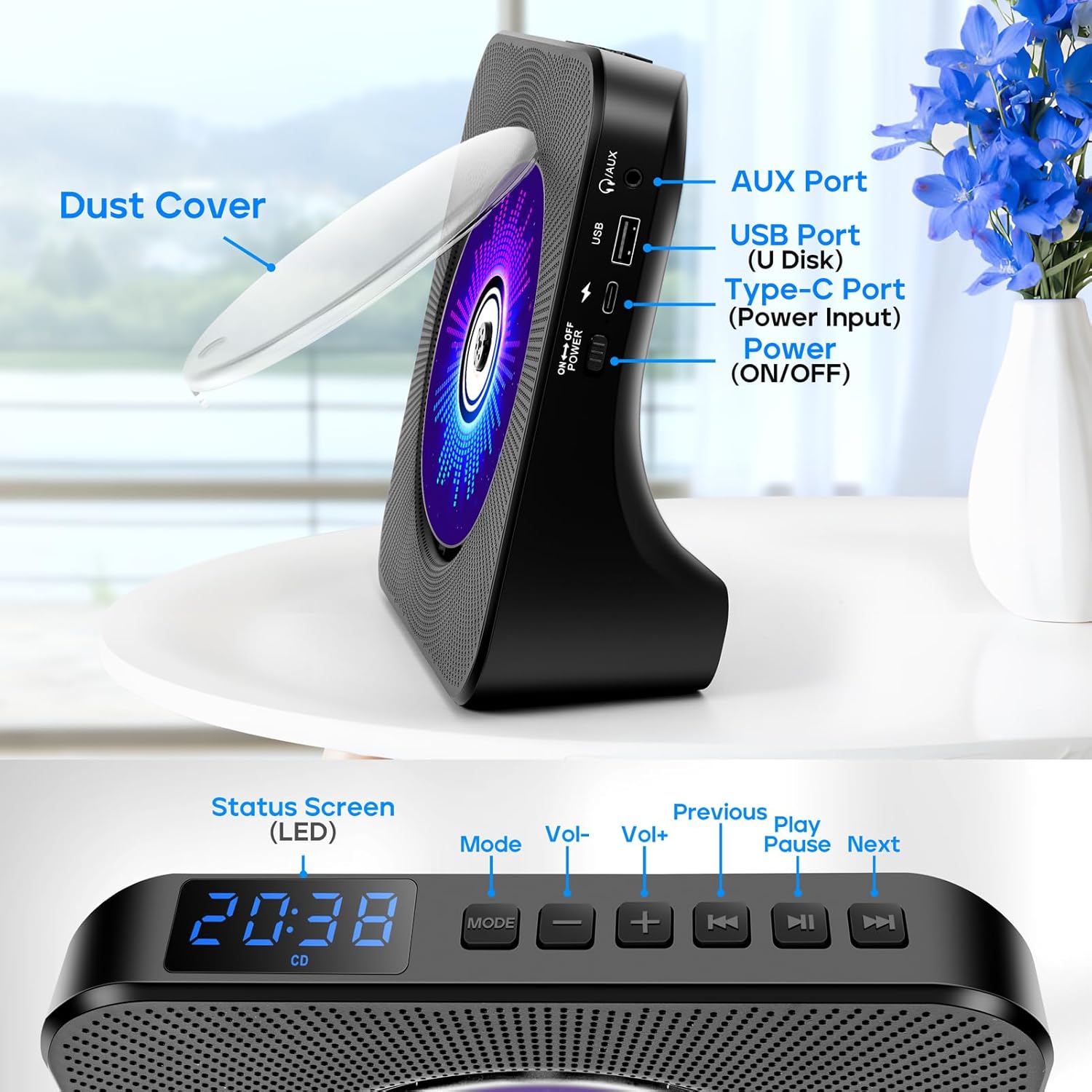
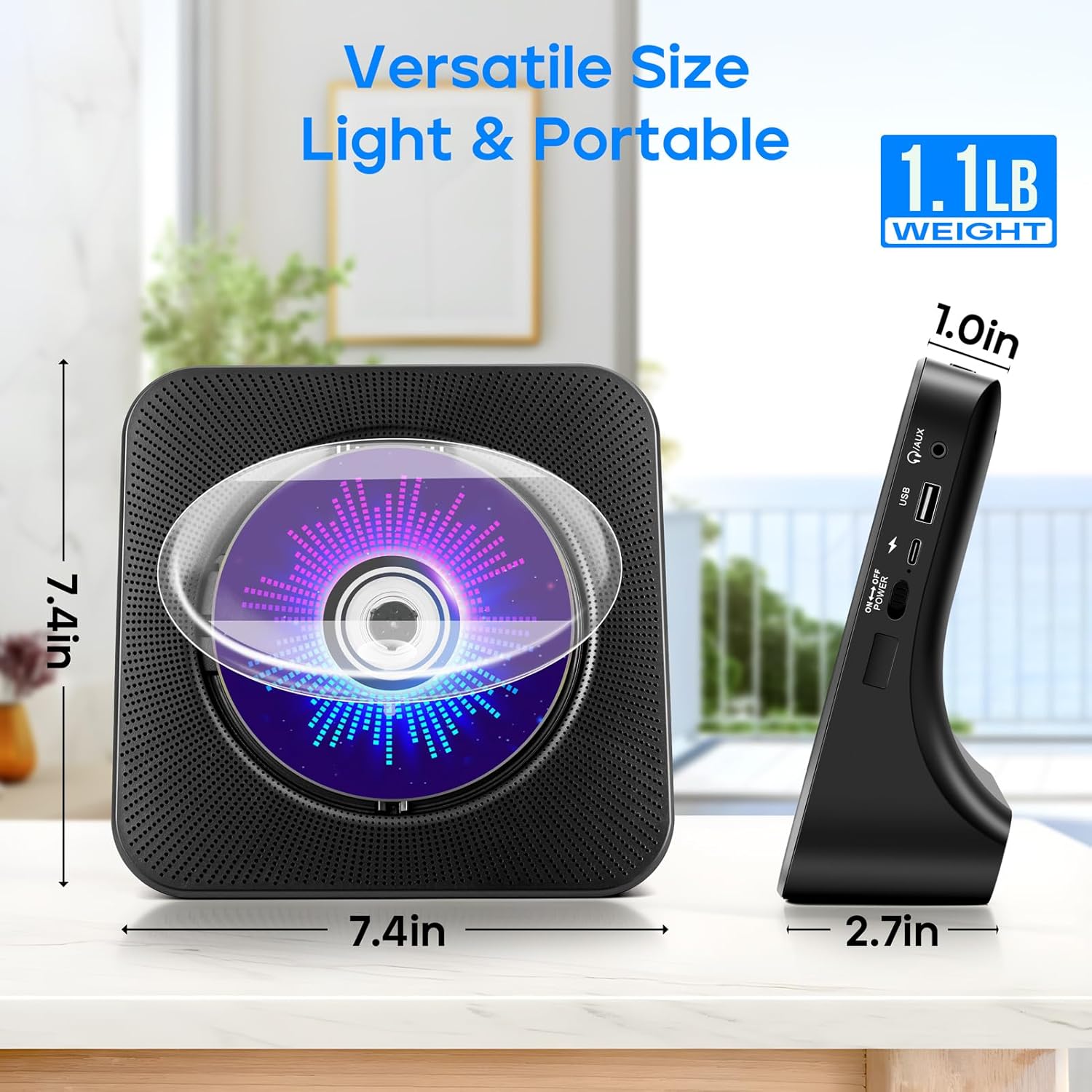
- Connect through a 3.5 mm AUX cable
- Use a timer and repeat mode for more controlled listening
In real use, that translates to scenarios like: you drop in a CD for a familiar album, then later switch to Bluetooth for a playlist from your phone—without needing a separate speaker system. Or, you can plug in through AUX for quieter, wired listening.
What stands out in daily use
The biggest “value” here is not one feature—it’s the switching. If you live in a home setup where you’ll jump between formats (CDs, phone audio, radio, USB), an all-in-one unit reduces the hassle of pairing and reconnecting multiple devices.
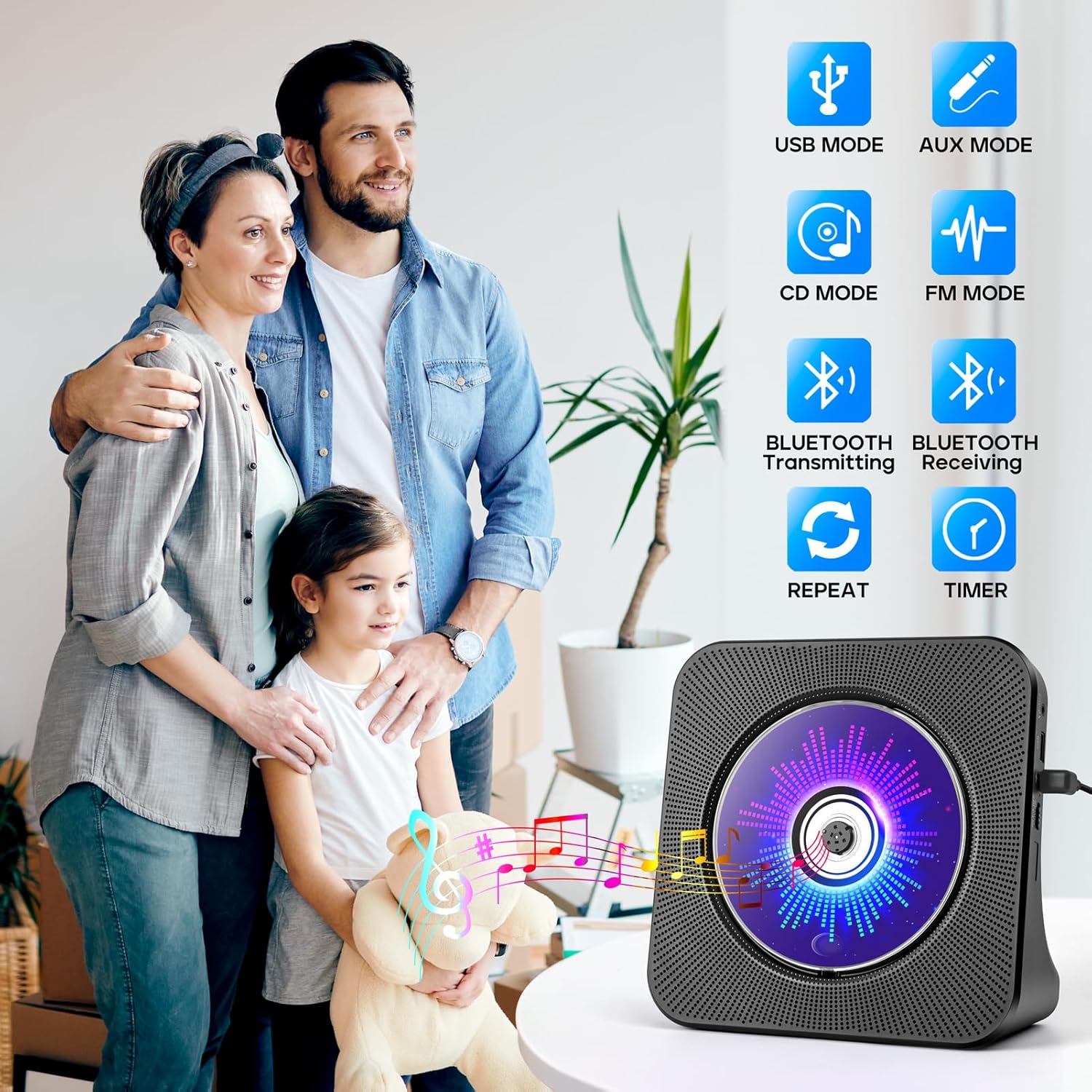
Bluetooth is positioned as a key convenience feature. The brand describes both Bluetooth connectivity and a Bluetooth transmission function, meaning you’re not limited to only using the player as a receiver. On top of that, the listing also includes wired options via AUX and a USB port.
And yes, the built-in FM radio adds a nice backup when you don’t want to hunt for the right track.
Key features that matter for buying decisions
Here’s where the ROADOM unit earns its keep—and where you should temper expectations:
For listening variety: The mix of CD + Bluetooth + FM + USB + AUX means you’re not trapped in a single media type. If you have a CD collection you actually use (or you’re buying CDs for specific content), that compatibility matters.
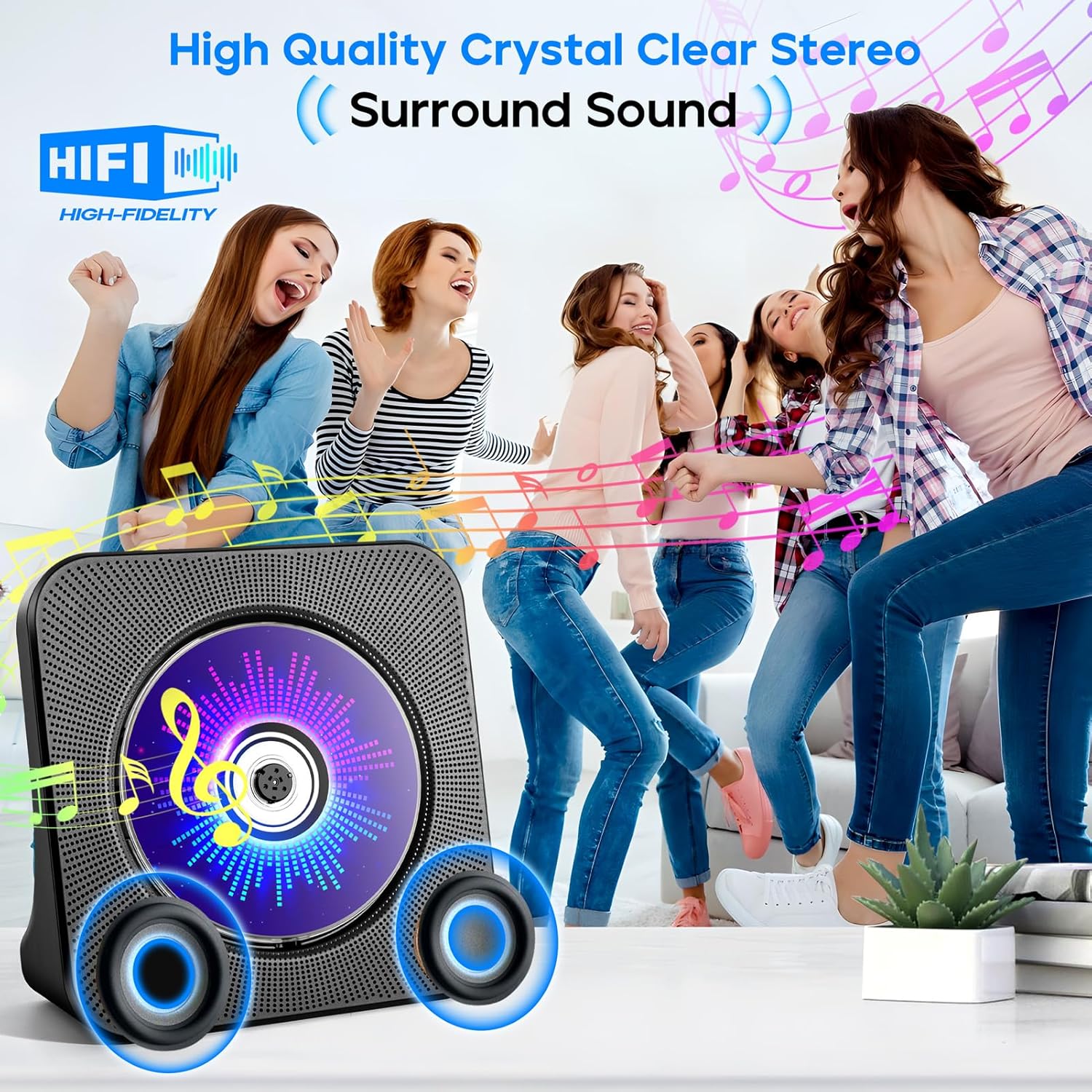
For sound: The listing mentions Hi-Fi stereo surround sound and a focus on minimizing distortion at higher volume. That’s the kind of claim you’d want to consider carefully—because “crystal clear” is subjective—but as a desktop speaker-driven player, it’s aimed at clear, everyday playback rather than deep-room performance.
For controls: A remote control is included, which is a real quality-of-life feature if this sits on a shelf or in a living room.
Tech specs (as stated)
- Type: Desktop CD player with built-in speakers
- Functions supported: CD playback, Bluetooth transmission and reception, FM radio, U disk (USB), AUX connectivity, timer, repeat mode
- FM radio range: 76.0–108.0 MHz
- CD format support (as listed): CD, CD-R, CD-RW, MP3, WMA
- Connectivity: Bluetooth, 3.5 mm AUX
- Color: Black
Who it’s for (and who should skip it)
It makes sense if you want one desktop device that can handle multiple sources—especially if you still play CDs and want Bluetooth and radio as backups.
It may not suit you if your priority is maximum audio performance. This is positioned as a compact all-in-one player, and those typically don’t match dedicated speaker systems or higher-end components for volume headroom, bass authority, or fine detail.
It may also be a mismatch if you only stream from your phone and never use CDs, USB, or FM. In that case, you might be happier buying something simpler (or something with stronger streaming-focused features), because this model’s strengths depend on having varied inputs.
Practical tips to get better results
A couple of small things can make a noticeable difference with a multi-function player like this:
- If you plan to use Bluetooth frequently, think about how you’ll pair it in your room layout. Bluetooth audio tends to feel more “set and forget” when your device stays nearby.
- For USB playback, label your files in a way that’s easy to navigate—USB music can feel clunky if your folder structure is messy.
- Use AUX for situations where you want a stable wired connection (for example, when Bluetooth pairing is inconvenient).
And for a simple micro-routine: place it on your desk, play a CD for focused listening, then press over to Bluetooth when you switch tasks—same place, same controls, fewer cables.
Is it worth it?
Buy it if you want an all-in-one desktop CD player that also covers Bluetooth, FM radio, USB, AUX, plus timer and repeat. It’s especially worth considering when you actually plan to use more than one listening source and prefer the convenience of built-in speakers and remote control.
Skip it if you’re chasing the highest sound quality or you only want one source type (like Bluetooth streaming alone). On paper, the ROADOM unit looks more like a practical home/desk hub than a top-tier hi-fi centerpiece.
If you’re on the fence, check what you already own and how you listen day to day—because this product shines when your media habits are mixed.
Mini FAQ
Does it play CDs only? No. The listing states it supports CD playback and multiple other sources including Bluetooth, FM radio, USB (U disk), and AUX.
Can it connect to headphones? The description indicates privacy use through headphones via the AUX function, so you may be able to use headphones wired through the AUX connection.
What FM range does it support? It specifies 76.0–108.0 MHz.
Which CD formats are supported? The listing states support for CD, CD-R, CD-RW, MP3, and WMA.