

Replacement Voice Stick Remote for Insignia Smart TV Sticks and Cubes
Reviews
Price
Product description
What it is and the need it meets
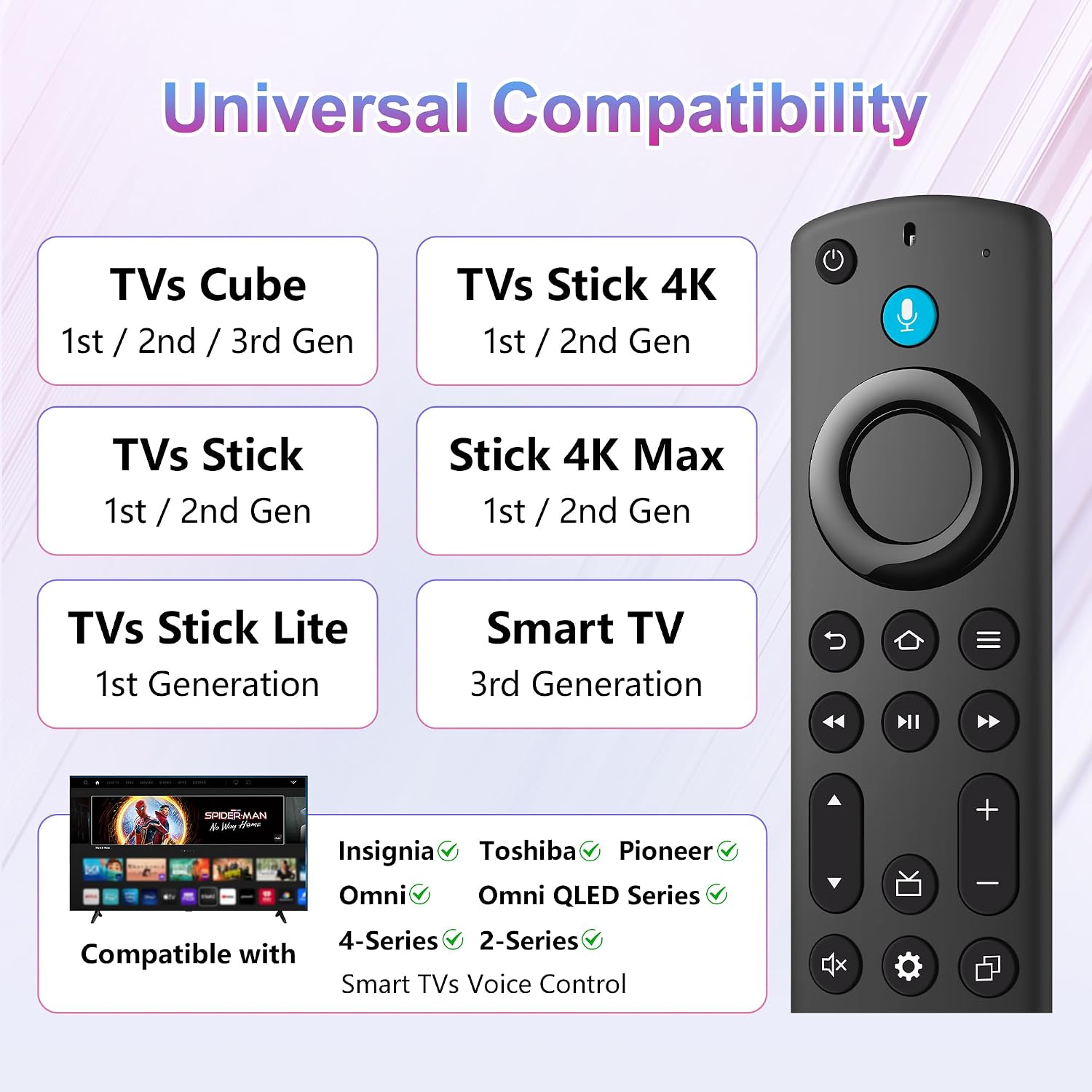
This is a replacement voice remote designed for Insignia Smart TV sticks and cubes (3rd gen, 2nd/3rd gen sticks, 4K 1st/2nd gen, Lite, 4K Max, and cube generations). If your current remote is lost, damaged, or you simply want the convenience of voice navigation, this remote adds microphone-driven control to help you find, launch, and manage content more quickly on attached smart TVs. It’s not compatible with some older Insignia models, so it’s important to confirm compatibility before pairing.
How pairing works and setup notes
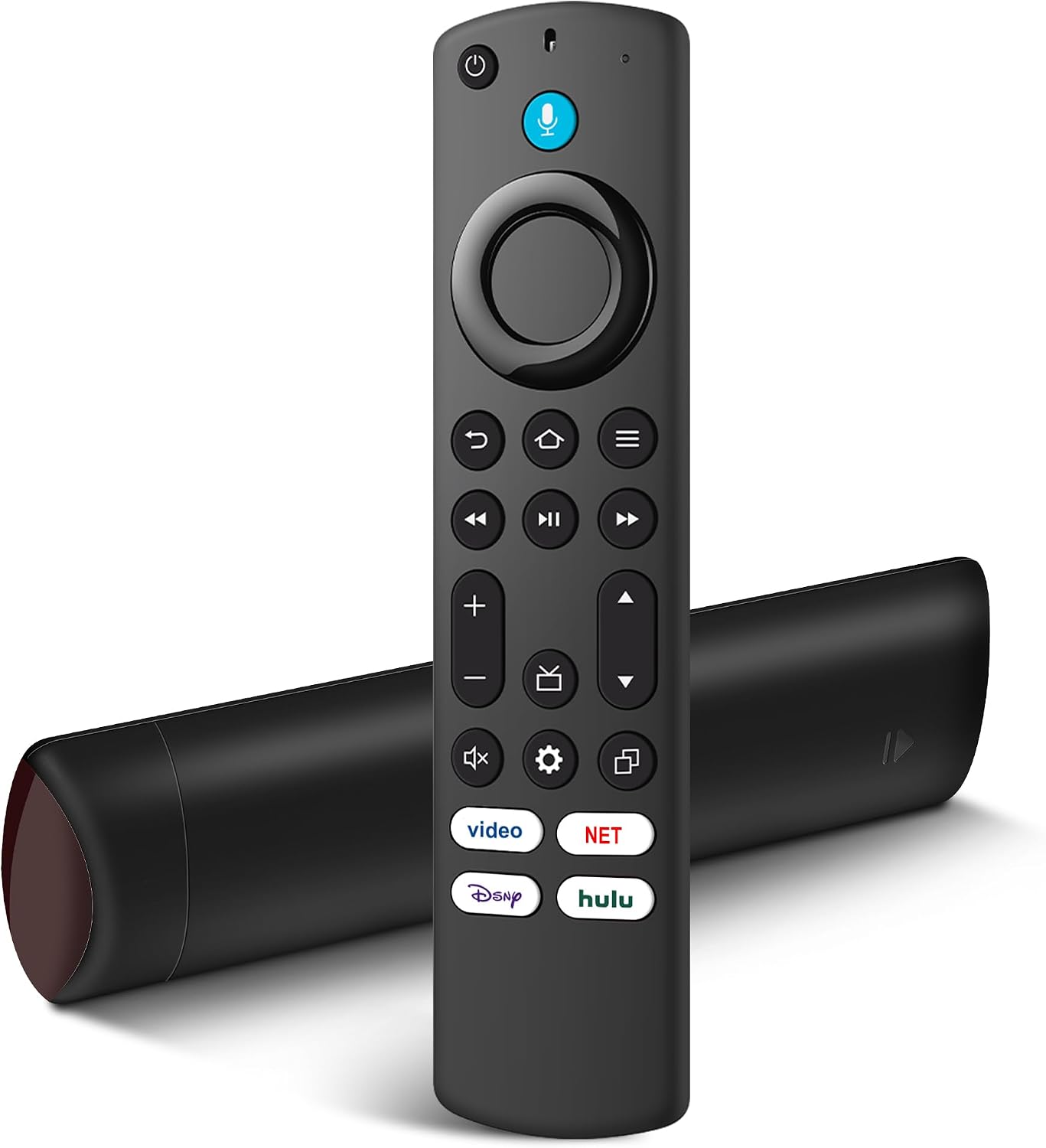
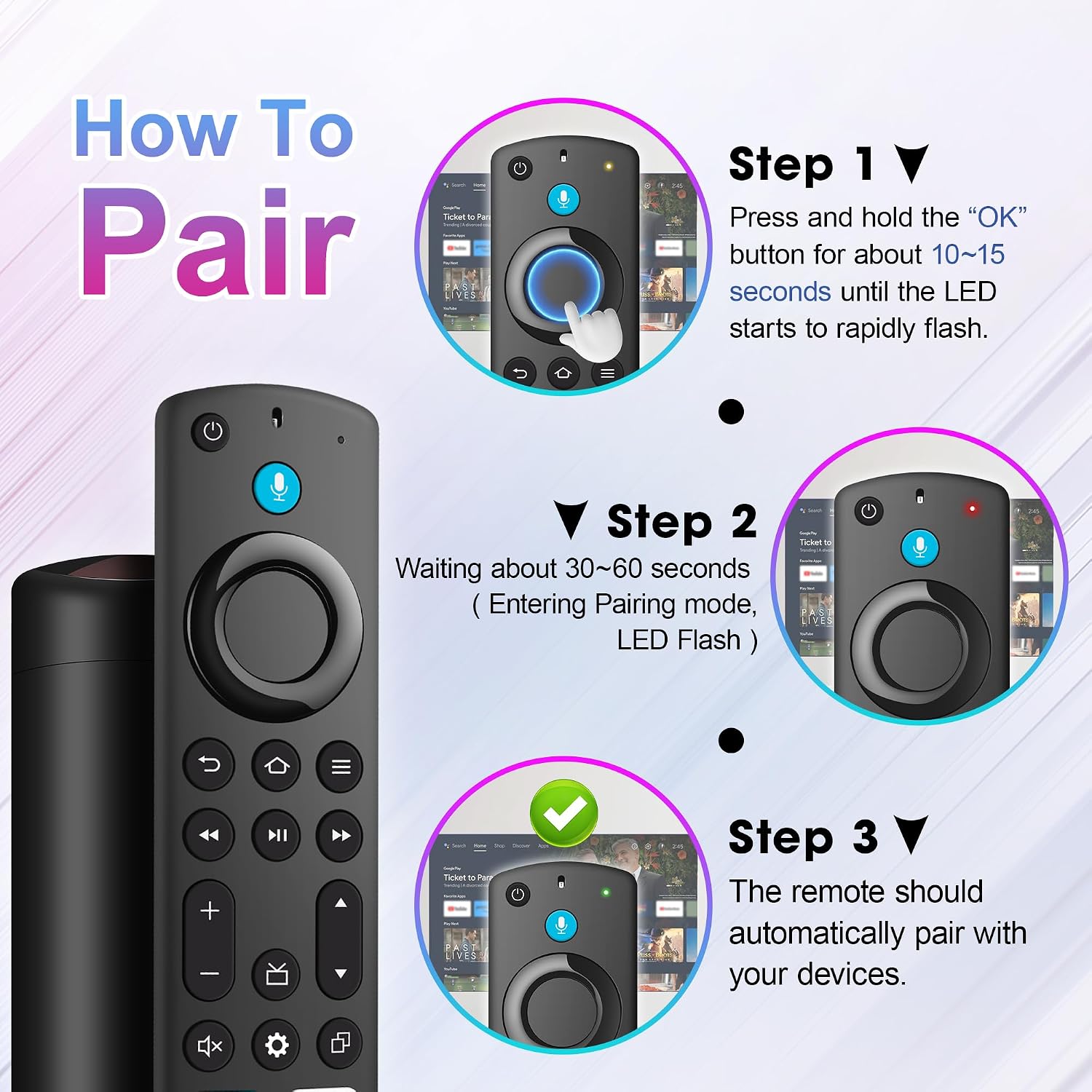
Setup requires a one-time pairing: press and hold the HOME button for about 10–15 seconds until the LED starts flashing rapidly, then wait 30–60 seconds for pairing. Once in pairing mode, the remote should connect automatically to your device. The process is straightforward, but if pairing fails, double-check that you’re using a compatible model and that the batteries are installed (batteries are not included).
What you get and what it costs you to start
Included in the package are 1 Replacement Remote (model L5B83G) and 1 User Manual. Please note that 2 AAA batteries are required but not included. This keeps the upfront cost low, but you’ll need to supply power for it to work.
Who it’s for
It’s a solid choice if you own Insignia Smart TV Sticks or Cubes and want hands-free navigation or faster access to apps and content. If you rely on voice commands to search for movies, apps, or live TV, this remote can streamline daily use. On the flip side, if you don’t use voice control or you’re using a model outside the supported generations, it may not be the best fit.
Pros and cons in practical terms
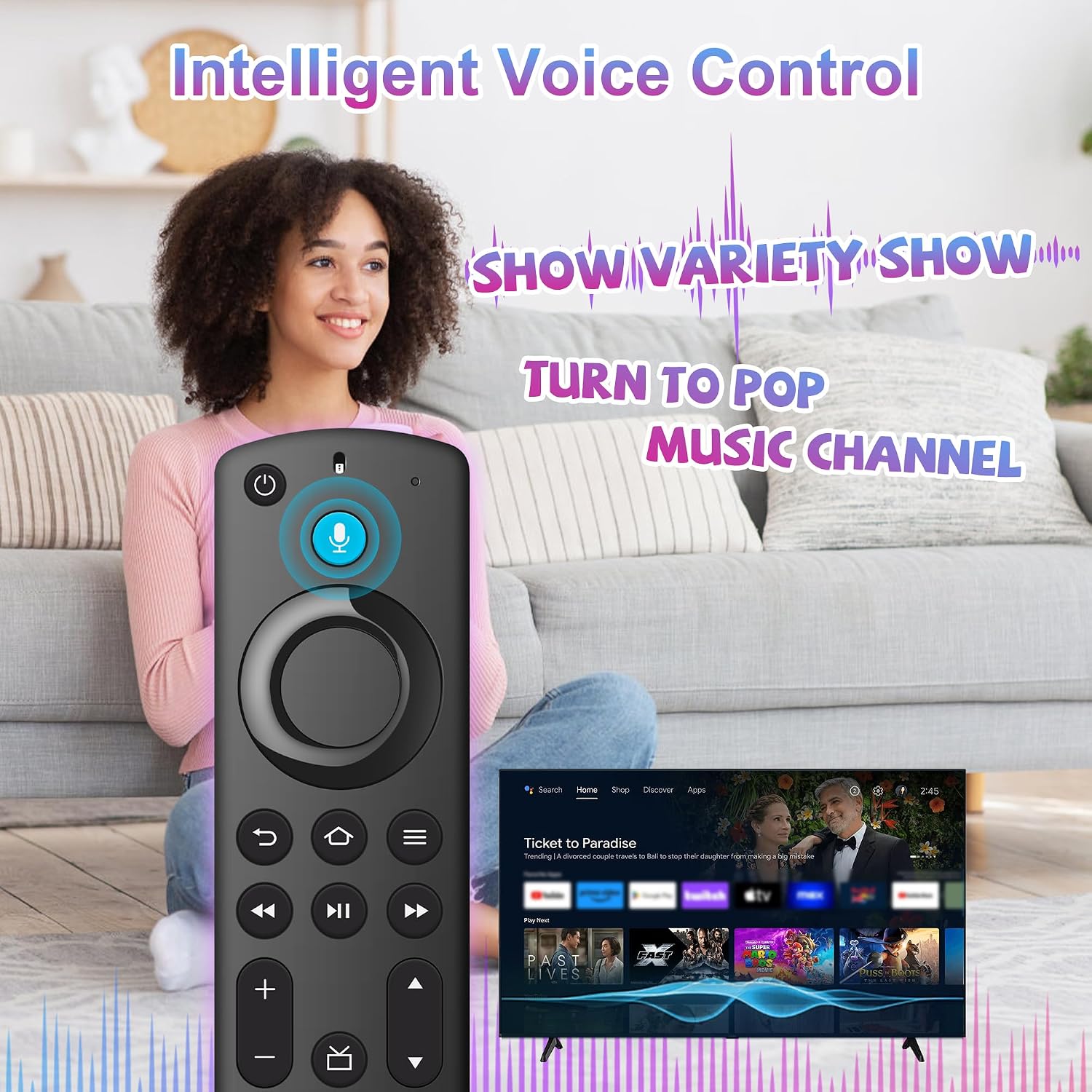
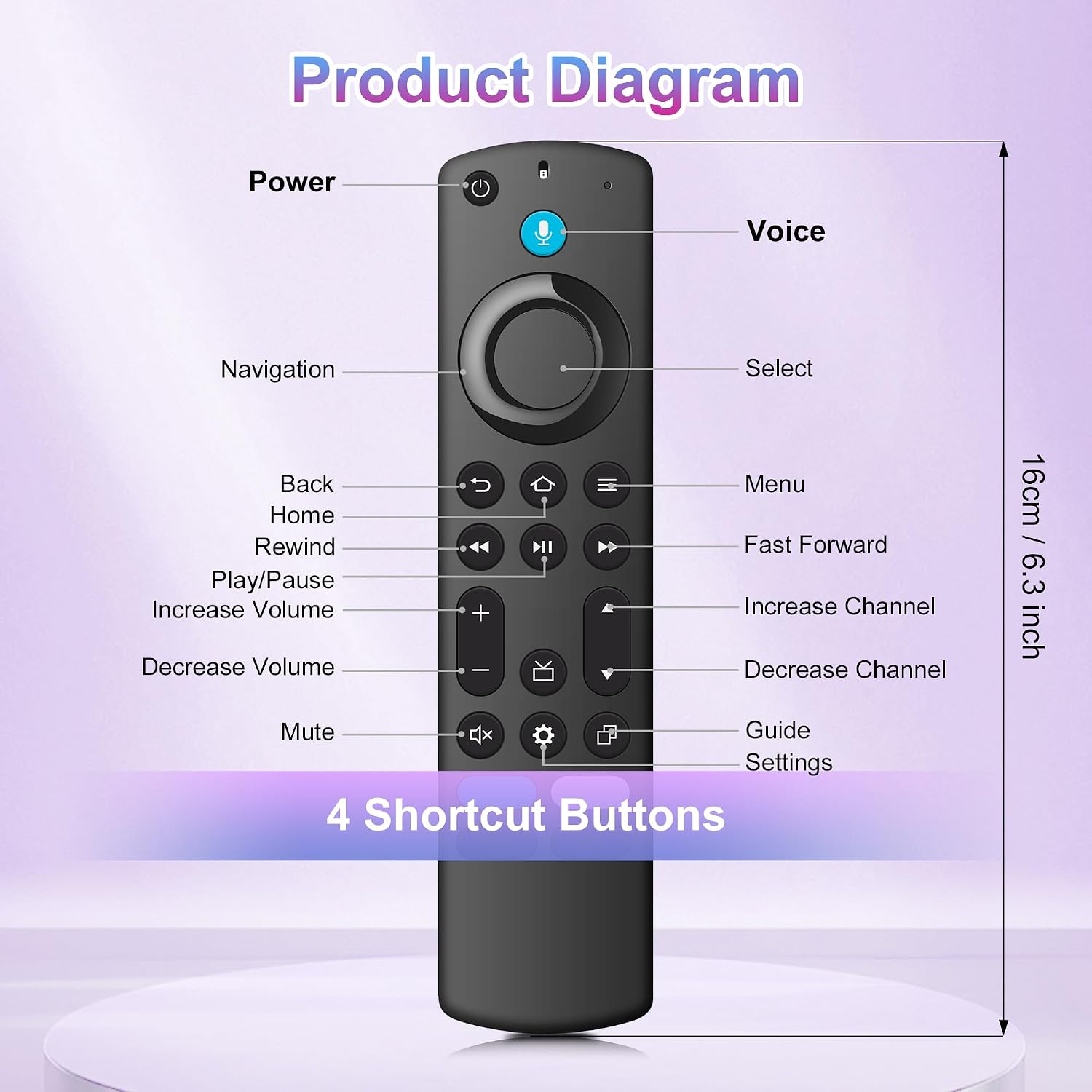
- What stands out: adds voice control for easier navigation and quick app access, preserved function to switch to cable TV from the same remote.
- Potential limitations: compatibility is tied to specific Insignia generations, the package excludes batteries, so you’ll need to provide your own. If you expect universal compatibility across all Insignia devices, this remote focuses on a defined subset.
When it makes sense to buy
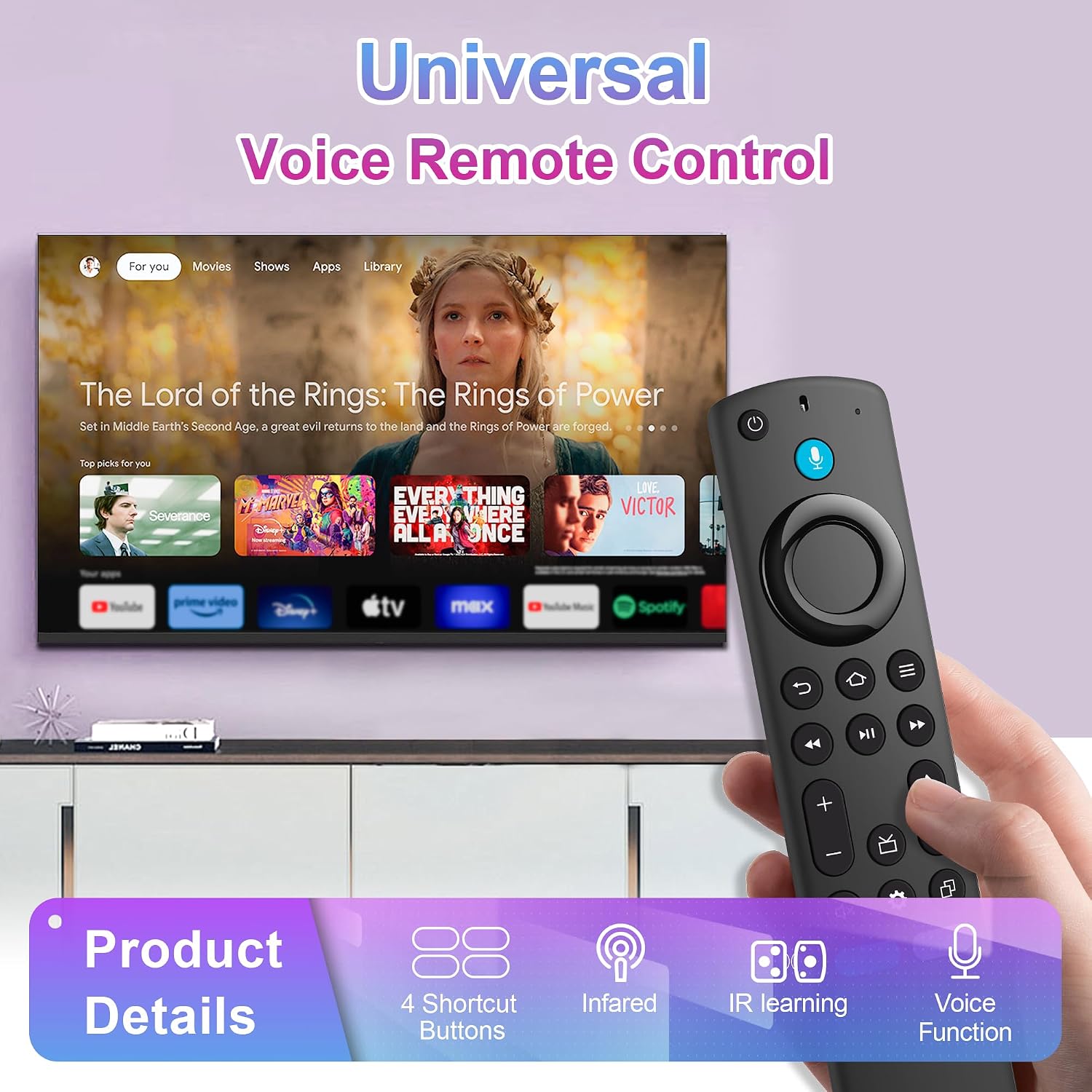
If you frequently search for content by voice, want a replacement option that mirrors your existing TV experience, and own an Insignia model listed in the compatibility notes, this remote makes sense. It’s a practical upgrade for easier navigation, especially for busy living rooms where typing on a remote isn’t ideal.
What to review before buying
Confirm your device generation and model aligns with the remote’s compatibility. Ensure you’re comfortable with a pairing step and that you’re prepared to add two AAA batteries. Consider whether you need a dedicated voice remote versus a standard remote and whether you prefer one-step voice access to content.
How this compares to other approaches
If you’re weighing options, you could continue with a standard remote (no voice) and rely on on-screen search. The voice-enabled remote, when it pairs reliably, can reduce the number of navigation clicks and speed up content discovery, which is especially helpful for streaming apps and smart TV menus. If your use case centers on quick app launches and voice search, this remote aligns well, if you don’t use voice features, a basic replacement could be more cost-efficient.
Is it worth it?
Buying verdict
It’s worth considering if you prioritize voice-powered navigation and you own a compatible Insignia TV stick or cube. If you mainly use traditional remote controls or your device isn’t supported, you may want to pass.
Quick FAQ
- Q: What devices are compatible? A: Insignia Smart TV sticks and cubes across several generations (3rd gen sticks, 2nd/3rd gen sticks, 4K 1st/2nd gen, Lite, 4K Max, and cube generations) as specified by the product notes.
- Q: Are batteries included? A: No, batteries are not included, you’ll need 2 AAA batteries.
- Q: How long does pairing take? A: Pairing begins once you enter pairing mode and should complete within a minute or so if the device is ready.
- Q: Does it replace all functions of the original remote? A: It’s designed to replace the voice remote for compatible Insignia devices and offer voice control, some models or features may differ from the original depending on the generation.