

BN59-01391A Solar TV Remote with Voice Search for Samsung Smart TVs (2020–2023 Neo LED)
Product description
What it is and why it matters
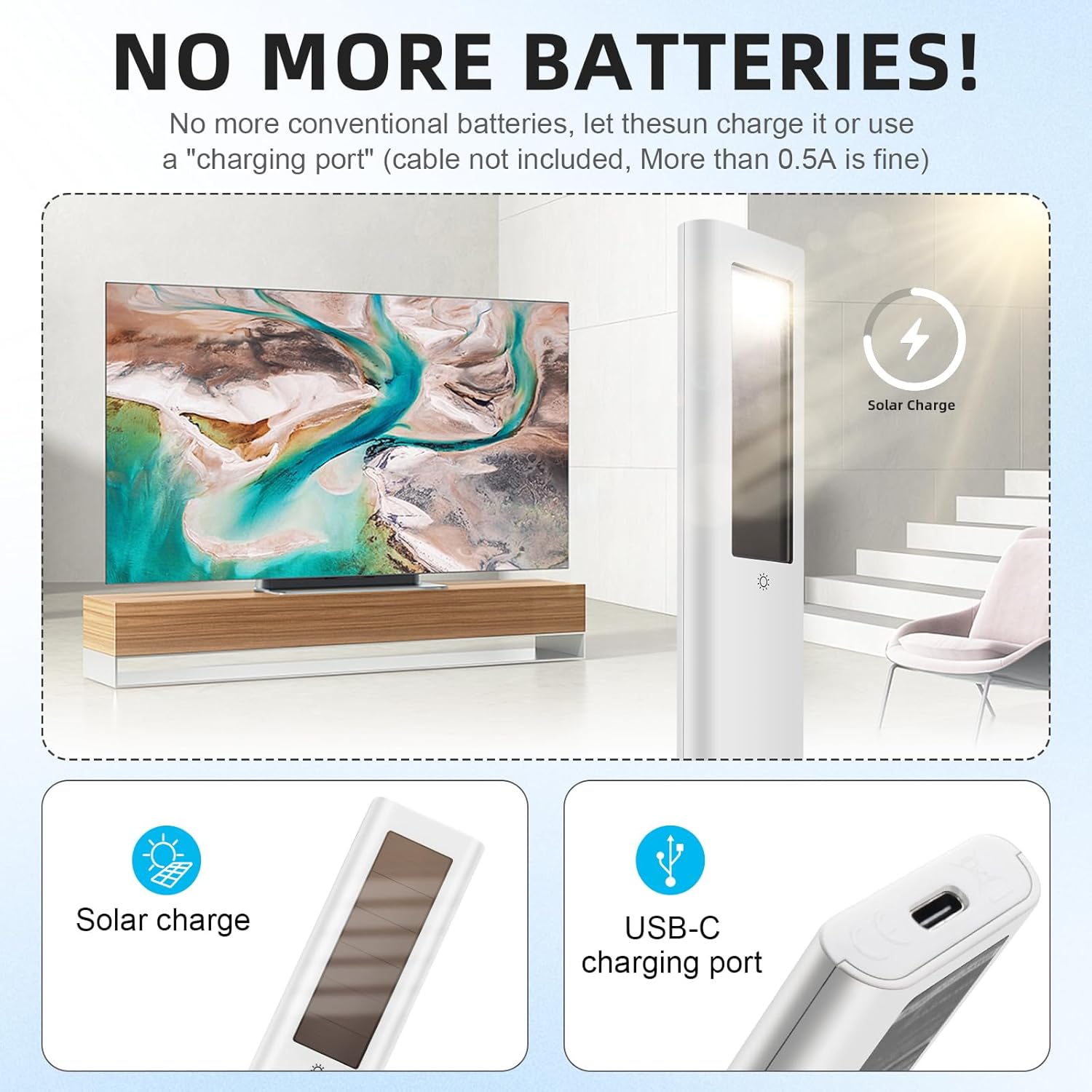
If your Samsung remote has you constantly hunting for fresh batteries, this BN59-01391A solar remote is a practical fix. It uses solar charging technology with a built-in rechargeable battery, so day-to-day use can feel less like maintenance and more like “set it down and forget it.” On top of that, it adds voice search control and one-touch streaming buttons for major services.
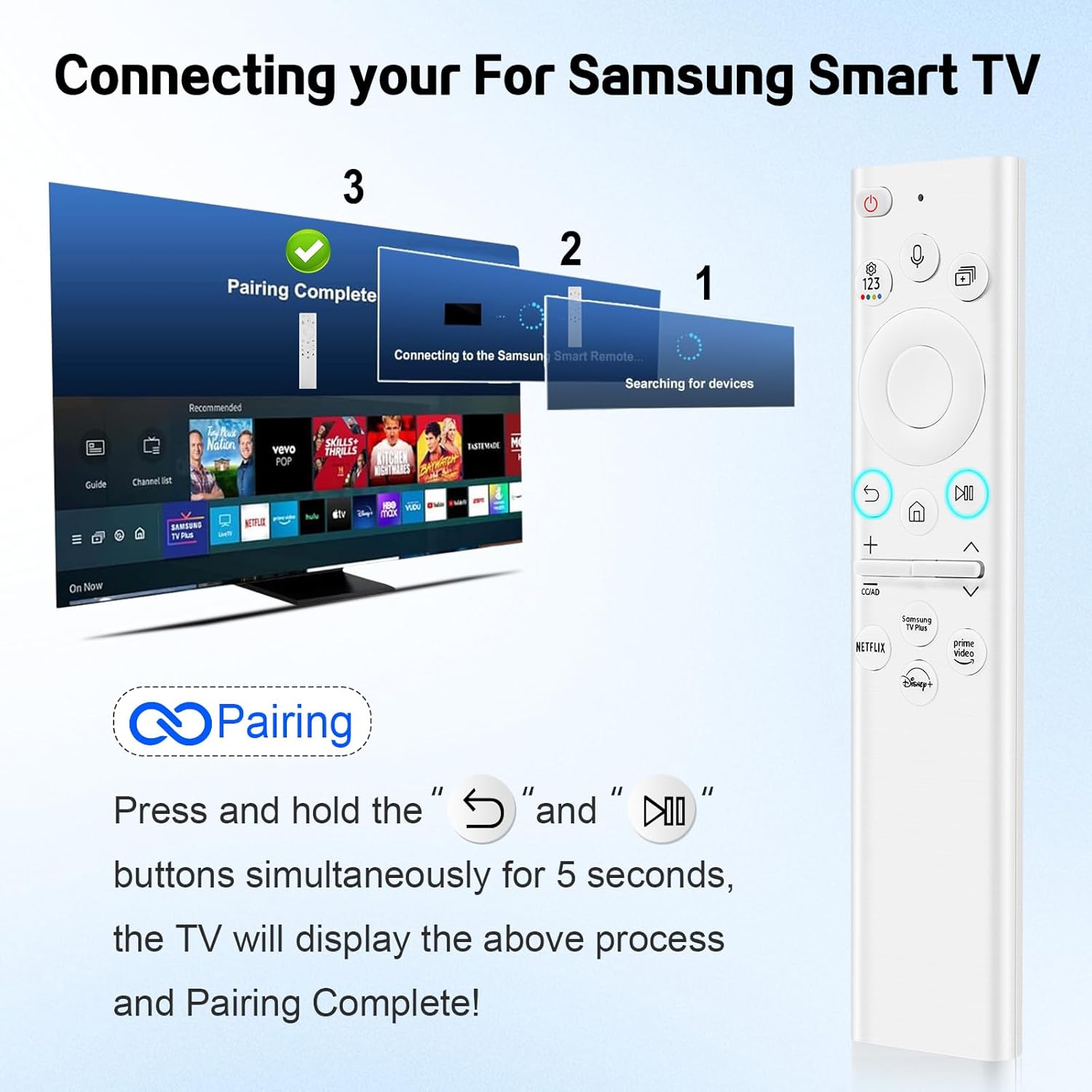
One thing to keep in mind: like most voice-enabled remotes, it needs pairing with the TV before the voice features work. So it’s not something you can just drop in and expect full functionality instantly.
Key features that show up fast in daily use
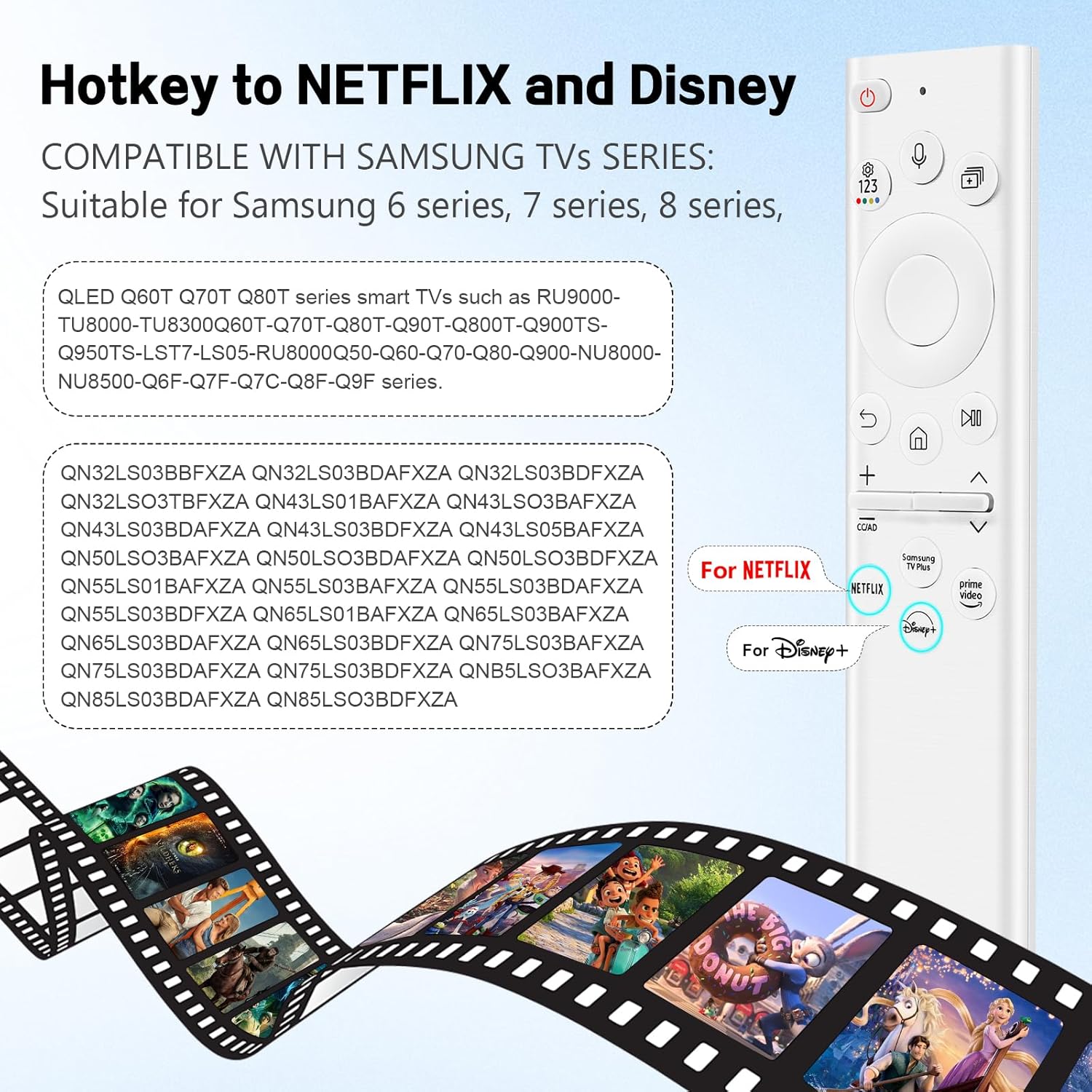
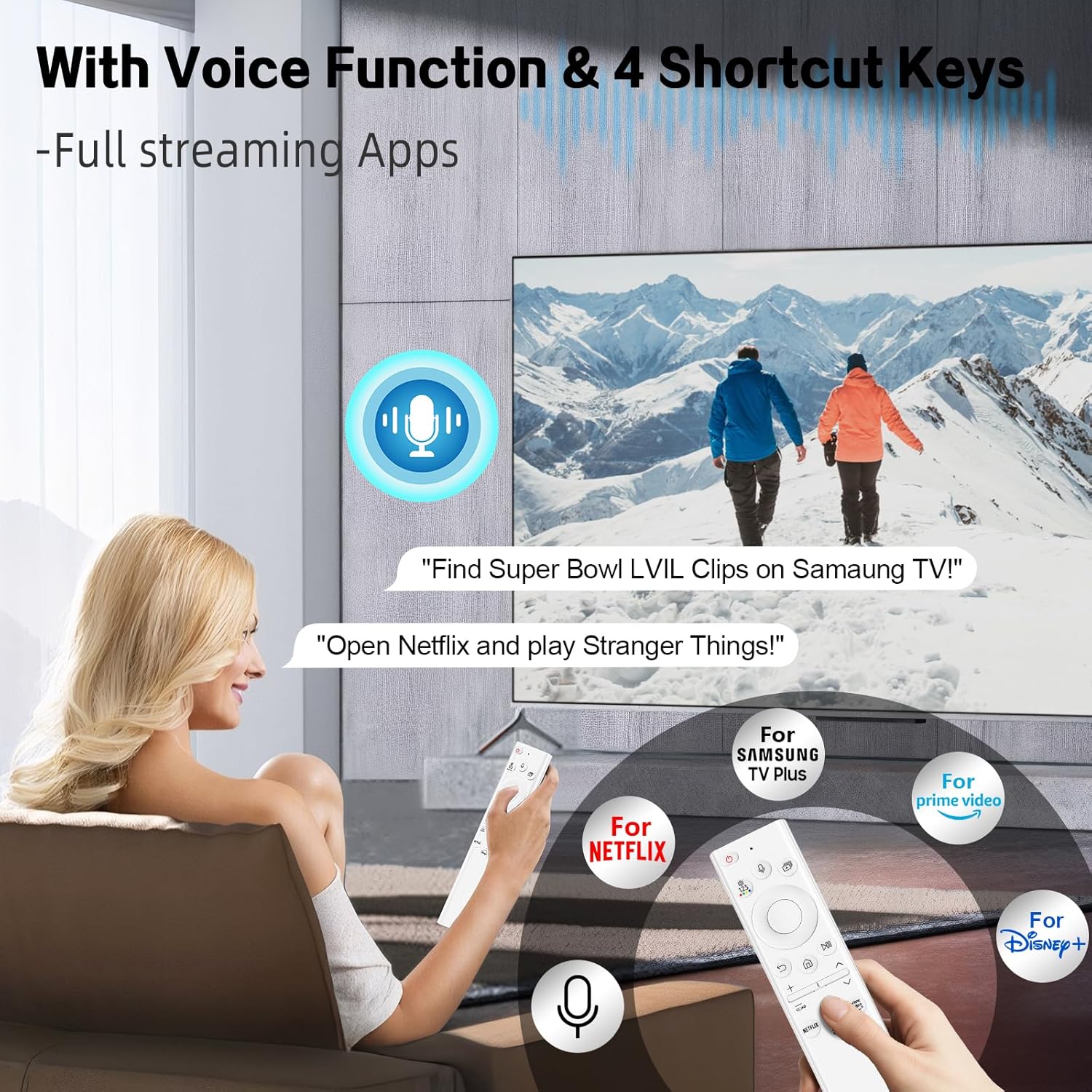
The headline features are simple, and that’s the point. You get voice search support, plus four dedicated buttons aimed at popular streaming platforms (including Samsung TV Plus, Netflix, Prime Video, and Disney+). In practice, that means fewer menu hops when you’re trying to open an app quickly, and more natural searching when you’d rather talk than scroll.
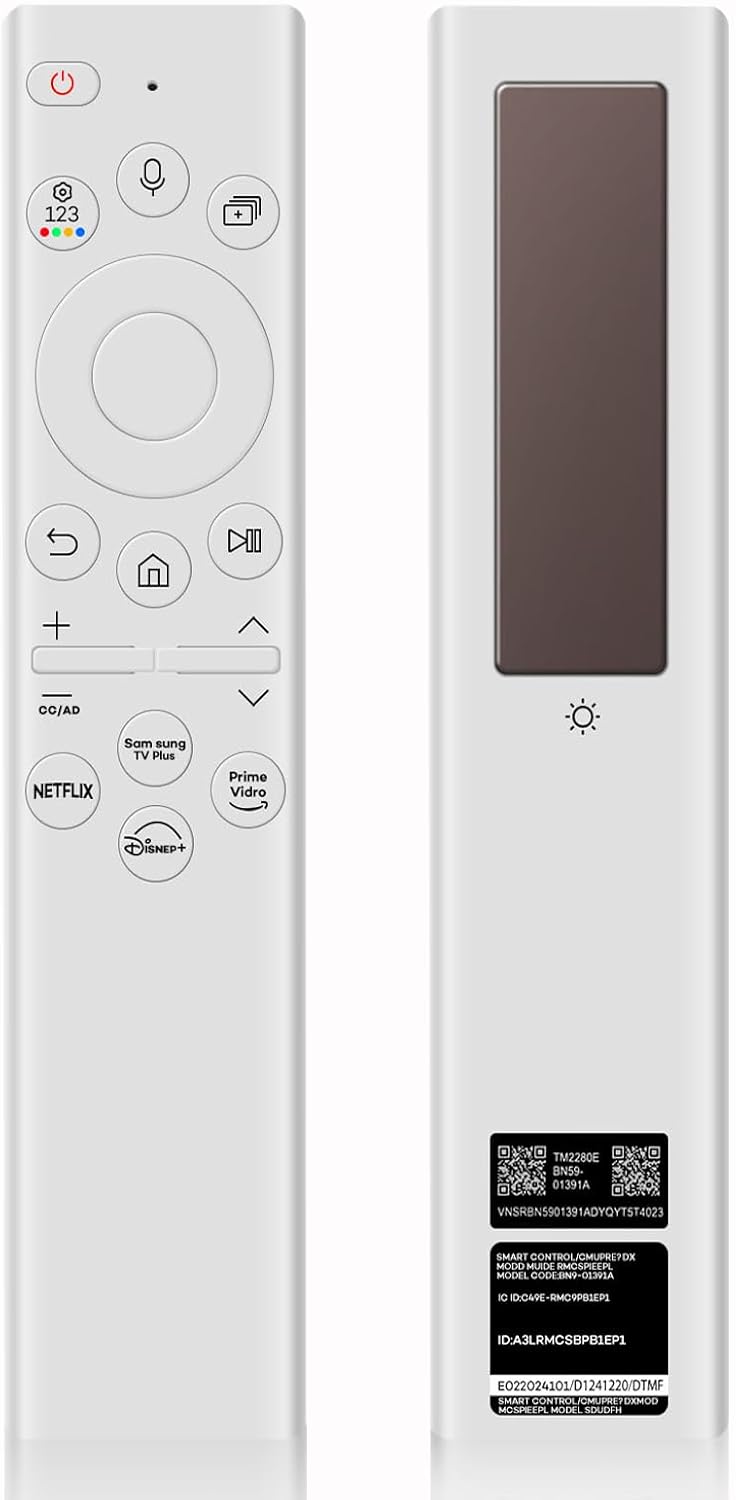
The solar + rechargeable approach is the other big deal. There’s also an indicator light that comes on when charging normally, which helps you understand charging status at a glance. If you keep the TV area near a bright window or light source, it’s the kind of remote that can stay ready without constant battery replacements.
The tech approach: solar charging + rechargeable battery (and what to expect)
This remote is designed around charging convenience. It combines solar charging with a built-in rechargeable battery, and it supports USB Type-C charging. That’s useful because solar alone depends on light conditions—so if your room is dim, having USB Type-C charging as a fallback can save you.
There’s also a real-world workflow detail: it needs specific steps to pair with the TV before first use for voice. If you’re the type who hates setup time, that limitation may feel annoying at first.
Compatibility and what you should double-check before buying
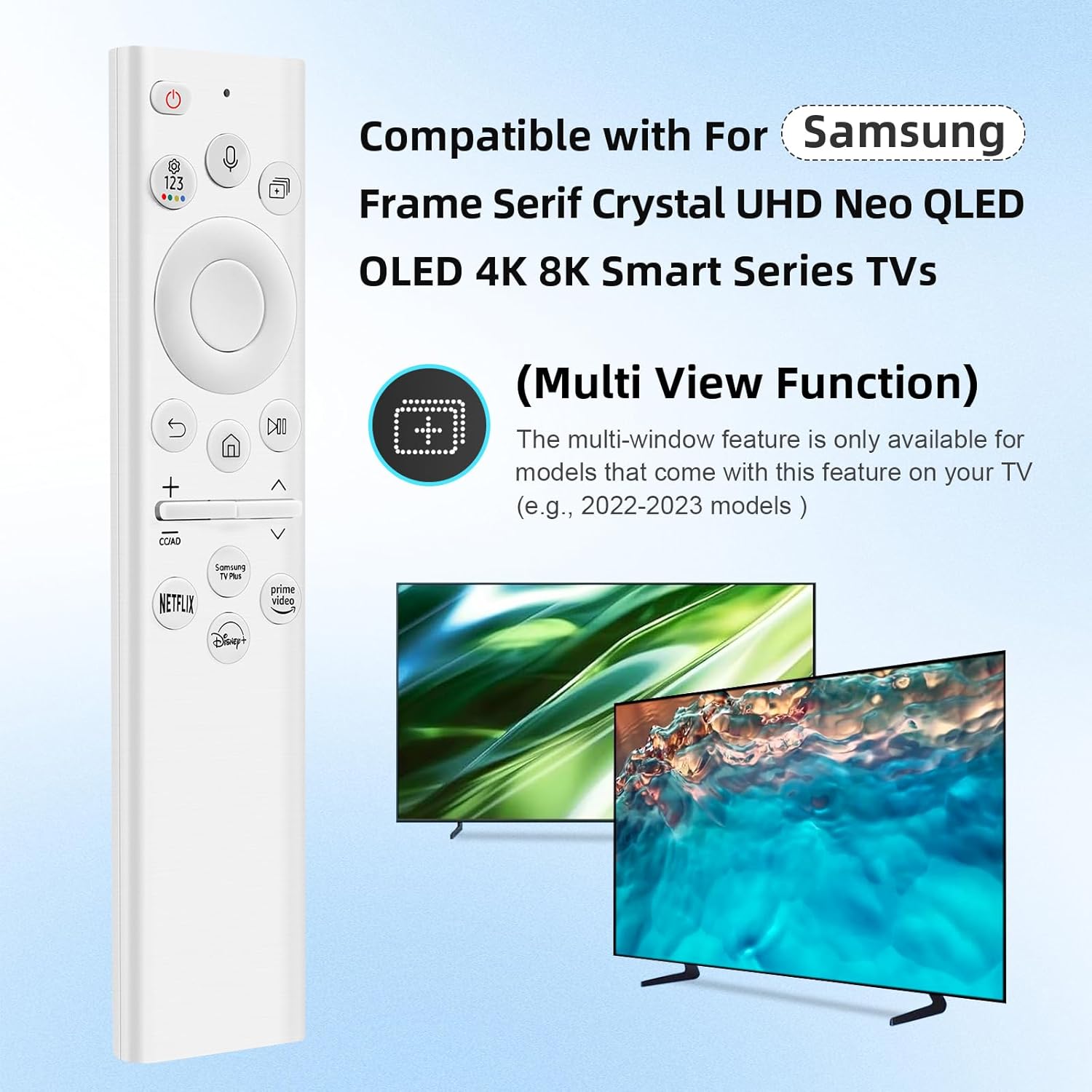
This BN59-01391A is listed as compatible with specific Samsung remote control models (including BN59-01259E, BN59-01312B/H/G, BN59-01312F, BN59-01312M, BN59-01312A, BN59-01199F, BN59-01259B, BN59-01260A, BN59-01266A, BN59-01241A, BN59-01301A).
It’s also tied to Samsung TV series and models in the listing—covering Samsung 6, 7, and 8 series, plus QLED lines referenced in the description (example series mentioned include Q60T, Q70T, Q80T, and others listed there). If your TV model isn’t in the provided list, it may not pair or function as expected, especially for voice.
A practical way to avoid disappointment: check both the TV model you have and the remote model compatibility listed in the product information before you order.
What stands out vs. more basic remotes
Compared with traditional remotes that rely entirely on disposable batteries, the solar + rechargeable setup can reduce the “routine chore” factor. The indicator light and the USB Type-C charging support add a layer of reassurance: you’re not completely dependent on sunlight.
The voice search is also a noticeable upgrade in comfort—rather than digging through text entry, you can press and issue commands more directly. That said, voice isn’t always equally useful for every household, if you mainly browse channels and never search, you might feel like it’s more feature than you actually need.
Pros and limits to weigh
Where it shines - Solar charging with a built-in rechargeable battery can cut down frequent battery swaps. - Voice search support for faster, more natural control. - Four one-touch streaming buttons for quick app launching.
Worth noting (possible downsides) - Voice functionality requires pairing steps before first use. - Solar performance can depend on room lighting, USB Type-C charging helps, but it still means you’ll likely plug it in sometimes. - If your TV model isn’t included in the compatibility list, you may run into limitations.
How to use it after setup (a quick example)
After pairing the remote to your Samsung TV, try this: press the streaming button for the service you usually watch, and use voice search to find something specific without scrolling through on-screen text. For a typical evening, it can turn “open the app, then hunt” into “tap, then ask,” which is exactly where a voice remote tends to feel worth it.
In the box
The listing text provided doesn’t specify what’s included beyond describing the remote itself. If you need accessories (like charging cable or mounting/bracket components), you’ll want to confirm from the product listing details.
Is it worth it?
This BN59-01391A solar remote is a solid buy if you want a Samsung-compatible replacement that reduces battery hassle, and you’ll actually use voice search or the dedicated streaming buttons. It makes the most sense when you have a compatible Samsung TV (as listed) and you’re okay with pairing during first setup.
You may want to skip it if you don’t want to deal with pairing steps, your TV model is outside the compatibility list, or you prefer a very basic remote experience where solar/recharge features don’t matter to you.
If you’re trying to solve the “constant battery replacement” problem while still keeping quick streaming access, it’s the kind of feature-forward replacement that can be worth the effort—just make sure the TV/remote compatibility details match your exact setup.
Final verdict
If you’re confident your Samsung TV model fits the compatibility info and you’re looking for less battery maintenance plus voice control, this is the type of remote that can feel genuinely more convenient than a standard replacement. If compatibility is uncertain or you’re not interested in voice search, it may be more feature than you’ll benefit from.
Quick FAQ
Does this remote need pairing before voice search works?
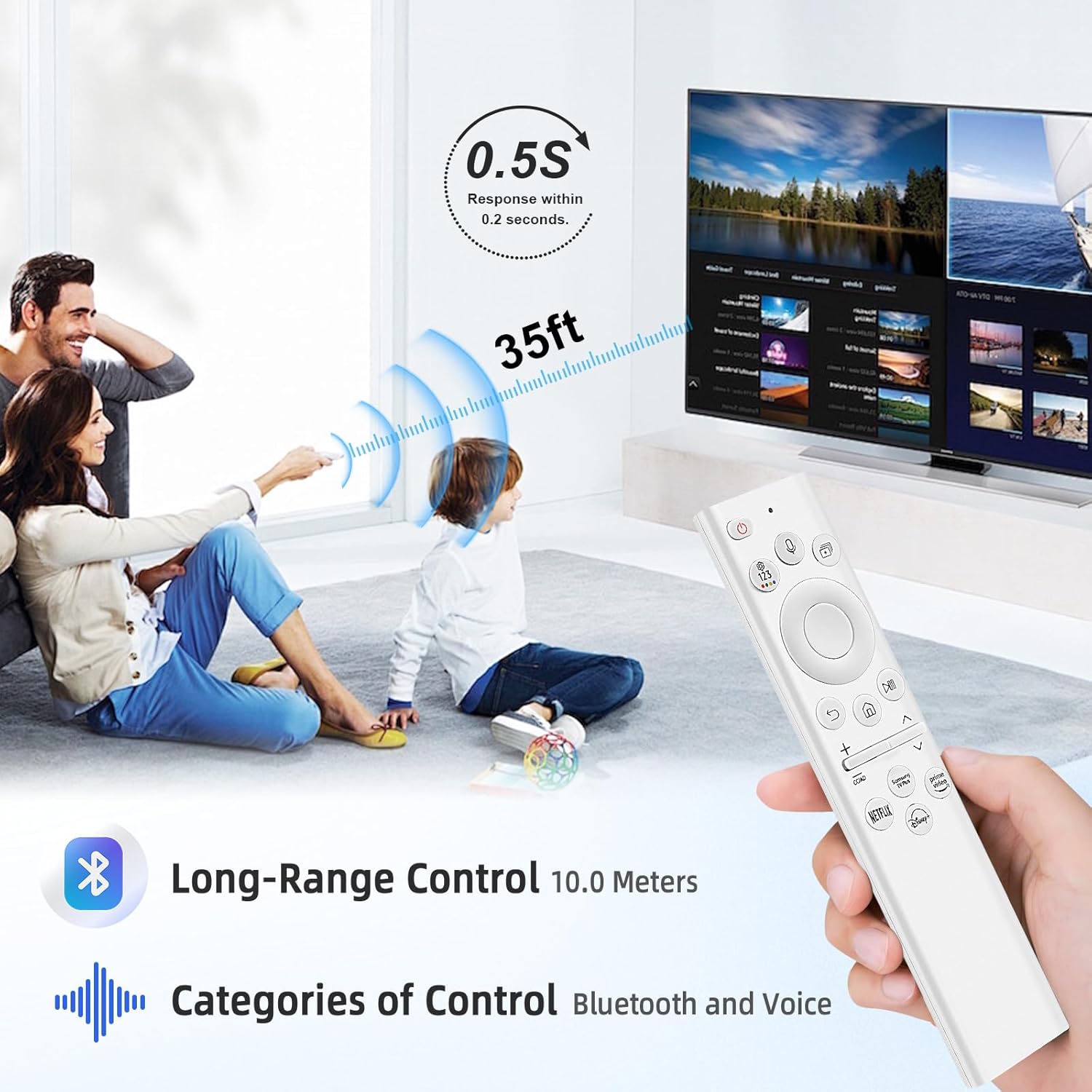
Yes. The description says the remote requires specific pairing steps before first use to use the voice function.
How does the solar charging work?
It uses solar charging technology combined with a built-in rechargeable battery, and it also supports USB Type-C charging.
What streaming services are covered by the dedicated buttons?
The description lists Samsung TV Plus, Netflix, Prime Video, and Disney+.
Is it compatible with any Samsung TV?
No—the provided information includes specific compatible Samsung remote models and Samsung TV series/models. Check your TV model against the listing details.
Where can charging status be seen?
The description notes an indicator light that lights up during normal charging to show charging status.