

PS5 Controller Charger Dual-Sensing Edge Charging Station (6 LED + RGB Modes) for PS5 Slim/Pro
Reviews
Price
Product description
The essentials (what it does)
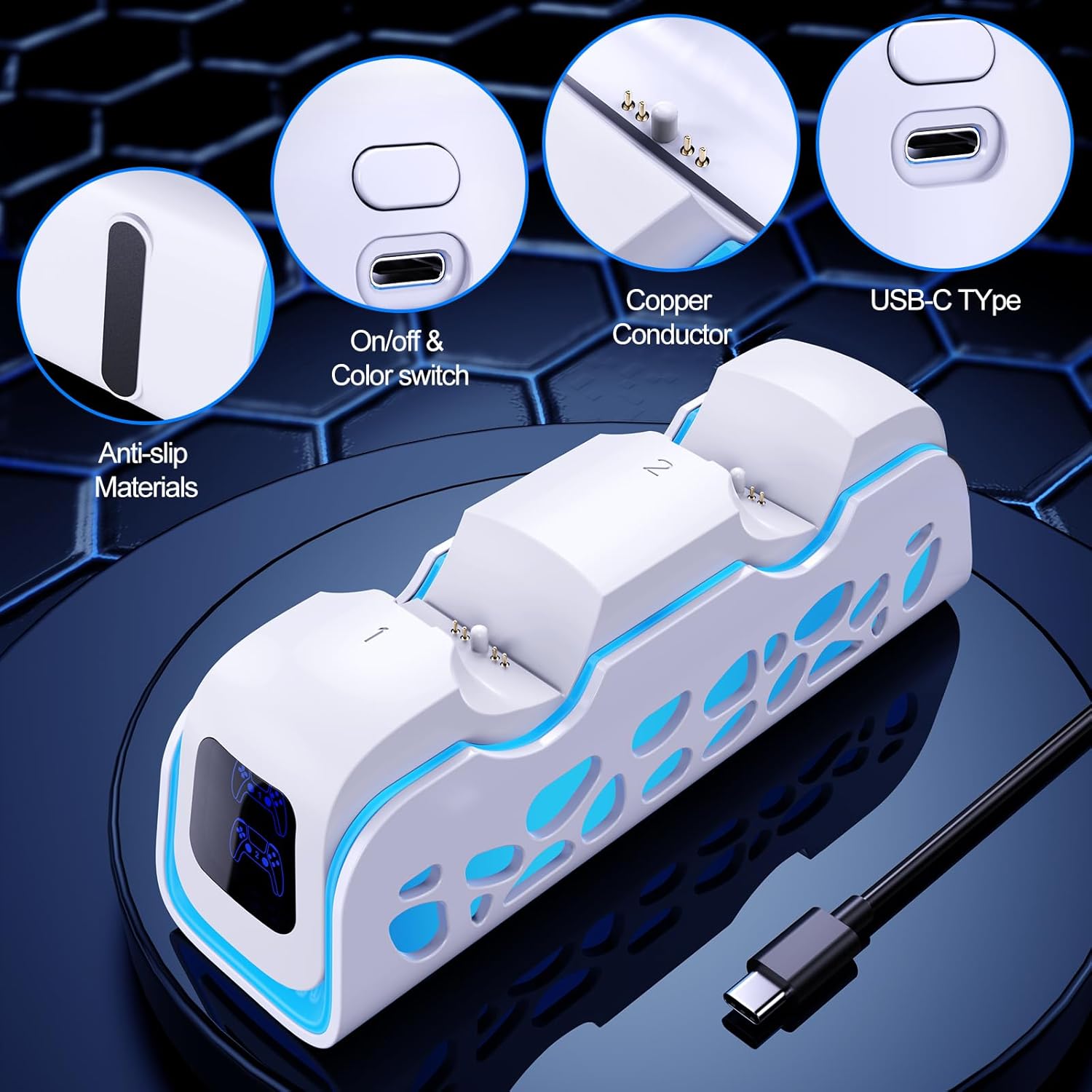
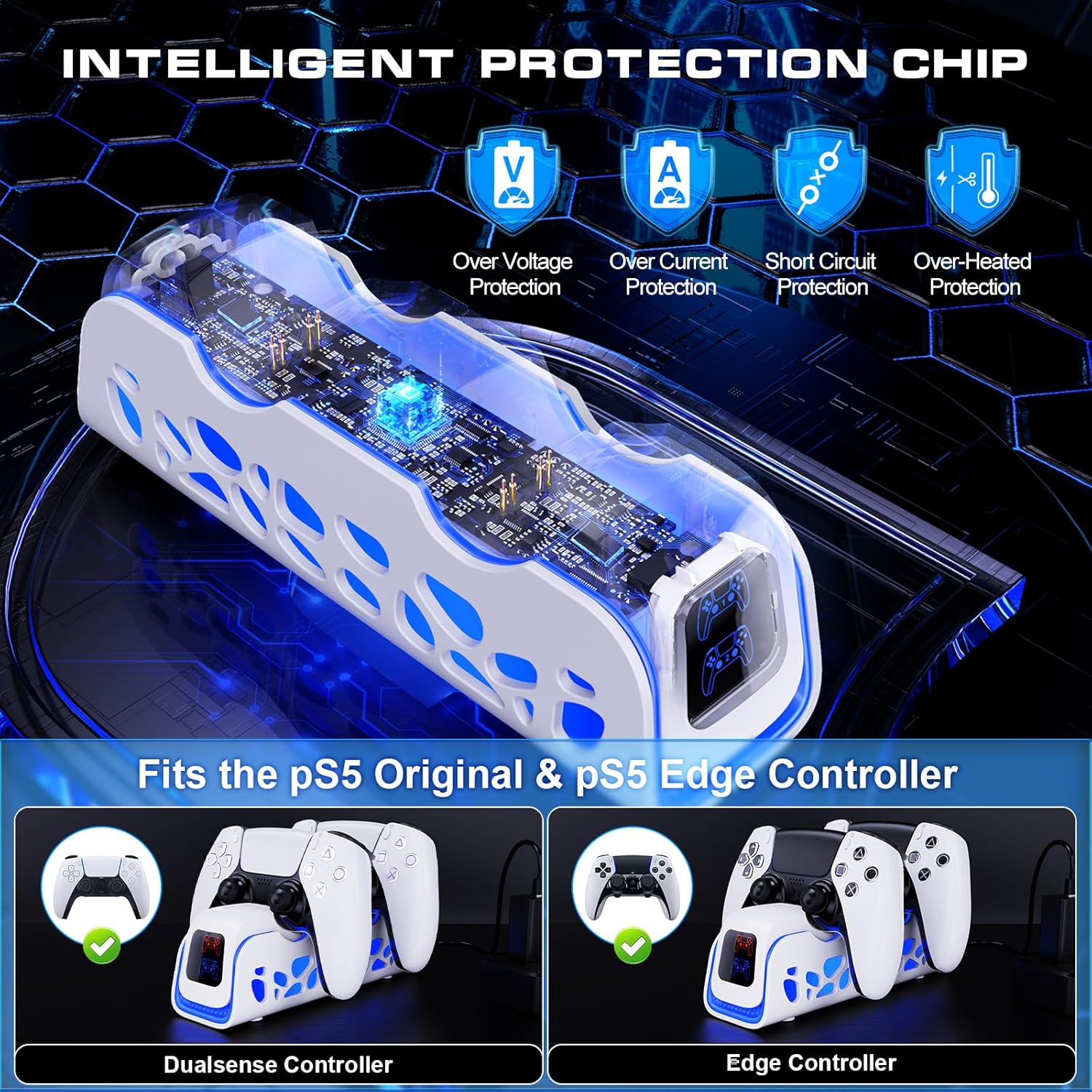
This PS5 controller charger charging station is built around one job: make controller charging feel simple. Instead of dealing with cables every time, you place your compatible Dual-Sensing/Edge-style controller onto the dock and it aligns for automatic charging. The included USB cable is meant to give you flexible setup options, whether you connect it to a PS5, a laptop, or a compatible adapter.
On top of charging, the dock is also designed as a controller base—so you can keep controllers more organized and off your desk clutter. It’s not a “fast-charging gaming gadget” kind of product on paper, it’s more of a practical daily convenience item.
What to know about the lighting and modes

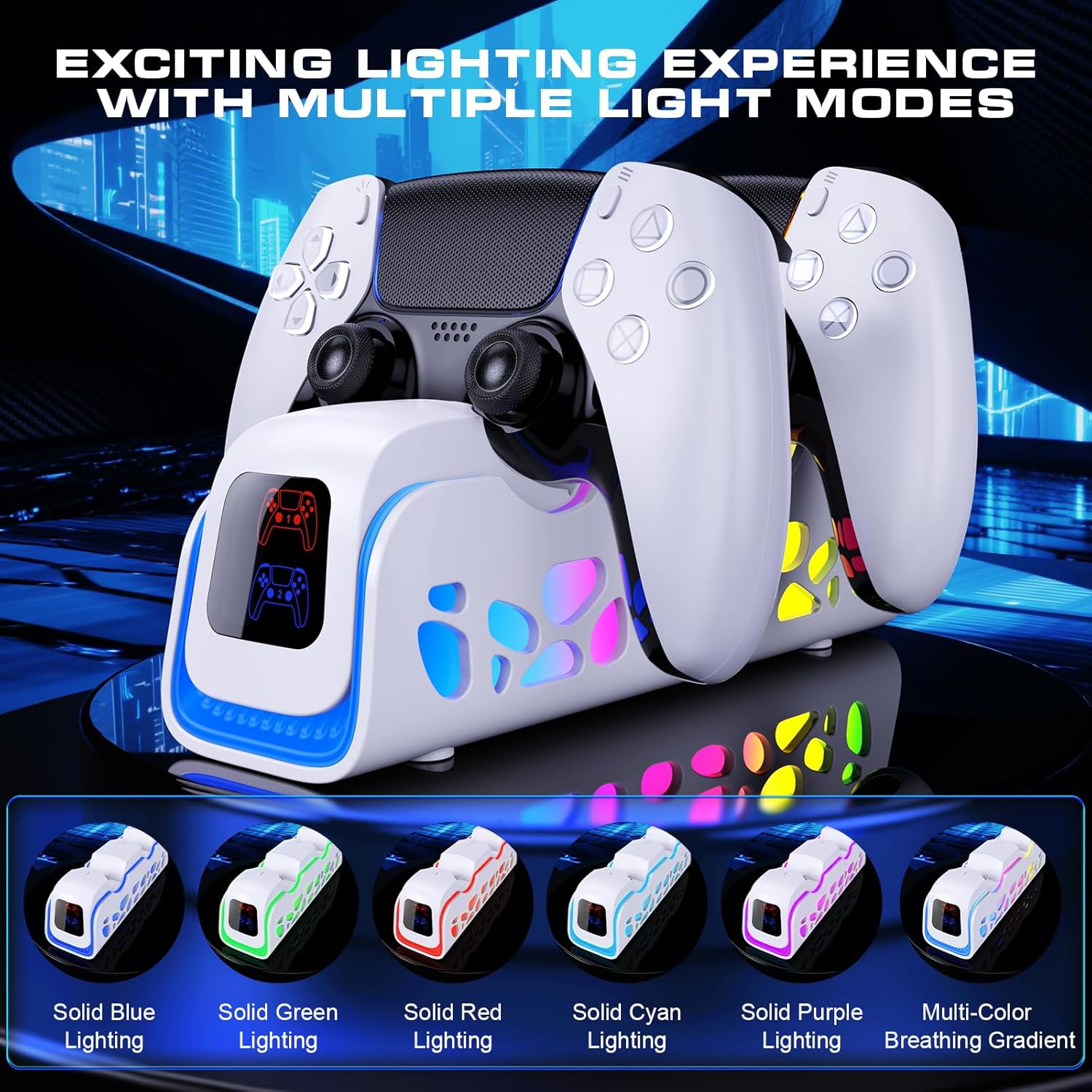
If you like a little visual flair, the station includes 6 LED lighting modes plus RGB touch keys. The modes are switchable by “one click,” including static, breathing, and dynamic-style options (with a slow breathing mode mentioned in the description).
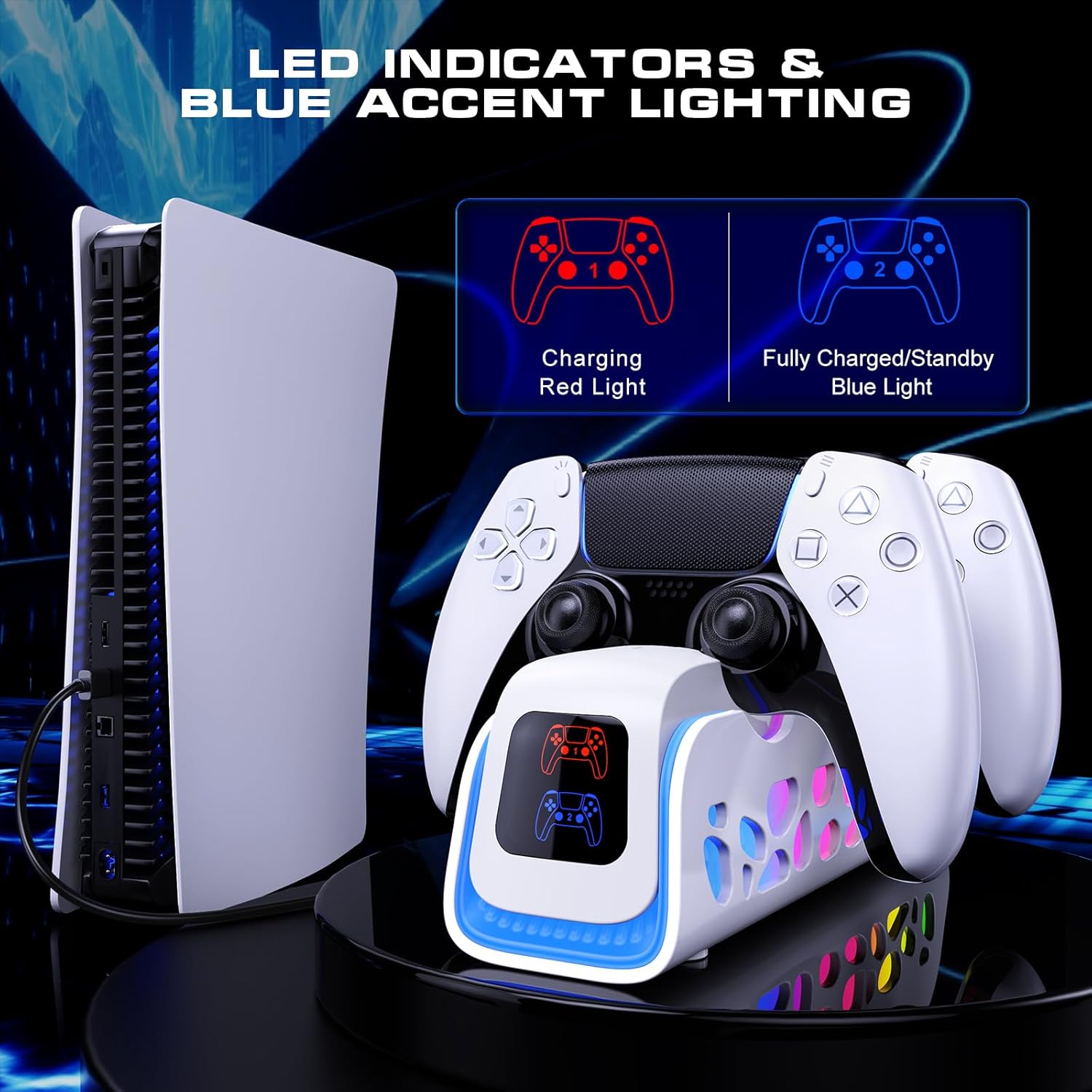
There’s also a simple charge-status indicator: red when charging, and blue when the controller is not charging or has reached a full/charged state. That’s helpful because it reduces guesswork—though do note that the description doesn’t spell out whether blue means “fully charged only” or “not charging in general,” so you may want to pay attention at first to how your setup behaves.
Charging safety: the part you shouldn’t skip
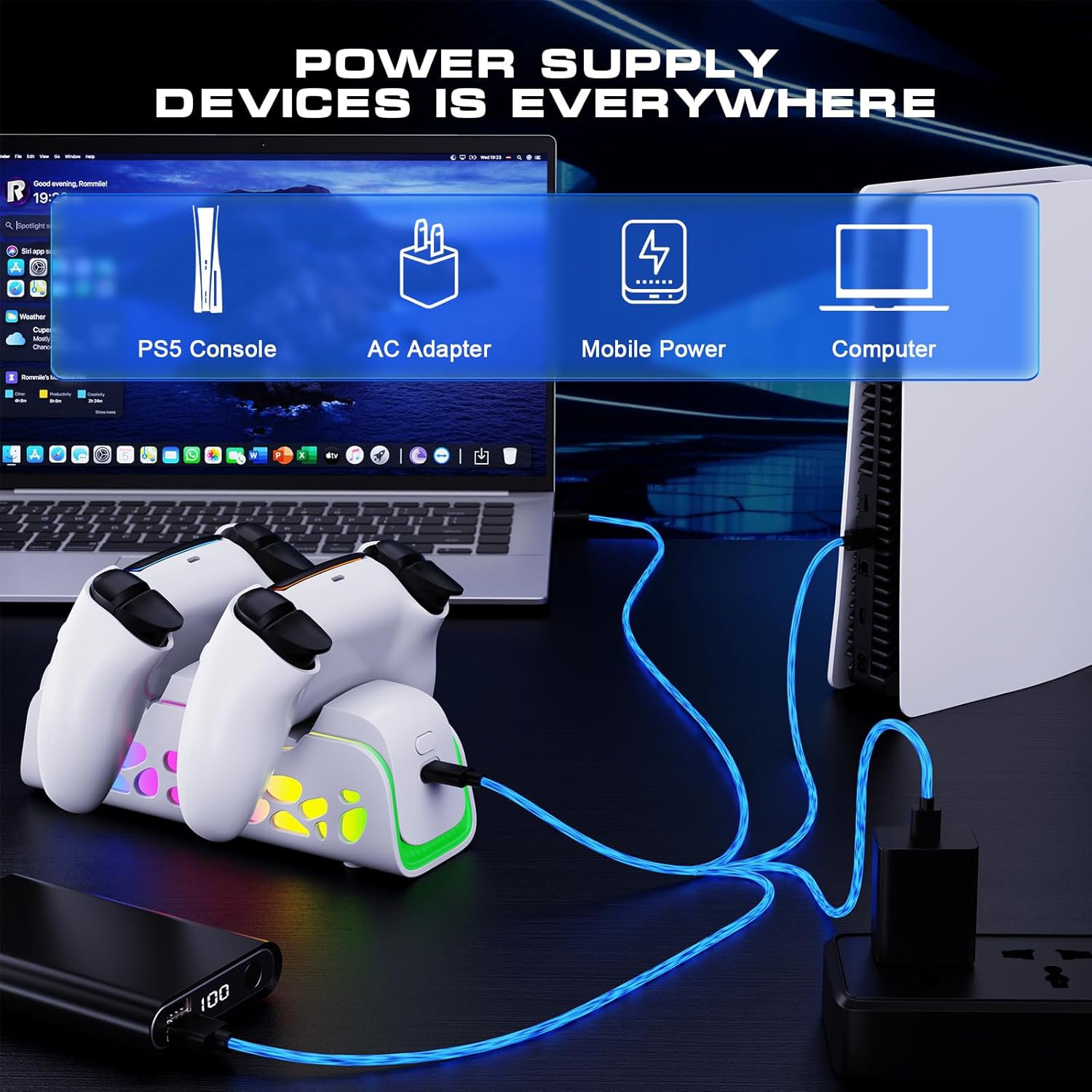
This model claims to use an intelligent charging chip that detects battery levels automatically. The idea is that once the battery is full, it switches to a trickle charge approach to help avoid overcharging.
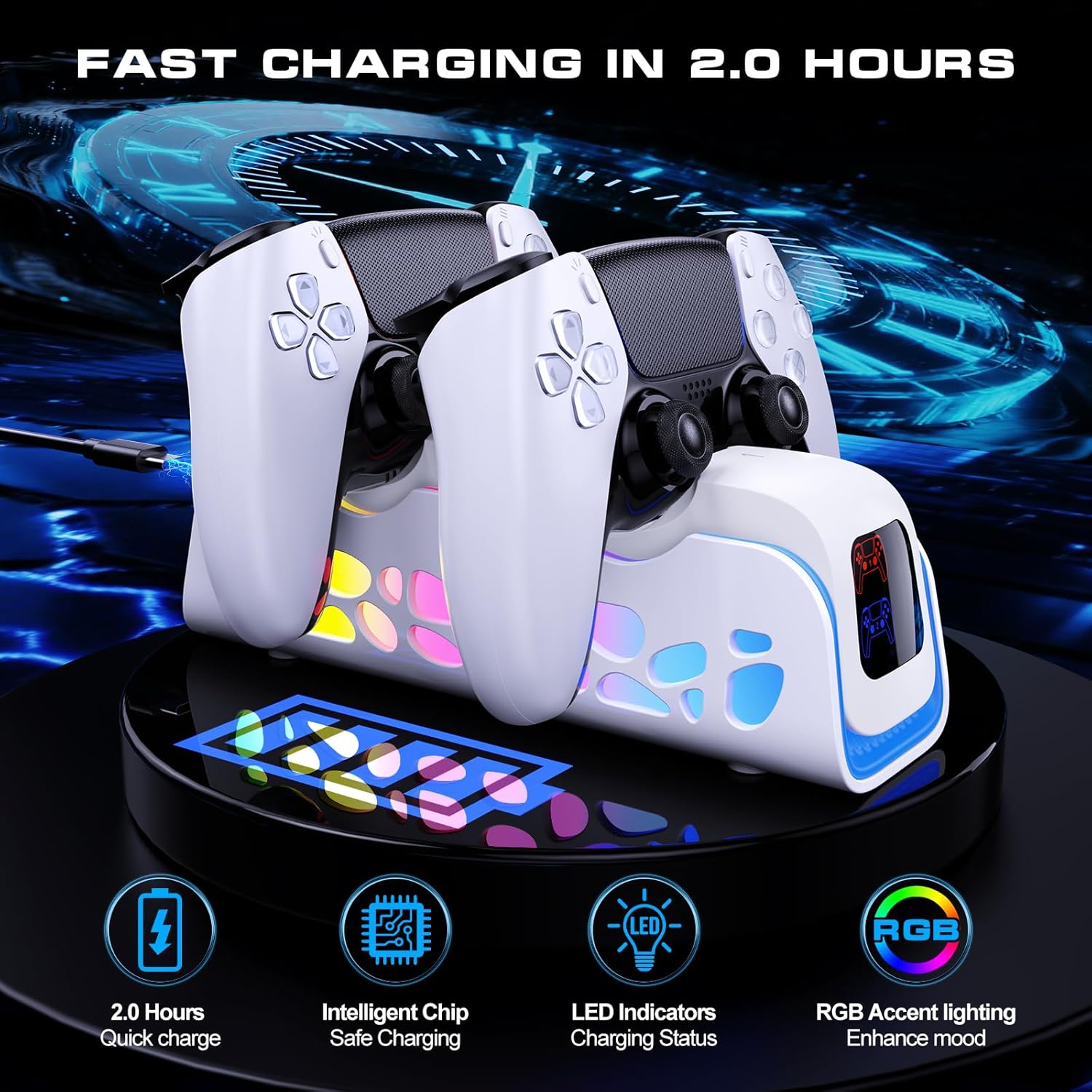
It also highlights protection against over-voltage, over-current, and short circuits. For most people, this is the difference between “it works” and “it feels safer to leave plugged in.” Still, as with any charging accessory, you’ll want to follow the manufacturer’s intended use and keep the dock stable where it sits.
Where it shines in real life
The most noticeable benefit here is the routine. Imagine you’re done with a session: instead of searching for the right cable end and lining it up, you just set the controller on the dock. The description specifically mentions alignment and a stable base that helps prevent tipping, which matters if your setup is on a busy shelf.
It also helps if you keep more than one controller around. Using a dedicated charging dock as a base means your controllers have a “home,” and you’re less likely to misplace cords.
Who it’s for (and who should think twice)
It makes sense if you want a clean, cable-free charging habit for Dual-Sensing and Edge controllers, and you appreciate lighting/mode switching for a more “desk setup” feel.
It may not be the best match if you’re expecting a high-end charging feature set beyond standard dock behavior, because the description focuses on convenience, safety protections, and indicators—not on charging speed specs. Also, if you don’t care about LED/RGB modes, you may find you’re paying a bit for features you won’t use.
Technical details you can rely on (from the description)
- Auto-align charging when you place the controller on the dock
- Included USB cable for connecting to PS5, laptop, or an adapter
- Compatibility stated for dual-sensing and Edge controllers
- LED indicators: red for charging, blue when not charged or fully charged
- 6 LED lighting modes plus RGB touch key control
- Intelligent charging chip with battery level detection and trickle charge when full
- Safety protections mentioned: over-voltage, over-current, and short circuits
- Stable base designed to prevent tipping
In the box and setup expectations
The description confirms an included USB cable, but it doesn’t list anything else specifically. So before you buy, it’s worth double-checking what’s included in the listing details on amazon US and confirming whether you already own the right controller model for the dock’s stated compatibility.
Mini FAQ
1) Does it require plugging the controller in every time?
No—according to the description, you place the controller on the charging dock, and it aligns for automatic charging, aiming to remove the cable hassle.
2) What do the LED colors mean?
It says the light is red while charging, and blue when the controller is not charged or is fully charged. If you’re new to the dock, watch the first cycle so you understand which “blue” state your setup shows.
3) Can you change the lighting modes?
Yes. The station supports 6 LED lighting modes and RGB touch keys, with mode switching described as easy via one click.
4) Is it meant to be safe for leaving plugged in?
The description claims intelligent charging behavior (switching to trickle charge when full) plus protection against over-voltage, over-current, and short circuits—so it’s designed with safety in mind.
5) Is this only for PS5 controllers?
It’s described as suitable for Dual-Sensing and Edge PS5 remote control accessories, and it’s positioned as a PS5 controller charger and charging station.
Should you buy it?
Buy it if you want an organized, cable-light charging routine for Dual-Sensing and Edge-style controllers, and you value a dock with clear charging indicators and optional LED/RGB modes. It’s especially attractive if you’re tired of controller cords on the desk and prefer a stable base that keeps everything in one spot.
Skip it if you mainly care about charging speed (the description doesn’t provide speed specs), or if lighting/RGB modes aren’t your thing—then it may feel like extra features for a job that could be simpler. And if you’re unsure your controller model matches the stated compatibility, verify that before committing.