

PowerA 4-Port Hi-Speed USB Hub 6 ft
Reviews
Price
Product description
This compact USB hub expands a Switch dock with four extra USB 2.0 ports so you can plug in more wired controllers and accessories, keeping gameplay uninterrupted and setups neater. If you need extra inputs for local multiplayer or a streamlined tournament rig, this hub makes connection easy and predictable, and it works from any USB-A port on the Nintendo Switch dock.
Key features
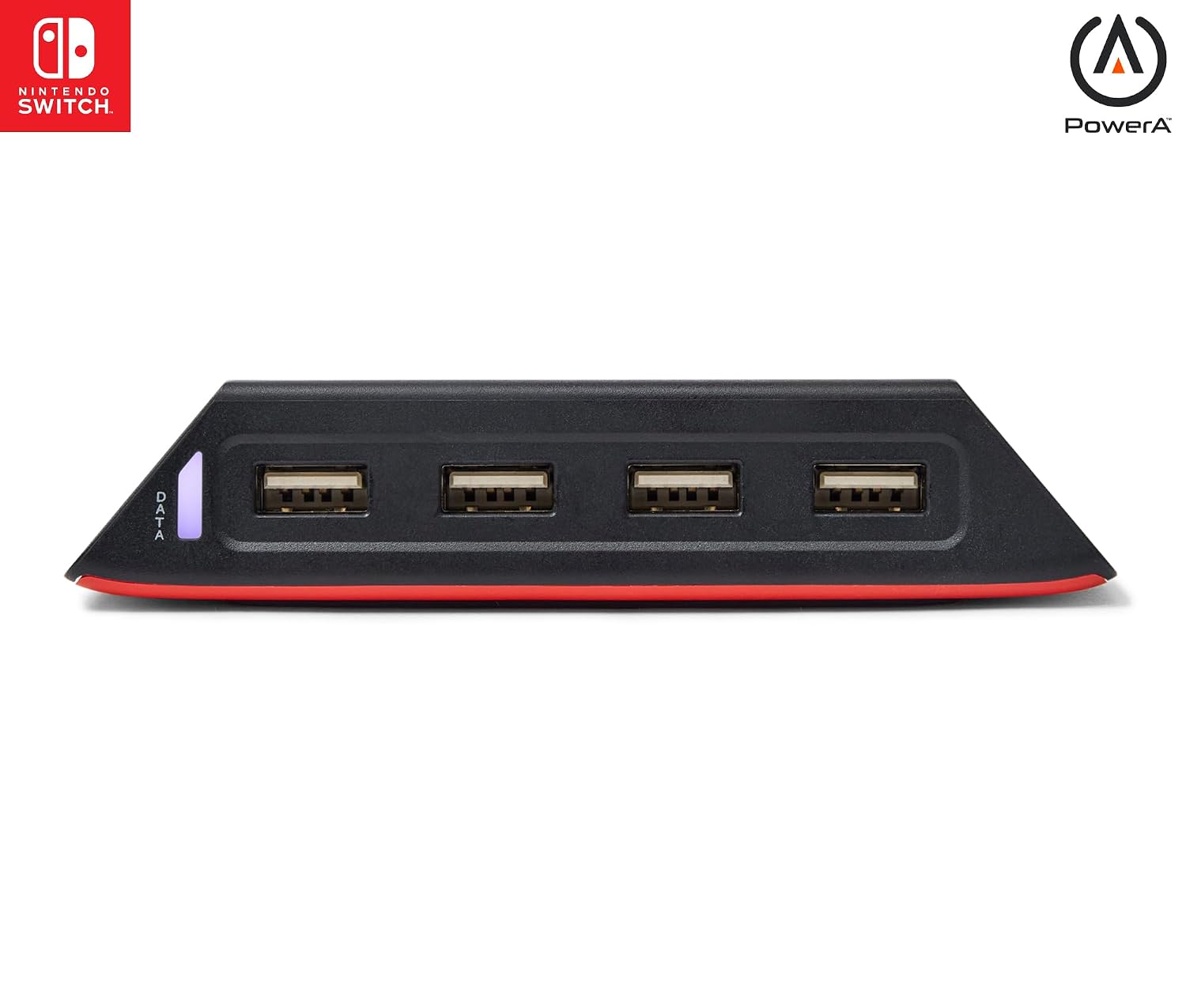
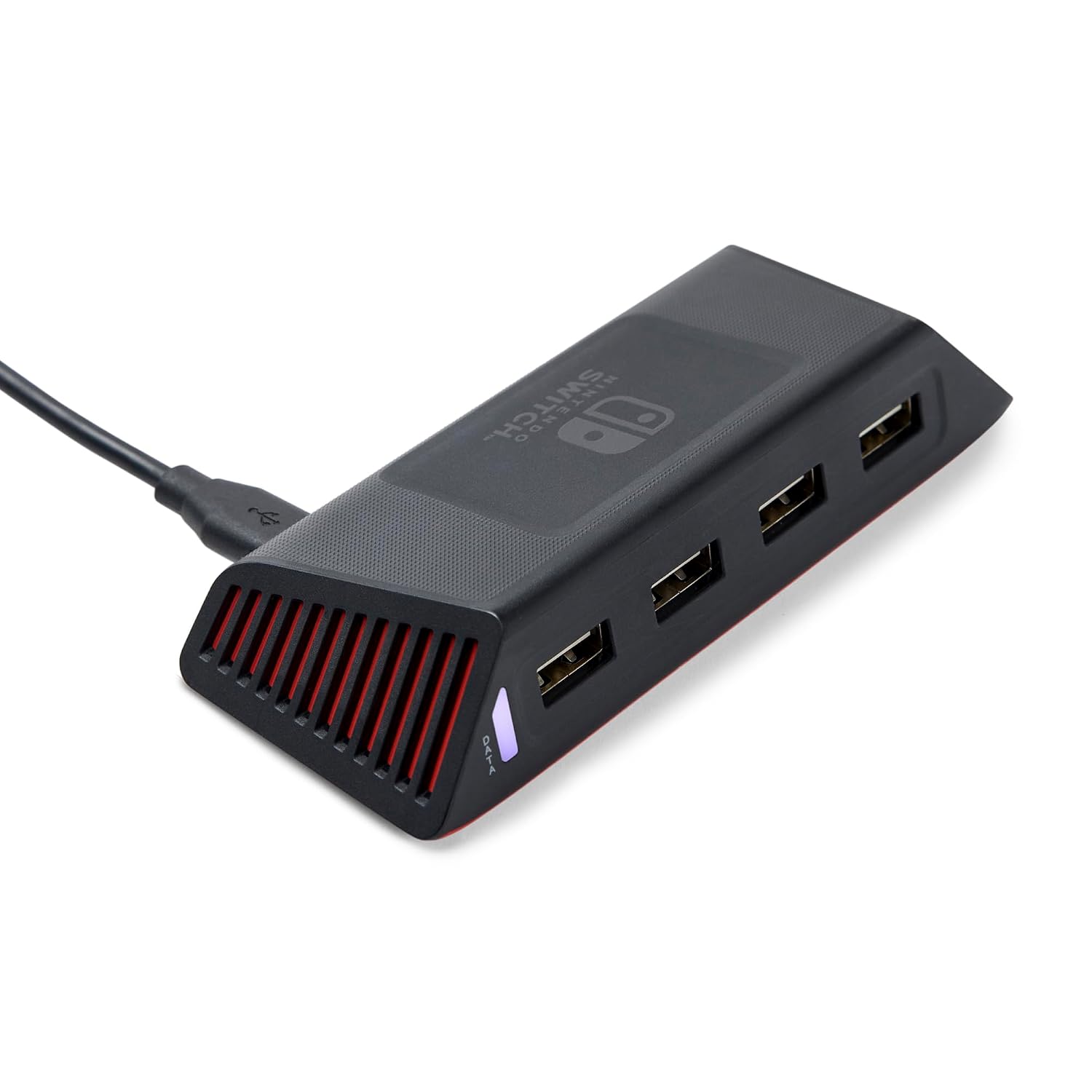
The hub solves a common problem for local multiplayer, adding four high-speed USB 2.0 ports to a Switch dock so extra PowerA wired controllers and other compatible accessories can be used at once. It comes with a 6 ft USB cable that gives placement freedom, letting you position the hub where ports are accessible and cables stay tidy. The weighted base helps prevent accidental movement during intense play, and a small LED confirms system connection for quick troubleshooting. Note that it connects to the dock’s USB-A port and does not replace wireless controllers, according to the manufacturer, wired accessories are the intended use. 🎯
Tech specs
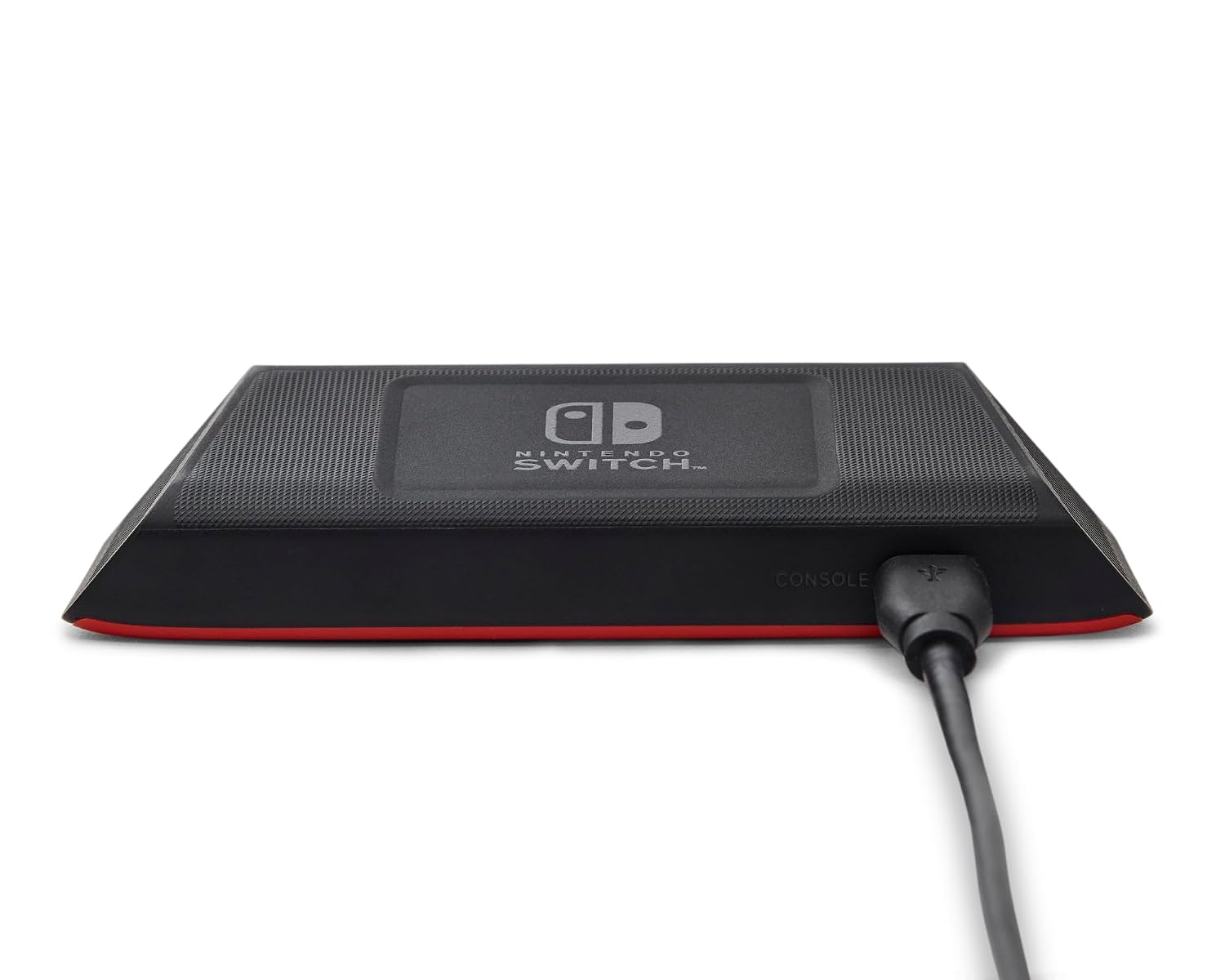
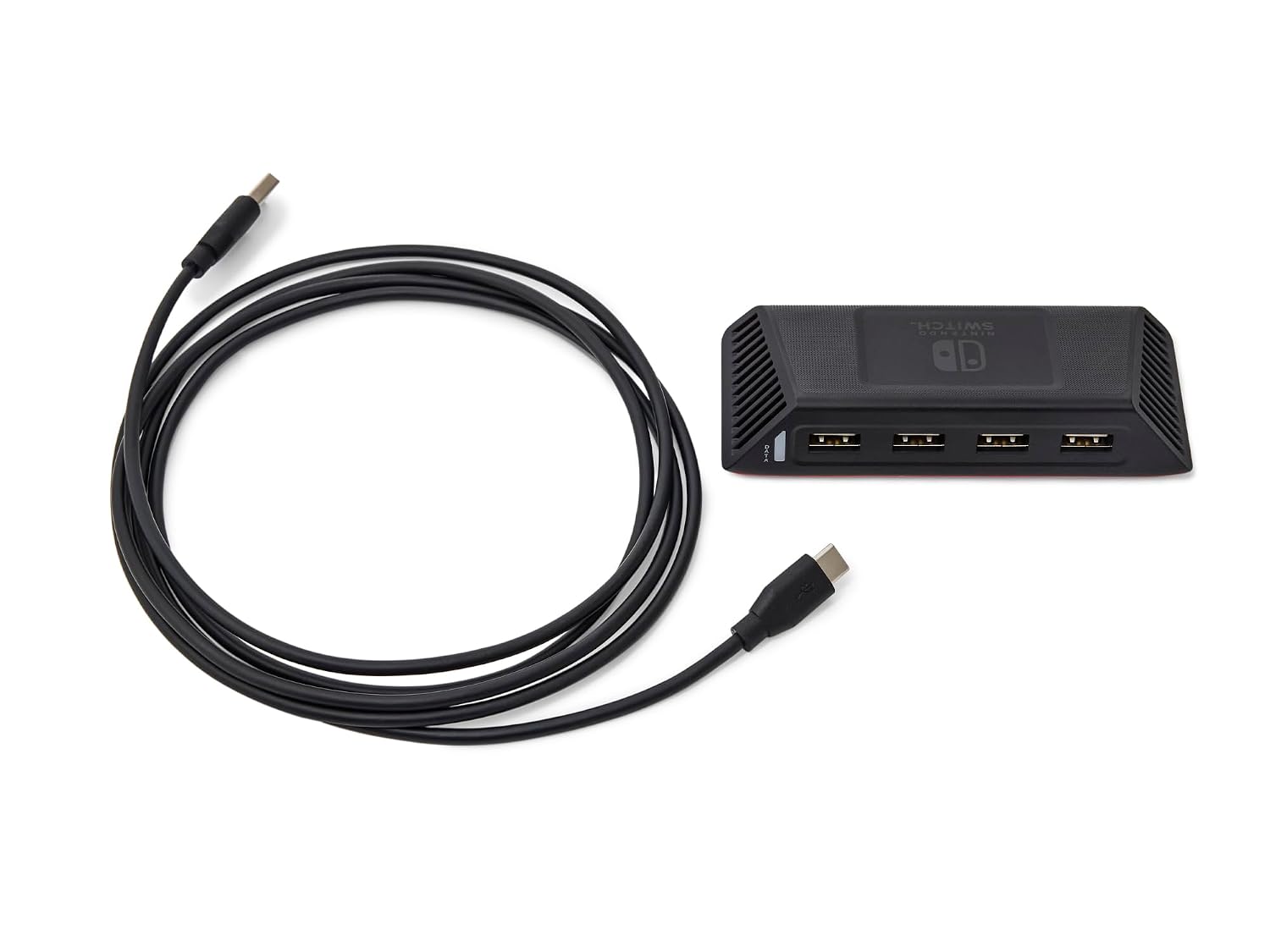
- Reference: PowerA 4-Port Hi-Speed USB Hub for Nintendo Switch
- Type: USB 2.0
- Compatibility: Nintendo Switch dock USB-A port
- Connectivity: Four USB-A ports, 6 ft USB cable
- Material: Plastic base with rubber feet
Best use cases
This hub fits living room setups where controllers are shared, dorms where space and cable reach matter, and small events that need reliable wired inputs. It helps keep cables tidy and reduces the run to the dock when swapping controllers. Keep in mind that latency depends on the controllers used and on the console configuration, so it may not change performance for every accessory. For users who prefer wireless play, this hub is not a wireless adapter but a practical way to increase wired connections.
PowerA 4-Port Hi-Speed USB Hub for Nintendo Switch appears as a simple hardware add-on with clear benefits, such as weighted base stability and an LED indicator for quick status checks. The included 6 ft cable allows flexibility when arranging a gaming area. Overall, it enhances local multiplayer setups without adding complexity to the dock connection.