

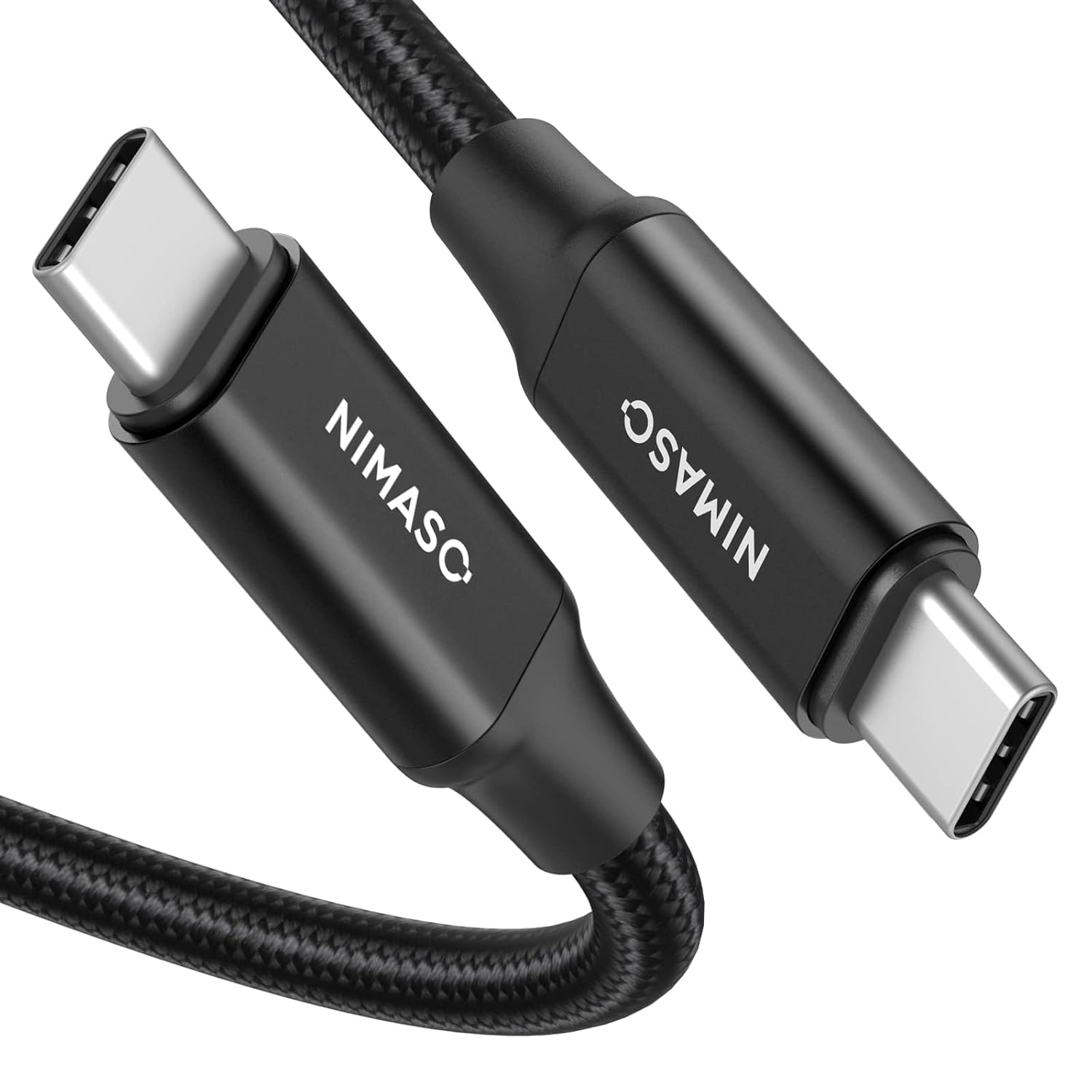
NIMASO USB-C 3.1 Gen 2 Cable (10Gbps) with 100W PD Fast Charging and 4K@60Hz Video Output (10FT)
Product description
What this cable is really for
If you want one USB-C cable that can do more than just charging, this NIMASO USB-C 3.1 Gen 2 cable is aimed at that exact “all-in-one” workflow: fast data transfer, USB-C Power Delivery charging up to 100W, and video output for a USB-C monitor—assuming your devices support the right video mode. It’s the kind of cable you buy when you’re tired of swapping cords during meetings, work sessions, or travel.
A 10ft length also matters more than people think. Over a short desk, a longer cable can reduce cable strain and make positioning a lot easier—like connecting your laptop to a monitor across a conference table without wrestling the placement.
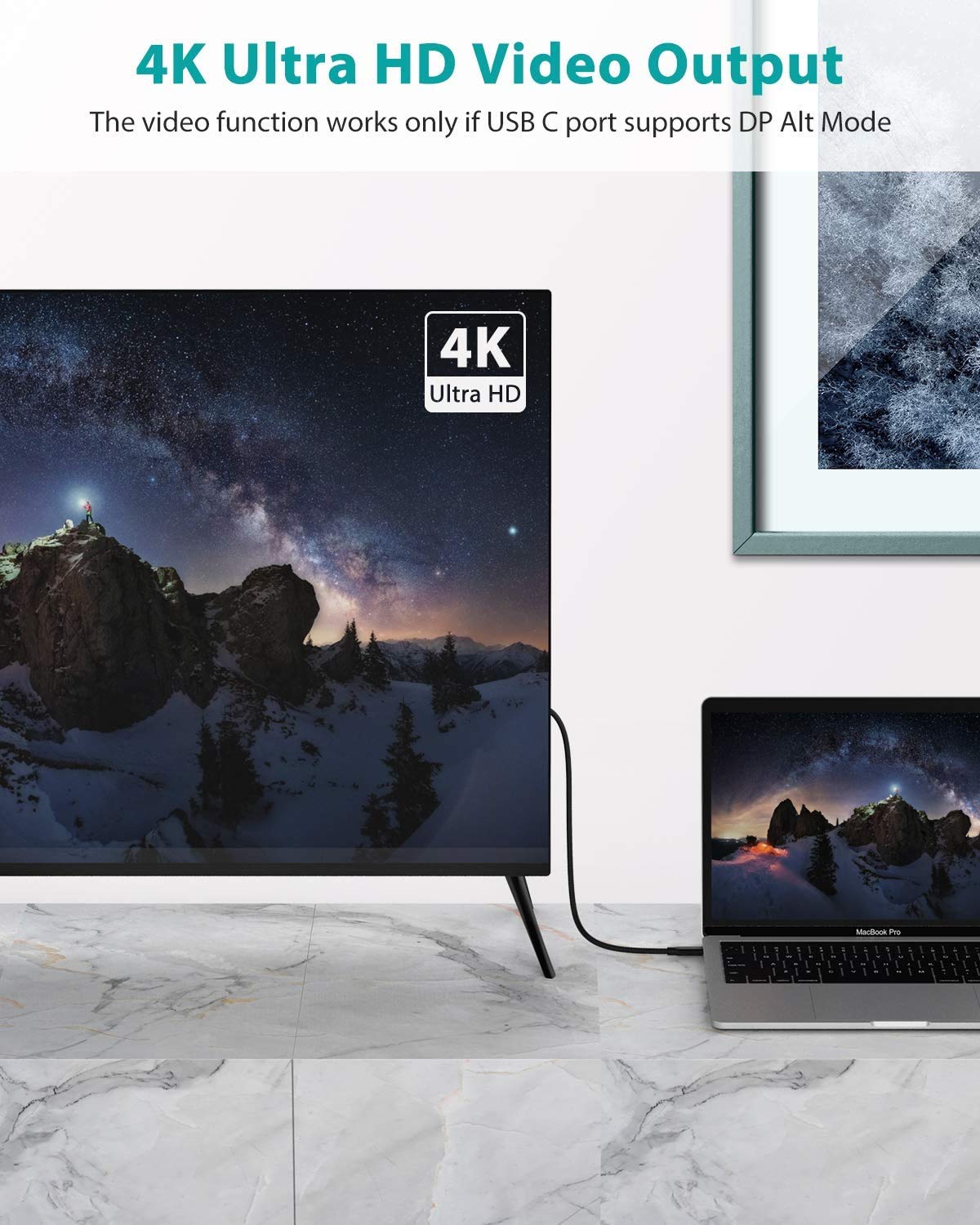
That said, there’s a catch: the video feature is not automatic. The cable supports DP Alt Mode, but the video output only works if both your source device and your display/monitor support DP Alt Mode over USB-C.
The essentials: speed, charging, and video output
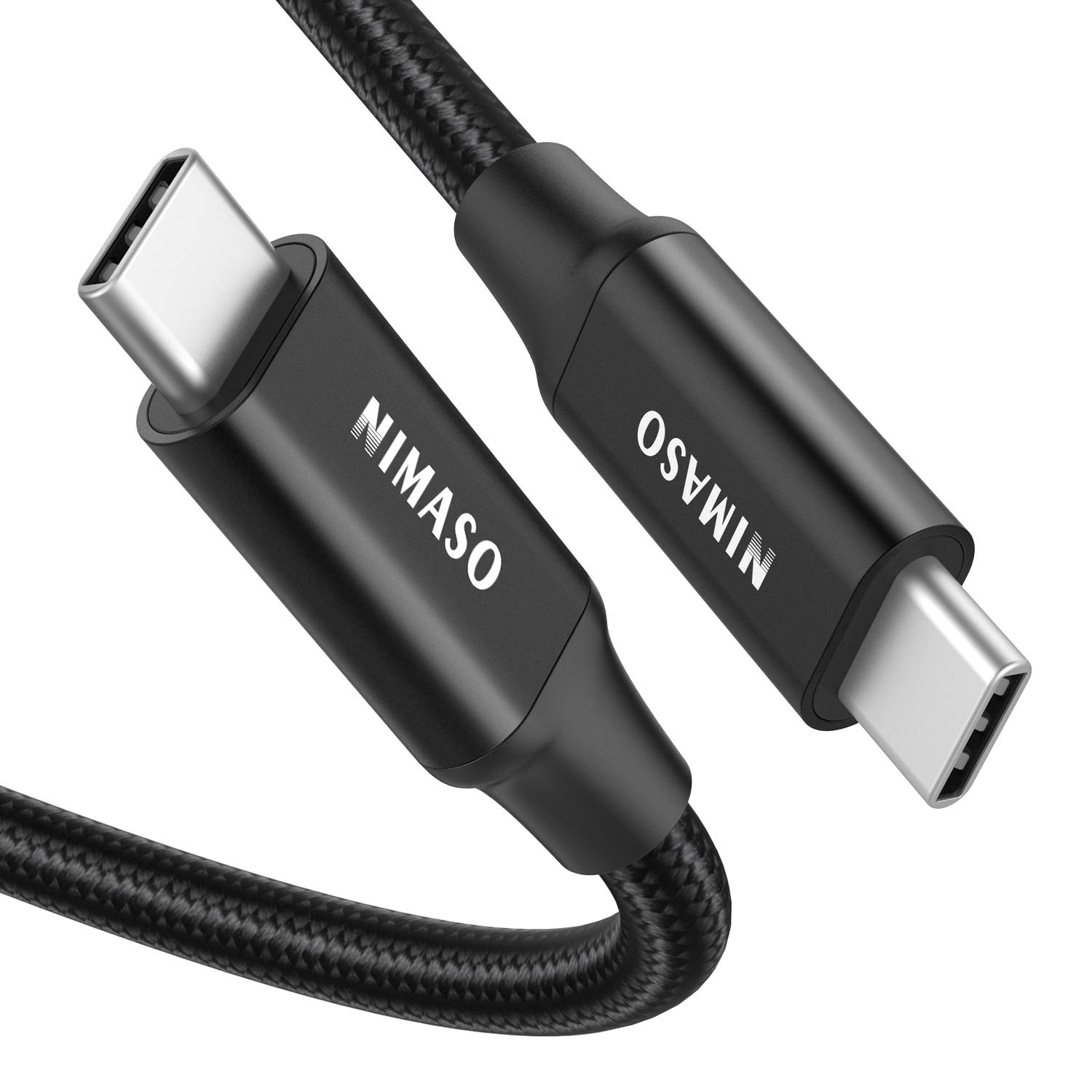
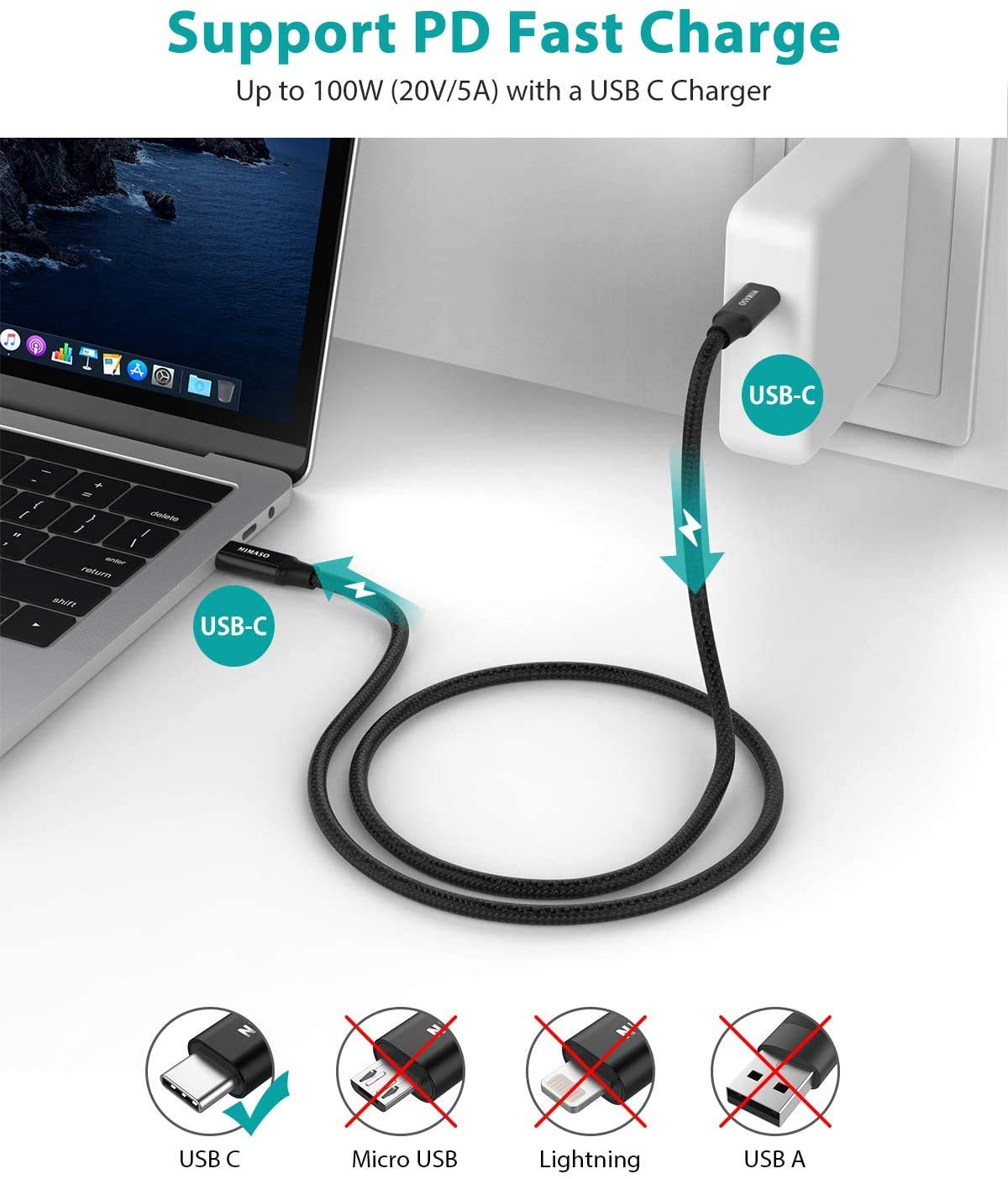
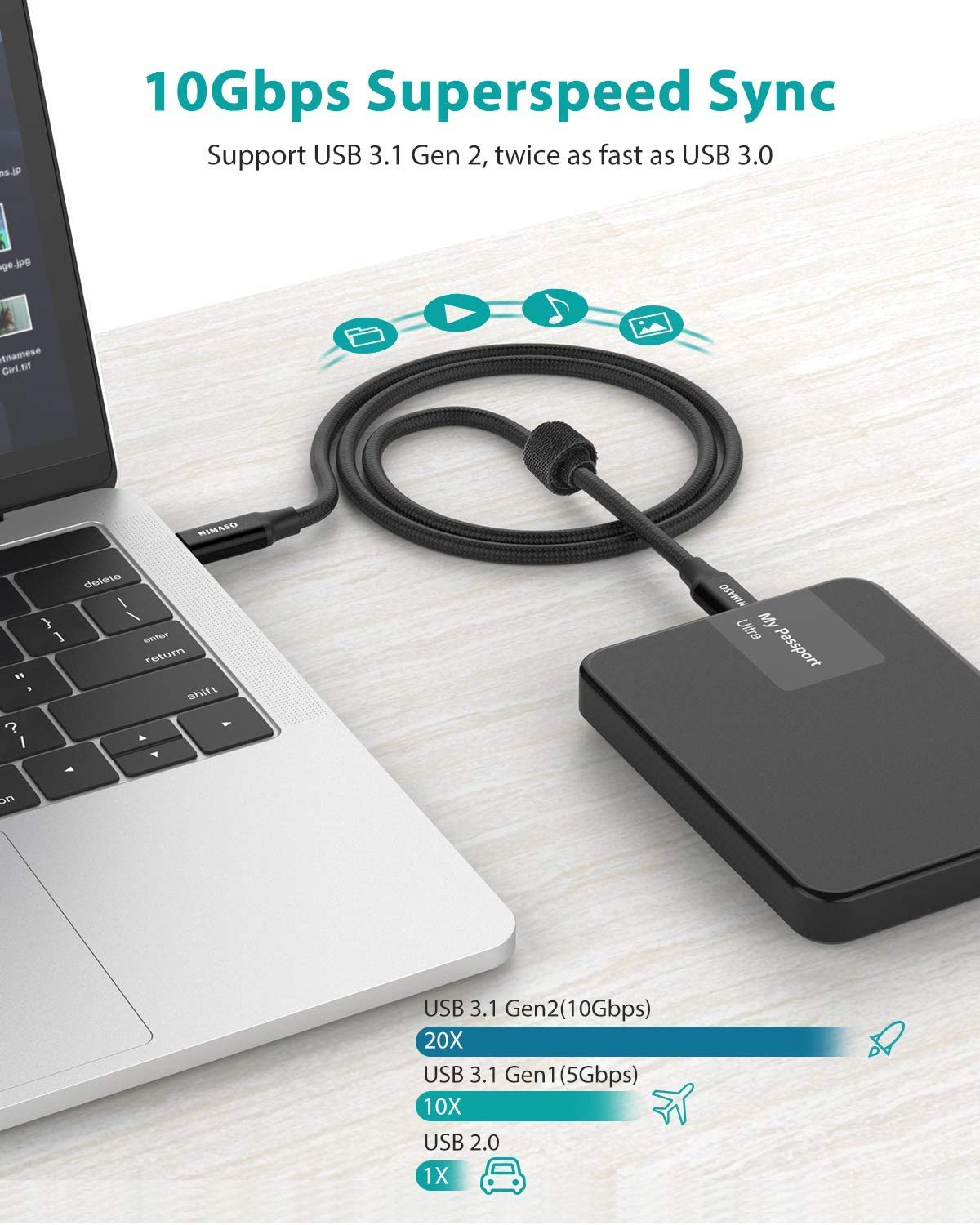
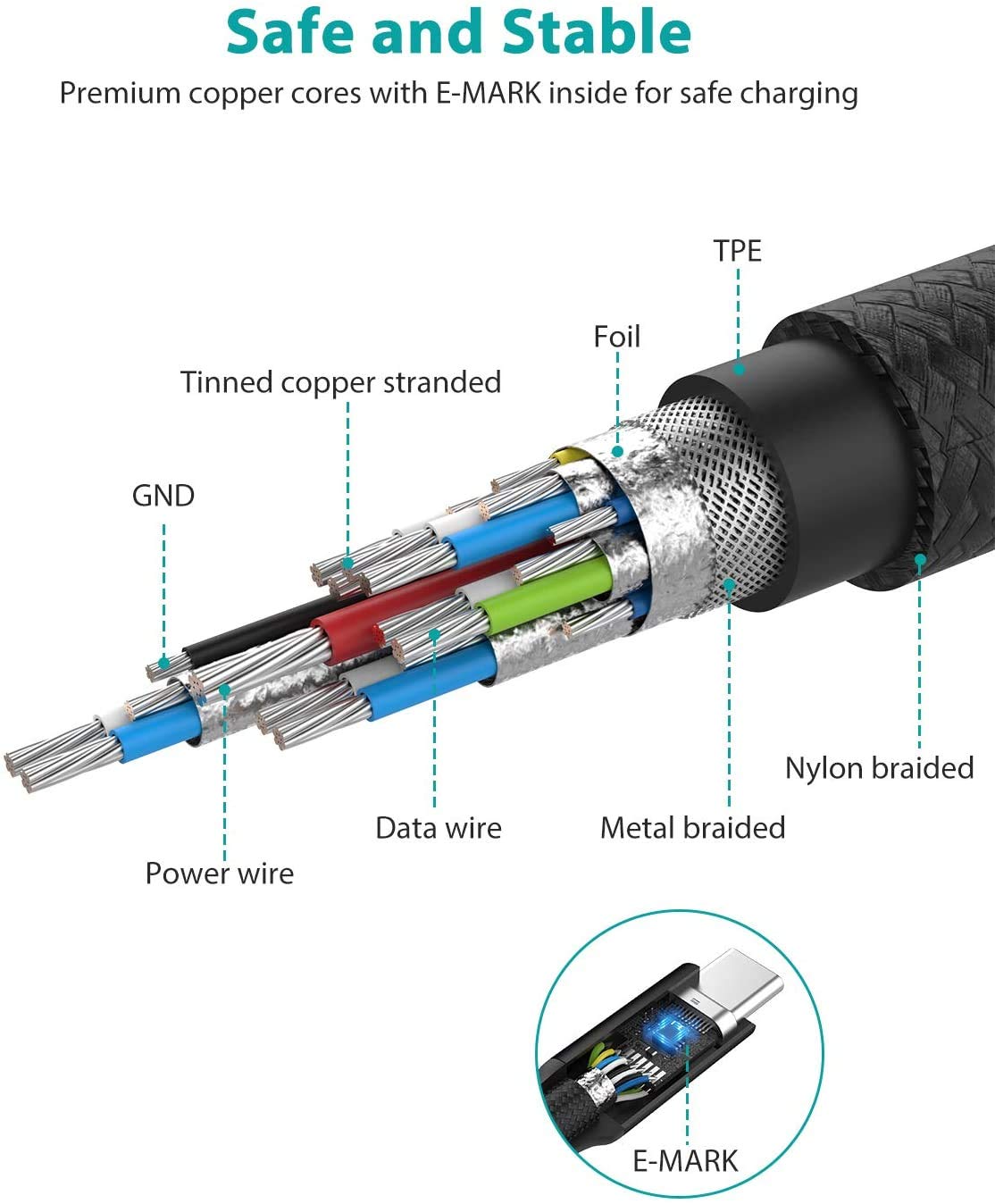
On paper, the priorities are clear. The cable supports USB 3.1 Gen 2 with up to 10Gbps data transfer, plus fast charging via USB-C PD up to 100W (noted as 5A). It also includes an e-marker chip, which is specifically called out as part of the power delivery safety approach.
For the “show me the result” part: if you’re moving larger files and want a quicker transfer cycle (for example, syncing a big set of meeting assets to an SSD), 10Gbps is the spec you’re looking for. Just remember that real-world performance can depend on your SSD and the device ports on both ends.
For displays, the cable supports DisplayPort Alternate Mode (DP Alt Mode) and is described as enabling 4K video output up to 60Hz, along with audio. This is the practical route to connecting many USB-C monitors and displays—again, only when your specific devices support that DP Alt Mode behavior.
Tech details to verify before you buy
This is where buyers either feel confident—or get burned by a mismatch.
Key specifications
- Type: USB-C to USB-C
- Format: USB 3.1 Gen 2
- Data transfer: up to 10Gbps
- Charging: up to 100W PD (5A)
- Video: DP Alt Mode for video output
- Video resolution/refresh: 4K @ 60Hz
- Cable length: 10ft
What you’ll notice day to day
The design choices are meant to feel dependable. The cable uses 22AWG thick copper cores, and it includes a 56Ω pull-up resistor. It’s also described as built for durability with 10,000 plug tests and 10,000 bending tests, plus a 5X durable nylon-braided jacket and an aluminum alloy shell to help resist tangles.
Where it shines is in repeat use. Think: docking at your desk, then carrying the same cable to a meeting room and connecting to a USB-C display without having to bring multiple specialized leads.
Still, it may not be the best match if your setup relies on a non-DP-Alt-Mode video path. If your monitor or device doesn’t support DP Alt Mode over USB-C, the video capability won’t behave as expected—charging and data may still work, but you won’t get the display output.
Who it makes sense for (and who should skip it)
It makes sense if you need one longer USB-C cable that can handle high-speed data, higher-watt charging, and USB-C display output—especially in workspaces where you sometimes need extra reach.
Worth considering if you regularly connect your laptop to a USB-C monitor, use a USB-C SSD for file transfers, or want a cable that can simplify your travel kit.
It may not suit you if your display connection requires a different tech approach than DP Alt Mode over USB-C, or if you only ever need basic charging and short-range cable convenience. In that case, spending time on a feature-rich cable might be overkill.
Compatibility: the one thing to double-check
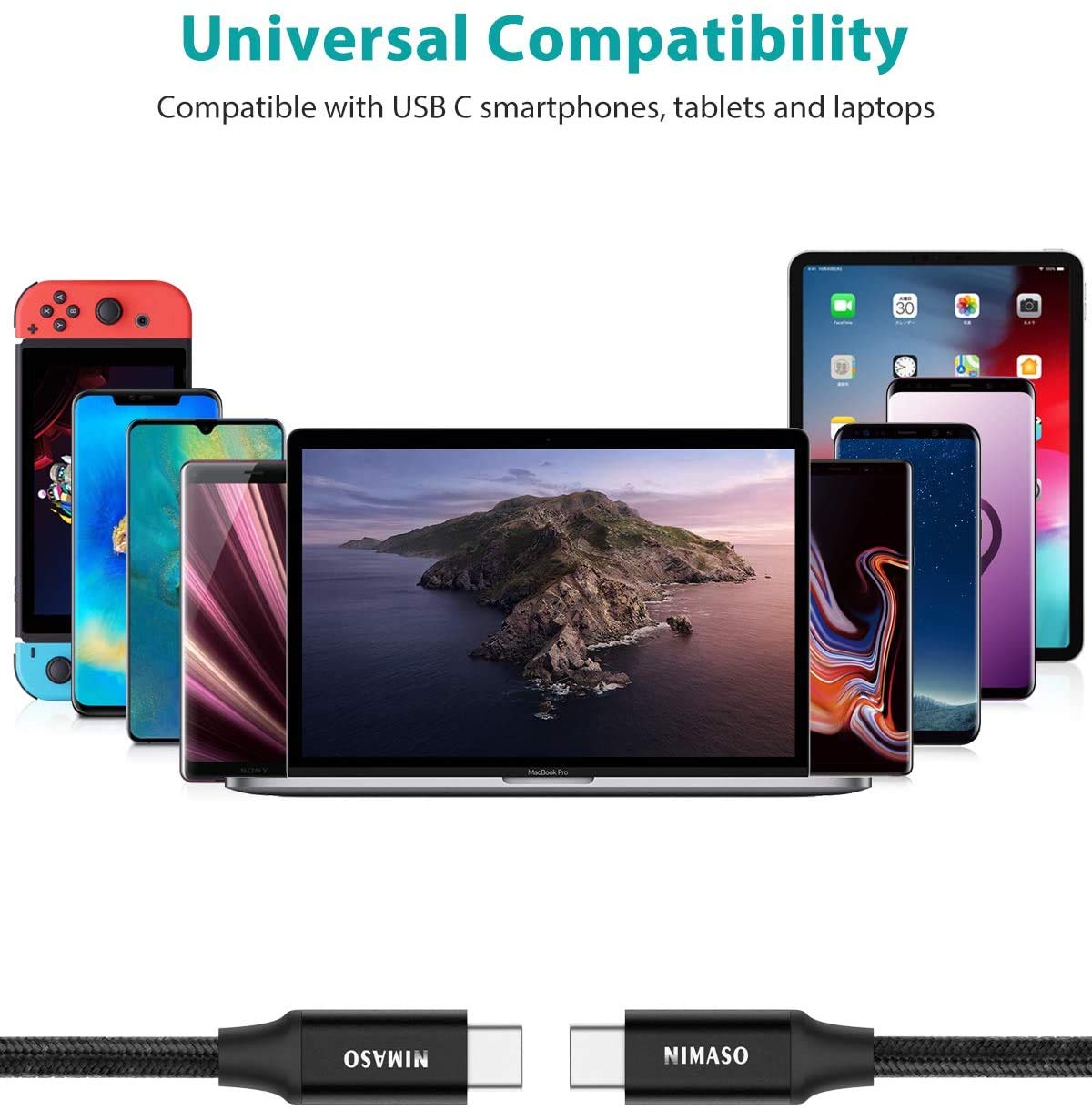
The listing includes a broad compatibility list of USB-C devices (including iPhone 17/16/15 models, various iPad Pro versions, MacBook models from certain years, Chromebooks, and multiple phone/device lines). But compatibility for video output still depends on DP Alt Mode support.
So before ordering, confirm two things: your source device (laptop/phone/tablet) supports DP Alt Mode over USB-C, and your monitor/display supports DP Alt Mode over USB-C as well. Without both, the “4K video output” promise won’t apply.
Is it worth it?
A solid pick if you want a 10ft USB-C cable that targets three jobs at once: up to 10Gbps data transfer, up to 100W PD charging, and USB-C monitor support for 4K@60Hz via DP Alt Mode. It’s especially appealing for people who want fewer cables in rotation and a length that works across typical desks and meeting setups.
You may want to skip it if you can’t verify DP Alt Mode support on both ends of your display chain, or if you only need basic charging with no real need for high data transfer or longer reach. In those cases, you could end up paying for specs you won’t use.
Quick FAQ
Does this cable support 4K video output?
It’s listed as supporting DP Alt Mode video output up to 4K at 60Hz, but the note matters: video works only with devices that support DP Alt Mode over USB-C.
How fast is the data transfer?
The cable is described as USB 3.1 Gen 2 with super speed syncing up to 10Gbps.
Can it charge USB-C devices at full speed?
It’s rated for up to 100W PD (5A) using an e-marker chip, but actual charging behavior still depends on what your device supports.
Is 10ft a good length?
If you often need reach—like a desk-to-monitor setup or meeting room spacing—10ft is practical. If your setup is close, it may be more cable than you need.
What should I check before plugging into a monitor?
Make sure both your device and your monitor support DisplayPort Alternate Mode (DP Alt Mode) over USB-C.