

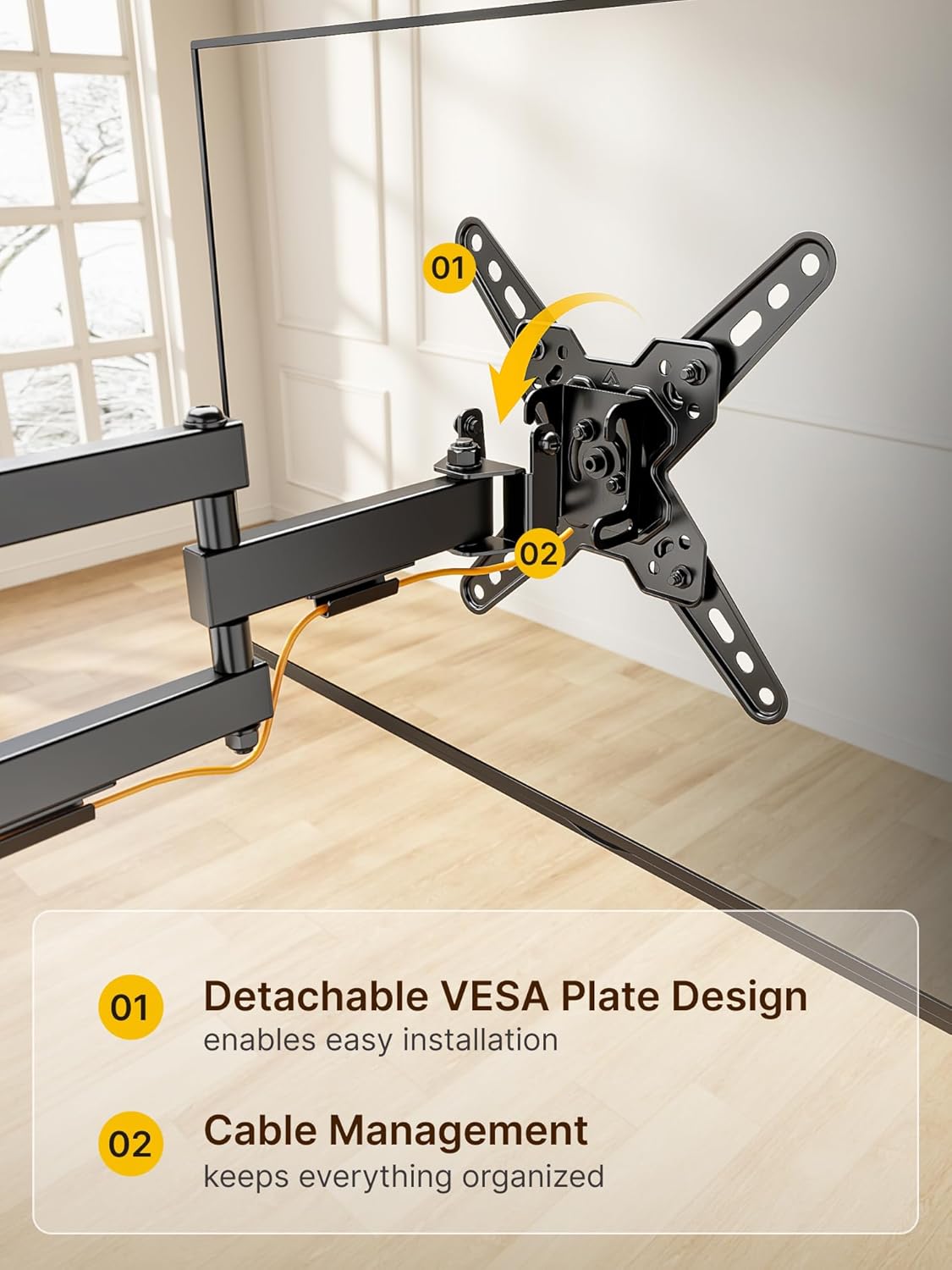
monTEK TV wall mount 13–43 inch, 44 lb capacity
Product description
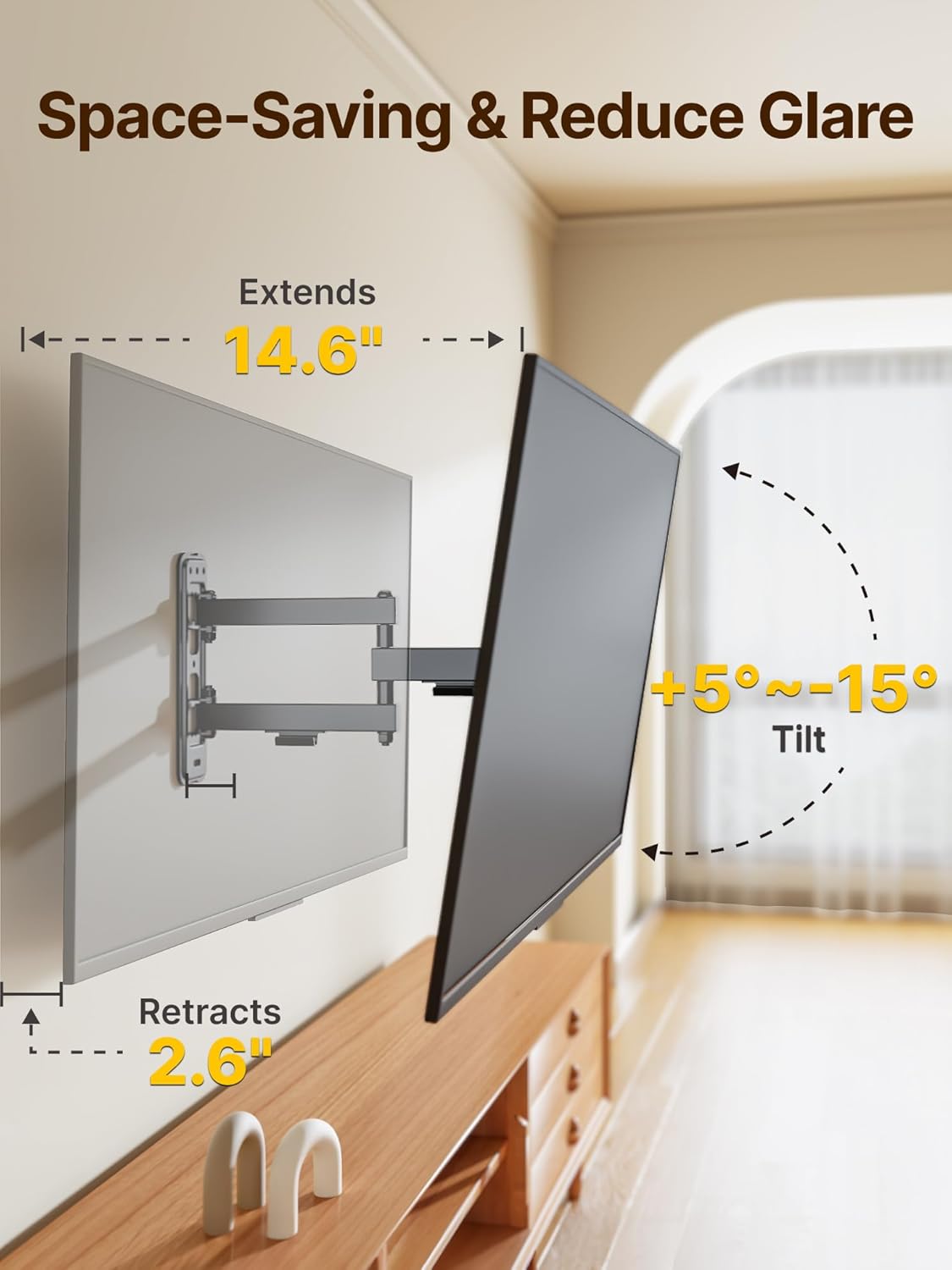
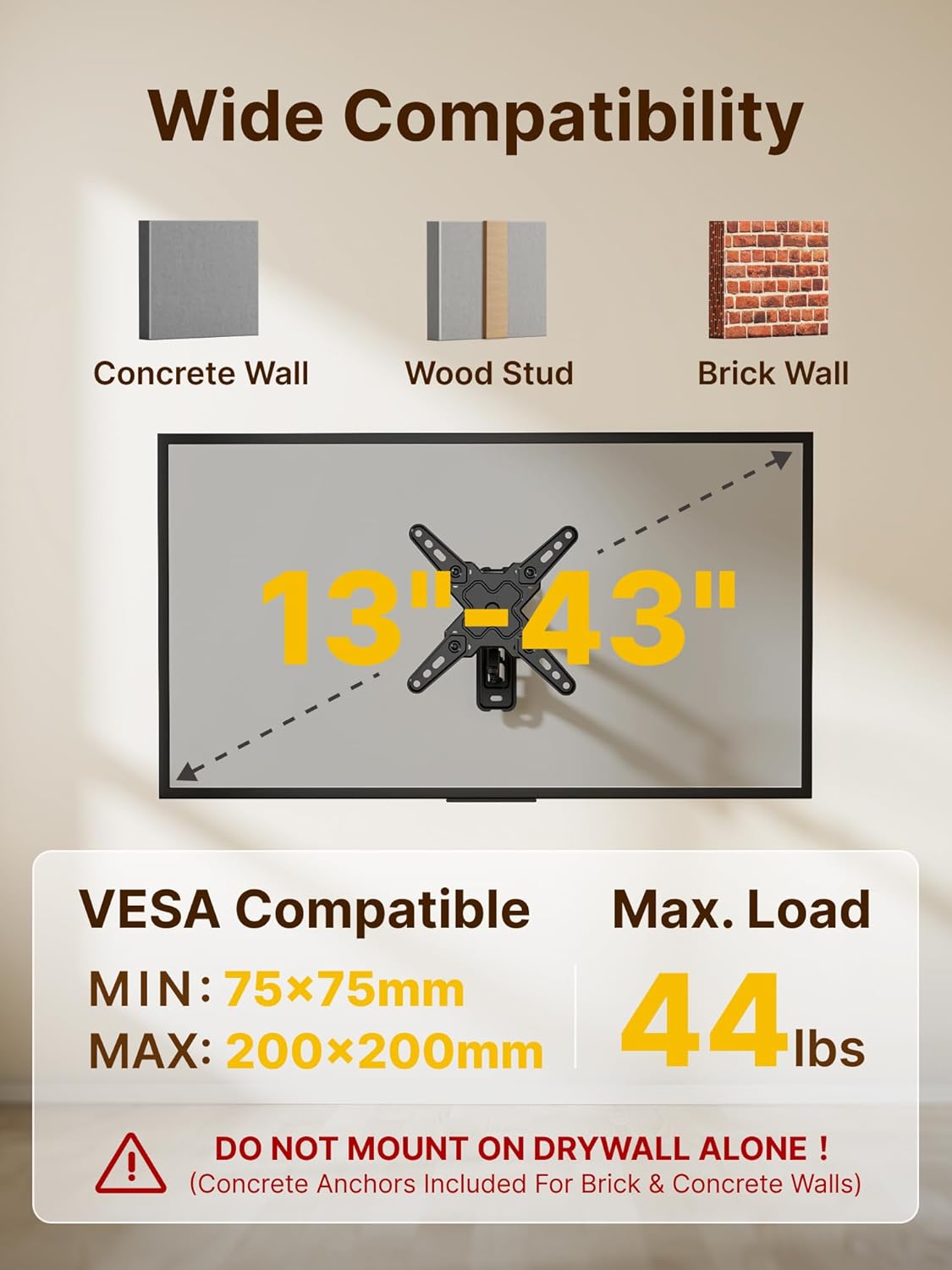
This full-motion TV wall mount from monTEK gives flexible positioning for LED and LCD flat screens between 13 and 43 inches, making it easier to find the best viewing angle in living rooms, bedrooms, or home offices. It supports TVs and monitors up to 44 pounds and allows extension, tilt and swivel adjustments to reduce glare and improve comfort while watching or working.
Key Points
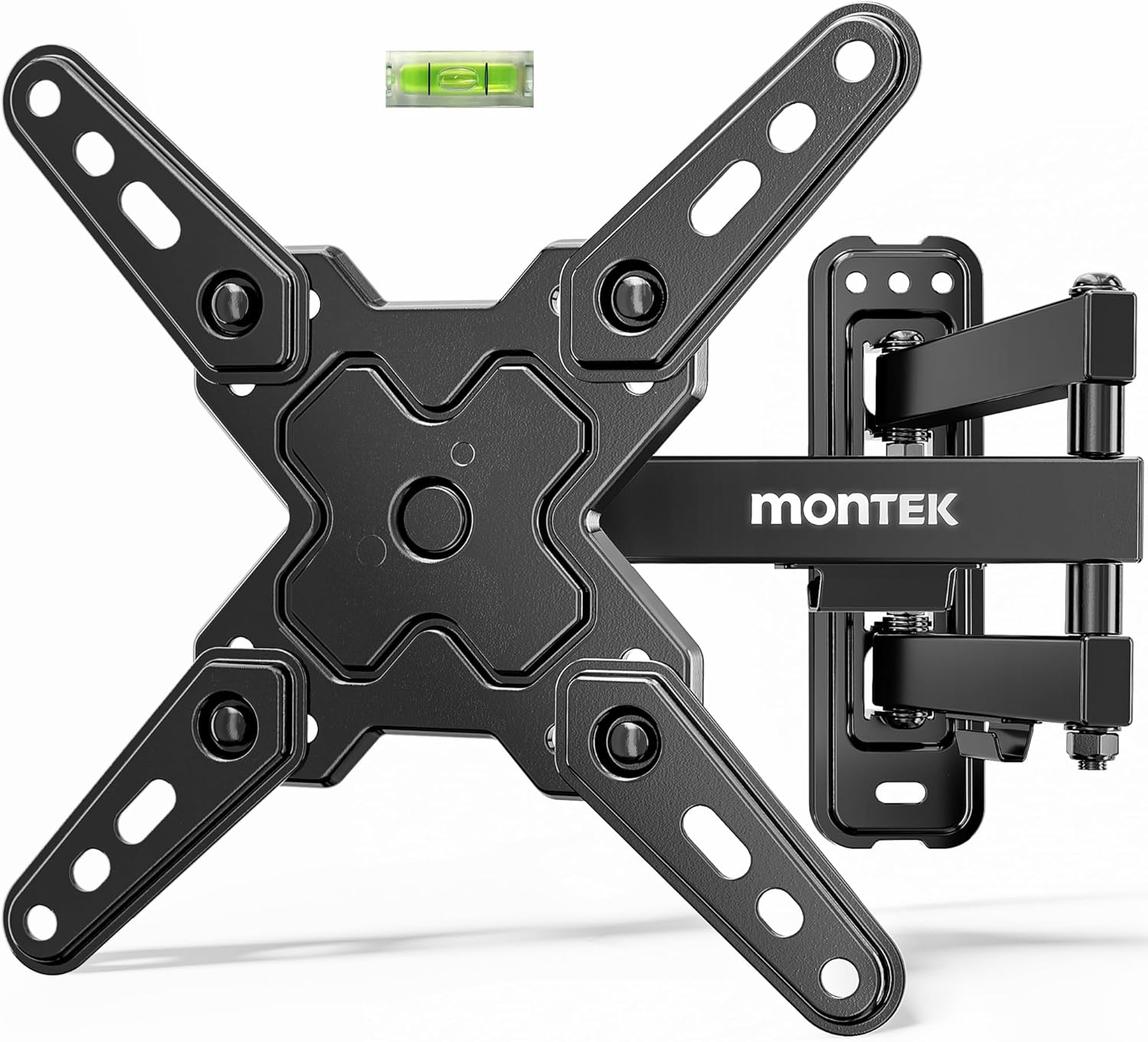
The bracket includes articulated arms for extension and retraction, so the display can sit flush against the wall or be pulled out for side-to-side viewing. Tilt and swivel adjustments help when placing the screen above furniture or on a noncentral wall, and the mechanism is designed for smooth movement. The package comes with mounting hardware and step-by-step instructions to simplify installation according to the manufacturer.
Technical Specifications
- Name: monTEK full-motion TV wall mount
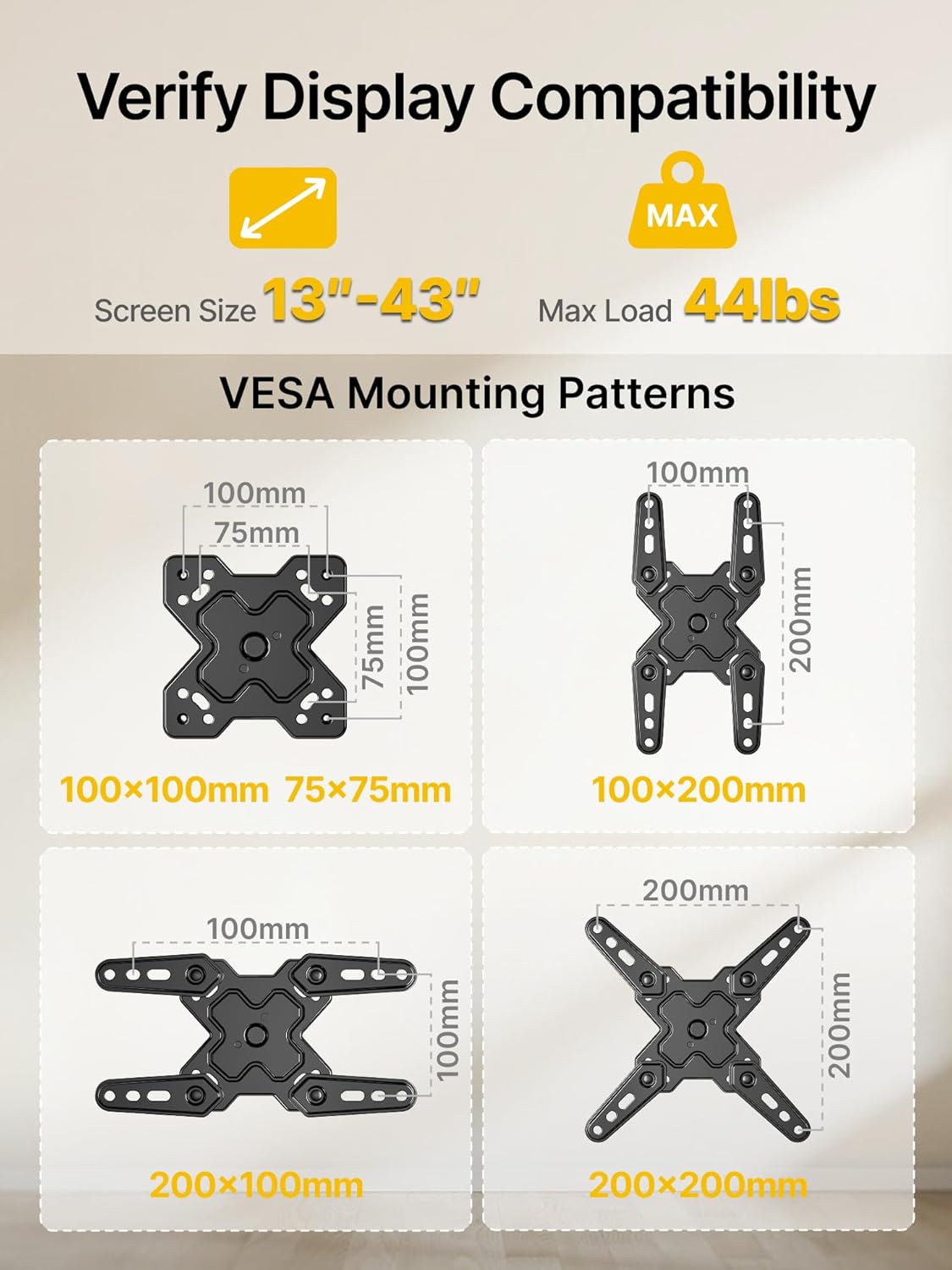
- Compatible screen size: 13 to 43 inches
- Maximum load: 44 lbs (about 20 kg)
- Maximum VESA compatibility: 7.874 x 7.874 in
- Motion: extension, tilt, swivel with articulated arms
- Includes: mounting accessories and installation instructions
Usage Recommendations
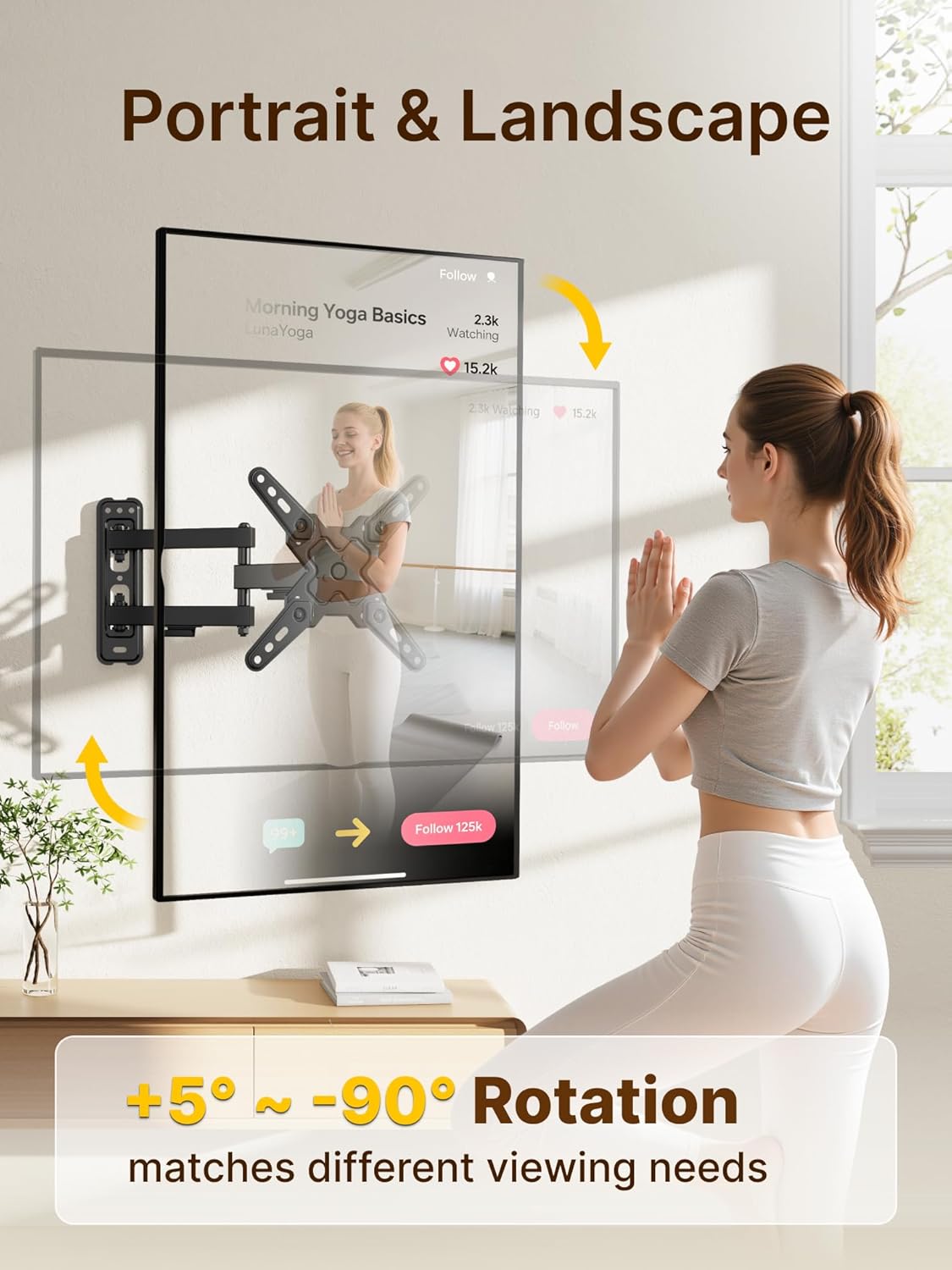
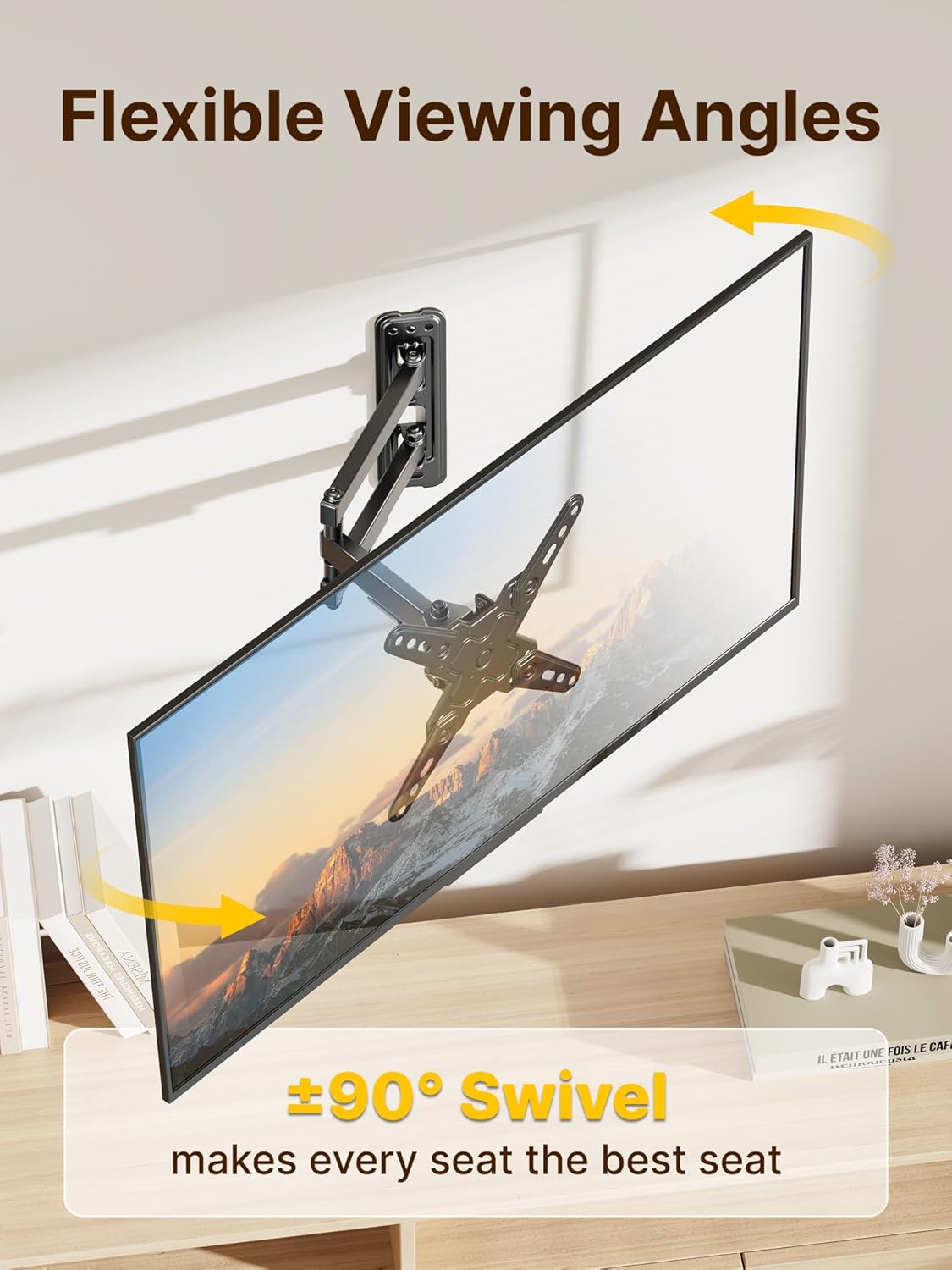
For stable installation, locate studs or use appropriate anchors for the wall material. Adjust the arm extension and swivel to minimize reflections and provide comfortable viewing from different seating positions. If your TV is near a corner or in a tight space, the mount’s articulation can improve sightlines by allowing lateral and angular repositioning. Consider checking the VESA hole pattern and the TV weight before starting assembly to confirm full compatibility.
Positive Aspects
The mount offers compact storage when pushed back toward the wall and a wide range of motion when pulled out, which is useful for multiuse rooms or small apartments. The included hardware and clear instructions help make setup quicker. Note that this mount is rated for lighter displays, so it may not be suitable if your screen exceeds the stated weight or VESA dimensions, according to the manufacturer. 😊
Practical Tips
When routing cables, leave enough slack at the arm joints so connectors do not strain when the mount is moved. Tighten adjustment screws progressively to balance movement and hold position, and periodically check fastenings after a few weeks of use to ensure everything remains secure. 🛠️📺.