

MFish 4-in-1 Multi Charging Cable: 140W USB-C/USB-A to USB-C & Lightning with LED Display (5ft, Black)
Product description
What it is and what problem it solves
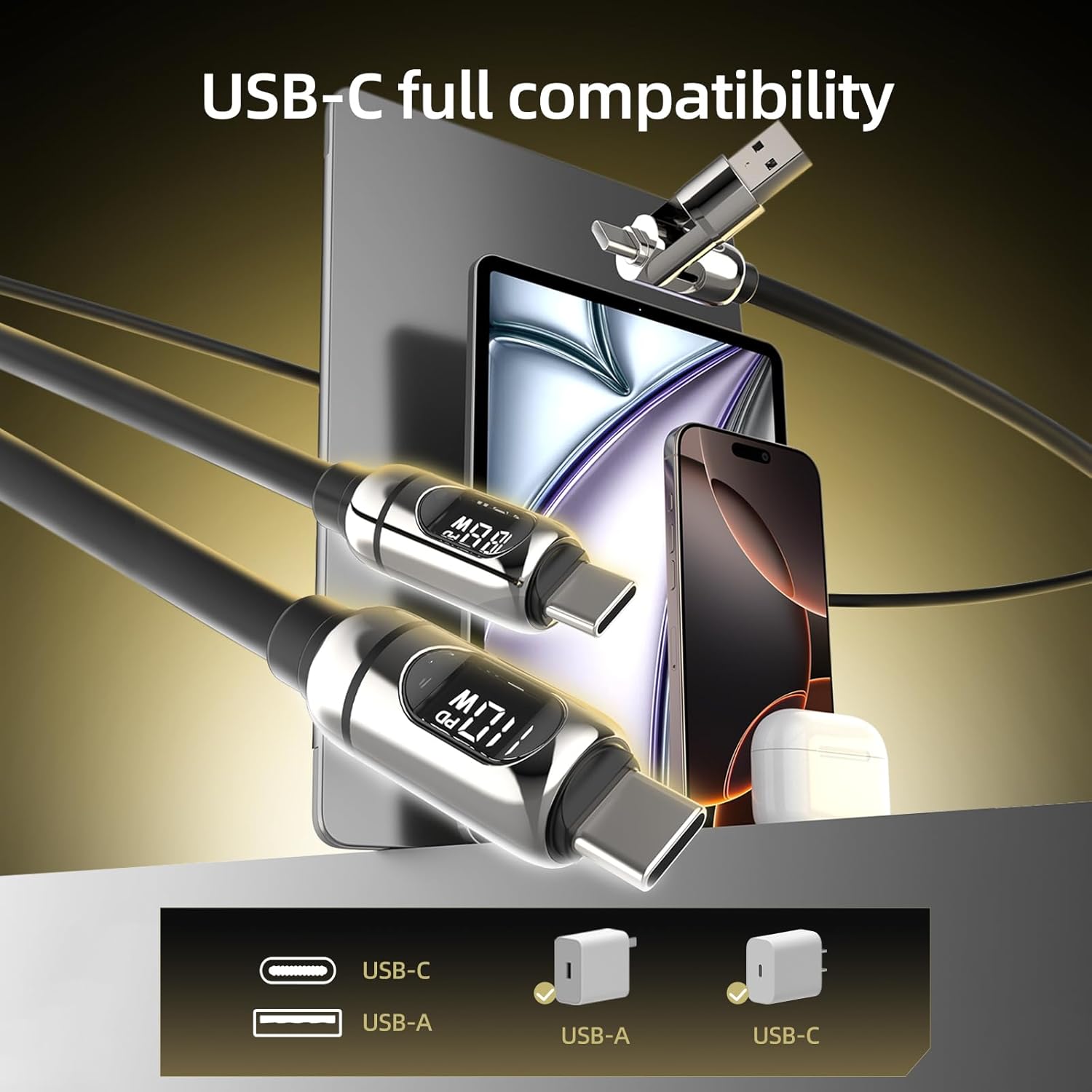
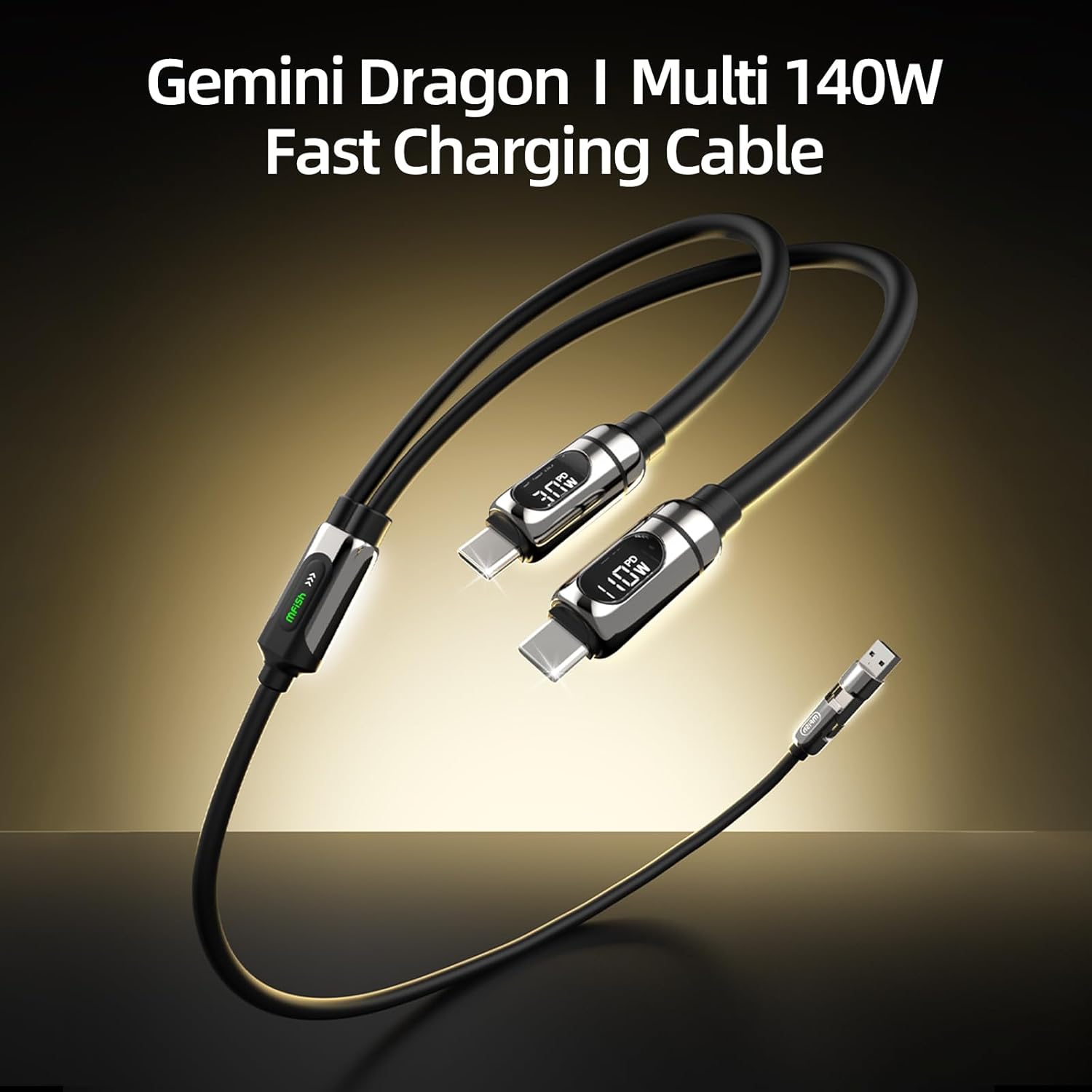
The MFish 4-in-1 Multi Charging Cable is a versatile charging cable built to reduce cable clutter. With both USB-C and USB-A input options, and USB-C plus Lightning output connectors, it aims to let you charge a range of devices from a single cable. The 5-foot length adds flexibility whether you’re at a desk, in bed, or on the go, and its liquid silicone build promises a smoother, more flexible experience compared to stiffer cords.
How it fits into everyday use
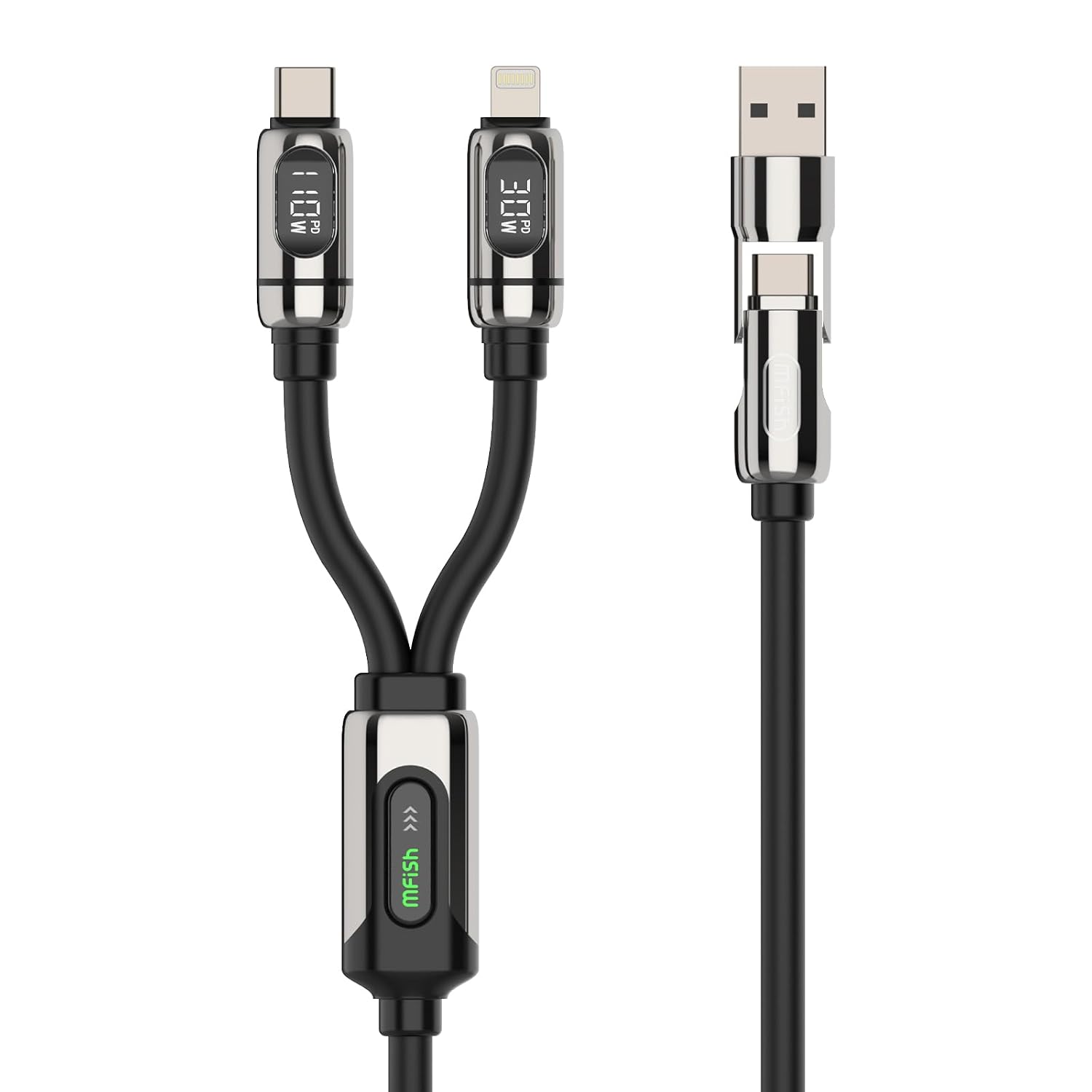
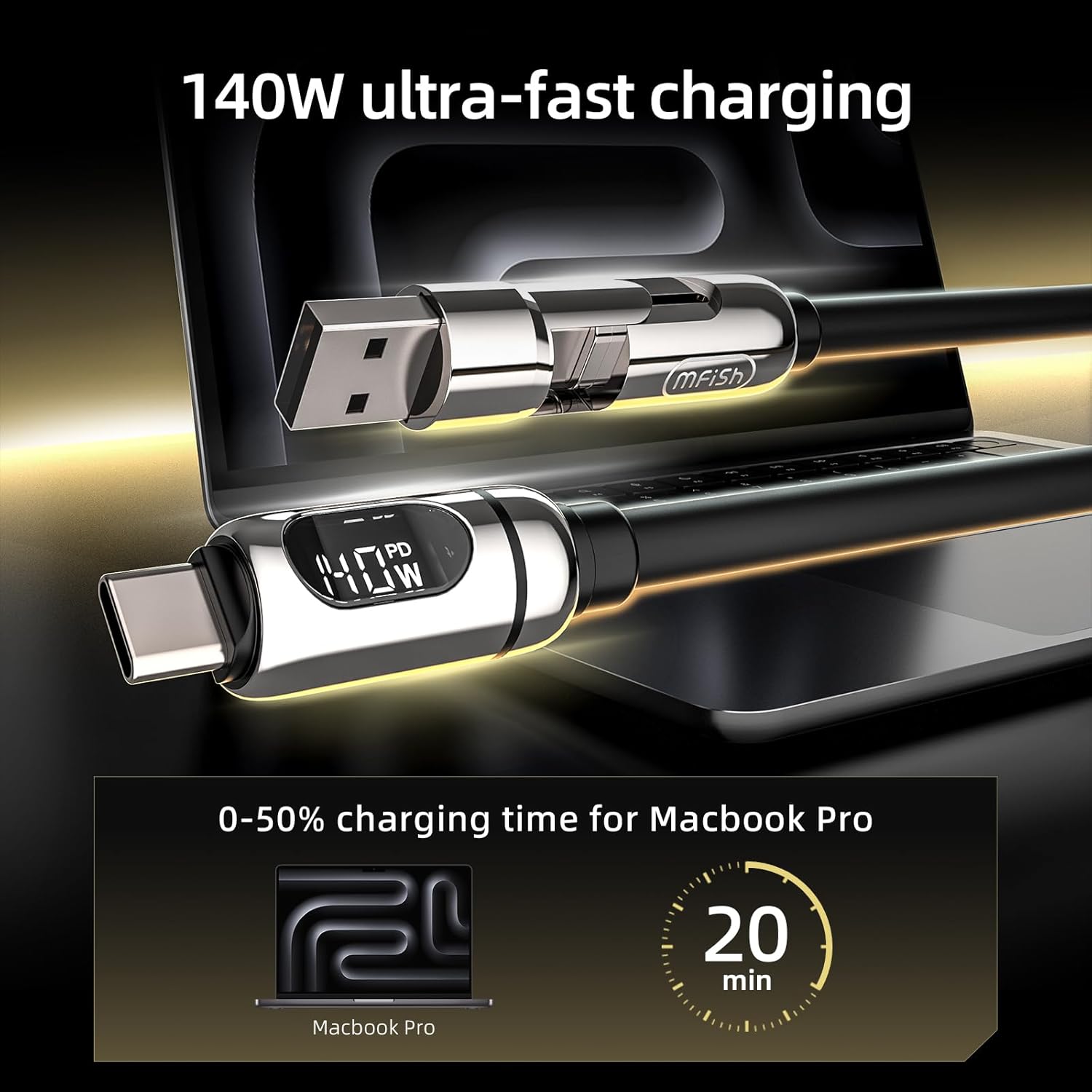
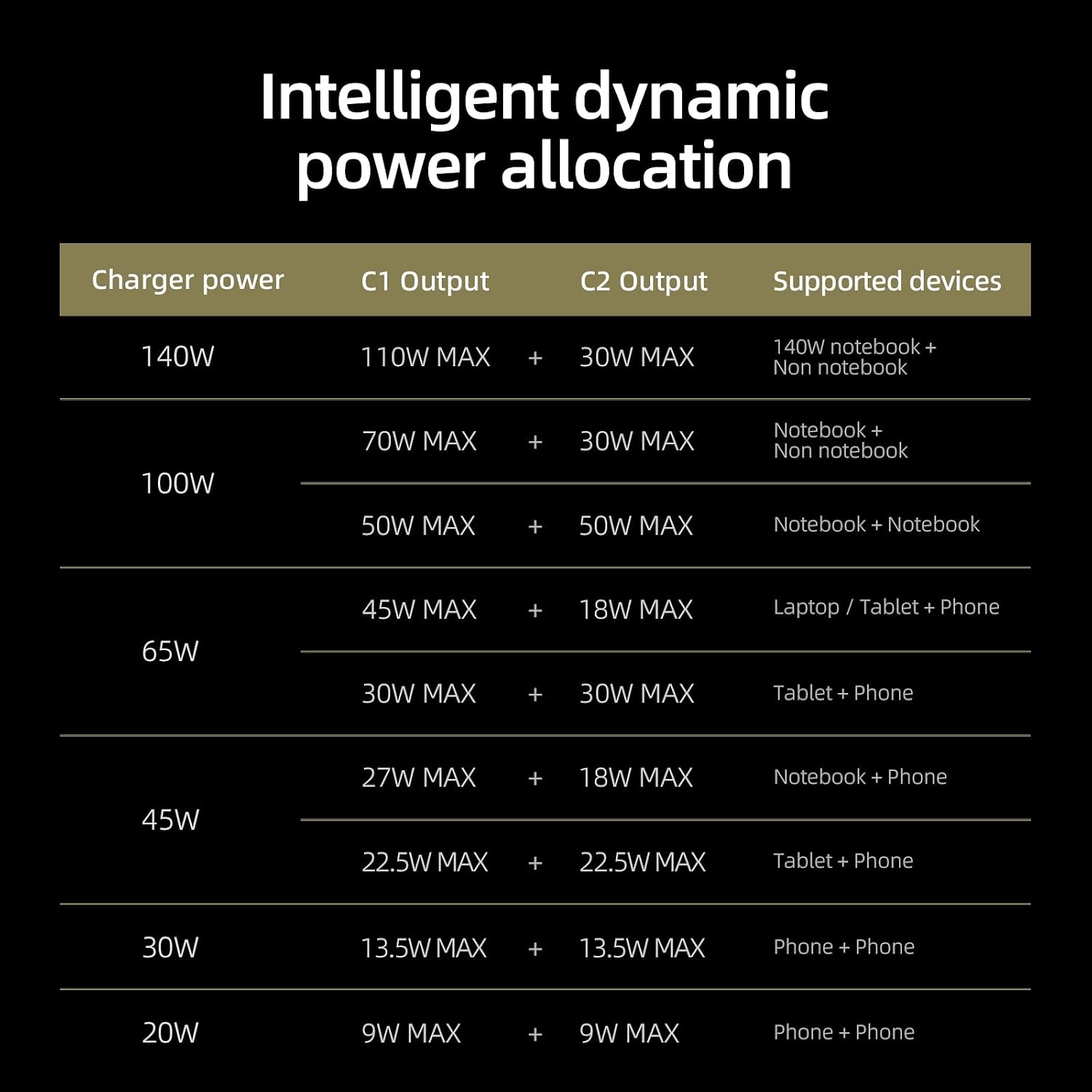
If you juggle a MacBook, iPad, iPhone, Galaxy, or other USB-C devices, this cable is pitched as a single solution for daily charging. It supports up to 140W total charging when paired with a compatible PD 3.1 charger and a supported device, though real-world speeds depend on your charger, device, battery level, and usage conditions. The LED power display provides a live readout of charging wattage, so you can verify that your charger, cable, and device are delivering as expected without guesswork.
What stands out in practice
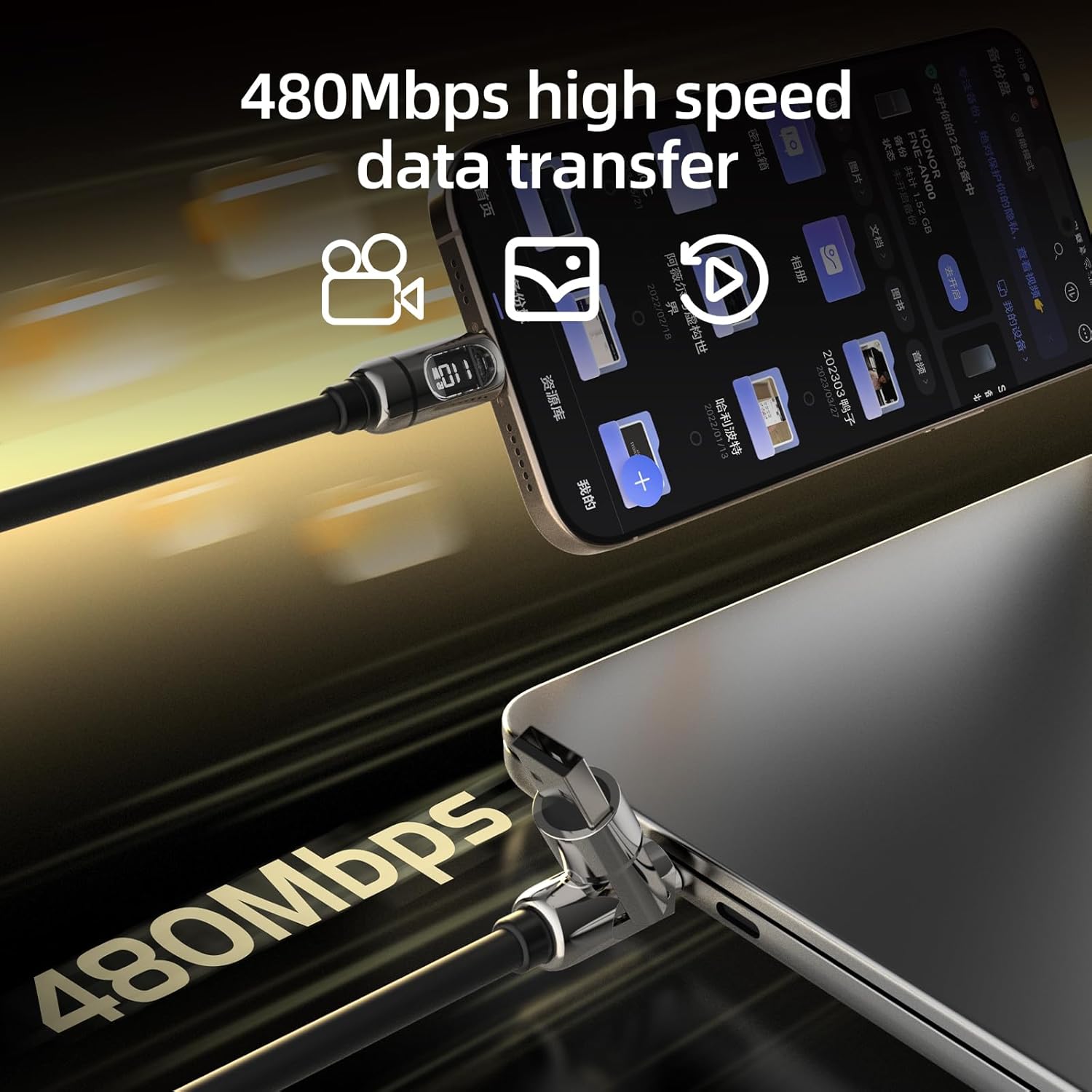
The 4-in-1 design is the core benefit here: one cable to cover USB-C and Lightning devices, reducing the need for multiple cords. The liquid silicone body and reinforced connectors aim to improve durability and flexibility, and the cable supports USB 2.0 data transfer up to 480Mbps for simple file moves or quick syncing tasks.
Potential drawbacks to consider
On paper, 140W max is impressive, but you’ll only reach that with a PD 3.1 charger and a compatible device. If you’re using older devices or chargers, charging performance may vary and you might not see the peak wattage. The Lightning output is convenient for iPhone and iPad, but if you frequently need higher data speeds or more rugged build specs, you may notice it’s not a premium, dedicated USB-C cable.
Who it’s for
This cable is a sensible pick for anyone who owns multiple platforms (MacBook or laptop, iPhone or iPad, Galaxy or other USB-C devices) and wants fewer cables at their desk or on trips. It’s especially practical for travelers or students who want one flexible cord for several devices, plus the LED wattage readout for quick status checks.
When it may not be the best option
If your setup relies heavily on maximum charging speed across a wide range of devices, or if you need the strongest possible build quality for rugged environments, you might prefer a dedicated USB-C or Lightning cable with a proven high-wwasage rating. Similarly, if you don’t use Lightning devices, the 4-in-1 nature becomes less critical.
What to check before buying
- Ensure you have a PD 3.1 charger to approach the 140W output. Without it, speeds will be governed by your charger’s capabilities.
- Confirm your devices are compatible with USB-C or Lightning outputs to maximize the 4-in-1 design.
- Consider the length you need, five feet is convenient, but if you work mostly at a desk, a shorter version could be tidier.
Practical usage example
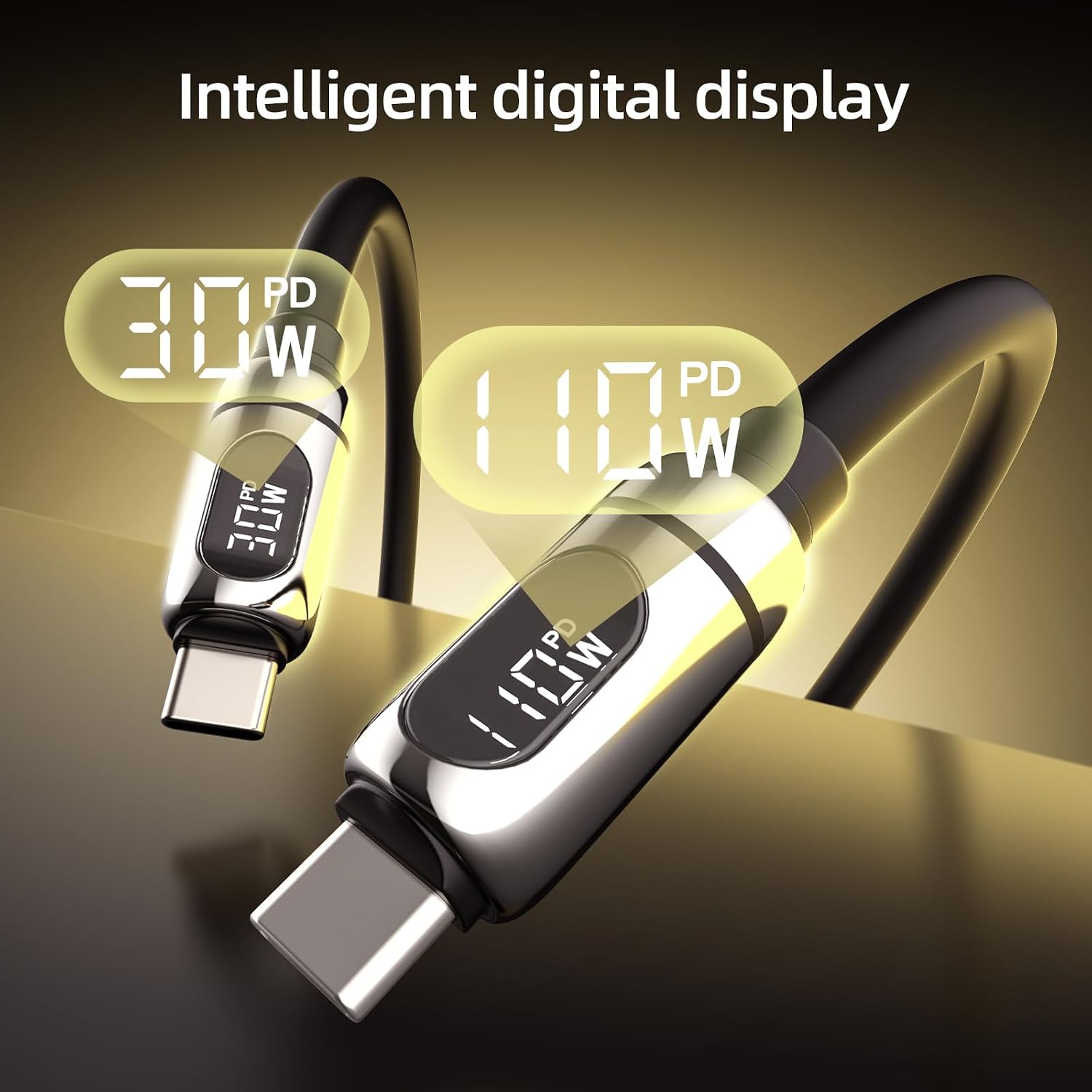
Imagine you’re traveling between a hotel room, a coworking space, and a café. You can connect your MacBook via USB-C, top up your iPhone with the Lightning port, and still have room to charge a Galaxy phone using the USB-C output, all from one cable. The LED readout makes it easy to verify you’re not hitting a bottleneck mid-charge.
What it means in the market context
This cable slots into an entry-to-mid tier where convenience and versatility matter more than raw speed or ultra-durable construction. If you’re trying to minimize cable clutter and want a single cord that covers most daily devices, it’s worth considering, especially for shared workspaces or families with mixed devices. If you’re chasing premium ruggedness or specialized DAC/charging features, you may opt for alternatives focused on those specifics.
FAQ (brief, answerable from available data)
- Does it support fast charging for all devices? It supports up to 140W total charging with compatible PD 3.1 chargers, but actual speed depends on charger and device.
- Can it transfer data? Yes, it supports USB 2.0 data transfer up to 480Mbps.
- Is it good for travel? Yes, the 5-foot length and 4-in-1 design can reduce cable clutter while traveling.
Is it worth it?
Worth considering if you want a single cable that covers USB-C and Lightning devices with a live wattage display and don’t mind that real-world speeds vary with setup. It’s not the best choice if you need peak performance with dedicated cables for each device or require rugged, heavy-duty construction.