


Magnetic USB-C to Magnetic 3 Charger Cable for MacBook Air 13.6/15 and Mac Pro 14/16 (Braided, LED) – 6.6ft (2-Pack)
Product description
What this cable is for
If your MacBook’s charging cable is the kind that gets yanked, bent, or slowly frays over time, a magnetic USB‑C charging cable is a more practical way to handle day-to-day use. This USB‑C to Magnetic 3 charger cable is built specifically around a MacBook-style plug fit, using a strong magnetic connection to help reduce the common “loose connection” interruptions you get with regular cables.
On paper, it’s aiming at two things: stable charging (so you don’t constantly deal with power dropouts) and a more durable cable build (braided nylon outer, thicker internal copper, and extra resistance to tangling and wear). The LED indicator is also there for quick status checks without needing to open anything.
What you’ll notice in daily use
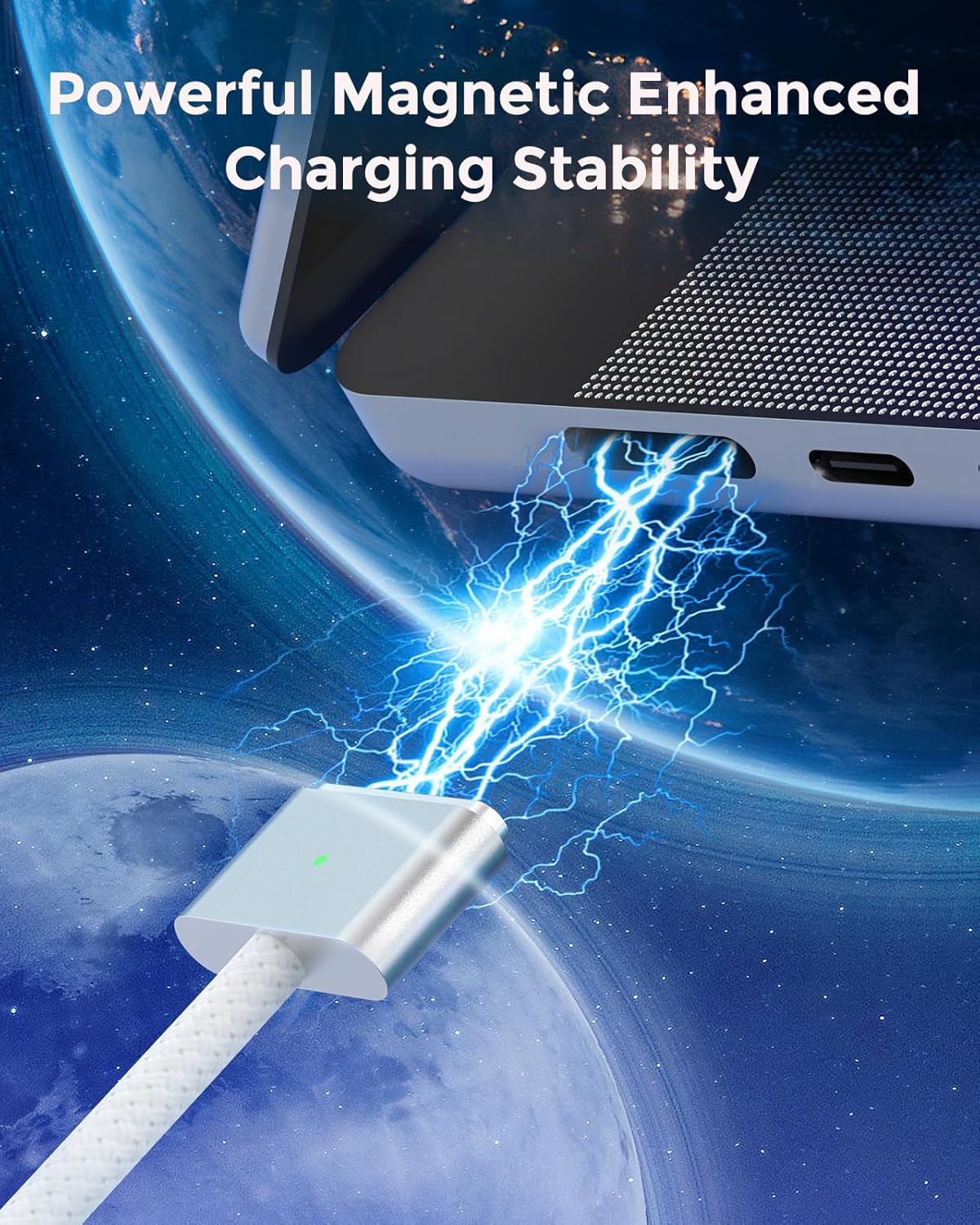
The headline feature here is the “powerful magnetic” connection. The idea is that the plug seats smoothly and holds firmly, helping keep charging stable rather than discontinuous. In practical terms, that matters most when you’re charging in bed, at a desk with limited cable slack, or moving around the room while the laptop is plugged in.
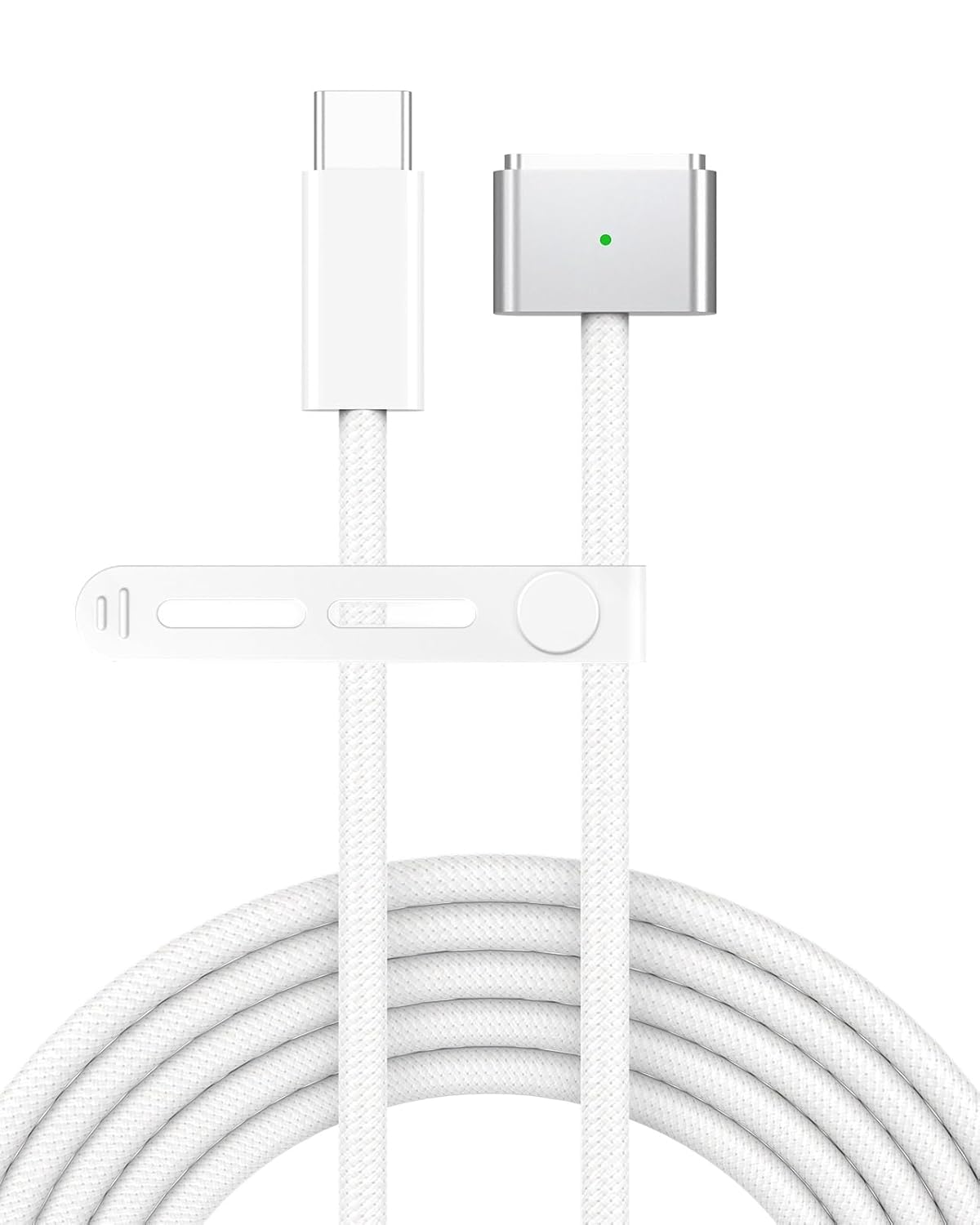
The cable is also described as braided nylon with a soft-touch feel and dust-resistant behavior, plus it includes a small silicone tie to keep the cable from turning into a knot on your bag. That’s the kind of detail you appreciate if you travel or keep a charger permanently in a backpack.
One limitation to keep in mind: this kind of cable is only useful if you’re on board with a magnetic charging setup. If you prefer a standard USB‑C cable connection style, you may find the magnet-based tip feels different at first.
Durability and heat handling (the “why it’s built this way” part)
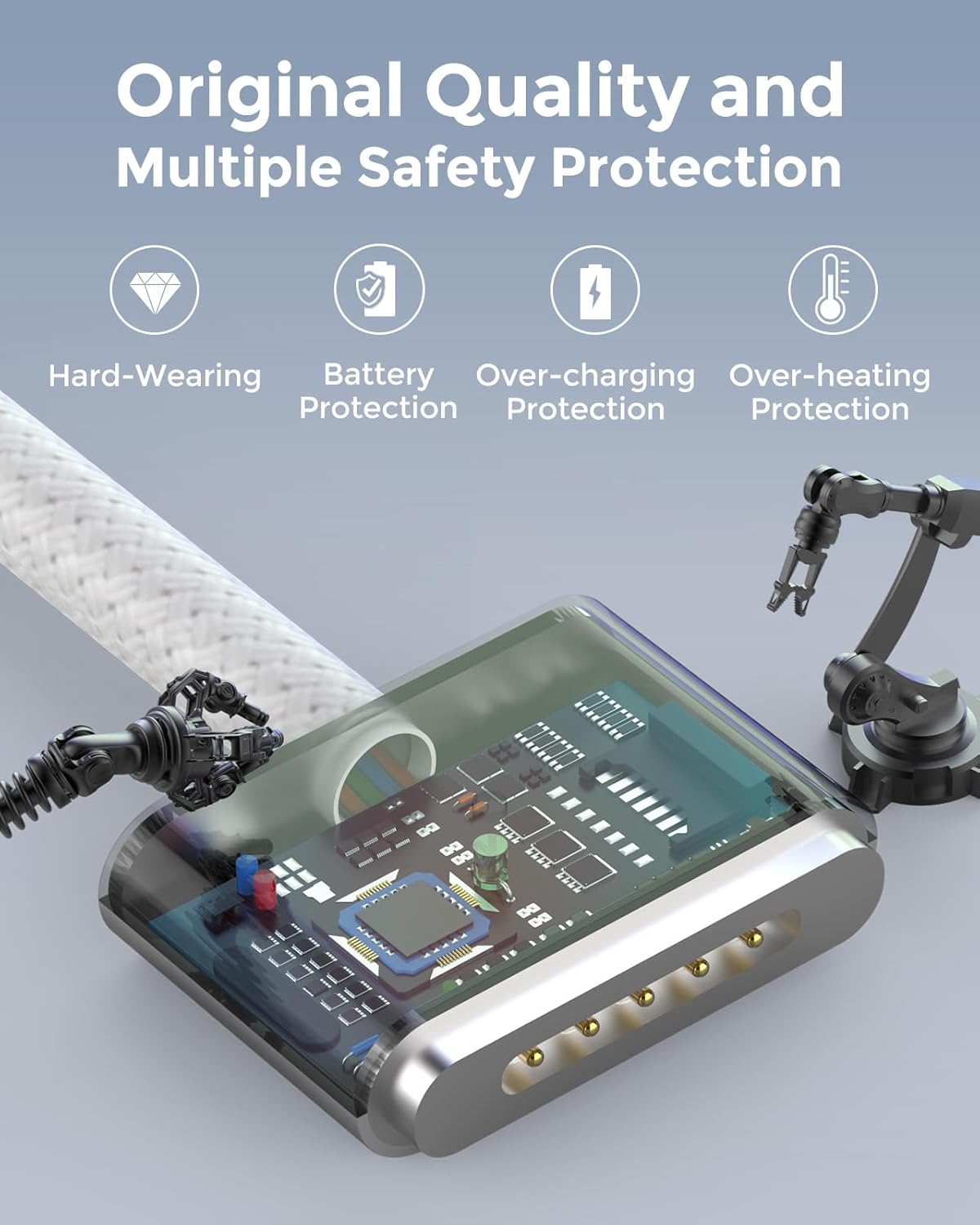
The manufacturer emphasizes a thicker copper wire and premium seamless braided nylon coating. The pitch is improved charging efficiency, plus protection against overheating and a fire hazard.
They also claim a longer lifespan—stated as “2 times longer” than others—along with bend-free design. Realistically, you still want to avoid extreme bending near the plug and keep the cable from getting crushed in tight corners, but the braided construction generally holds up better than softer sheathing when you’re constantly coiling and uncoiling.
Charging speed and compatibility notes
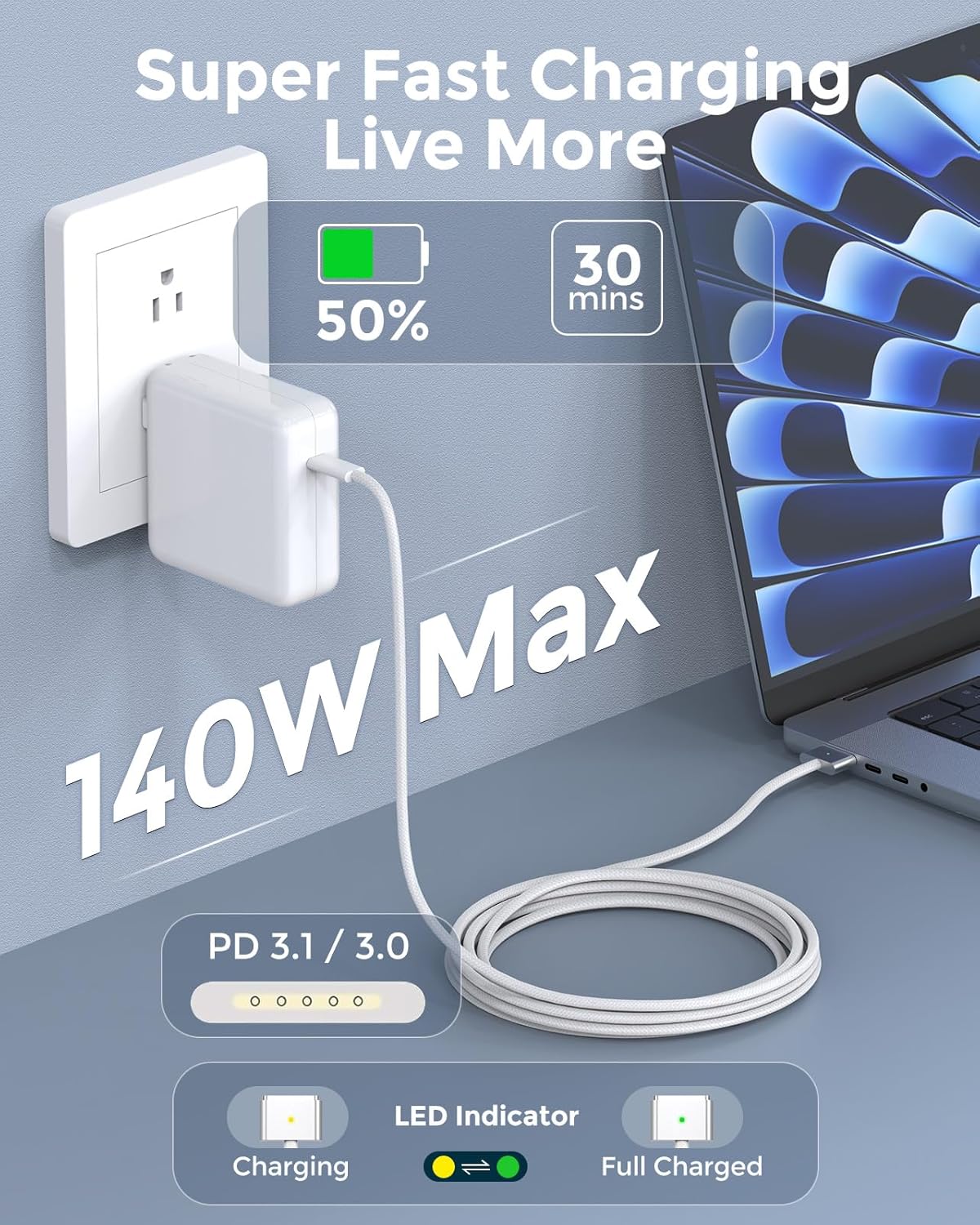
This cable is described as supporting fast charging: up to 50% in 30 minutes, labeled as the official standard charging speed. It’s also presented as PD 3.1 / 3.0 compatible and workable with USB‑C power adapters across different watt ranges (including 140W, 96W, 70W, 35W, and 30W).
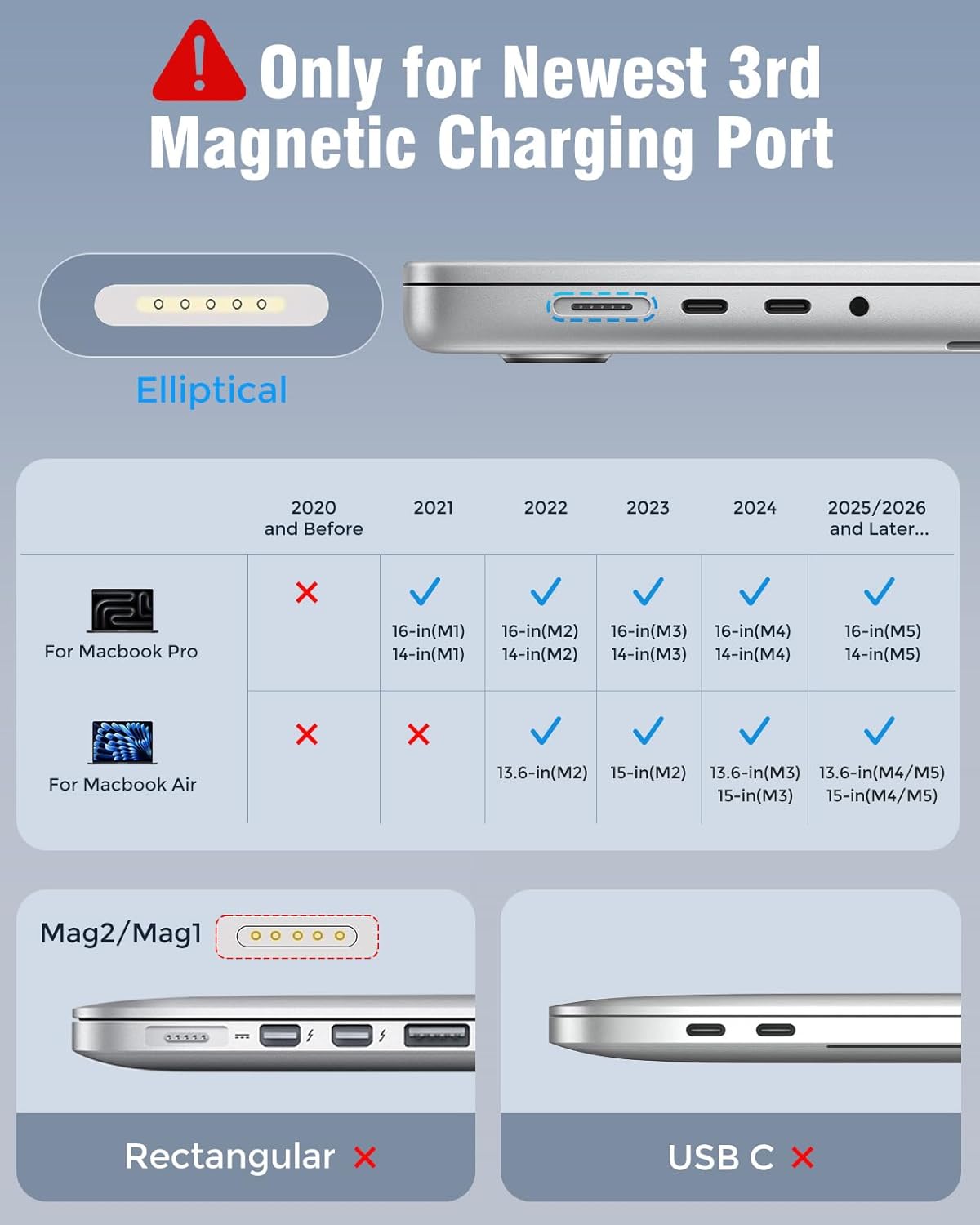
Compatibility is listed for multiple MacBook models across several years, including MacBook Pro 16/14 inch (M5, 2024, M4, 2024, M3, 2023, M2, 2022, M1, 2021) and MacBook Air 13.6 inch and 15 inch configurations (with M4/M3/M2-year matches listed in the description). There’s also a list of model identifiers provided.
Worth noting: compatibility is a big deal with charging accessories, and the description is model-specific. Before you buy, double-check that your exact MacBook model number (the listed identifiers like a2452, a2458, etc.) matches what’s in your “About This Mac” screen. Otherwise, you could end up with a cable that physically doesn’t match as intended.
The LED indicator and what it signals

There’s an LED on the cable: it shows yellow while charging and turns green after reaching 100%. That’s a simple, useful cue if you don’t want to keep checking battery status.
It’s not a substitute for a full battery health plan, but it can help you develop a routine (for example, plugging in before you sit down and unplugging once it turns green).
What’s included and what to check before buying
This listing describes a 2-pack, with braided cord length stated as 6.6ft, and mentions a soft silicone tie for tangle control.
Before you commit, here are the practical things to verify:
- Your MacBook’s model identifier matches one of the listed compatible models.
- You’re using a USB‑C power adapter that fits the wattage ranges described (the cable is said to work with multiple adapter watt levels).
- You’re comfortable with magnetic charging for your charging habits (especially if you often route cables through tight bag compartments).
The “2PCS / 6.6ft” format also means you’re likely buying for convenience—keeping one at home and one at work, or one for travel and one as a backup. That’s where the value proposition usually lands best.
When it makes sense to buy
It’s a solid pick if you want a MacBook-focused magnetic USB‑C cable setup, care about stable charging (less chance of intermittent power from a loose connection), and you’d rather have a braided, more wear-resistant cable for everyday movement.
It also makes sense if you like quick charging status feedback from the LED and you want a spare cable without switching chargers constantly.
When you may want to skip it
Not the best choice if you already have a cable you’re happy with and you don’t care about magnetic connection stability. Also, if you’re not confident your MacBook model number matches the listed compatibility, it may be safer to verify first—charging connectors can be picky.
Final verdict
This magnetic USB‑C to Magnetic 3 charger cable is built around the idea that stable charging and durability matter as much as charging speed. If your current cable tends to loosen, fray, or get annoying in daily movement, this one’s design targets those pain points with a magnetic plug fit, braided nylon protection, and an LED status indicator. Just make sure your MacBook model identifier is on the compatibility list and that you’re using an appropriate USB‑C power adapter, because that’s where “it works perfectly” claims depend on the basics being correct.
FAQ
Is the LED supposed to show when the battery is full?
Yes. The description says the LED displays yellow while charging and turns green after 100%.
Does it support fast charging?
It’s described as fast charging up to 50% in 30 minutes, and it’s listed as compatible with PD 3.1 / 3.0.
Will it work with any USB‑C charger?
The listing says it works with USB‑C power adapters, and it specifically mentions multiple watt ranges (including 140W, 96W, 70W, 35W, and 30W). If your adapter is outside typical USB‑C PD use, that’s something to double-check.
What MacBook models does it mention?
The product description lists several MacBook Pro and MacBook Air configurations by year and chip generation (M series) and also includes model identifier numbers.
Does the 2-pack include two 6.6ft cables?
The listing describes “2PCS” and “6.6ft,” so it’s presented as a two-cable bundle of that length each.