

MALLRACE Gaming Laptop with AMD Ryzen 5 7430U, Radeon Graphics, 16GB RAM and 512GB NVMe SSD (15.6-inch, Windows 11)
Product description
The essentials
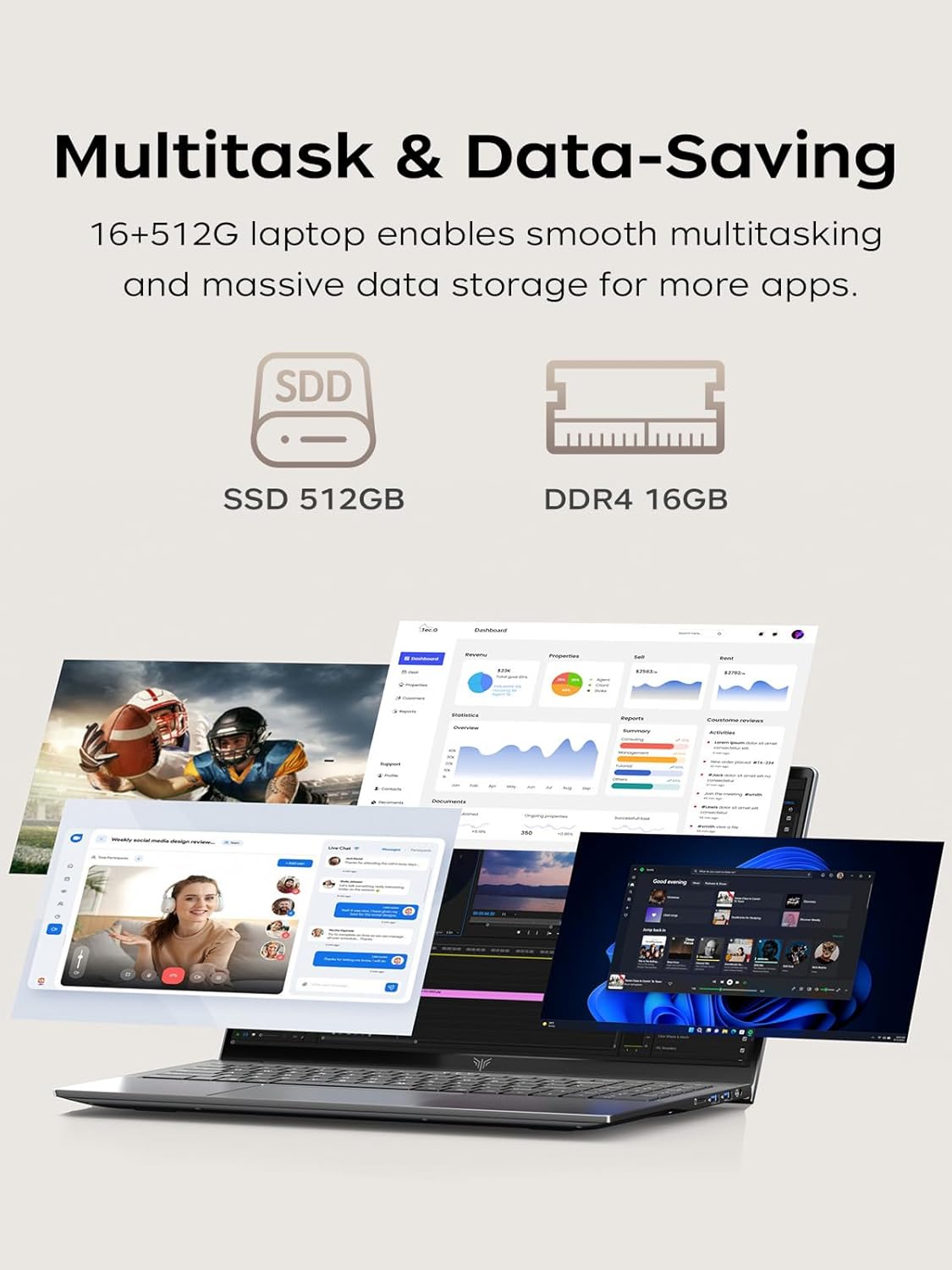
If you’re shopping for a 15.6-inch Windows 11 laptop that’s meant to do real work during the day and still handle lighter entertainment at night, the MALLRACE gaming laptop is built around a sensible “all-arounder” idea. On paper, it pairs an AMD Ryzen 5 7430U processor with AMD Radeon graphics, plus 16GB DDR4 RAM and a 512GB NVMe SSD. That combo is designed for everyday multitasking—think multiple office apps, spreadsheets, and typical web work—without feeling like you’re constantly waiting.
That said, it’s not perfect for everyone. It’s positioned more as a practical midrange-style system (especially with the 60Hz screen), not as a machine you buy to chase high-end gaming performance. If your goal is competitive esports at max settings, you may find it a bit limited. But for school, office work, content watching, and occasional casual gaming, it can make more sense than going bigger and more expensive.
Key points: what you’ll notice day to day
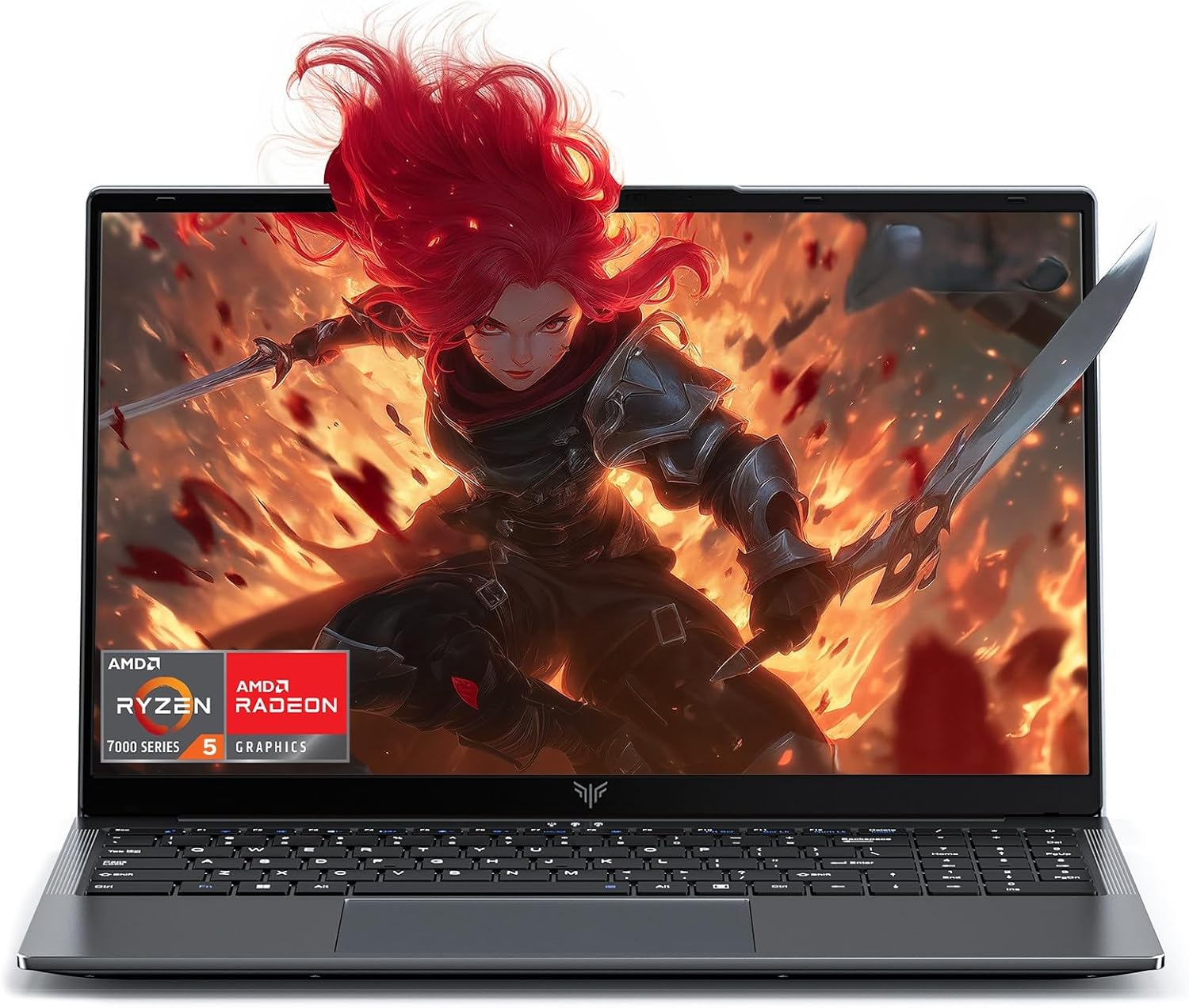
The biggest day-to-day win here is the balance of CPU + RAM + fast storage. With 16GB RAM (expandable to 32GB) and a 512GB NVMe SSD, the laptop is meant to feel responsive for common workflows like switching between documents, running office tools side by side, and opening heavier Excel spreadsheets.
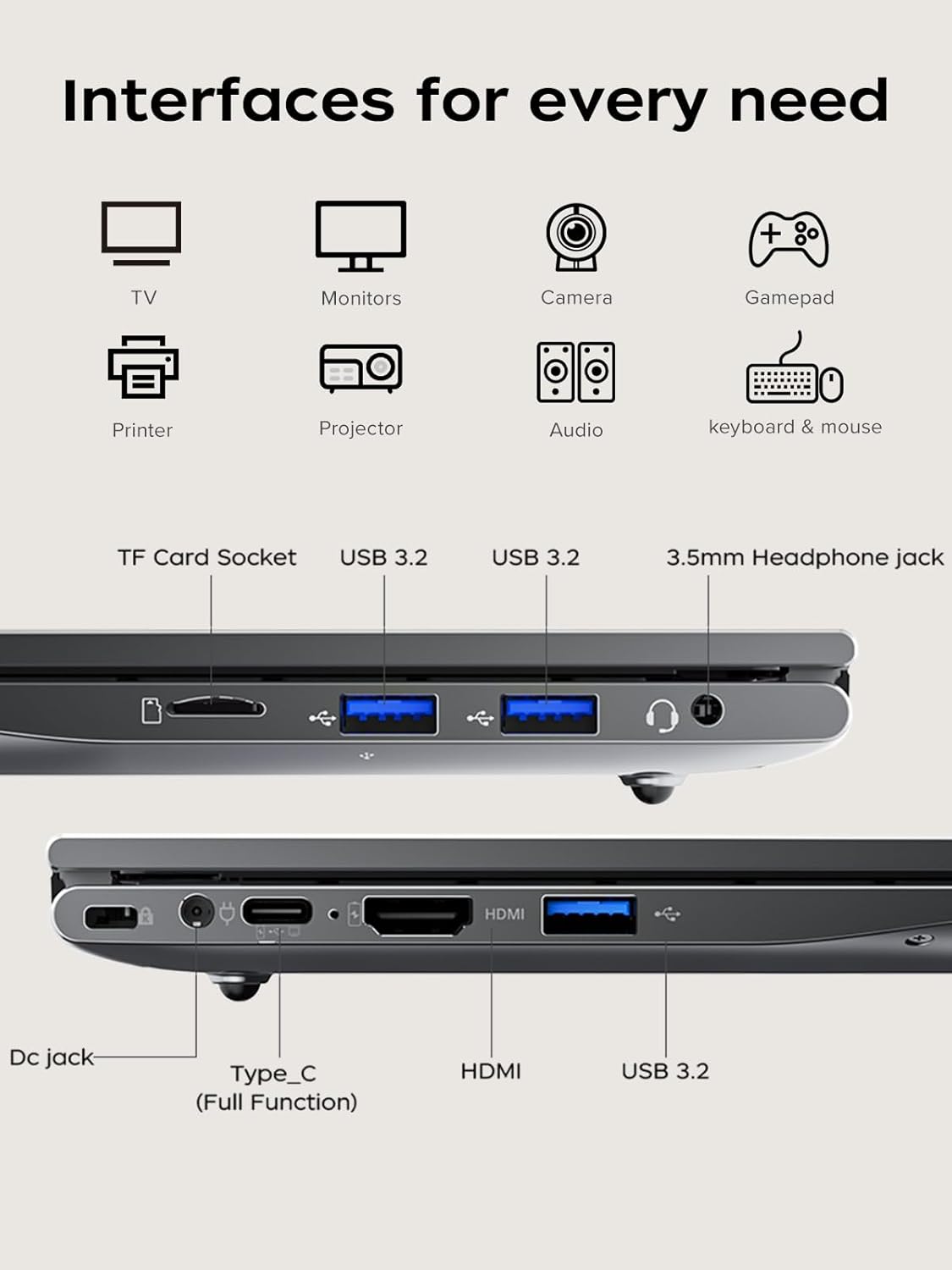
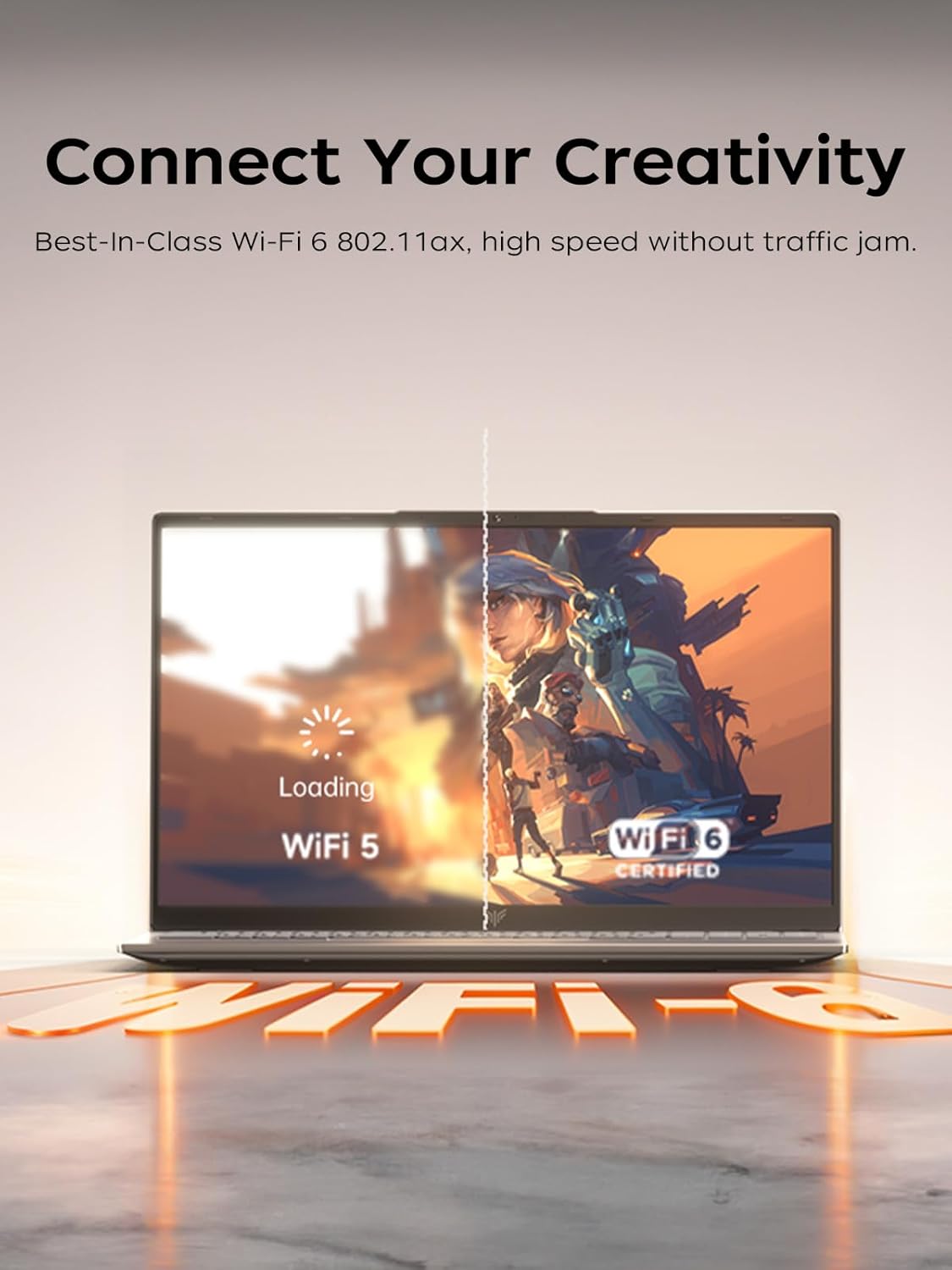
The second thing you’ll likely appreciate is connectivity and monitor flexibility. It includes multiple USB 3.2 ports, a full-function Type-C port with video output, and HDMI 1.4—so you’re not stuck using only the built-in screen. Add Wi‑Fi 6 and Bluetooth 5.2, and the setup is geared toward stable wireless use for a keyboard/mouse and everyday browsing.
One more detail that sounds small but can matter: there’s a physical camera switch. Sliding it to disable the camera gives a more straightforward privacy control than relying on software alone.
Where it shines (and where it may not)
This laptop is best understood as a “work first, casual second” device. The Ryzen 5 7430U is described with 6 cores and 12 threads, a boost clock up to 4.3GHz, and a Zen3 architecture. In real terms, that’s the kind of spec set that supports multitasking—like running several office applications simultaneously or working through more complex Excel operations.
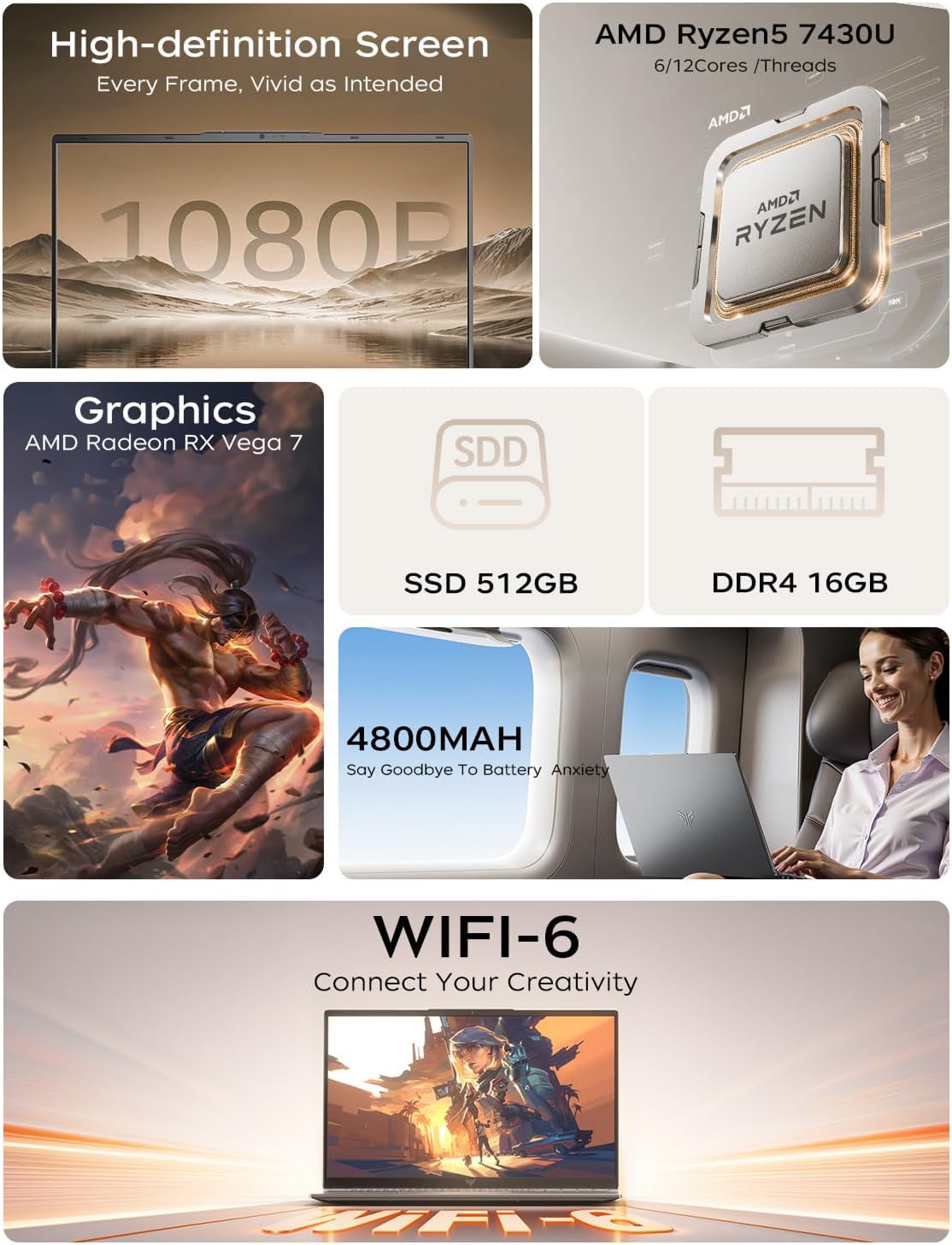
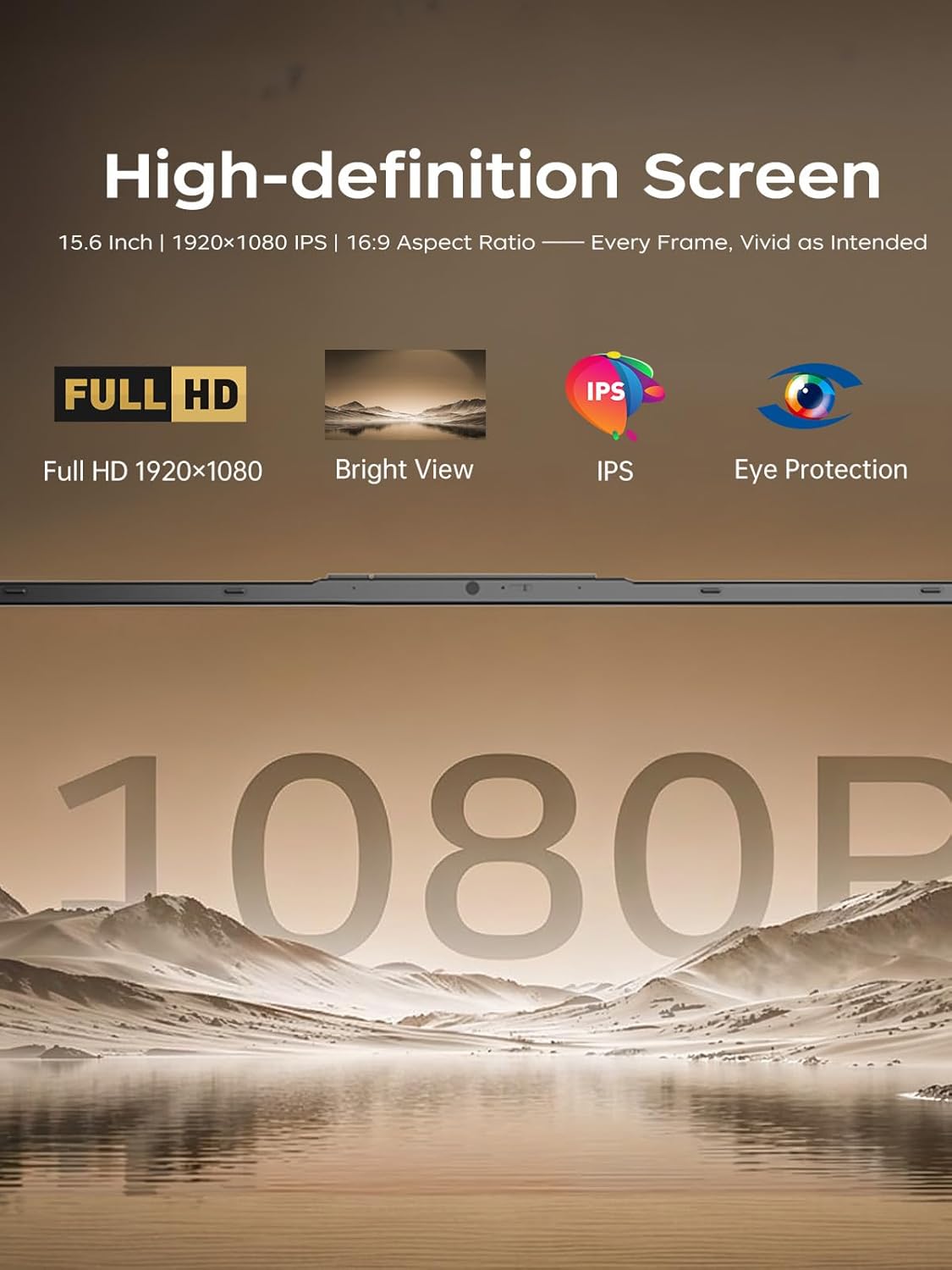
You also get a full HD 15.6-inch display (1920×1080) with a 60Hz refresh rate. For office charts, documents, and movie nights, it should look clear and smooth enough for normal use. Still, keep expectations realistic: a 60Hz panel isn’t the same feel as higher refresh screens, so fast motion in games or sports may not look as fluid as you’d get from more gaming-focused laptops.
It might not be a great match if you’re trying to “buy once” for heavy creative pipelines or demanding games. The specs suggest capable general use, but the entry-level visual and refresh setup hints it’s not meant to be an all-out performance beast.
Tech specs: the important hardware details
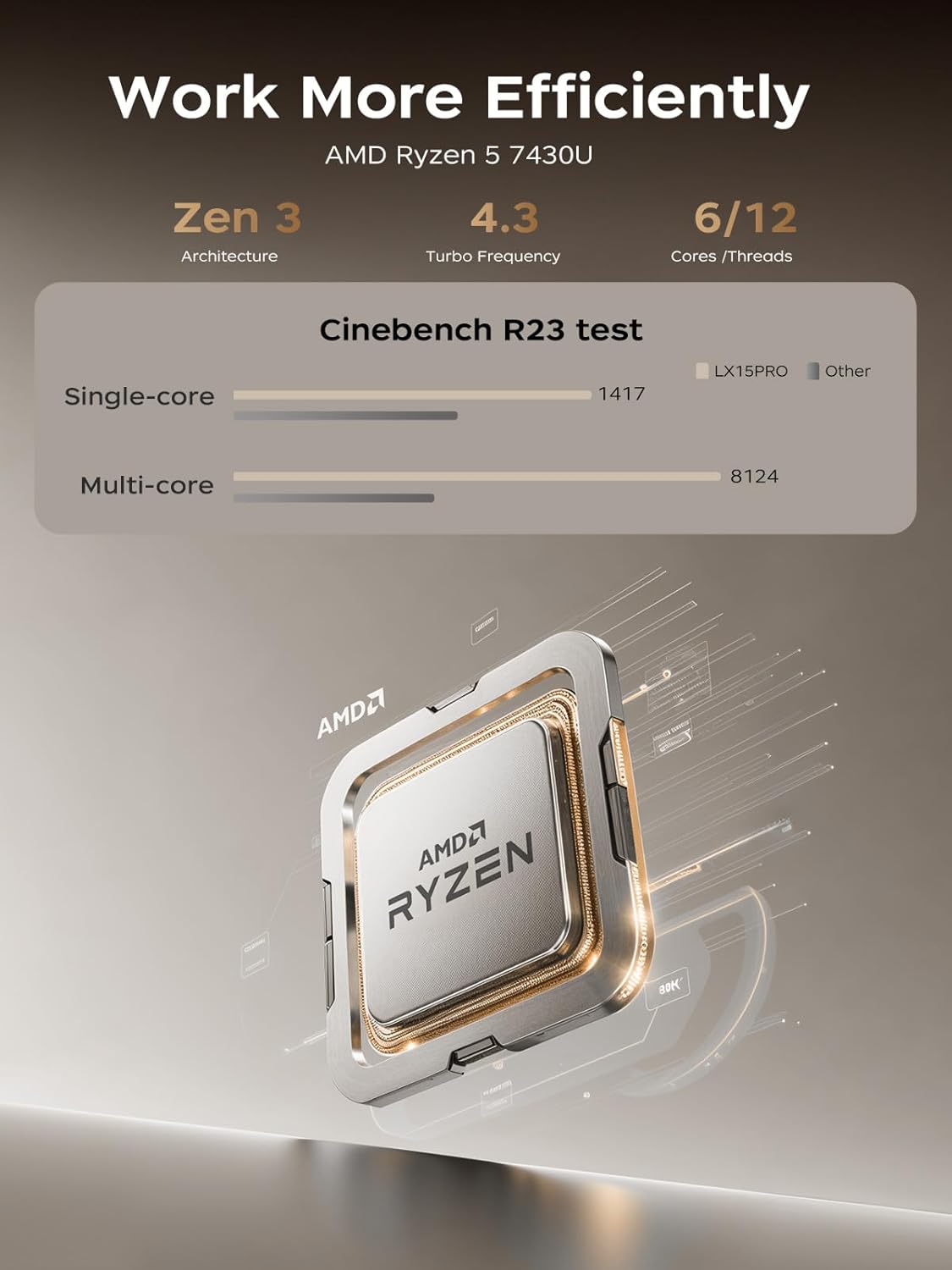
- CPU: AMD Ryzen 5 7430U (6 cores, 12 threads, up to 4.3GHz boost, Zen3 architecture, 16MB L3 cache)
- Graphics: AMD Radeon graphics
- RAM: 16GB DDR4 (expandable to 32GB)
- Storage: 512GB M.2 NVMe PCIe 3.0 SSD, dual-drive bay design (up to 2TB per interface, up to 4TB total for the whole machine)
- Display: 15.6-inch, 1920×1080 resolution, 60Hz refresh rate
- Wireless: Wi‑Fi 6 and Bluetooth 5.2
- Ports: 3× USB 3.2 ports, Type-C port with video output, HDMI 1.4
- Camera privacy: physical camera switch (slide to disable)
Practical tips: getting more value from it
Start by planning your storage before you load it up. The system includes 512GB NVMe SSD out of the box, which is usually enough for office files, school docs, and a reasonable media library. But because it supports additional storage (and a dual-drive bay design), you may want to decide early whether you’ll keep large video files locally or rely more on streaming.
For a simple real-life setup: connect it to a monitor using HDMI 1.4 or the Type-C video output, then use the extra screen space for spreadsheets side-by-side with reports. That’s the kind of “instant productivity” improvement that usually matters more than chasing very specific gaming features.
Also, make use of the camera switch. If you do virtual meetings in shared spaces (or just prefer physical control), it’s a small but effective way to manage privacy.
Included in the package & what to check before buying
The listing details focus on hardware and connectivity, but you should still double-check the exact contents included in the box on the amazon US page (charger, cables, and any accessories can vary by seller listing).
Also worth verifying before checkout: - Whether you specifically need Wi‑Fi 6 + Bluetooth 5.2 for your devices. - That HDMI 1.4 and the Type-C video output are the video connections you plan to use. - Your tolerance for a 60Hz display if you care about very smooth motion.
Final verdict
It makes sense to buy this MALLRACE gaming laptop if you want a Windows 11 system geared toward everyday office multitasking, light entertainment, and a practical port selection for monitor setups. The 16GB RAM, upgradable memory to 32GB, and NVMe storage are the kind of choices that can keep the machine feeling usable as your workload grows.
You may want to skip it if you’re chasing high refresh-rate gaming visuals or the most demanding performance you can get for gaming-heavy use. On a 60Hz 1080p panel, it’s more “work + casual” than “serious gaming rig.”
Mini FAQ
Is this laptop good for everyday office work?
Based on the Ryzen 5 7430U (6 cores/12 threads), 16GB RAM, and NVMe SSD, it’s designed for multitasking like running multiple office apps and handling complex Excel work without obvious slowdowns—at least on paper.
Can I expand the RAM?
Yes. The system is listed with 16GB DDR4 RAM and support for expanding up to 32GB.
Does it support connecting to an external monitor?
Yes. It includes HDMI 1.4 and a Type-C port that supports video output.
What’s the display like for videos and charts?
It’s a 15.6-inch 1920×1080 display with a 60Hz refresh rate, so it should be clear for documents and charts and smooth enough for typical movie viewing.
Why does the physical camera switch matter?
It lets you physically disable the camera by sliding a switch, which can be reassuring if you want an extra layer of privacy control.