


MAGICRAVEN Dual Laptop Screen Extender 14"
Product description
Highlights
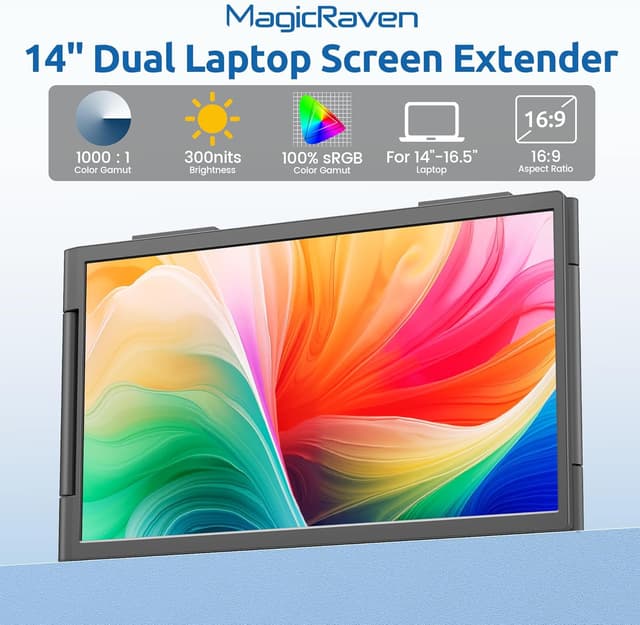
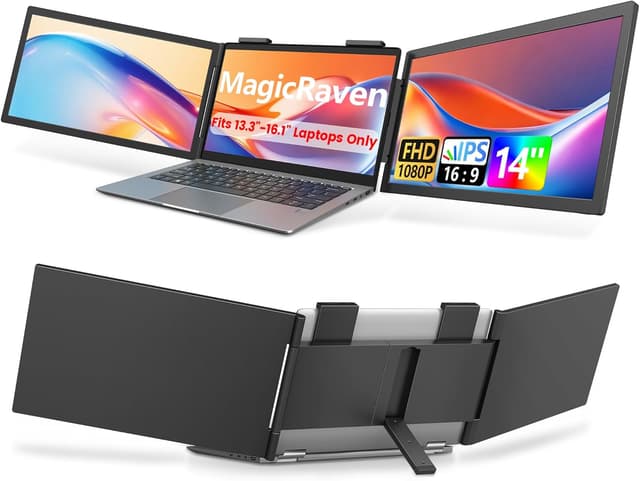
The MAGICRAVEN Dual Laptop Screen Extender is a portable 14" FHD IPS attachable monitor that expands your laptop into a triple monitor setup for clearer multitasking on the go. It combines a bright 1080p display with a compact design so you can run multiple apps side by side without constantly switching windows, useful when working in cafés, hotels, or shared workspaces.
Tech specs

- Name: MAGICRAVEN Dual Laptop Screen Extender
- Size: 14 inches
- Resolution: 1920x1080
- Display: IPS
- Brightness: 300 nits
- Contrast: 1000:1
- Color: 100% sRGB
- Weight: 3.4lbs
Why it’s worth it
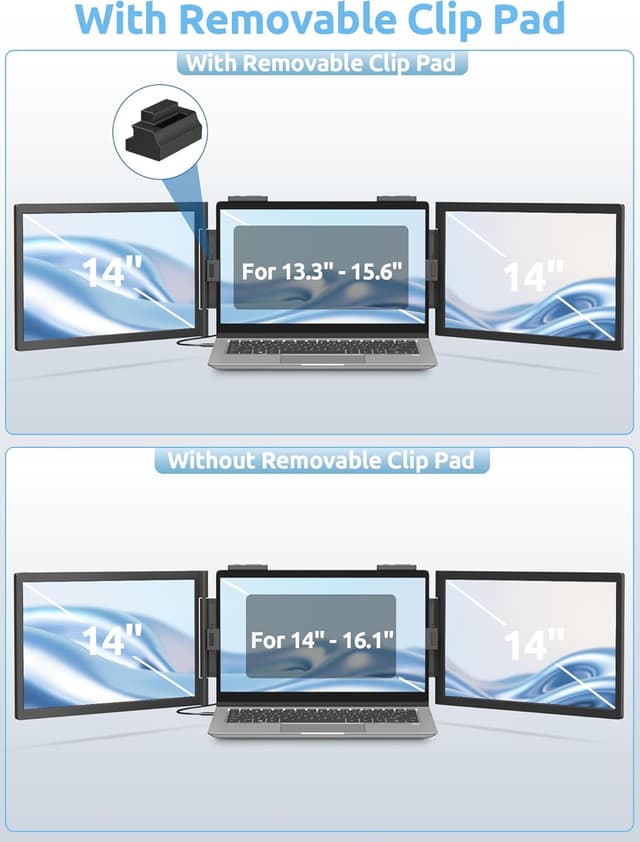
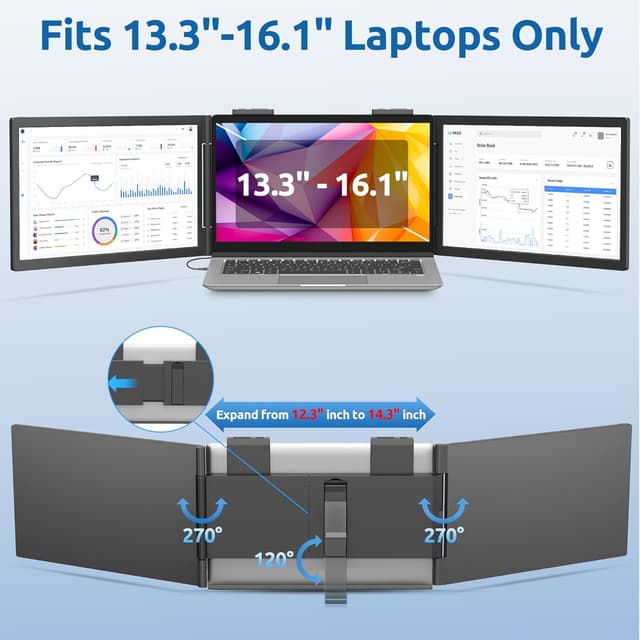
This attachable screen helps you build a mobile workstation by adding one or two extra displays to compatible laptops, letting you compare spreadsheets, monitor feeds, or keep communication windows visible while you work. The screen rotates up to 250° so you can tilt it for the best viewing angle. Note that macOS laptops with M1 M2 M3 or M4 chips will only show one extended display according to the manufacturer, so plan connections accordingly.
Usage tips
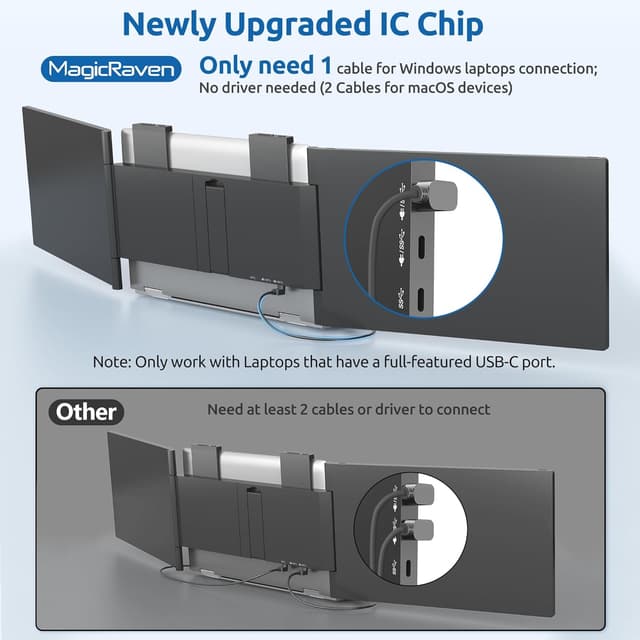
Connect via the single USB-C cable for most Windows laptops, or use the two-cable setup required by some macOS systems, then position the extender over your laptop and adjust the rotation to reduce glare. You’ll appreciate the lighter weight when traveling, and the slim profile means it slips into a carry bag quickly. It’s a great fit if you need extra screen area without taking up desk space, and it makes sense if you frequently work with multiple windows open.
Care & maintenance
Keep the panel clean with a microfiber cloth and avoid pressing the screen when attaching or detaching. Store the extender in a padded sleeve when not in use to protect the IPS panel and hinges. For best color performance, calibrate using your OS color settings if accurate reproduction matters.