

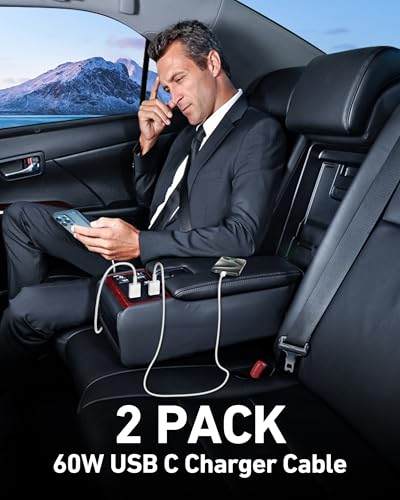
LUOSIKE Car Carplay Cable for iPhone 17/16/15 Series – 2-Pack 3FT USB A to USB C
Reviews
Price
Product description
What it is
The LUOSIKE Car Carplay Cable is a lightweight, 3-foot USB A to USB C charging and data cable designed to connect a range of Apple devices with CarPlay-enabled setups. It’s sold as a 2-pack, offering extra length and backup cables for travel or multiple cars.
Who it’s for
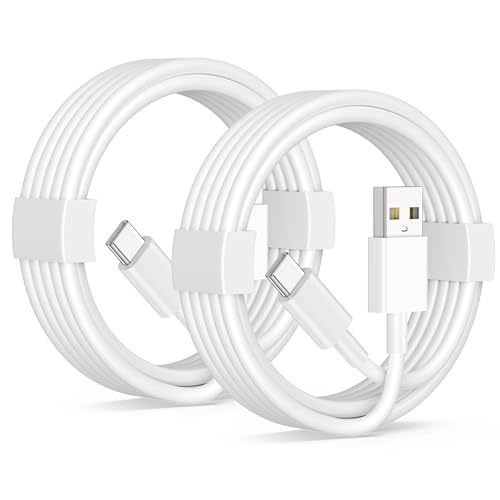
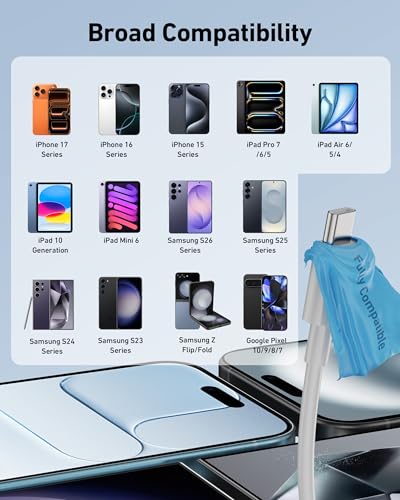
If you drive regularly and want a straightforward, plug-and-play way to enable CarPlay with newer iPhone models (including 17/16/15 series) and iPad/Apple accessories, this cable aims to cover the basics. It’s also positioned as a practical option for travelers who value a spare cable in the car or bag.
What stands out
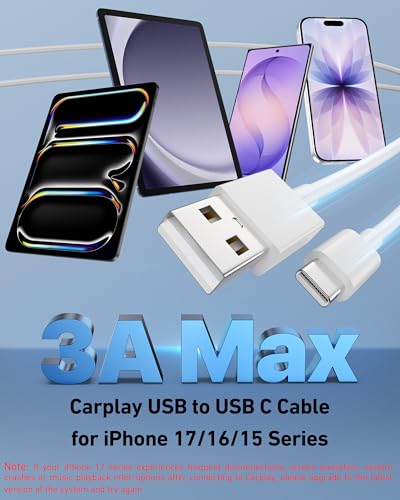
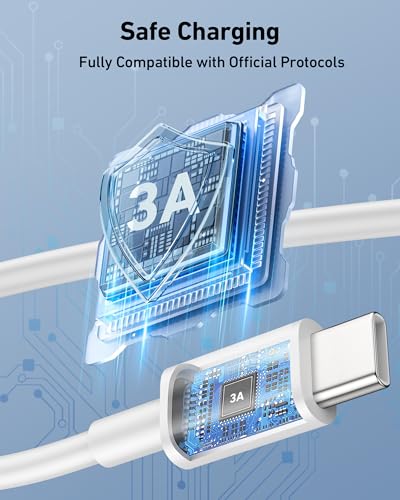
On paper, the cable supports fast charging up to 3A and data transfer up to 480Mbps, which aligns with typical in-car charging and syncing needs. The 3ft length strikes a balance between reach and portability, making it easy to route in most vehicles without excess slack.
Limitations and considerations
The notes mention a Siri-related setup requirement before linking to CarPlay, which adds a step some users may find unfamiliar. Results can vary depending on your car’s CarPlay system and iOS version. If CarPlay doesn’t connect at first, users are advised to try reversing the USB C plug and retry. This suggests a potential sensitivity to connector orientation in some cars. It may not be the best option if you require USB-C to USB-C or higher-speed data transfers beyond 480Mbps, or if your car’s head unit demands a different cable standard.
Pros
- Dual-pack for value and redundancy
- Light, portable design suited for travel
- Explicit fast charge capability and decent data rate for day-to-day use
- Compatible with a broad set of Apple devices and some other brands as noted in the description
Cons
- Claimed data speed is modest by modern standards, not intended for high-bandwidth tasks
- Some setup steps are needed (Siri activation) and there’s a caveat about troubleshooting CarPlay connection
- The official compatibility list is broad and includes devices beyond iPhone, which may cause expectations that aren’t universal in every car setup
How to use it
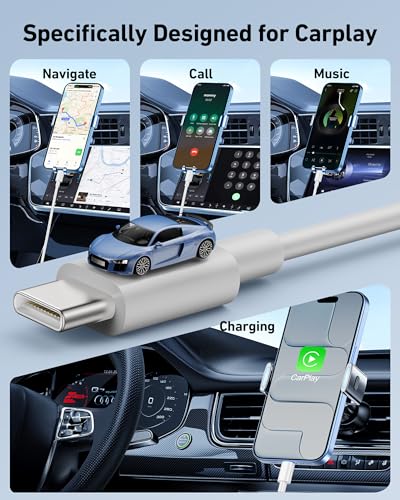
Plug the USB A end into your car’s USB port and the USB C end into your iPhone or iPad that supports CarPlay. If CarPlay doesn’t wake up, follow the included steps: wake Siri and retry, and if needed, flip the USB C plug and attempt again.
What to check before buying
- Ensure your car’s CarPlay system supports wired connections with USB-A to USB-C cables.
- If you rely on high-speed data transfers beyond 480Mbps, consider whether this cable meets your needs.
- Consider having a spare cable in the glove box or bag for trips, given the 2-pack offering.
Practical usage example
Imagine a daily commute where you want to charge and access CarPlay without frayed cords. A 3ft cable gives enough slack to sit in the cupholder or center console, keeping devices within reach while still charging efficiently during the drive.
Where it fits in the buying decision
If you prioritize value and a simple, travel-friendly solution for multiple Apple devices, this LUOSIKE cable makes sense. It’s not pitched as a premium, high-speed data cable or a specialized CarPlay upgrade, so if your setup demands more than basic CarPlay performance or a higher-grade data channel, you may want to explore other options.
Buying verdict
Final verdict: Worth considering if you want a cost-effective, spare 3ft USB A to USB C cable for CarPlay and everyday charging, especially when you value multiple units in the package. It’s less compelling if you need top-tier data throughput or guaranteed, universal CarPlay reliability across all car models.
FAQ
- Is this cable compatible with all iPhone models? It lists compatibility across iPhone 17/17 Pro/17 Pro Max/17e, 16, 15 series and related iPad models, actual CarPlay performance may vary by car.
- Do I need to do anything special to use CarPlay with this cable? The note suggests enabling Siri via Set Phone Settings and waking Siri before linking to CarPlay.
- What if CarPlay doesn’t connect? Try reversing the USB C plug and reconnect, some cars may require slight rearrangements for a stable link.