

Luckyish Wireless CarPlay Adapter with Dual-Band Wi-Fi and Bluetooth 5.4
Product description
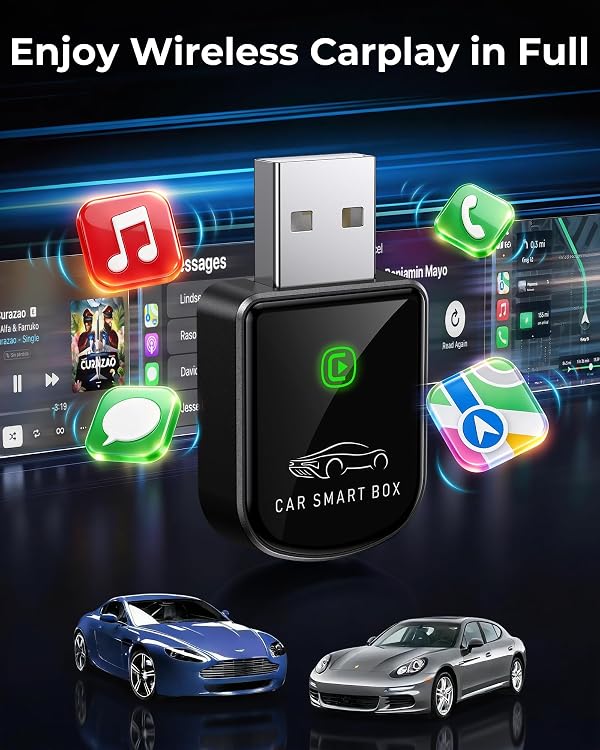
Dual-band Wi-Fi and Bluetooth 5.4 let this Luckyish adapter turn factory-wired Apple CarPlay into a wireless connection, so you can keep your iPhone in your pocket while using familiar CarPlay features. It supports navigation, music, calls, and Siri, helping reduce cable clutter around the dashboard during everyday drives.
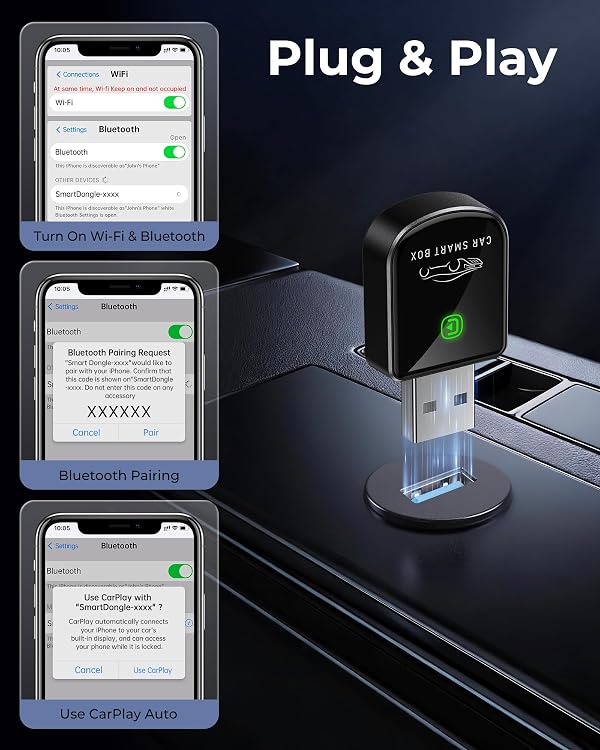
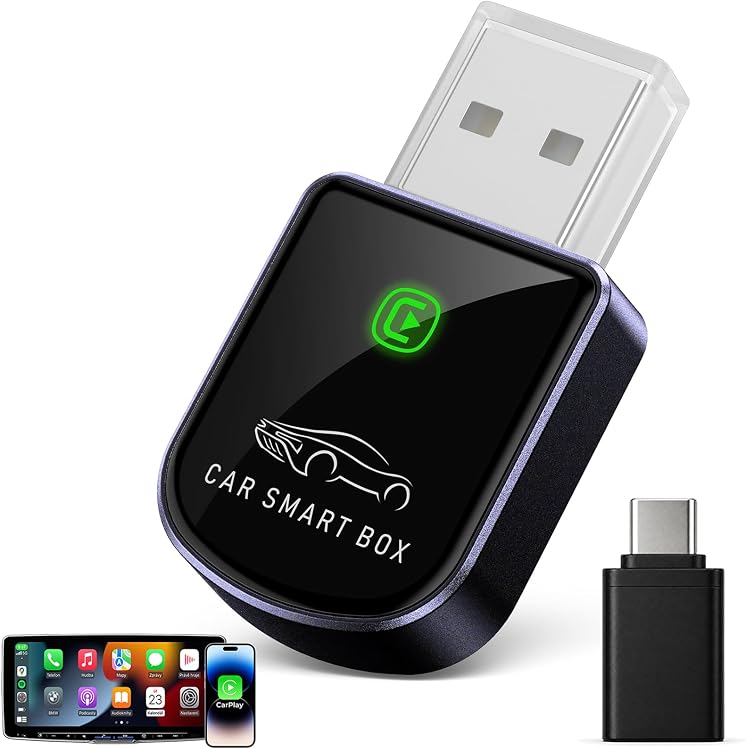
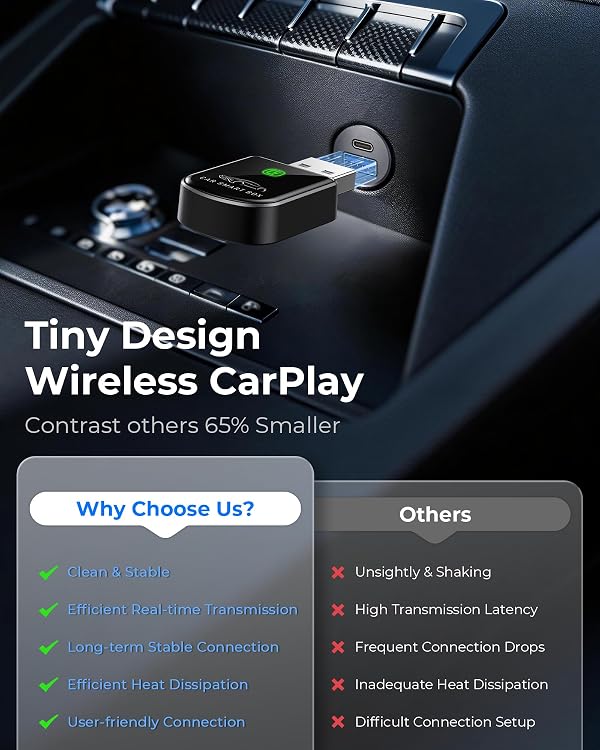
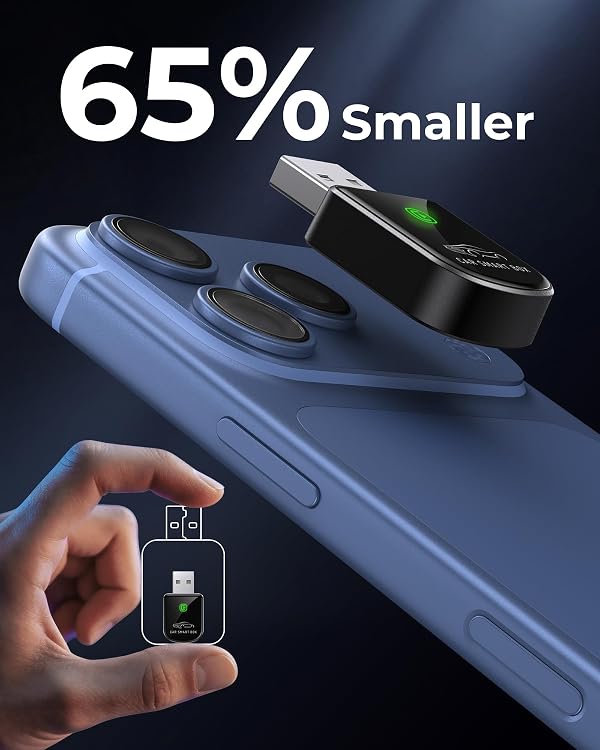
Setup follows a simple plug, pair, and play process, and the adapter is designed to reconnect automatically when you get back in the car. Its compact format keeps the hardware unobtrusive, while support for USB Type A and a USB-C dongle helps it connect with compatible vehicle ports.
Why it makes sense
If your car already has factory-wired CarPlay, this adapter offers a way to use it wirelessly rather than plugging in your phone for each trip. That can make getting on the road more convenient and leave the center console less crowded. For drivers who prefer a direct wired connection, the existing setup remains a straightforward alternative, this adapter is for adding wireless access to a compatible CarPlay system.
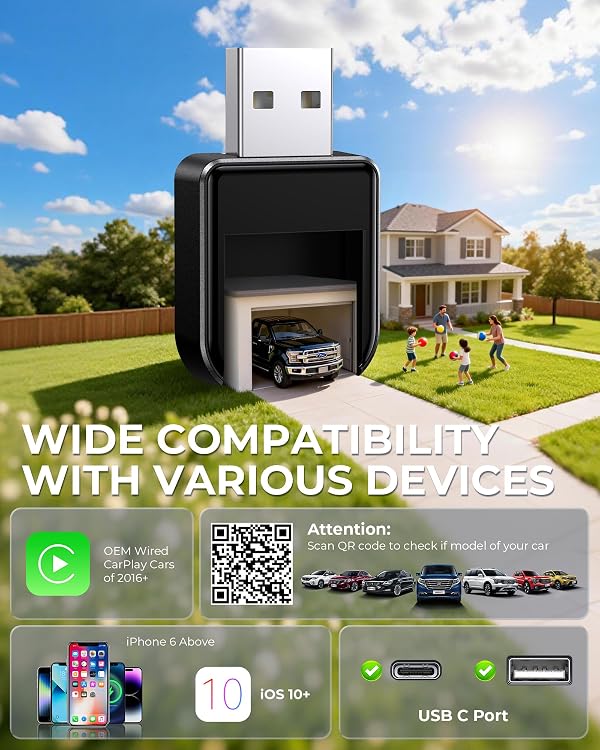
The adapter is intended for vehicles with factory-supported wired CarPlay and iPhone 6 or newer running iOS 10 or later. It uses Wi-Fi and Bluetooth to connect, and is designed to preserve the vehicle’s familiar controls, including steering-wheel buttons, knobs, and touchscreens. What would wireless access change in your daily routine? For many drivers, it means starting navigation or music without first reaching for a cable.
Key takeaways
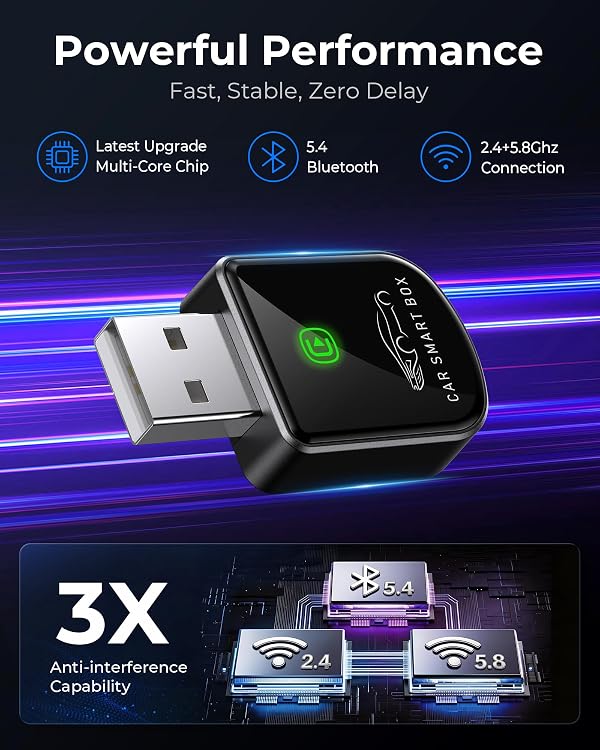
The compact receiver supports navigation, music, phone calls, and Siri through CarPlay. Its dual-band 2.4 + 5.8 GHz Wi-Fi and Bluetooth 5.4 are designed to support a stable connection for media and calls, while automatic reconnection helps make repeat trips simpler. A USB-C dongle is included, and the listed connector options are USB Type A and USB Type C.
Customer feedback highlights quick connection at startup, a compact design, and the convenience of driving without a cable. Some also mention smooth use of Apple Maps, music, calls, and Siri. These are reported experiences, while the adapter’s practical appeal is its wireless access to familiar CarPlay functions.
Practical tips
For setup, plug the adapter into the vehicle’s USB connection used for factory-wired CarPlay, then pair it with your iPhone. Once paired, the adapter is designed to reconnect when you enter the car. Before choosing it, make sure your vehicle has factory-supported wired CarPlay and that your iPhone meets the stated iPhone 6 and iOS 10 requirements. This is a CarPlay adapter, not a way to add CarPlay to a vehicle that lacks factory support.
Before you decide
Which vehicles and iPhones are compatible? It is intended for vehicles with factory-supported wired CarPlay and iPhone 6 or newer running iOS 10 or later.
How do you set it up? Connect it to the vehicle’s CarPlay USB port, pair it with your iPhone, and use the plug-and-play connection. It is designed to reconnect automatically on later drives.
Can you still use the car’s controls? The adapter is designed to retain the vehicle’s steering-wheel controls, knobs, and touchscreen while you use CarPlay features such as navigation, music, calls, and Siri.
Buying verdict
It suits you if you want to keep factory CarPlay while moving away from a daily phone cable. The Luckyish adapter combines a small footprint, automatic reconnection, and support for familiar in-car controls, making it a practical fit for compatible vehicles and iPhones that use wired CarPlay today.