

CAENEEDER Wireless Carplay Adapter (Blue) – Convert Wired CarPlay to Wireless for 2016+ Vehicles
Product description
What it is and the problem it solves
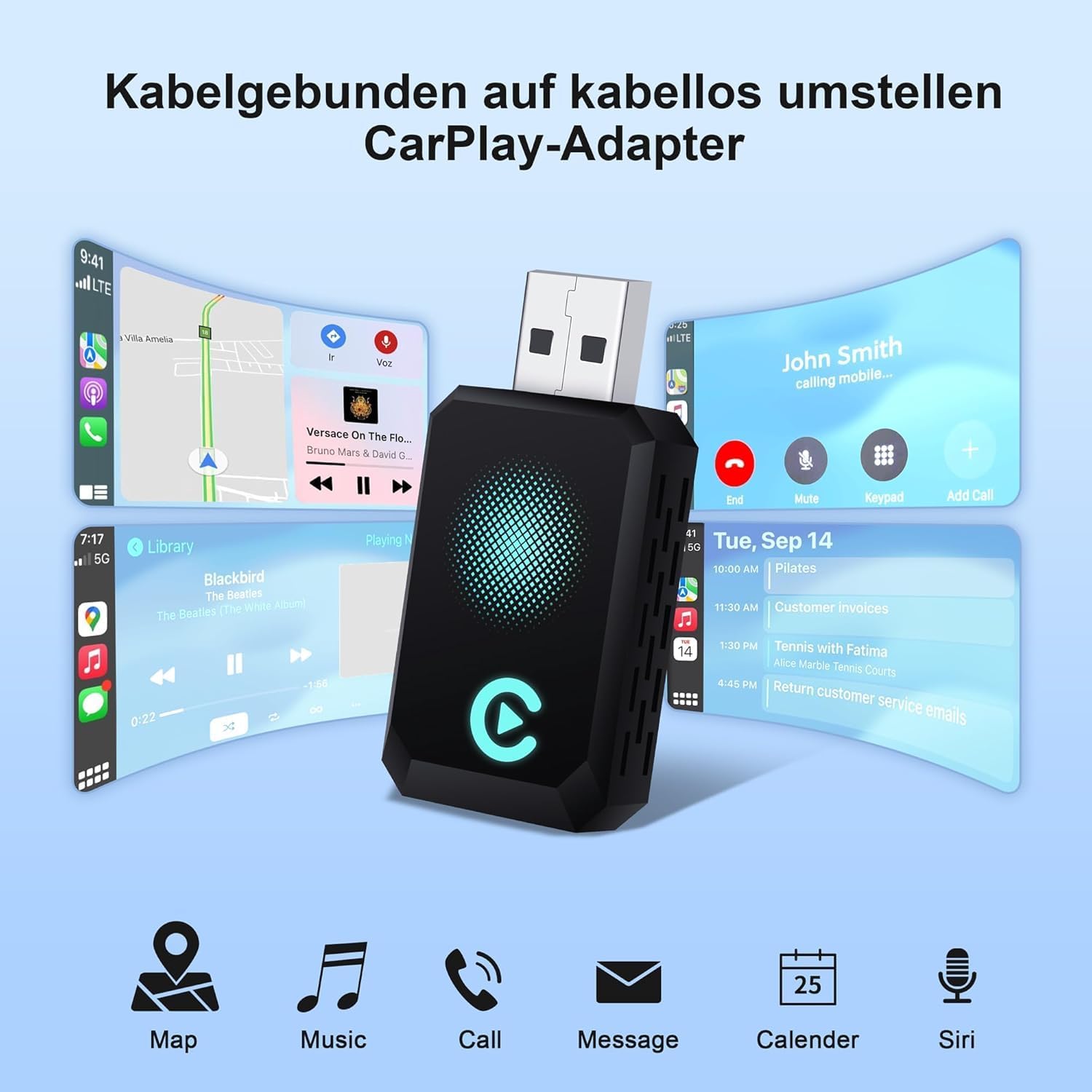
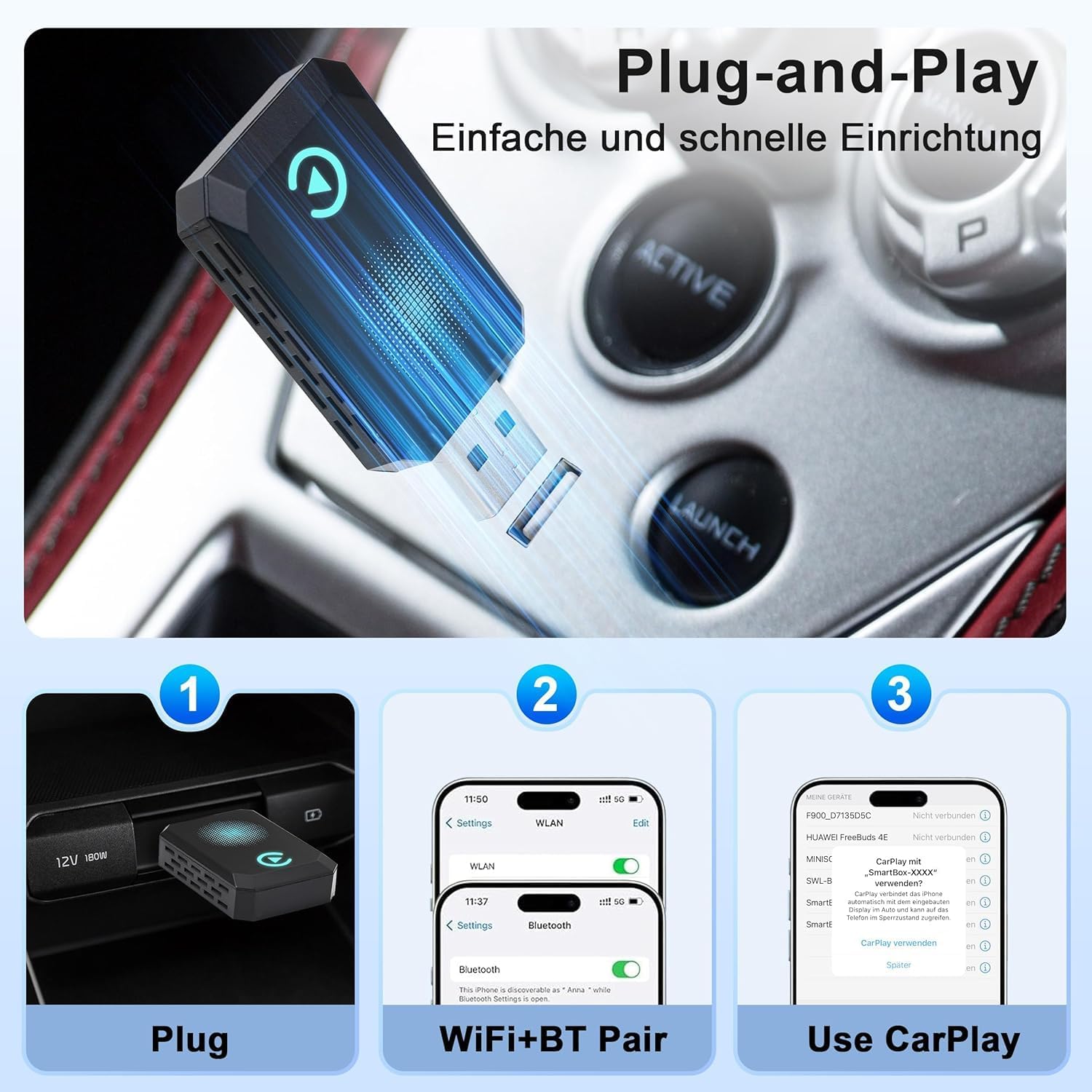
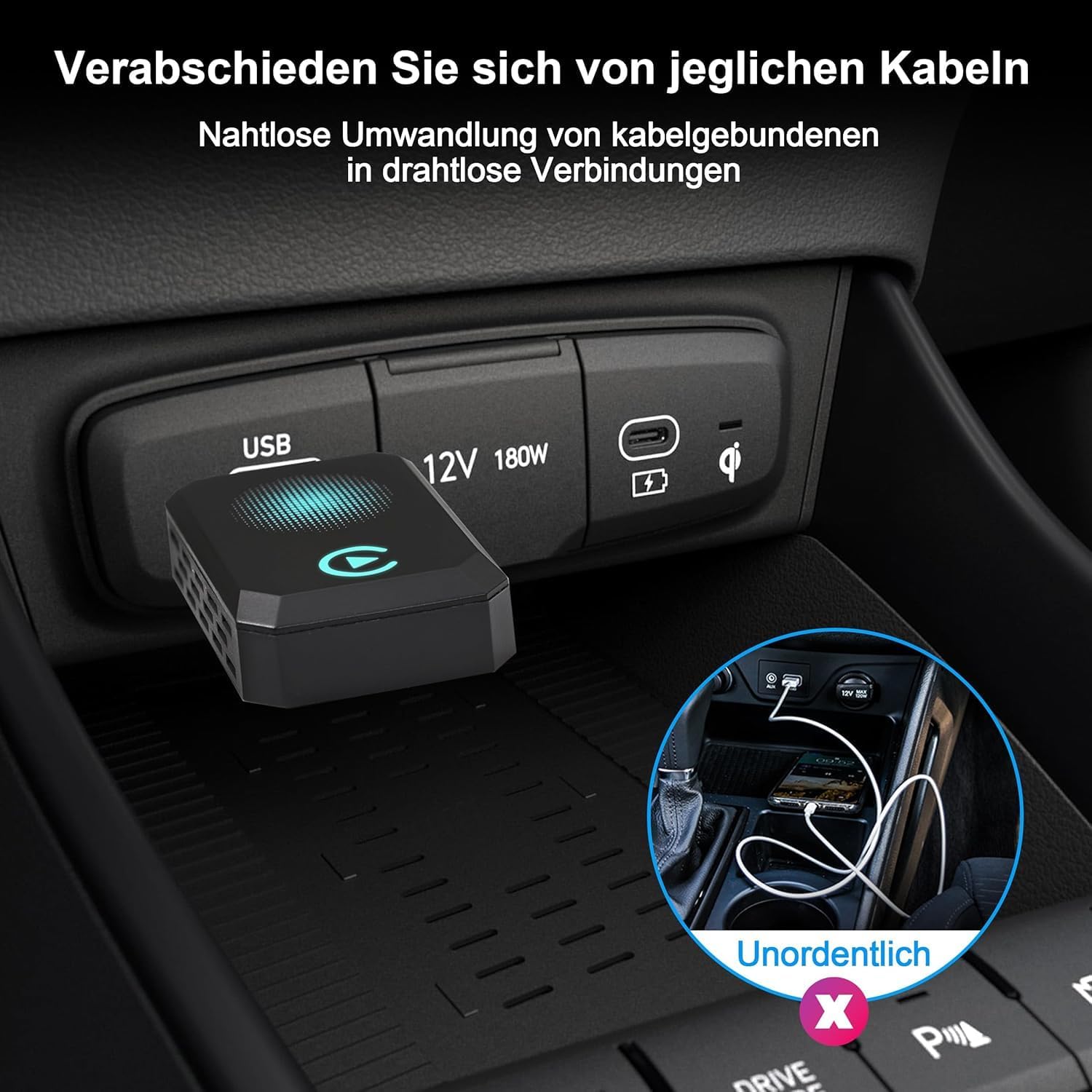
The CAENEEDER Wireless Carplay Adapter is a plug-and-play device that turns your wired CarPlay setup into a wireless experience. If you’re tired of plugging in every time you get in the car, this adapter aims to streamline navigation, music, hands-free calling, and voice control by removing the cable with no apps or updates required.
How it works in practice
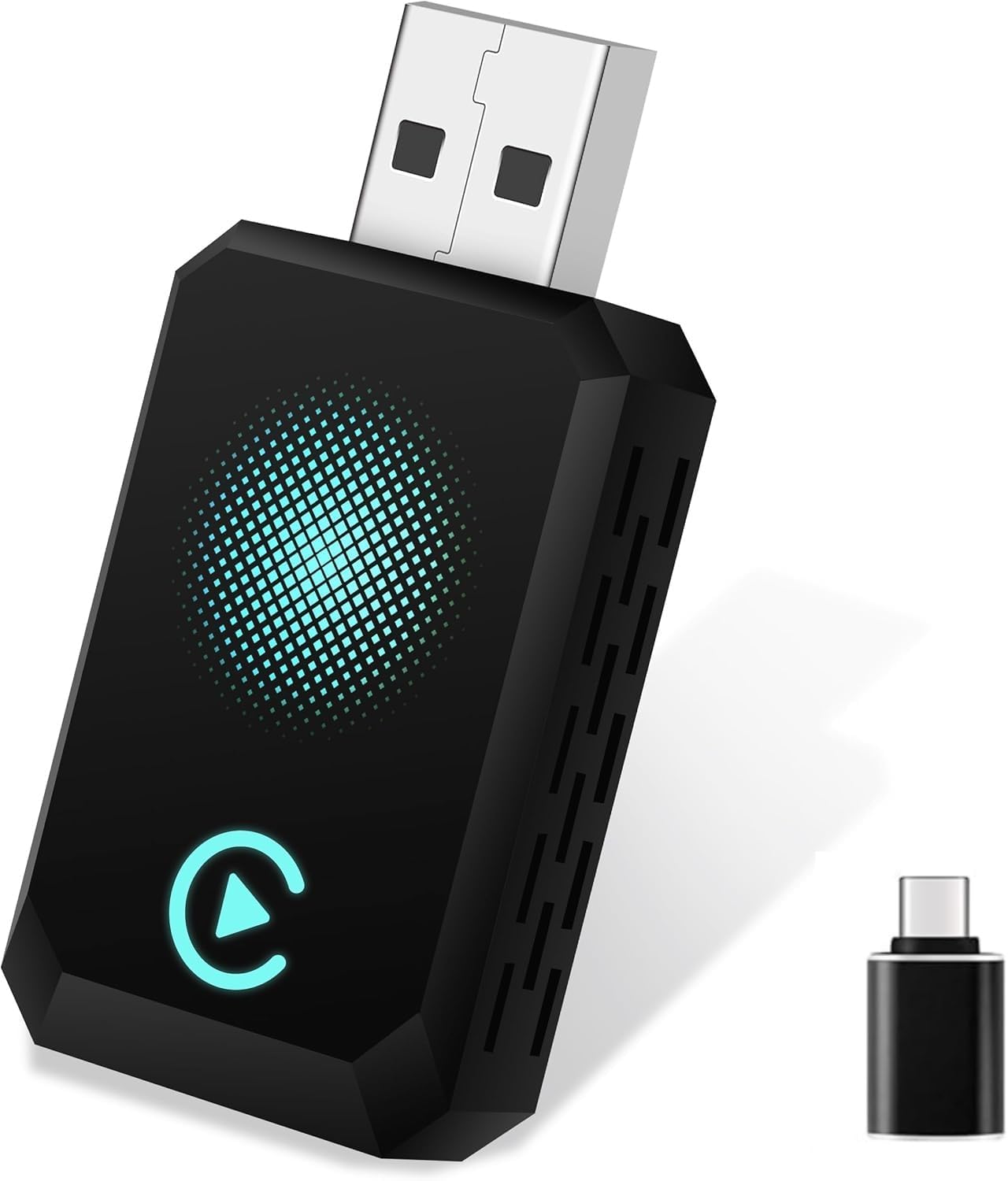
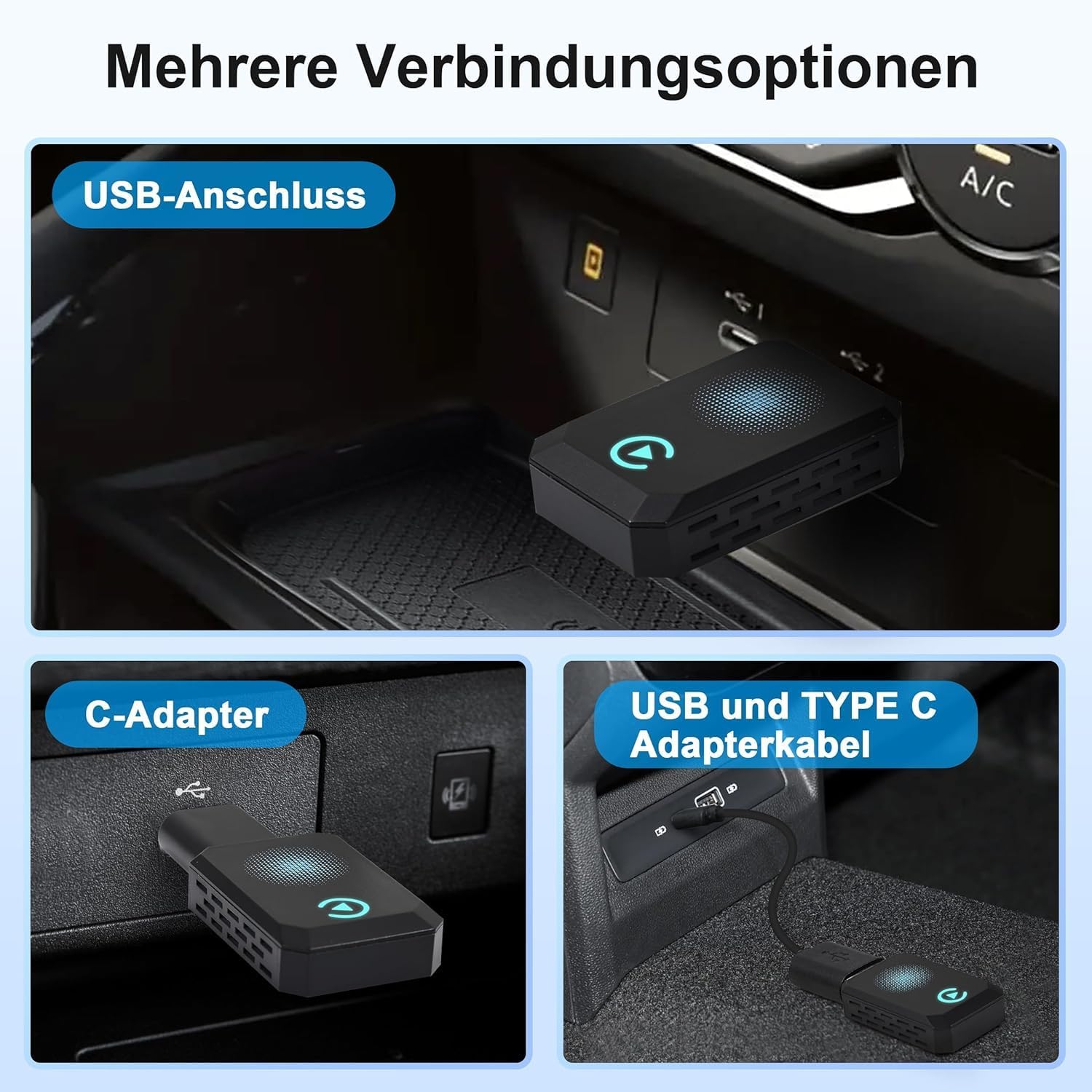
You plug the adapter into your car’s USB port. After your first pairing, your phone should connect automatically each time you start the vehicle. It’s designed to be compatible with cars that originally support wired CarPlay and supports USB-C and USB-A interfaces, so it can fit a range of vehicle infotainment configurations. Note: it is intended for CarPlay, not Android Auto, and it won’t convert other systems.
What stands out in use
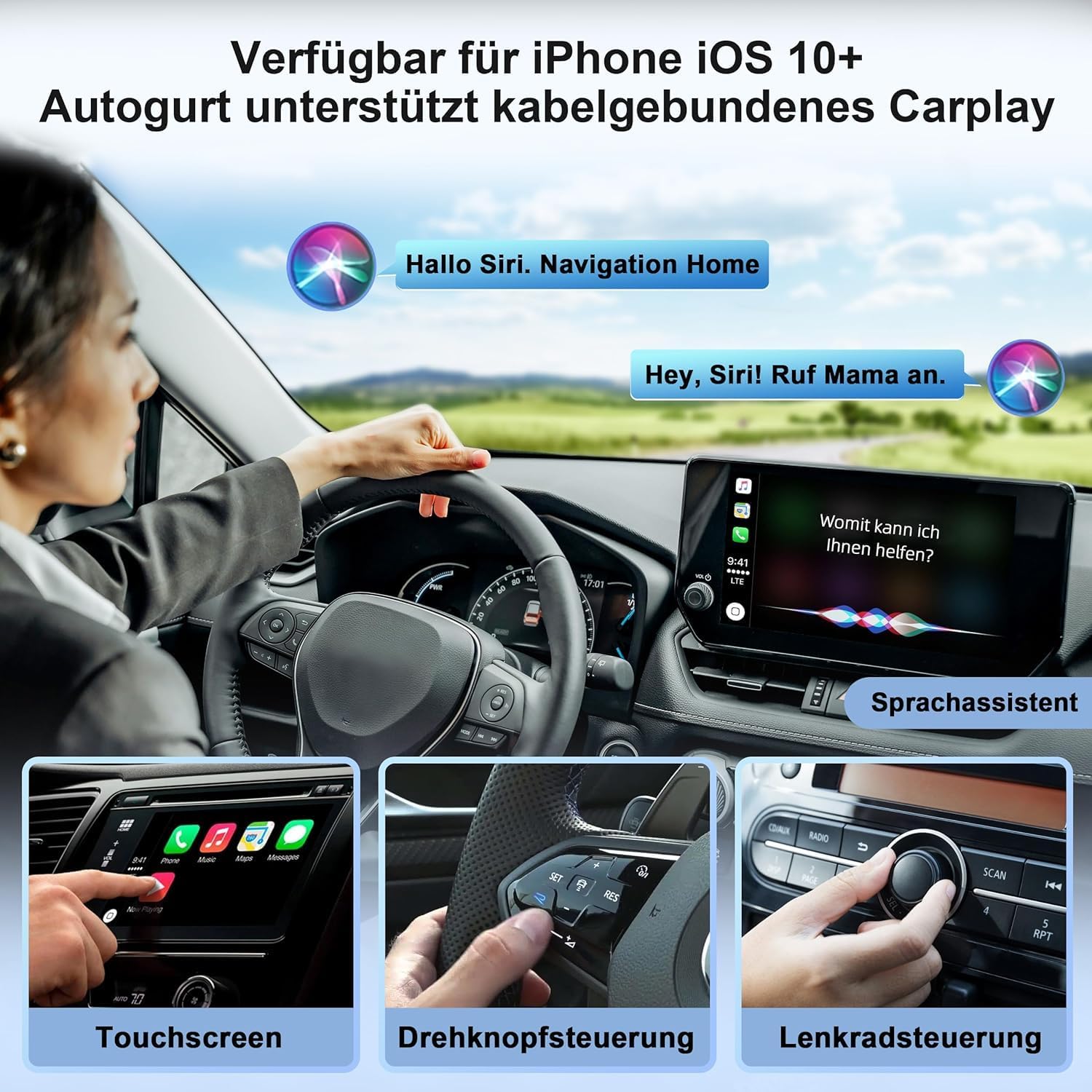
With multiple control methods—voice control, steering wheel, touch screen, and knob operations—you can keep your eyes on the road while accessing maps, messages, and media. The compact form factor is meant to avoid crowding the dashboard or interfering with other devices.
Strengths you’ll notice day to day
- Quick on-boarding: no apps or software updates required for setup.
- Automatic reconnect: once paired, it aims to reconnect at each car start.
- Broad compatibility within CarPlay: supports USB-C and USB-A ports for varied car interfaces.
- Hands-free and safer driving workflow via familiar CarPlay controls.
Limitations and caveats to consider
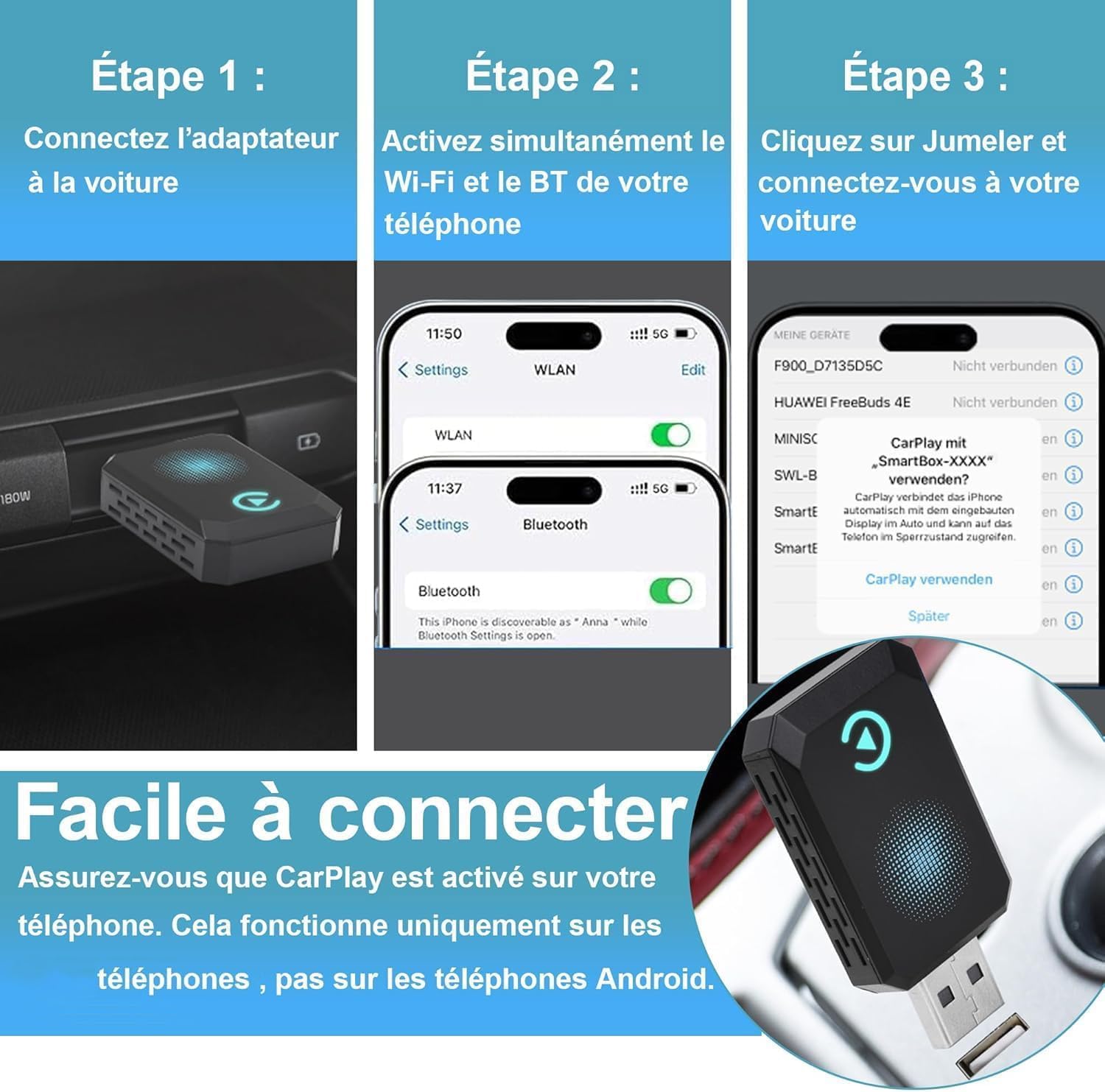
- It’s specifically for vehicles equipped with wired CarPlay, if your car doesn’t have CarPlay wired, it won’t apply.
- Android phones aren’t compatible with this adapter, so it’s not a universal wireless CarPlay solution.
- The device size and placement matter, it’s designed to avoid blocking ports, but in some setups there could be minor fit considerations.
- Real-world performance can depend on your car’s USB port power, Bluetooth stability, and iPhone model.
Who it’s for
If you own a 2016-or-later car with wired CarPlay and you want to reduce cable clutter while keeping CarPlay’s features, this adapter could be a reasonable fit. It’s more about convenience and a cleaner cabin than expanding capabilities.
Who it isn’t for
If you use an Android phone, if your car uses non-CarPlay infotainment, or if you rely on a wired-only CarPlay setup for reasons like signal reliability in certain environments, this adapter may not meet your needs.
When it makes sense to buy
- You value a cleaner dashboard setup and prefer wireless CarPlay once you’re in the driver’s seat.
- Your vehicle supports wired CarPlay and you want automatic reconnect without repeated pairing.
- Your car’s USB interface can handle both USB-C and USB-A connections as needed.
When it could be a pass
- If you rarely use CarPlay or are satisfied with wired CarPlay, the marginal benefit of wireless may be limited.
- If you require compatibility with non-CarPlay systems, this adapter won’t provide that.
What to check before buying
- Confirm your car is manufactured 2016 or newer and originally offers wired CarPlay.
- Confirm your vehicle’s USB port type (USB-C vs USB-A) to ensure compatibility with the adapter’s ports.
- Ensure your iPhone model supports CarPlay wireless features for the best experience.
- Consider your mounting space: the adapter is small, but you’ll want it unobtrusive and secure.
Practical use example
You glide into your car, and instead of fumbling for a cable, CarPlay automatically connects after you start the engine. You pull up a route, stream music, or take hands-free calls with a quick voice command or the steering wheel controls. It feels like the car’s system just learned to go wireless without you changing habits.
FAQ (quick answers)
- Does it work with Android phones? No, this adapter is designed for CarPlay only.
- Do I need to install apps or updates? No, the setup is plug-and-play with initial pairing.
- Will it work with USB-C or USB-A ports? Yes, it supports both connections.
Is it worth it?
Final verdict: It makes sense if you want a cleaner cab and easier access to CarPlay features without cables, assuming your car is compatible and you’re using an iPhone. If you prioritize a purely wired setup or need compatibility beyond CarPlay, you might look elsewhere.