

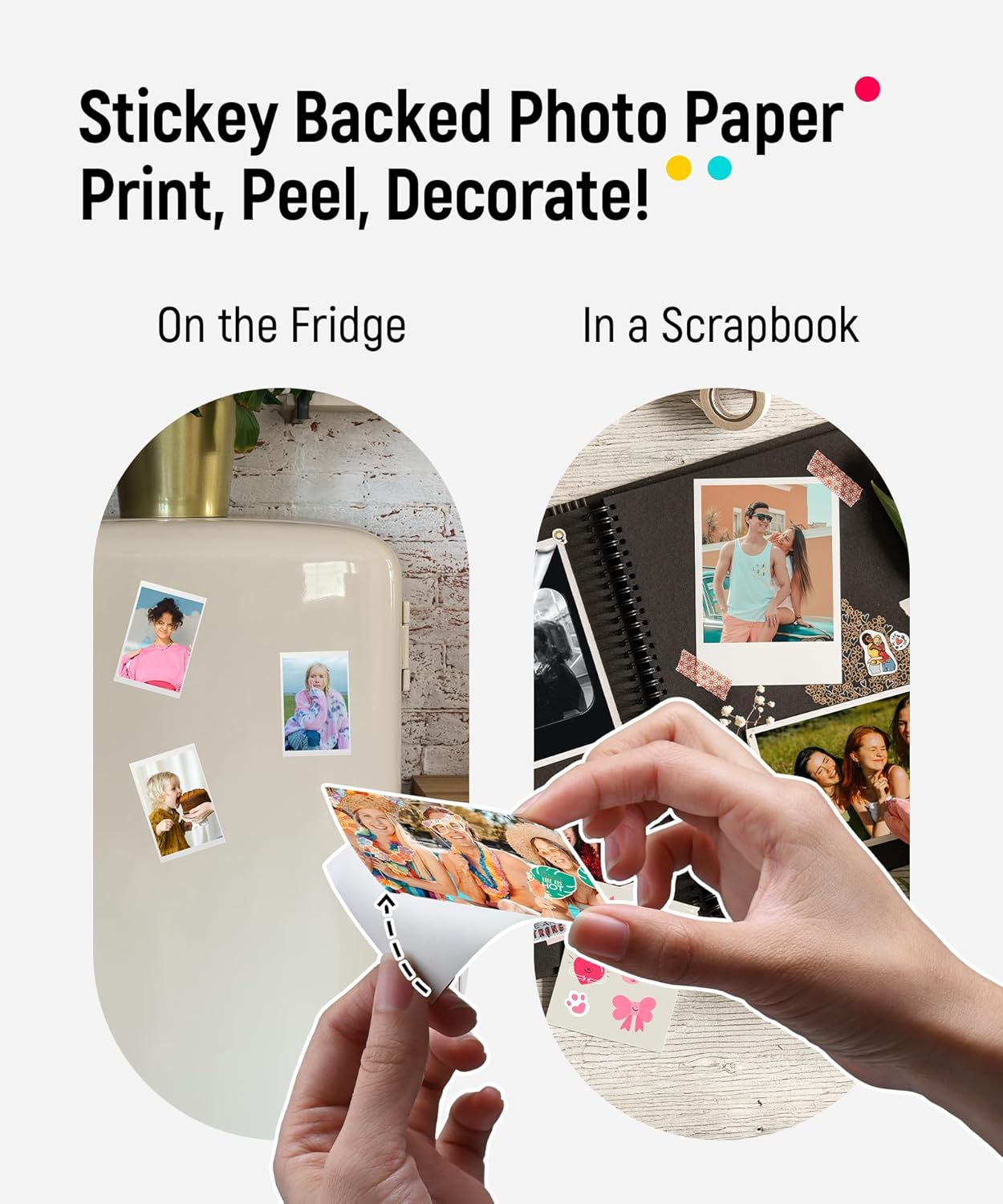
Liene 2x3" Instant Photo Printer
Reviews
Price
Product description
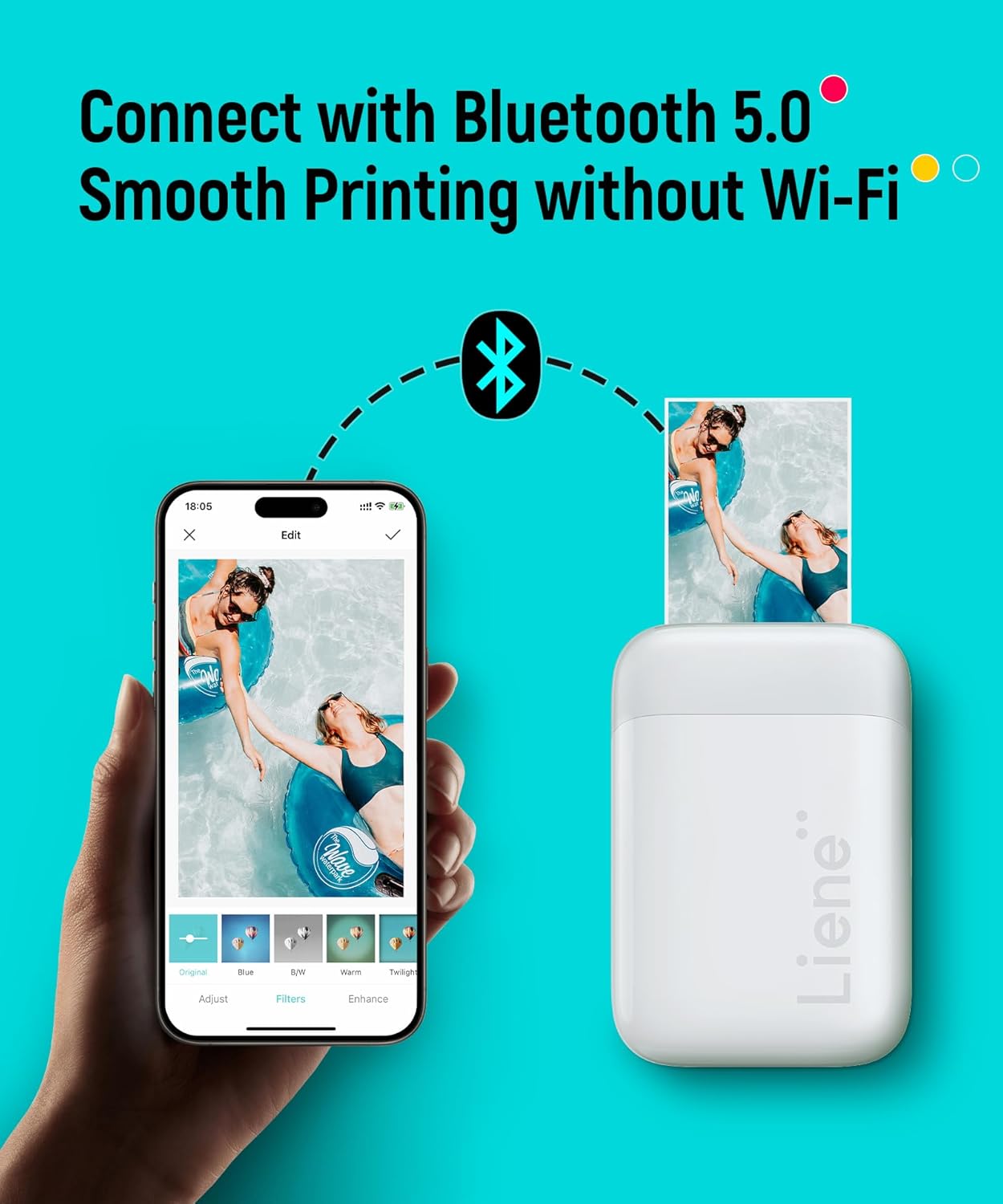
This Liene 2x3” instant photo printer delivers fast, on-the-go printing without needing Wi-Fi or a computer. It connects seamlessly via Bluetooth 5.0, allowing users to print photos directly from their smartphones on the go—ideal for road trips, camping, or outdoor events.
Key Points
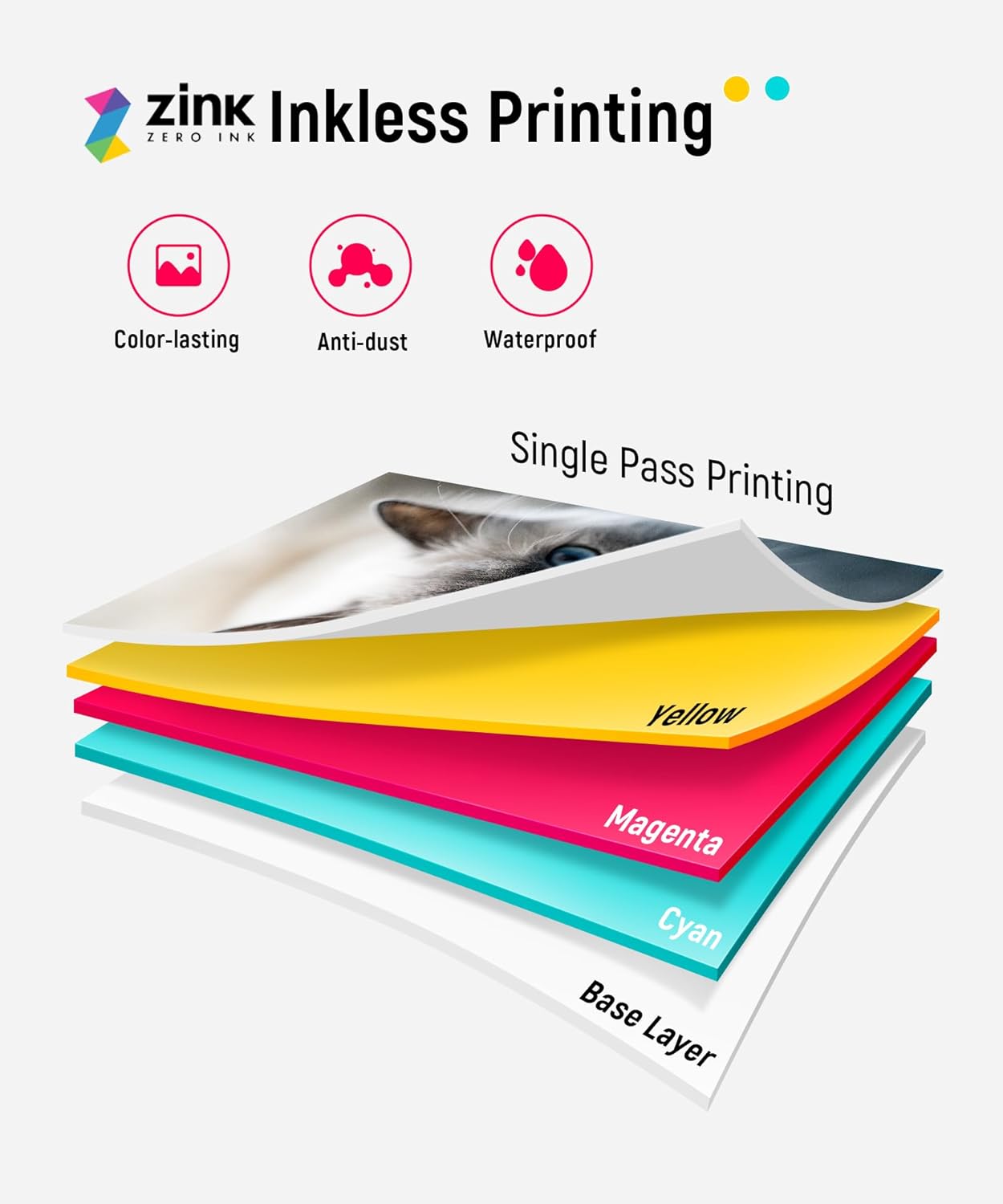
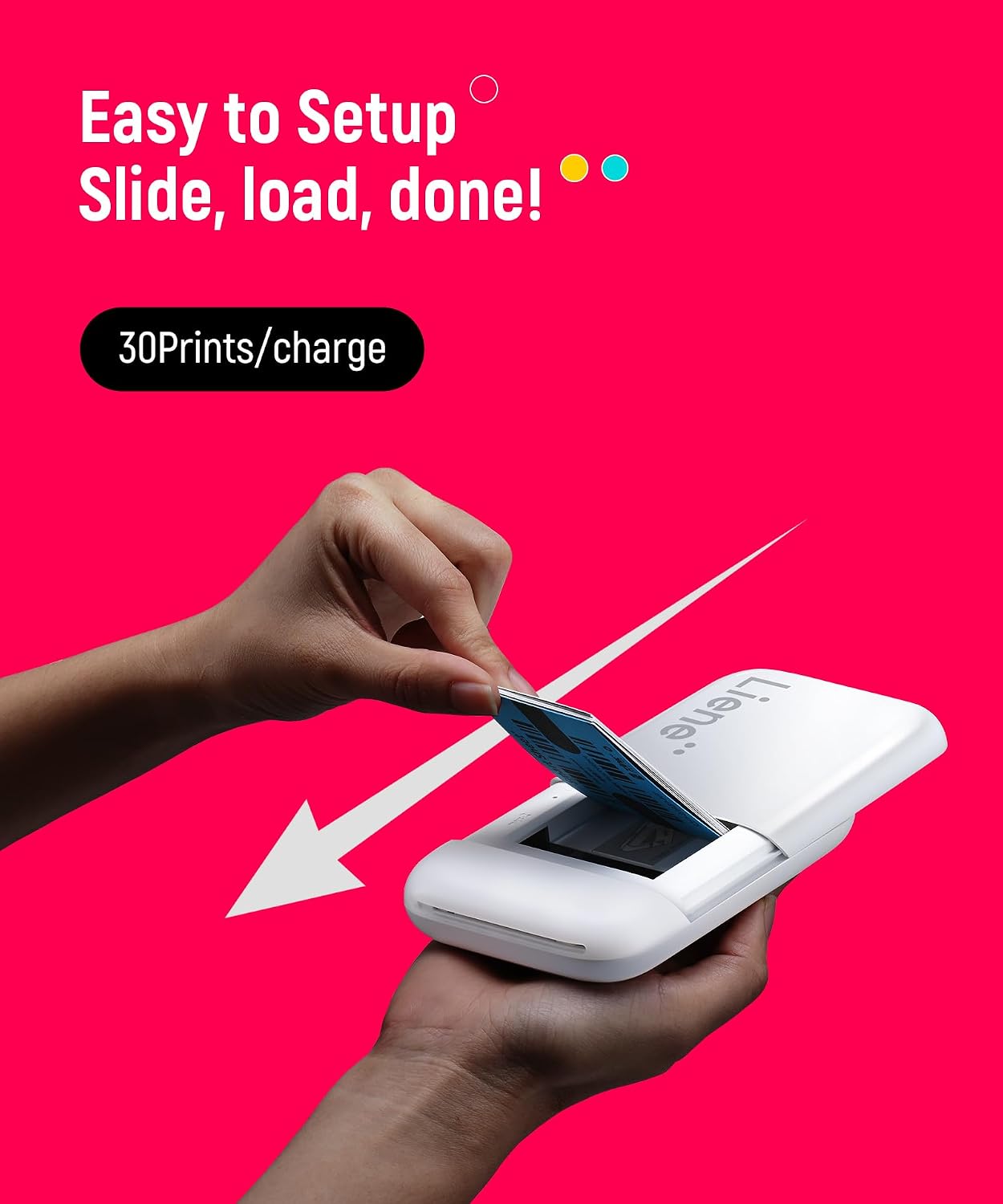
The Liene 2x3” printer supports both iOS and Android devices through a simple Bluetooth pairing process. Users can print instant photos in color or black and white using standard Zink paper, which doesn’t require ink. A sliding cover makes loading paper effortless, and the device heats the paper to instantly develop images. The printer operates without tinta, reducing wear on internal components and extending its lifespan.
Technical Specifications
- Brand + model: Liene 2x3" Instant Photo Printer
- Bluetooth 5.0 connectivity
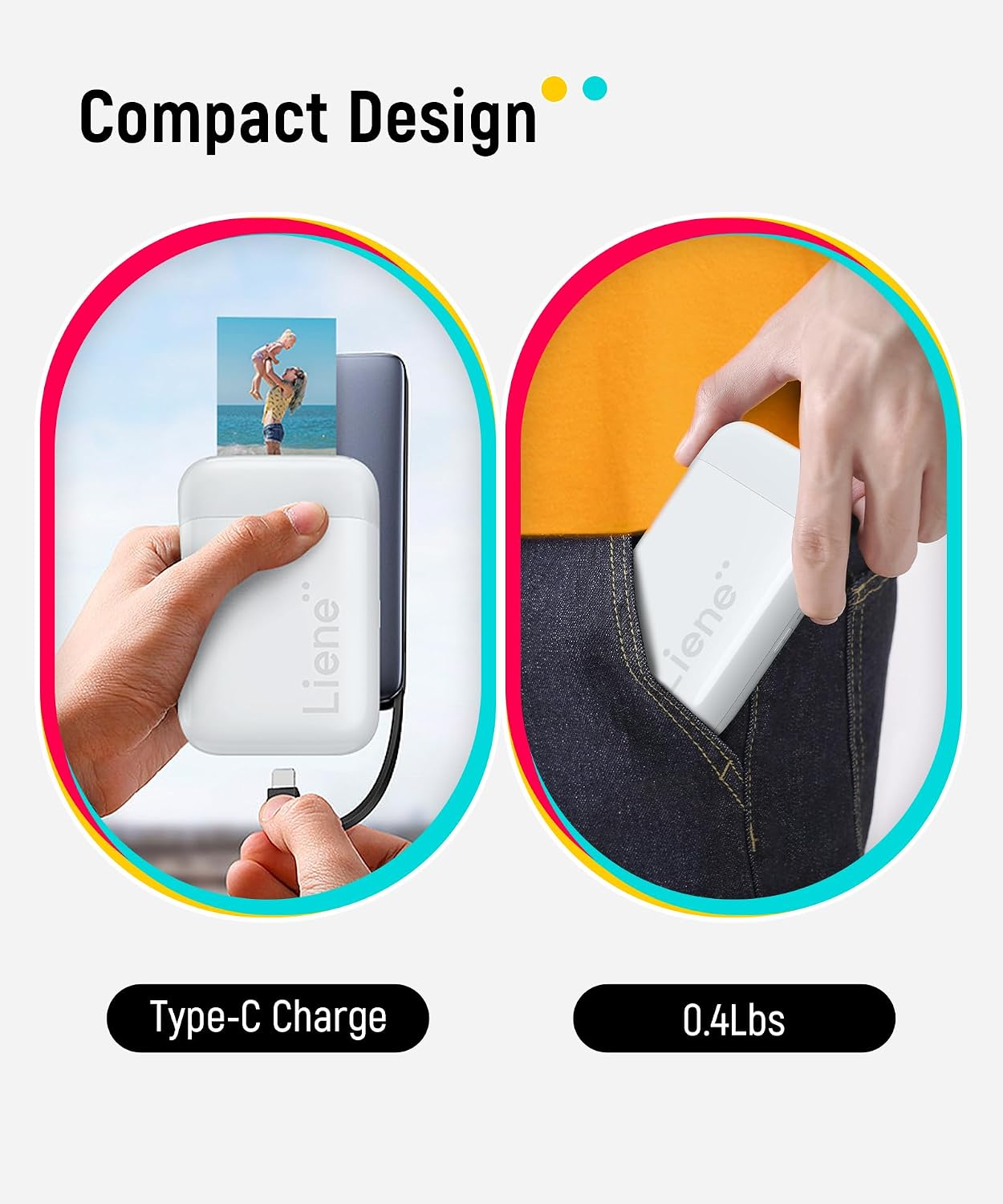
- Prints 30 photos per full charge
- Uses Zink paper technology
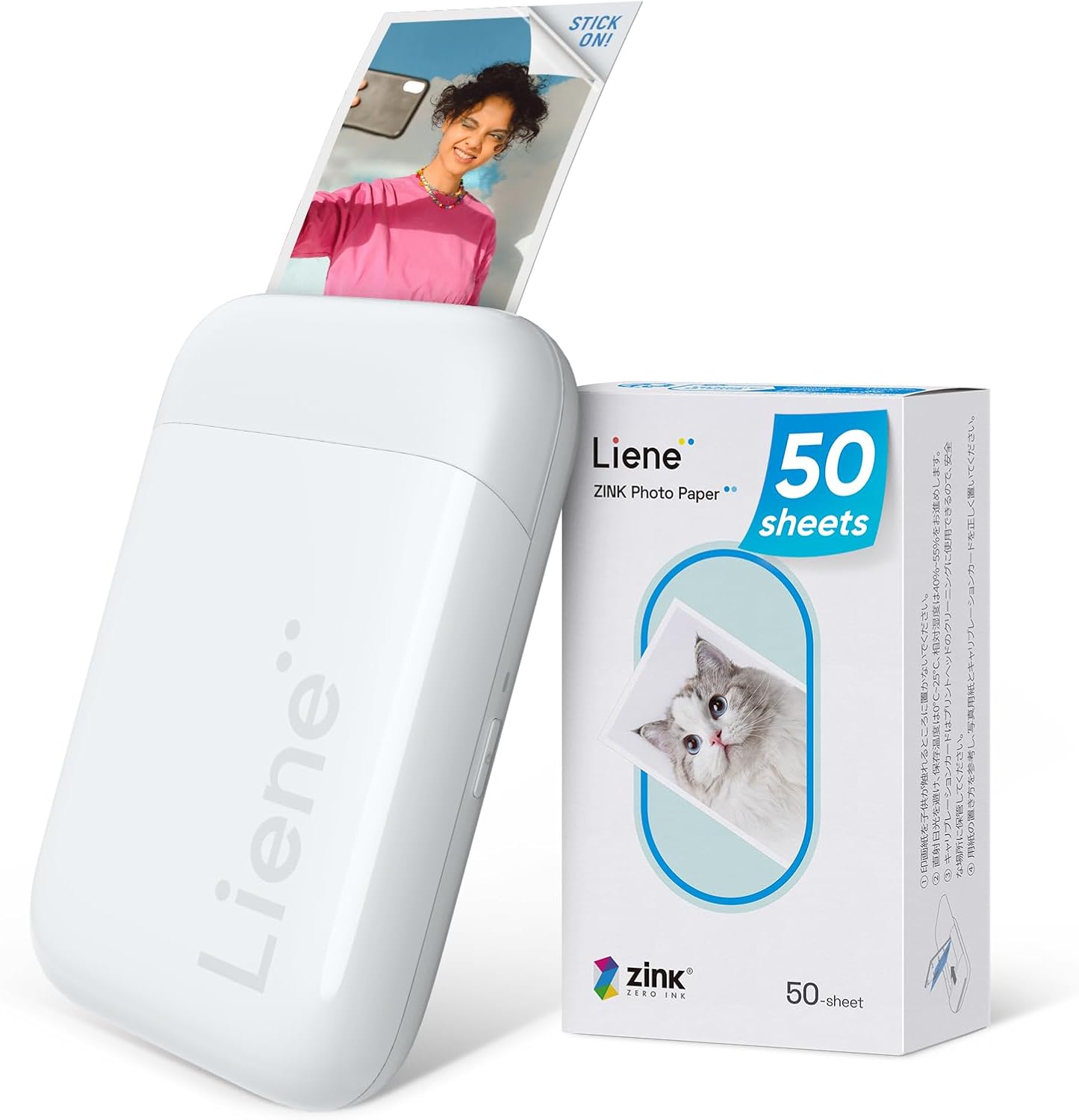
- Includes 50 sheets of 2x3” Zink photo paper
- Features a USB-C charging port
- Compatible with Liene photo app for image selection and head cleaning
Benefits

The printer offers a quiet, plug-and-play experience that fits in small bags or backpacks. It’s especially useful at gatherings or travel spots where you want to share memories right away. Images appear instantly, with sharp details visible on the surface. The surface coating improves resistance to water and dust, helping photos stay vibrant over time. A built-in cleaning function in the app helps fix white spots or lines on prints, improving image quality.
Usage Recommendations
For best results, ensure your smartphone has the Liene photo app installed and is connected to the printer via Bluetooth. Start by placing a sheet of Zink paper into the tray and sliding it closed. Select a photo from your gallery, adjust settings if needed, and tap print. The device heats the paper and develops the image in seconds. To maintain performance, use the app to clean the print head when you notice blemishes. Avoid using the printer in extremely humid or dusty environments to preserve paper integrity.