

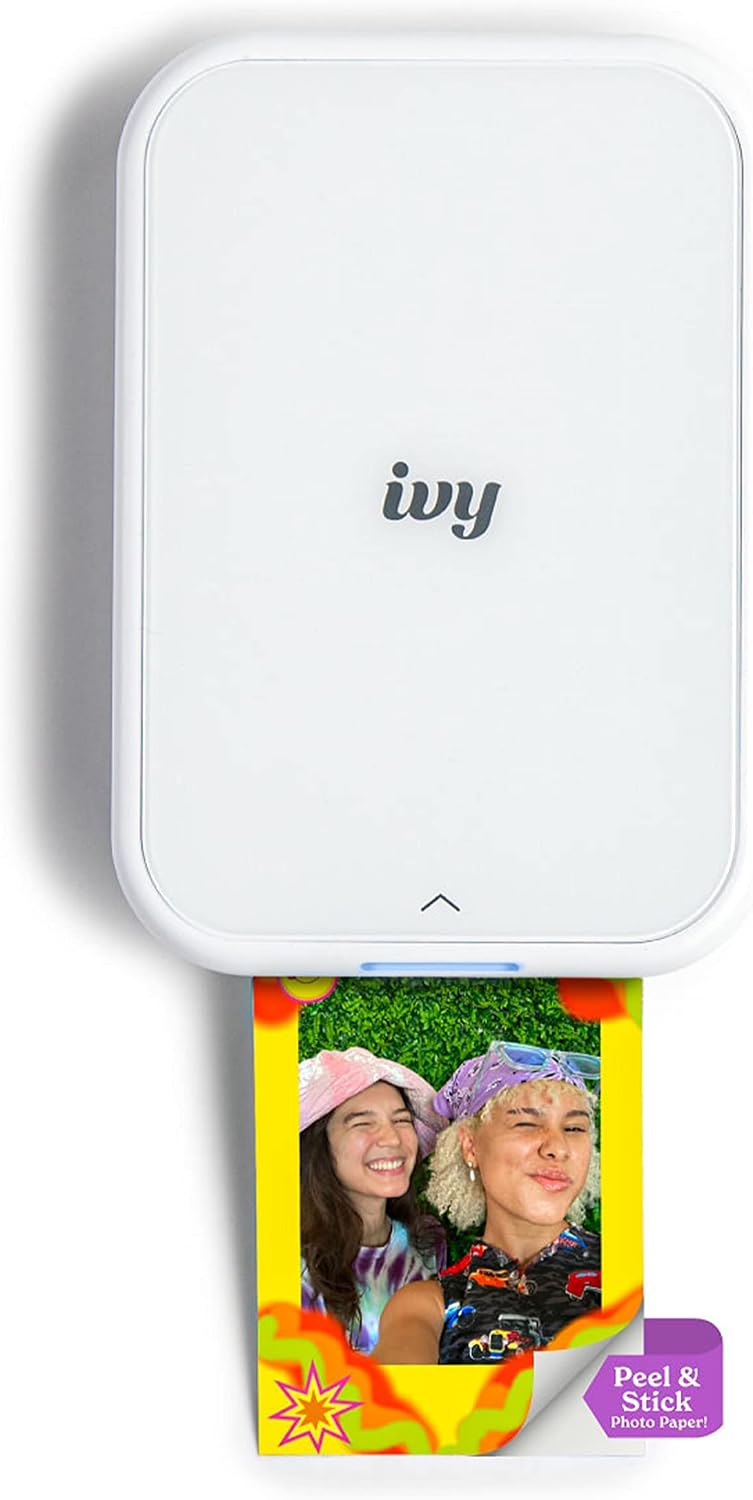
Canon mini photo printer IVY 2
Product description
How to use it
Phone photos can stay buried in your camera roll when you want a small keepsake to share or display. The Canon IVY 2 gives you a way to turn compatible mobile-device photos into sticky-back prints.
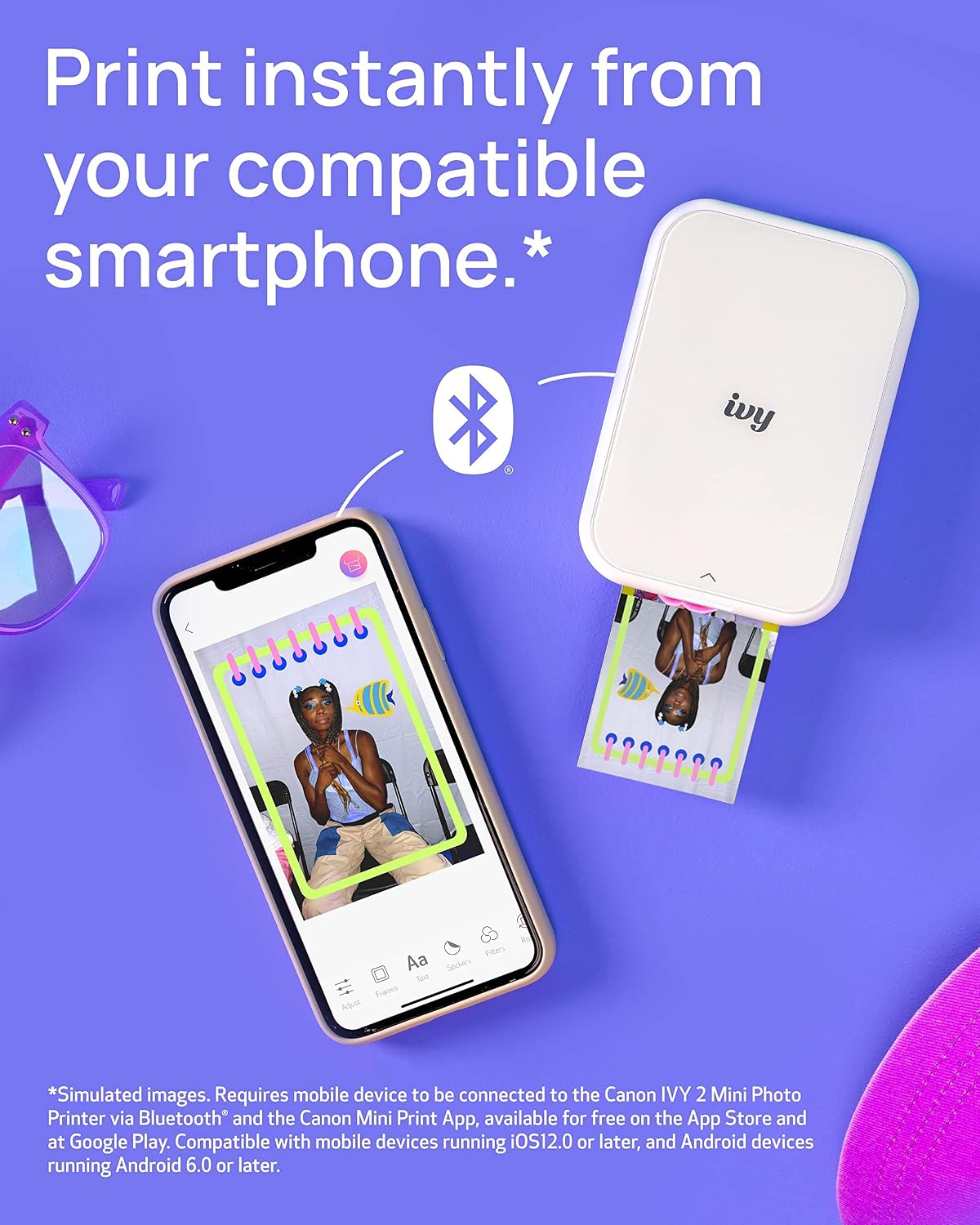
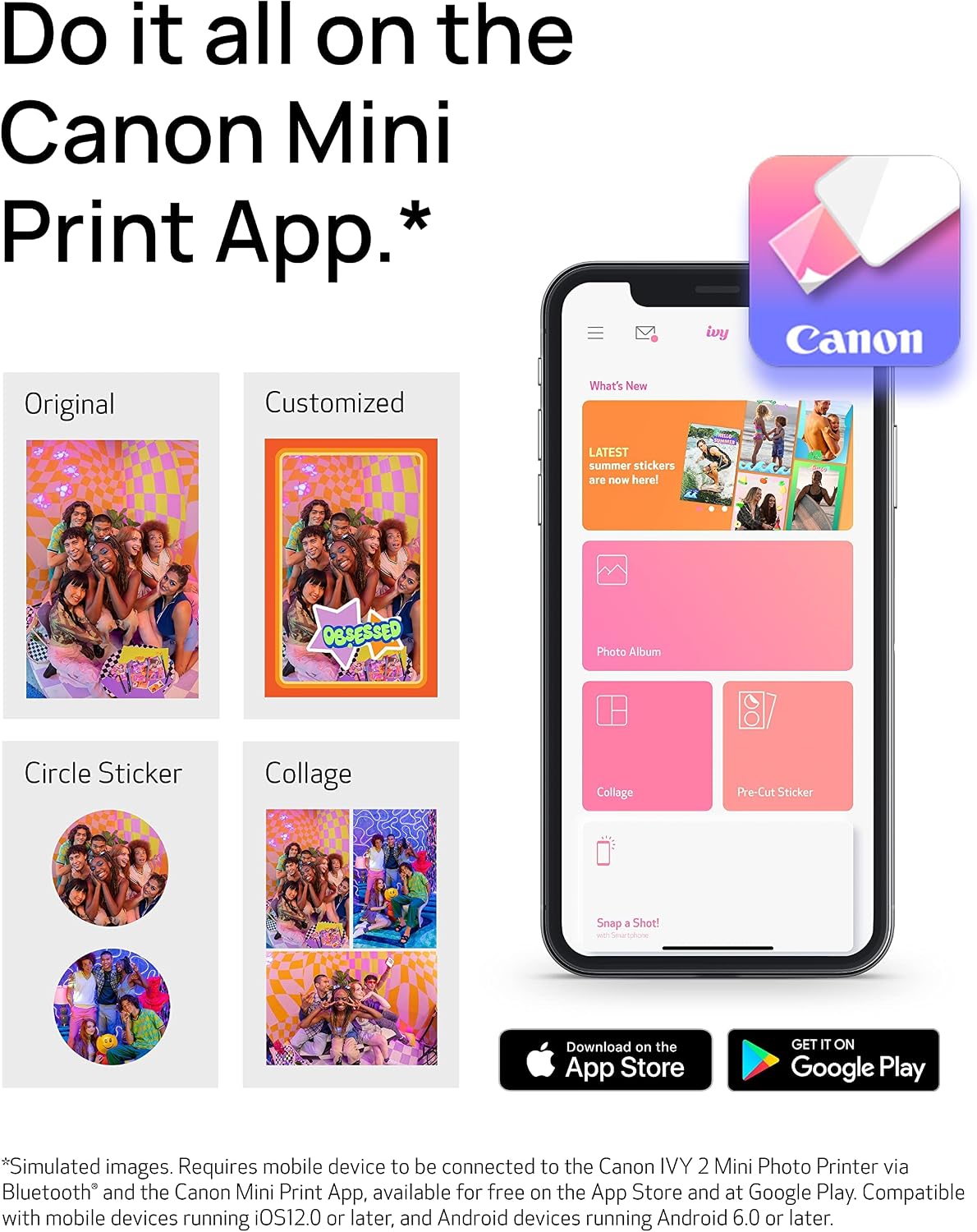
You can choose and customize images in the Canon Mini Print app, then print from a compatible iOS or Android device. The printer uses Bluetooth 5.0 for mobile connectivity.
Because the prints have a peel-and-stick backing, you can place one on a notebook, a card, or another favorite surface. Would that be more useful to you than keeping a loose print in a drawer?
ZINK technology means the printer doesn’t need ink cartridges: color-forming crystals are embedded in the paper. That’s a practical distinction from a conventional ink-based printer, though it also ties printing to the compatible ZINK paper format described for this product. The listing doesn’t specify print dimensions or paper capacity, so those details matter if you’re planning a particular project.
Pros
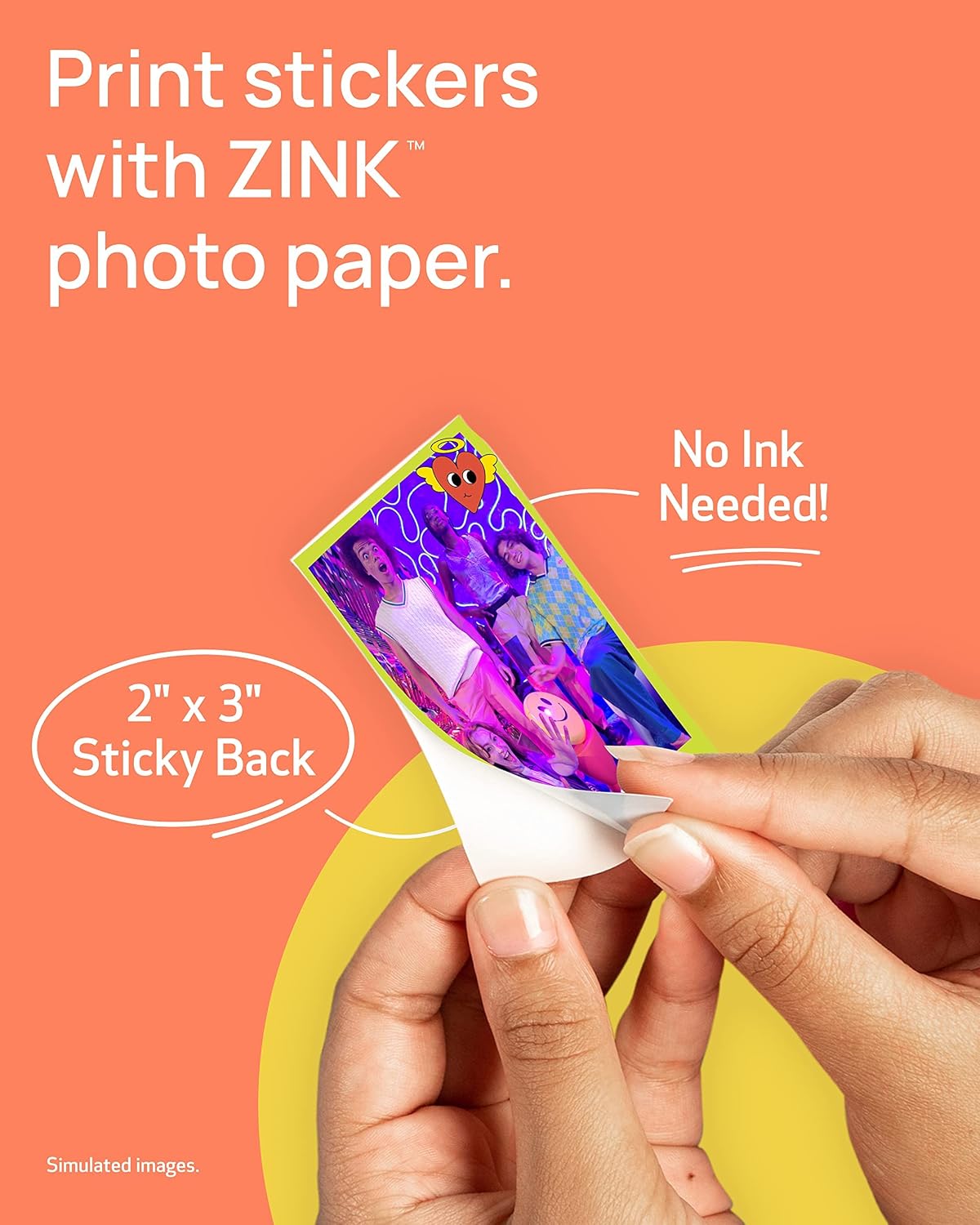
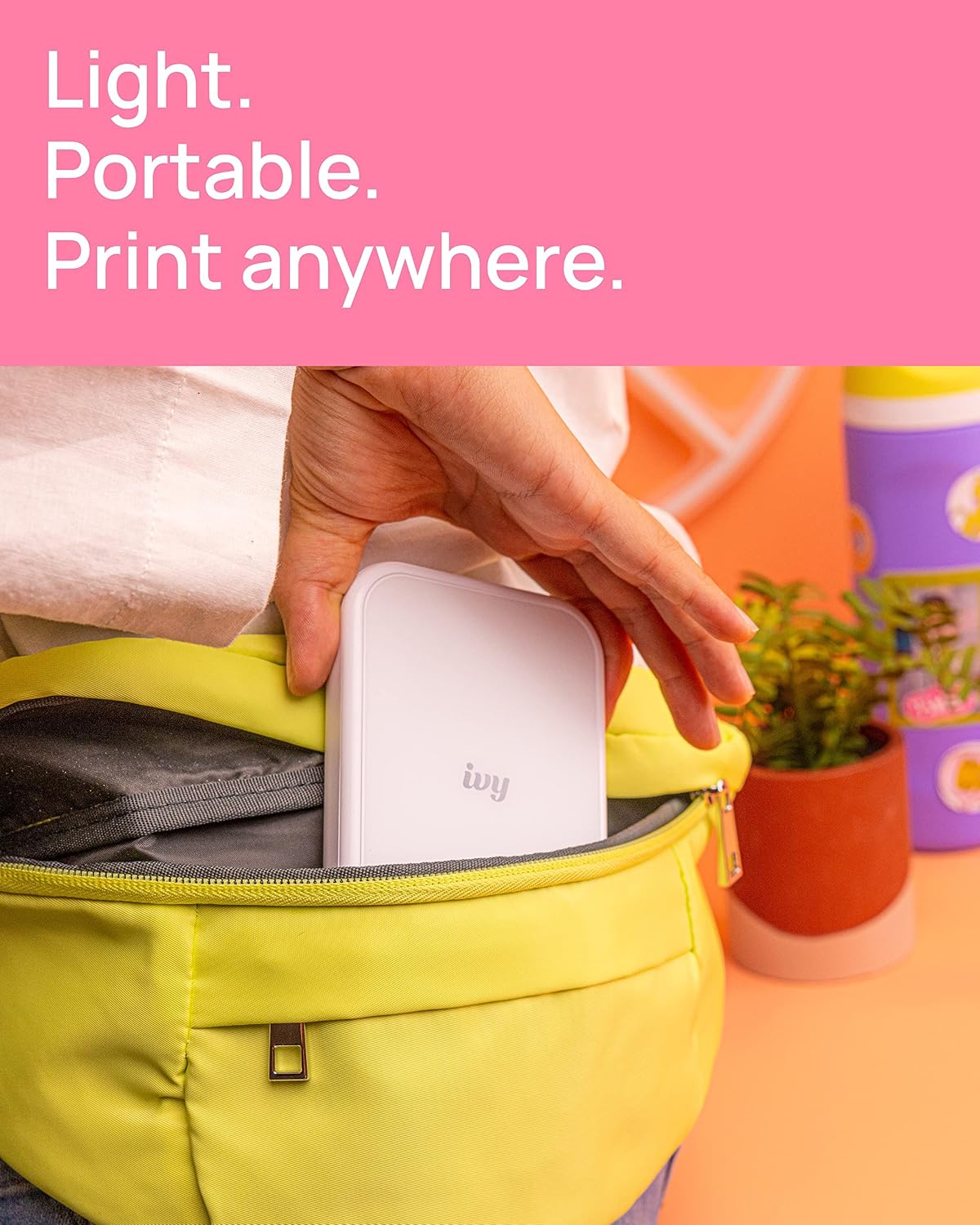
- No ink cartridges to manage: ZINK printing uses crystals embedded in the paper, rather than separate ink.
- Prints are ready to place: The peel-and-stick backing suits quick personal touches, such as adding a photo to a journal or decorating a card.
- Mobile-first workflow: Print and customize images from a compatible phone or tablet using the Canon Mini Print app.
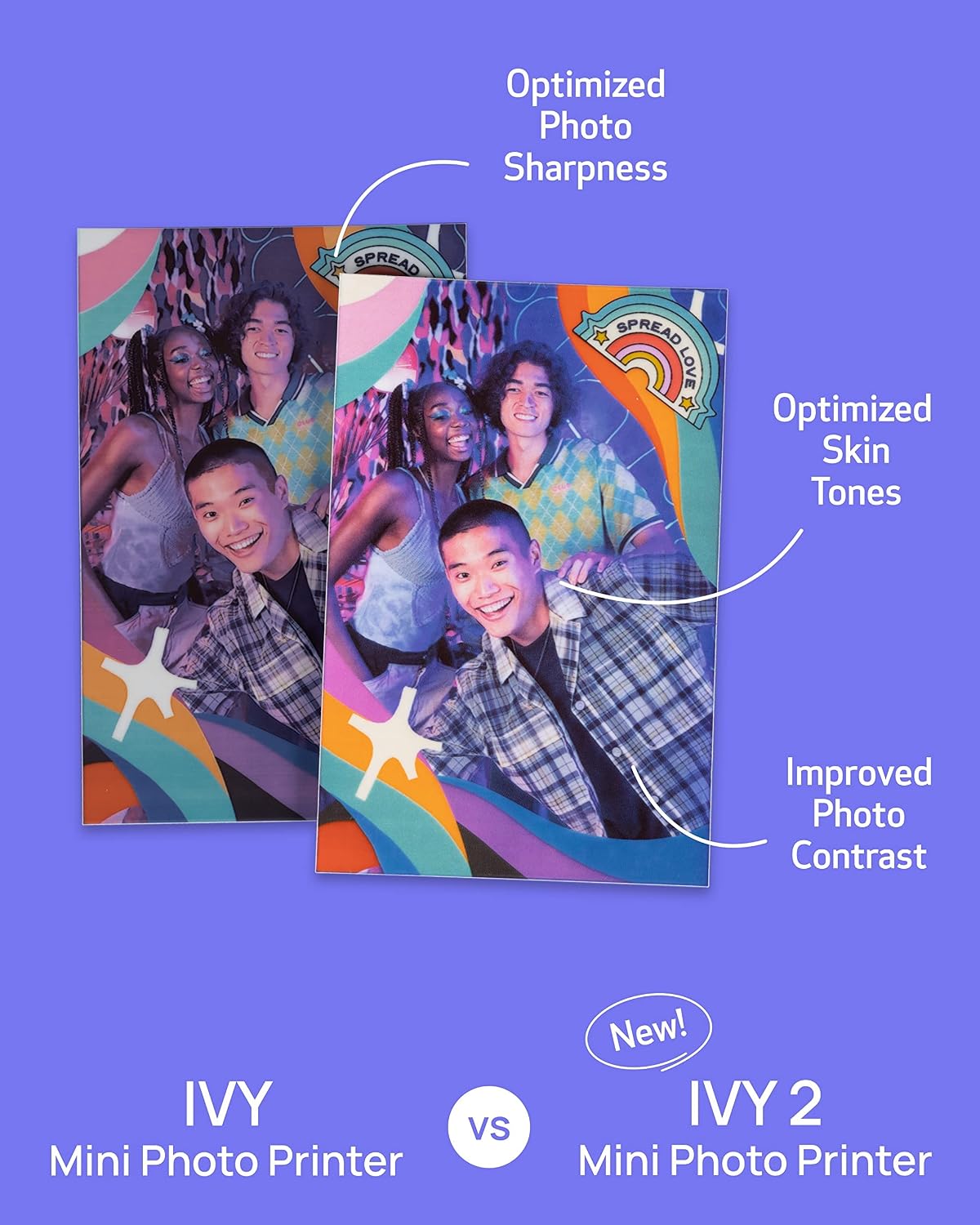
- Stated image refinements: Canon describes optimized skin tones, contrast, and sharpness for the IVY 2. Those improvements may appeal if people-focused snapshots are what you print most.
The trade-off is the print style. Sticky-backed photos are handy when you want to attach an image, but they’re less suited to someone who mainly wants loose prints without adhesive. You’ll appreciate it if your goal is an easy phone-to-keepsake workflow, rather than a general-purpose photo printer.
Spec sheet
- Name: Canon IVY 2 Mini Photo Printer
- Type: Mobile photo printer
- Color: Pure White
- Printing technology: ZINK (Zero Ink)
- Connectivity: Bluetooth 5.0
- App: Canon Mini Print
- Device support: Compatible iOS and Android devices
- Print backing: Peel-and-stick
The device-compatibility wording is important: the listing doesn’t name specific phones or tablets. Check that your device is supported before choosing it, and keep in mind that app-based mobile printing is central to how this printer is used. On the spec sheet, the emphasis is on portable, adhesive-backed snapshots—not broad paper-format choices or details about print size.
Is it worth it?
The IVY 2 makes most sense for casual prints you want to share, stick into a journal, or use in a small personal project. Picture selecting a phone photo in the app and adding the finished print to a card while you’re putting it together, that’s the kind of quick, hands-on use its sticky backing supports. It also avoids the separate ink supply associated with ink-based printing.
Better avoided if you want standard loose photo prints, need stated dimensions before buying, or expect a printer for a wider range of print jobs. Those needs call for a different kind of setup. If mobile convenience and adhesive-backed snapshots are the priority, the IVY 2’s approach is focused, just confirm device compatibility and that this print style suits what you plan to make.