

Liene White M200 4x6 Wireless Photo Printer
Reviews
Price
Product description
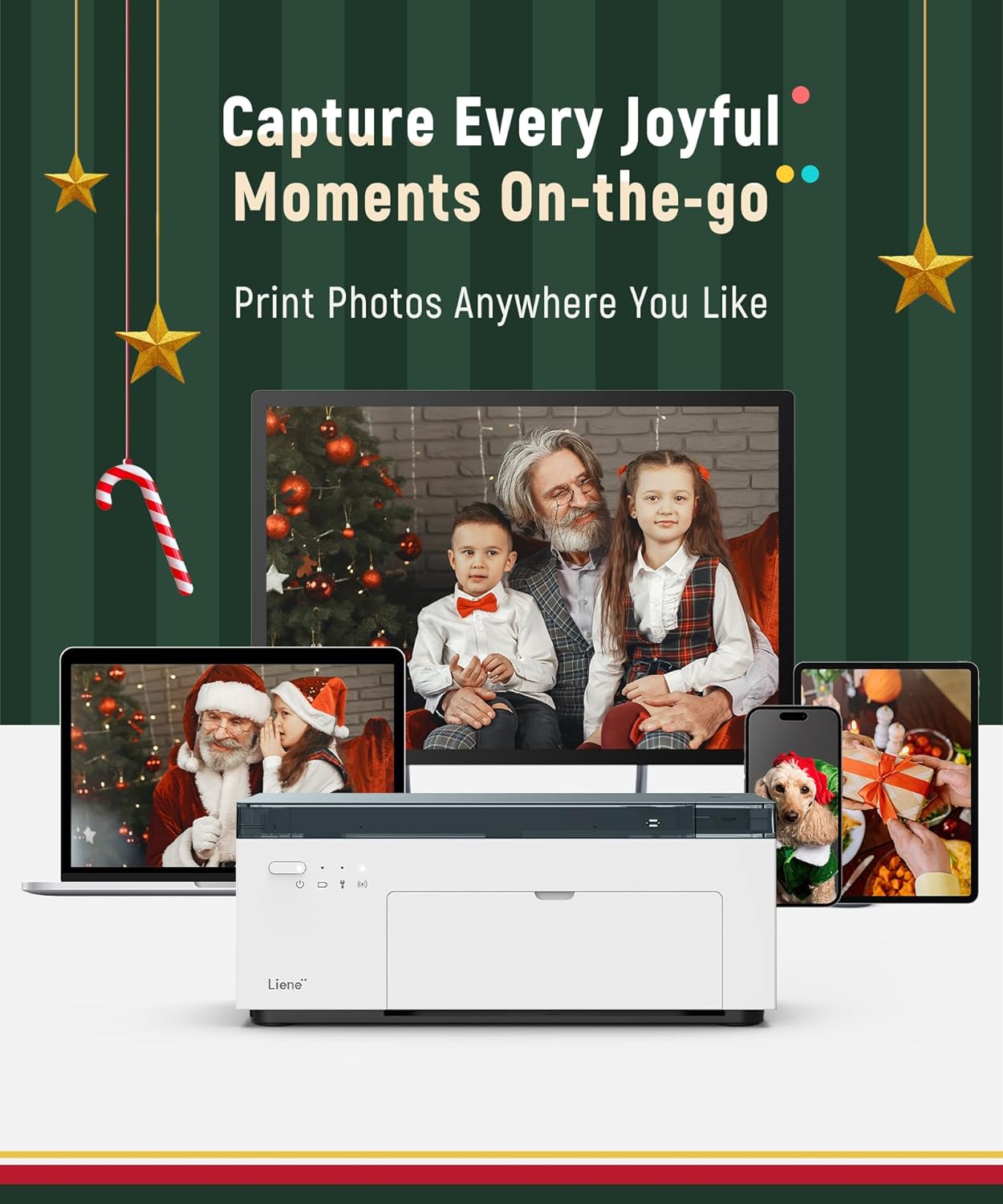
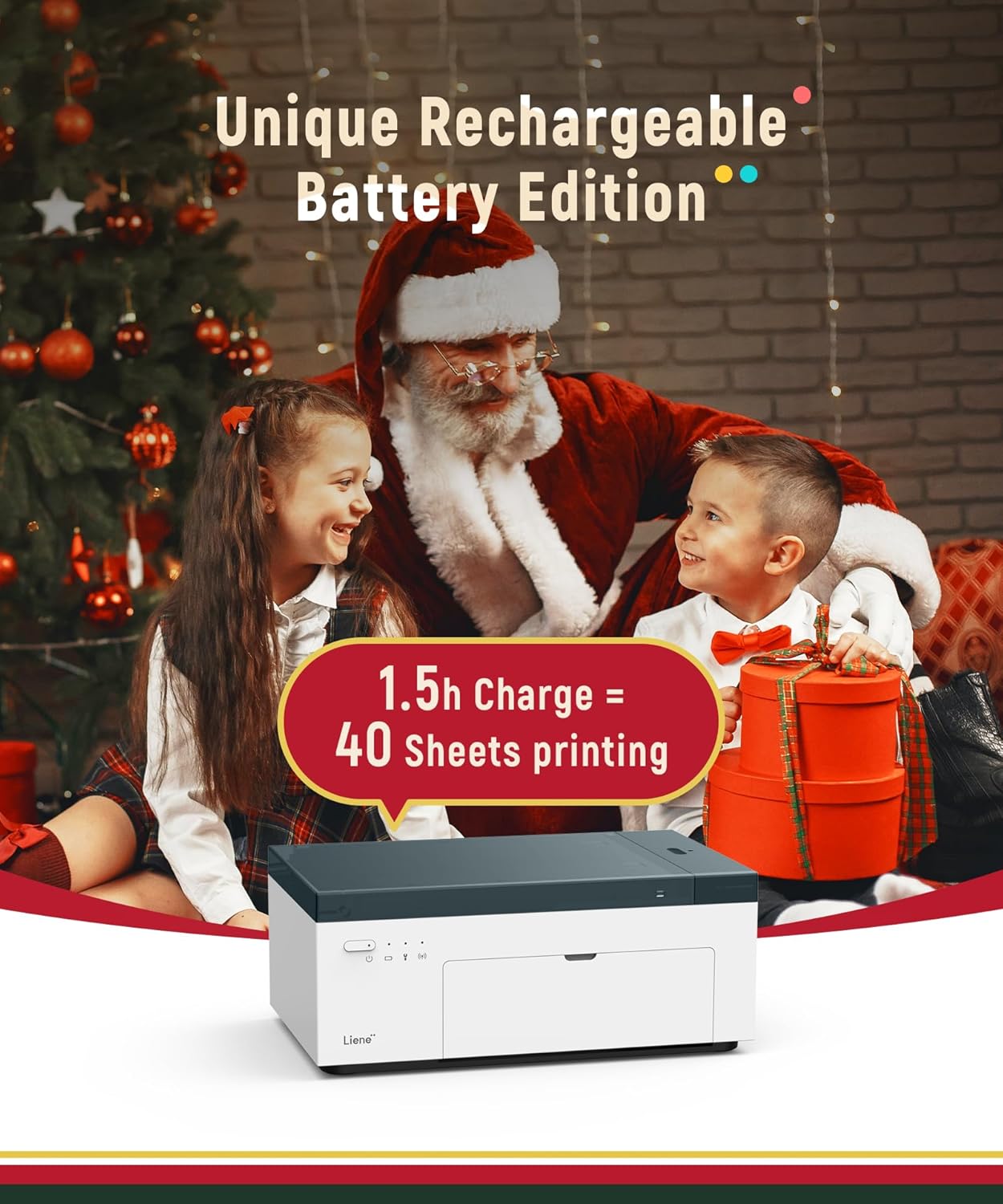
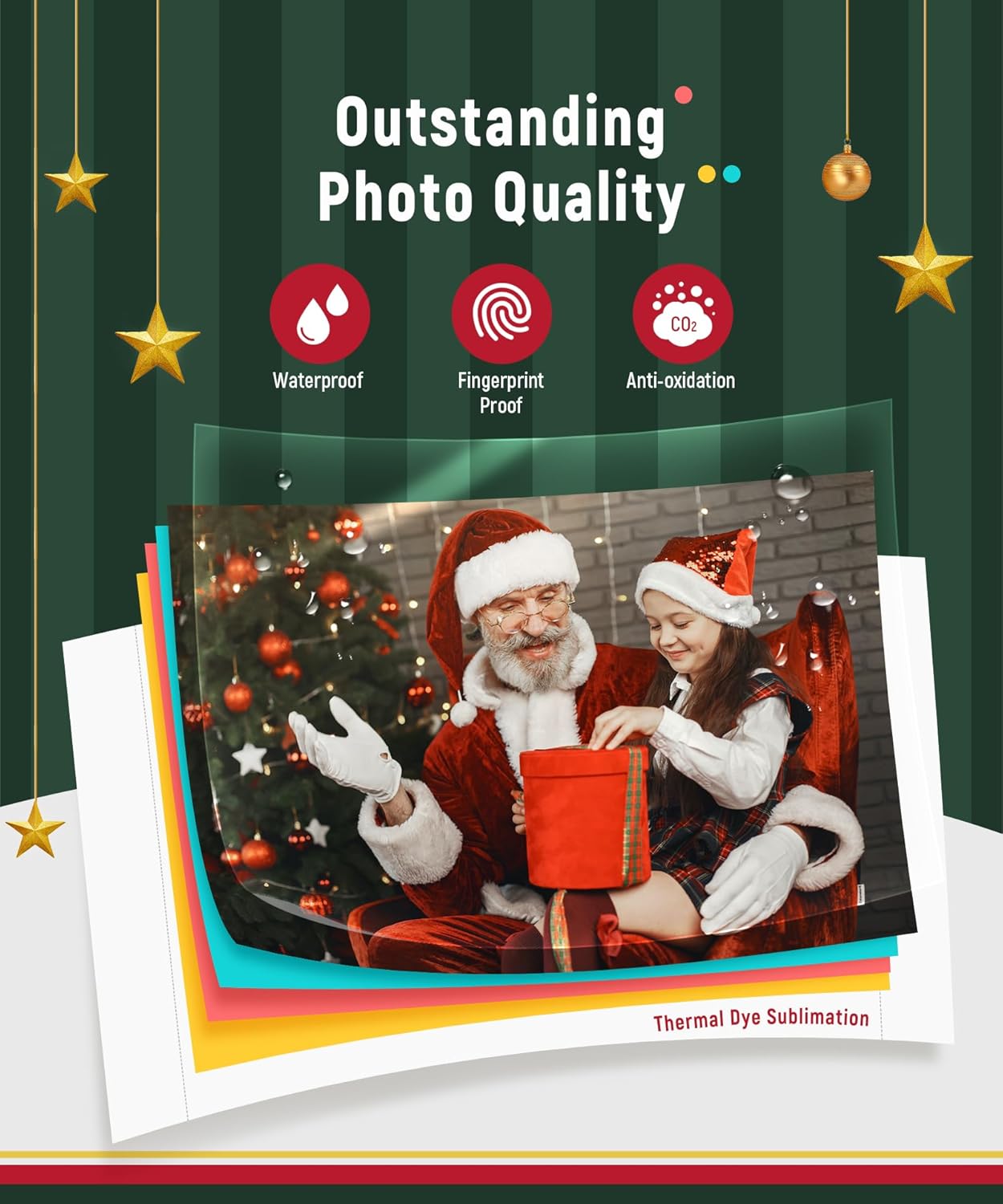
This compact portable photo printer produces 4 x 6 inch color prints using dye sublimation for vibrant, long-lasting photos that resist water, scratches, and fading. Perfect for travel and events, the Liene White M200 battery edition lets you print without being plugged in, so you can capture moments from your phone and turn them into physical keepsakes on the spot.
Key Points
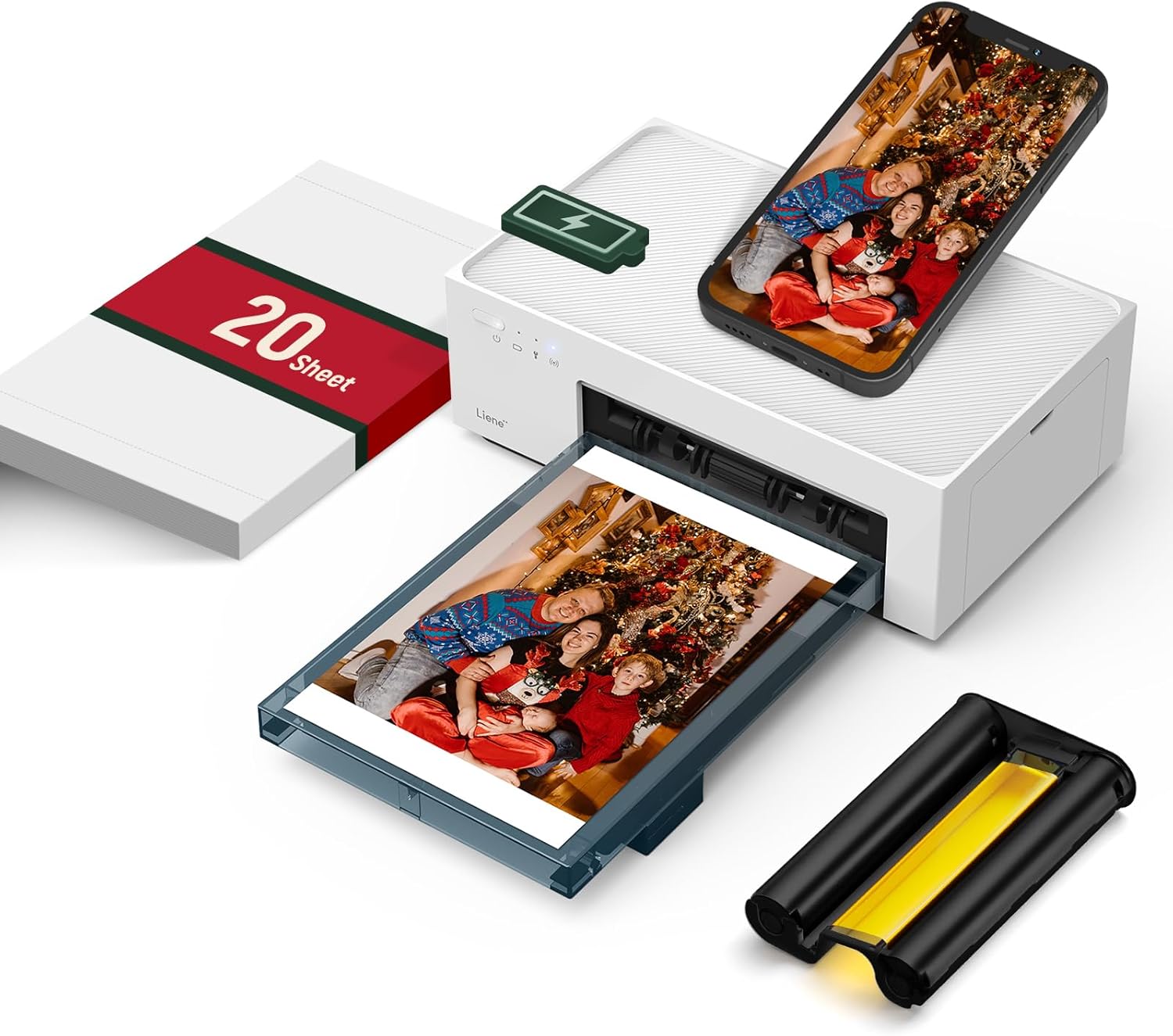
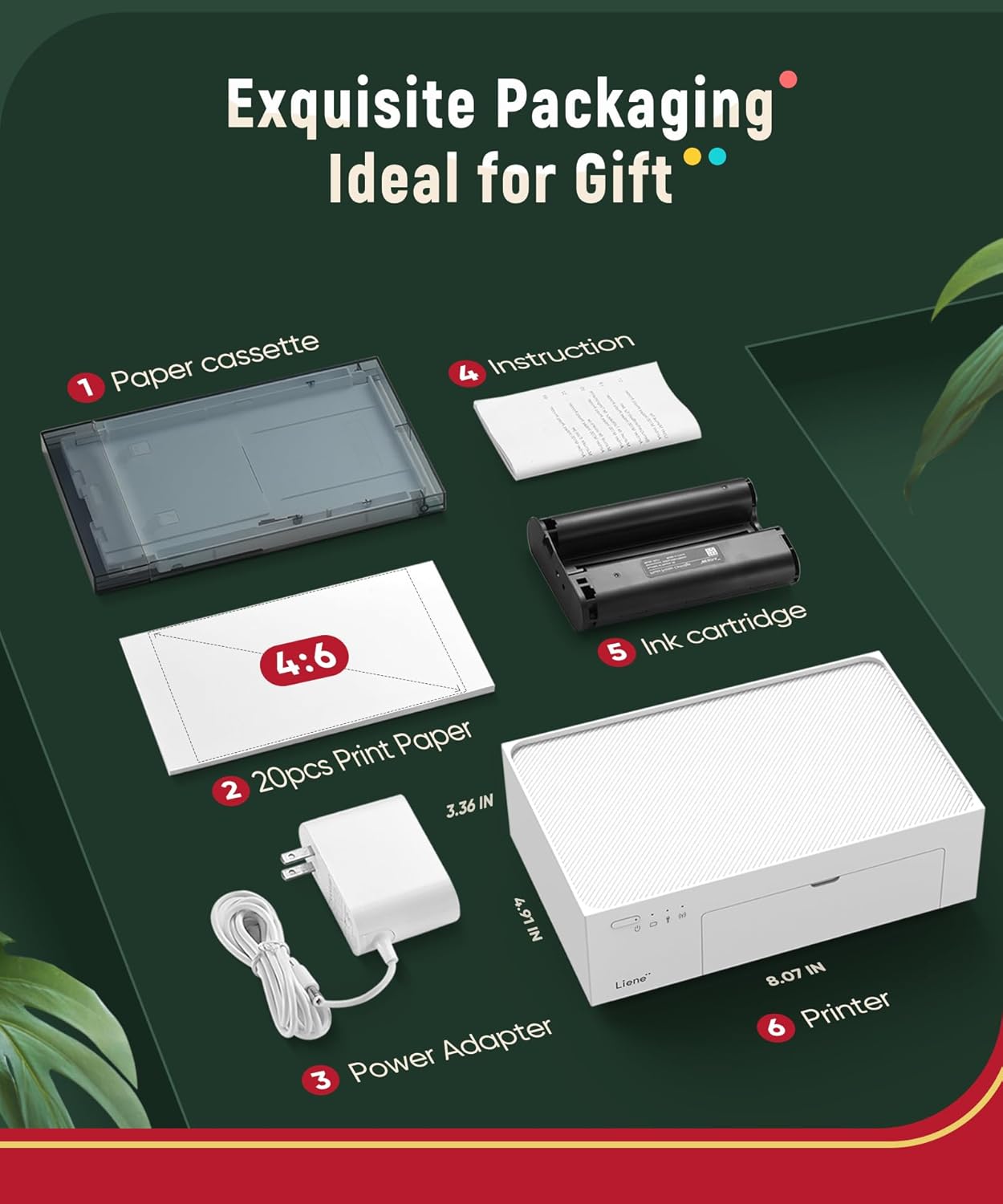
The Liene White M200 prints 4 x 6 inch photos with dye sublimation technology for deep color saturation and layered protection. It includes a rechargeable internal battery that, according to the manufacturer, can deliver around 40 prints per full charge, making it useful for outings and parties. A built-in WiFi hotspot simplifies connections and can accept up to five simultaneous users, which helps when sharing prints among friends. The package comes with 20 sheets of photo paper, one ink cartridge, and a power adapter. 📸
Technical Specifications
- Name: Liene White M200
- Print size: 4 x 6 inches
- Included consumables: 20 photo sheets, 1 ink cartridge
- Power: Rechargeable built-in battery, also supports printing while connected to power
- Connectivity: Built-in WiFi hotspot compatible with iOS and Android, also works with laptops and PCs
Usage Recommendations
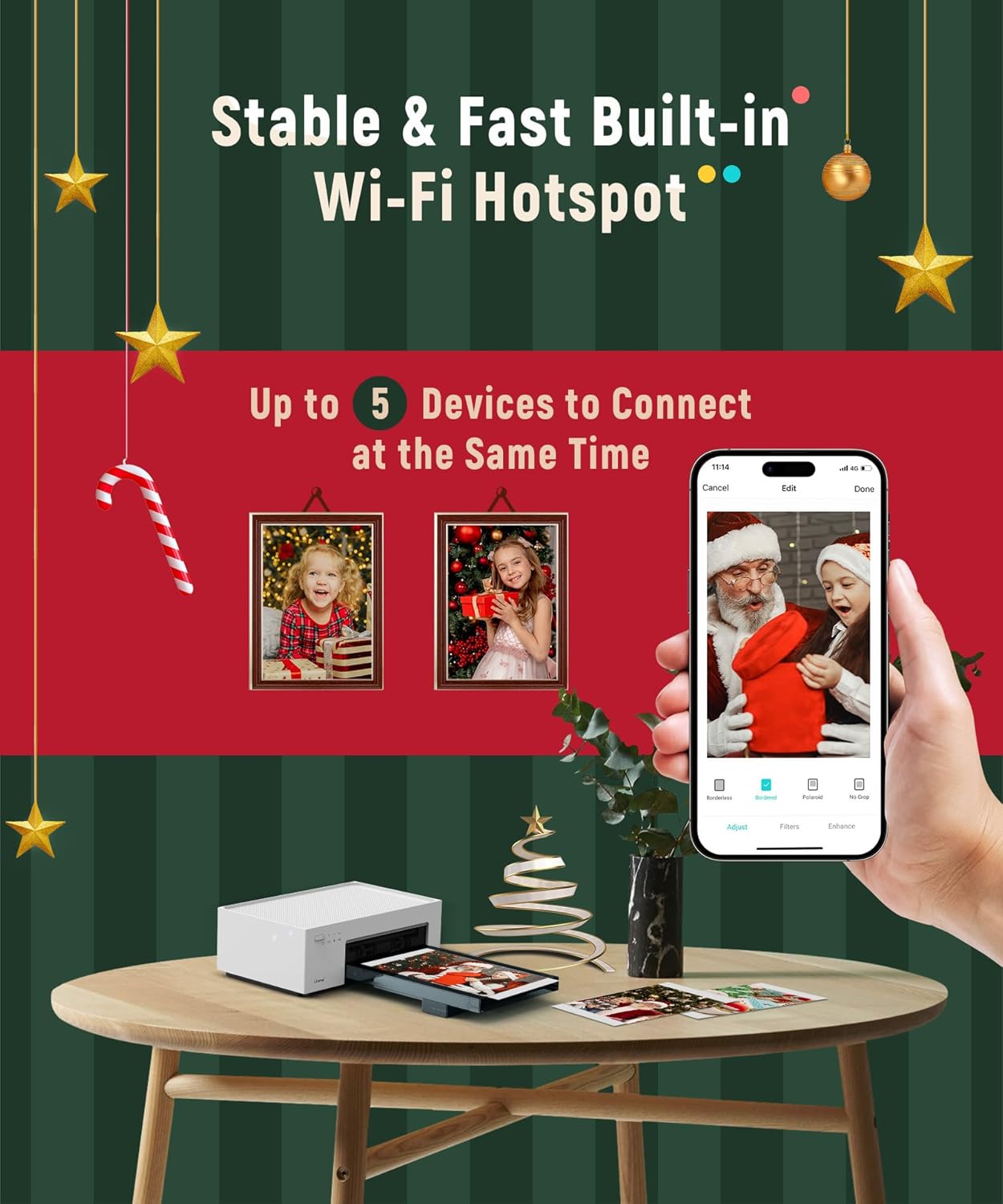
Set the printer on a stable surface when printing to avoid misfeeds. For the most reliable wireless experience, connect directly to the device’s hotspot when home networks are unstable. The companion app enables basic editing, filters, and borders before printing, and notifies you when paper or ink runs low. If you plan extended sessions away from power, bring a USB power bank as a backup to extend printing beyond the stated battery capacity. 🎒
Positive Aspects
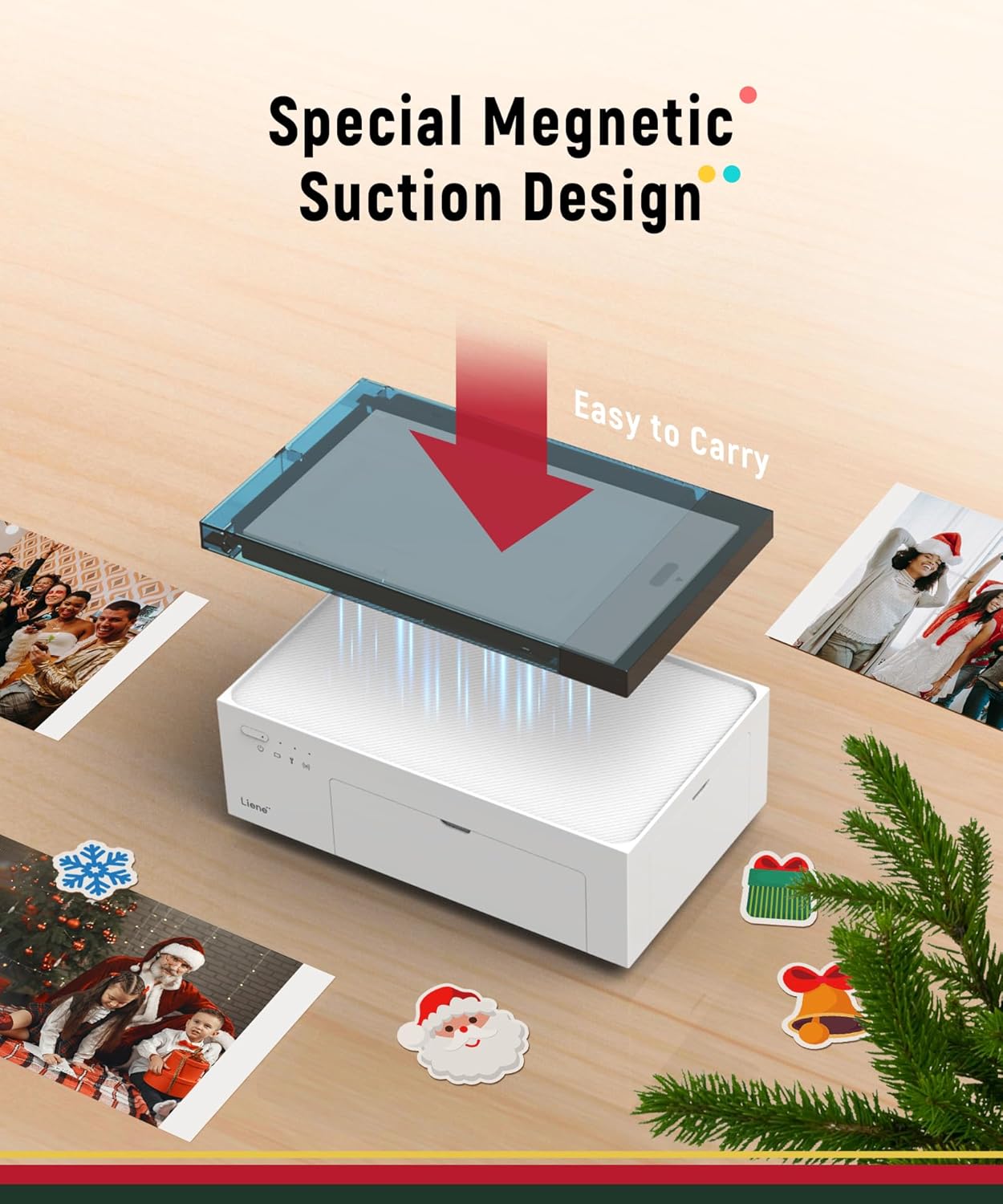
The combination of dye sublimation printing and a protective final layer helps photos maintain color and resist wear over time. Its compact form and magnetic top design make it easy to place a printed photo on the unit for temporary storage without taking much space. The quick connection setup and multi-user support make it convenient for small groups at gatherings. Note that advanced editing will still be easier on a phone or computer before sending images to print. 🎨