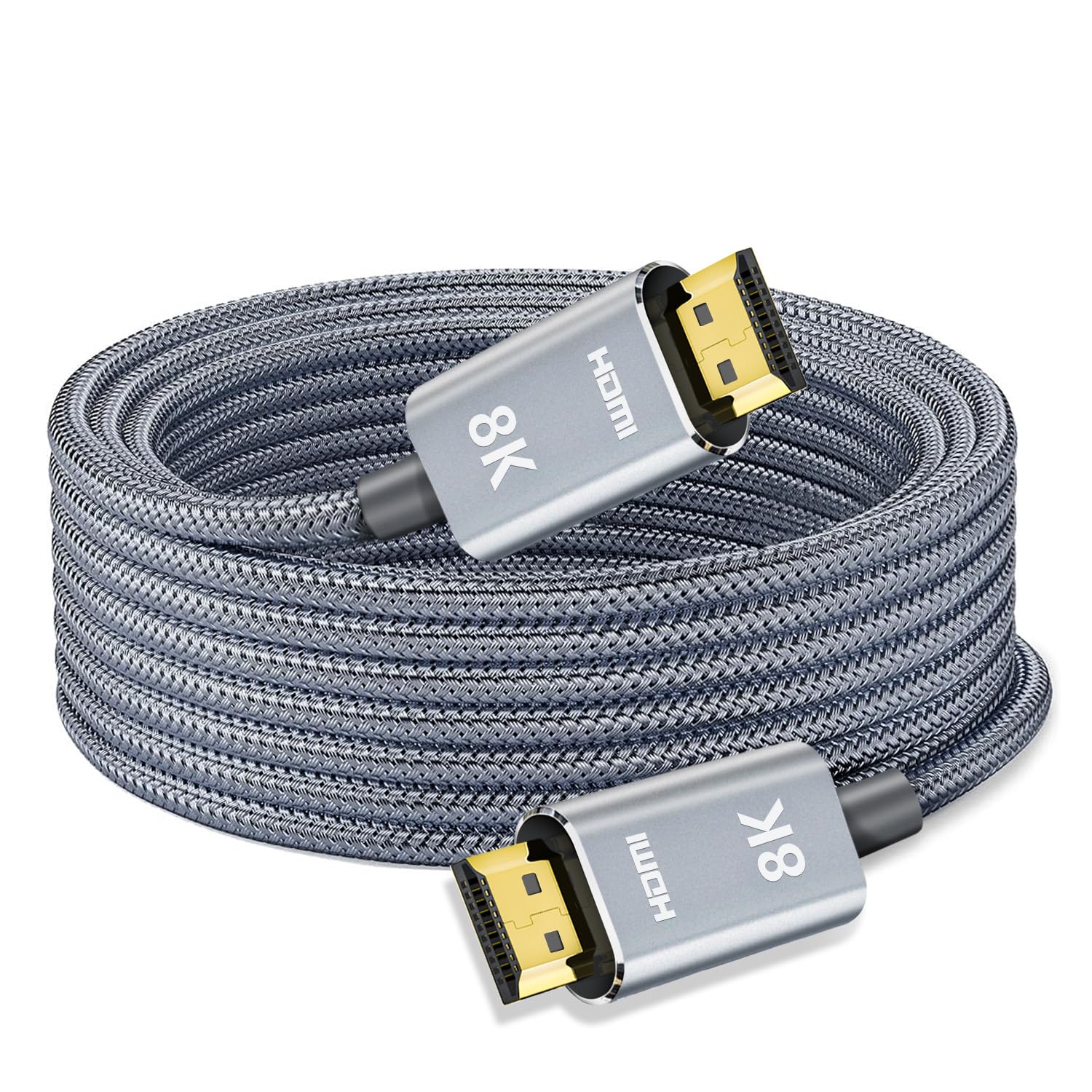
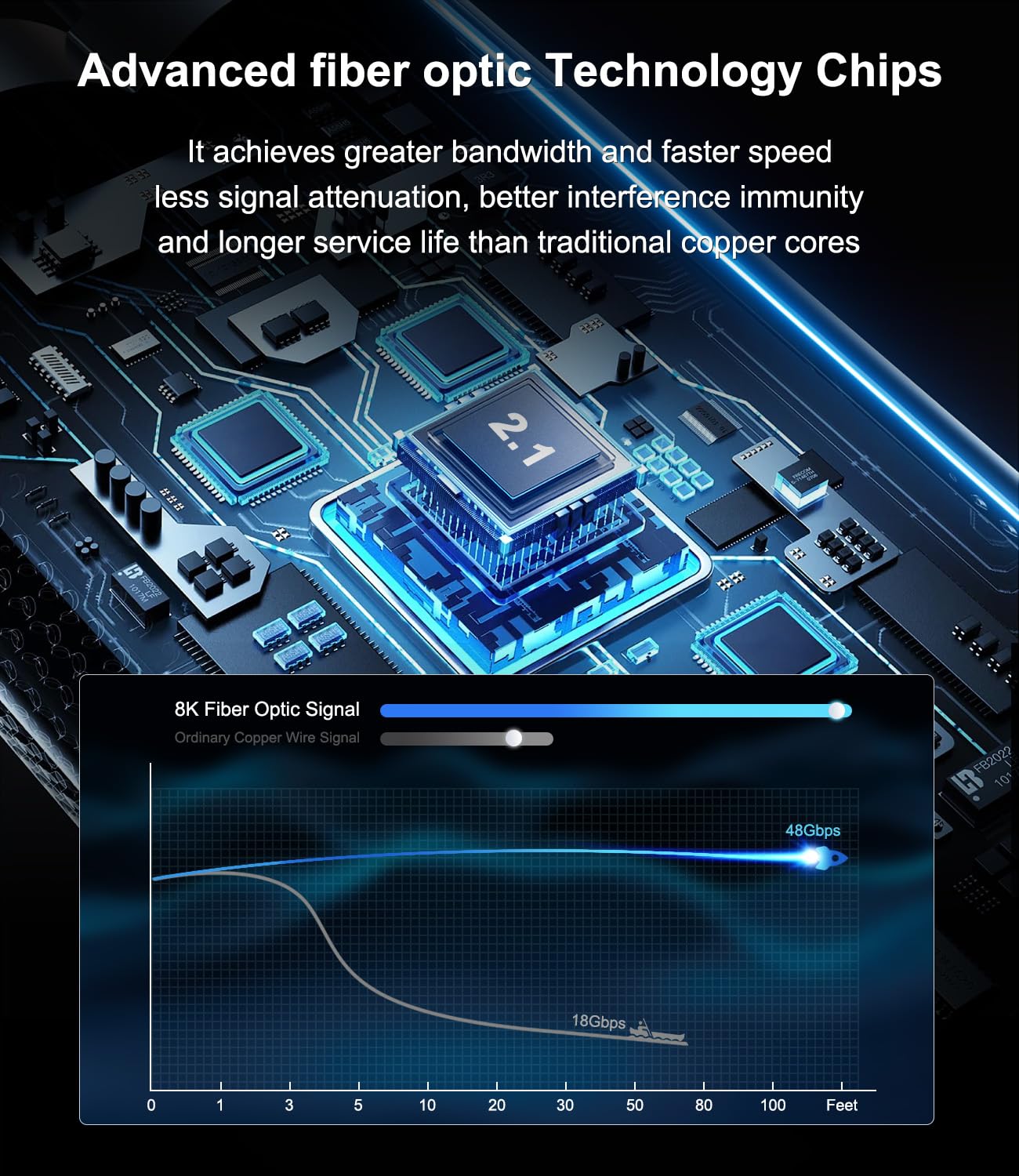
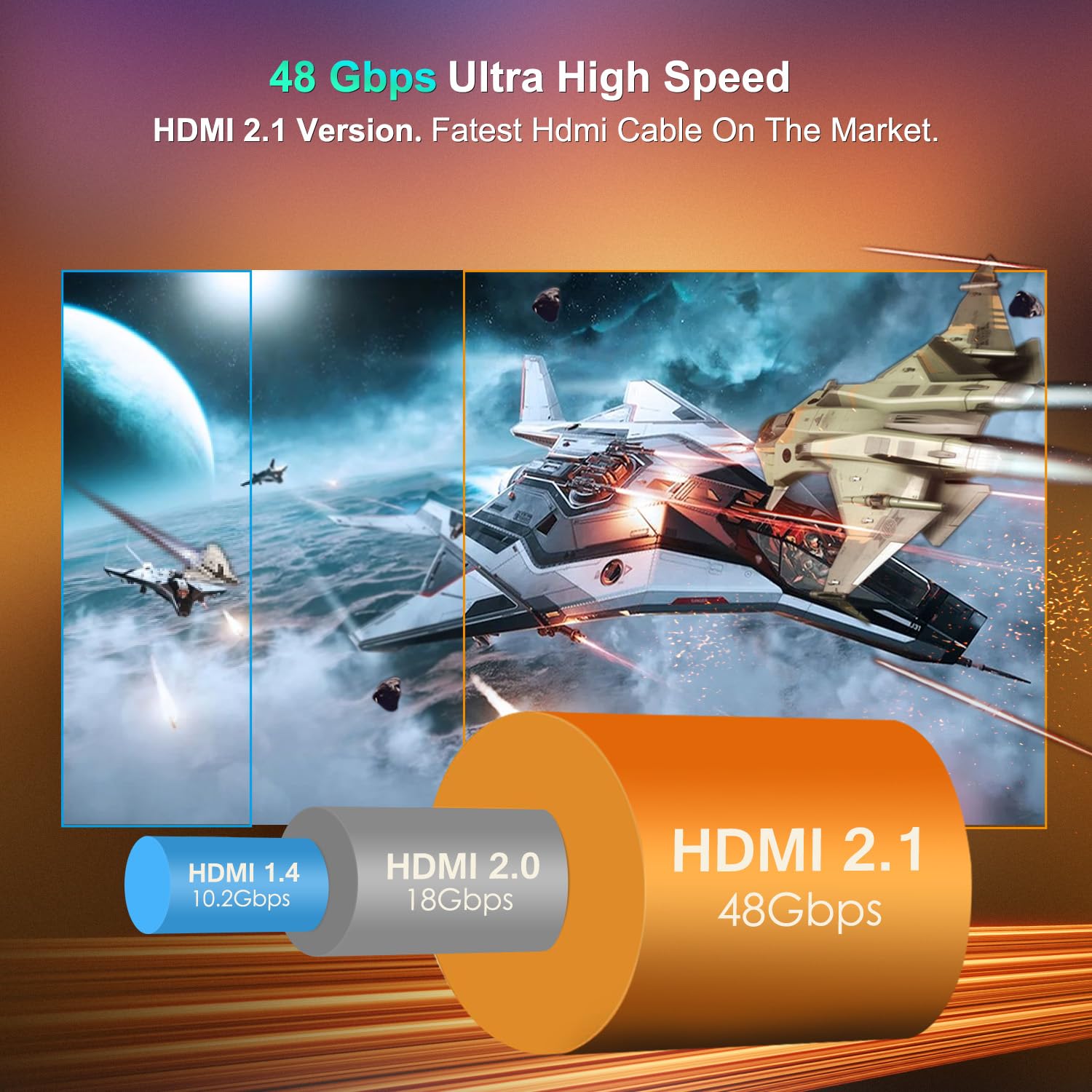
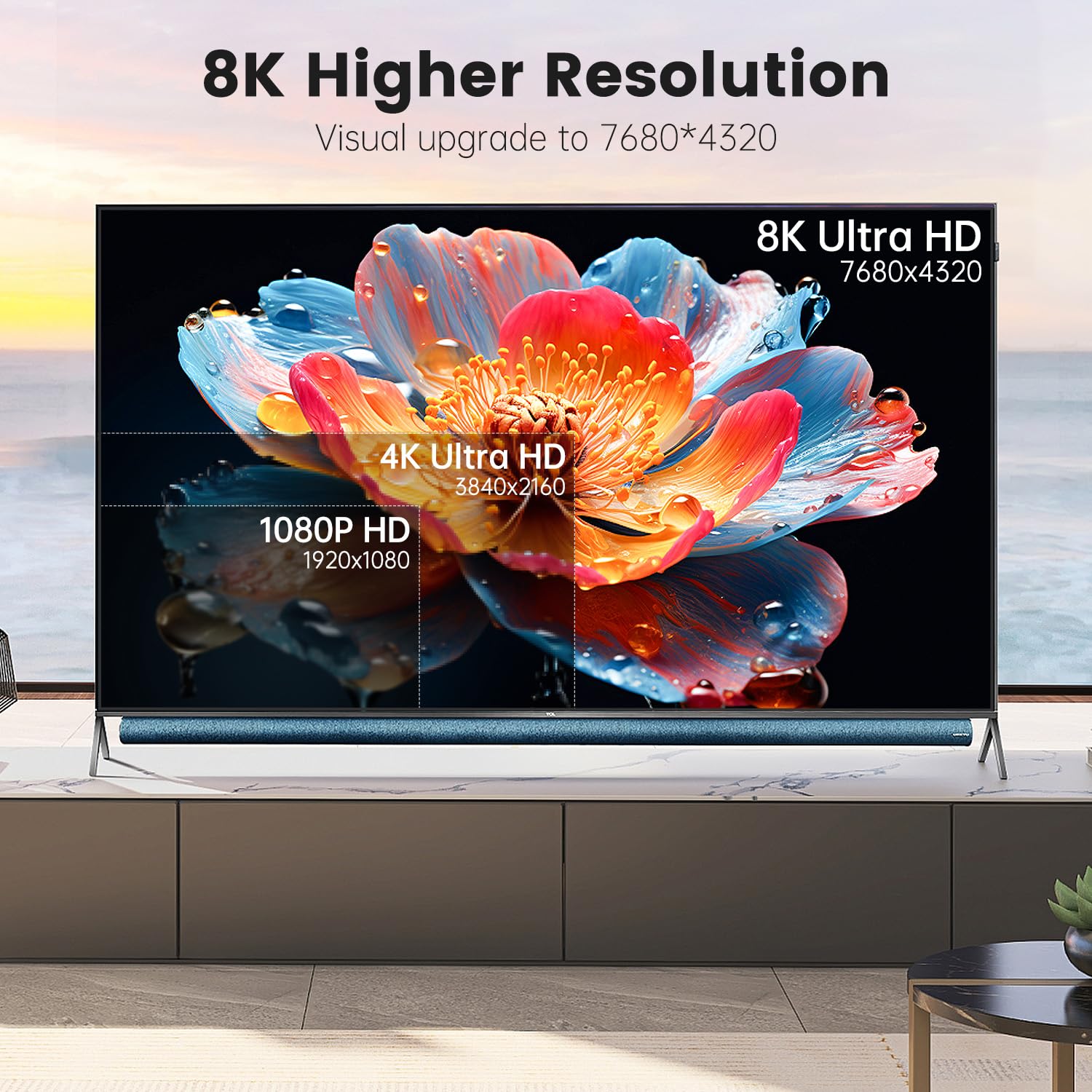
What it is and what problem it solves\nThe LEADSTAR Fiber Optic HDMI Cable is a long-distance, HDMI 2.1 cable designed to carry ultra-high bandwidth over fiber. It supports up to 48Gbps, enabling 8K at 60Hz and 4K at 120Hz with HDR and other advanced features. The fiber design aims to reduce signal loss and interference over longer runs, which can matter when you’re extending your home theater or gaming setup across a room or two. If you’ve run into copper HDMI limits on long cables, this option is positioned as a way to preserve image quality with a substantial length.\n\n## Why fiber optic over copper matters\nFiber optics generally offer lower signal degradation over long distances and better resistance to electromagnetic interference. For setups requiring a long run from a console or PC to a display, fiber optic can help maintain sharpness, color accuracy, and frame stability, especially when gameplay or high-refresh content is involved.\n\n## Key features at a glance\nThis cable is HDMI 2.1 compliant and backward compatible with HDMI 2.0 and older generations. It provides 8K@60Hz and 4K@120Hz support, along with Dynamic HDR, 3D, and HDCP 2.2. It also supports VRR (Variable Refresh Rate) and eARC for richer audio, which can matter for immersive gaming and cinematic playback. The braid and fiber construction are described as lightweight and durable, making long runs more practical to route through living spaces.\n\n## Who this is for\nIf you’re setting up a next-gen console (PS5, Xbox Series X/S), a gaming PC, or a home theater that sits farther from the display, this cable aims to be a viable option for preserving high refresh and high resolution over a long distance. It’s also relevant for users who want a cable that resists interference in environments with multiple electronics.\n\n## Strengths and potential limitations\nYou’ll likely appreciate the high bandwidth and the long reach without as much signal loss as copper cables of similar length claim to have. A caveat: this is a directional cable, so you must connect SOURCE to the signal device and DISPLAY to the TV or monitor. If your setup requires flexible rearrangement or frequent re-purposing, the directional nature may be a minor hurdle. Also, as with any long HDMI run, actual performance depends on the source device, display capabilities, and whether the content being played can fully utilize 8K60 or 4K120.\n\n## Practical usage scenarios\nIdeal for a living room where the console or PC sits several meters away from the screen, or for a dedicated game room where a projector or large TV is placed at distance. For example, you could pair a PS5 with a distant 4K120 display and benefit from VRR and smooth audio via eARC, while keeping cable clutter to a minimum thanks to the braided exterior.\n\n## What to review before buying\nConfirm your display can render 8K at 60Hz or 4K at 120Hz and that your source supports HDMI 2.1 features you want to use. Remember the cable is directional, so unplugging and reconnecting with the labels in mind will help avoid a simple setup hiccup. Consider the room layout and whether a near-term renovation or rerouting would be needed to accommodate a long, braided fiber run.\n\n## How it compares to other approaches\nIf you don’t need truly long reach or 8K/120Hz, a shorter copper HDMI 2.1 cable might be lighter and more flexible. For very long installations, fiber optic designs are often favored for signal integrity, even if they introduce a directional constraint and potentially added expense. In setups prioritizing high-end gaming and cinematic audio, this LEADSTAR option aligns with the goal of maximizing both video and audio fidelity at distance.\n\n## Final decision: Is it worth it?\nIs it worth it? Worth considering if you need a long HDMI run without compromising 8K/4K performance and you’re comfortable with directional wiring and proper labeling. It’s a solid pick for dedicated home theater or gaming spaces where distance and signal integrity matter more than ultra-flexibility. If your setup is compact or you don’t require top-tier 8K/120Hz capability, you might explore shorter alternatives or copper options.\n\n## Practical FAQ\n- Q: Can I use this with any HDMI 2.1 display? A: It’s designed for HDMI 2.1 devices and remains backward compatible with older HDMI specs.\n- Q: Do I need to worry about color or HDR settings? A: The cable supports Dynamic HDR and HDR10, actual output depends on source content and display capabilities.\n- Q: What about installation ease? A: The long length and braided design help, but plan routing to respect the SOURCE/DISPLAY labeling for correct orientation.\n- Q:Will it work for non-gaming video editing? A: It should handle high-bandwidth video paths, but real-world performance will hinge on device capabilities and whether you’re pushing 8K/120Hz in those workflows.\n