

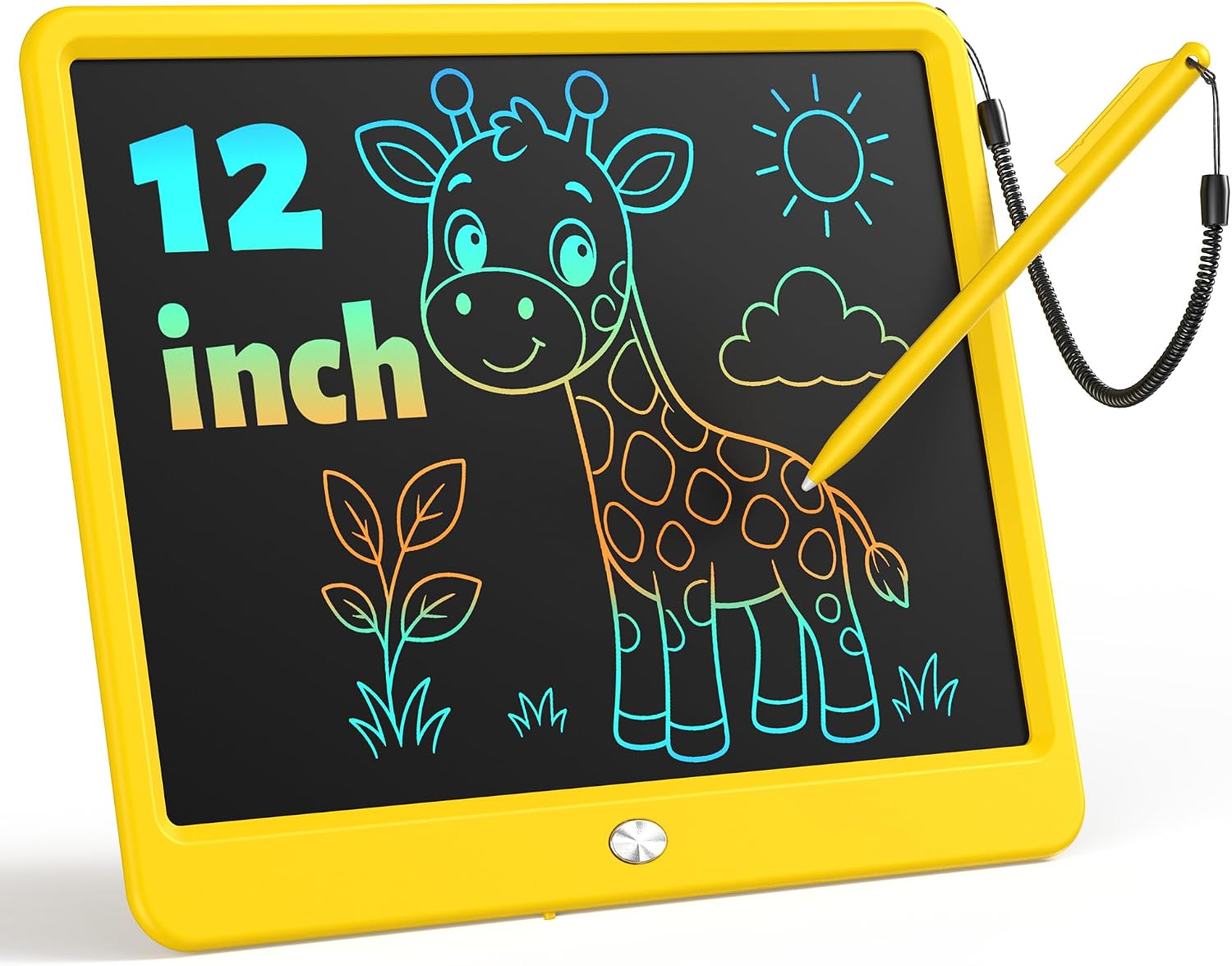
LCD Writing Tablet 10-Inch
Product description
Technical details
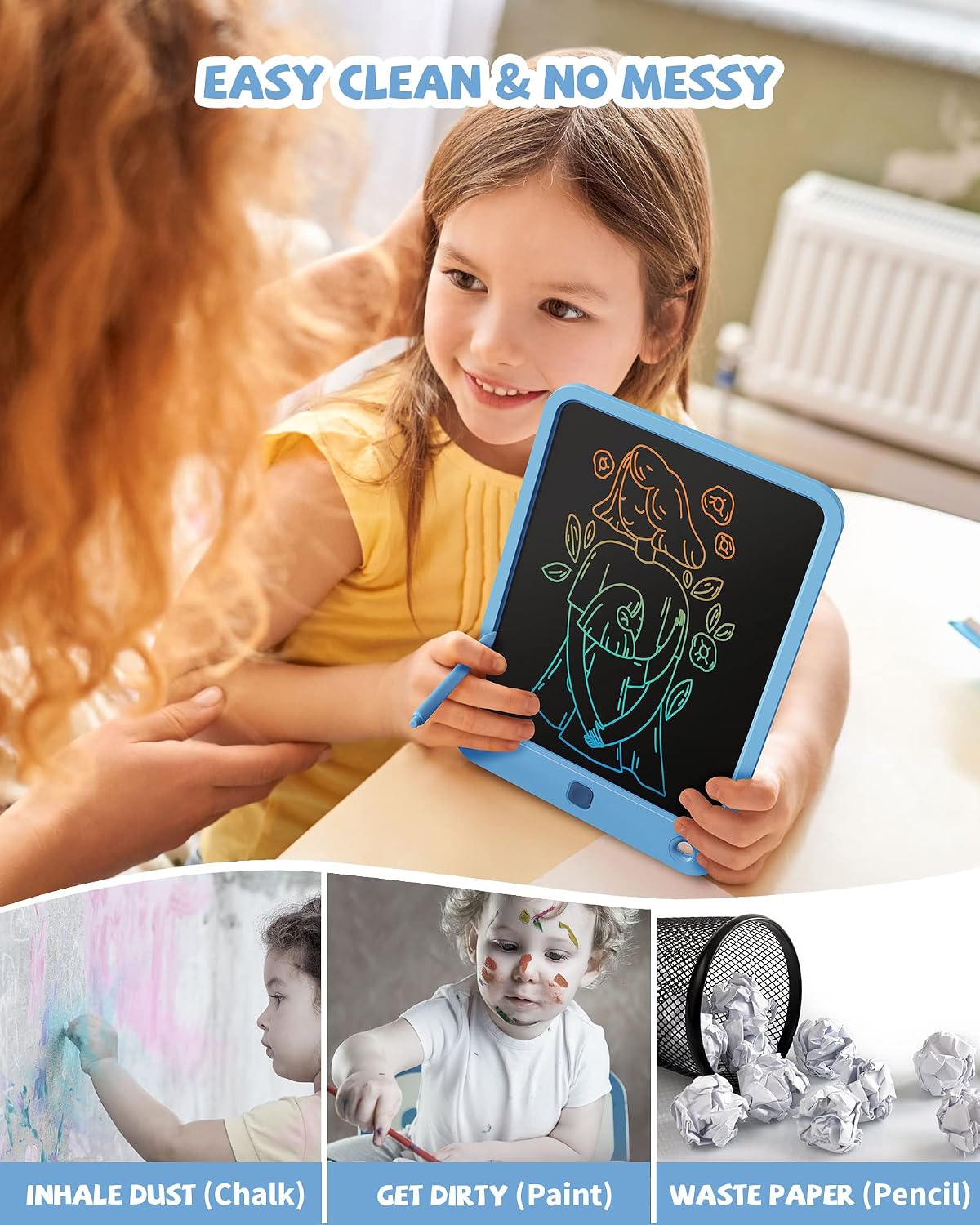
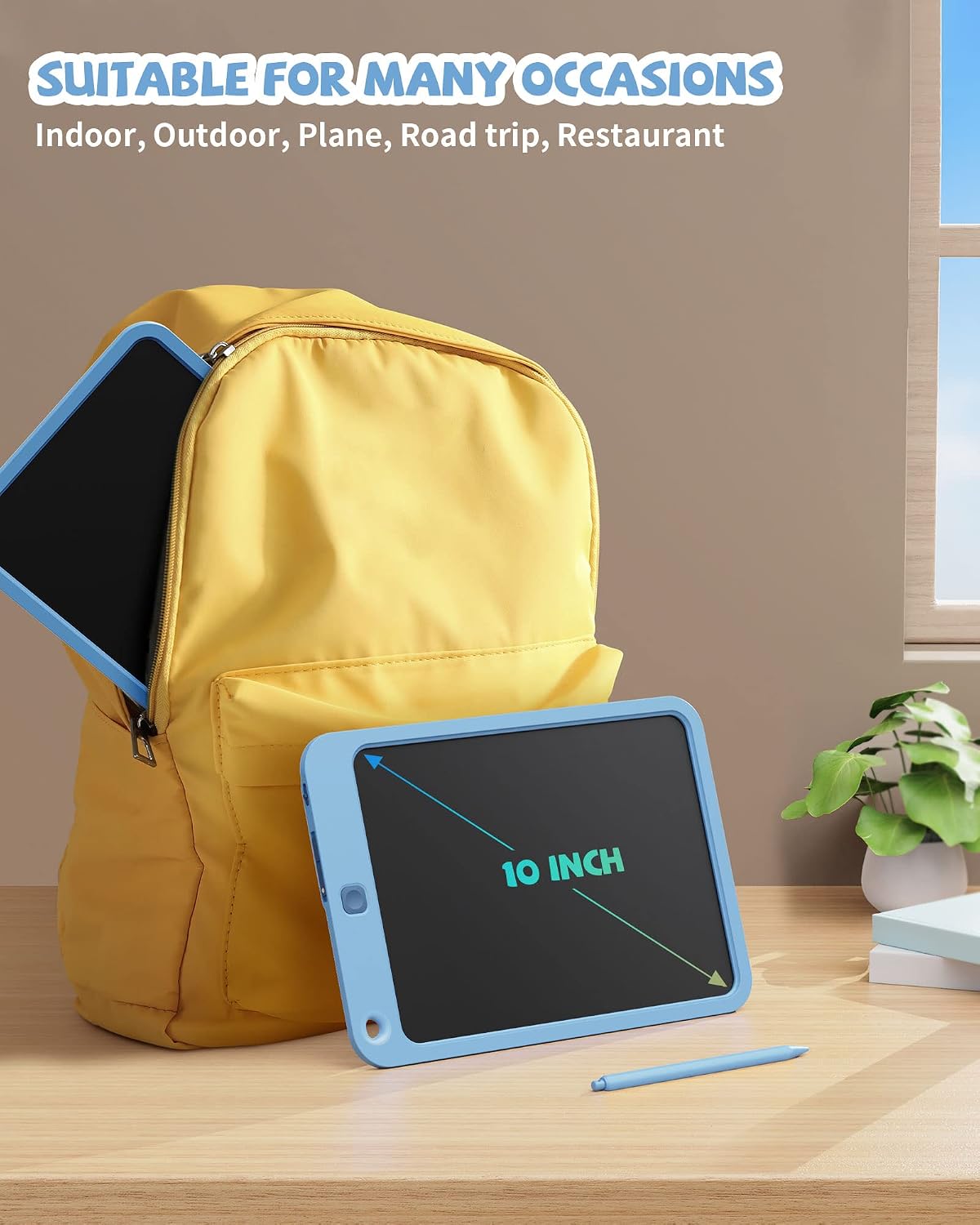
For quick drawing and notes without a stack of paper, this LCD writing tablet keeps the activity simple: write with the included stylus, then clear the screen with one button. Its colorful display and compact design suit short stretches of doodling, counting, or spelling at home and while traveling, rather than replacing a full-featured digital tablet.
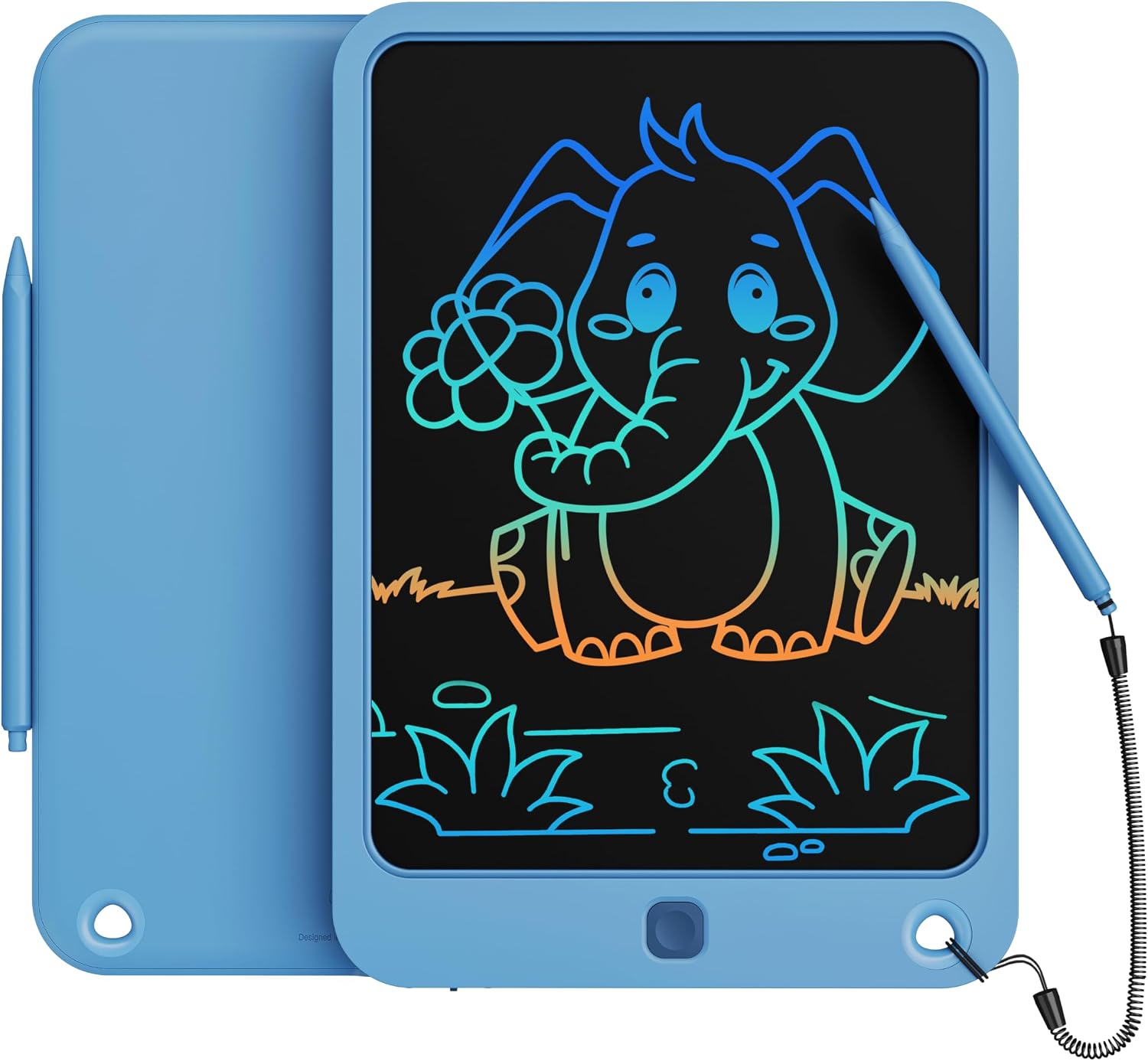
The product listing describes a 10-inch writing area, a 0.23-inch-thick body, and a weight of 6.4 oz. It is made from ABS and comes in navy. Pressure affects the thickness of the marks, and a lock button is intended to keep a drawing from being erased accidentally. The stylus attaches to the board with a magnetic holder and stretchy cord, which helps keep it close between uses.
Getting the most from it
There are no device, app, or setup requirements listed. The board is designed for standalone writing and drawing, with a built-in battery described as replaceable and rated for up to 100,000 writing or drawing uses. The listing does not specify the battery type or explain the replacement process, so those details may matter if you expect frequent, long-term use.
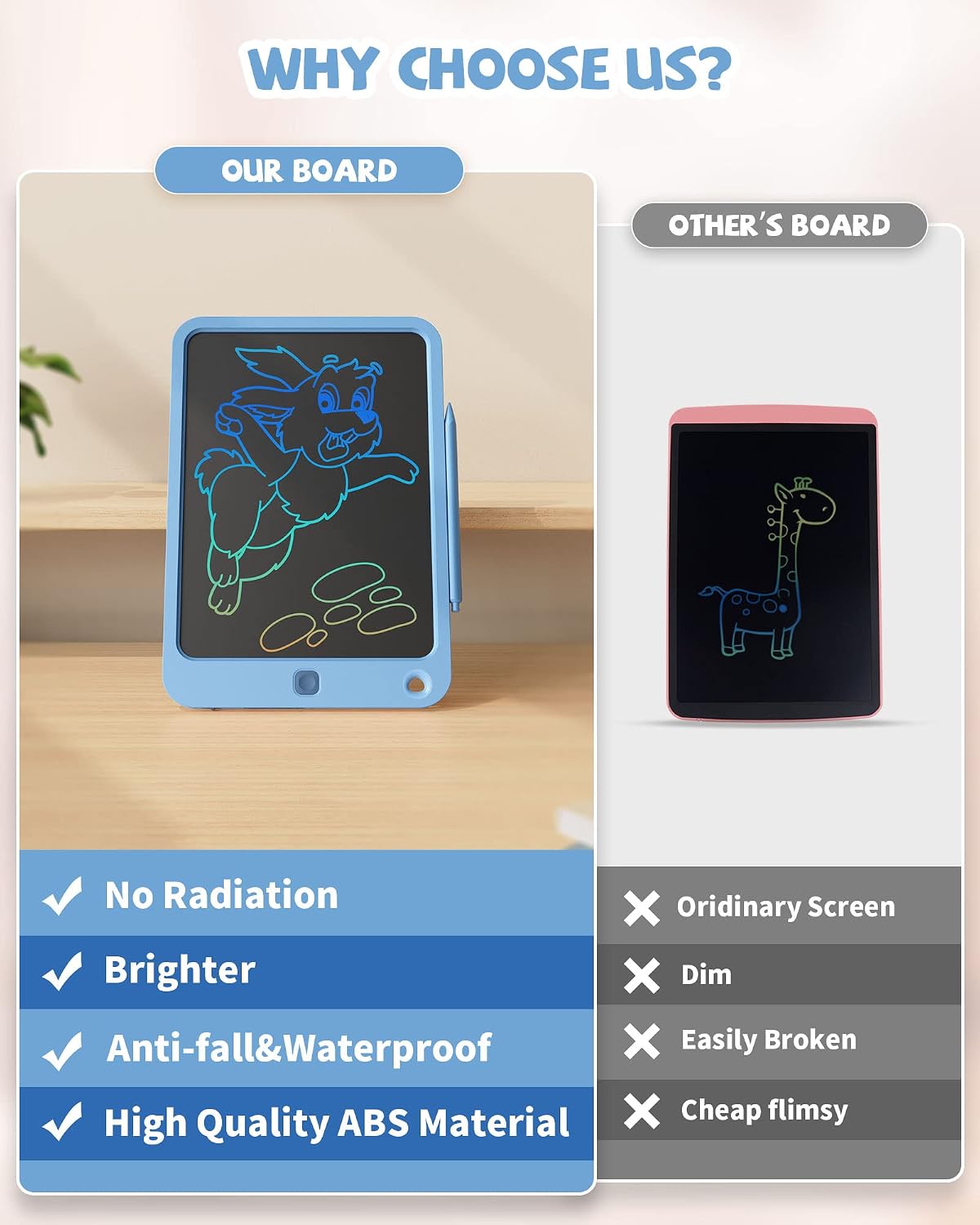
The manufacturer describes the screen as glare-free and without blue light, but this is still a simple drawing surface—not a backlit screen for viewing books, videos, or apps. Its main appeal is a quick, paper-free activity that does not leave marks on a table or car seat.

Usage tips
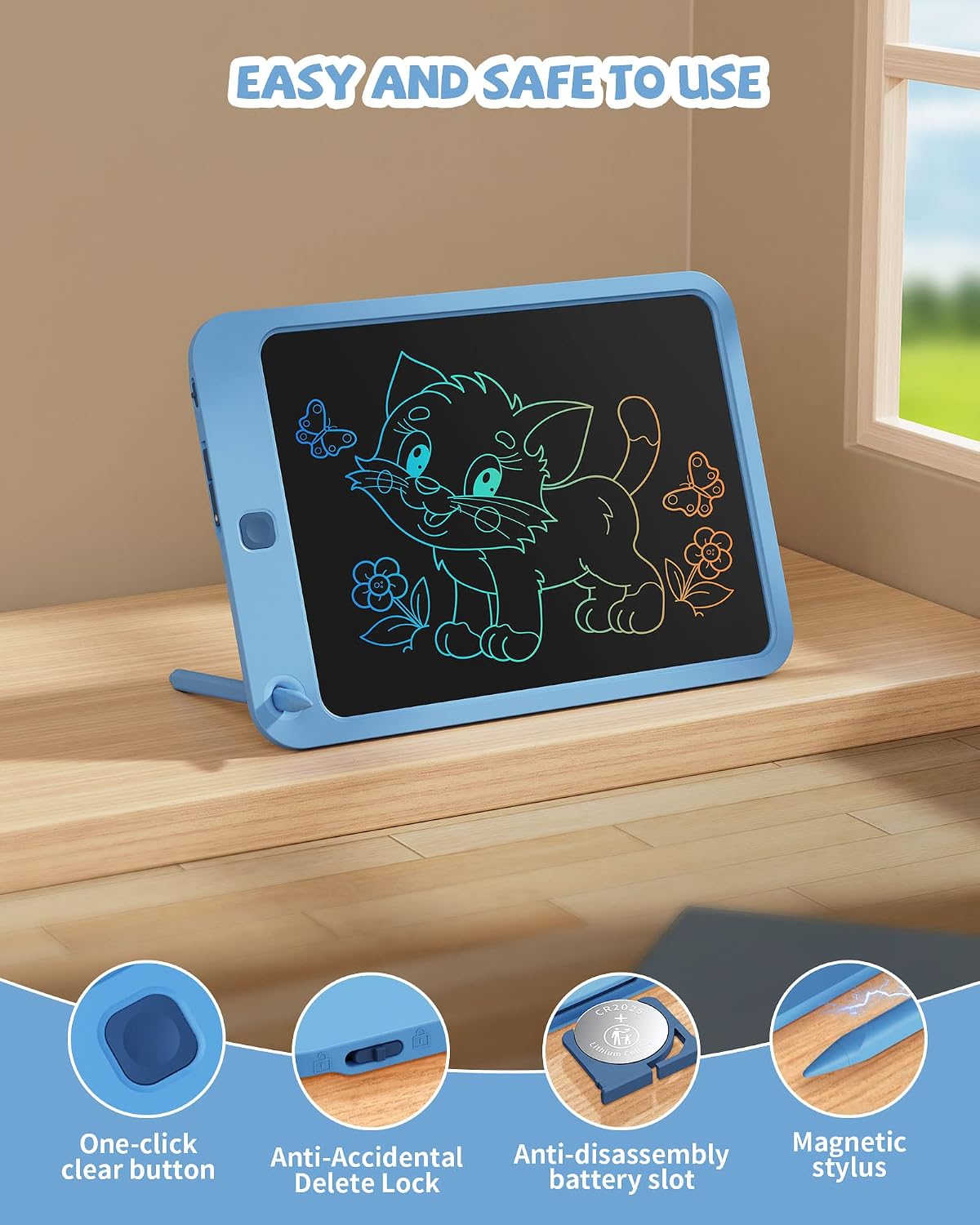
Press lightly for thinner marks and apply more pressure for thicker ones. Use the lock before handing the board to a child who might press the clear button mid-drawing, unlock it when the next page is needed. For example, a child can sketch during a restaurant wait, lock the picture while eating, then clear the screen afterward for a new drawing. The same routine works for practicing letters or jotting a short reminder.
The lanyard and magnetic stylus holder address a practical frustration: a loose stylus can disappear in a backpack or between car seats. Still, the listing does not establish that the board is waterproof or impact-proof in every situation, so it makes sense to treat the stated water-resistant and anti-fall design as a feature, not a reason to let it get soaked or tossed around.
Questions before you buy
Can a drawing be saved? The listing describes a lock button that helps prevent accidental clearing, but it does not mention saving or transferring drawings. Treat the board as a reusable surface, not a way to store artwork digitally.
How does the screen get cleared? A one-click erase button clears the writing area. The lock button is there to help avoid triggering that by mistake.
Does it include a stylus? The product description refers to the stylus and says it can be attached using the magnetic holder and stretchy cord. It does not provide further details about replacement styluses.
When it makes sense
It makes sense if you want a lightweight, reusable surface for spontaneous doodles, simple practice, or quick notes, especially when a child needs a quiet activity while seated. Compared with paper, it avoids using a fresh sheet for every sketch and keeps loose pages from piling up. Not the best choice if the goal is a screen for apps, stored artwork, or more elaborate digital drawing, those needs call for a different kind of device. The key tradeoff is straightforward: this board favors easy clearing and portability over features the listing does not claim.